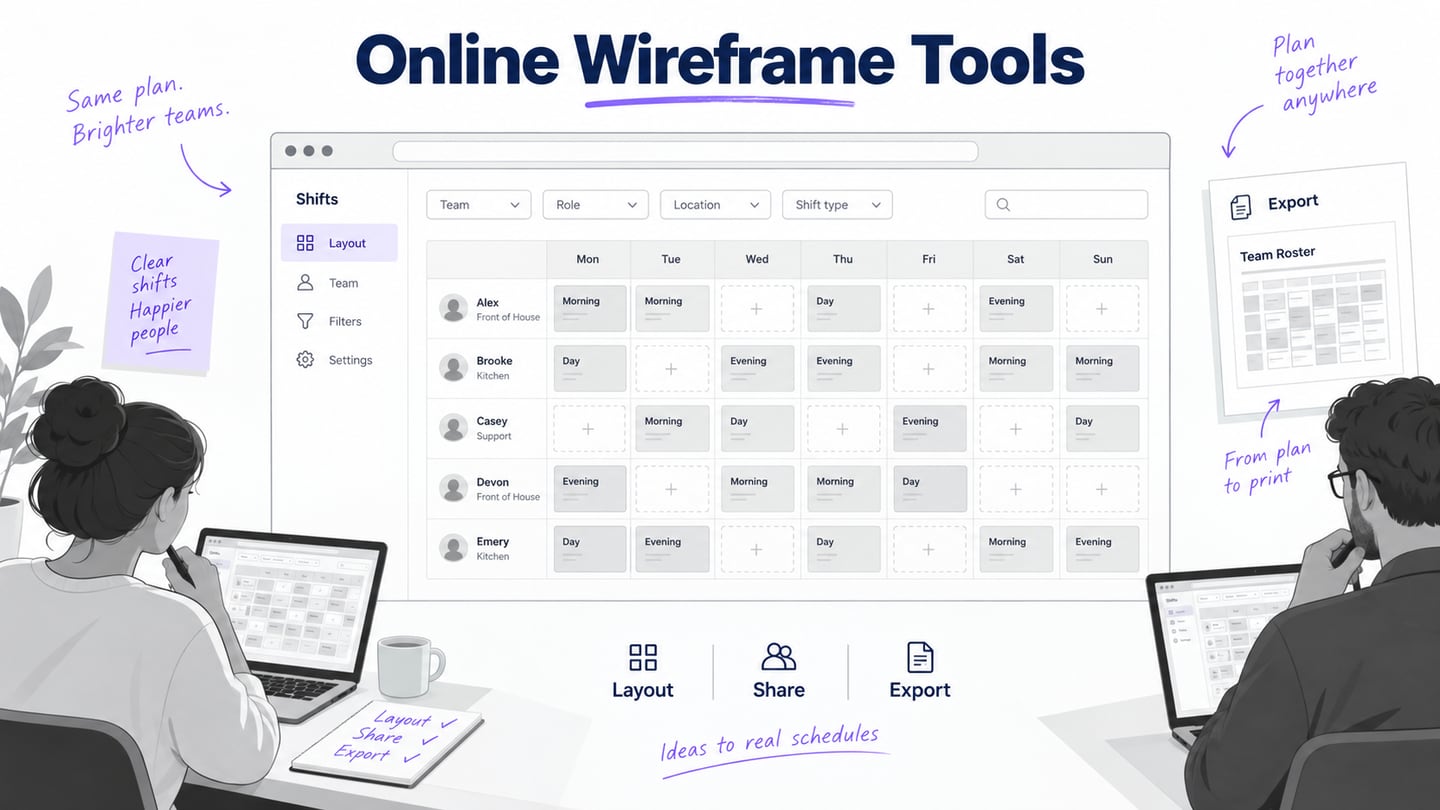
An online wireframe tool should help a team arrange content and review the same layout through a browser. The key questions are whether the structure remains editable, how a recipient comments, and what can leave the tool. A free account, a trial and a paid team workspace are different arrangements; verify the current plan for the work you need.
Eight wireframe tools to evaluate online
The original list mixed wireframe editors, website builders and an older service. The eight candidates below support screen planning; Framer and Pidoco are discussed separately where their category or current public information changes the recommendation. Use one shift-planning layout to compare them rather than relying on a universal ranking.
1. Mockitt
Mockitt supports visual screen design and a prototype workflow. It is relevant when the team plans to move from a wireframe into an interactive review.
- Use reusable controls to arrange the shift date, role and location consistently.
- Preview the planned viewport and create a separate narrow layout where the task requires it.
- Inspect the specific import and export path required by your team rather than assuming every format is interchangeable.
- Begin with a template only if its hierarchy fits shift selection.
Review focus
- Can another editor change the shift-card structure without introducing inconsistent labels?
- Can a recipient open the intended version and point to the relevant layout issue?
Plan check
- Verify current project, reviewer and export limits; the old fixed screen count is not a reliable basis for choosing a plan.
Use the web workspace for this comparison and verify any separate desktop or offline requirement.
2. Cacoo
Cacoo combines wireframe shapes with diagramming and collaboration. It is useful when the team wants to keep a page layout and its process diagram together.
- Arrange the shift list with interface components and short annotations.
- Map the route from a shift card to details beside the layout.
- Check the actual import and export options needed for the review.
Review focus
- Can the recipient understand the difference between a process note and an interface label?
- Does the exported or shared result preserve the annotations that explain the layout?
Plan check
Confirm the current sharing, team and output limits. Do not assume every feature is included in a trial.
Cacoo provides an online diagramming workspace; deeper application behavior may require a dedicated prototype.
3. Wireframe.cc
Wireframe.cc uses a restrained drawing workflow for screen structure. Consider it when the review should stay focused on placement and hierarchy.
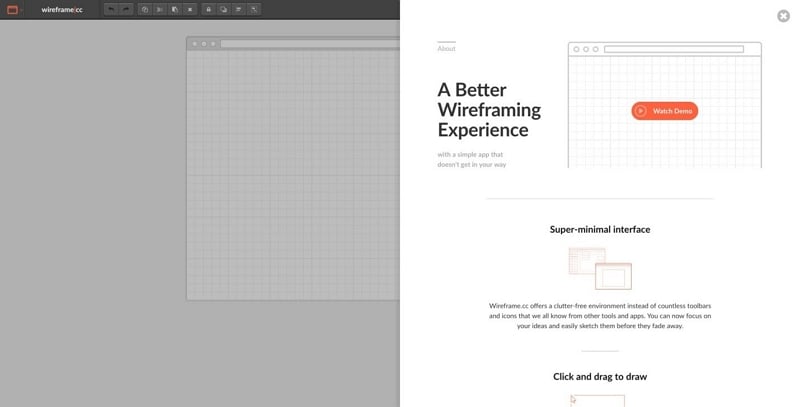
- Draw the list, filter area and detail panel before adding visual decoration.
- Use meaningful labels so a simple shape still communicates its purpose.
- Check how the selected plan handles shared views and downloadable output.
Review focus
- Can you revise a card’s hierarchy without spending the session on styling?
- Can a colleague inspect the same arrangement and understand the supporting notes?
Plan check
- Verify what is saved and shared in the intended account type.
- The deliberately limited visual vocabulary may not be the right choice for final visual mockups.
Evaluate the browser workflow with the review device you intend to use.
4. Fluid UI
Fluid UI offers component-based screen creation, linked previews and collaboration. It can suit a layout review that will continue into a short interaction sequence.
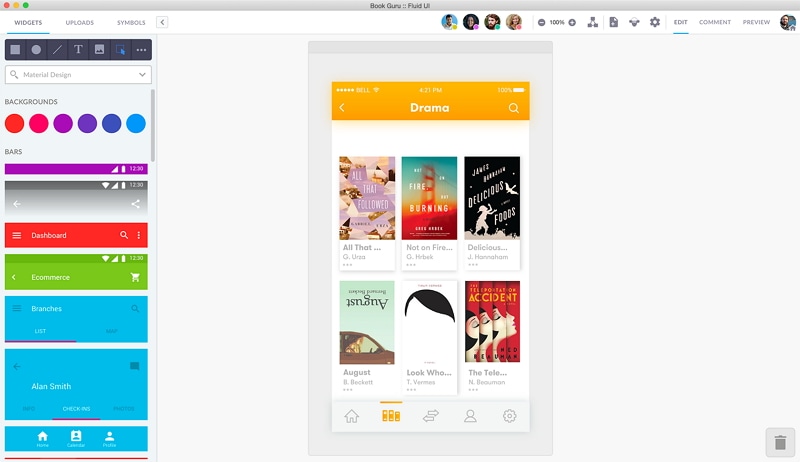
- Choose components that match the intended screen rather than treating a device preset as a finished design.
- Keep shift-card content consistent when comparing alternate layouts.
- Check the recipient’s preview and feedback experience.
Review focus
- Can you change a repeated card and preserve its intended hierarchy?
- Can a reviewer follow list to details without losing the selected shift?
Plan check
- Evaluate responsiveness and loading with your own project; this article does not claim a measured performance comparison.
- Verify current project and collaboration limits before relying on a free account.
Use its documented browser preview route and confirm other device requirements separately.
Related option: Framer for a published website
Framer is primarily a website design and publishing platform. It can represent layouts, but choosing it usually means considering a publishable website rather than only a shared wireframe.
- Use it when the shift project also needs public information pages.
- Check layout behavior at narrow and wide widths.
- Keep review versions separate from a public release.
Review focus
- Can the team preserve the intended hierarchy while developing the actual website?
- Do not infer operational or security properties from a polished preview.
Plan check
- Website hosting and publication requirements make this a different decision from a wireframe-only editor.
- Verify the current plan rather than relying on the old project quota.
Keep this option outside the eight wireframe-focused candidates.
5. Moqups
Moqups combines diagrams, wireframes and prototypes on an online canvas. It can support a shared discussion of the shift list and the route to details.
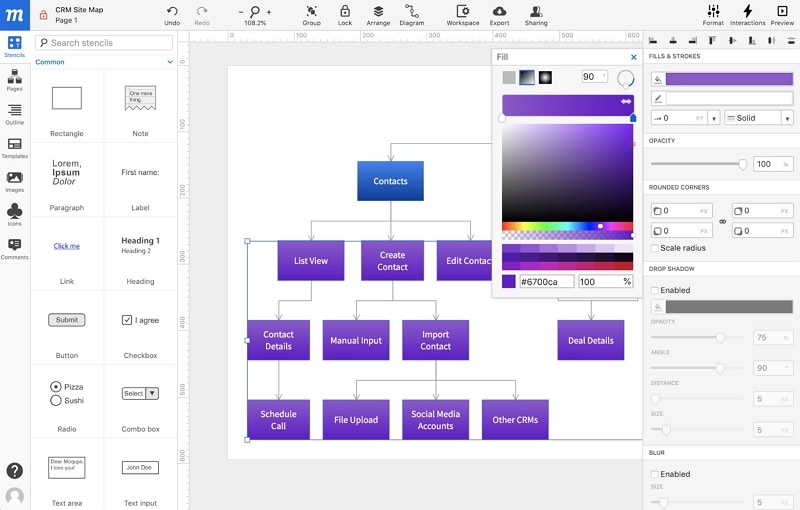
- Use page layouts to compare where filters and shift information belong.
- Adapt templates and stencils to the actual content.
- Check the intended sharing roles before inviting the team.
Review focus
- Can the diagram and screen refer to the same shift and state names?
- Can feedback stay attached to the relevant layout rather than becoming a separate untraceable message?
Plan check
- Try the layout revision your team expects to make repeatedly.
- Confirm export and reviewer requirements in the current plan.
Use the web editor and test the recipient route in a separate browser session.
6. MockFlow
MockFlow provides wireframing and visual planning tools. It is a candidate when the team needs a structured screen draft with supporting notes.
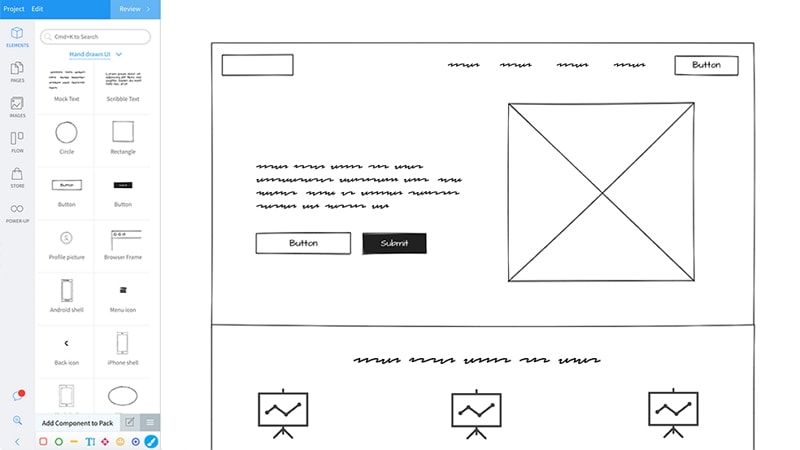
- Place filters, shift cards and detail content before selecting decorative assets.
- Inspect the draft without editing panels to review hierarchy.
- Revise the layout around specific feedback rather than adding detail by default.
Review focus
- Check whether the required output preserves text, layout and annotations.
- Ask another team member to make a small structural change.
Plan check
- Verify current account limits and collaboration options.
- Do not equate browser access with a guarantee of offline editing.
Evaluate the web workflow used for the shared review.
7. Figma
Figma can support wireframes as part of a broader collaborative interface-design workflow. It is useful when the team already maintains reusable design components there.
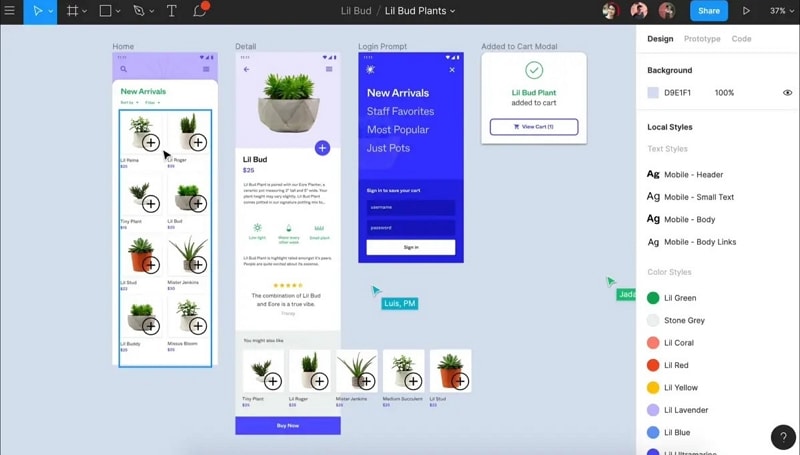
- Start with a restrained component set to keep the discussion structural.
- Use realistic shift labels and keep imported material editable where that matters.
- Share the appropriate file or prototype version for the review.
Review focus
- Can the team revise repeated cards consistently?
- Can a recipient identify the intended screen and attach useful feedback?
Plan check
- Verify current file, seat and guest-access rules rather than the old three-project claim.
Check the browser workflow and the reviewer’s actual access.
Legacy entry: Pidoco
The original article presented Pidoco as a current free-plan option. Its public homepage now highlights the team’s move to Forte Digital and does not substantiate the old account limits cited here. Existing users should verify their service and export arrangements directly; it is not included in this new-project shortlist.
8. NinjaMock
NinjaMock documents wireframing, vector editing, collaboration and prototyping. Consider it when the team wants an interface sketch with a path into a linked review.
- Use its screen components for the shift list and details.
- Add only the assets needed to explain the task; confirm integrations separately.
- Use vector controls where a standard component does not communicate the layout.
Review focus
- Check the documented PNG, PDF or HTML output against the team’s actual handoff needs.
- Verify that reviewers can comment on the relevant screen and that access is appropriate.
Plan check
- Confirm the current subscription and project limits rather than treating a historical trial as an ongoing entitlement.
Try the browser workflow with your own representative layout.
Compare tools with a shift-planning layout
Create the same example in each candidate: a team member needs to find an available Saturday shift at the community centre. Use a date filter, role filter, shift cards and a detail view with location and availability. Include one full shift and one available shift.
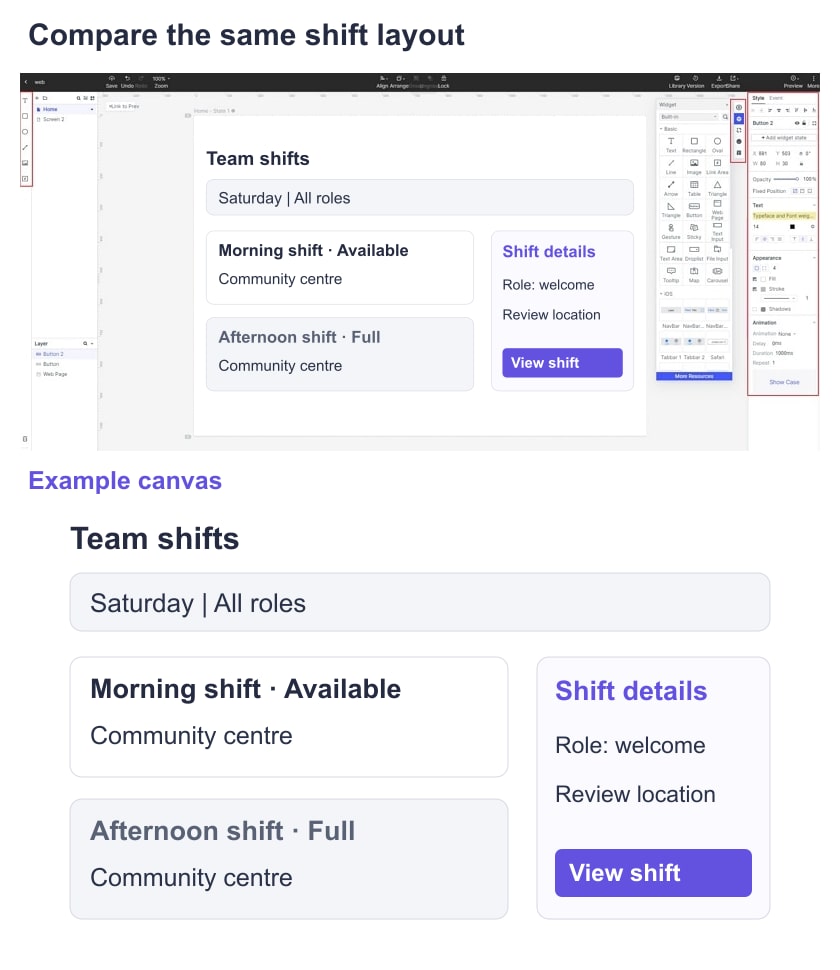
Layout editing
Change a long role name and a location label. Check whether the cards still align and whether the available/full distinction remains readable.
Recipient access
Open the intended share link from a recipient context. Record whether a login is required and which comments or edits are possible.
Device review
Inspect the same content at a narrow width or in a separately designed narrow layout. Note clipping and content-order decisions; a wireframe does not certify responsive implementation.
Usable output
Save or export the format the next teammate needs, then open it outside the authoring view. Confirm that essential labels and notes remain present.
Required detail
Use enough detail to evaluate date, role and location hierarchy. Add interactions only if the review question requires following a route.
Record the decision
For each candidate, retain the example file, a recipient-access observation, the output you opened and any plan restriction that affected the task. These provide evidence for a choice without invented scores.
Choose the workspace that fits the team’s editing and review process. If the next task is interactive behavior, continue into prototyping; if it is final branding and visual treatment, move into a visual mockup workflow.