Mockitt - Best Free Wireframe Tool
Helpful Tips About Wireframe
- How To Create A Wireframe
- Wireframe Tools You Should Know
- Wireframe Templates for Your Inspiration
- Free-to-use Wireframe Kit
Prototype Acceptance Criteria: A Practical Product Design Checklist
Use this practical prototype acceptance criteria checklist to review flows, states, accessibility, content, and handoff readiness.
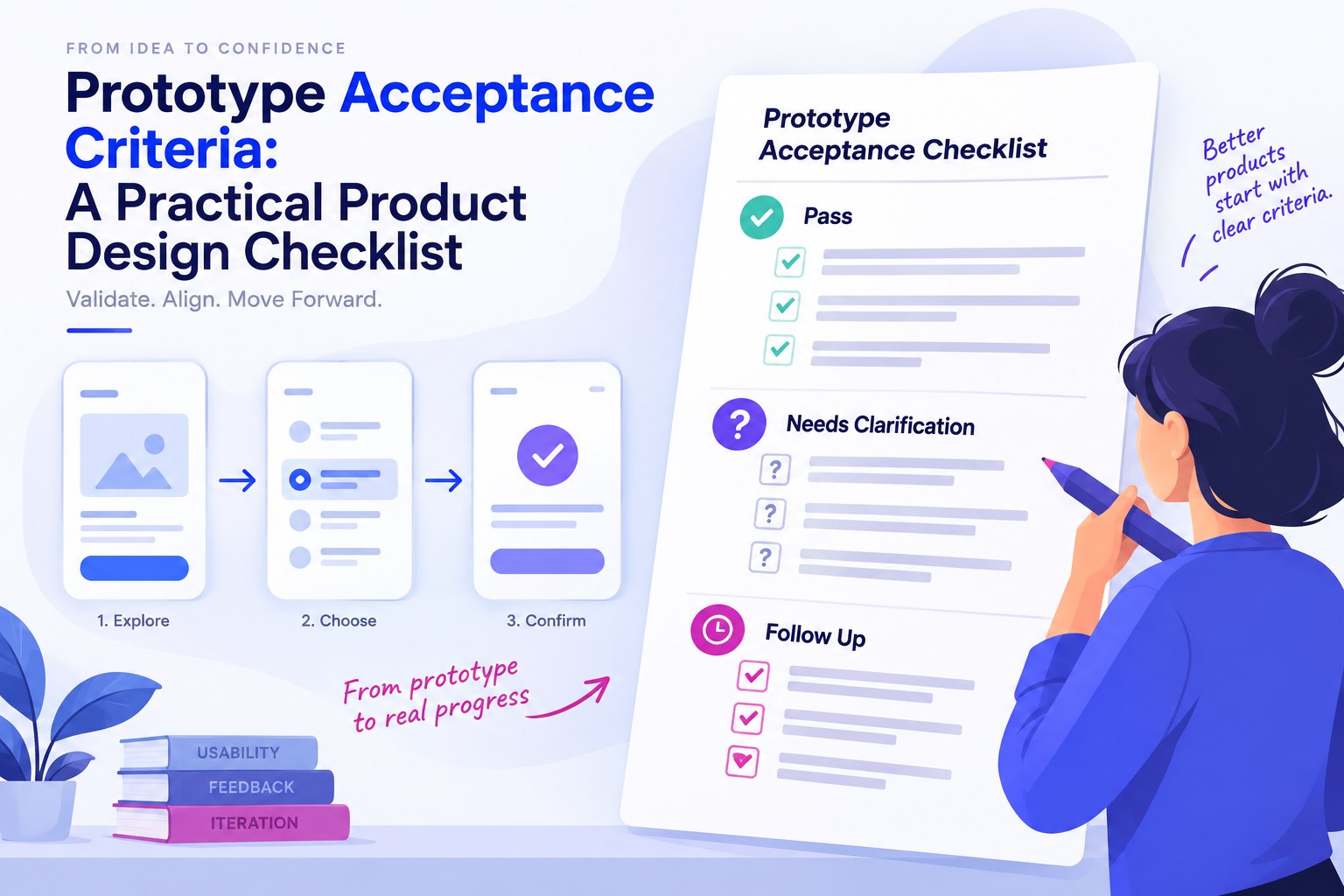
Prototype acceptance criteria describe what must be true before a design is ready for a specific review or handoff. They are not a promise that the final product will behave exactly like a clickable prototype. They are a shared checklist for deciding whether the current evidence is sufficient to move forward.
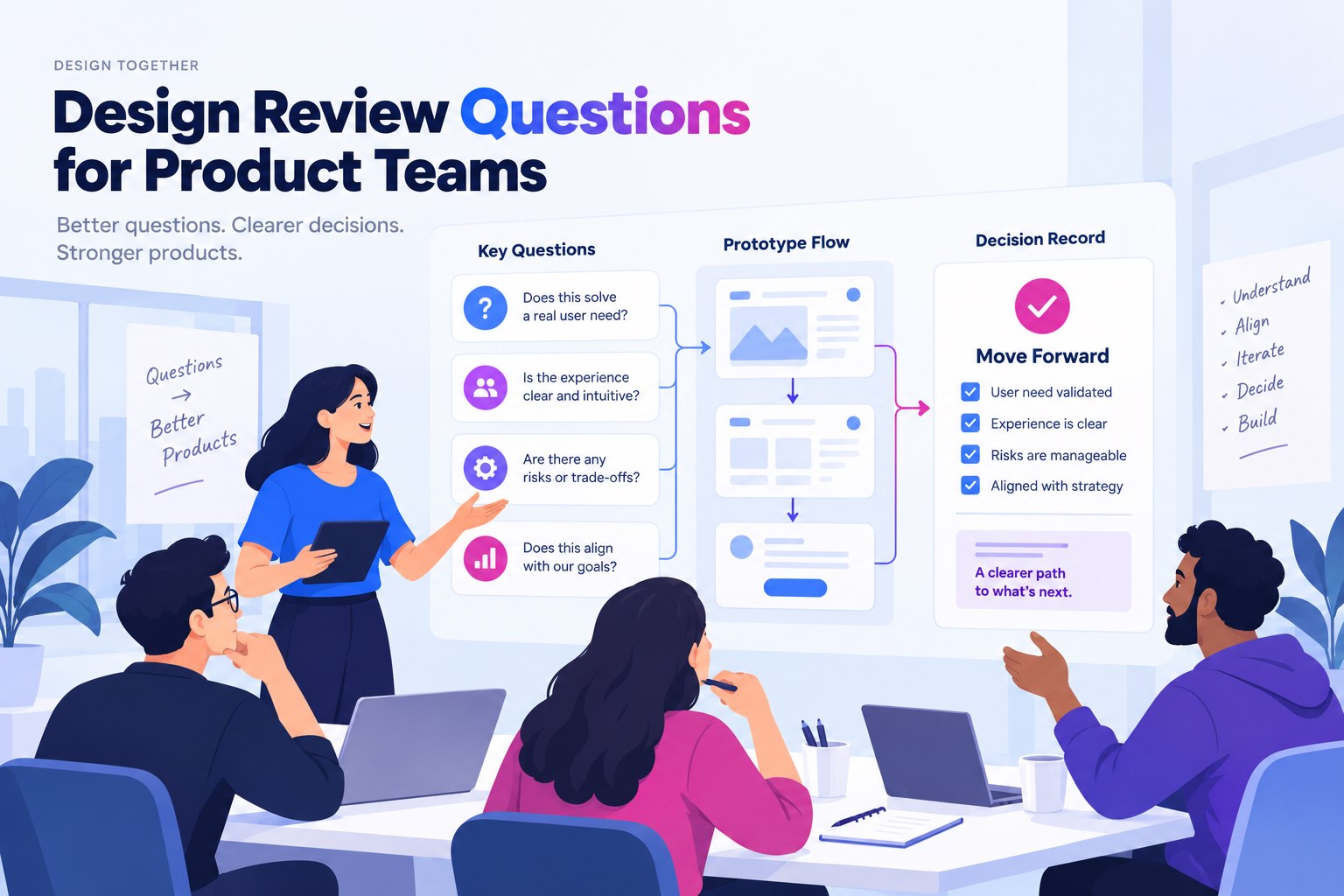
Without criteria, a review often becomes a mix of visual preferences, unresolved requirements, and implementation questions. A small set of observable checks gives product, design, research, and engineering a common language.
Start with the review decision
Write the decision first: approve the primary flow for engineering estimation, test the flow with users, or compare two design directions. A criterion should help answer that decision. If it cannot be checked or discussed in the chosen review, it probably belongs in a later stage.
For an interactive prototype, the review can be organized in Mockitt's prototyping workspace or another approved tool. Keep a link to the reviewed version and record the scope so that later changes do not silently alter the evidence.
Consider a hypothetical expense-report draft. The decision is whether its submission flow is ready for a usability test. This version includes an amount field, receipt attachment, a missing-receipt explanation, and a review screen. It excludes reimbursement calculations and payment processing. Criteria for this review should inspect those screens and transitions, not certify the eventual expense system.
Separate flow, screen, state, and content criteria
Flow criteria
- The primary user can start the task from the agreed entry point.
- Each required decision has a visible next step.
- Back, cancel, and completion paths have a defined outcome.
Screen criteria
- The screen communicates its purpose and relationship to the previous step.
- Primary and secondary actions have a clear hierarchy.
- Content needed for the decision is present or explicitly marked as pending.
State criteria
- Loading, empty, success, and error states are covered where they affect the task.
- Validation feedback explains what the user can do next.
- Permission or unavailable states do not leave the user at a dead end.
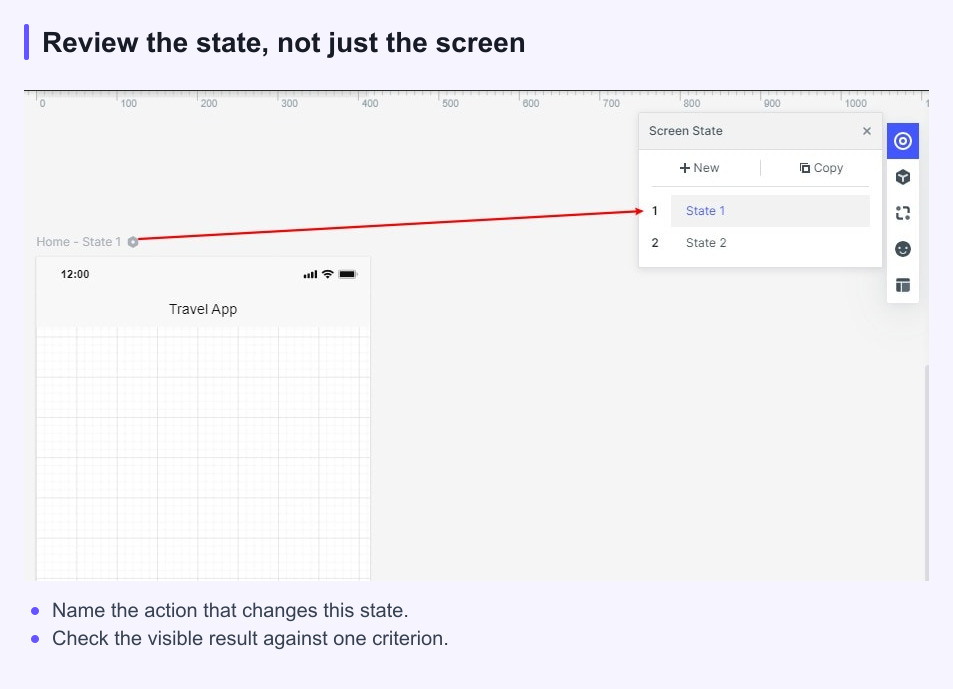
For the expense draft, give the missing-receipt state a specific outcome: selecting Submit without a receipt opens a state that names the missing attachment, leaves the entered amount visible, and offers a way back to the form. The return path must not show an empty amount field. In a screen-based prototype, this can be represented with prepared states; it does not demonstrate real file upload or durable storage.
Include accessibility and feasibility questions
Acceptance criteria should invite the right questions without pretending that a prototype proves implementation details. Ask whether labels can be understood without color alone, whether keyboard or assistive technology needs have been considered, and whether touch targets and text remain usable at the intended sizes.
Ask engineering to flag dependencies, data requirements, and states that need a different implementation approach. The prototype can show the intended interaction and content relationship; it cannot by itself prove API behavior, permissions, security, or production performance.
Write criteria that can be observed
For an inspection criterion, prefer “Selecting Submit with no receipt attached shows a missing-receipt explanation and a way to correct the attachment” over “Validation works.” Specify the starting state, action, and visible result. “An employee can find and resume a saved draft without help” is a different kind of criterion: it requires observing an intended user attempt the task, not merely checking that a link exists.
Keep one idea per criterion. If a sentence contains several conditions joined by “and,” split it unless the conditions are inseparable. A short list is easier to review than a long paragraph that hides missing states.
Write separate IDs for the example: STATE-01 checks the missing-receipt explanation; FLOW-02 checks that returning to the form shows the amount previously entered; CONTENT-03 checks that the primary action says “Submit expense” rather than the ambiguous “Done.” Record the relevant screen or transition for each. That lets a reviewer fail one item without rejecting the whole flow.
Use the checklist in a design review
- Share the prototype version, user situation, and review decision.
- Walk through the criteria in the order a user experiences the task.
- Mark each item as met, not met, needs evidence, or deferred.
- Capture an owner and next action for every item that is not met.
- Record the final decision and the version that supports it.
Do not use “approved” to hide open questions. “Approved for another usability test” and “approved for engineering estimation” are different decisions and should be written that way.
An example review record might mark STATE-01 met in the prepared error screen, FLOW-02 not met because the return state is empty, and CONTENT-03 met. The decision is “Not ready for the planned user test until FLOW-02 is repaired.” Assign the return-state correction to the designer and repeat that path before the session. Record actual draft persistence as a separate engineering test; repairing the prototype screen cannot close that implementation question.
A compact prototype acceptance template
- Decision: What are we approving or learning?
- Scope: Which user, task, platform, and states are included?
- Flow: Can the primary path be completed and reversed where needed?
- Content: Are labels, instructions, and feedback specific enough to review?
- Access: What accessibility, localization, or device questions remain?
- Feasibility: Which data, permission, or implementation dependencies need confirmation?
- Decision log: Who owns the next change, test, or handoff?
Good criteria make a prototype easier to discuss and easier to change. They keep the review focused on the evidence the team needs for its next decision.
Sources and scope
This guide combines product workflow guidance with the linked reference material. Product capabilities and limits can change, so check the current Mockitt page before relying on a feature detail.