Website icons can help people recognize familiar actions and scan a page, but they need a clear meaning and a consistent visual style. Start with the actions your website needs before searching for a pack. Search, Account and Basket may belong together in a utility bar; an expressive illustration serves a different purpose. Arrange icons in a Mockitt website prototype to review those choices before implementing the controls.
The ten resources below include icon libraries, pack collections and creative communities. They are not interchangeable: a displayed design is not necessarily downloadable, and a free download is not automatically licensed for every use. Compare the available file format, the icons you need, the style family and the applicable terms. The retained screenshots show earlier resource pages and help illustrate those distinctions.
Review a Consistent Icon Set in Mockitt
Use Mockitt to place the chosen symbols beside their actual labels and surrounding content. The goal is to review a website design, not to assume the prototype publishes a live website or supplies a license for an external asset. Keep the source and usage information with the design so implementation does not depend on an untraceable download.
Choose assets available in your workspace or import suitable licensed files using supported formats. Compare their line weight, apparent size and alignment at the intended display size. If you need to change a downloaded asset, first check both its editability and its license; being able to recolor a file does not establish permission to use it in every context.
Use the editor and preview to work through four practical checks:
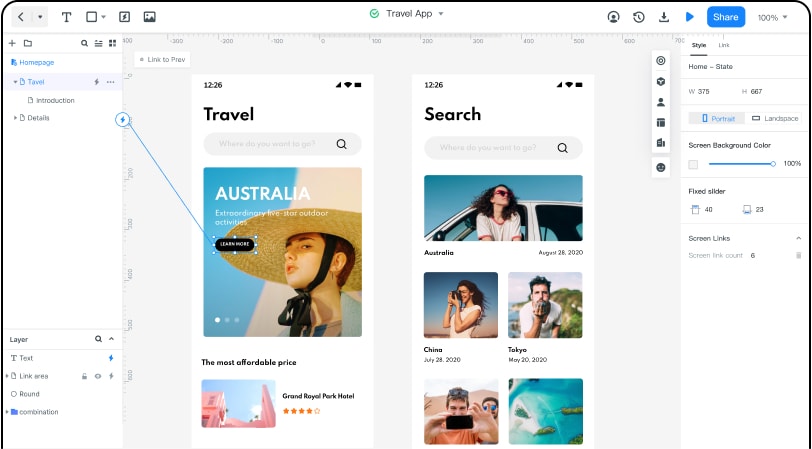
- Learn the relevant controls: use the product guidance for placing, sizing and arranging assets in your project rather than assuming every file type behaves identically.
- Place the icons in context: arrange each symbol with its label, enough space around it and the content it controls. Review the actual page hierarchy.
- Keep a coherent family: compare outline with outline or filled with filled before mixing styles. Check that all required actions have suitable symbols in the same set.
- Keep reusable assets organized: name the chosen items consistently and record their origin, format and applicable license. Use the asset and team-sharing options available to your account.
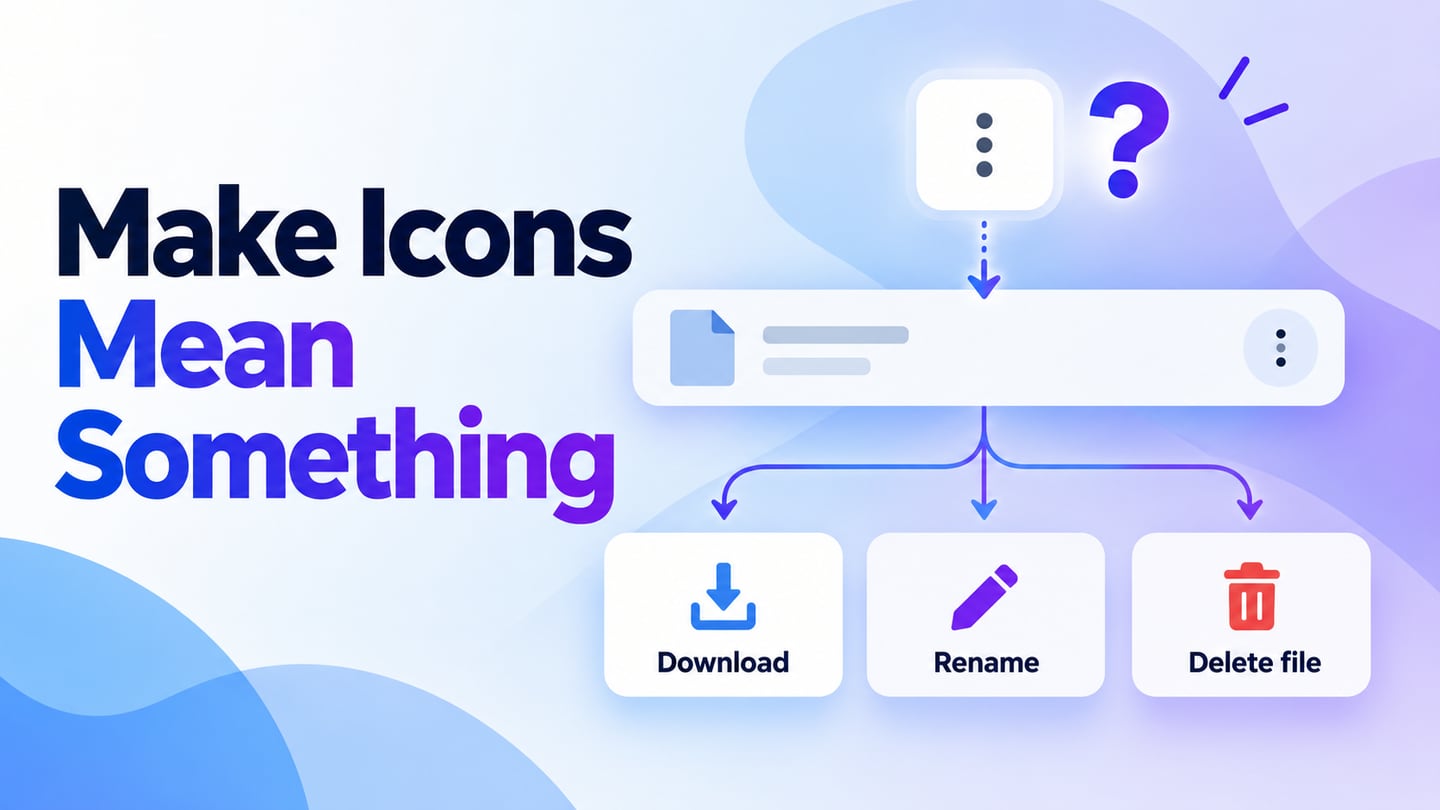
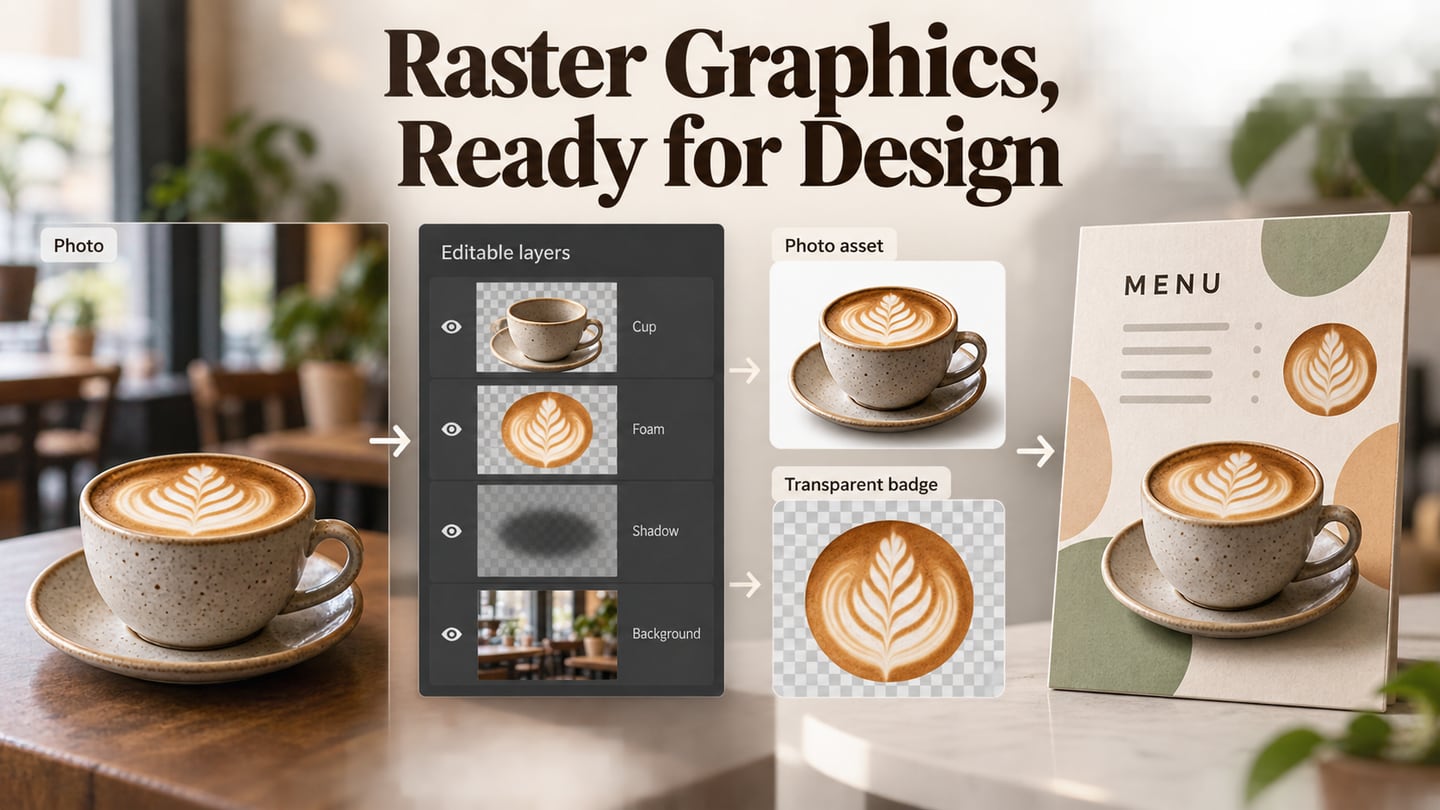
Preview the sequence and ask a reviewer what each control means before they activate it. An unfamiliar symbol may need a visible label even if it looks attractive. When preparing files for implementation, understand the distinction between vector graphics and fixed-resolution images, then verify the actual exported result at the size the website will use.
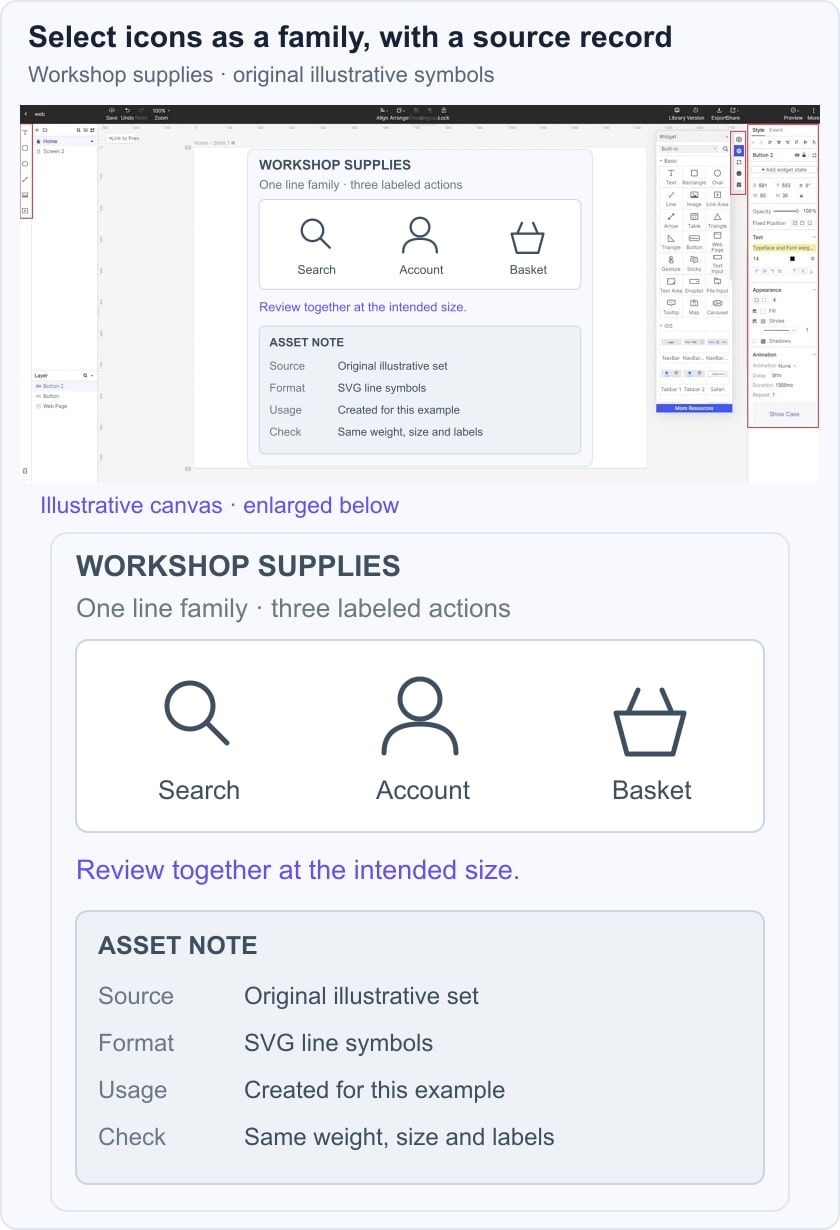
In the fictional workshop supplies example, Search, Account and Basket use three matching line symbols above their labels. A nearby asset note records the source, SVG format and usage status of the illustrative set. Review the symbols together in the utility bar instead of approving each isolated download. The example uses original illustrative symbols, not a claimed sample from any vendor's licensed pack.
Ten Website Icon Resources and Their Usage Checks
Use this list to narrow your sources, then check the selected item before adding it to a project. Record the author or provider, download page, file type and the terms that apply to that download. Keep that information with the asset rather than relying on the word “free” in a search result.
#1: Icons8
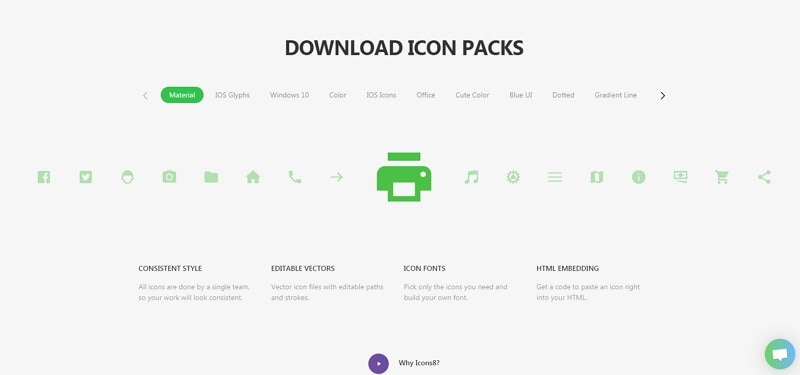
Icons8 offers multiple icon styles as well as other visual resources. The earlier screenshot illustrates a printer symbol across style options, a useful reminder to choose a family before collecting individual icons. Search for every key action you need and compare the results at a common size.
Read the Icons8 licensing guidance for the content and plan you use. Its free-use guidance requires attribution links on pages using the content. Do not assume that a paid-format download or a different type of resource has exactly the same conditions. Keep the required credit in the implementation plan if it applies.
#2: Iconmonstr
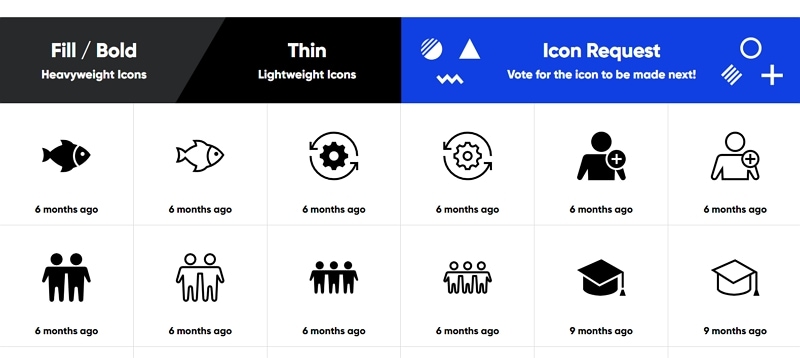
iconmonstr presents a focused collection of symbols. The retained gallery shows paired filled and thin treatments, including settings, users and graduation caps. Compare how those treatments read at your website's actual control size, and select the format offered for the specific icon rather than relying on an old fixed-resolution claim.
The iconmonstr license permits commercial and noncommercial use without attribution subject to its conditions. It also restricts redistribution and use as part of a logo, trademark or service mark. A no-attribution license therefore does not mean unrestricted ownership of the icon or permission to turn it into a brand mark.
#3: Freepik (Now Magnific)
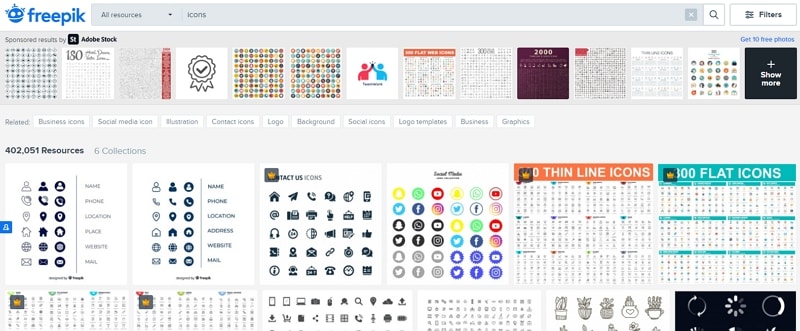
Freepik is now Magnific, whose stock library includes icons alongside other creative assets. The retained Freepik search page shows the earlier resource interface and mixes several pack styles. First narrow the visual family and required format: a decorative illustration and a small interface symbol may appear in a search but have very different roles on the page.
Check the selected resource and the current Magnific terms for attribution, permitted use and any plan-specific conditions. Do not apply a statement about one asset category or subscription to every download. For a website handoff, retain the resource page and license information with the files that were actually selected.
#4: Iconshock
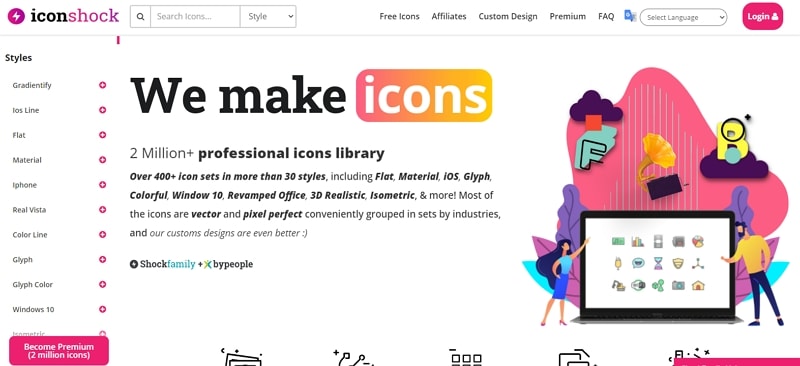
Iconshock's retained homepage emphasizes style families and a broad icon collection. This is useful when you need many related symbols across a product rather than one isolated pictogram. Compare the same set's small control icons and larger illustrations so the family remains coherent across different placements.
Check the particular pack, formats and license offered before downloading. The provider publishes a commercial license document; the applicable product terms still need to match your purchase or download. Avoid treating an old inventory count or a homepage illustration as proof that every style and format is included in one offer.
#5: Pngtree
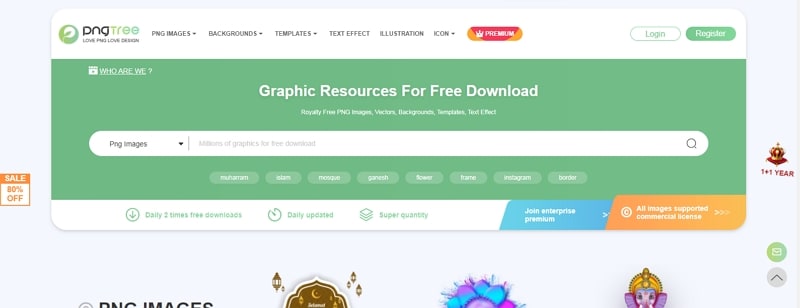
Pngtree includes PNG images, vectors and other graphic resources. The retained search page shows a broad visual library rather than a dedicated, uniform interface-icon set. Search for the specific symbol family and inspect the file before deciding whether it is suitable for a website control.
Review the resource's license authorization and plan conditions. Pngtree's plan information distinguishes commercial-license access; do not assume a freely viewable image grants that use. Also check transparency, dimensions and whether the file is editable, since a decorative PNG may not behave like a vector icon.
#6: IconStore
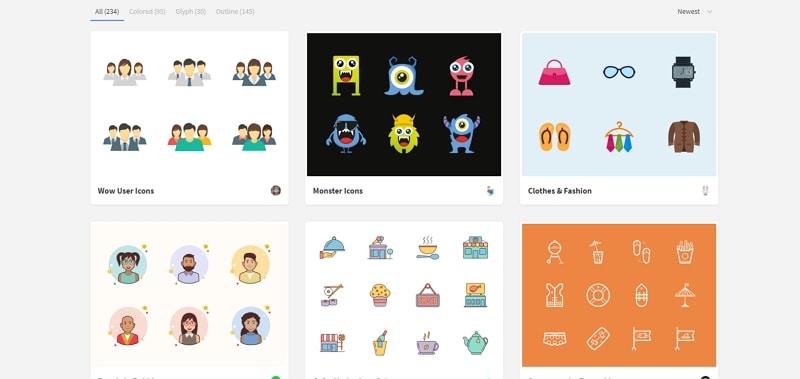
IconStore organizes resources into packs, with categories such as colored, glyph and outline. The retained screenshot includes people, clothing and food collections. Selecting a pack can make it easier to maintain a common style, provided it contains the symbols your site actually needs.
The IconStore license permits personal and commercial use and modification without required attribution, while restricting redistribution and uses where the icons form the product's core value without author consent. Check the pack's listed formats as well: different collections can provide different combinations of SVG, PNG and editable source files.
#7: DeviantArt
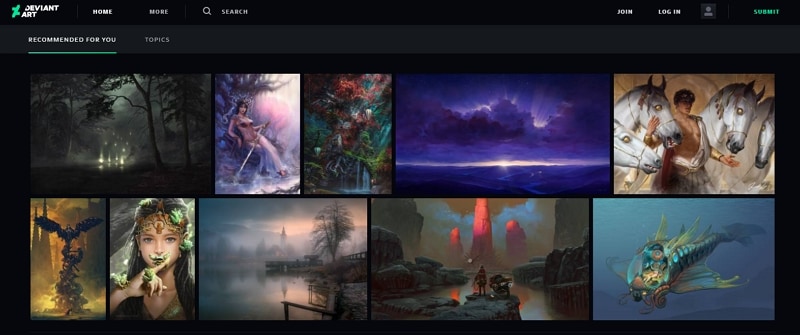
DeviantArt is a creative community where artists publish work. The retained screenshot shows a general artwork gallery, not an icon editor or a ready-to-download icon catalog. It can help you discover an artist or a visual direction, but the work's presentation alone does not establish reuse rights.
If a creator offers an icon download, read the creator's stated terms and confirm that the intended use is covered. Attribution is not a substitute for permission that has not been granted. Keep this route separate from selecting a library with a clear standard license and complete asset package.
#8: Freeicons
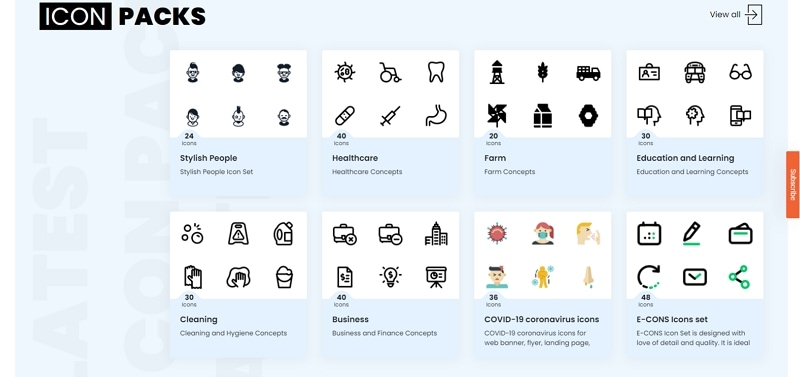
Freeicons.io includes themed packs such as the Farm Concepts collection visible in the retained screenshot. The page identifies its contributor and offers SVG and PNG options. This corroborates the original resource's identity without assuming that every similarly named “free icons” website is the same provider.
Inspect the selected pack's license and attribution instructions. The Farm page distinguishes a free download with an author link from a Pro option without attribution. Apply the conditions for the actual item you choose, and review the complete family for consistency instead of combining unrelated themes merely because they share a download format.
#9: Dribbble
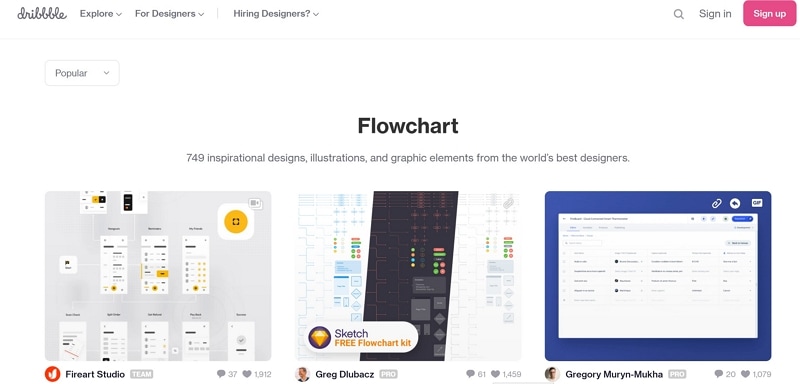
Dribbble is a design showcase and a way to discover designers. The retained image is specifically a Flowchart results page, so it illustrates browsing work rather than an icon-download workflow. Search by the subject and style you need, then open the creator's project for context.
Some creators may link to a downloadable asset or a separate product, but a showcased image is not automatically free to reuse. Follow the stated source and terms before including a file in your website. For a related workflow inside a design tool, the Figma icons guide covers importing and working with selected assets rather than comparing these source sites.
#10: Iconfactory
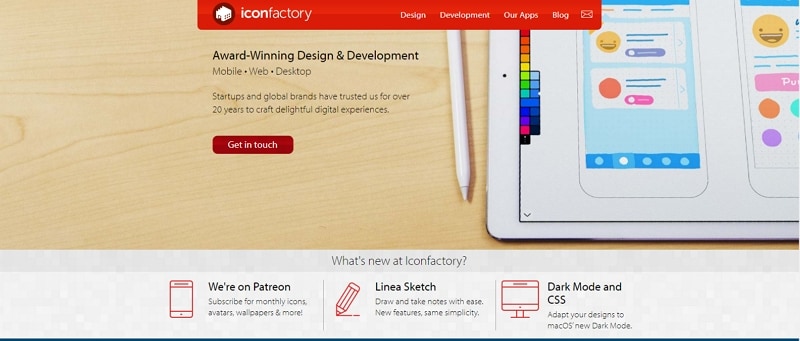
Iconfactory creates icons, apps and interface design; the retained homepage describes mobile, web and desktop work rather than a gaming-only service. Its freeware archive explicitly limits those downloads to personal use, with rights retained by the respective holders. Adding attribution does not turn that permission into commercial website use.
The detailed archive artwork can still be useful to study as visual reference. For production use, choose an asset whose actual license covers the project or obtain the required permission. Finish your selection by reviewing the chosen symbols together in the page, preserving their source records and checking the implemented controls at their real size.