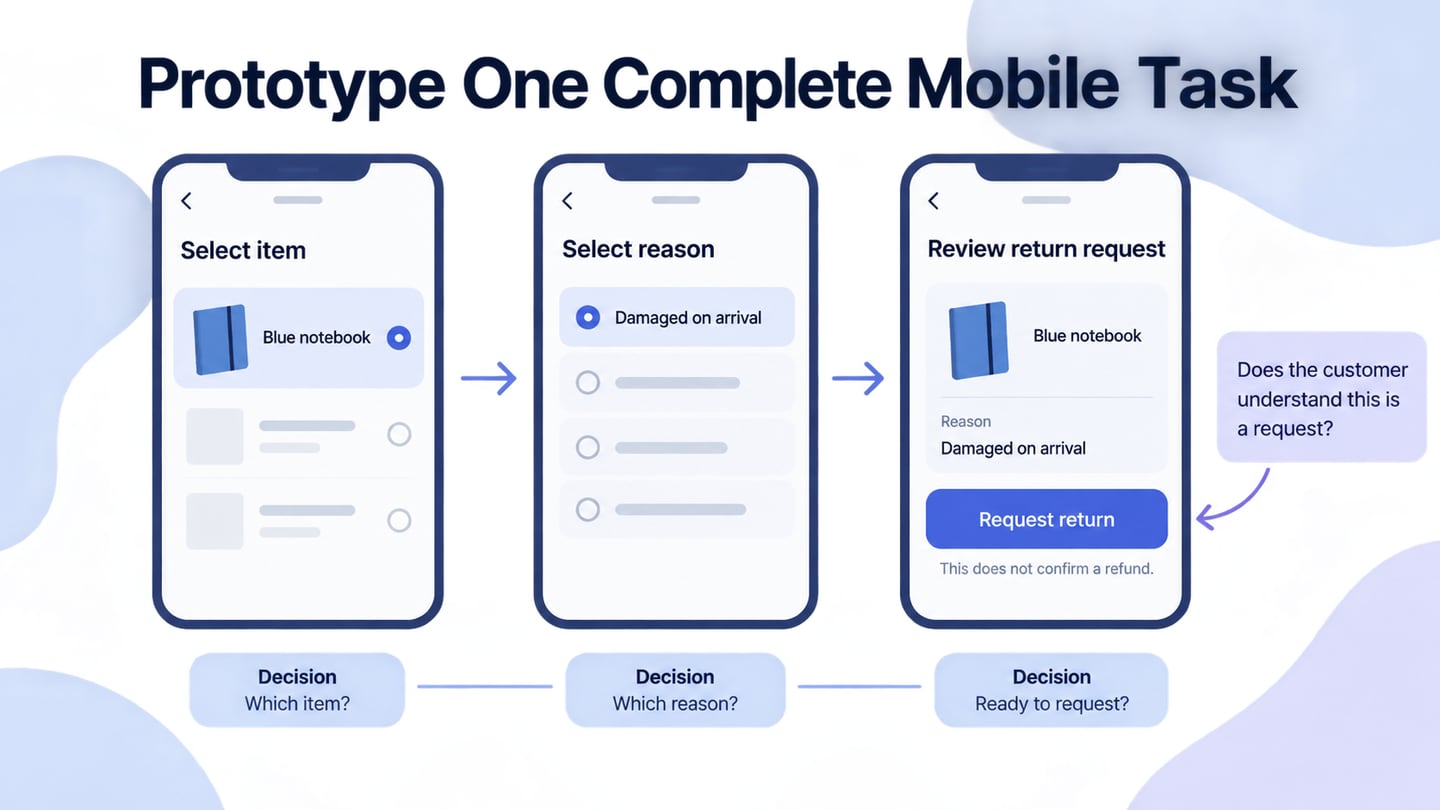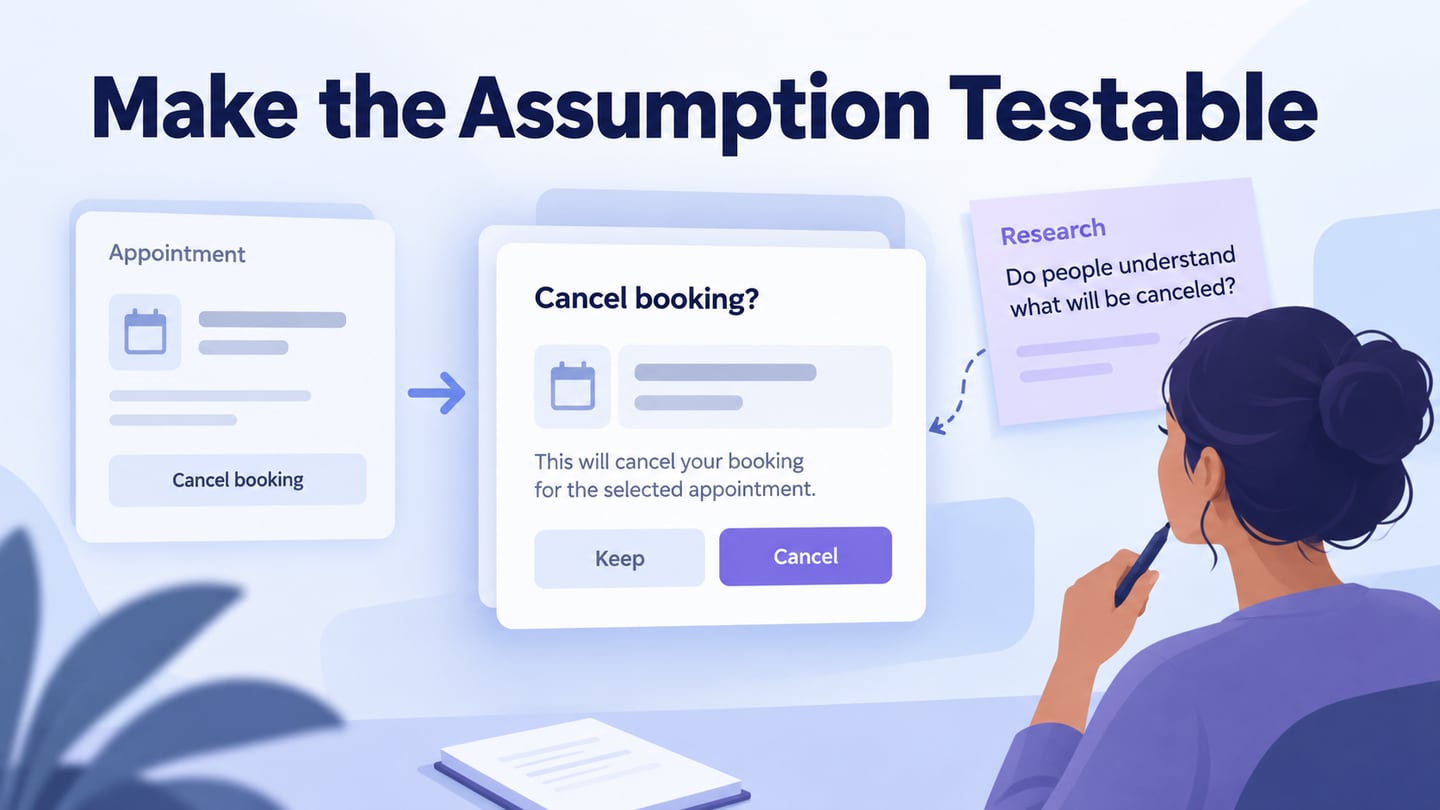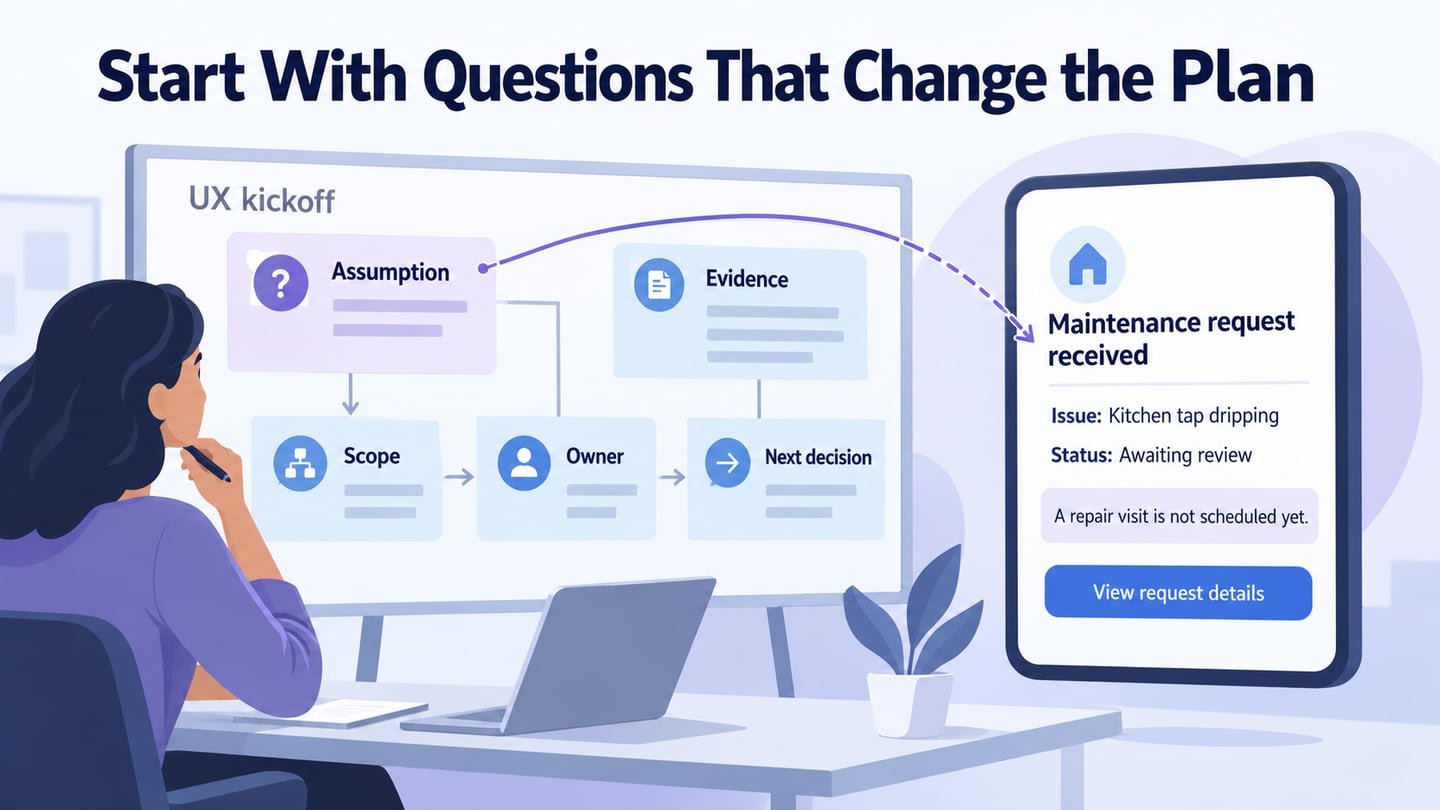

Rapid prototyping is useful when a small model helps answer a question sooner than a large build. It is not a contest to produce the most screens. Use a prototype you can revise and share to make an uncertain task concrete, gather focused feedback, and decide what to change next.
For UX work, the prototype may be a sketch, linked wireframe, or limited interaction. Match its detail to the question. A fast visual draft is less valuable if nobody can explain what is being tested.
Each of the three exercises below has a task, a feedback prompt, and a useful output. They are suggested exercises, not evidence that a fixed time limit guarantees professional competence.
What is Rapid Prototyping?
Rapid prototyping is an iterative design approach: represent an idea, review it, and refine the part that needs attention. In this article, the term refers to digital UX work, not manufacturing or 3D printing.
Speed comes mainly from limiting the question and avoiding unnecessary detail. The prototype should be detailed enough for the review, but it does not need to imitate every part of the final product.
Use the process to reduce uncertainty. Agreement around a picture is not the same as observing someone successfully complete the task.
The process of rapid prototyping
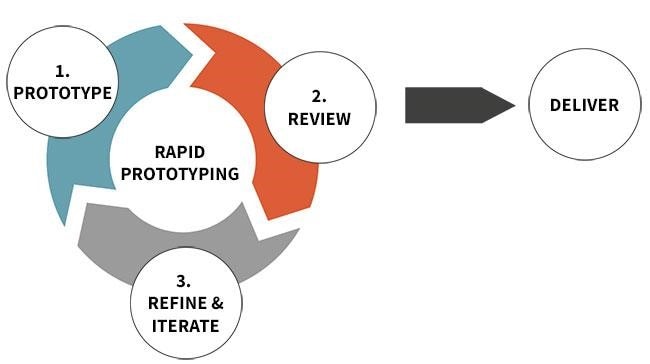
The original three-part loop is a useful structure. Each round should have a specific reason to exist; the prototype does not have to become more complex every time.
1. Prototype: represent the smallest flow or state that addresses the question.
2. Review: ask a relevant person to attempt or interpret the task and record what actually happens.
3. Refine: change the part connected to the evidence, then identify the remaining uncertainty.
Keep the outcome of the loop visible. Depending on the findings, the right decision may be to simplify, try a different approach, investigate a rule, or stop. The following benefits depend on using that discipline.
Create a Focused Representation Earlier
A rough layout or short flow can bring a question into discussion before every design detail is resolved. Set aside visual work that does not affect the current decision.
Keep the Cost of Changes Proportionate
Changing a small prototype may require less coordination than changing an integrated product. That does not mean the work is free: research preparation, suitable participants, and analysis still take effort.
Explore Different Approaches
Make alternatives that differ in a meaningful decision, such as when a person reviews a choice. Avoid producing several cosmetic variants and treating them as different solutions.
Improve the Decision, Not Just the Artifact
A useful iteration records what became clearer and what remains unknown. Do not call a design validated simply because the team prefers the latest screen.
3 Rapid Prototyping Exercises to Improve your UX Skills
1. 8–6–4–2 Rapid Prototype Method.
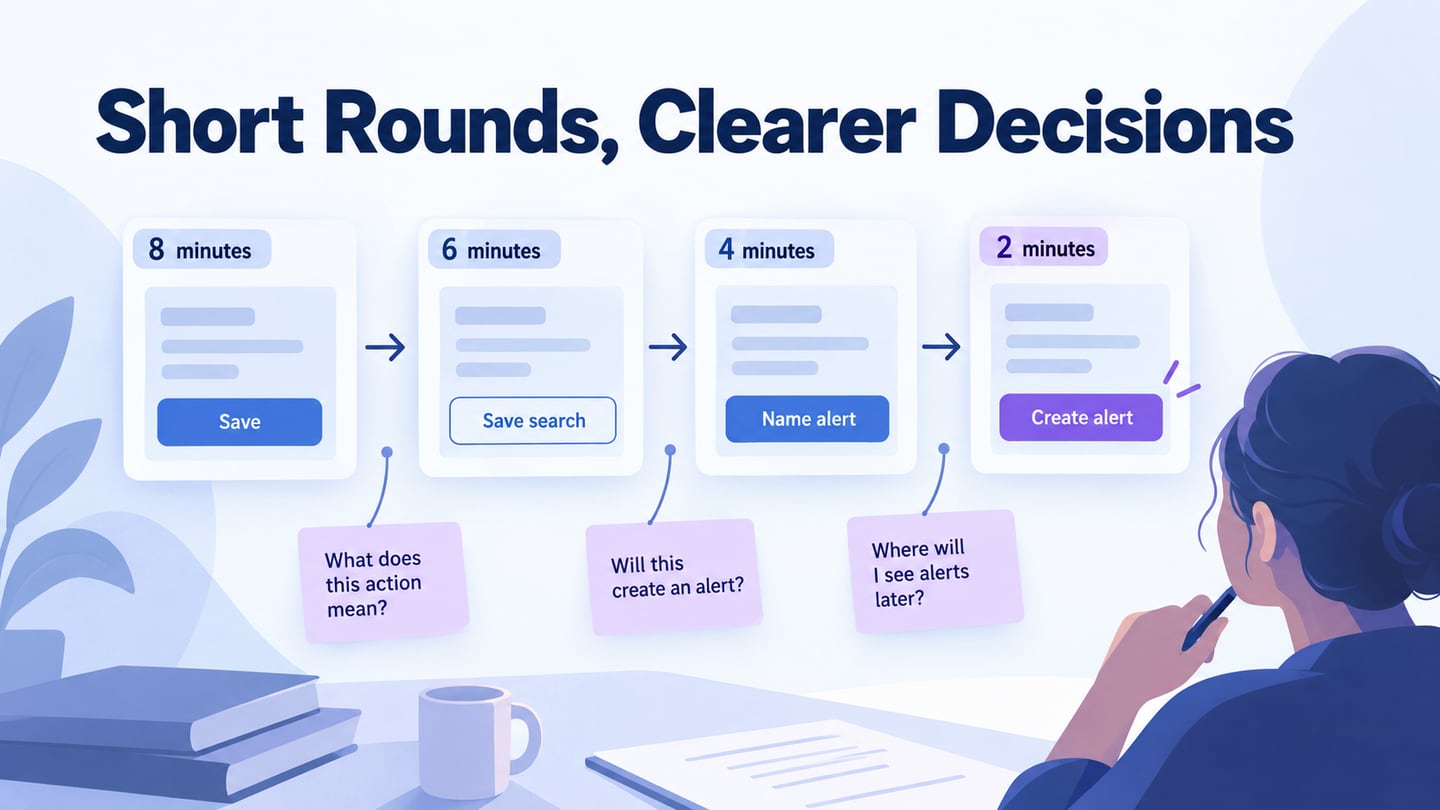
The 8–6–4–2 exercise uses increasingly short sketch rounds to force focus. It is a practice format, not a standardized usability test. Give the reviewer enough context to understand the task without telling them which control to choose.
Sketch for 8, 6, 4, and 2 minutes, with a 2-minute feedback break between rounds. That makes 26 minutes of sketching and feedback before preparation or debrief. Choose a modest task and record one observation or question after each round.
A practice task for the 8–6–4–2 exercise
Use a fictional job-search alert as the practice task: save a search for Remote UX roles and give the weekly alert a recognizable name. Start with a rough screen, then ask the reviewer what Save means. If it is unclear whether the search is saved or notifications are enabled, revise the label and the confirmation in the next round.
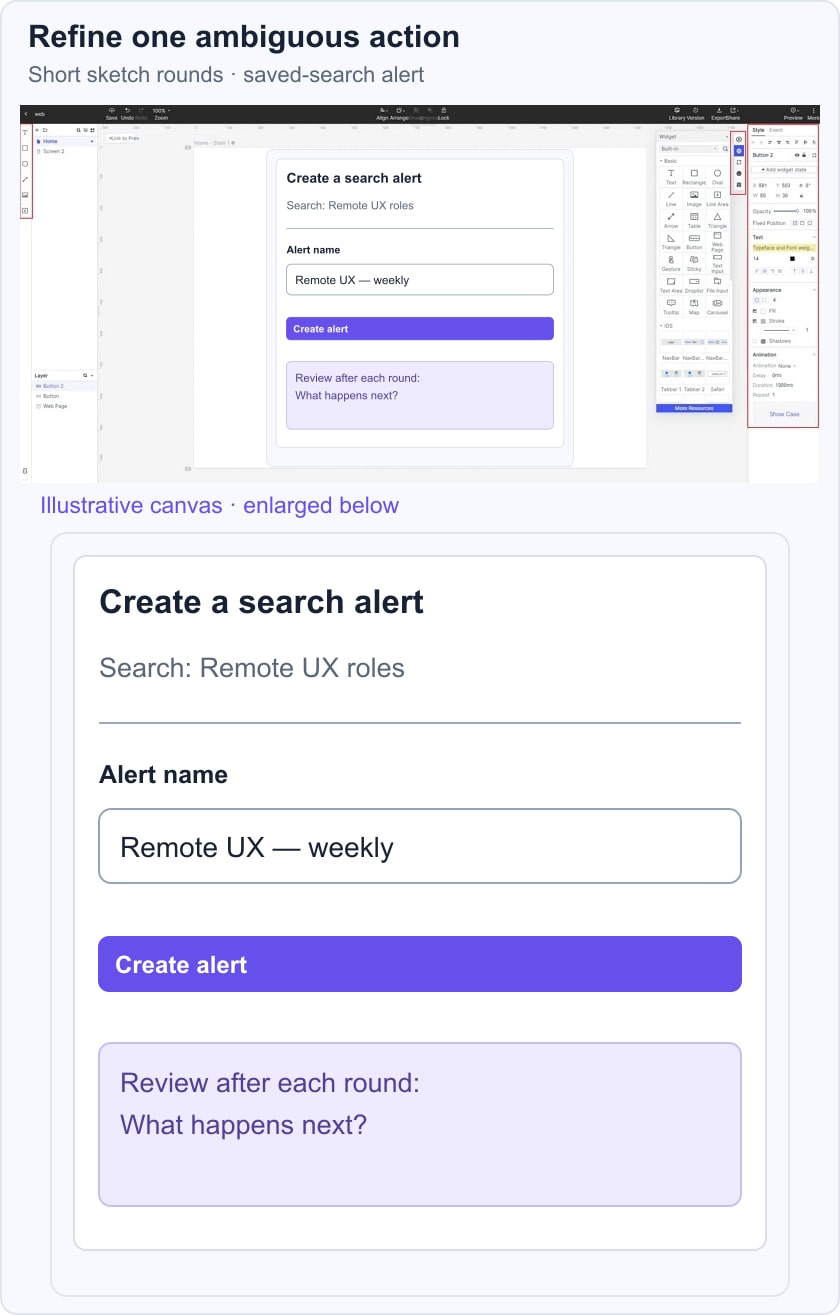
The example uses an Alert name field containing Remote UX — weekly and a Create alert action. Keep the underlying search visible. At the end, write down the clearest version and the uncertainty that still needs research; do not invent success rates from a brief practice session.
2. A twist on the #DailyUI Challenge
The Daily UI challenge supplies prompts for interface-design practice. To make a prompt useful for UX, add an audience, a task, a constraint, and an exception before drawing. A beautiful isolated screen does not show whether the task works.
Benefits and Limits of a Daily Prompt
A prompt can help you begin when choosing a subject is slowing you down.
A repeated practice schedule gives you a defined opportunity to experiment with hierarchy and interaction.
Keep a short explanation of the decision behind each design, not only an image of the finished screen.
Do not treat a streak or a gallery of work as proof of research skill. Deliberate feedback matters more than the number of prompts completed.
For a “sign-up” prompt, specify who is registering, what they need to know first, and what happens if a field is invalid. Study other work with attribution, but create your own task and reasoning rather than presenting a copied layout as an original solution.
3. Solve a problem you've encountered.
Write down a problem you encountered and separate the observation from your proposed fix. “I could not find a saved report” is an observation; “the app needs a new dashboard” is already a solution assumption.
Choose one problem, learn enough about its context to frame a question, and sketch an alternative. Use the appropriate research method rather than prescribing one or two hours of research every day. Finish with the next question, not automatically with a high-fidelity screen.
Choose a Tool for the Exercise
Use the simplest tool that supports the behaviour under review. Paper may be enough for the first round; linked screens or conditional logic may be needed later. Confirm current access and plan limits before organizing a team exercise.
Mockitt
Mockitt can support shared visual prototypes and linked states for the exercises above. Create the task, include the important result or exception, and share the relevant flow for review. Avoid adding detail just because the editor makes it available.
Axure
Axure RP provides conditions, variables, and working controls for richer interaction prototypes. Consider it when the review depends on branching behaviour or data-like interaction. More capability also means more setup decisions; keep the exercise focused.
Balsamiq
Balsamiq linking supports simple click-through prototypes between boards, so the old claim that it has no interaction is inaccurate. Its wireframe-oriented workflow can suit early structure and sequence discussions. Choose it according to the task rather than expecting a low-detail style to answer every question.
Conclusion
Use these exercises to practice turning uncertainty into a clear question and a reviewable design. Keep each round small, record the observation behind the change, and distinguish a practice critique from evidence gathered with likely users. The value is the decision you can make next, not the speed claim attached to the prototype.