Prototyping matters when it makes an uncertain idea concrete enough to discuss or test. It can expose confusing wording, missing states, and different expectations before a team commits to implementation. An interactive prototype is one way to do that; a sketch or paper model may be enough for an earlier question.
What Is a Prototype?
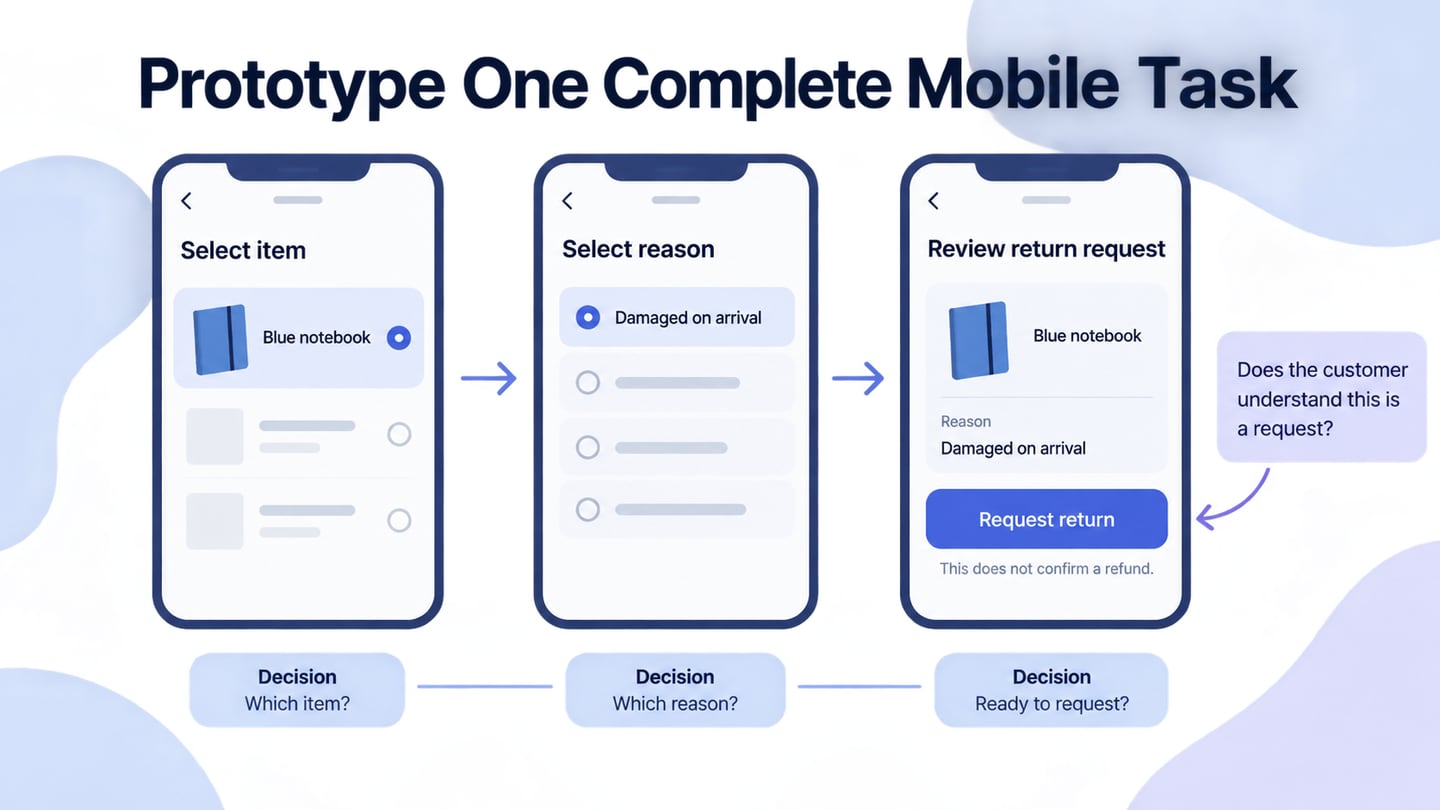
A prototype is a representation built to explore a specific aspect of a proposed product or service. It may be a sketch, a sequence of paper screens, a clickable interface, or a working experiment. It does not have to be a miniature complete product.
For a mobile application, the prototype might show just how someone changes a booking. Define what is simulated and what is real before asking for feedback. The GOV.UK prototyping guidance makes the distinction between exploring a design and building a production service clear.
Eight Reasons to Use Prototyping
1. Explain a Proposal Clearly
A prototype can help a prospective client understand a proposal that would otherwise remain abstract. Showing a route through the task lets both sides discuss the same decisions and identify different expectations.
Use the demonstration to explain the proposed scope and the assumptions still open. It should accompany the requirements and commercial discussion rather than replace them. A polished screen does not guarantee a successful tender or establish feasibility.
Prepare a short scenario and stop at the decisions you need the client to evaluate. Avoid demonstrating unrelated features merely to make the proposal look larger.
2. Help gather requirements and feedback
Requirements can be interpreted differently even when they are written down. A prototype gives the team a concrete example to compare with the intended task.
Ask someone to attempt the relevant action and explain what they expect. Observe where labels or transitions do not match that expectation, then distinguish a usability issue from a preference or a new requirement.
Record the issue, the supporting observation, and the decision it affects. Feedback is useful when it changes what the team understands, not simply when it produces a longer list of suggestions.
3. Explore Alternatives Before Committing
The first layout is not always the most useful one. Sketching or linking a small set of screens can make it practical to compare different approaches while the design is still flexible.
Keep the alternatives focused on the same question. If one version has different content and a different workflow, it becomes difficult to understand why a reviewer preferred it.
4. Involve Stakeholders at Meaningful Decisions
A long gap between initial requirements and a finished build can leave disagreements undiscovered. A prototype review gives stakeholders something specific to examine before those assumptions become expensive to change.
Involvement should be structured around decisions, such as what an error means or when approval is required. Agreement in a meeting does not establish that the design works for actual users, so include appropriate research as well.
5. Expose Scope and Planning Questions
A prototype can make hidden branches visible: permissions, unavailable data, confirmation, and recovery. These branches help the team discuss scope and dependencies.
Use the design to ask implementation questions with developers and service owners. Do not estimate effort solely from the number of screens; data integration, business rules, and operational work may dominate the cost.
6. Find Some Problems Before Implementation
Changing an idea before it is deeply integrated into a system can avoid certain kinds of rework. That is a reason to investigate risky decisions early, not a guarantee that prototyping eliminates defects.
Choose the aspect most likely to cause misunderstanding or technical uncertainty. Some questions need a code experiment or system test rather than a visual prototype.
A prototype may reveal that a label is ambiguous or that a necessary choice has no place in the flow. Fix those design problems while documenting what remains untested.
Keep the findings connected to requirements and acceptance criteria. Otherwise a corrected prototype can be followed by an implementation that reintroduces the same problem.
7. Create a Small, Useful First Step
When a project feels too broad, an agreed prototype question can establish a manageable starting point. This is more productive than trying to draw every screen before the task is understood.
Set a boundary such as “Can someone find and change a selected appointment?” Build only enough to investigate that boundary and use the result to plan the next step.
8. Make Iteration Evidence-Led
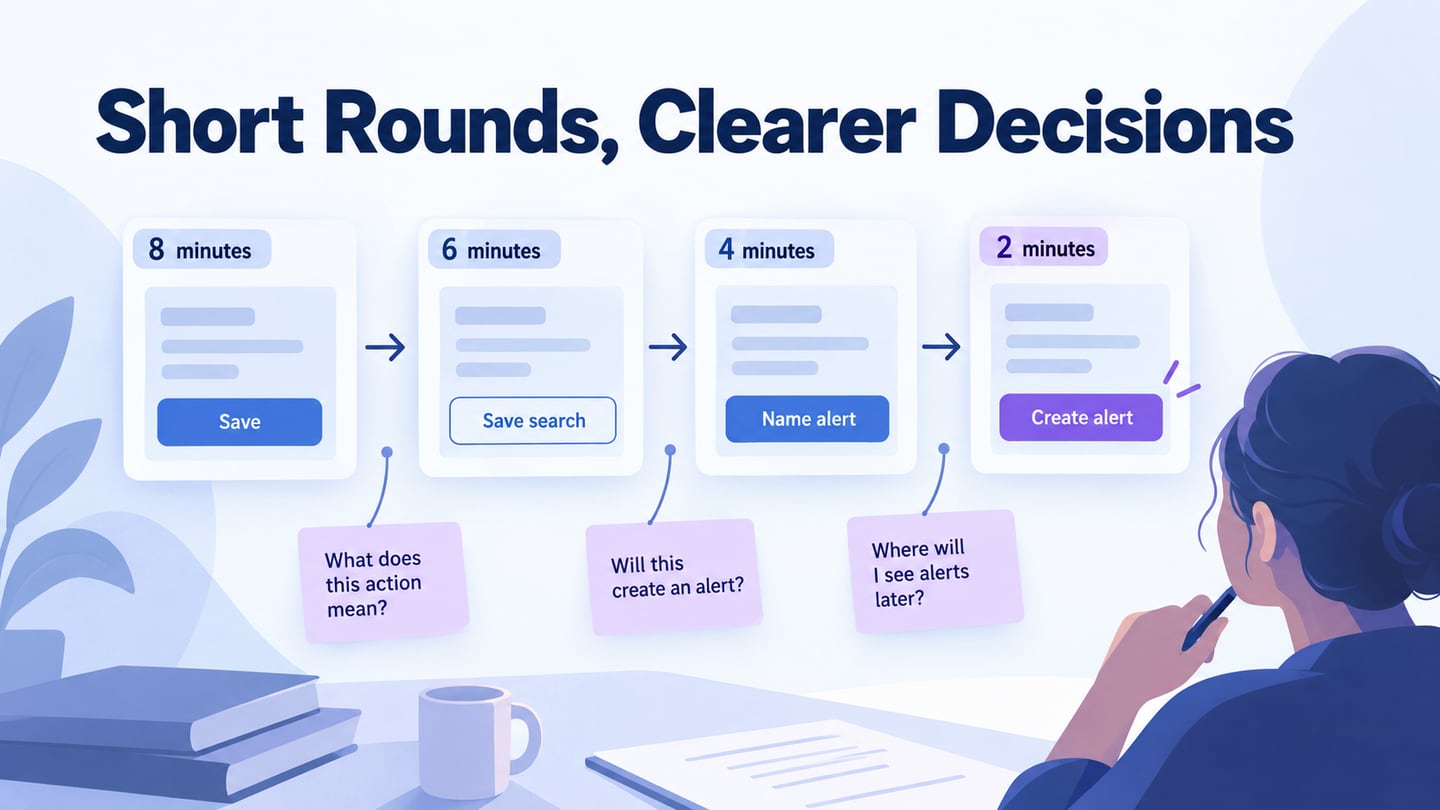
More changes do not automatically create a better product. Iteration is useful when each round addresses an observed issue, a requirement, or a deliberate hypothesis.
Keep a brief record of what changed and why, and revisit the question with the revised version. Stop polishing when the prototype has answered its question, or when a different method is needed.
For a team review, use a prototype critique checklist to connect feedback to the task, the observed issue, and the decision that needs to change.
A concrete question is more useful than a polished demo
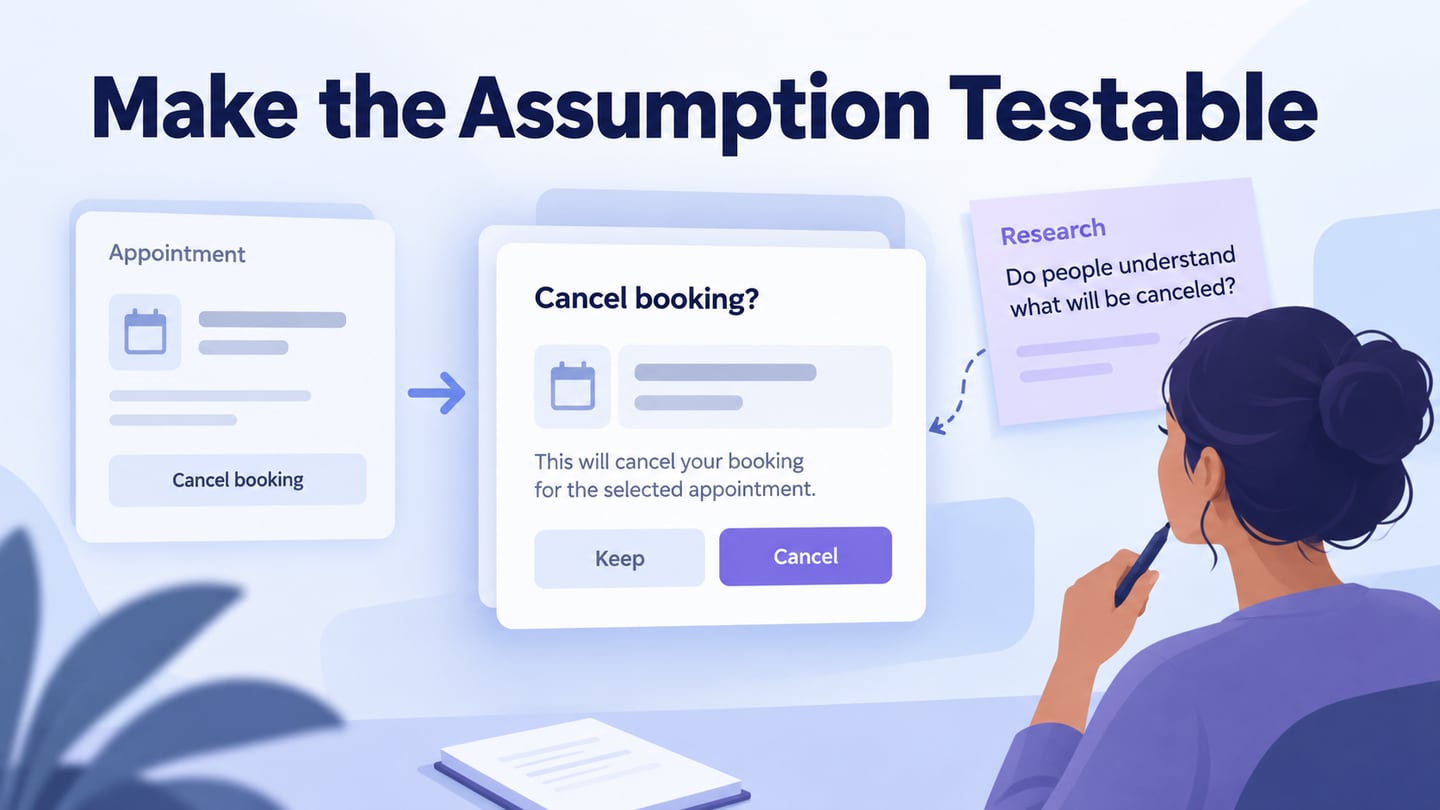
For a fictional workshop booking, the question is whether someone understands which appointment they are canceling and what happens next. Show Thursday 14:00, the workshop name, Cancel this booking?, and the consequence that the place will be released. Offer Keep booking and Cancel booking as distinct actions.
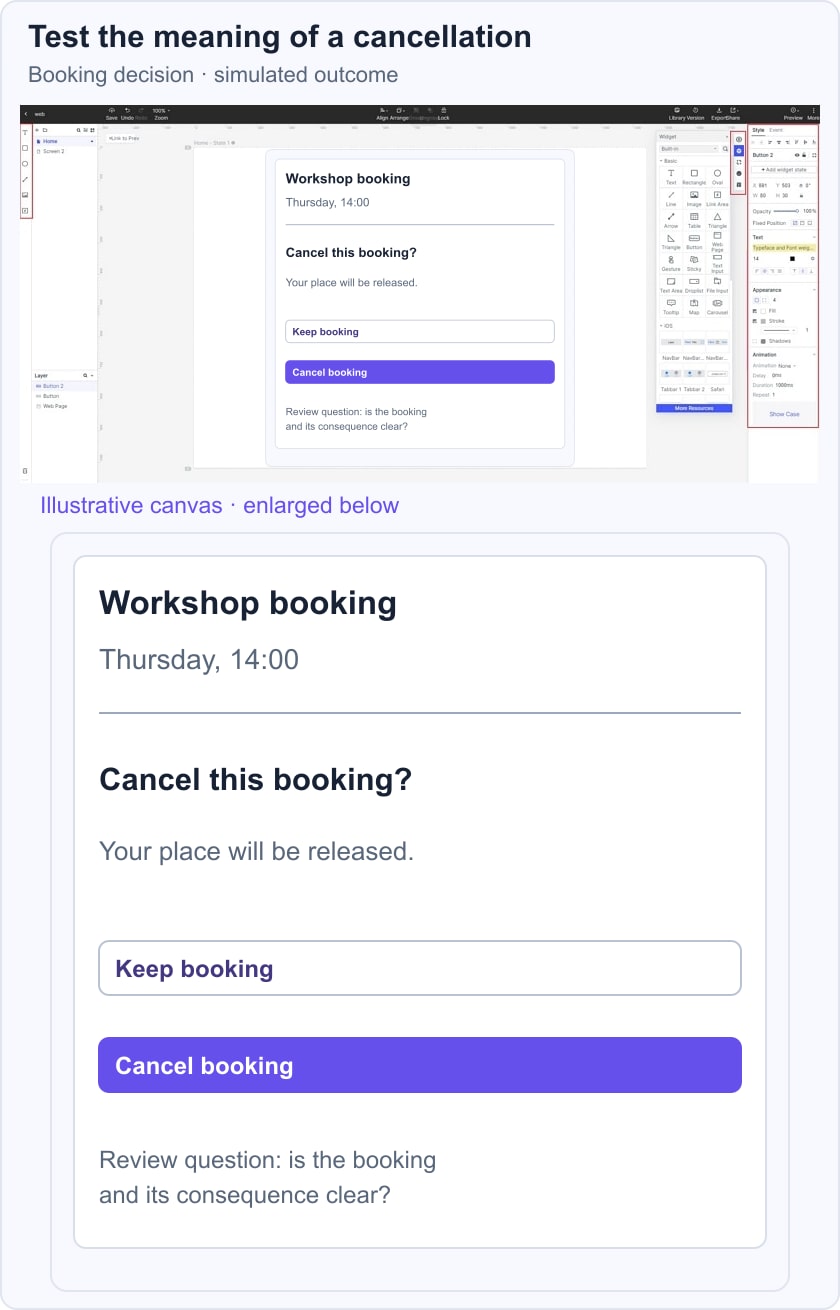
Ask the person to remove the booking they can no longer attend without naming the control. Observe whether they identify the right appointment and understand the consequence. This is an illustrative test plan, not a measured result. Moderated usability-testing guidance helps frame neutral tasks; the prototype cannot prove that the server will cancel the correct record or handle a failed request.
Common Types of Prototypes
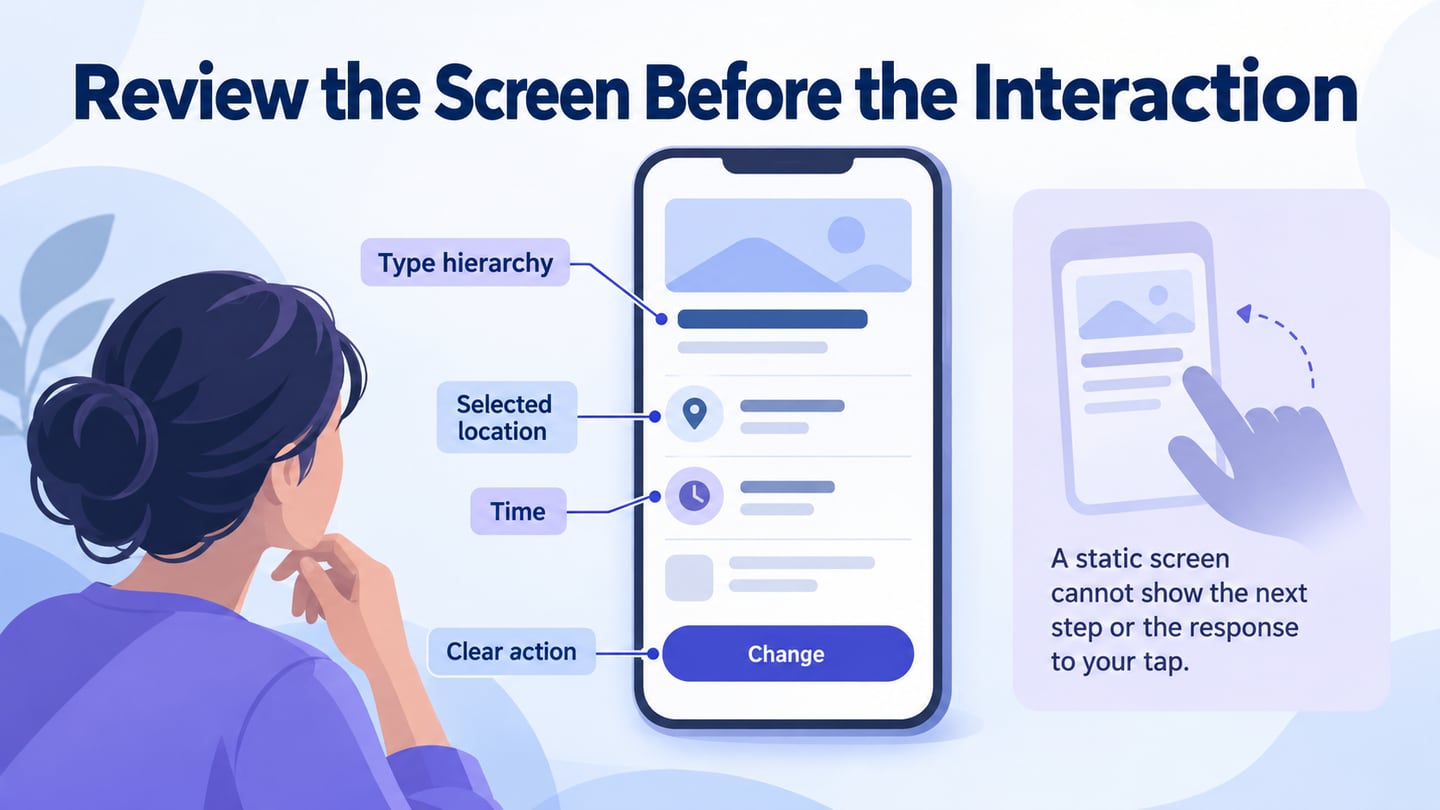
Choose a prototype format according to the question. Fidelity describes the detail of the representation; it is not a simple measure of quality.
Sketches: rough drawings help the team compare structure and ideas. Their value is the speed and flexibility of discussion, not visual accuracy.
Paper prototypes: a person can swap paper screens or overlays in response to a participant’s action. This makes a proposed sequence reviewable without building a digital interface.
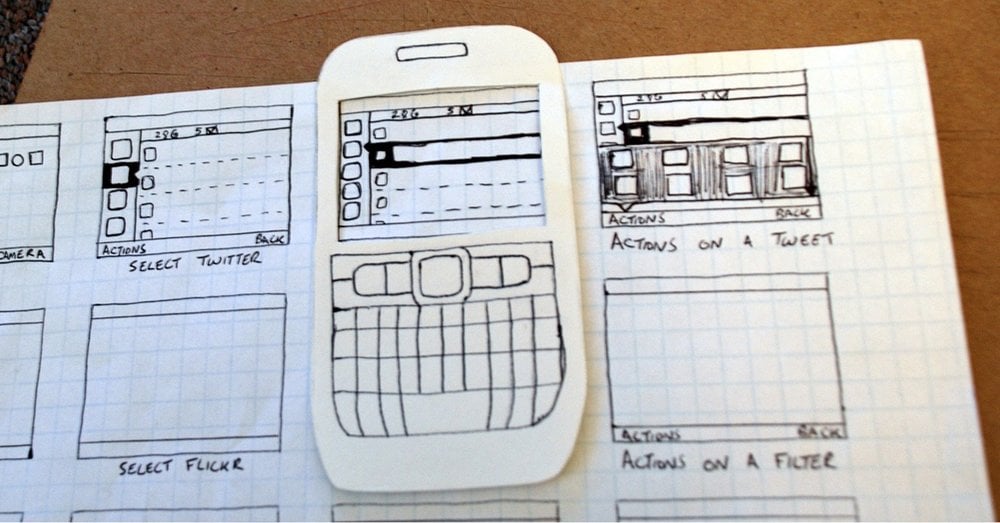
Paper does not require specialist materials. Explain the simulation briefly and avoid treating facilitator assistance as evidence that the interface is self-explanatory.
Click-through prototypes: linked screens represent a route through an interface. They can reveal navigation and sequence issues, while fixed hotspots may limit what a participant can attempt.
Richer interactive prototypes: components, conditions, or simulated data can represent more detailed behaviour. Add that detail only when it is needed to answer the question.
A realistic appearance can create unrealistic expectations, so identify the simulated parts. Production security, data integrity, performance, and platform accessibility still require their own validation.
Choose the Question Before the Format
The eight uses above can be summarized as decisions the prototype helps a team make:
1. Explain the proposed scope.
2. Clarify requirements through observation.
3. Compare meaningful alternatives.
4. Involve stakeholders at decision points.
5. Reveal scope and dependency questions.
6. Find some design problems earlier.
7. Establish a manageable first step.
8. Iterate for a documented reason.
Start with the uncertainty that matters most. Build the smallest representation that can address it, record what you learn, and keep the limits of that evidence visible.
Choose fidelity by the question
Fidelity is a decision about evidence, not a quality badge. Use the lightest representation that lets a reviewer attempt the task you are investigating.
| Question | Useful prototype | Evidence to collect |
|---|---|---|
| Does the hierarchy make sense? | Sketch or low-fidelity wireframe | Where people look and what they expect next |
| Can someone complete the route? | Connected screens with realistic labels | Mis-taps, missing states, and recovery choices |
| Will a transition or feedback be understood? | High-fidelity interactive flow | Timing, status feedback, and return path |
In Mockitt, keep the scenario, start screen, linked states, and review notes together. That makes a prototype useful to a designer, product manager, and developer without pretending that a simulated response is already production behaviour.
Review the prototype before handoff
- Write the user task in one sentence.
- List the screens and states required to attempt it.
- Mark what is simulated, unavailable, or still undecided.
- Ask a reviewer to follow the route without coaching.
- Record the observation and the decision it changes.
A prototype earns its place when it reduces a specific uncertainty. If the question has changed, update the route or retire the prototype instead of adding detail indefinitely.