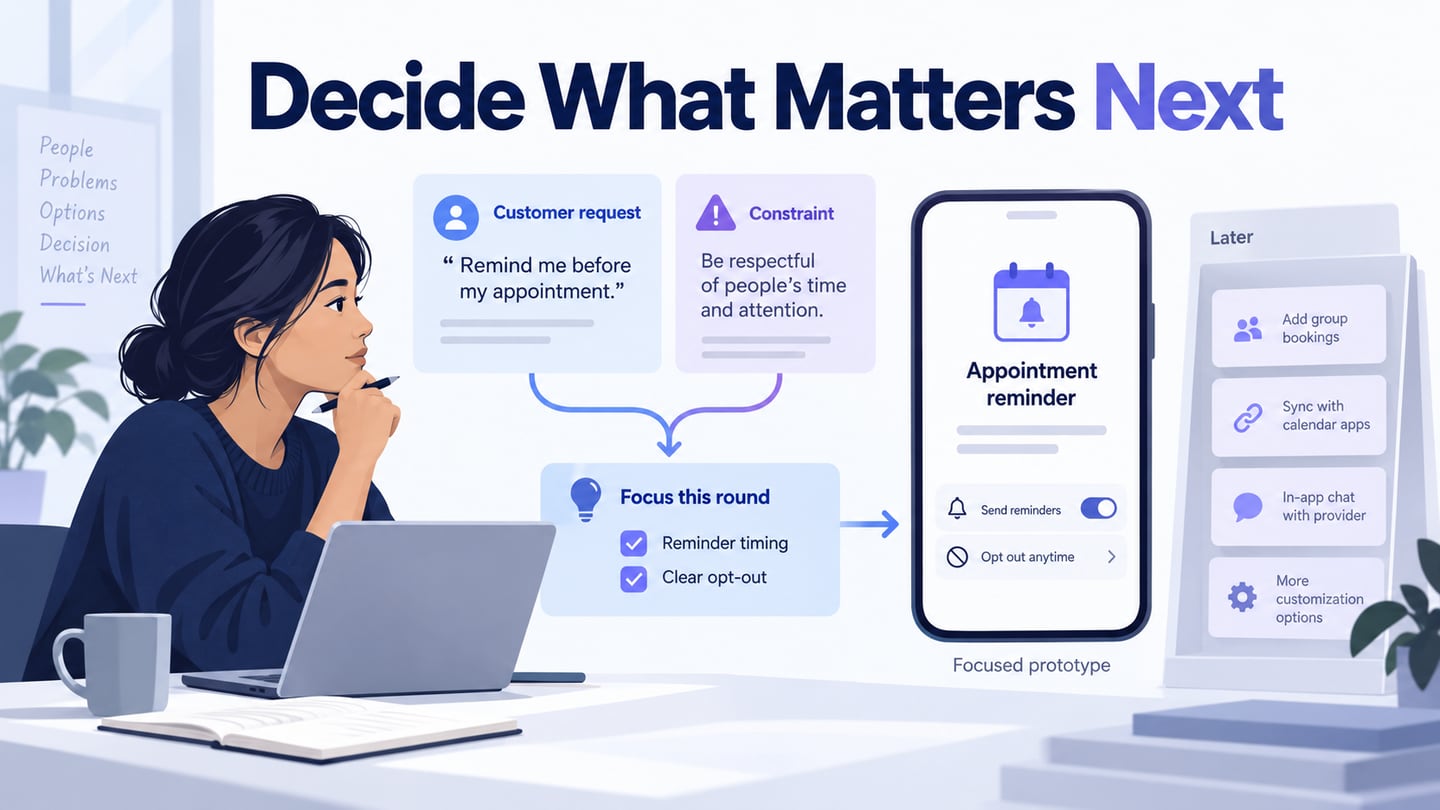

A UX project starts more clearly when the team agrees what it needs to learn and decide. Ask about the problem, the intended audience, the available evidence and the constraints before choosing screens to produce. A UX research plan can turn the important unknowns into work that supports a decision.
The ten questions below are a kickoff framework, not a script that guarantees success. Record the answer, its evidence, its owner and what remains uncertain. An unanswered question can be useful if it leads to a specific next step.
Ten UX Project Kickoff Questions
Begin with the shared problem and scope. Detailed design questions are easier to resolve when the team understands why the work exists.
Use the questions to expose different assumptions, then prioritize the ones that could change the direction of the project.
1. What Problem Are We Trying to Solve?
Ask for the problem rather than accepting a proposed feature as its own justification. Identify who experiences it, when it happens, and what evidence supports it. A social-media poll may collect opinions, but it does not by itself establish demand. GOV.UK’s discovery guidance offers a useful model for examining the problem and constraints before committing to a solution.
2. Who Needs the Product or Service?
Define the relevant users, tasks and contexts. Avoid a persona made only from demographic labels; understand what the person needs to accomplish and what makes it difficult.
Understand the client’s perspective while asking respectful questions about assumptions. Productive disagreement is part of clarifying the brief. Do not avoid an important issue simply because it challenges the initial concept.
For an existing service, examine who currently uses it, who struggles, who abandons it, and who may be excluded. Frequent customers alone do not represent every important need.
3. What Evidence Already Exists?
Review earlier research, support issues, analytics and previous design decisions. Check when and how the evidence was collected, the audience it covers, and whether the current problem is the same.
Find the people who own the evidence, which may include research, support, operations and marketing. Record gaps and limitations before commissioning more work. Colleagues can contribute context, but do not automatically substitute them for intended users.
4. Which Outcomes Matter, and How Will We Assess Them?
Ask what should improve for users and for the organization. Define a baseline, measurement method and relevant time frame before setting a numerical target. Avoid adopting an arbitrary satisfaction increase or complaint reduction because it sounds measurable.
Agree what evidence would support a decision and what trade-offs must be monitored. For example, fewer support contacts are not necessarily a benefit if people can no longer find help.
Quantitative evidence: what event or outcome will be counted, and who can verify that the measurement is meaningful?
Qualitative evidence: what behaviour or misunderstanding will be examined, and how will findings be recorded?
5. Which Resources and Constraints Shape the Scope?
Identify the people, research access, technical dependencies, tools, budget and time available. Clarify who can make decisions and who must approve them. A design task can be blocked by operational capacity even when the interface work is straightforward.
Agree how new information changes scope and who decides whether additional work is justified. Treat contingency as a planning choice rather than assuming unlimited resources will appear later.
6. Who Could Be Excluded or Harmed?
Consider relevant disabilities, language, digital access, privacy and difficult circumstances. A focused audience does not justify ignoring barriers within that audience. Ask what information is necessary and how people can get help when the digital route does not work for them.
Document concerns and involve appropriate expertise. W3C’s accessibility and inclusion guidance helps distinguish related needs; the purpose is to serve people appropriately, not merely avoid reputational criticism.
7. Which Assumptions Carry the Most Risk?
List assumptions that could make the proposal ineffective, unsafe, infeasible or too costly. Separate a known constraint from a belief that has not been checked.
Prioritize investigation by consequence and uncertainty. An early prototype may clarify wording, while an operational or technical dependency may need a different kind of investigation.
8. Who Owns the Design After Delivery?
Agree who maintains components, content, documentation and decisions after the initial work. Clarify editing permissions and the process for reviewing changes. A handoff file without ownership can quickly become disconnected from the live service.
9. What Technology and Service Dependencies Matter?
Discuss the existing platform, integration constraints, data sources and operational workflow with the people responsible for them. No CMS or design tool is universally best. Assess the relevant requirement instead of relying on a general popularity claim.
Record uncertain capabilities as questions to verify. If a constraint forces a change to the experience, make the trade-off explicit and revisit the underlying need with stakeholders.
10. Where Can We Experiment, and What Must Stay Consistent?
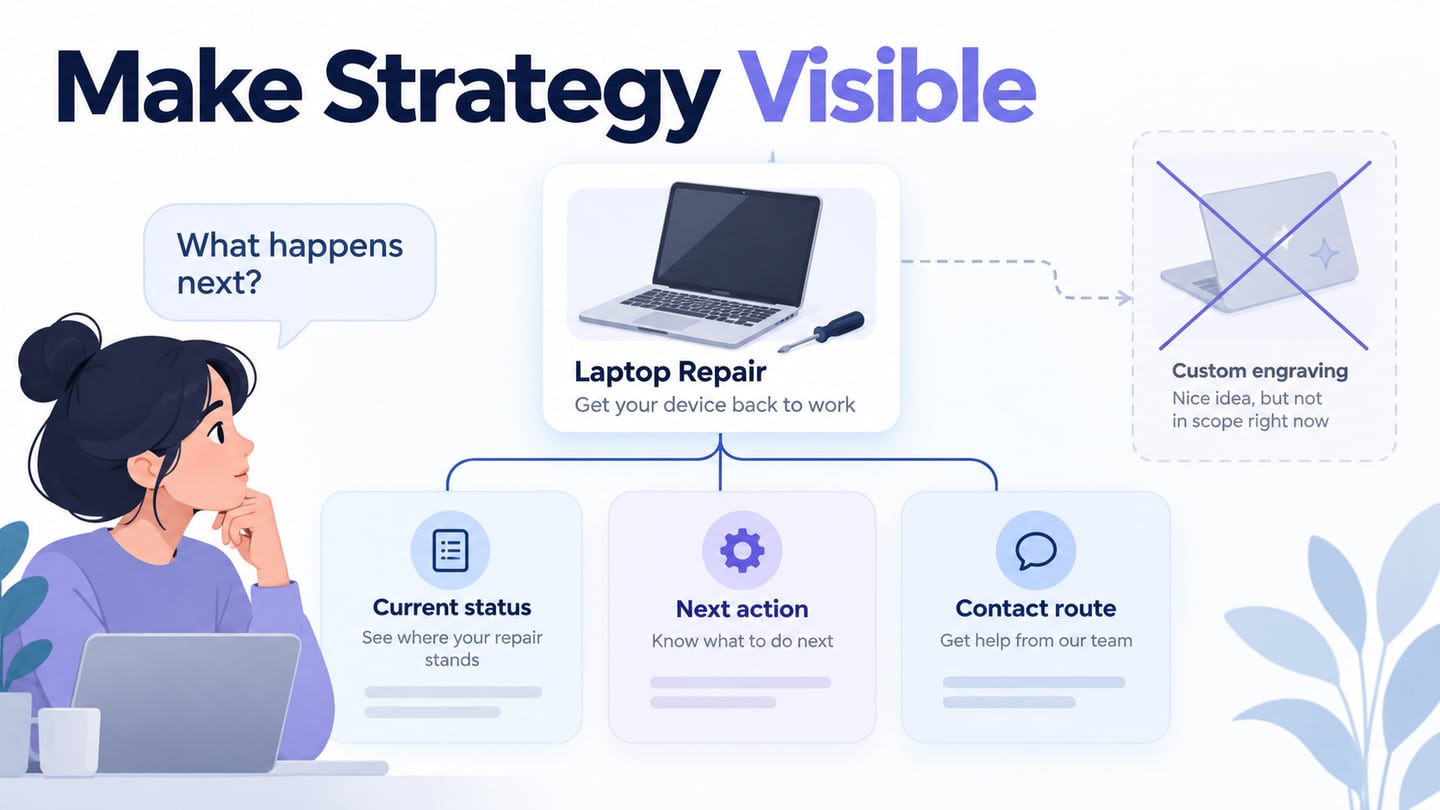
Agree which conventions, safety requirements or established patterns should remain stable and where alternatives are worth exploring. Novelty should serve a problem rather than become the goal.
Define how an alternative will be evaluated before polishing it. A team may reject a design because of evidence, scope or an unresolved dependency; recording those reasons is more useful than treating the outcome as personal approval or rejection.
Turn the questions into a small decision record
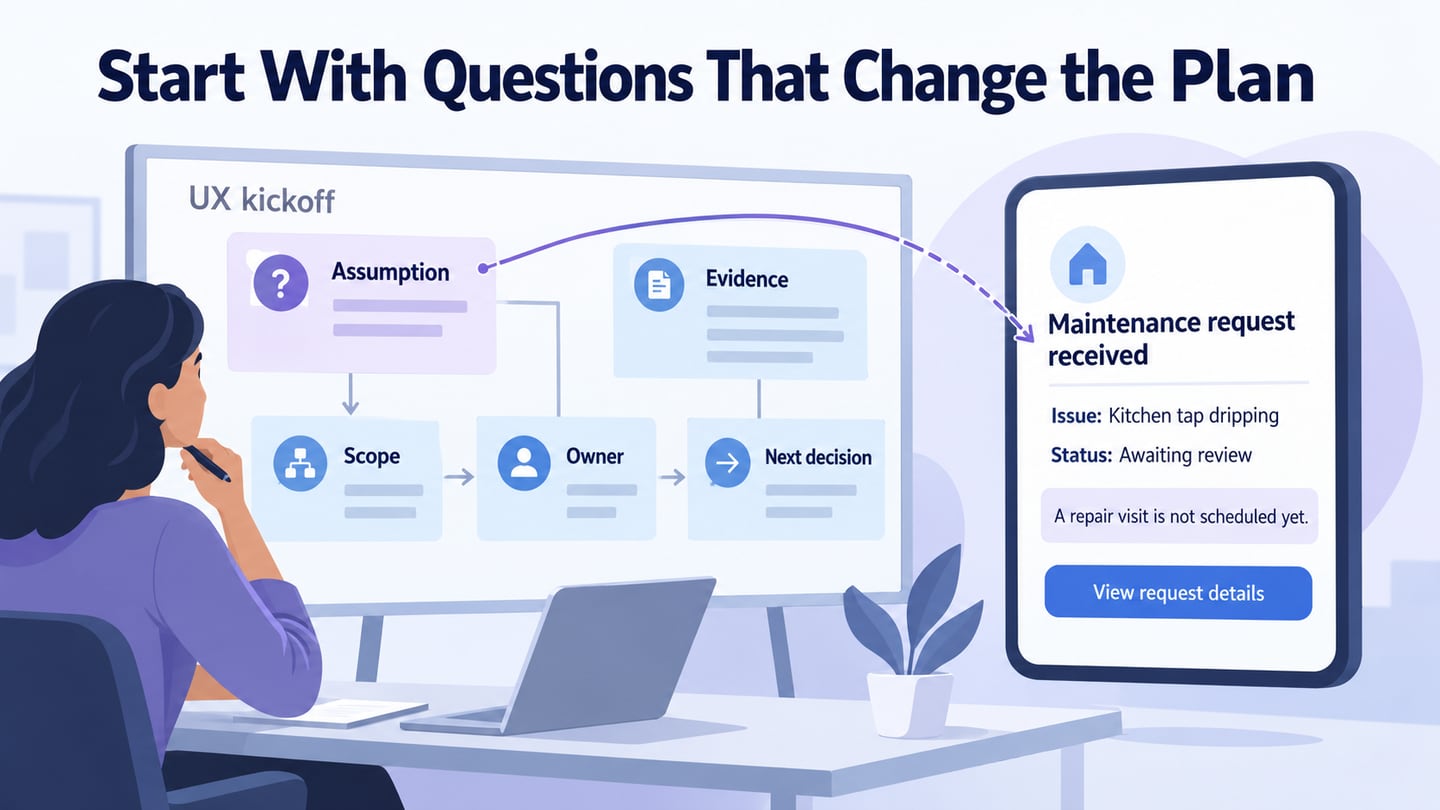
For a fictional building-maintenance service, suppose the team wants to improve repair requests. The kickoff identifies a critical assumption: residents may interpret submitting a report as booking a repair visit. The proposed screen says Maintenance request received, Issue: Kitchen tap dripping, and Status: Awaiting review. It explicitly explains that a visit is not scheduled yet.

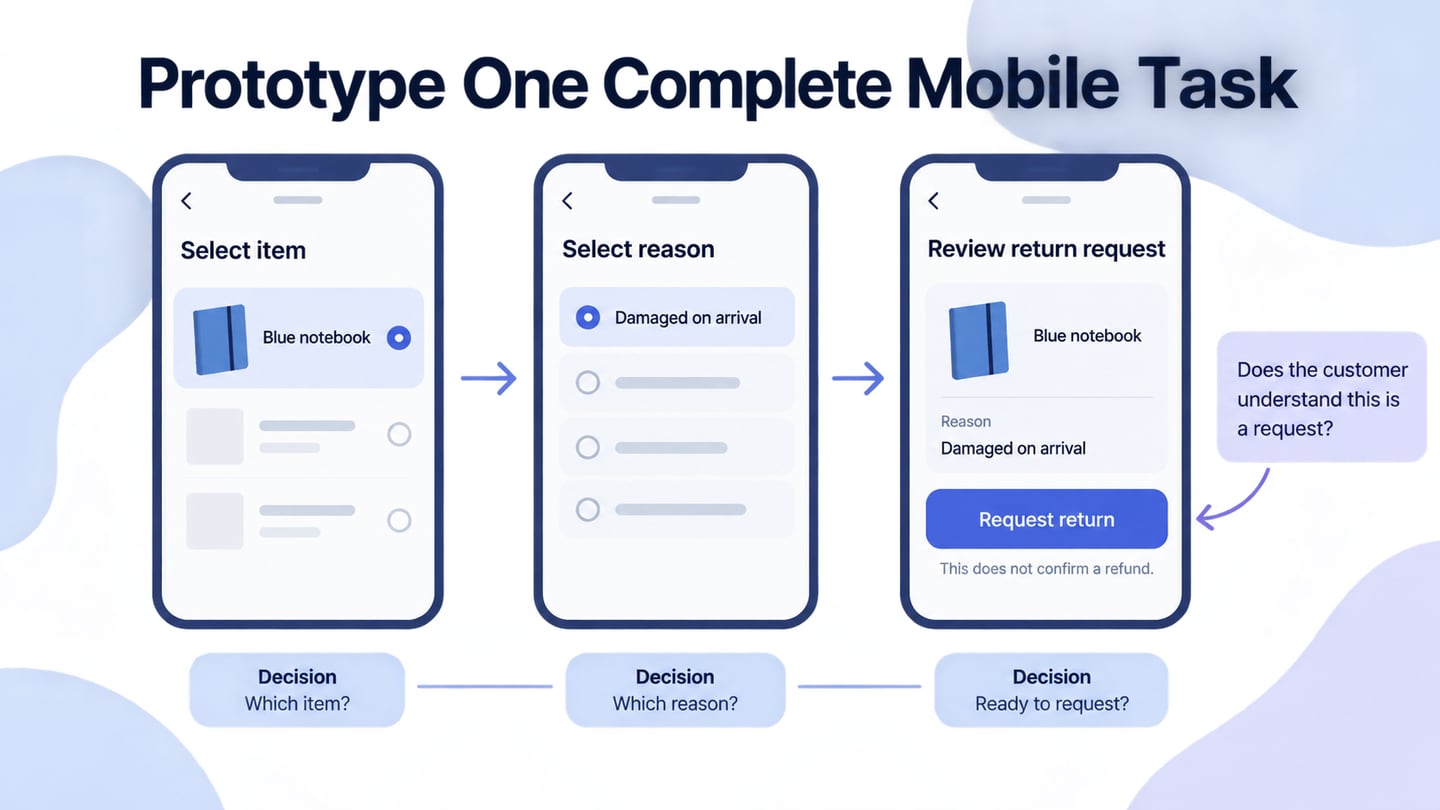
Record the unresolved questions: who reviews the request, how urgent cases are handled, how residents receive an appointment, and who owns the status wording. Use a prototype of the request flow to examine understanding of the receipt, while the service team verifies the actual operational rules.
The decision record should name an owner and a next step for each unknown. Do not mark the assumption resolved until appropriate evidence exists. This links kickoff discussion to concrete work without inventing results or committing the service to an unsupported response time.
Leave the Kickoff With Decisions and Open Questions
Asking many questions is less useful than asking the ones that affect the plan and following through on the answers. Keep the agreed problem, audience, evidence, scope and ownership accessible to the team.
Review the record when new evidence appears. The project may need a different design, a narrower scope, an operational change, or no new interface at all. Clear questions help the team choose that next step; they do not guarantee sales or professional success.