No-code Prototyping Tools Every Designer Should Know
Prototyping no longer depends on writing complex code or maintaining heavy design-to-dev handoffs. With the rise of no-code platforms, designers and product teams can build interactive, high-fidelity prototypes faster than ever. These no-code tools enable users to map user flows, create responsive layouts, and simulate real interactions, all without touching a single line of code. Whether you’re focusing on no code web design tools for marketing pages or no code prototyping tools for app interfaces, the right platform can bridge creativity and execution seamlessly. Among the standout options, Mockitt offers a clean, collaborative environment that supports everything from wireframing to clickable prototypes, giving teams the freedom to design, test, and refine ideas with remarkable ease.
- No-Code Platforms: What They Are and Why They Matter
- 1. Mockitt: All-in-One No-Code Design Platform for Designers
- 2. Webflow: Power Meets Visual Freedom
- 3. Bubble: Build dynamic applications without code
- 4. Framer: Where Design Meets Interactive Design
- 5. Glide: Converting Spreadsheets to Apps
- Why No-Code Platforms Are Game Changers for UI/UX Designers
- The Future of No-code Prototyping: Meeting the Core Needs of Designers
- Conclusion
No-Code Platforms: What They Are and Why They Matter
Before listing any recommendations, let me clarify what 'no code' actually means in UI/UX design.
A no-code development environment is a setting whereby a user can create, build, and even prototype an application or website right from scratch using only drag-and-drop visual interfaces without actually hand-coding. Their logic-based workflows, combined with prebuilt design components, also let designers easily create interactive interfaces that behave just like the real products.
This would entail less dependence on the developers right from the very ideation stage in UX/UI. This alone allows freedom in experimentation, quicker validation, and the ability to deliver prototypes that stakeholders or team members can actually click through. No-code tools help designers bridge the gap between creativity and execution more generally by placing designers at the forefront.
Without code prototyping tools, even startups with no engineering teams take sketches and bring them into functional experience space in days, not weeks. They save time but also amplify their creativity.
1. Mockitt: All-in-One No-Code Design Platform for Designers
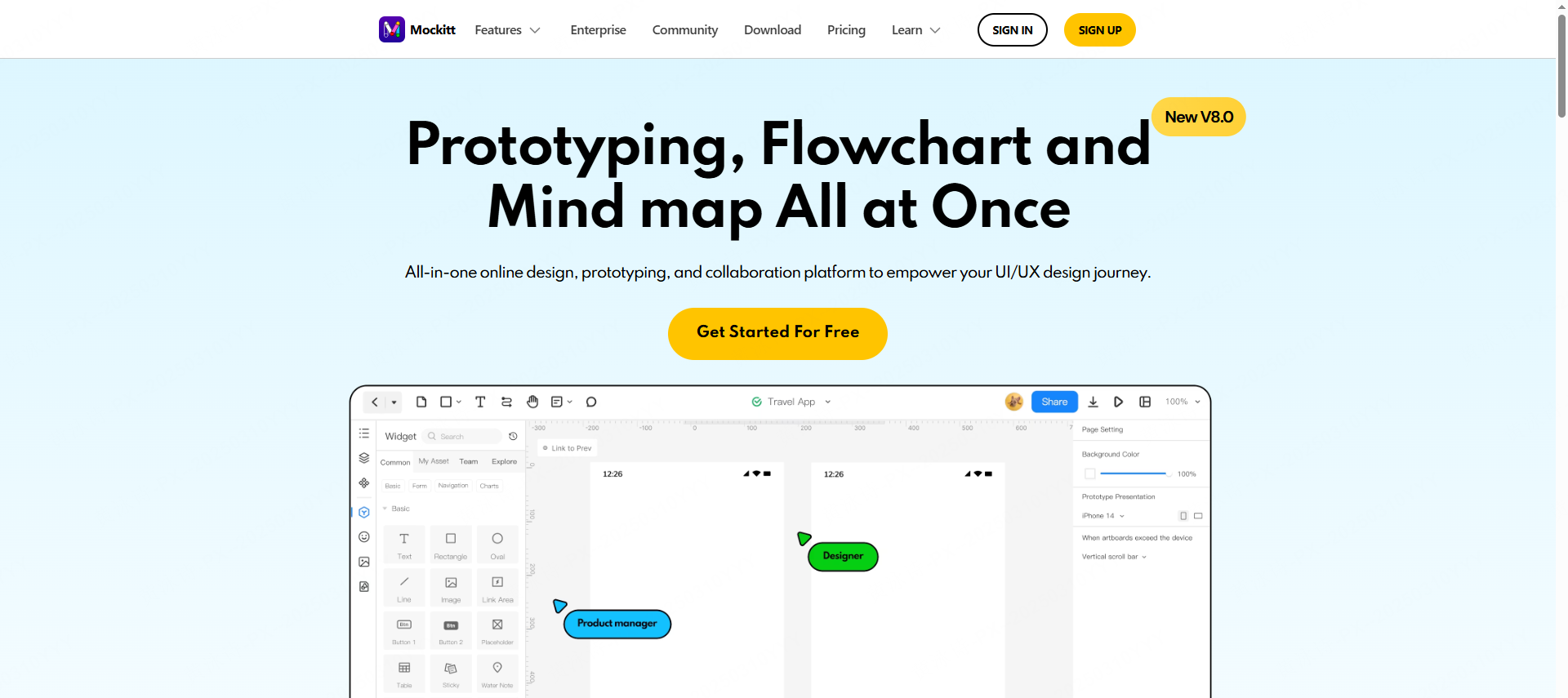
First of all, Mockitt deserves the first place among no-code prototyping tools with which to empower the design teams. Mockitt is a modern cloud-based platform designed for designers and product teams who need to visualize, collaborate, and iterate on products faster.
Drag-and-drop prototypes that feel like a breeze
Mockitt enables a truly visual workflow: you will be able to prototype by dragging to connect components without any coding. It offers an intuitive interface, which is packed with various buttons, images, transitions, and gestures. You can turn your static layout into a clickable prototype that feels like a real product within minutes.
That is where Mockitt excels. It takes the otherwise messy process of manual prototyping into a seamless creative exercise. For a UI/UX designer in a hurry, it saves hours of tiring repetitive work and guarantees the professional quality of the design.
Professional features for real-world design workflow
Unlike most no-code website design tools, Mockitt isn't made for complete beginners but offers advanced features to fit pros: reusability of components, responsive layouts, and interactive transitions acting just the same on every device.
It further enables designers to keep design systems, maintain consistent styles, and even export design assets with accurate CSS code for direct collaboration with developers. That's where seamless handoff between design and development takes place, which makes Mockitt an ideal fit to reduce friction from prototyping to production.
Collaboration Made Easy
In remote design teams, collaboration gets messy: different tools, version conflicts, and endless feedback loops. Mockitt solves this problem because it offers one workspace in which designers, product managers, and developers come together and collaborate in real time. Comments and feedback will go right to the prototype so that confusion and back-and-forth emailing will be avoided.
That is why so many remote-first teams put Mockitt into their stack of collaboration-friendly no-code platforms: it turns feedback into action, aligning your teams from the very start with each stage of the design process.
Secure, flexible, and scalable
Mockitt treats data privacy as paramount. It enables cloud storage, encrypted sharing links, and permission-based access so that teams can safely manage prototypes and design assets. From solo workers to big organizations, Mockitt properly keeps sensitive data safe.
It comprises all that makes up a modern no-code prototype: simplicity, flexibility, collaboration, and professional-grade precision.
2. Webflow: Power Meets Visual Freedom
Webflow is, without a doubt, one of the most loved no-code web design tools out there, and for a reason: it finally lets designers build fully responsive websites that look and behave exactly as intended, with no need to write HTML, CSS, or JavaScript.
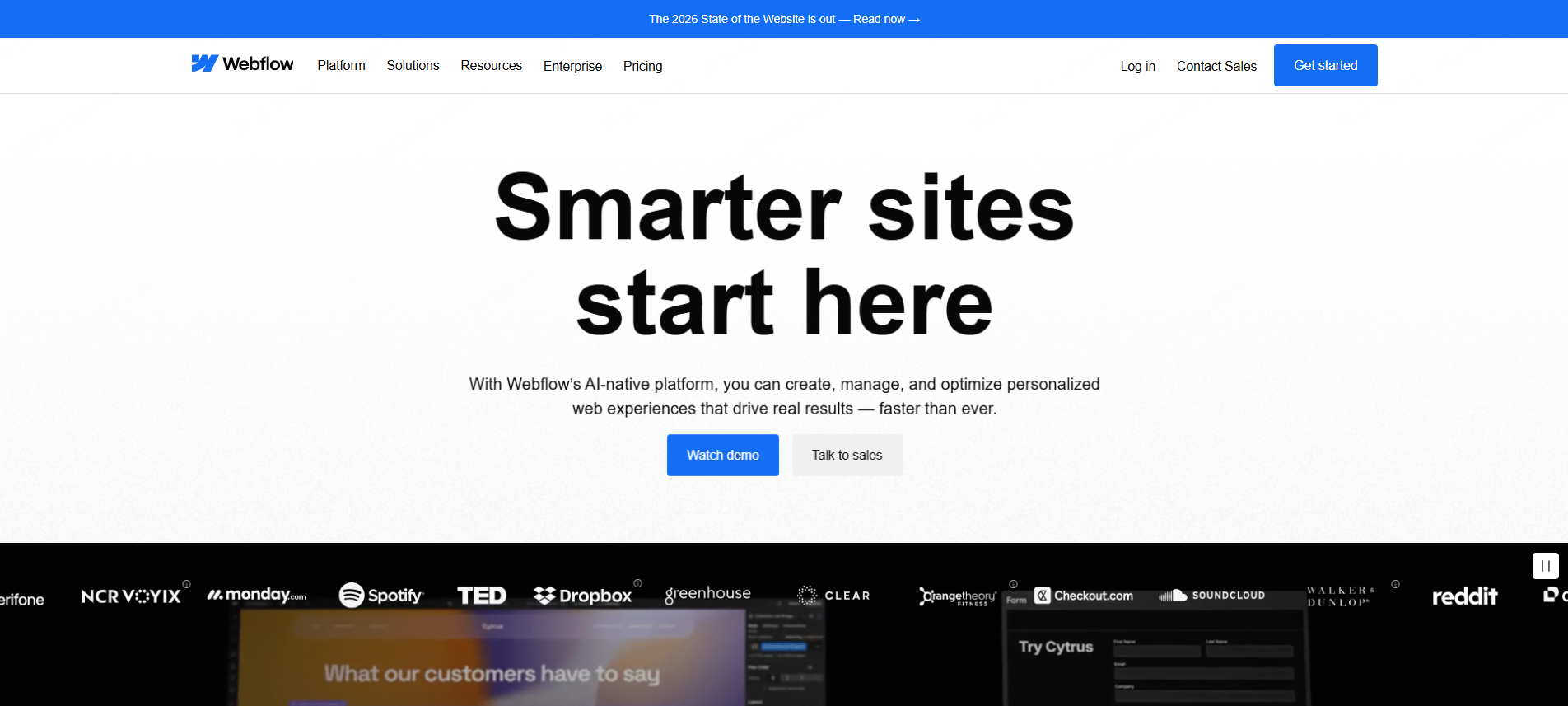
Webflow gives the ultimate in flexibility for a designer who wants creative control: adjust animations, interactions, and layouts visually, and let Webflow write clean production-ready code.
Although traditionally not a tool for prototyping, Webflow bridges the gap between concept and final launch for those UI/UX designers who also handle web projects. It's an end-to-end, no-code platform for digital product creation, with CMS and hosting options available.
3. Bubble: Build dynamic applications without code
So, Bubble was one of the first-ever no-code platforms. Now, the big difference between Webflow and Bubble is that with Bubble, you actually can build a fully interactive web application. That's to say, you can set up user flows, hook up databases, and even integrate APIs-all from within a visual interface.
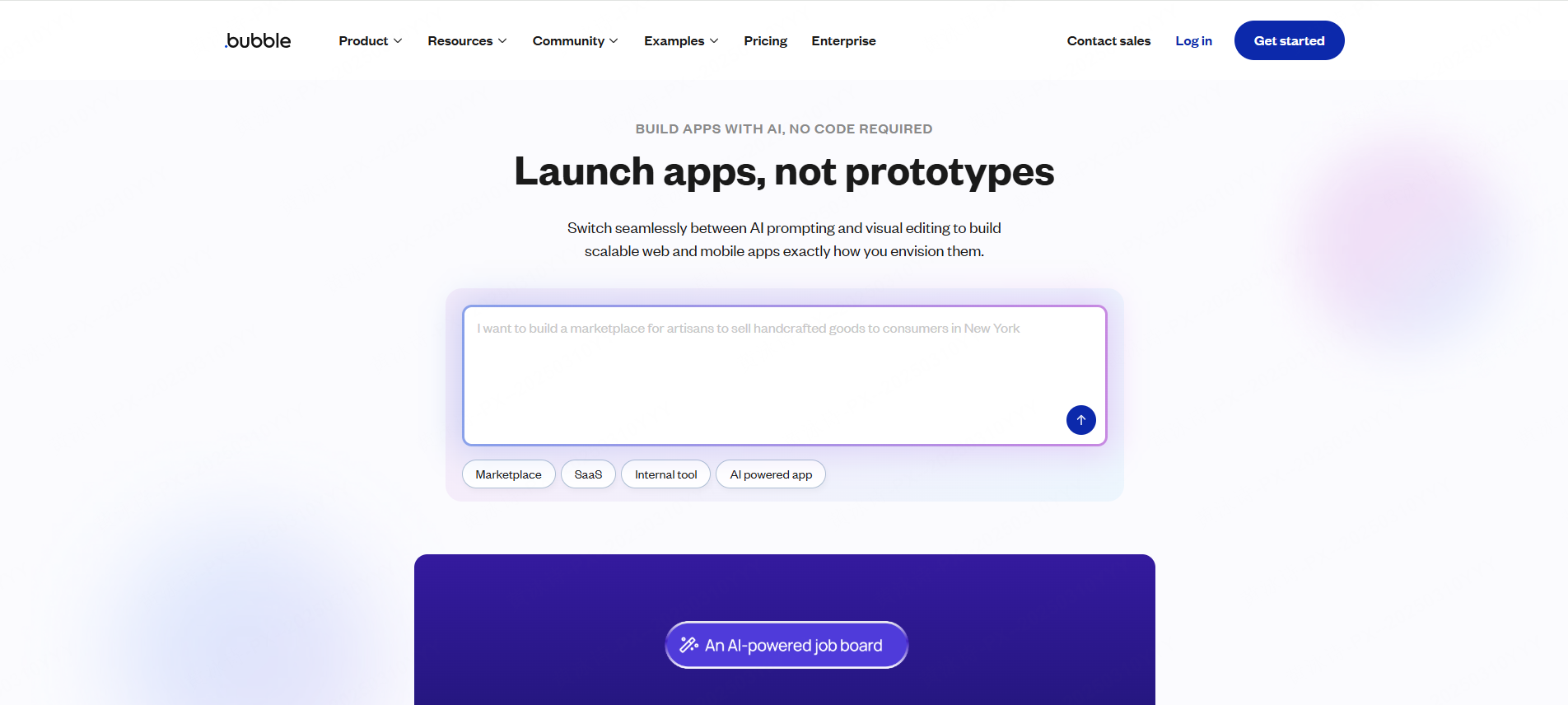
While a bit more difficult to learn compared to other no-code tools, the upside is that in many ways, Bubble has unparalleled versatility. For more complex app prototyping-for UI/UX designers with needs for dashboards, marketplaces, or even SaaS products-Bubble can effectively help them demo real functionality for client presentations or even product tests. At a startup, it serves the teams by taking imagination and turning it into an interactive demo for potential investors or to validate ideas before actual development.
4. Framer: Where Design Meets Interactive Design
From motion design to prototyping, Framer evolved into one of the sleekest no-code web design tools out there. With it, designers can create aesthetic yet functional web pages and interfaces, all without writing code.
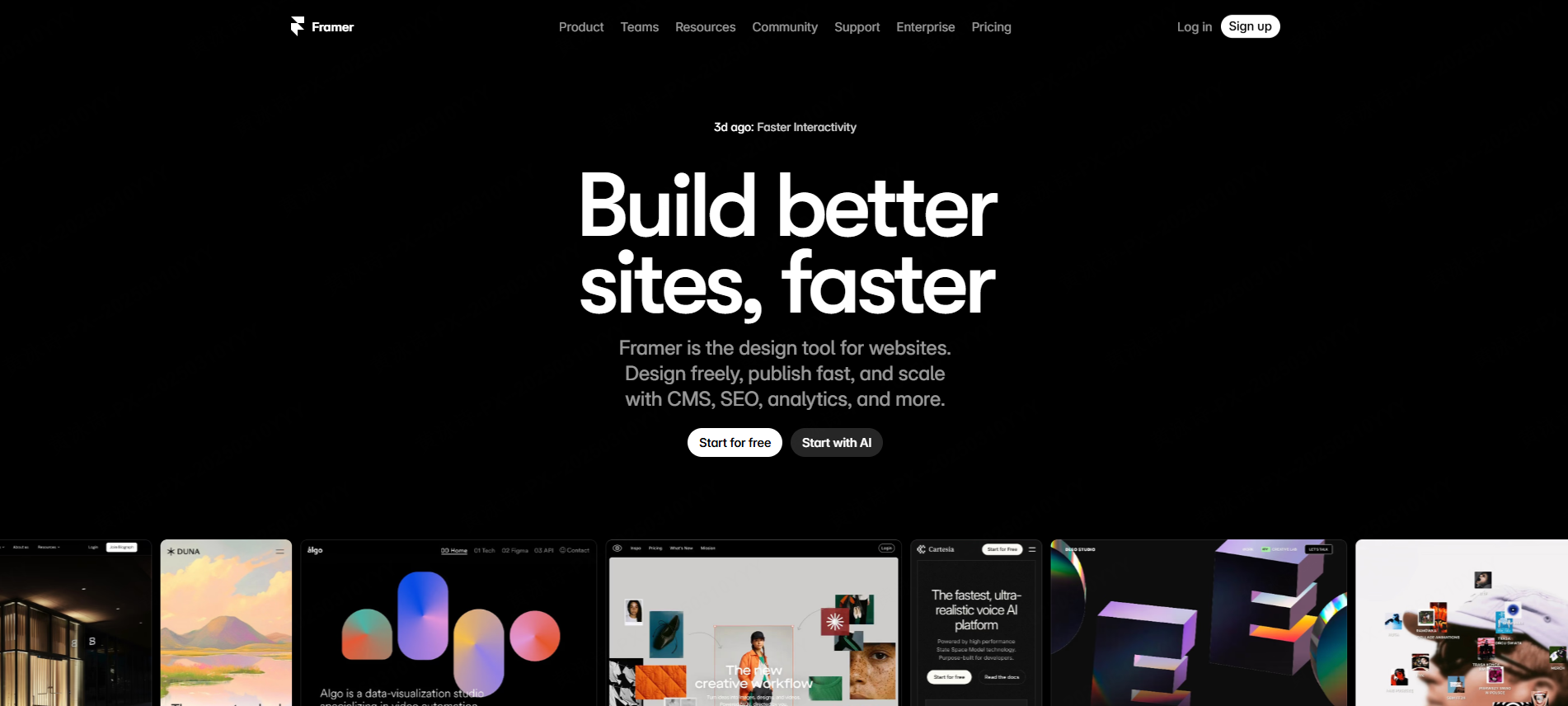
Real-time previewing allows you to see how your prototype would behave, including an AI-assisted layout system that keeps spacing and alignment consistent. Framer has a growing component library that facilitates fast iteration; hence, it is best for teams who favor rapid experimentation.
Designers love how Framer balances flexibility with control. It's like a coded experience without actually writing it.
5. Glide: Converting Spreadsheets to Apps
If speed is what matters for your team, then Glide will be one of the best no-code solutions to prototype mobile and web applications. The idea is as simple as powerful: Turn your data from Google Sheets or Excel into interactive apps in just minutes.
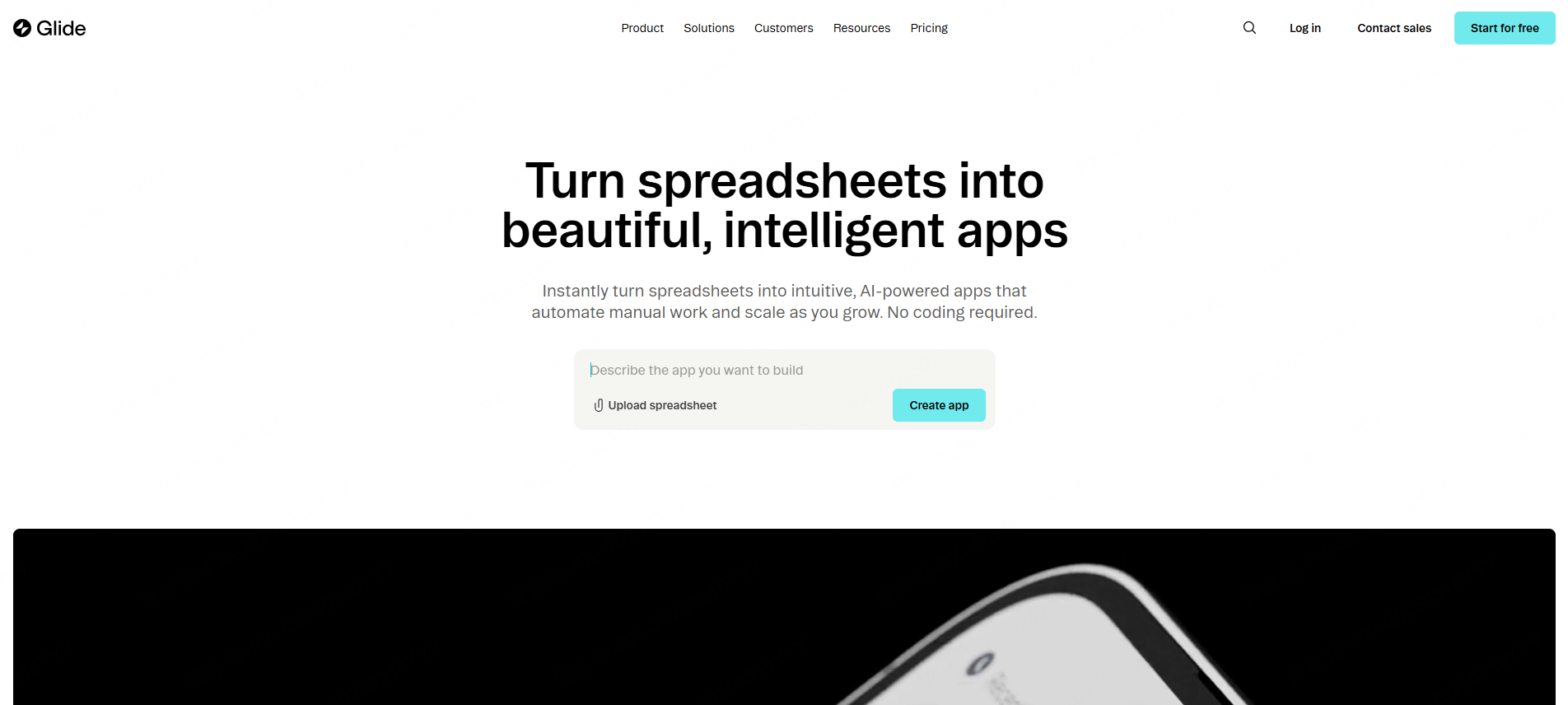
You can personalize the interface, show or hide data, and even add user authentication if you need to. While less flexible in terms of design than Mockitt or Webflow, Glide's focus on accessibility and simplicity makes it ideal for small teams or nontechnical founders who want to have something up for proof of concept fast.
Why No-Code Platforms Are Game Changers for UI/UX Designers
But perhaps the biggest benefit of all for no-code platforms is creative autonomy. Without having to wait for a developer to build their ideas, designers themselves can create, test, and iterate on concepts, which makes iteration cycles not only much faster but indeed far more user-focused.
Moreover, no-code tools allow cross-functional collaboration: product managers, marketers, and even clients can review or interact with prototypes much earlier in the process, thus reducing misunderstandings and rework later.
These platforms provide an even more inclusive environment. No-code prototyping lets even those with no technical background meaningfully contribute to design discussions, helping the team move fast from concept to launch.
The Future of No-code Prototyping: Meeting the Core Needs of Designers
With no-code web design tools continuing to improve, the expectations that UI/UX designers have from them increase. Their next generation needs to further simplify design but also fit into professional, real-world requirements.
Here are the key needs defining the future of no-code prototyping, and how Mockitt already meets them so well:
- Low Barrier, High Efficiency: The low barrier to entry, yet highly effective, is that designers require a drag-and-drop interface; thus, making prototyping fast and flexible. Its intuitive visual editor with inbuilt templates makes the transformation of concepts into interactive prototypes very easy within minutes.
- Professional Adaptability: Responsive layouts, reusable components, design-to-development handoff-all these features make Mockitt a professional tool that fits well with mainstream design workflows.
- Smooth collaboration: real-time commenting, version control, and shared workspaces allow teams to stay aligned. Mockitt makes sure that every stakeholder, from designers to developers, contributes efficiently.
- Flexible and Secure: With exportable assets, integrations, and strict data protection, Mockitt keeps teams agile while in full control of their design systems.
Conclusion
No-code platforms revolutionized how UI/UX designers think about the prototyping and building of products. They allow creativity without technical barriers, collaboration without friction, and teams to ship ideas faster than ever. Nowadays, with so many no-code solutions, Mockitt is an excellent all-in-one fit for creative and professional needs. It merges the intuitiveness of drag-and-drop design with the depth of a collaborative platform, effectively bridging the gap between idea and execution. It isn't just about convenience for today's designers; relevance in the modern design world is facilitated with speed, flexibility, and collaboration by finding the right no-code prototyping tool. Mockitt is a tool to be on your side when it comes to striking a perfect balance between these needs in one place.
