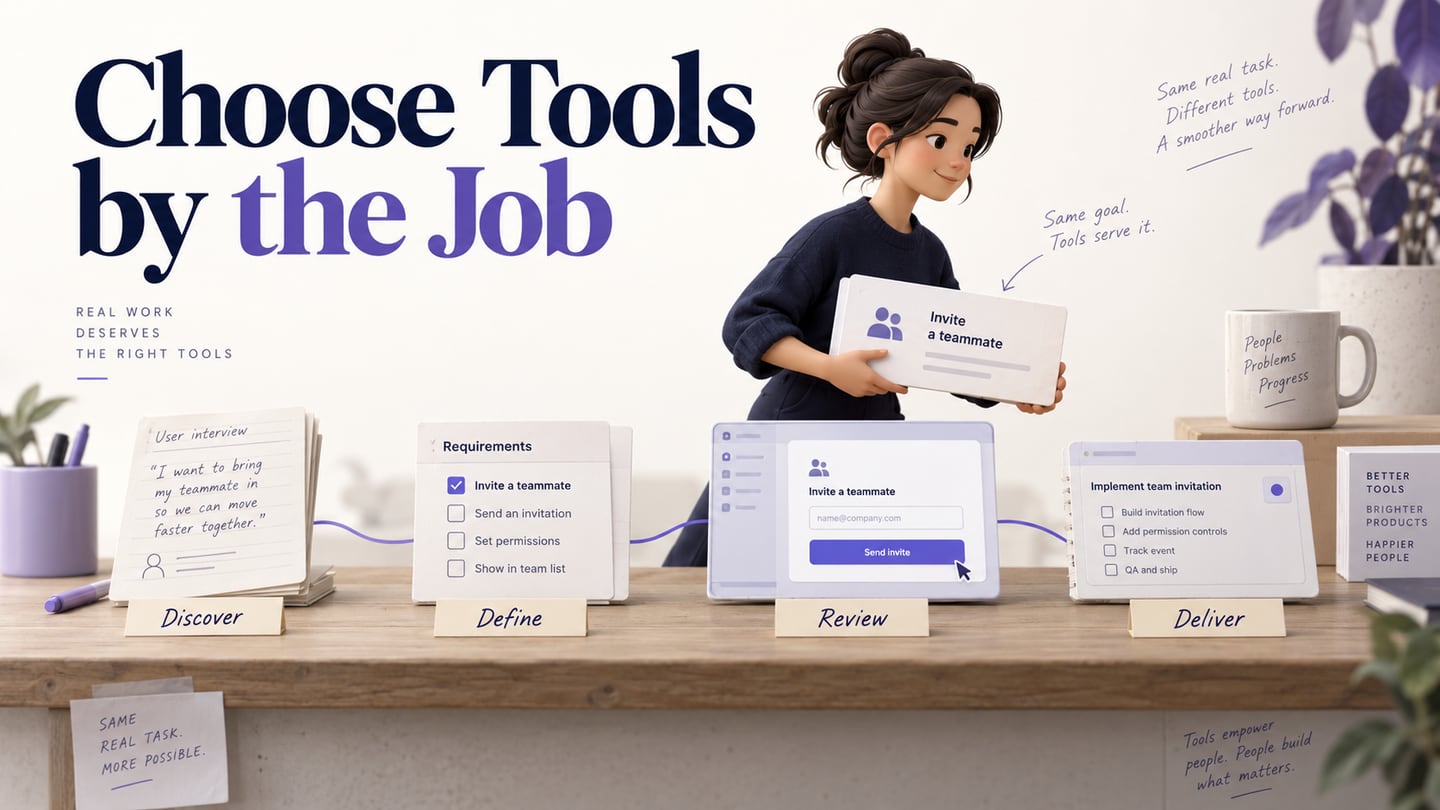
Product managers need tools that connect evidence, decisions, designs, and delivery. Buying several overlapping design apps will not solve an unclear handoff. This list preserves useful design options from the original article and adds tools for discovery, documentation, and implementation tracking. It is a workflow guide, not a tested ranking or a claim that every team needs all ten.
Top 10 useful tools for the product manager
Start with the artifact you need to produce. Use a whiteboard for synthesis, a document for approved requirements, a prototype for a user task, and a delivery tracker for implementation work. For each shortlisted tool, check reviewer access, ownership, export needs, current plan limits, and how the next team receives the result.
Tool 1: Mockitt
Mockitt fits the prototype and design-review part of a product manager’s workflow. Arrange screens, connect a task, and share the design for discussion. It is useful when a written request leaves people imagining different interfaces. A prototype does not establish working backend services, and reviewers still need context about what is simulated.
Features
- Reusable structure: adapt available components or templates to the actual task instead of accepting sample content as product requirements.
- Interface elements: use controls and labels to make the user’s choices visible. An asset library supplies design elements, not application logic.
- Editing: adjust properties consistently and name important states so reviewers can discuss the same behavior.
- Collaboration: share the relevant prototype and check that reviewers have the appropriate access.
- Interaction: simulate navigation and feedback where the task needs it; avoid animation that distracts from the decision.
Tool 2: Boardmix — discovery and shared mapping
Boardmix provides an online whiteboard for organizing ideas and diagrams. A product manager can group interview observations, map a journey, and mark open questions before a feature is specified. Keep evidence separate from the team’s interpretation. A board becomes useful when its conclusions link to a decision record, rather than remaining a wall of unowned notes.
Tool 3: Figma
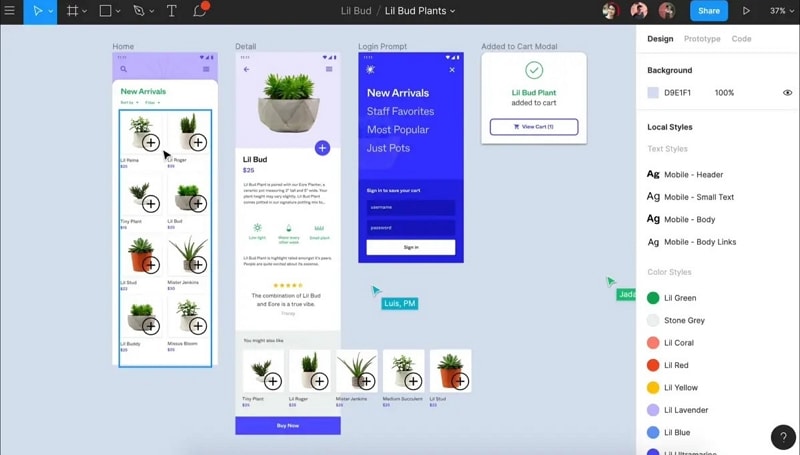
Figma Design supports collaborative interface design, reusable components, and prototyping. It fits teams whose design system and screen work already live there. For a product review, agree which file and version represent the proposal and use comments for specific questions. Confirm access and handoff requirements instead of assuming that all seats have the same capabilities.
Tool 4: Axure
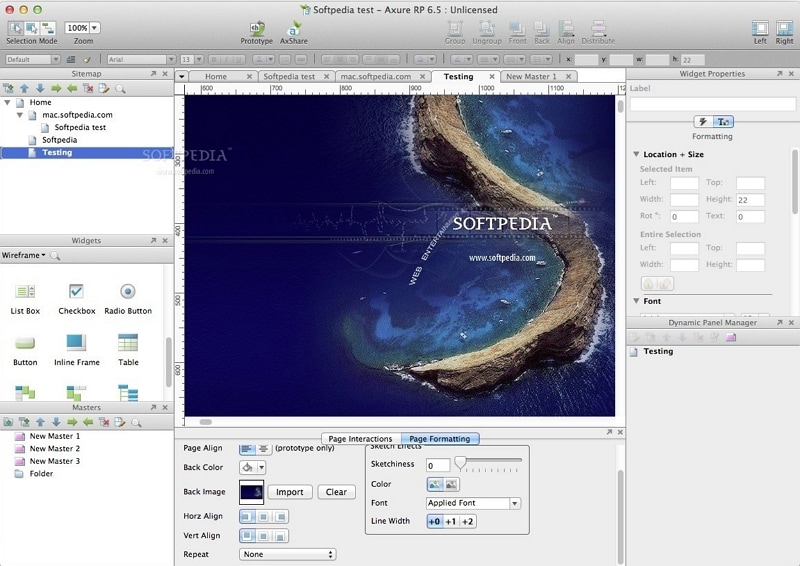
Axure RP is a prototyping option when a proposed experience needs detailed conditional behavior or data-driven interactions. Product managers can use it with a designer to explore branching forms or complex workflows. The tradeoff is setup and maintenance effort: model only the behavior needed to answer the review question, and do not confuse a simulation with production code.
Tool 5: Sketch
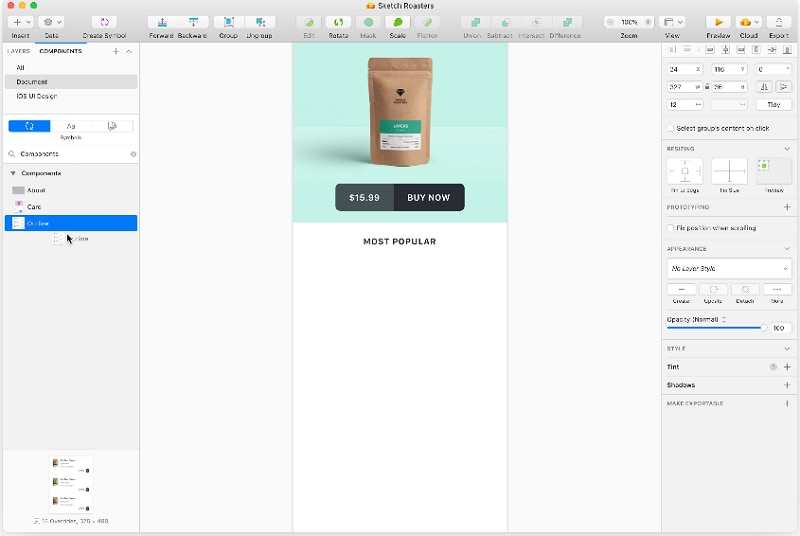
Sketch offers interface design and prototyping through its Mac design app, with browser-based collaboration and handoff features. It can fit a team already maintaining Sketch libraries. Confirm which colleagues need to edit on a Mac and which only need browser review; operating-system access is a practical selection criterion.
Tool 6: Webflow
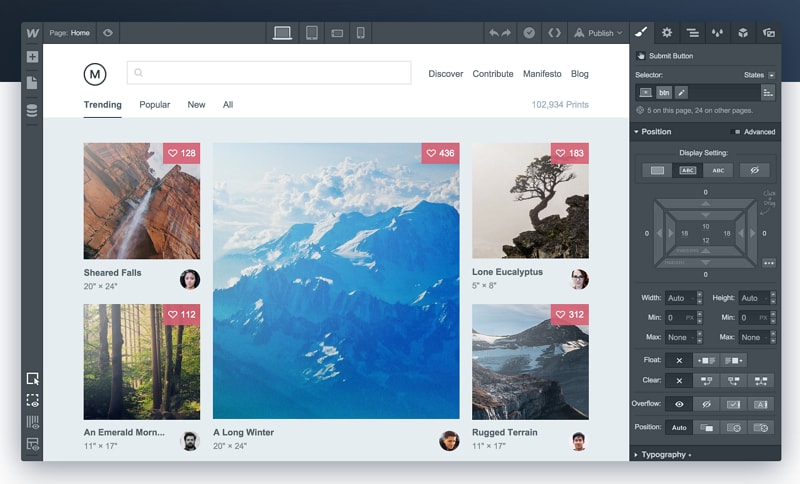
Webflow is relevant when the deliverable is an actual website, including content and publishing, rather than just a screen prototype. A product manager evaluating a marketing-site experiment should consider hosting, CMS needs, permissions, accessibility, and maintenance. Publishing a page is a different responsibility from sharing a prototype for feedback.
Tool 7: Jira — delivery and issue tracking
Jira can track the work needed to implement a product change. Link a ticket to the approved requirement and design rather than copying conflicting instructions into several places. A delivery board answers who is doing what and what is blocked; it does not replace discovery evidence or demonstrate that a feature solves the user problem.
Tool 8: Balsamiq
Balsamiq focuses on wireframing and early screen structure. It is suitable when the review needs to discuss information and actions before detailed visual styling. Try the tool with a real form or navigation task, and check the sharing workflow your reviewers require. Low visual detail can make a structure discussion easier, but it is not a substitute for interaction or accessibility checks.
Tool 9: Notion — requirements and decision context
Notion connects documents and project information. A product manager can maintain a feature brief, research links, decision history, and related tasks in an accessible location. Define an owner and an approval status; a shared editable page is not automatically an approved specification. Check guest access and your organization’s data rules before inviting external reviewers.
Tool 10: Origami Studio
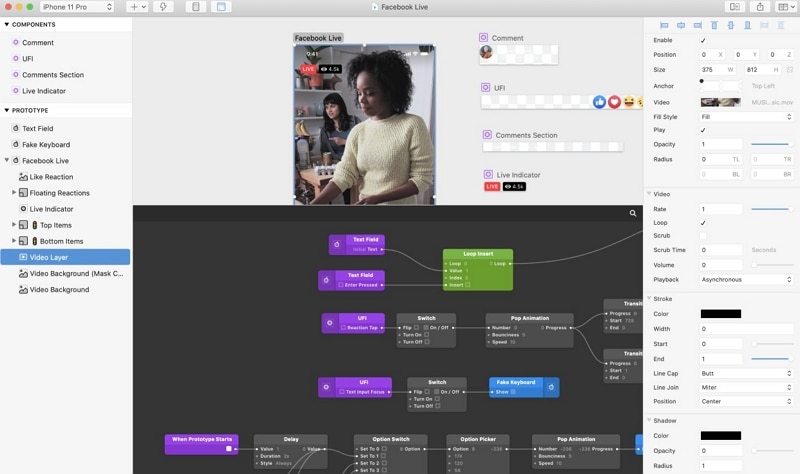
Origami Studio is a design-prototyping tool for exploring detailed interactions. It can be useful with a specialist designer when a gesture, transition, or state behavior is the decision under review. Its learning and maintenance effort should match the question being asked. An interaction prototype does not itself deliver a mobile application.
How product managers use Mockitt in this workflow
For a team-invitation feature, create the invite, pending, accepted, and expired-link screens in Mockitt. Ask reviewers to explain the role being granted and recover from an expired link. Link the approved requirements and record whether feedback changes the behavior, wording, or visual presentation. The retained design screenshots illustrate earlier interfaces, not current plan details.
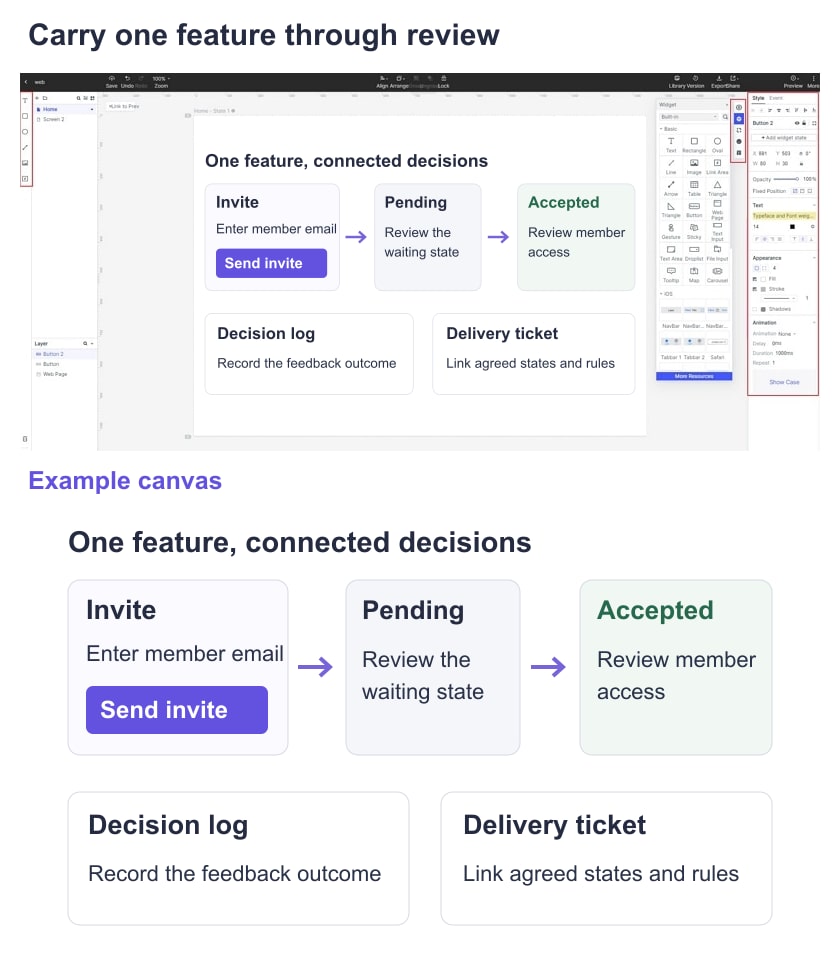
Then close the handoff: move the approved decision into the requirement document, attach the prototype to the delivery ticket, and keep unresolved questions assigned to owners. When the implementation is available, test the real permission and invitation behavior. This connects tools through artifacts rather than asking a single tool to perform every job.
Before purchasing a new tool, run that same feature through your proposed workflow with actual reviewers. Check whether a guest can open the design, a developer can find the approved state, and a product owner can trace the decision. Compare the friction you observe, not a vendor’s broad productivity claim.
Conclusion
Choose the smallest set of tools that covers your workflow and fits the people using it. Existing libraries, reviewer access, and reliable handoff often matter more than a longer feature list. Revisit the choice when the task changes, such as moving from an early wireframe to a published website or a complex interaction prototype.