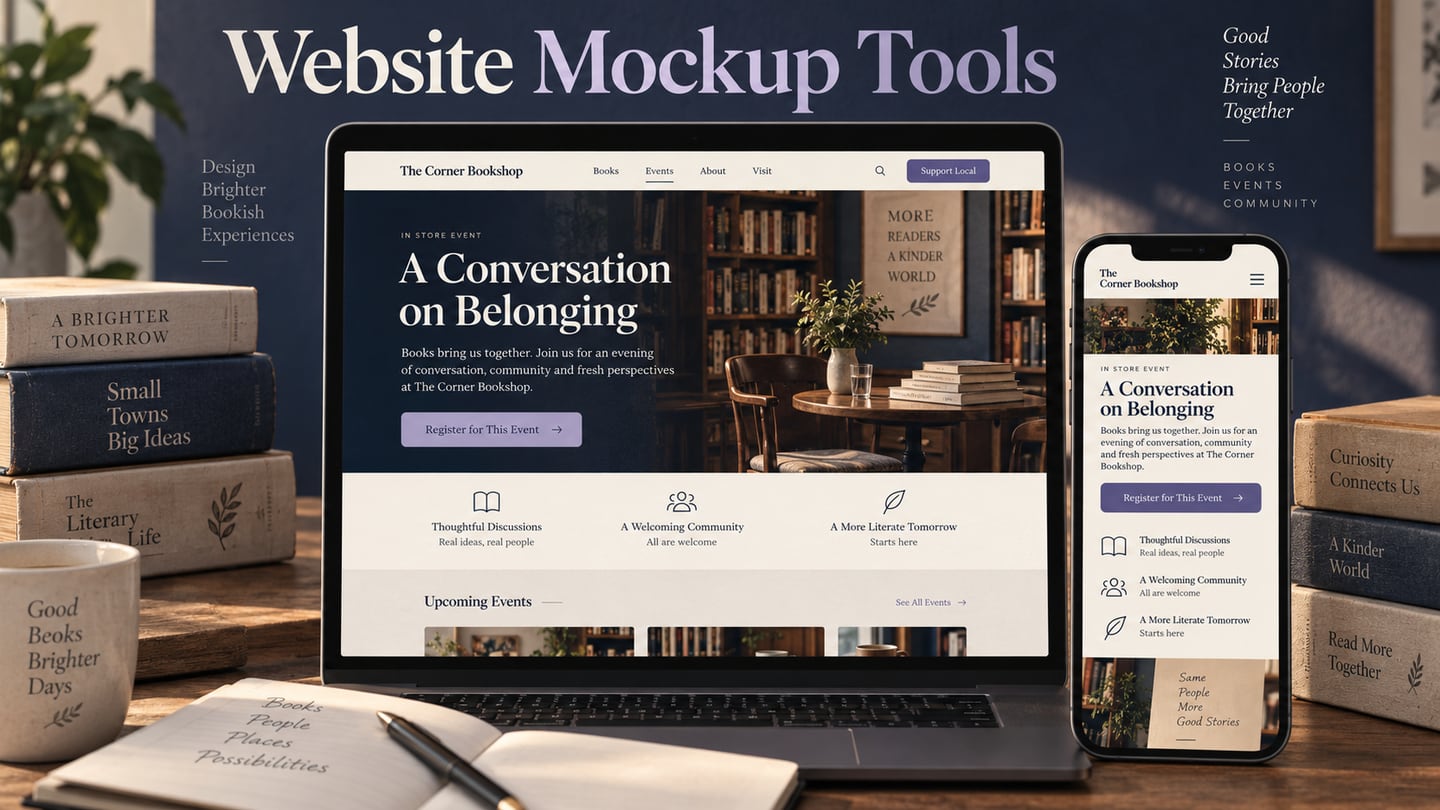
A website mockup represents the intended appearance of a page before, or alongside, implementation. The right tool depends on whether the next deliverable is a visual design, an interactive prototype or a publishable website. This comparison uses an independent bookstore’s events page to keep those differences concrete.
Mockitt is one option for editable screen design and prototype review. The other candidates support different levels of structure, interaction and publishing. The list describes documented workflows and practical checks; it is not a timed test or a ranking derived from unverifiable review scores.
Use the same evaluation criteria
Layout: can you edit real headings, event cards and repeated elements without losing their hierarchy?
Review: can the intended recipient inspect the correct version and comment on a specific page or state?
Output: does the result meet the next step—design handoff, interactive review or website publication? A polished preview does not make those outputs equivalent.
Seven tools, with legacy options separated
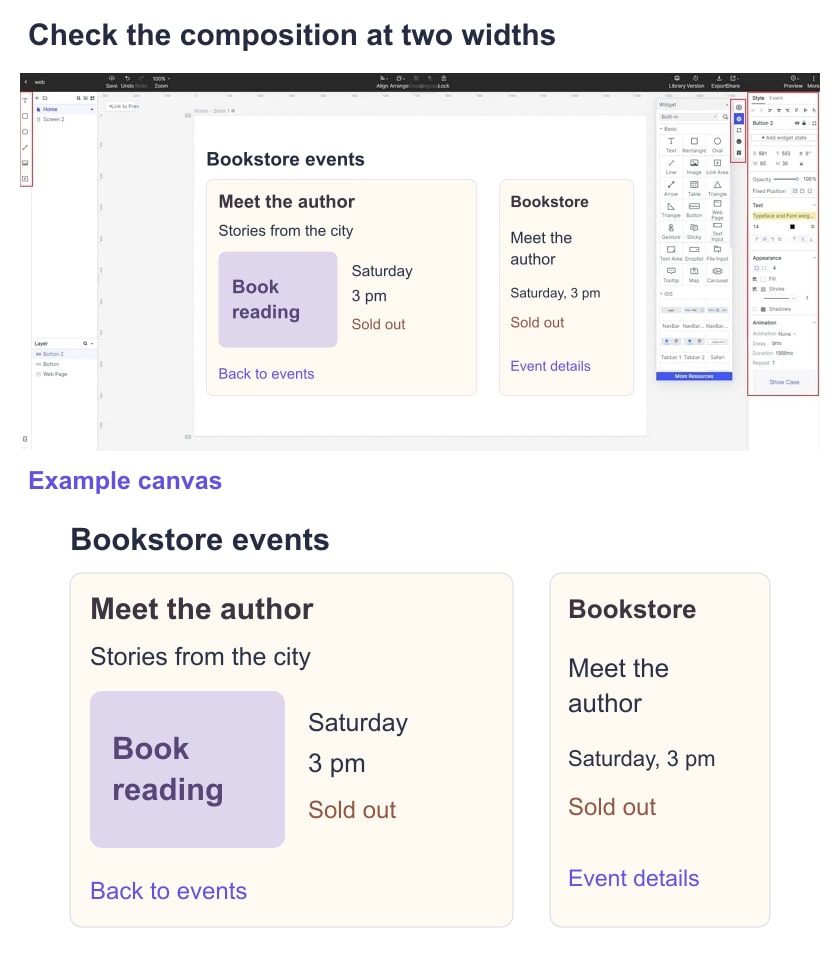
The bookstore example needs an events listing, an event detail page and a narrow-screen layout. Include a long event title, a sold-out event and a clear route back to the list. Keep that content constant when evaluating tools. The retained screenshots show older interfaces and are visual context, not proof of today’s exact controls.
Legacy note: Adobe XD
Adobe states that Adobe XD remains in maintenance mode. Teams with existing XD files may still need to maintain or migrate that work, but the old recommendation as a default choice for a new project needs that qualification.
For an existing project
- Inventory reusable components and linked screens before changing tools.
- Check which shared prototypes and assets remain accessible to the team.
- Retain review notes that explain approved decisions.
Confirm your existing entitlement and migration options directly; the old monthly price in this article is not current purchasing guidance.
1. Axure RP
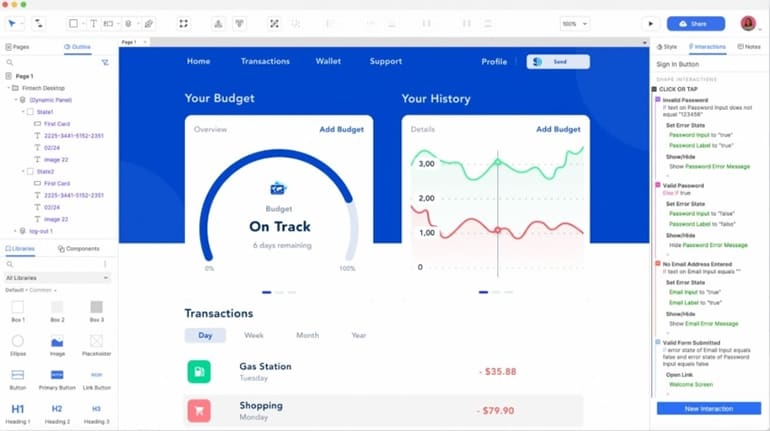
Axure RP is relevant when the website review needs detailed behavior, conditions or adaptive views rather than only a static composition. Its authoring workflow is different from a browser-only visual canvas.
Evaluate with the bookstore example
- Represent the available and sold-out event states.
- Use repeated event-card patterns with consistent content hierarchy.
- Check a form or selection state only if it is part of the intended review.
- Inspect what changes between wide and narrow views.
- Annotate assumptions about booking and availability.
- Share the appropriate prototype version.
- Ask a recipient to identify the event and explain its status.
- Verify any required integration separately.
Confirm the authoring environment and recipient browser requirements for your team.
Check current commercial terms and collaboration needs; no historical price is used as a recommendation.
Boundary: conditional behavior in a prototype does not implement the bookstore’s inventory, ticketing or payment systems.
2. Mockitt
Mockitt supports editable screen design and an associated prototyping workflow. It is relevant when the team wants to compose the bookstore pages and review how their proposed states connect.
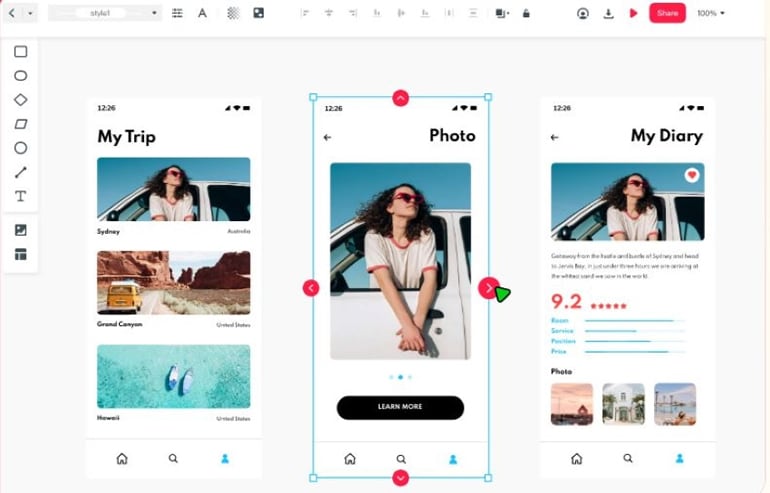
Use the design workspace for visual composition and the prototype workflow when the next question depends on interaction.
Evaluate with the bookstore example
- Create the events list and detail page using the same sample content.
- Make the sold-out state visually distinct and understandable without color alone.
- Reuse the event-card structure across items.
- Collect feedback against the relevant page and version.
- Inspect what design information the implementer needs.
- Check recipient access before distributing the link.
- Maintain consistent typography and repeated components.
Use the actual workspace and review device planned for the project.
Verify current plan requirements for the files, collaborators and outputs you need.
Boundary: a mockup or connected preview does not reserve seats or publish a working event service.
3. Balsamiq
Balsamiq is a wireframing tool with a sketch-like visual vocabulary. It is useful when the website’s content hierarchy is still unsettled, before final branding and typography become the main decision.
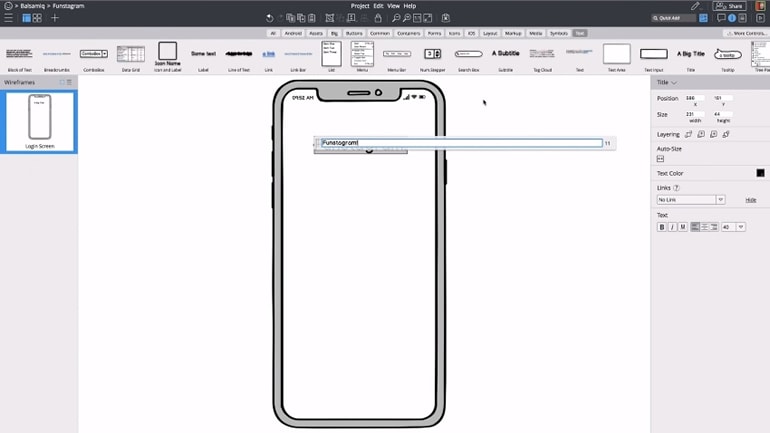
Evaluate with the bookstore example
- Arrange the event list, filters and detail content.
- Invite feedback through the intended review workflow.
- Discuss structural alternatives using recognizable event content.
- Link related screens where navigation is part of the question.
- Annotate unresolved content or registration rules.
- Keep the output clearly identified as a wireframe.
Verify the current authoring and sharing options used by your team.
Check current plans; the original fixed monthly price is obsolete purchasing guidance.
Boundary: a sketch-style layout does not replace a detailed visual specification for the final website.
Legacy note: FrameBox
FrameBox appeared in the original article as a simple browser wireframing option. Current availability and support could not be established reliably during this refresh, so it is not included in the seven-tool shortlist for a new project.
4. Justinmind
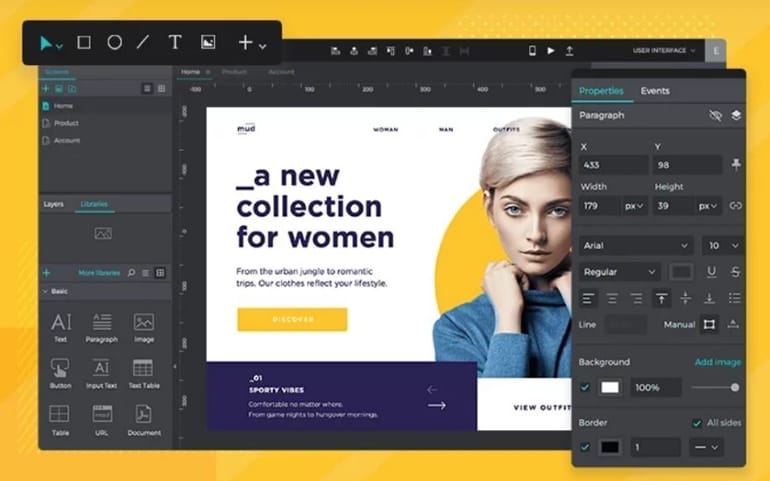
Justinmind supports interface prototyping, including detailed interaction and responsive-design workflows. It is relevant when the review needs to examine behavior beyond a static website mockup.
Evaluate with the bookstore example
- Share the intended event-list and detail-page prototype.
- Collect feedback on the specific state being reviewed.
- Verify how the team manages concurrent work and approved versions.
- Inspect the handoff information needed by the implementer.
- Use components appropriate to the page’s content.
- Model the available and sold-out paths.
- Review wide and narrow layouts with the same event information.
- Include form feedback only where it answers a project question.
Verify the authoring and recipient environments for the intended workflow.
Check current plan and sharing requirements rather than the old price quoted here.
Boundary: simulated form behavior is not proof that registrations or email notifications work.
5. Framer
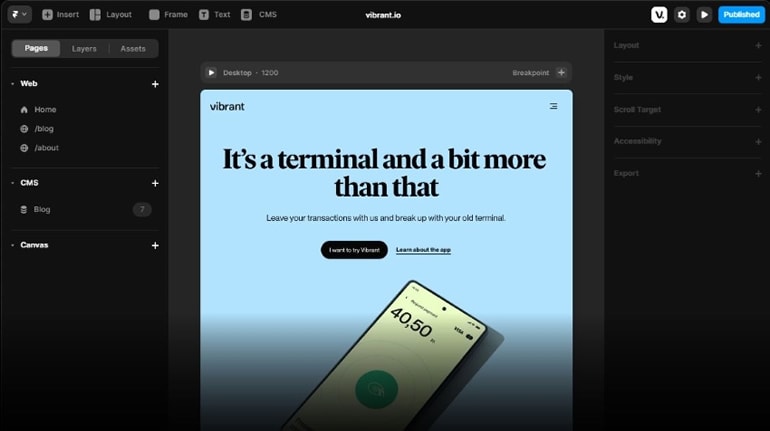
Framer is a website design and publishing platform. It is a distinct option when the visual draft is intended to continue toward a published site instead of stopping at a separate design handoff.
Evaluate with the bookstore example
- Check how event cards and headings respond at narrow and wide widths.
- Separate a review preview from a public publication, and verify the form or registration destination.
Confirm the actual browser editing and review workflow.
Review current hosting, CMS and collaboration terms for the project.
Boundary: publishing an events page does not automatically provide ticket capacity, payments or a booking backend.
6. Proto.io
Proto.io offers browser-based prototyping with components and interaction controls. It is useful when the bookstore team needs to follow a proposed page sequence before implementation.
Evaluate with the bookstore example
- Choose the components needed for event cards and detail content.
- Use relevant assets with appropriate permission.
- Keep labels readable at the intended review size.
- Connect list and detail screens.
- Add only the transitions and conditions relevant to the task.
- Check long-page scrolling and the return route.
- Inspect feedback after an unavailable event is selected.
- Share the intended review version.
Verify recipient access in the browser and device used for review.
Check current project and sharing limits; old asset counts and prices are not decision criteria.
Boundary: the prototype models the proposed route rather than a live ticketing workflow.
7. UXPin
UXPin supports detailed interface prototyping and code-backed component workflows. It is relevant when consistency with implementation components is central to the website review.
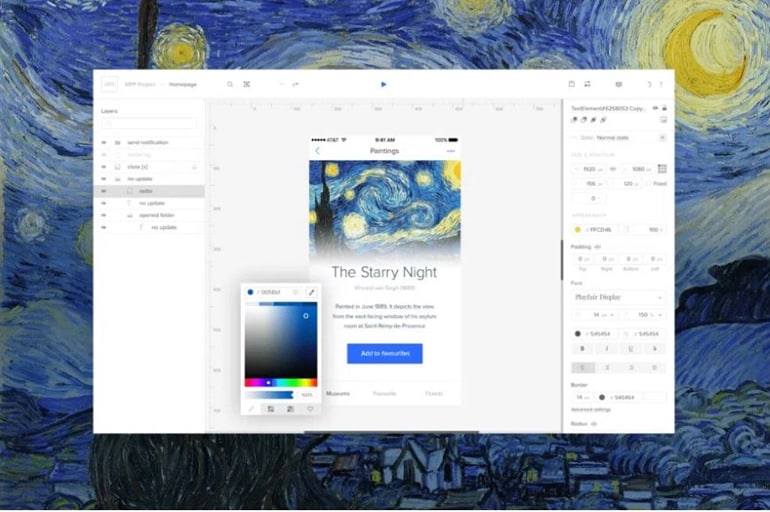
Evaluate with the bookstore example
- Check how the chosen component source fits the team’s design workflow.
- Compose list and detail states with consistent components.
- Review labels, focus expectations and contrast separately; a tool cannot guarantee accessibility compliance for the finished website.
- Inspect the layout behavior needed for the event content.
- Share the intended version with the relevant reviewers.
Verify authoring and recipient requirements for the chosen workflow.
Check the current plan and component-workflow requirements directly.
Boundary: reusable components can support consistency, but the site still needs implementation and accessibility testing.
Choose from the evidence your example produces
Ask a reviewer to find an event they can attend, identify a sold-out event and return to the listing. For a static mockup, focus on what the appearance communicates; for a prototype, also observe the route. Inspect the narrow layout with the same content and record any information that disappears or becomes hard to interpret.
Retain the sample design, the shared result and the output the next teammate opened. Choose the tool whose output fits the next project stage. A wireframe, visual mockup, interactive prototype and published website can each be useful, but they answer different questions.