
InVision’s hosted prototype and DSM services ended on December 31, 2024. An old share link is not a backup. If you still need an InVision prototype alternative, first preserve the files and review evidence you own, then rebuild one representative flow in Mockitt Prototype or another supported workspace before moving an entire archive.
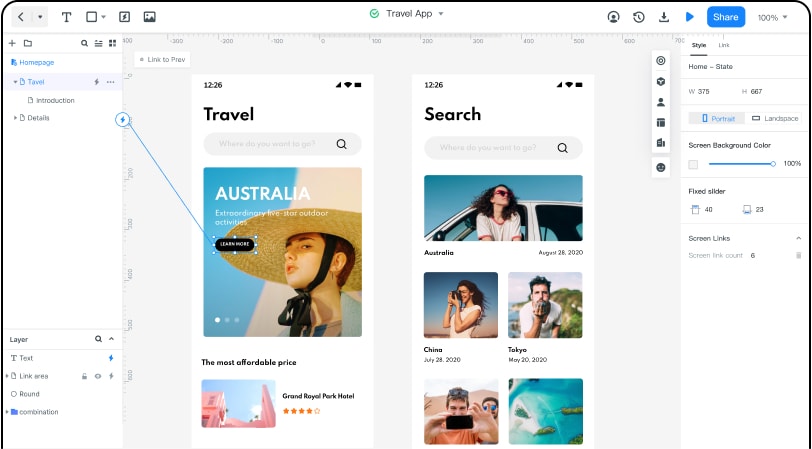
The practical decision is smaller than a platform migration. Can your team recover the source assets, recreate the key states, invite a reviewer, and hand off an interaction that a developer can replay? This guide turns those questions into a short migration test.
Start with an inventory
Make one row for every flow that matters. Record the first screen, primary action, destination, overlays, scroll position, validation message, empty state, and the person who approved the last version. Add the original design files, exported screens, local assets, meeting notes, and any comments copied into a handoff document.
| Evidence you have | It can preserve | It cannot prove |
|---|---|---|
| Source design file | Layers, dimensions, assets, and editable labels. | That a retired share link or comment thread still works. |
| Screen export or screenshot | Visible copy, appearance, and a visual rebuild reference. | Hidden states, transitions, permissions, or editable structure. |
| Interaction notes | Trigger, destination, validation, and recovery intent. | Exact timing or implementation behavior. |
| Review record | Decisions, open questions, and accepted changes. | That a reviewer can access the old project today. |
Mark each item as owned, exported, or missing. That label prevents a screenshot from being mistaken for a recoverable project and gives the team a clear order for rebuilding.
Rebuild one decision-making flow
Do not recreate every screen first. Choose the path that carries the largest product decision: select an item, confirm a request, see a validation error, correct it, and return to the result. A short path exposes whether the assets, states, and review requirements survived the shutdown.
- Name screens after the user task. Use names such as “Choose equipment” and “Request sent” so a reviewer understands the route without an internal artboard number.
- Connect the normal route first. Then add error, empty, back, and retry paths. A happy-path-only rebuild is not evidence of a usable prototype.
- Set a clear starting screen. Preview from the same device and viewport a reviewer will use.
- Run a new review. Ask someone who did not build the flow to complete the task and note where they hesitate.
Compare replacements by the work
A replacement is useful only when it supports the work your team must repeat. Test every candidate with the same representative flow instead of comparing a long feature list.
| Requirement | Question to test | Evidence to retain |
|---|---|---|
| Editing | Can the assigned designer edit screens from the intended device? | Saved project and a note of the authoring setup. |
| Review | Can a reviewer open, comment, and return to the exact state? | Review link, permission choice, and completed task. |
| Behavior | Can the prototype show validation, recovery, and return paths? | Screen map and replay of the representative route. |
| Handoff | Can a developer identify accepted copy, assets, and behavior? | Annotated state, asset list, and decision notes. |
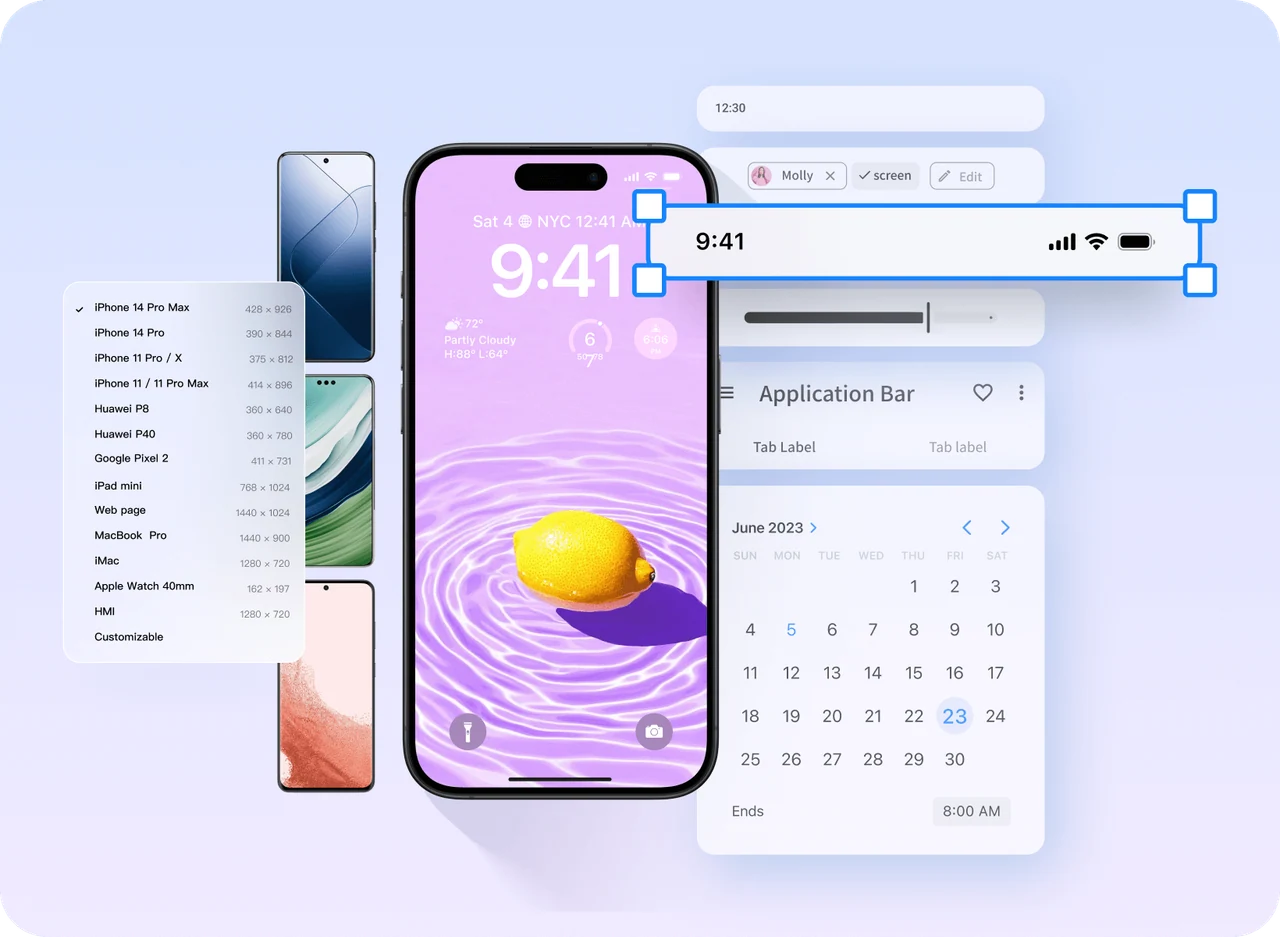
If the requirement is “browser editing plus connected screens and review,” test Mockitt on the same route. If governance, file ownership, or hosting changes the decision, keep that constraint visible and compare another supported tool on the identical task. Avoid deciding from a demo that does not contain your real states.
Read old InVision guides correctly
Older tutorials mention Craft Sync, hotspots, Craft Player, and publishing through an InVision service. Those controls belonged to the retired workflow. They are useful as vocabulary when interpreting a past handoff: a “hotspot” is a trigger, a “destination artboard” is the next screen, and a “player” is a preview. Rebuild the underlying behavior in a supported tool instead of following the old menu sequence.
The same rule applies to widgets and notes. Keep components your team still owns, rename them for the new task, and test them in context. A copied screenshot can guide visual matching; it cannot restore hidden layers, version history, or comment threads.
Handoff and archive the new flow
- Store source assets with an owner, date, and file format.
- Record the starting screen, tested paths, known gaps, and reviewer decision.
- Keep old screenshots and notes in a read-only archive labelled “InVision, historical.”
- Send the new review URL and access instructions separately; never assume a retired URL is private or recoverable.
Run a migration rehearsal
Before moving a large archive, run a rehearsal with one flow that contains a real decision and one exception. Give the builder the source file, exported assets, and the old review notes. Give the reviewer only the new link and the task. This separation reveals whether the new flow is understandable without the original author standing beside it.
| Rehearsal step | What to observe | Decision |
|---|---|---|
| Open the source reference | Missing fonts, images, component states, or copy. | Replace, recreate, or mark the gap. |
| Build the normal route | Screen order and primary action are understandable. | Keep the route or simplify it. |
| Trigger the exception | Error, empty, retry, and back behavior. | Add a state before polishing. |
| Replay with a new reviewer | Hesitation, wrong taps, and unanswered questions. | Record an accepted change. |
Keep the result as a short migration record: source reference, rebuilt route, known differences, reviewer, and date. That record is more durable than a screenshot of a retired project and gives the next team member a way to repeat the check.
Use Mockitt’s prototype tutorial for the current screen-to-flow workflow. A safe InVision prototype alternative is the one a second person can replay, understand, and update without depending on the retired service.