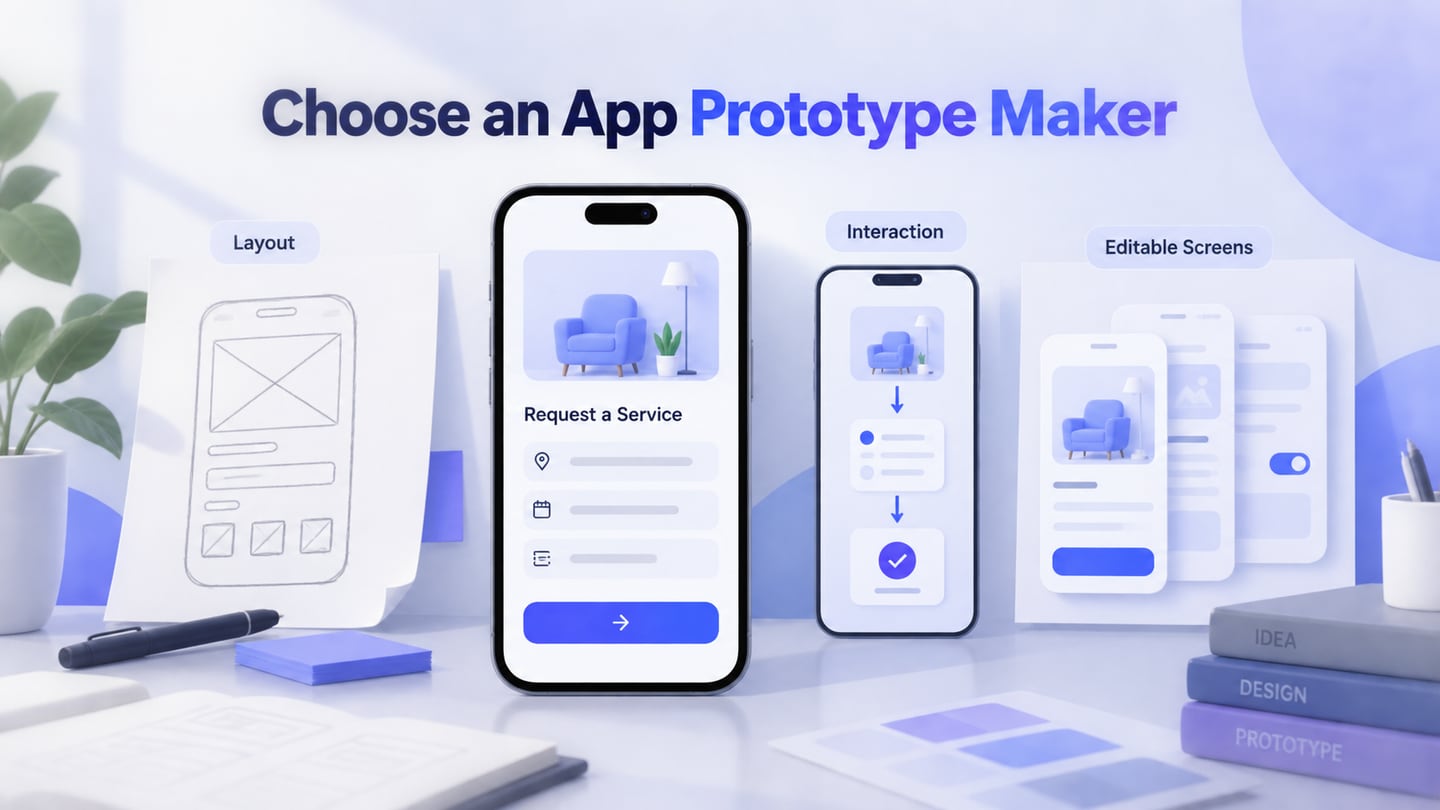
An app prototype maker helps you explore mobile screens and user journeys before implementing the app. The important choice is what you need to review: a rough layout, a clickable route, or detailed editable screens. Compare Mockitt, Balsamiq, and WireframePro by how each approach supports that decision.
Start with one app task and the feedback you need. If reviewers must move through screens and inspect alternative states, consider Mockitt’s browser-based prototype editor. If the discussion is still about which information belongs on a screen, a deliberately simple wireframe may be enough. A prototype of an Android or iOS interface is not an installed app with access to its device services.
Three App Prototype Makers Compared
1. Mockitt: editable screens and connected user flows
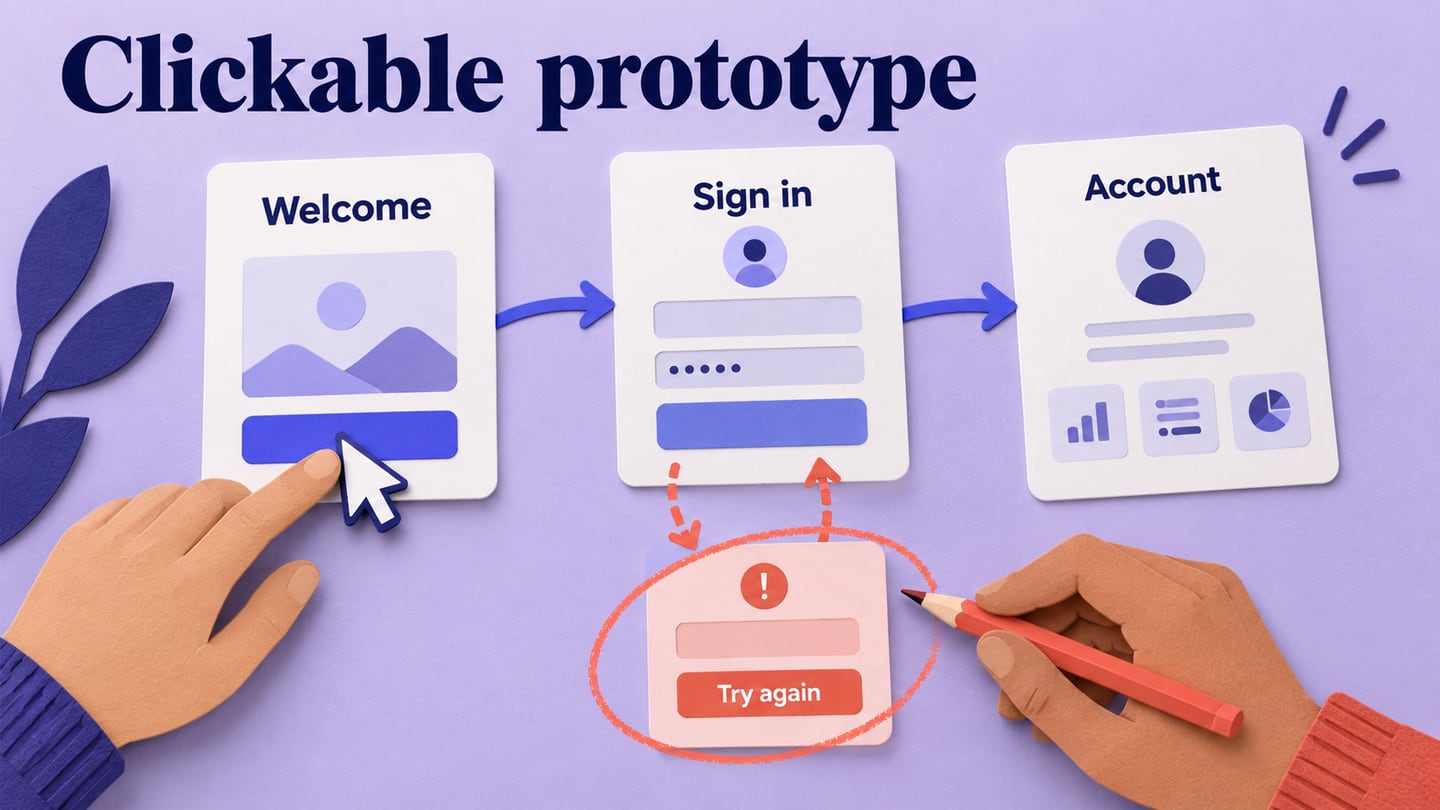
Mockitt lets you arrange screens with reusable widgets, connect interactions, and share a preview for feedback. It is useful when a product manager and designer need to discuss both the contents of a mobile screen and what happens after a tap. You can start with a template or create the screens needed for your own task.
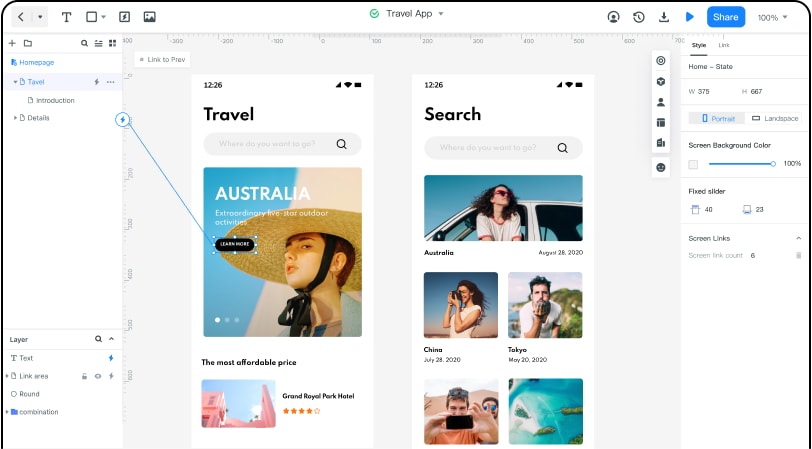
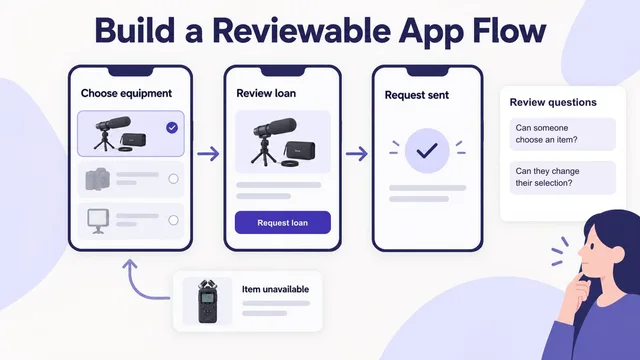
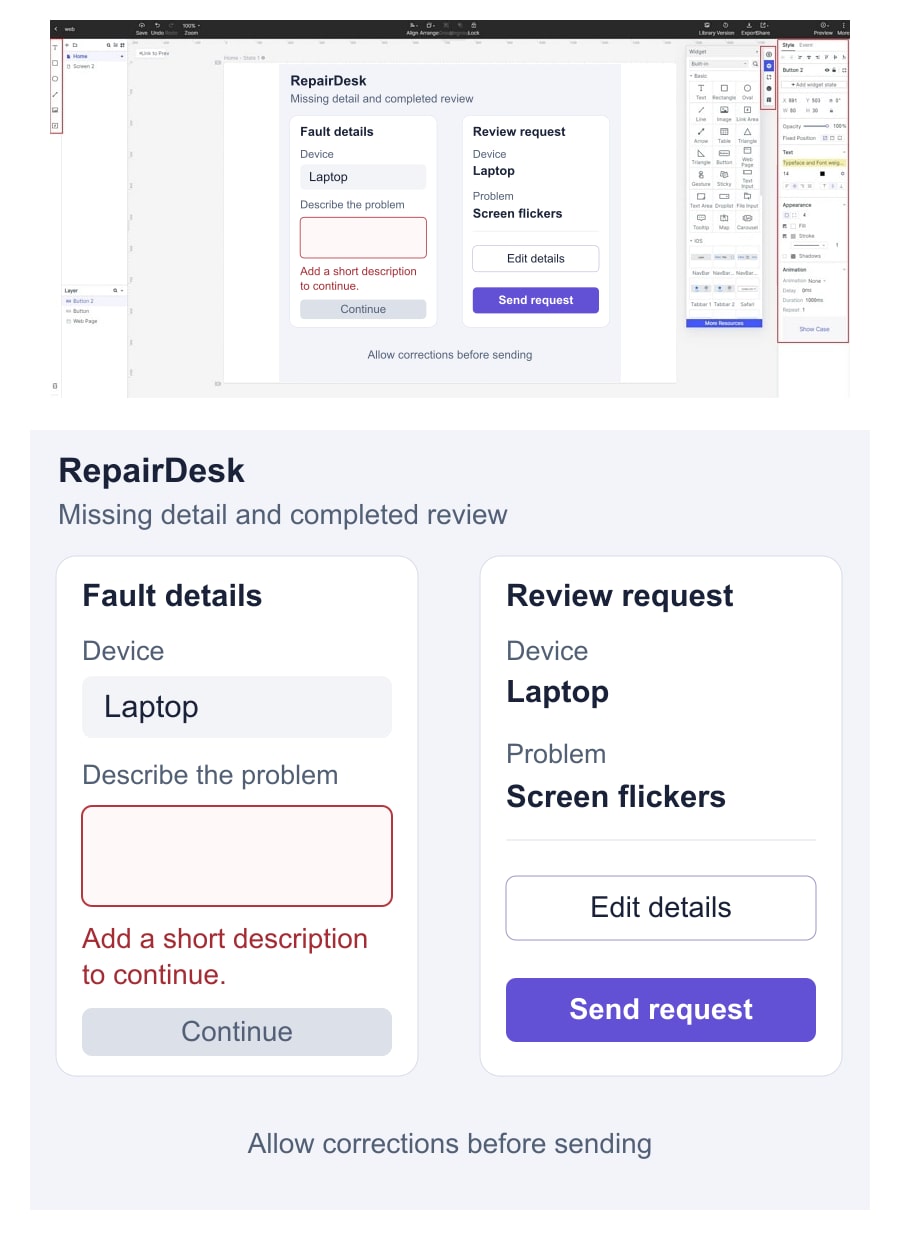
For the service-request example below, keep the device choice and problem description editable, then show a review screen and a way back. A missing-description state helps the team discuss feedback as well as the successful path. The prototype can represent these states without sending a real request or storing a customer record.
Useful capabilities
- Reusable widgets and templates for repeated mobile controls.
- Screen links and local states for navigation and feedback.
- A shared preview for discussing a specific screen and action.
- Editable labels and layouts that can change after the review.
Selection check
Open the shared prototype on the phone and browser your reviewers will use. Check that the intended start screen, return path, and feedback are visible. Confirm the files, collaboration, and exports included in the Mockitt plan you need; access to a free starting point does not mean every capability is unlimited.
2. Balsamiq: discuss structure with wireframes
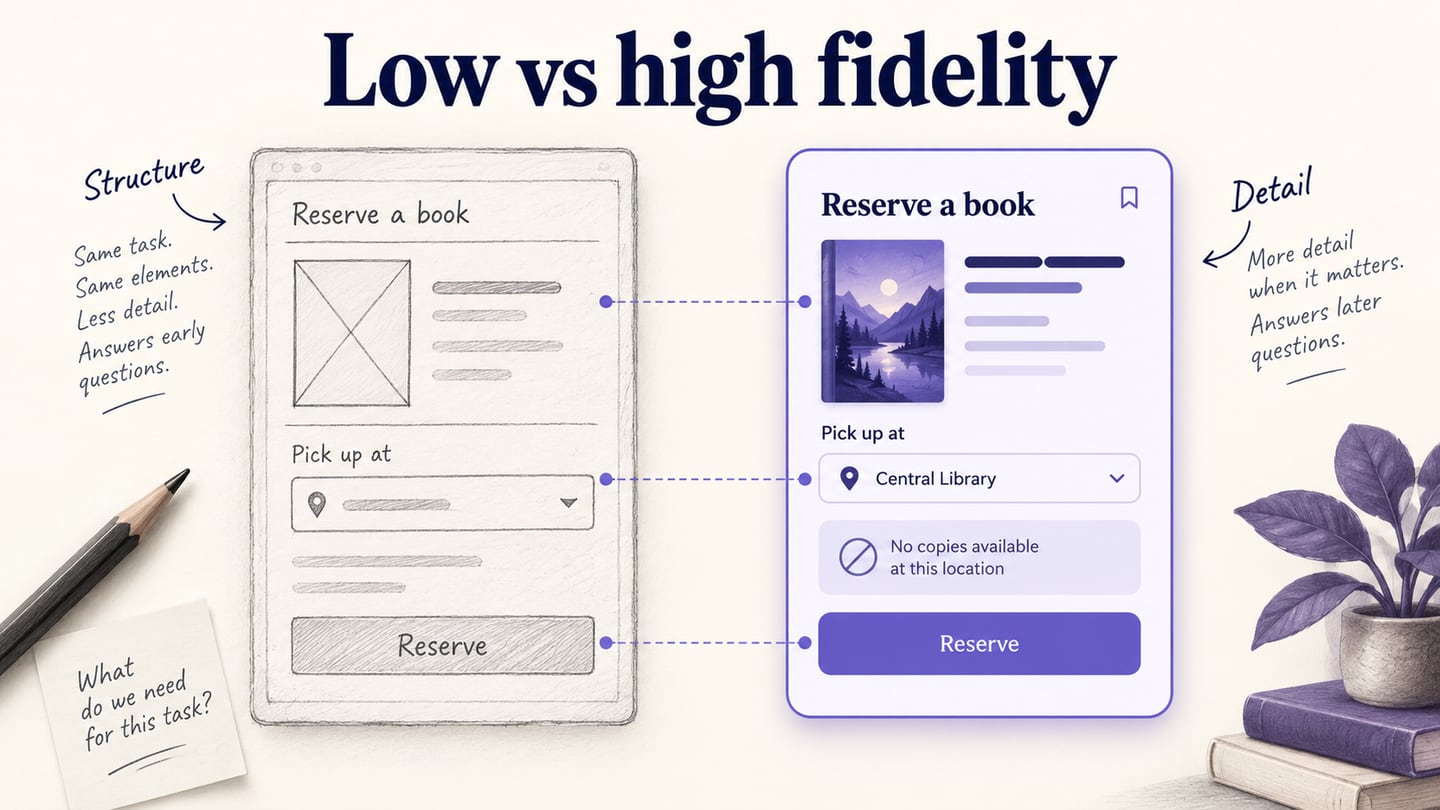
Balsamiq is an option when the team wants to discuss information and controls before investing in visual polish. Its reusable UI components support quick layout changes. The older capture below illustrates that sketch-like approach; it does not establish the features of every current Balsamiq product.
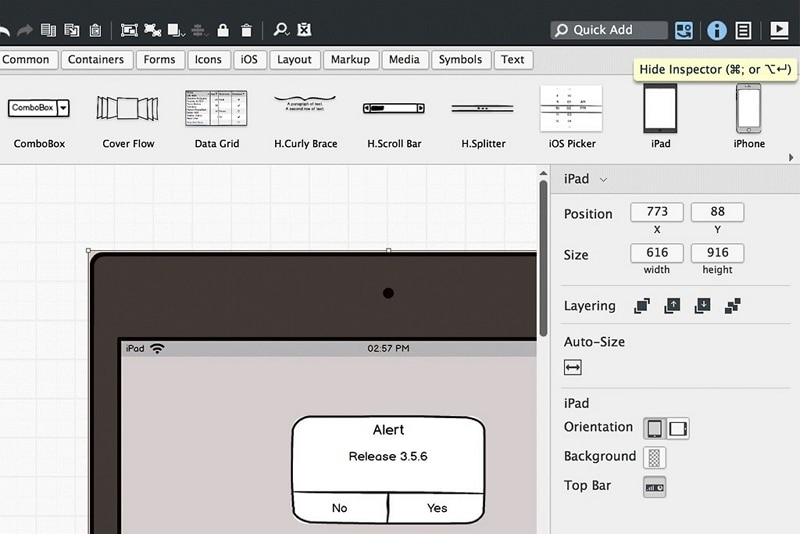
Balsamiq’s product offering includes wireframing and prototyping. Evaluate the particular workflow you need rather than equating a sketch-like appearance with a static document.
Useful capabilities
- Reusable UI components for exploring screen structure.
- A deliberately rough visual style when hierarchy matters more than branding.
- Reviewer participation alongside the people editing the design.
Selection check
Try rearranging the device selector and problem field without changing the task. Then check the navigation or interaction behavior available in your chosen workflow. Balsamiq offers a trial followed by paid plans; its project and editor terms are separate from how rough or polished the design looks.
3. WireframePro in MockFlow: organize the screen structure
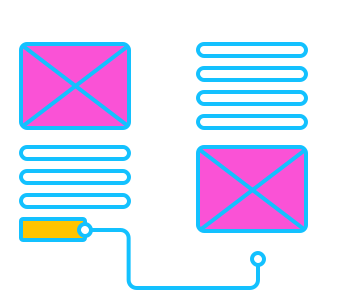
WireframePro is the UI design editor offered within MockFlow. It is relevant when you want to assemble layouts with UI packs, reusable elements, and pages. The image below demonstrates a hand-drawn layout; adapt the structure to a phone rather than treating the website example as an app design.
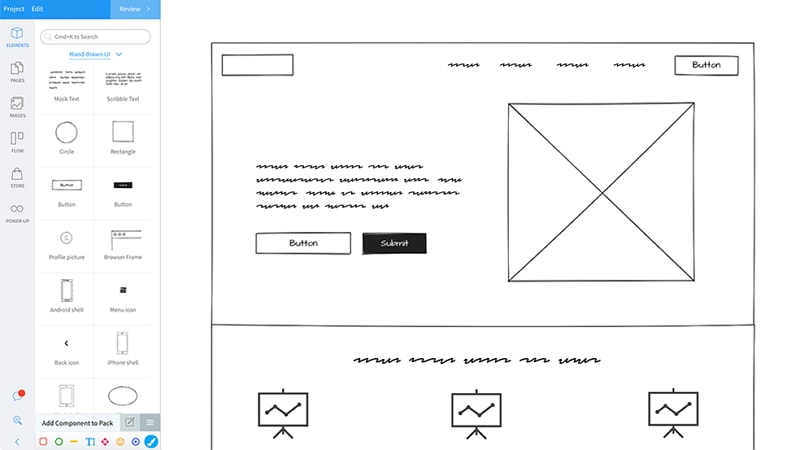
MockFlow’s current access options include a Basic plan with project, component, and reviewer limits. Basic is intended for personal or nonprofit use; commercial work requires a paid plan. That distinction matters if you are evaluating it for a client app.
Useful capabilities
- UI packs and reusable elements for laying out screens.
- Pages and wireframes that make the proposed structure visible.
- A way to discuss the layout before committing to detailed visual work.
Selection check
Use the same device-choice and review screens as in the other candidates. Check whether the intended interactions, recipient access, and reusable elements are available at the access level you would actually use. Do not judge the tool only by the number of components in a library.
Compare the Same Mobile Task
For a practical comparison, use the same mobile service-request task in each candidate: choose a device, describe a fault, and review the request before sending it. Include a missing-description state and a route back to edit the details. You are comparing how comfortably each tool expresses the same task, not running a speed contest.
| Tool | Useful starting point | What to inspect | Access distinction |
|---|---|---|---|
| Mockitt | Editable mobile screens and connected flows | Screen changes, feedback states, and the shared phone preview | Free and paid plans; match the required features |
| Balsamiq | Wireframes for discussing structure | Reusable controls and the intended prototype behavior | Trial followed by paid editor plans |
| WireframePro / MockFlow | UI layouts organized into pages | Required components, interactions, and reviewer access | Limited Basic access; paid plan for commercial use |
Ask a colleague to change the problem description after reaching the review screen. Can they find the return action, recognize what was selected, and continue without losing the context? Record where the design needs another state or clearer wording. These observations are more useful than labelling every tool “easy to use.”
Choose a wireframing approach when layout is the unresolved question; choose an editable interactive flow when the next decision depends on behavior. For the next step, the mobile app prototype walkthrough shows how to turn a small task into connected screens. If access cost is the main constraint, compare free plans and trials for app prototyping separately from capability fit.