Delete Interactive Link
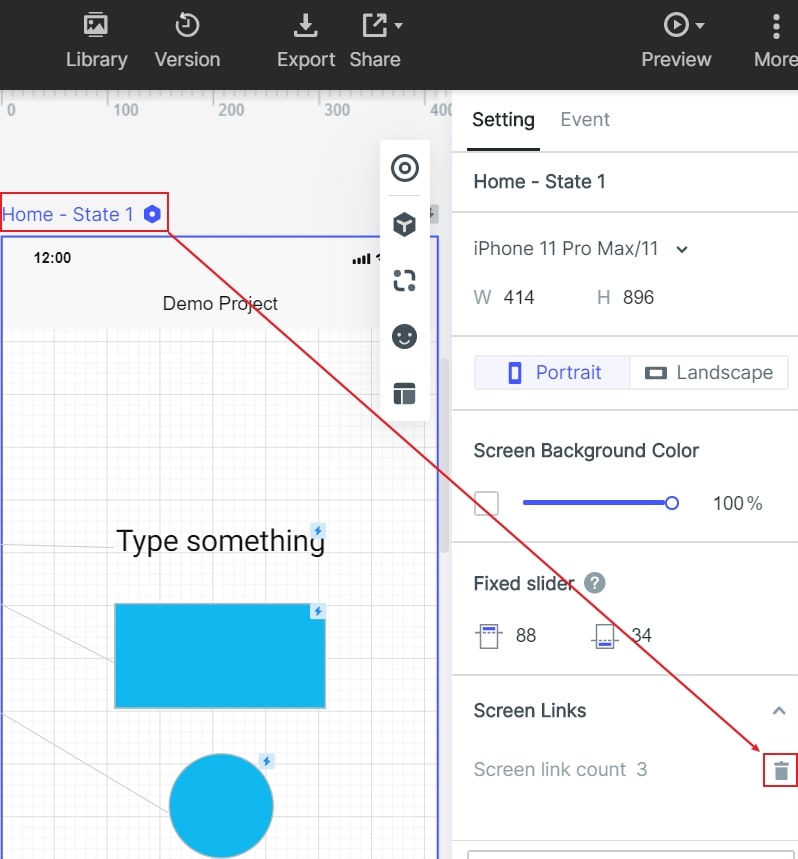
After selecting the screen canvas, you can delete the interactive link lines on the screen in batches within appearance setting panel on the right side.
Show/Hide Interactive Link
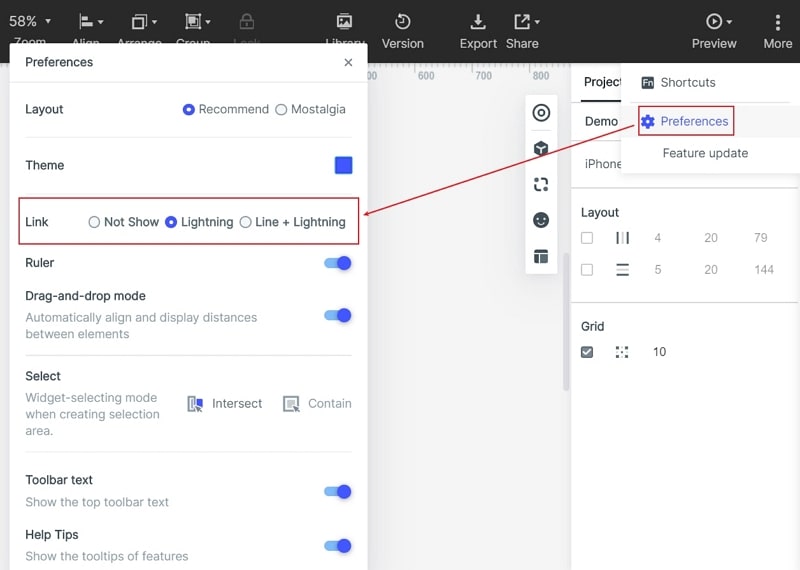
Show / hide interactive link lines can be set in "More" - "Preferences" in the upper right corner of the editing area.