Mockitt AI · Marketing content
AI Copywriting
One product story. The right words for each channel.
Give Mockitt AI your product facts, audience, and publishing context. Draft a social post, an email introduction, or a concise product message, then refine the tone, length, and next step in the same conversation.
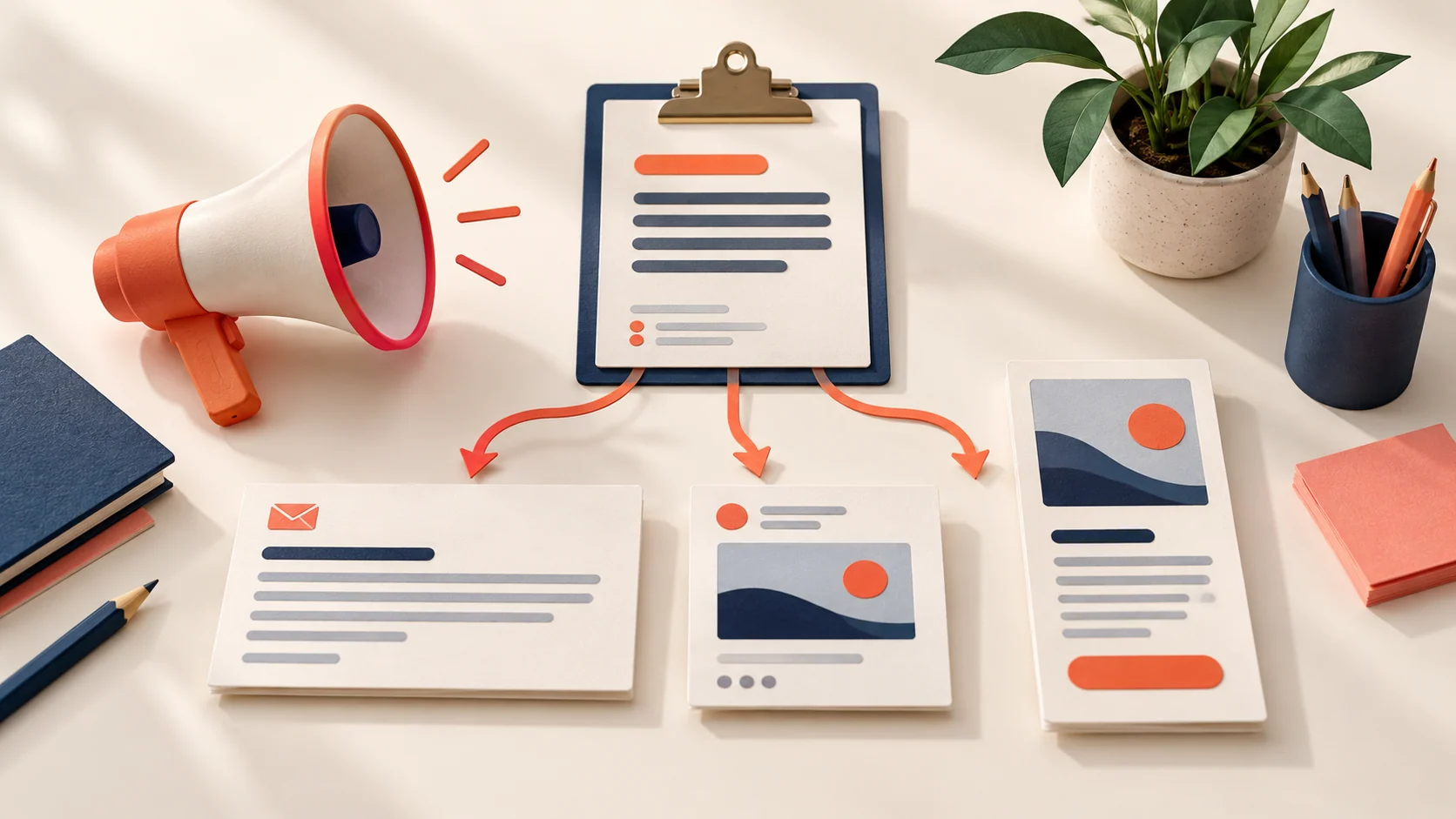
Decide what this piece of copy needs to accomplish
A social post may introduce a familiar problem. A launch email needs to explain what is available. A short product headline must make its point before readers move on. Tell Mockitt AI where the copy will appear and what readers should be able to do next.
Social posts
Start with a recognizable situation, introduce the relevant feature, and offer a useful next step. Provide the audience and the specific point you want the post to make.
Launch and product copy
Explain what the product does and who it is for. Supply confirmed availability, feature descriptions, and any approved announcement details.
Headlines and short messages
Fit one benefit or action into a limited space. Tell the AI what the destination page offers so the call to action matches what readers will find.
Illustrative copy · Fictional product
Keep the story consistent across channels
For this fictional brief, OneList is a task app with two features: placing tasks in a Today list and manually marking them complete. The audience is people who want a clearer view of today's work. These three sample messages use the same feature description with a different opening and next step for each placement.
| Placement | Example copy | What changes |
|---|---|---|
| LinkedIn post | A long task list can make today hard to see. Try starting with three concrete actions: summarize the review, confirm the meeting room, and send the proposal. OneList lets you put those tasks in a Today list and mark each one complete yourself. Explore the workflow, then decide whether it fits the way you work. | Lead with a situation and a small, understandable action. |
| Product email introduction | Meet OneList: a simple way to keep today's tasks together. Add the work you plan to do to your Today list, then mark items complete as you finish. The feature walkthrough shows how to turn a few scattered notes into a clear list of actions. | Explain the product and introduce the destination. |
| Short launch message | What needs your attention today? Put it in OneList, then mark each task complete as you go. See how the Today list works. | Keep the message short and the next step specific. |
On a small screen, swipe across the table to see every column.
A suitable headline might be “Keep today's work in view.” It describes the experience without promising that the app eliminates procrastination or increases productivity by an invented percentage.
Make the revision more specific than “make it better”
A useful edit identifies the problem and preserves what is already accurate. Instead of asking for more exciting copy, point to a vague promise, a mismatched tone, or a call to action that the landing page cannot fulfill.
For example, replace “The ultimate productivity tool that ends procrastination” with “Put today's tasks in one list, then mark them complete as you go.” The second sentence gives readers enough information to form their own judgment.
When adapting to a new channel, change the information order as well as the length. Keep product names and feature boundaries consistent. If you include a customer quote or result, use an approved example and preserve its original meaning.
Revision request: Keep the two features in this brief. Make the email introduction sound like a helpful colleague, remove the productivity promise, and end with an invitation to view the feature walkthrough.
Build each version from a reliable brief
Gather the facts
List the approved product name, features, audience, and relevant limits. Keep unconfirmed prices, promotions, and release dates out of the draft.
Pick one placement
Specify the channel, approximate length, tone, and desired action. Complete that version before asking for every possible format.
Revise the message
Ask for a change to the opening, information order, or closing action. Supply approved brand examples if the voice needs to be more consistent.
Prepare it for publication
Confirm names, dates, links, and entitlement claims. Add appropriate visuals and publish through the channel you use; generating copy does not automatically post it.
Give your next message a concrete starting point
A few useful details
AI Copywriting questions
Can I adapt one brief to several channels?
Yes. Keep a shared fact sheet, then specify the audience, length, and next step for each version. Adjust the structure and emphasis, not only the first sentence.
How can I match an existing brand voice?
Provide a few approved examples and explain what you want to preserve, such as direct sentences, specific terminology, or a restrained tone. Separate those writing examples from this product's facts.
Can I refresh copy I already have?
Provide the existing text and identify the issue. Ask for a focused change while preserving accurate details and any wording that must stay unchanged.
What should I check before publishing?
Verify product details, dates, offers, links, and any quoted claims. Remove invented experiences or testimonials. Confirm that the call to action can actually be completed on the destination page.
Can it also help with longer articles?
Use the article-writing workflow when readers need a full explanation, tutorial, or comparison. Short marketing copy and a detailed answer serve different reading tasks.
Bring your next task to Mockitt AI
Start with the materials you have and the result you need. Build a first version, review it, and keep working from there.