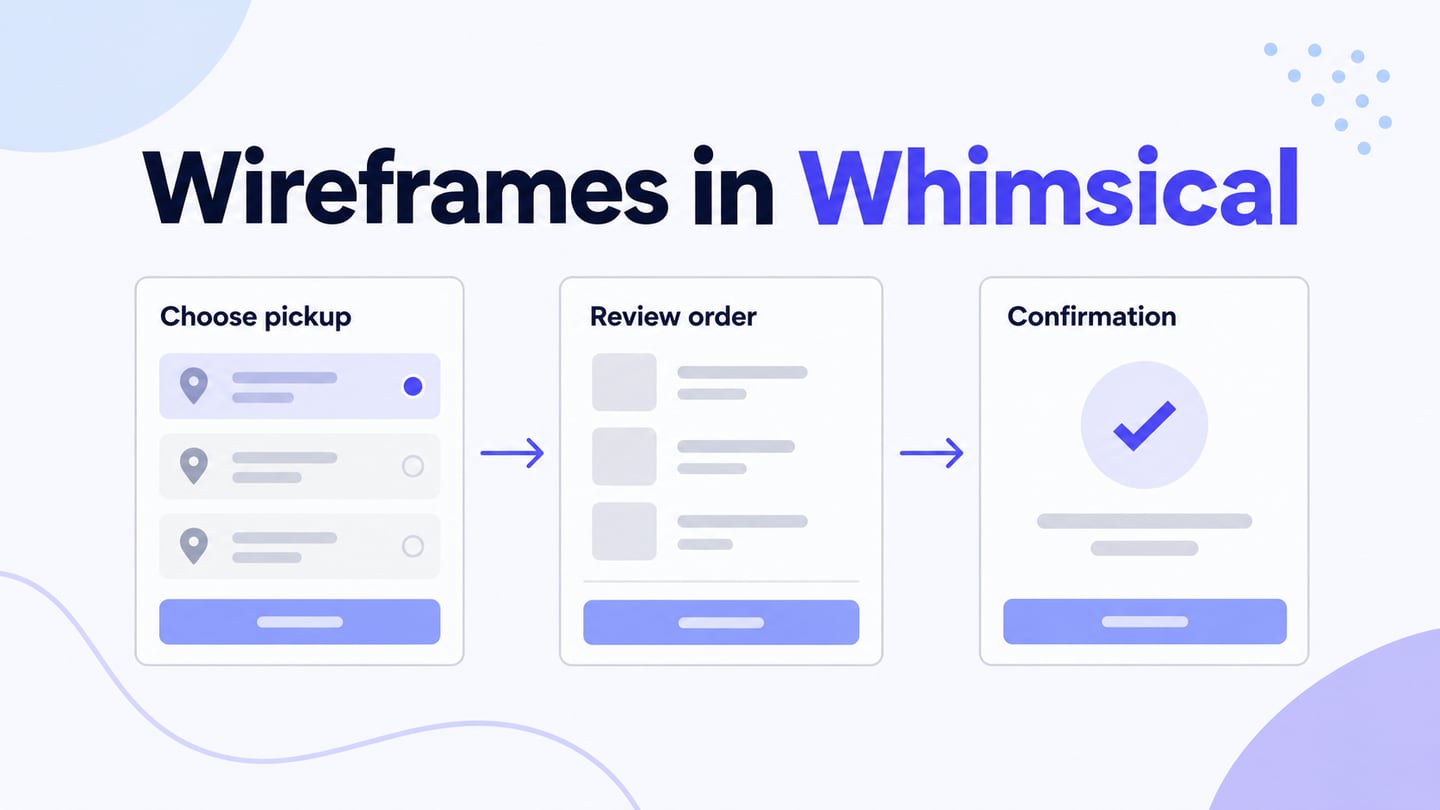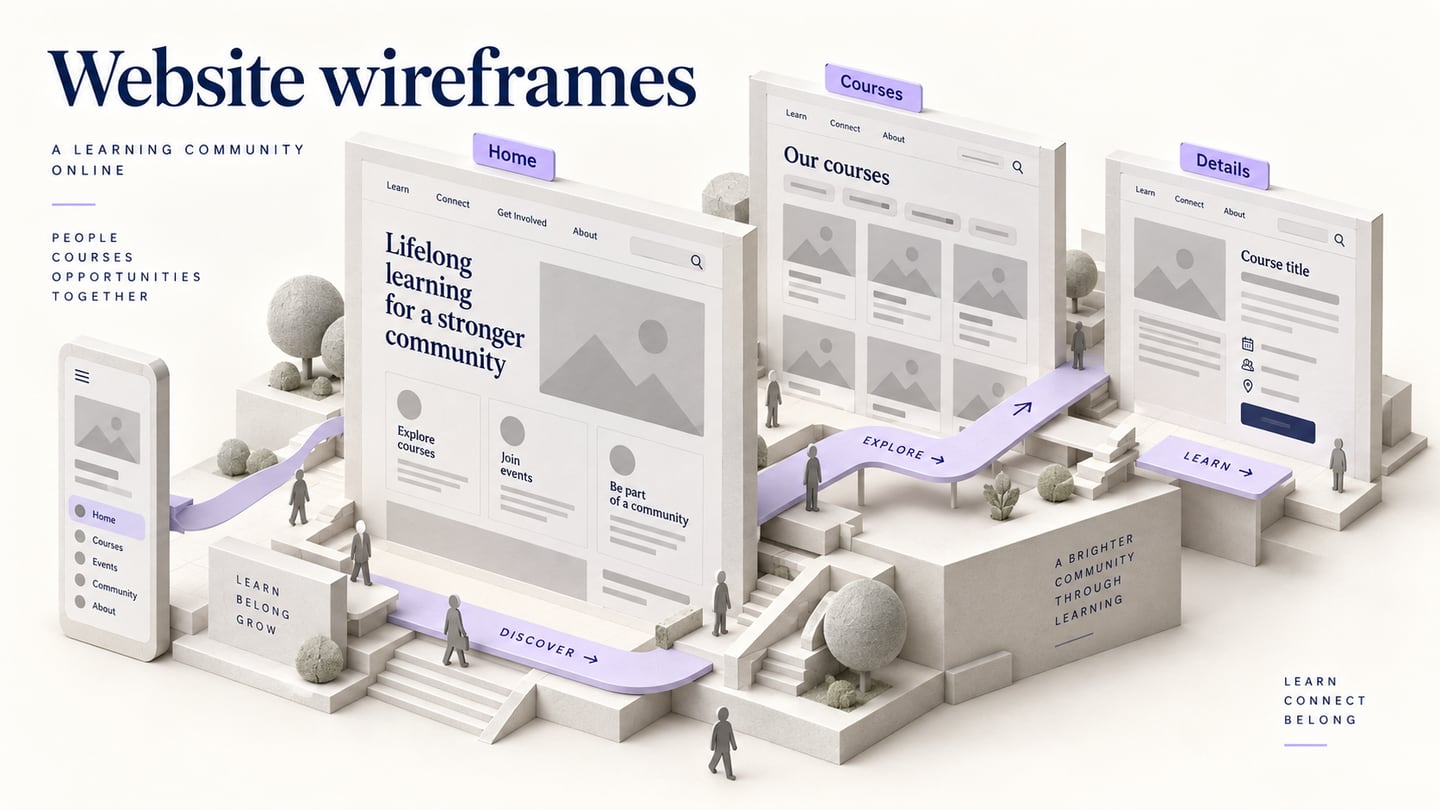
A website wireframe plans the structure of pages before final visual design. It shows the content, navigation and actions needed for the site’s tasks. This tutorial uses a community learning centre: help a visitor find a suitable course, understand the schedule and locate the registration entry.
Choose a workspace for the page structure
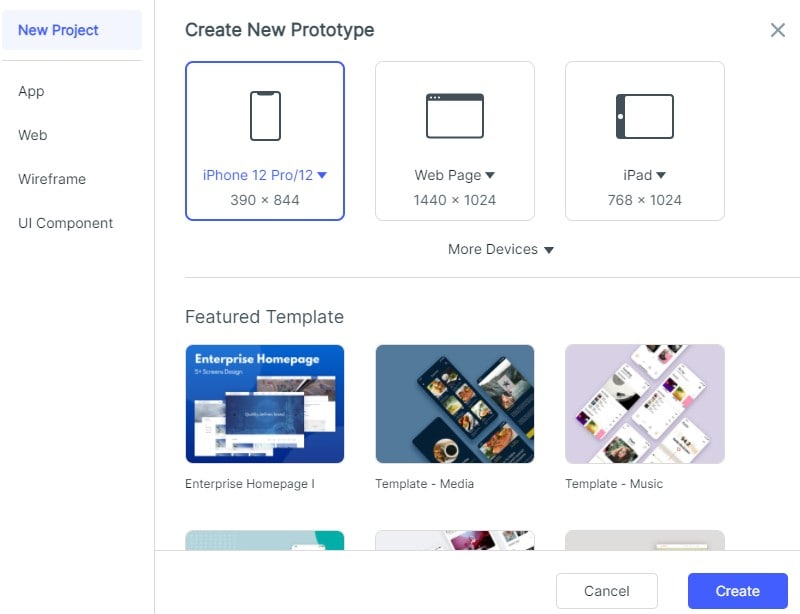
Mockitt can be used to arrange screens and connect a reviewable route. Begin with the site’s content and decisions rather than assuming a template or a free plan covers every requirement. The retained screenshots illustrate operations in an older editor; the learning-centre example supplies the page-planning context.
Capabilities that support website planning
Screen layouts
Create the related page types and compare their hierarchy. A layout preset does not establish that the future website is responsive.
Reusable elements
Reuse navigation, course cards and supporting content while keeping each page’s main task distinct.
Preview and sharing
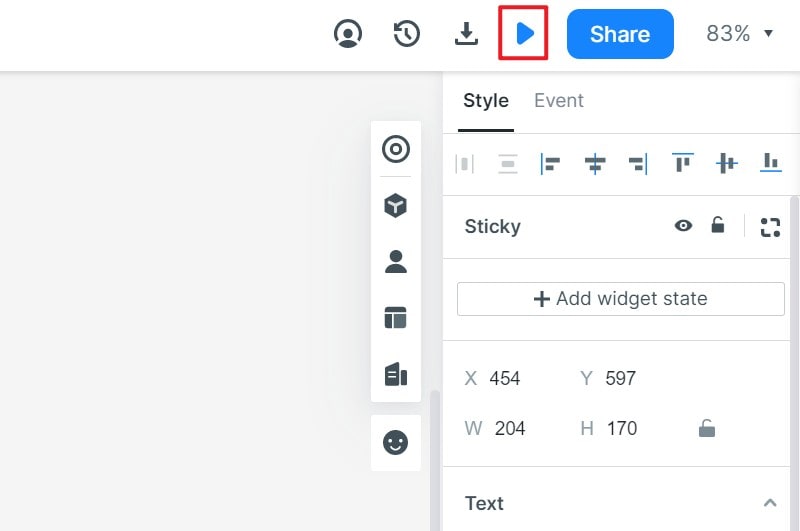
Inspect the route without editor panels and check what an intended reviewer sees.
Team feedback
Collect comments against the relevant page and identify which decisions remain open before detailed visual design.
Build a three-page course-finding wireframe
Step 1: Create the page types
Create home, course catalogue and course detail screens. Write one purpose for each: orient a visitor, help them compare courses, and explain one course’s schedule and registration requirements.
Step 2: Set the information hierarchy
Start with headings, content blocks and main actions. On the home page, give the course catalogue a clear entry. In the catalogue, prioritize subject, date and format. On the detail page, place the schedule and registration action near the information needed to decide.
Step 3: Add meaningful content and controls
Use fictional course titles and realistic label lengths. Include a course with several meeting dates and one with no remaining places. This reveals structural needs that identical placeholder cards can hide.
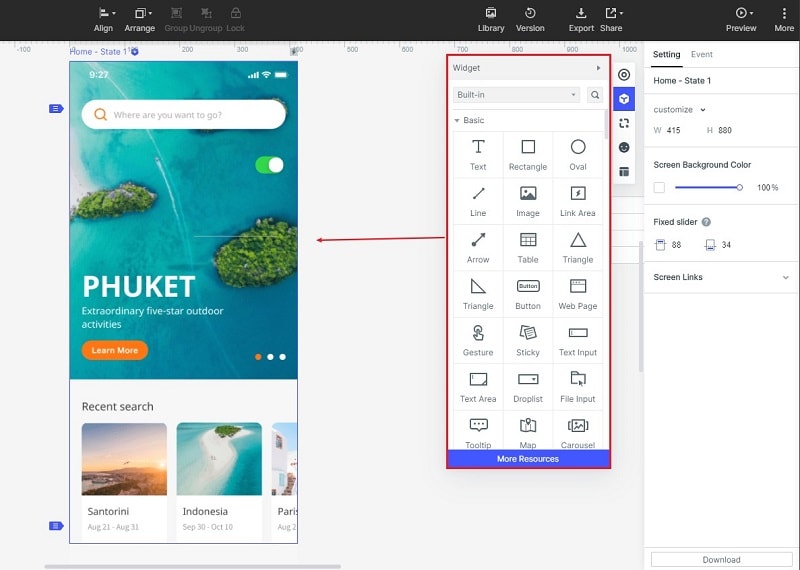
Step 4: Connect the route
Connect home to catalogue, a course card to its detail page, and the detail page back to the results. Preserve enough context for a visitor to understand where they are. Show the registration entry as a proposed destination; this wireframe does not enroll anyone.
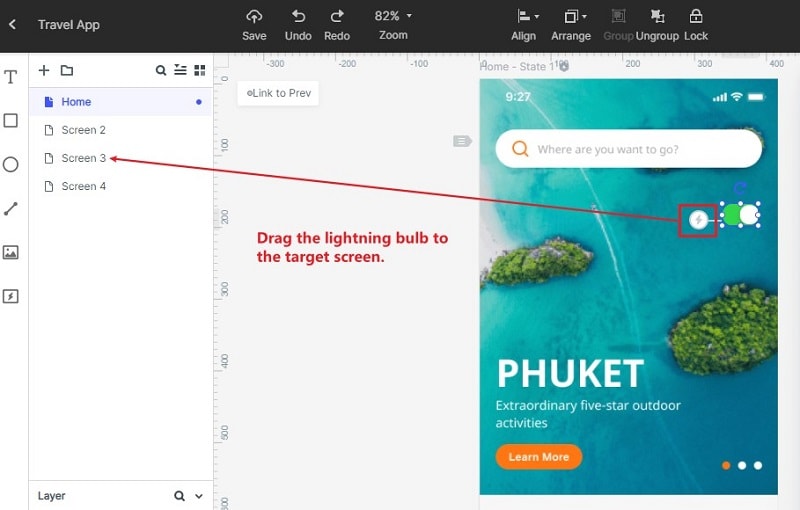
Step 5: Annotate unanswered questions
Add notes about content ownership, filters, registration rules and unavailable courses. Write a specific decision beside the relevant element, such as whether the course format is a filter or only a detail-page label.
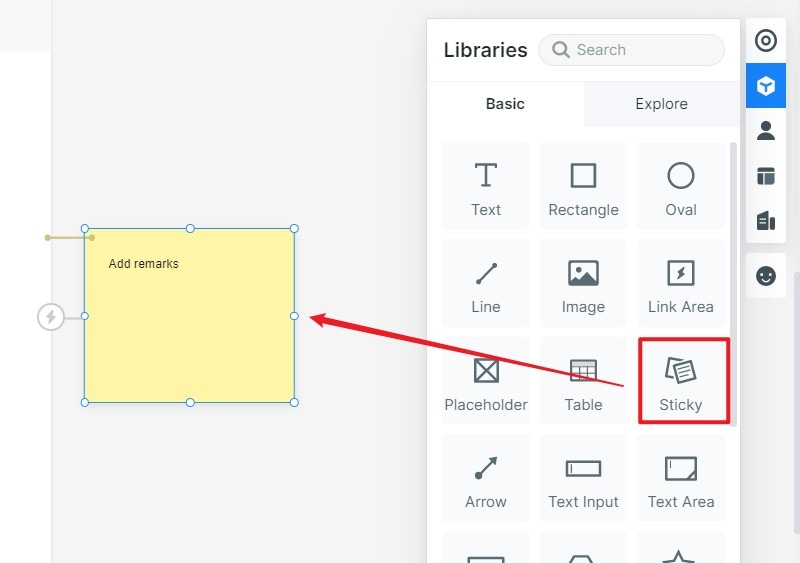
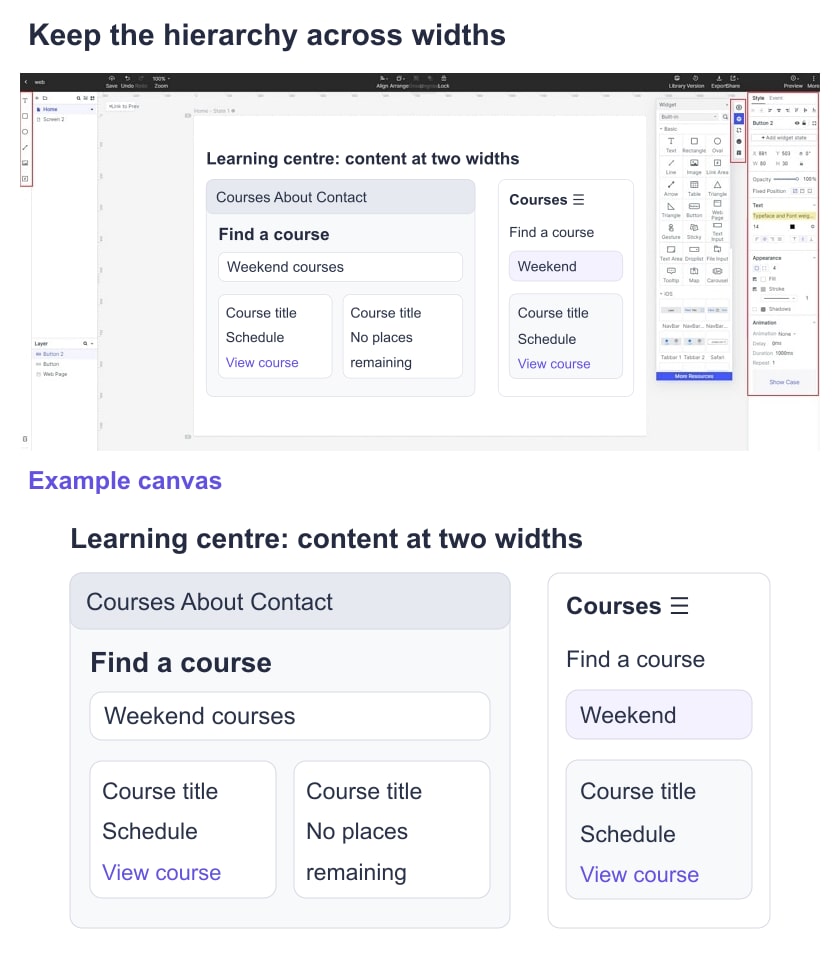
Step 6: Plan narrow-screen behavior
Create a narrow version of the three page types. Decide where navigation and filters go, how course cards stack, and whether the schedule remains readable. A separate narrow wireframe describes the intended behavior; implementation still needs responsive testing.
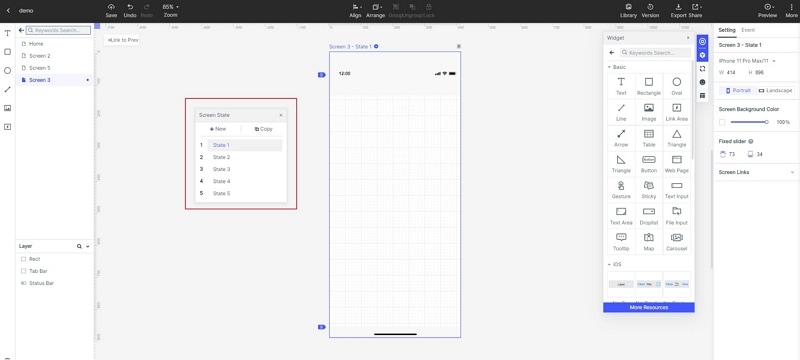
Step 7: Review the route
Ask a colleague to find a weekend course and explain its schedule before registering. Observe which information they look for and whether they can return to the catalogue. Fix missing content or confusing labels before adding final imagery and branding.
Step 8: Share the agreed structure
Share the intended version with page-purpose notes and unresolved decisions. The handoff should identify the selected hierarchy, links between page types and narrow-layout rules, rather than only a set of screenshots.
Continue from structure to a prototype
If the next question concerns behavior across pages, wireflows combine screen-level detail with the route through a task. Use them to make the course-finding path explicit without treating every screen as an isolated drawing.
Keep the original wireframe when moving into visual design. It records why content and actions were placed where they are, and helps the team notice when later decoration changes the intended hierarchy.