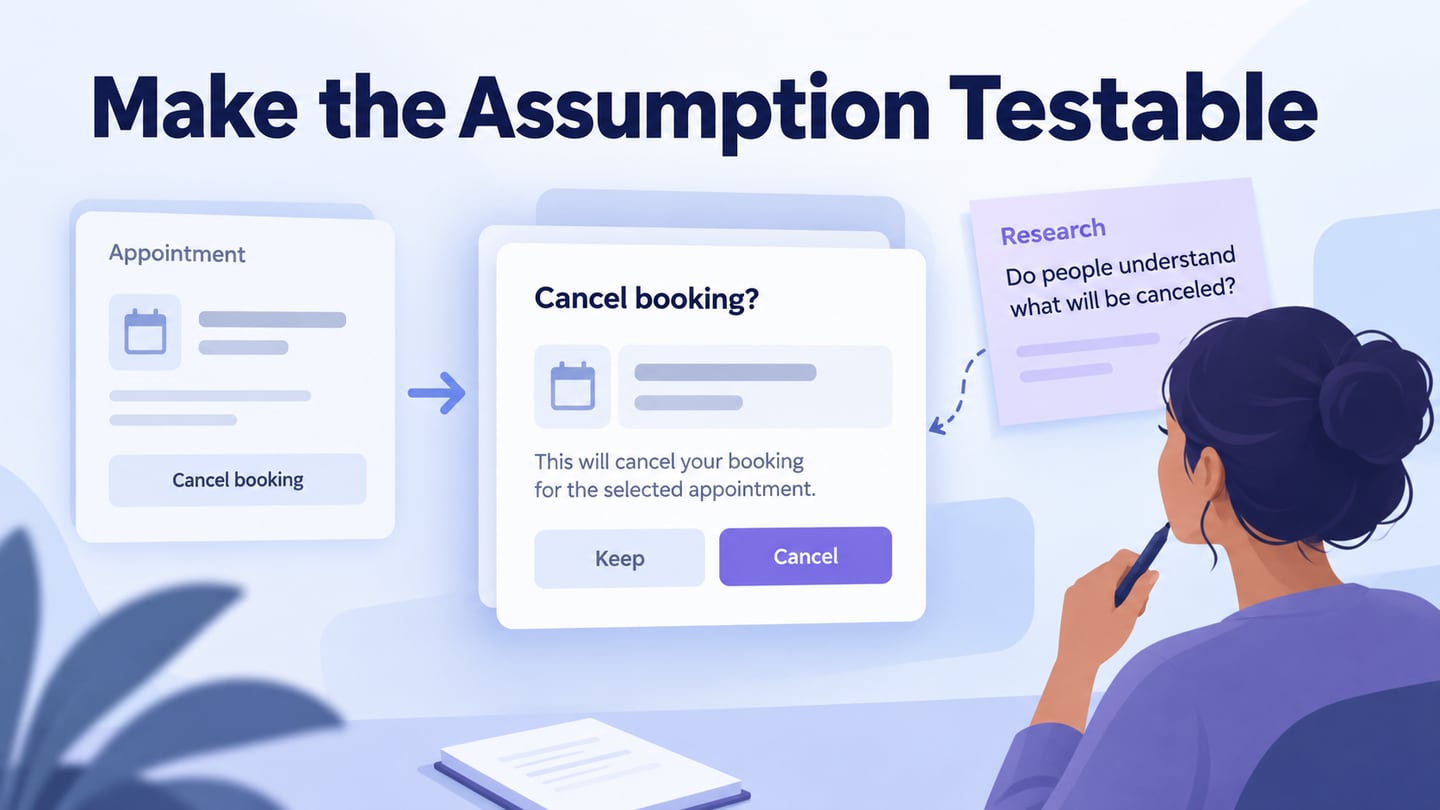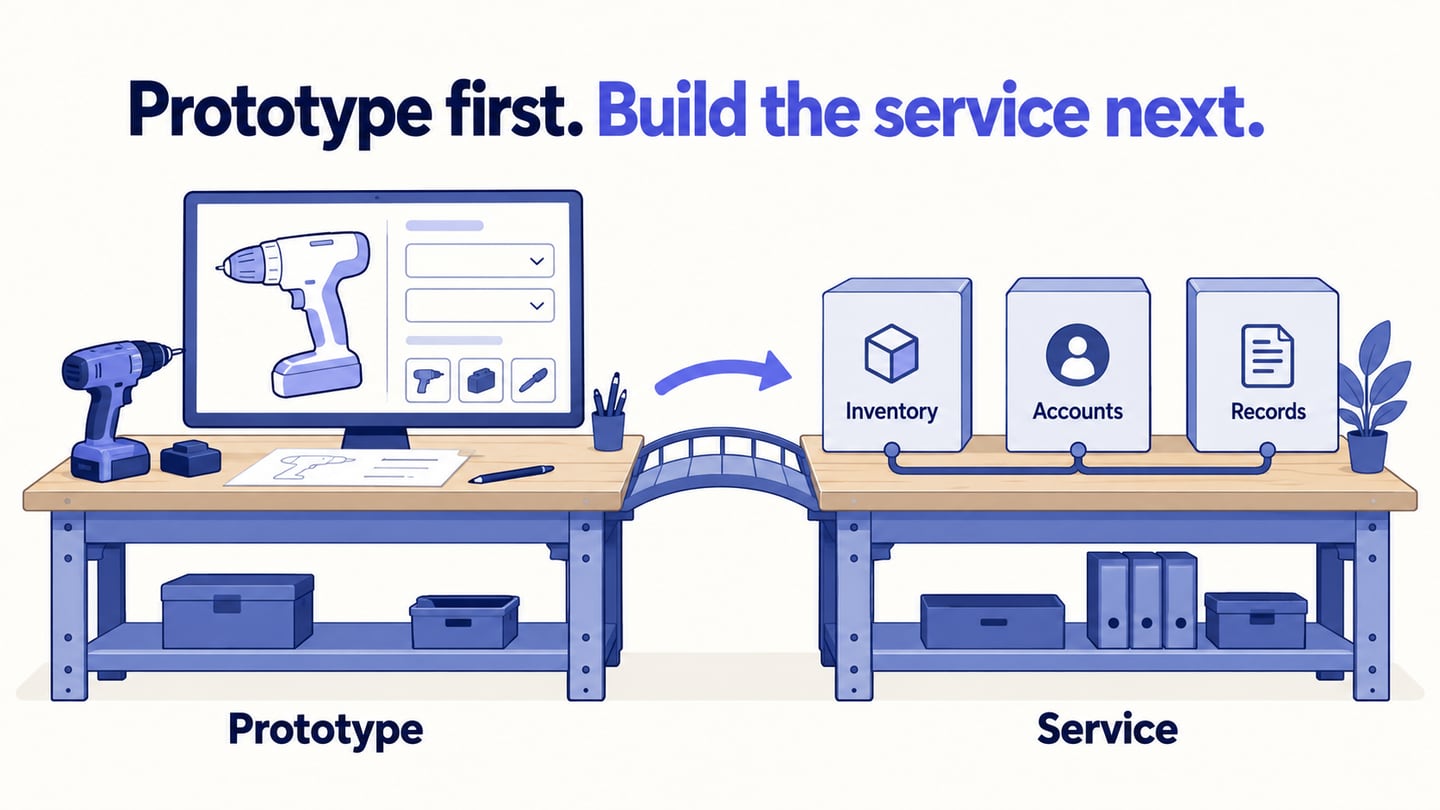
You can design and test an app idea without writing code, but a clickable prototype and a deployed application are different deliverables. Start with an interactive app wireframe to explain the screens and decisions. Then choose an implementation approach that can support the real data, permissions, and operations the app needs.
Use the Mockitt prototype workflow and three app-builder examples to distinguish designing the flow from building a working service. Creating a design can help the team resolve questions before development; it does not guarantee that a business idea will work or that an app will be accepted by an app store.
Start with a Prototype Before Building the App
Create Prototype for Your App
Mockitt provides an editable workspace for arranging screens and connecting interactions. Use the prototype to show what a person should see, choose, and understand at each step of the task.
The design work is valuable even when a separate no-code platform will implement the application. A reviewed flow gives the builder a clearer specification than a list of loosely described features.
Decide what the review needs to establish: whether people understand the information, can find the next action, and recognize the result. Do not use a successful prototype walkthrough as evidence that the underlying service already works.
Here are some features of this tool:
- Asset Library
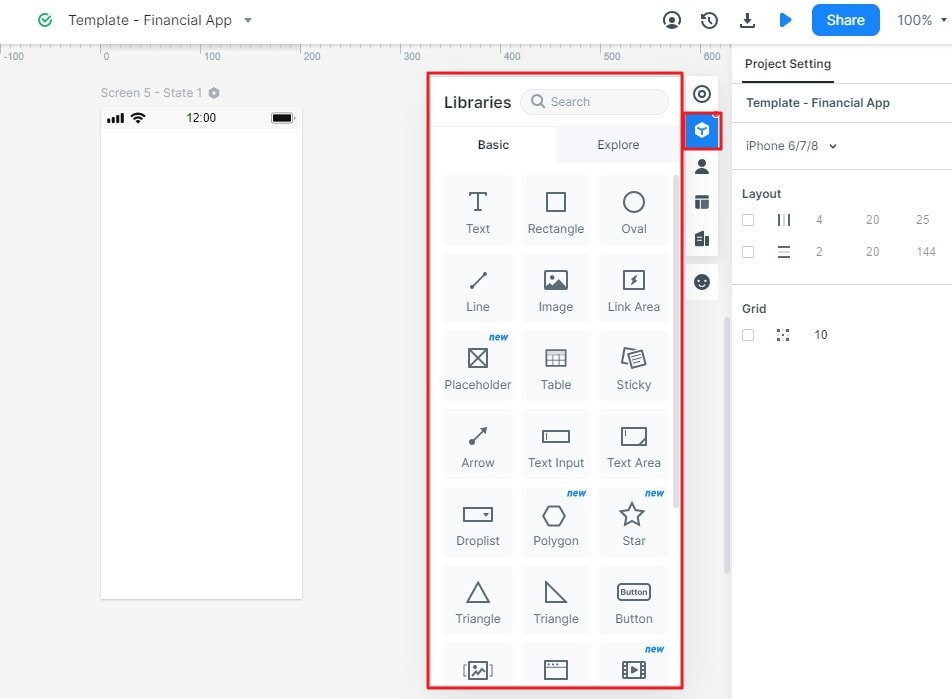
Use available widgets, icons, and templates as starting points. Replace sample content and remove controls that do not support the task. Check the current account and plan limits instead of relying on historical template counts or assuming every asset is free.
Save useful components for reuse and share the relevant library with the team where supported. Consistent field labels and button states make the proposed behavior easier to review.
- Design
Drag components onto the canvas, edit their properties, and connect interactive areas to the appropriate screen or state. Imported images can provide context, but an image of a control is not automatically an implemented control.
Select gestures and transitions that fit the intended interaction. Use state changes to explain feedback rather than adding animation only for visual effect.
- Efficient Presentation and Review
Preview the connected screens at a representative size. Presentation options can help explain the proposal, but the important question is whether the task is understandable without coaching.
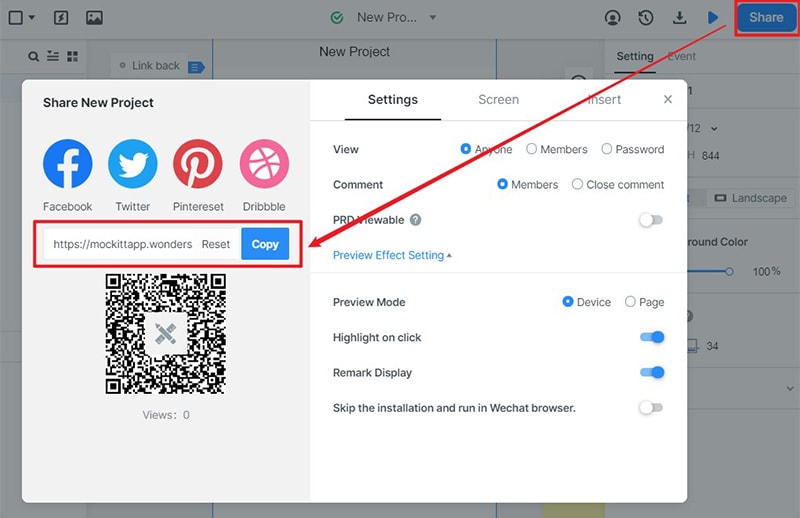
Share the current prototype link with appropriate permissions. Ask reviewers to complete a specific task and describe the result. Check that the intended audience can open the preview before arranging a review.
- Cloud Editing
Browser-based editing and shared cloud projects can reduce manual file exchange. Access permissions, connection requirements, and data-handling policies still need to be checked against the project’s needs; avoid assuming that collaboration features guarantee security or prevent every loss of work.
How to Make an Interactive App Wireframe with Mockitt:
Step 1: Sign up
Sign in to your account and open the workspace. The useful original screenshots below show an earlier interface; use the equivalent controls in the current product.
Step 2: Create Project
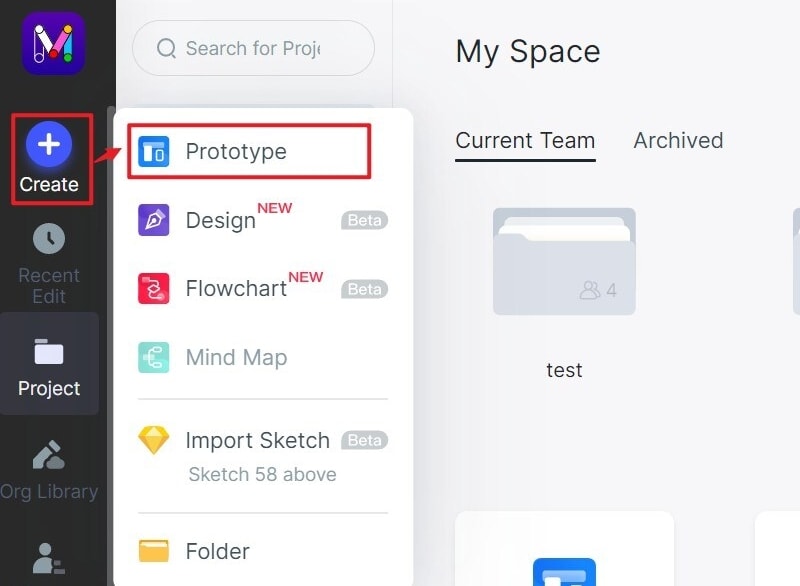
Create a prototype project from a blank screen or a suitable example. Set a representative mobile size and name the screens for the task.
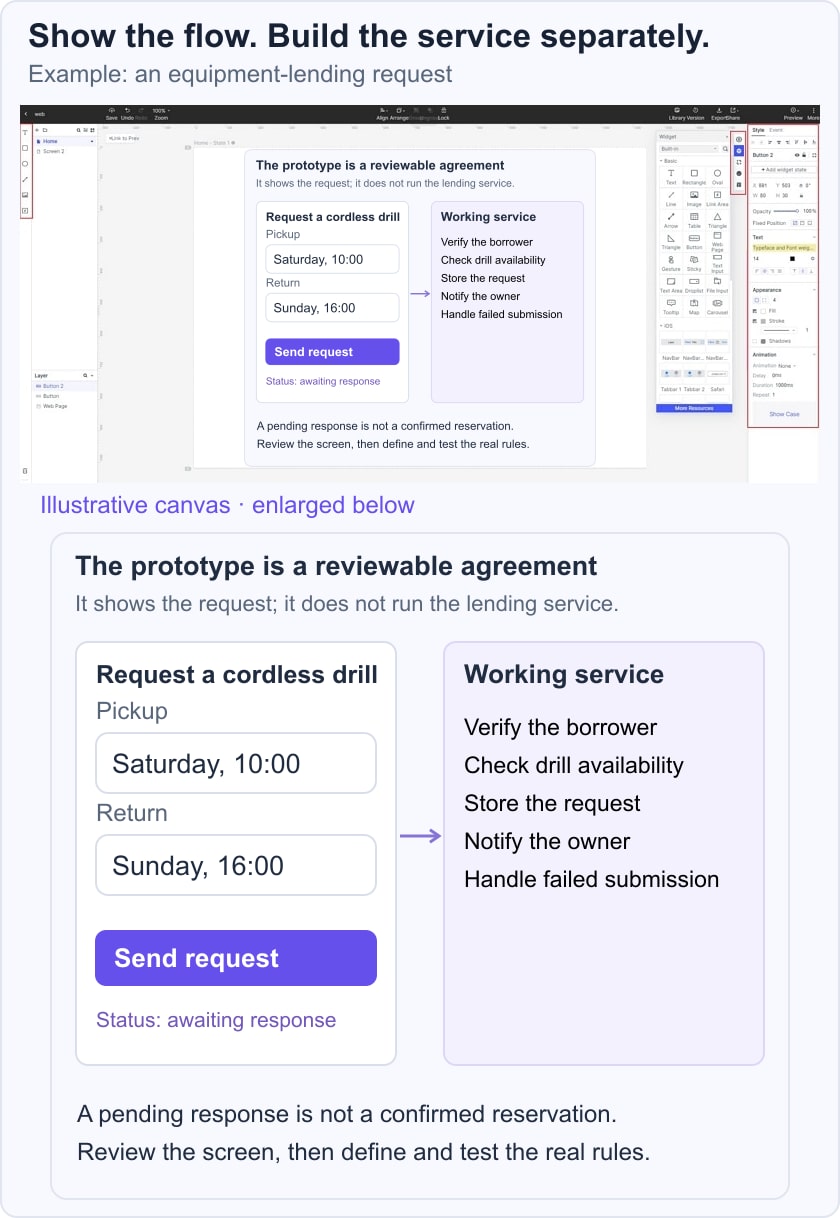
For example, design an equipment-lending request for a cordless drill. Let the person choose pickup and return dates, review the request, and see a pending response. Include an unavailable-date state so the team can discuss what the person should do next.
Step 3: Add Widgets and Icons
Add the drill details, date controls, request summary, and confirmation message. Reuse the primary button and field styles. Link the screens in order and annotate the rules that the real service will need, such as checking whether the drill is available for the full period.
Step 4: Preview
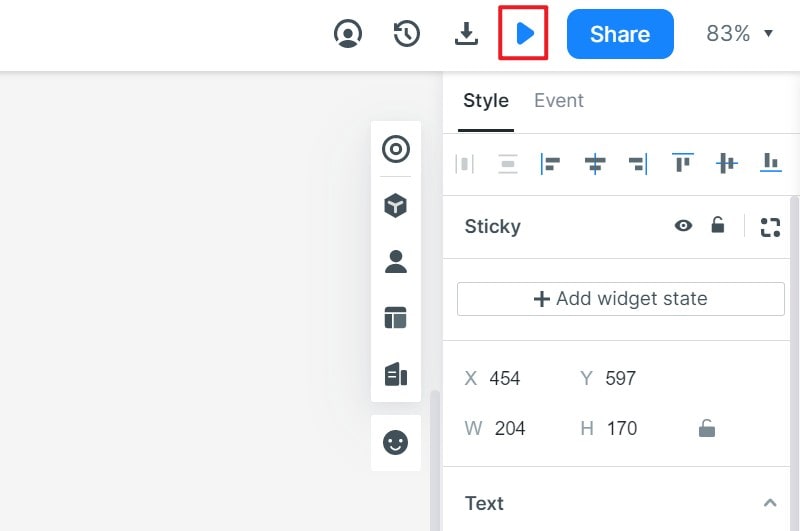
Open Preview and attempt the request with both available and unavailable example dates. Confirm that the summary preserves the chosen dates and that a pending request is not presented as a confirmed reservation.
Step 5: Share
Share the prototype with the people responsible for the service and implementation. Record unresolved rules alongside the relevant screen instead of leaving the reviewer to infer them.
For the overall planning sequence, see how to design an app from a task brief. Keep the prototype’s review findings available when choosing how to build it.
Understand Prototype Export Before Implementation
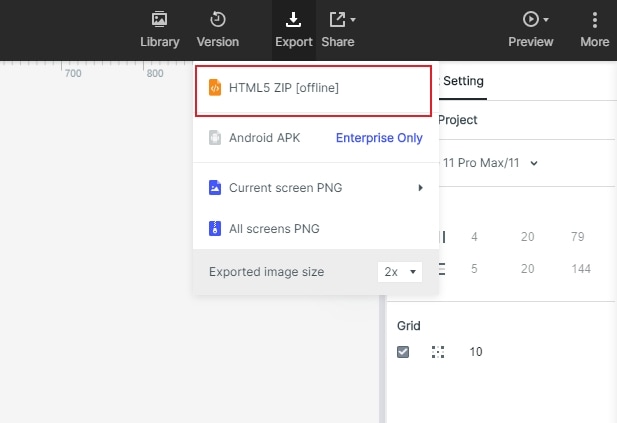
The original tutorial shows historical HTML and Android APK prototype-export options. These are not evidence that a wireframe becomes production application code. Check the options currently available in your account and what an export contains before depending on it for review or delivery.
A wireframe communicates content hierarchy, screen elements, and intended actions. In the lending example, it can demonstrate the date selection and request flow. It does not create the live inventory, authenticate borrowers, store reservations, or send reliable notifications. Those responsibilities must be implemented and tested.
Review the Prototype on the Intended Device
Use a supported preview or sharing method to inspect the flow on the relevant device. Do not install an old APK merely because an archived tutorial shows it. Confirm the current delivery method and distinguish prototype review from distributing the finished application.
Three App-Building Options to Evaluate
1. Appy Pie
Appy Pie offers app-building tools for Android and iOS. Evaluate whether its supported features and integrations fit the service you need, and check the current publishing and plan requirements.
For the drill-lending example, investigate accounts, inventory updates, request records, notifications, and access to your data. A visual builder can reduce some coding work, but it does not remove the need to design rules, test the app, or follow the platform’s release process.
2. AppsGeyser
AppsGeyser focuses on Android app creation. Review a relevant template and test it with your own content before committing to it. Check distribution, monetization, privacy, and plan conditions; creating an app does not guarantee passive income or an audience.
3. Appery.io
Appery.io is a low-code app development platform. Evaluate its visual development and integration workflow with a small working version of the task. Low-code does not necessarily mean no technical work: data connections, rules, and deployment still need appropriate expertise.
Conclusion
Use Mockitt to make the proposed experience reviewable, then choose a builder or development approach for the working service. Keep a short handoff record of screens, data, business rules, and unresolved questions. Consult the product requirements guide when those decisions need to become an implementation brief.