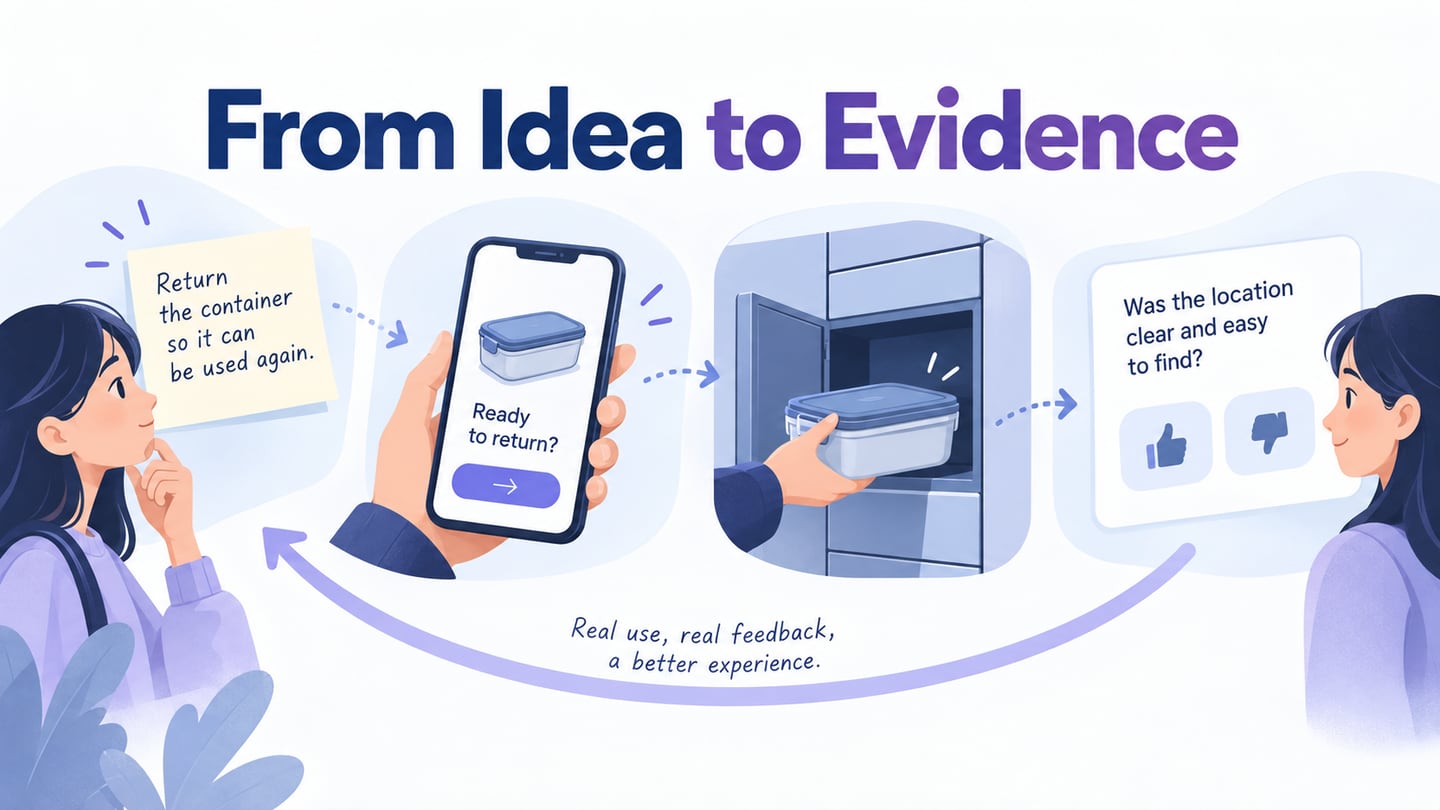
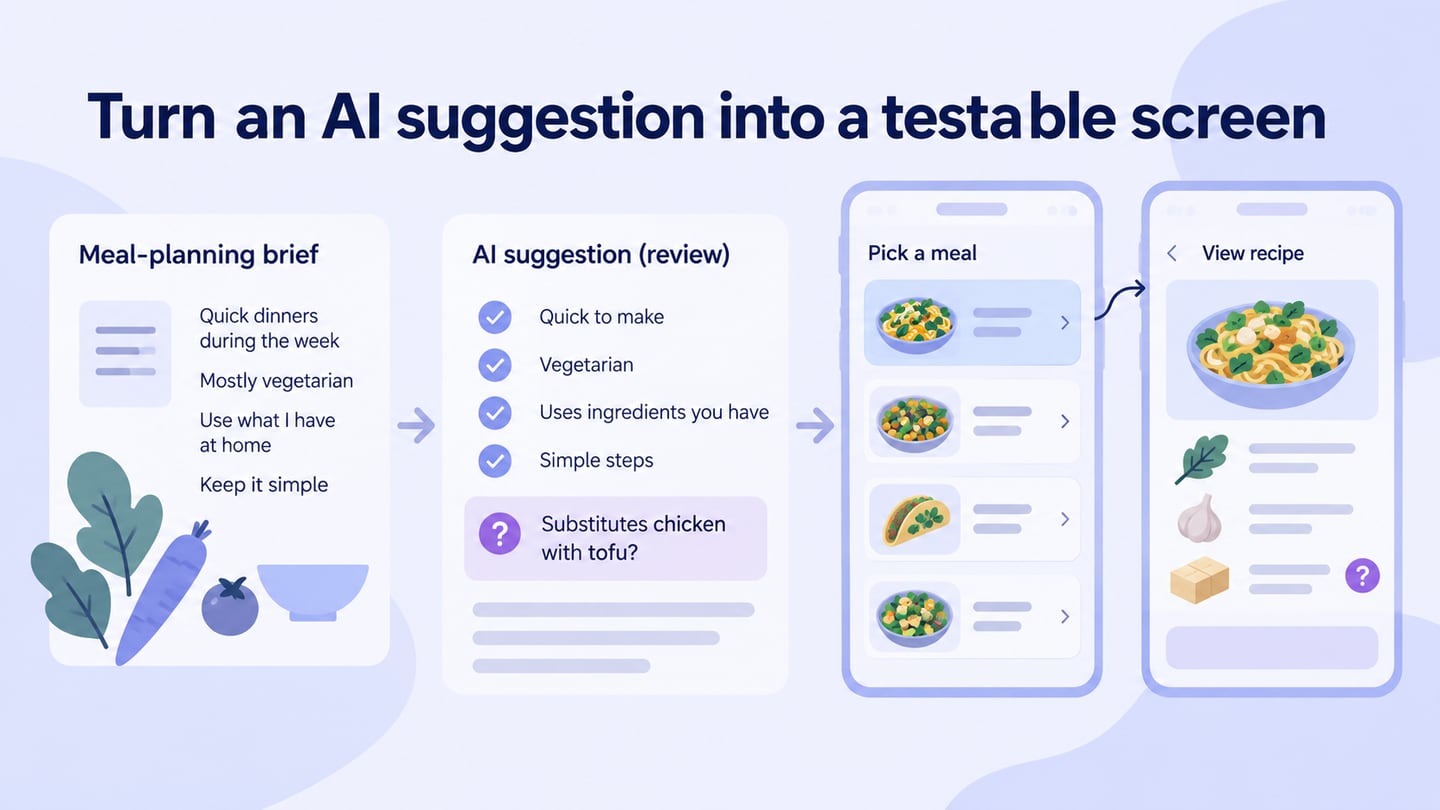
How to Prototype New App Ideas and Test the Riskiest Assumption
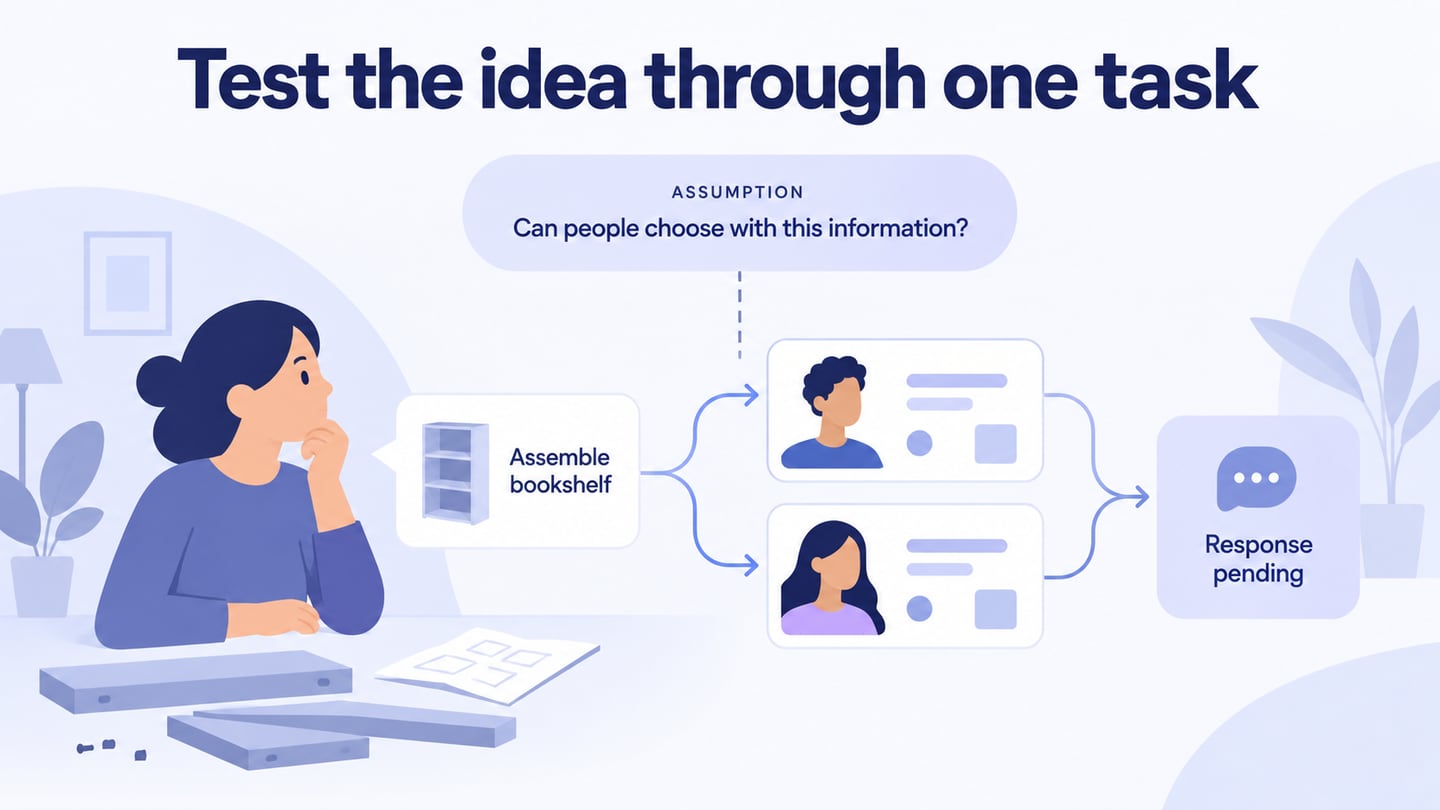
A new app idea needs more than novelty. It should address a problem for a specific audience, and its assumptions need evidence. An app prototype for testing an idea can help you find out whether people understand the proposed task and have the information they need to act.
The three ideas below remain useful starting points, but they are not presented as newly invented concepts or guaranteed opportunities. For each, identify a question to investigate before designing the whole application. If you have not selected an idea yet, use the app idea development methods first.
Three App Ideas and What to Test
Use these examples to practice narrowing a broad idea into an audience, a problem, and a reviewable task. A prototype can test comprehension and interaction; demand, safety, and business viability need other evidence.
Helper App
A helper app could connect people who need assistance with people offering a defined service, such as assembling furniture or mowing a lawn. Narrow the initial use case: a vague promise to find help for anything makes it difficult to design meaningful profiles, availability, and expectations.

Source: Burst Shopify
The original concept includes a request, helper profiles, candidate selection, and possible service fees. Before choosing a revenue model, investigate what information people need to assess a helper and what happens when availability changes. A prototype can expose these questions; it cannot verify a person’s qualifications or guarantee a successful match.
Virtual Try-on Application
A virtual try-on app could help someone explore how an item might look. Separate visual appearance from physical fit: an image or augmented-reality overlay does not establish whether a garment will fit accurately. Clarify the intended benefit and the limitations before designing the result screen.
Test whether people understand what the preview represents and what information they still need before a purchase. Technical feasibility depends on the item, devices, input data, and method used; do not assume a convincing mockup proves the underlying try-on technology works.
Pet Training App
A pet-training app could organize lessons, progress, and reminders for a defined audience. For example, a first-time dog owner may need a short, understandable lesson sequence rather than a large unfiltered library.

Source: Unsplash
Work with qualified subject specialists on the training content and its limitations. Review whether owners can find an appropriate lesson and understand the next step. A subscription is a business option to investigate, not evidence that the app will attract a large audience or be easy to build.
Creating a Prototype of New Mobile App Ideas
Choose the assumption that would most change your decision to pursue the idea. Build only the screens needed to investigate it, with realistic content and an outcome the participant can explain.
For the helper idea, prototype a request to assemble a bookshelf on Saturday afternoon. Show candidate availability and the details relevant to that task, let the requester choose a candidate, and display a pending response. Ask whether the requester understands what is agreed and what still needs confirmation.
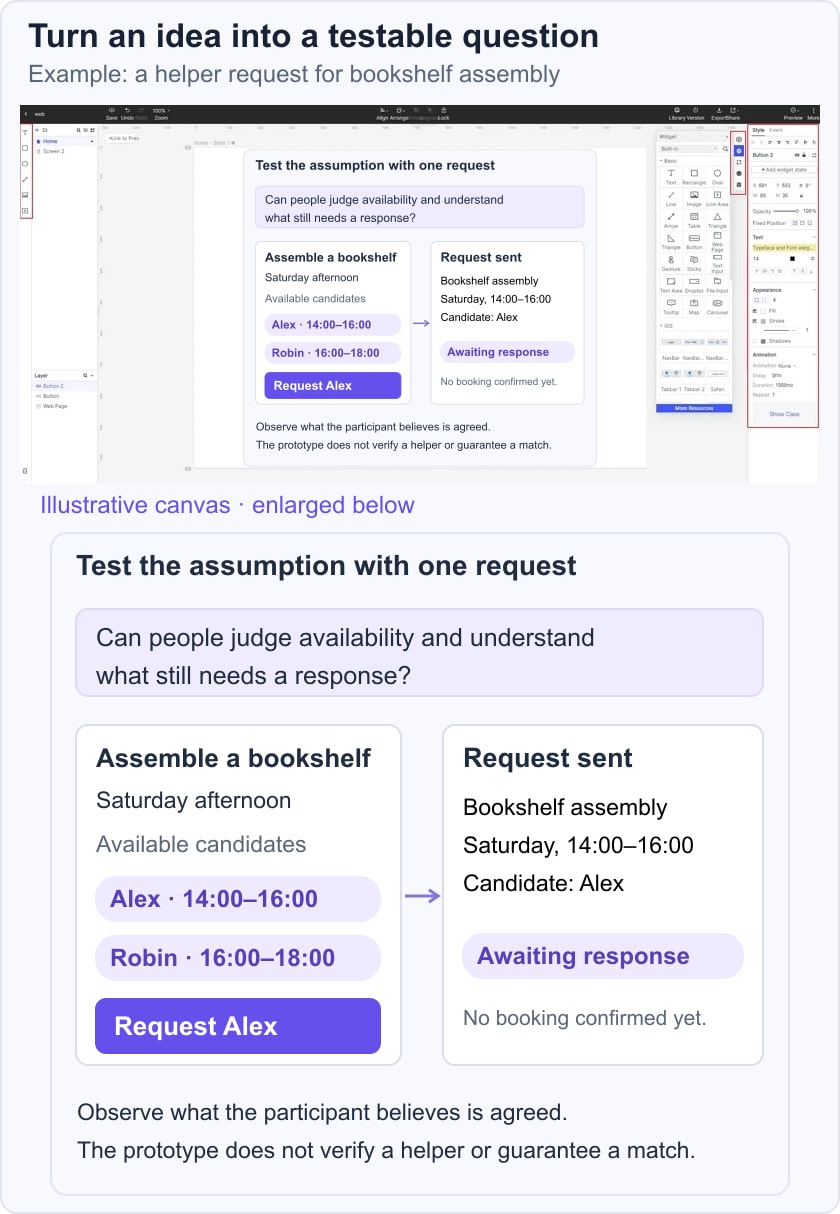
Mockitt lets you arrange those screens and link them for review without implementing the matching service. Keep the prototype small enough to revise when the first review exposes missing information.
Use components and interaction links to represent the request, candidate choice, and pending state. Check the current Mockitt plan and feature limits before deciding how much of the task the prototype can cover.
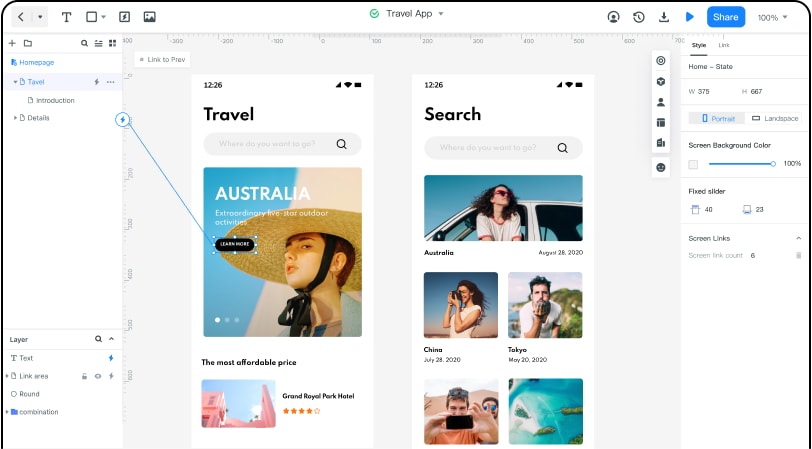
How to Create a Prototype of New App Ideas Using Mockitt
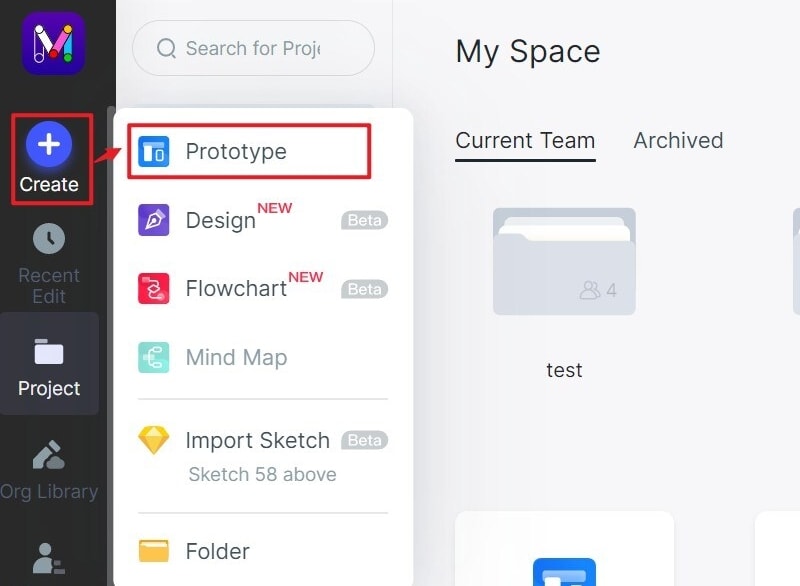
Step 1: Sign in to Mockitt and create a prototype project. The retained interface screenshots document the original workflow; use the equivalent controls in the current workspace.
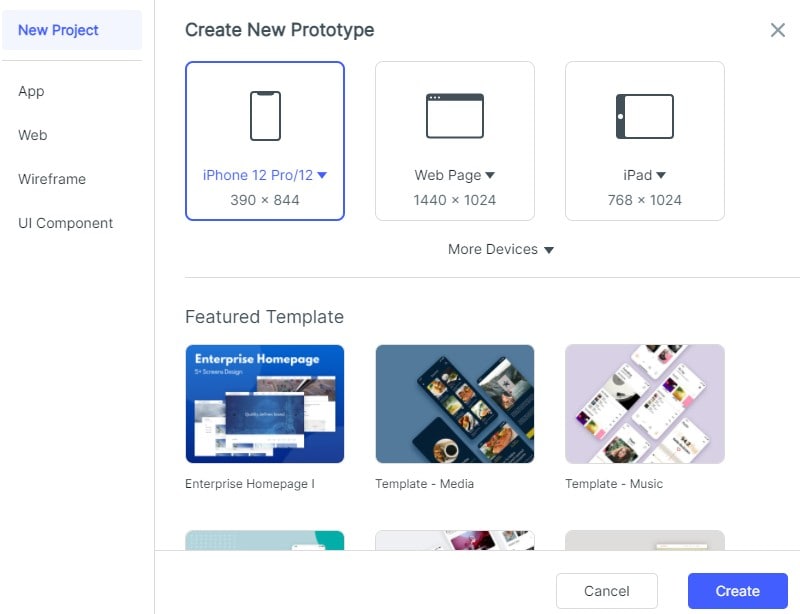
Step 2: Choose a blank project or relevant example, set a representative device size, and name the project for the task you will test.
Step 3: Add the request details and candidate information to the canvas. Use realistic labels and enough content to reveal whether the layout supports the decision.
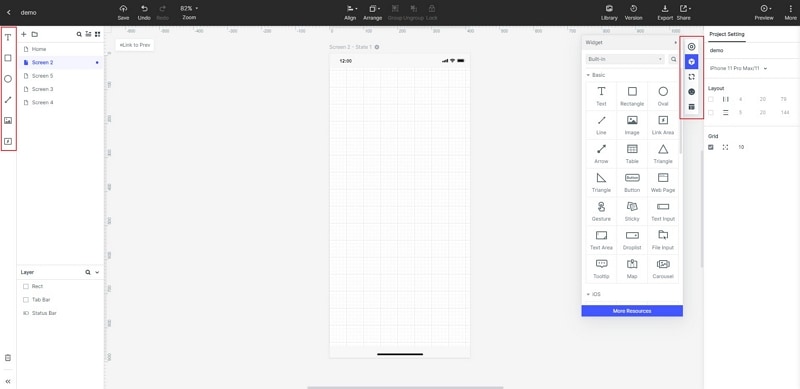
Step 4: Edit component properties so the primary action, availability, and request status are distinguishable. Do not use color as the only indication that a request is pending.
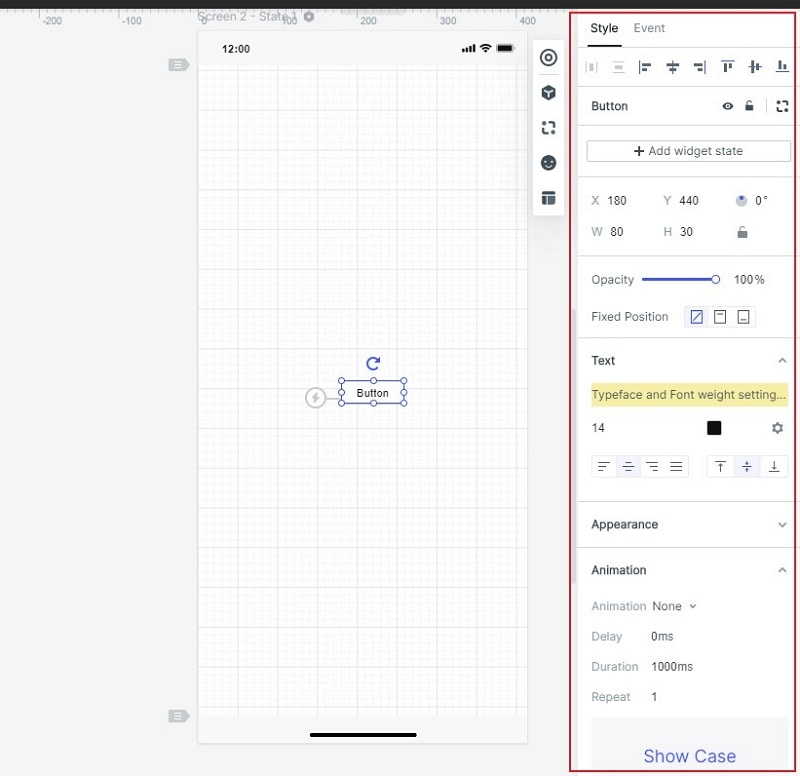
Step 5: Link the request to candidate selection, then to the pending response. Include a return or edit path when someone notices an incorrect date.
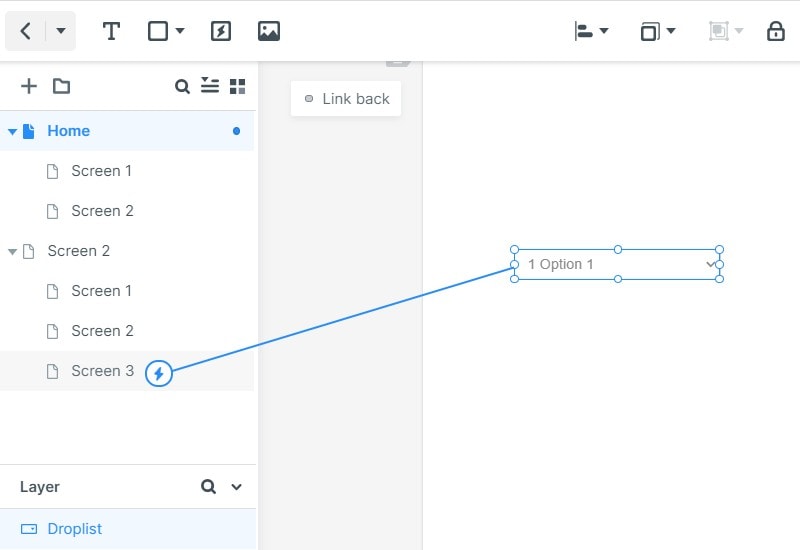
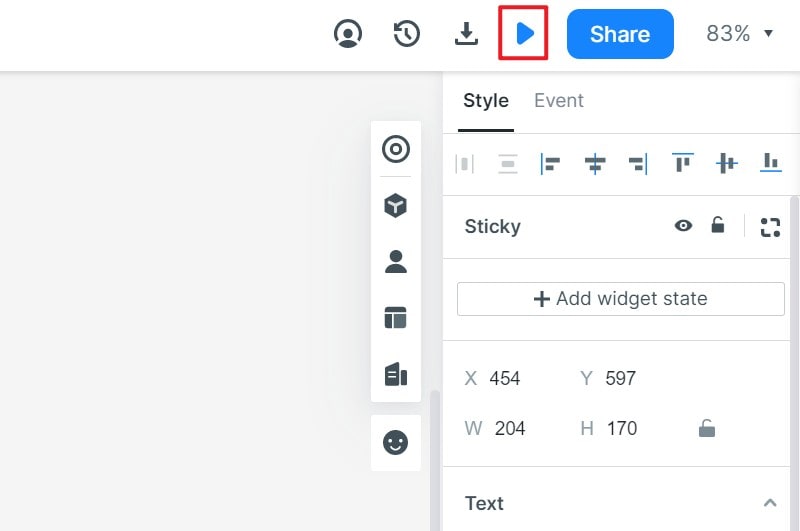
Step 6: Open Preview and give a participant the task without describing the controls. Watch where they hesitate, ask them to explain the outcome, and record the information they expected but could not find.
After the review, separate observations from assumptions. “The participant thought the booking was confirmed” supports changing the pending message; it does not prove whether people will pay for the service. Combine the prototype findings with research into the audience and problem before deciding what to build next.