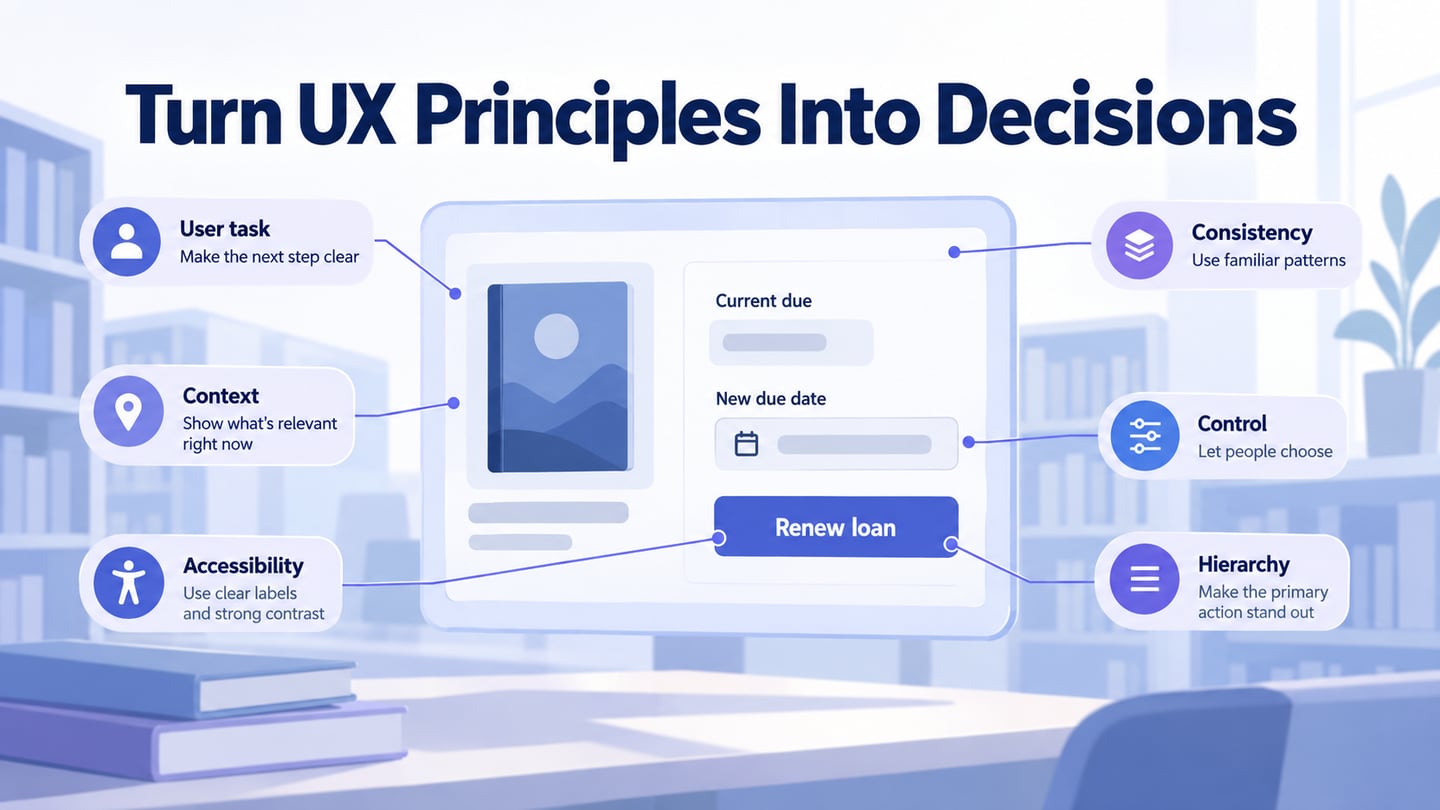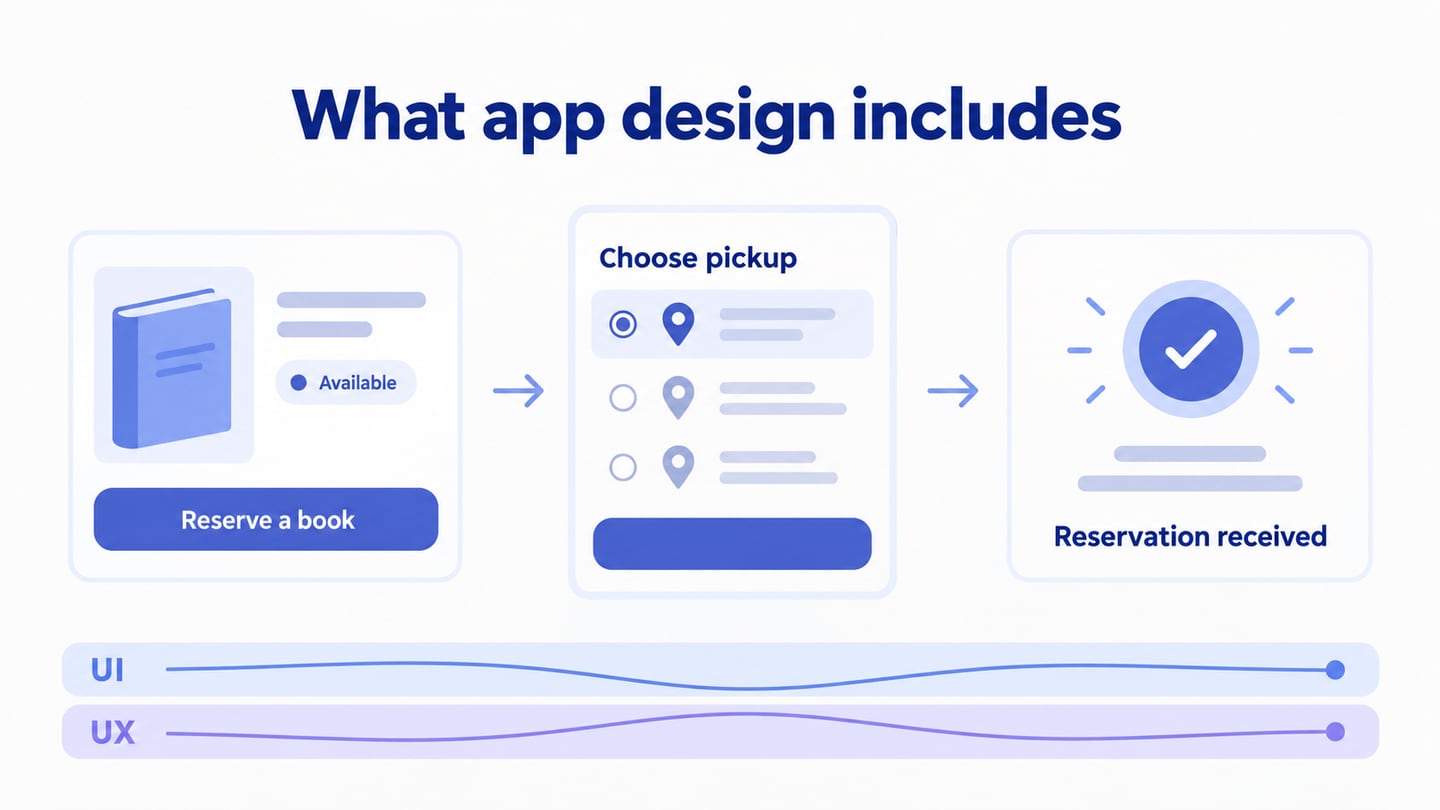
App design includes both user interface design (UI) and user experience design (UX). UI concerns the controls, typography, colors, and layout people interact with. UX also considers what people are trying to accomplish, how the flow supports them, and what happens when something goes wrong. An appealing screen is useful, but it is only one part of a usable application.
This guide explains the scope of app design, how to choose tools, and how ideas become wireframes and prototypes. An interface design workspace helps make those decisions visible; it cannot decide the user’s needs or business rules for you.
What is App Design?
App design is the work of planning how an application looks and behaves so that people can complete a task. It brings together research, information organization, interaction design, and visual design. Designers, developers, product managers, and other specialists may share that work.
Imagine a library app that lets a reader reserve a book. Choosing a readable button label is a UI decision. Showing whether the book is available, asking for a pickup branch at the right moment, and explaining the confirmation are part of the wider experience. The same attractive button can still lead to a confusing flow if availability is hidden until the end.
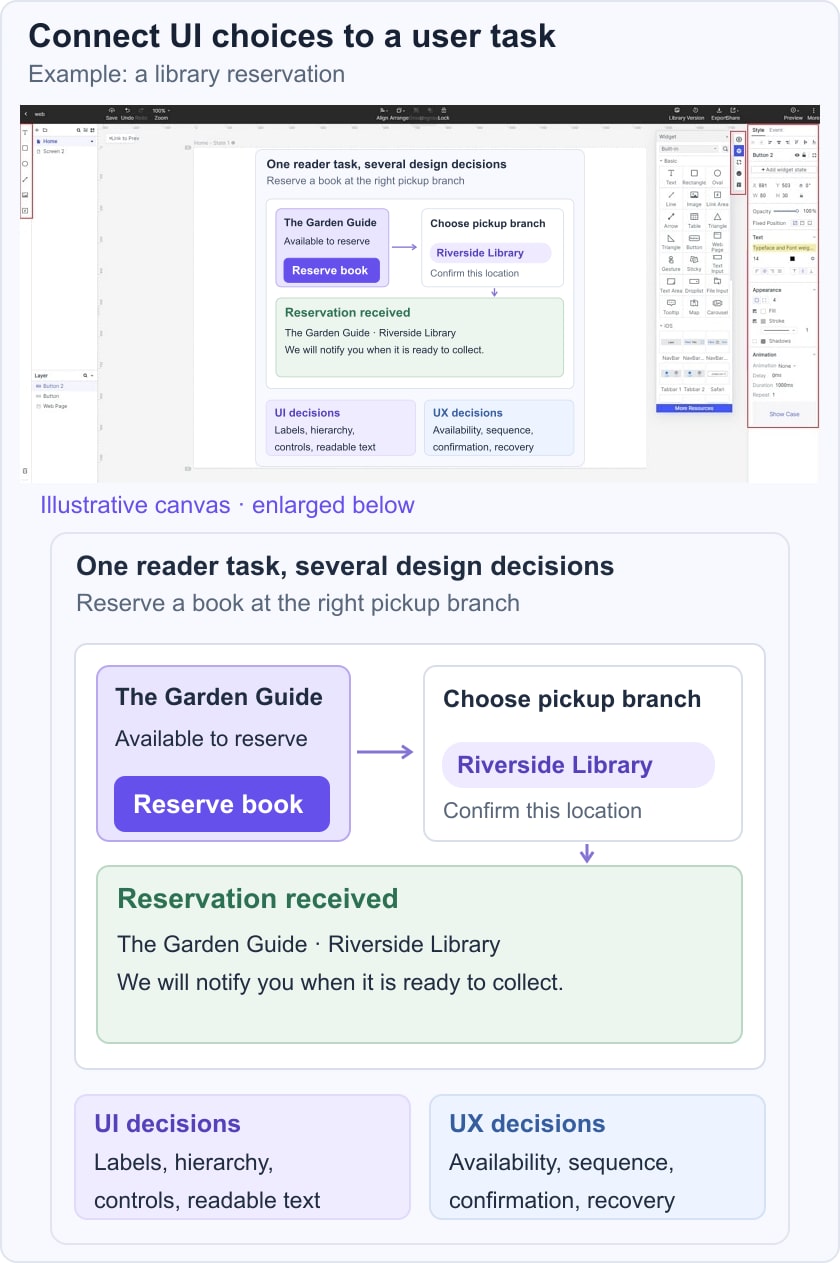
A good app design encompasses the following:
- User information: Know which details the task requires and avoid requesting unrelated data.
- User feedback: Learn where people struggle rather than assuming every request should become a feature.
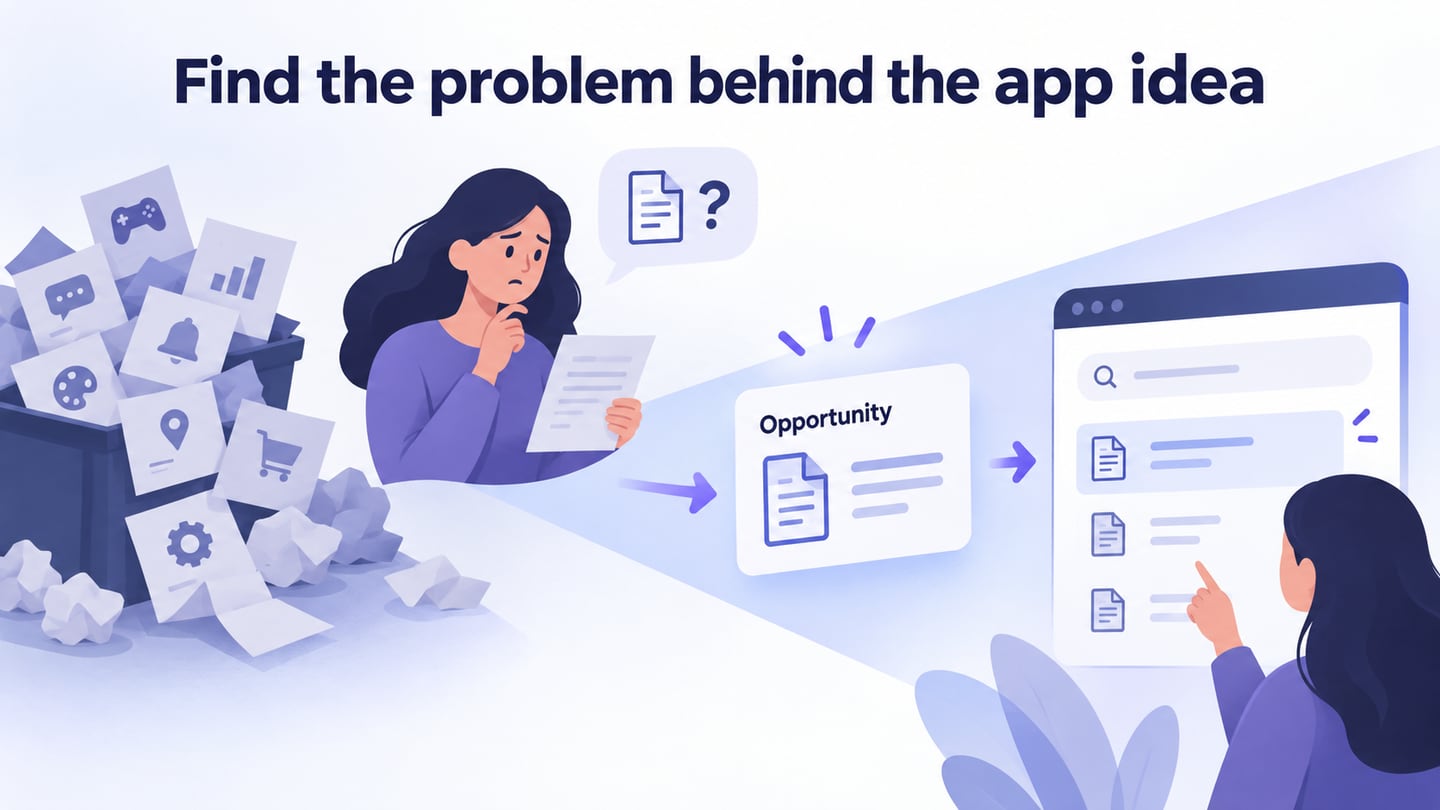
- Purpose: Define the problem the application should help solve.
- Interaction: Make taps, gestures, and other controls behave predictably.
- Settings: Let people understand and control relevant preferences.
- Prototype: Represent the screens and connections needed to review a question. A prototype may be deliberately incomplete; it does not have to contain every screen or final visual detail to be useful.
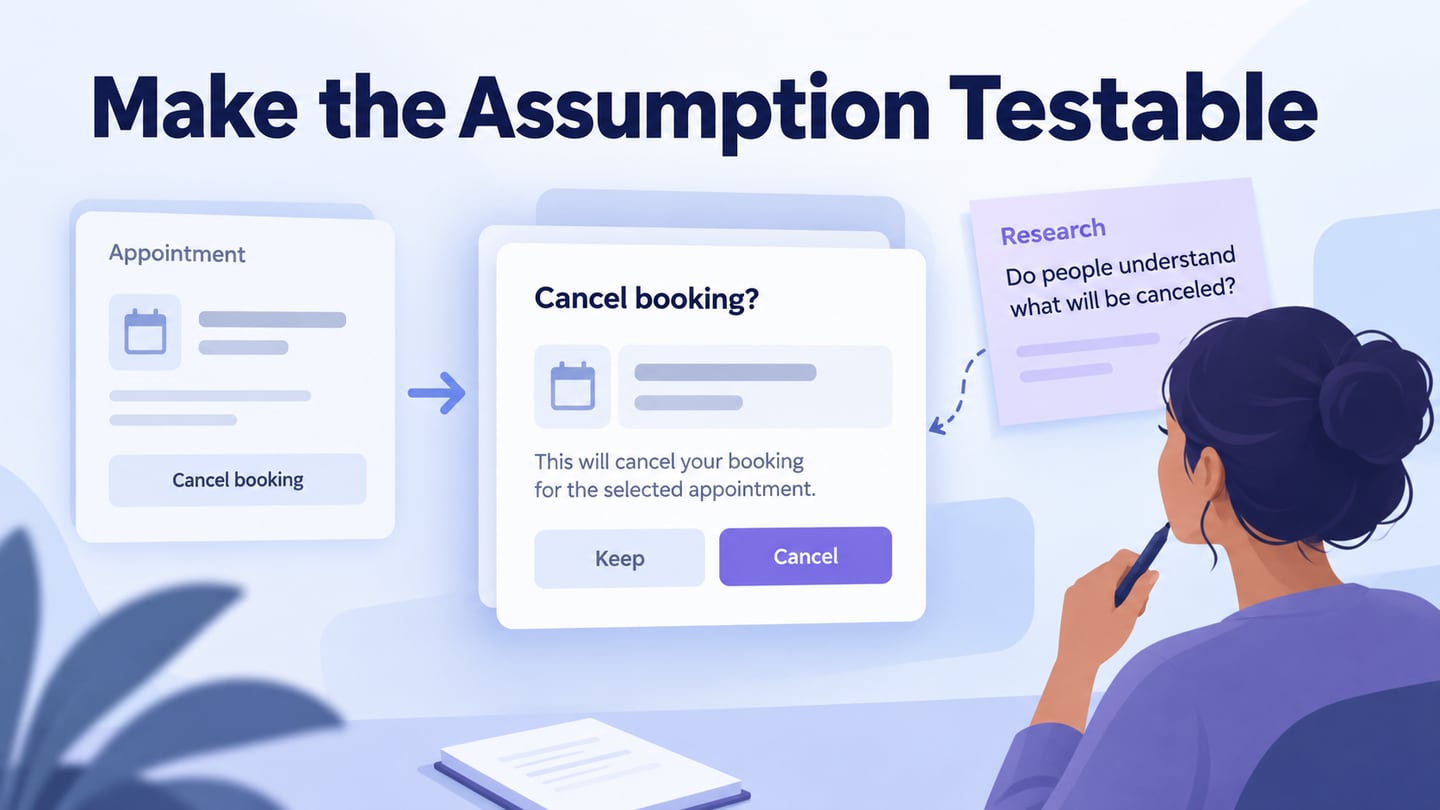
App design is not simply decoration, and it is not limited to work done by developers. A wireframe can expose an unclear sequence before typography is finalized. A visual mockup can clarify hierarchy. An interactive prototype can show whether a person understands the next action.
Select the artifact for the uncertainty you need to resolve. For the library example, a clickable reservation flow is more useful than a set of disconnected polished screens. The wireframe and mockup comparison helps distinguish these deliverables.
Tools for Mobile App Design
1. Mockitt
Mockitt supports interface layout, reusable components, prototypes, and collaborative review. Use it to arrange the app’s screens and make the proposed path visible to the people who will review or build it.
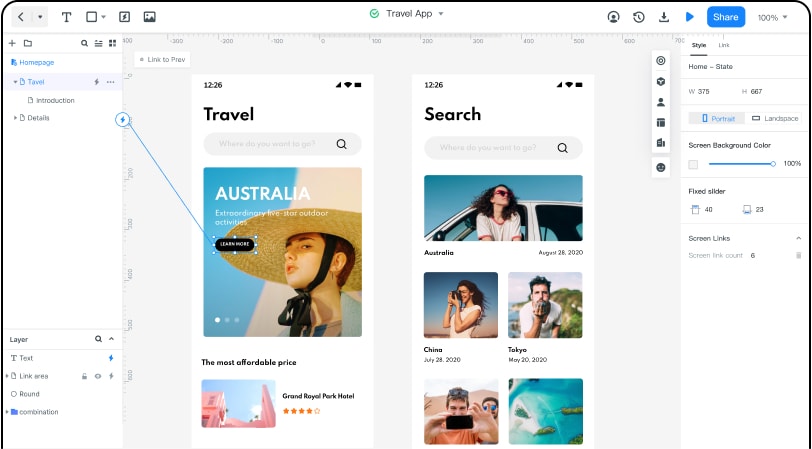
Pros:
- Reusable interface assets and components.
- Presentation and review tools.
- Multi-member collaboration.
- Cloud editing and synchronization.
- Handoff information for discussing implementation.
- Check the current plan against the project’s file and collaboration requirements.
Cons:
The team still needs to define business rules, implement the app, and test it on the intended devices.
2. Fluid UI: Linked Mobile Screens
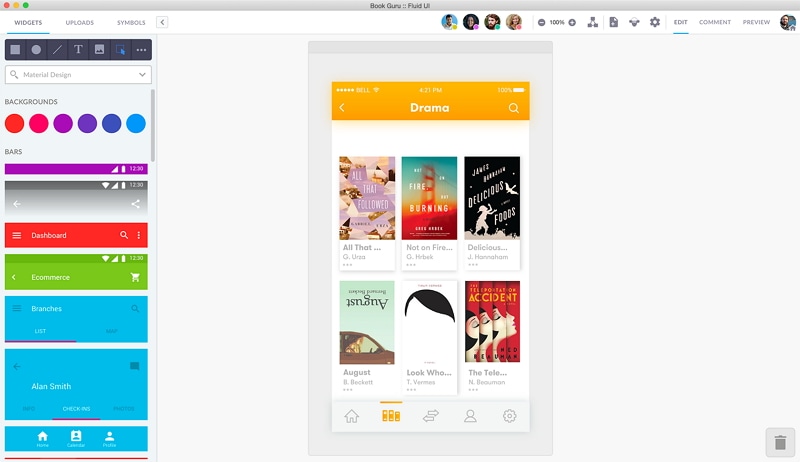
Fluid UI provides mobile and wireframing kits, linked previews, and team collaboration. Consider it for a screen-based flow; test the required interactions and sharing setup before choosing a plan.
3. Proto.io: Detailed Interactive Prototypes
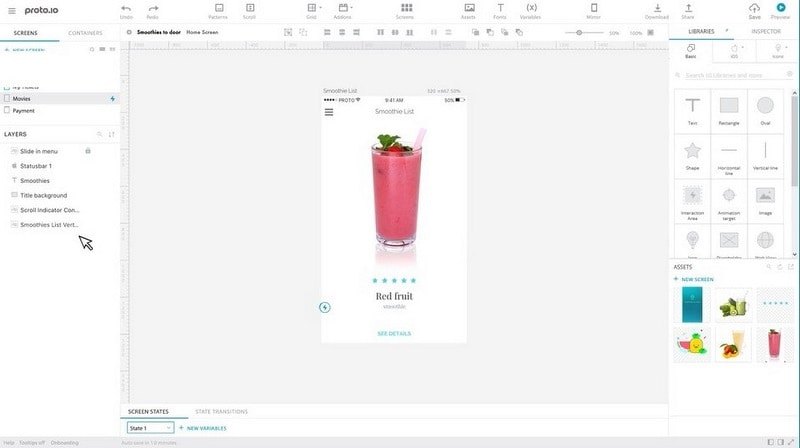
Proto.io focuses on interactive prototypes. Consider the fidelity and states you need to demonstrate, and allow time to maintain the interactions when the underlying design changes.
4. Figma: Interface Design and Prototyping
Figma combines interface design with connected prototypes, interactive components, and more detailed state logic. It may suit a team already maintaining its design components there. A design tool’s code or handoff features do not remove the need to build and verify the final application.
Choose a tool by trying one representative task with your team. Can you change a shared component, demonstrate an exception, and give a reviewer access? Check the tool’s current availability, supported platforms, and maintenance before selecting it for a new project.
App Design Process: From Ideas, Wireframes to Development
A design process moves from understanding the task to representing it, reviewing it, and preparing it for development. The original visual and interaction details still matter, but they should follow the task rather than replace it:
- Color and typography that establish readable hierarchy.
- A flow that connects the user’s goal to a clear result.
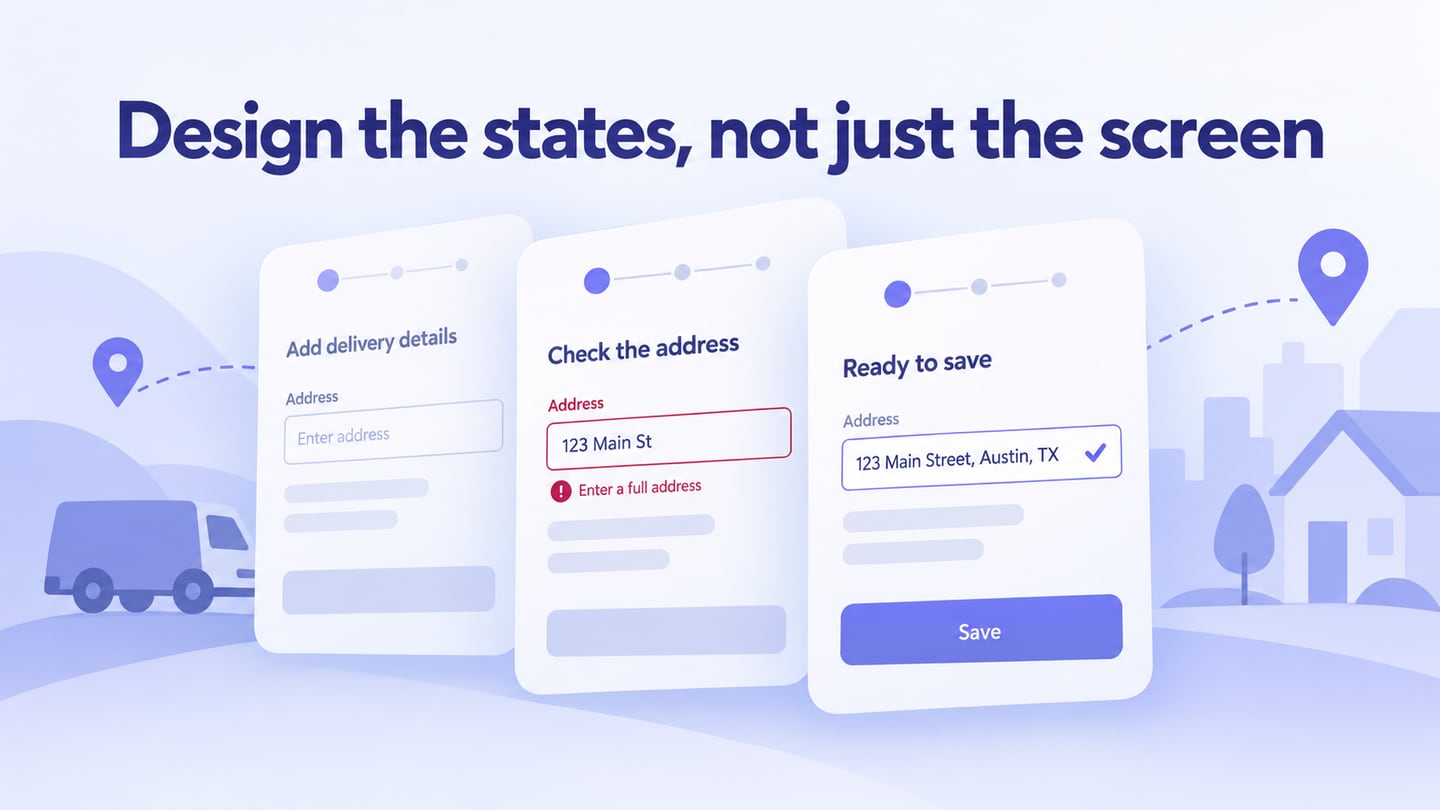
- Screen links and states that explain actions and recovery.
- Components such as buttons, search fields, and navigation that behave consistently.
- Layouts that accommodate content, text size, and the devices in scope.
For the library reservation, begin with the reader’s question: “Can I collect this book at my branch?” Then use the design tool to make the answer and next step visible:
- Sketch availability and pickup information in a wireframe before spending time on decoration.
- Link the book details to a pickup choice and confirmation. Note what must be checked against live availability during implementation.
- Build reusable controls for branch selection and confirmation feedback.
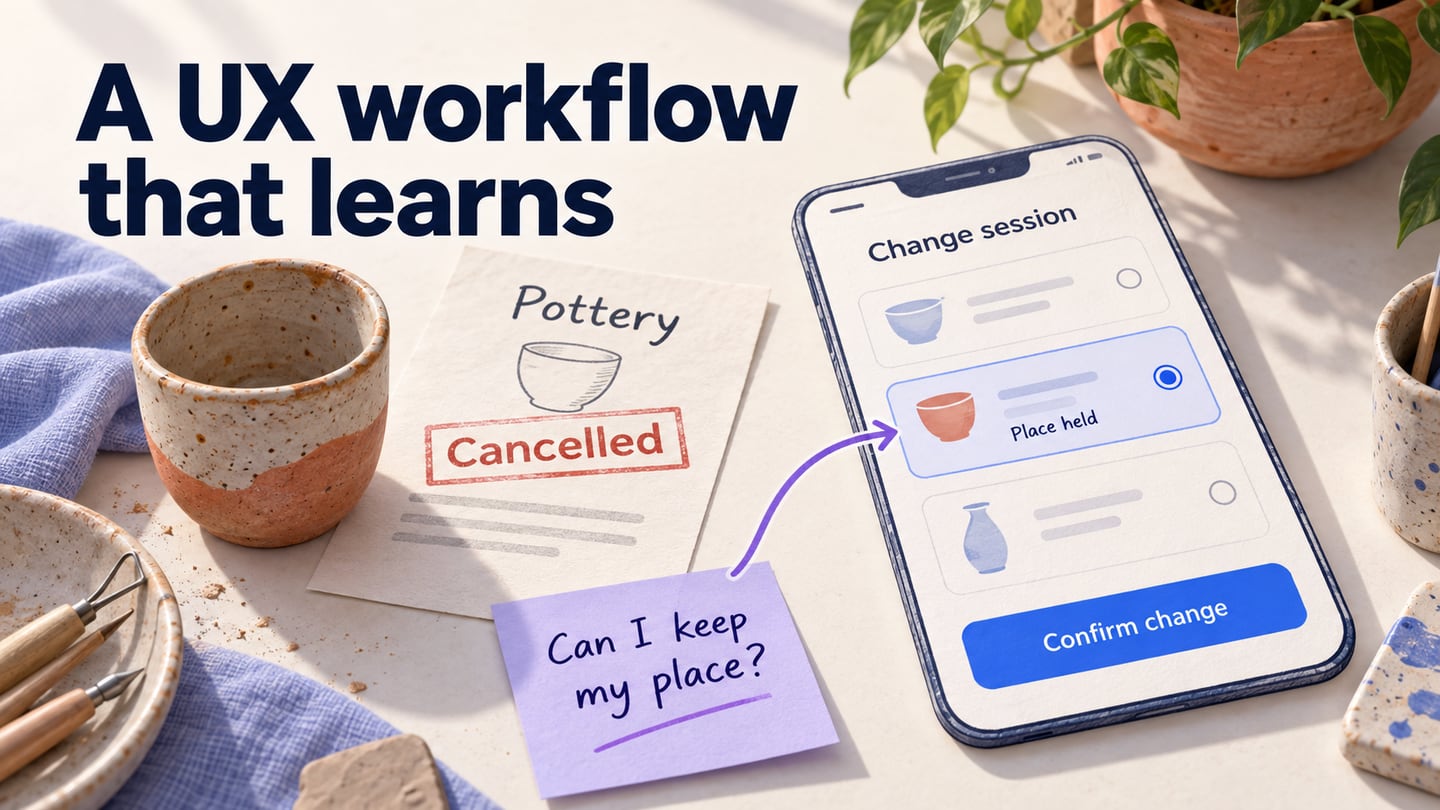
- Add an unavailable-book state and a way to return without losing the selected branch.
- Share the screens, assets, states, and open questions with developers; generated snippets are not a complete production app.
Useful Tips for Mobile App Design
Use these principles to review the design before handing it off:
- Design for the devices and input methods the project actually supports.
- Choose tools for the work you need: layout, interaction, collaboration, and delivery.
- Review the app’s behavior and constraints, including:
- Platform conventions.
- Navigation and recovery paths.
- Content and layout adaptation.
- Loading and unavailable-data states.
- Readability and accessibility needs.
- Use wireframes to expose missing steps early. They can reduce uncertainty, but they do not eliminate revisions.
- Give users enough context to complete the task and developers enough information to implement the intended behavior.
Conclusion:
App design turns a user problem into an interface and interaction flow that a team can examine. Start with a defined task, choose the smallest useful artifact, and revise it using evidence from review. For the practical sequence, continue with how to design an app.