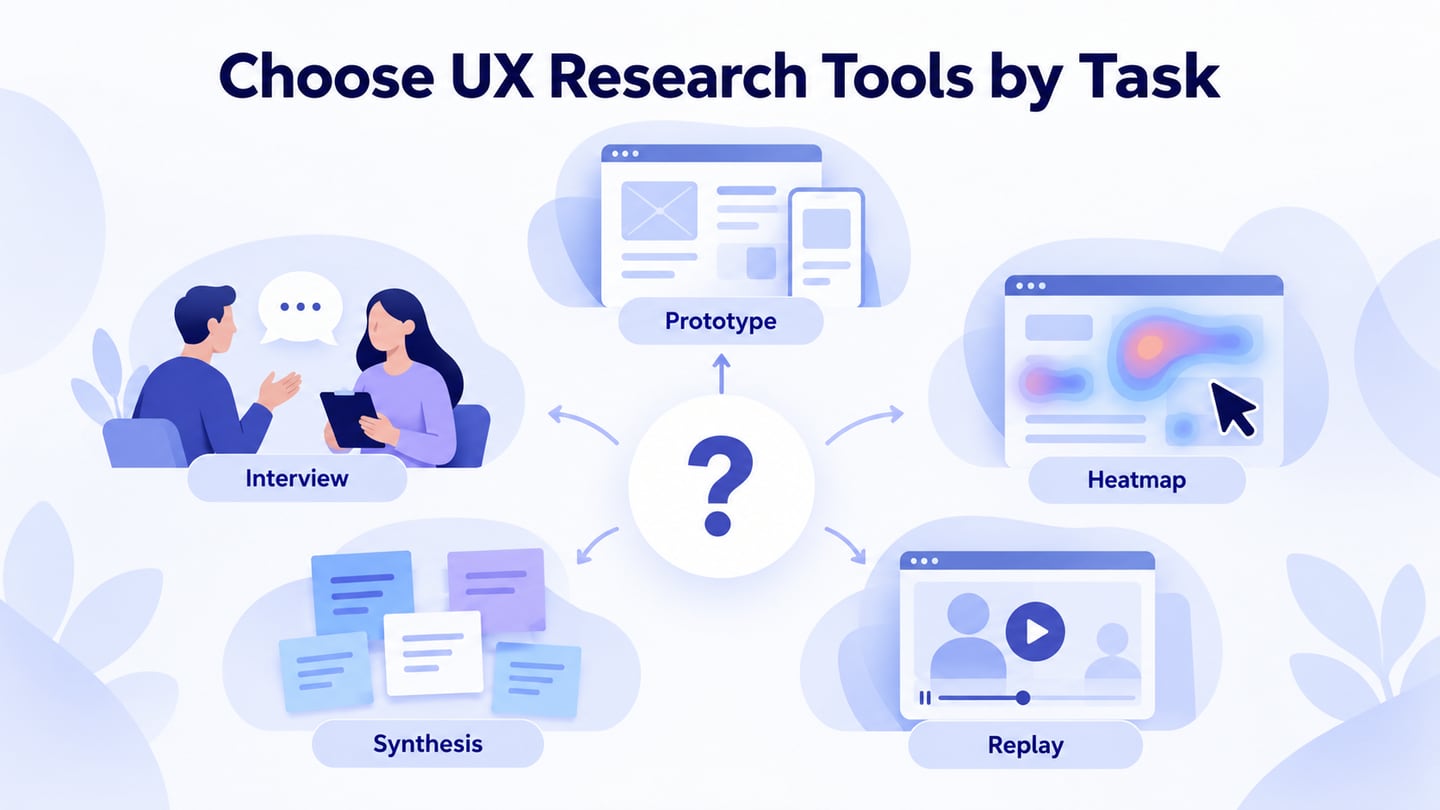
UX research tools serve different jobs: preparing something to test, talking with participants, organizing evidence, and observing behavior on a live service. Start with the research question and method, then choose a tool that can collect the required evidence. A prototype editor cannot tell you why a participant hesitated; a session replay cannot establish what they expected without further investigation. The five tools below remain useful comparisons when their roles are kept distinct.
- Part 1: Five tools for different research tasks
- Part 2: Prepare a research prototype in Mockitt
Five tools for different UX research tasks
Treat this list as a set of complementary options, not a universal ranking. For each one, decide what evidence it contributes, what it cannot establish, and how findings will reach the people making the design decision.
1. Axure
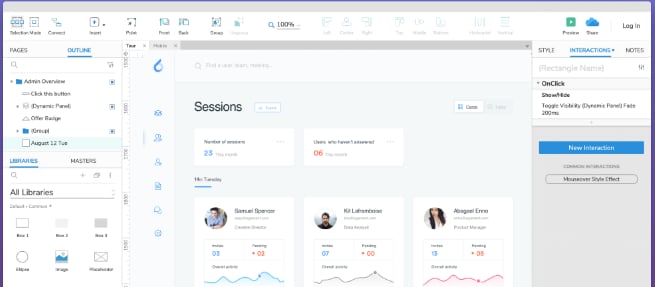 Archive example of an Axure prototype; current controls may differ.
Axure is useful when a study needs a prototype with conditional behavior, forms, variables, or several interface states. Its official product overview describes those prototyping capabilities and sharing through Axure Cloud. The research value comes from representing enough of the task for a participant to try it, rather than presenting a polished but nonfunctional screen.
Use Axure when the question depends on interaction logic—for example, how someone recovers from an invalid field while the rest of a form remains filled in. Prototype only the states needed for the study. It does not replace recruitment, a discussion guide, consent, or the researcher’s analysis; sophisticated logic can also increase preparation time.
2. Miro
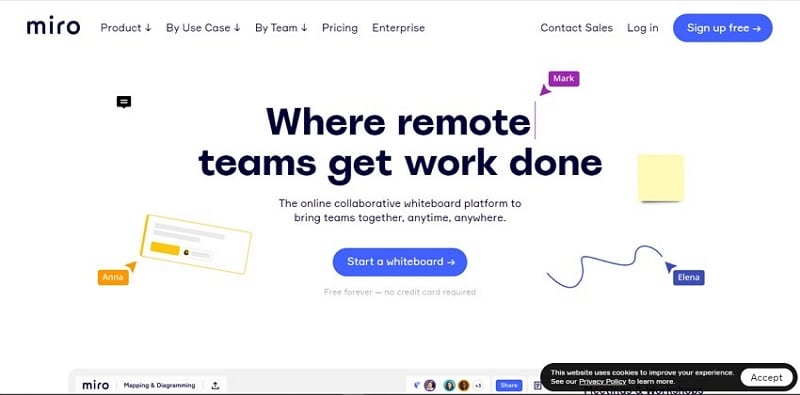 Archive Miro homepage, retained as product context rather than a current feature or pricing reference.
Miro is a shared visual workspace for organizing notes, mapping journeys, and discussing patterns with a team. It is most useful here as a synthesis space. Keep observation, interpretation, and proposed action in separate areas, and attach a participant or session reference to each note. A workshop full of sticky notes is not evidence by itself: preserve the source and record disagreements rather than letting the loudest participant choose the theme.
3. Hotjar / Contentsquare
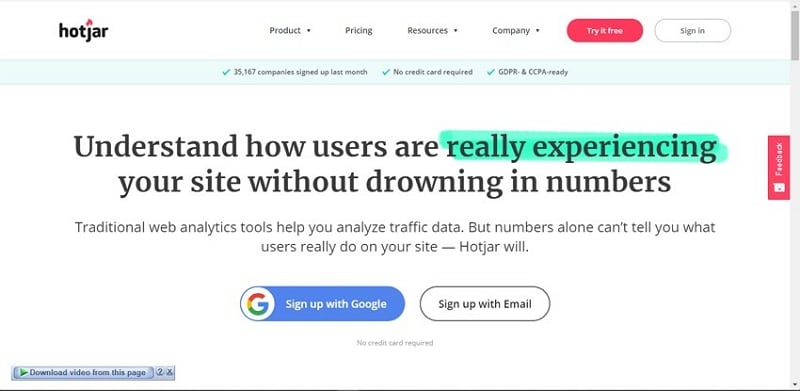 Archive Hotjar homepage. New-user access is now through Contentsquare.
The original article named Hotjar. Its current official destination now states that Hotjar is part of Contentsquare and directs new users to Contentsquare. Heatmaps, session replay, and feedback tools can help investigate behavior on an implemented site. They do not directly explain intent: repeated clicks might reflect a broken control, unclear feedback, or a different expectation. Check implementation, consent, masking, retention, and the current plan before collecting data.
4. Zoom
Zoom can support moderated remote interviews and usability sessions through conversation and screen sharing. Ask participants to share only the relevant window and explain who can see or record the session. Confirm recording permission before starting. Test the meeting setup, audio, prototype access, and screen-sharing instructions beforehand; do not spend the research session debugging the tool. Participant and recording limits depend on the current plan, so an old capacity figure is not a sound selection criterion.
5. Fullstory
 Archive Fullstory homepage; use the current product documentation for plan details.
Fullstory combines digital behavior data with session replay to investigate journeys on a live product. Its platform overview describes tools for analyzing those experiences. Use it to locate a pattern worth investigating, such as repeated attempts to open a confirmation page. Validate event definitions and data coverage before interpreting counts. A replay of a failed attempt shows an interaction sequence; it does not prove the user’s motive or that a redesign will solve the problem.
Prepare the research artifact in Mockitt
Mockitt can help the team prepare interactive screens for a usability session before building the production feature. Lay out the task, add the interactions needed to continue or recover, and share the prototype with reviewers. The original guide’s widget, preview, and collaboration workflow remains useful; exact roles, version limits, and plan entitlements should be checked in the current workspace rather than inferred from an older screenshot.
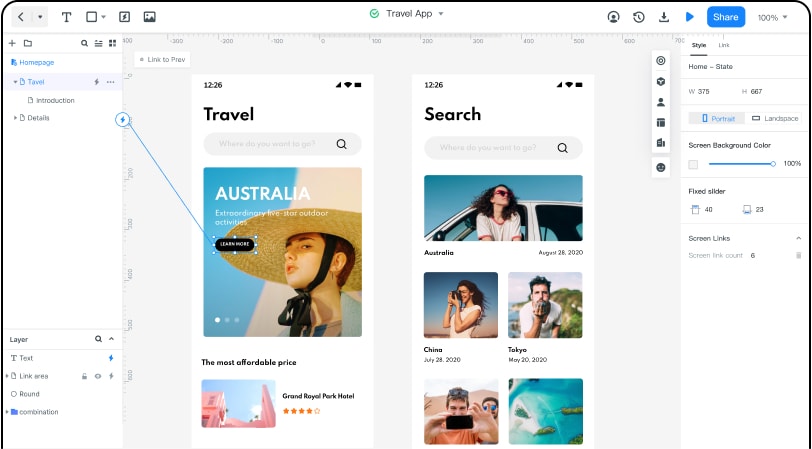 Earlier Mockitt editor showing the screen-based artifact used in prototype research.
What to prepare before the session
- Task screens: Include the starting point and the information the participant needs, without telling them which button to press.
- Review notes: Ask teammates to flag unrealistic copy or missing states before a participant sees the prototype.
- A complete task route: Preview success, cancellation, and the most relevant error path. A broken prototype link should not be recorded as a user failure.
- Participant access: Open the shared view in the same access mode the participant will use. Check whether sign-in is required.
- Permissions: Give observers the access they need and keep private participant information out of the prototype.
- Interaction fidelity: Use transitions or state changes only when they matter to the research question. Animation alone does not make a test more realistic.
- Handoff context: Record which behavior is simulated and which information is a placeholder so stakeholders interpret the session correctly.
- Study version: Keep a named copy or recorded version of the tested design. Do not silently change the task halfway through a round and combine the results as though everyone saw the same thing.
Example: Do learners understand a waitlist offer?
For a language-class waitlist study, build an offer screen with the class time, an expiry time, an “Accept this place” action, and an expired-offer state. The question is whether a learner understands that an offer is not yet an enrollment. This is an illustrative study plan, not a report of observed results.
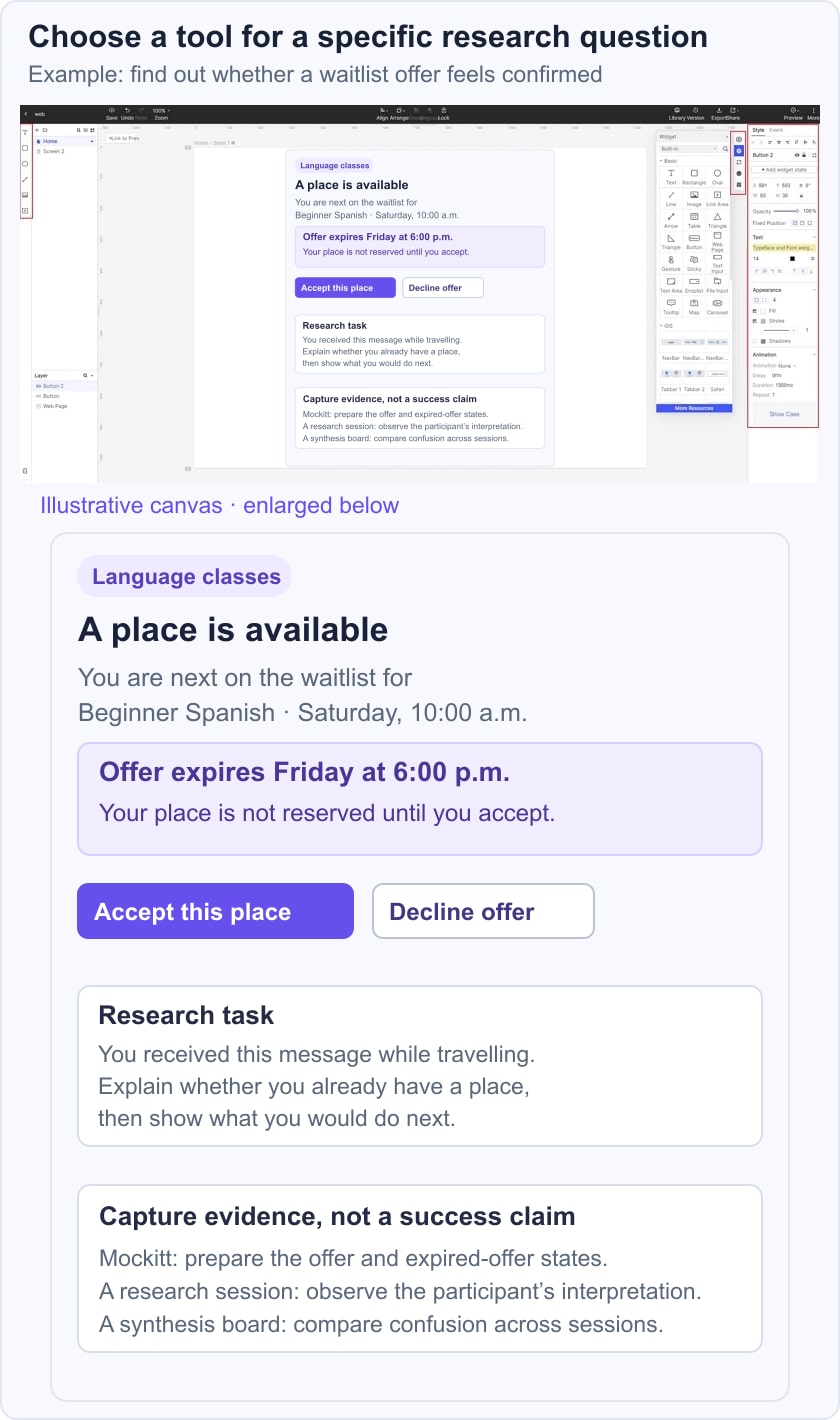
In a moderated call, ask the participant what they believe their current status is and what they would do next. Record their words and actions separately. In the synthesis workspace, distinguish “participant said the seat was already confirmed” from the interpretation “the status label may be misleading.” Then test a clearer label or confirmation sequence in a second round. Use usability testing to investigate that specific misunderstanding; do not claim that a new color alone has improved conversion.
After implementation, behavior analytics may reveal where people abandon the offer, provided that events and eligible visitors are defined correctly. Connect those patterns with qualitative evidence before acting. This sequence keeps prototype creation, moderated observation, synthesis, and live analytics in their proper roles.
Questions to ask before buying or adopting a tool
Write down the evidence you need, the type of participants you must include, and who will analyze the result. Check participant accessibility, recording consent, data export, retention controls, and compatibility with your existing research repository. Try one complete pilot session. A tool is a good fit when it lets the team answer its question responsibly and retrieve the evidence later, not when it has the longest feature list.