






One platform covering the entire
product design process
Five Core Tools for One-Stop Intelligent Collaboration

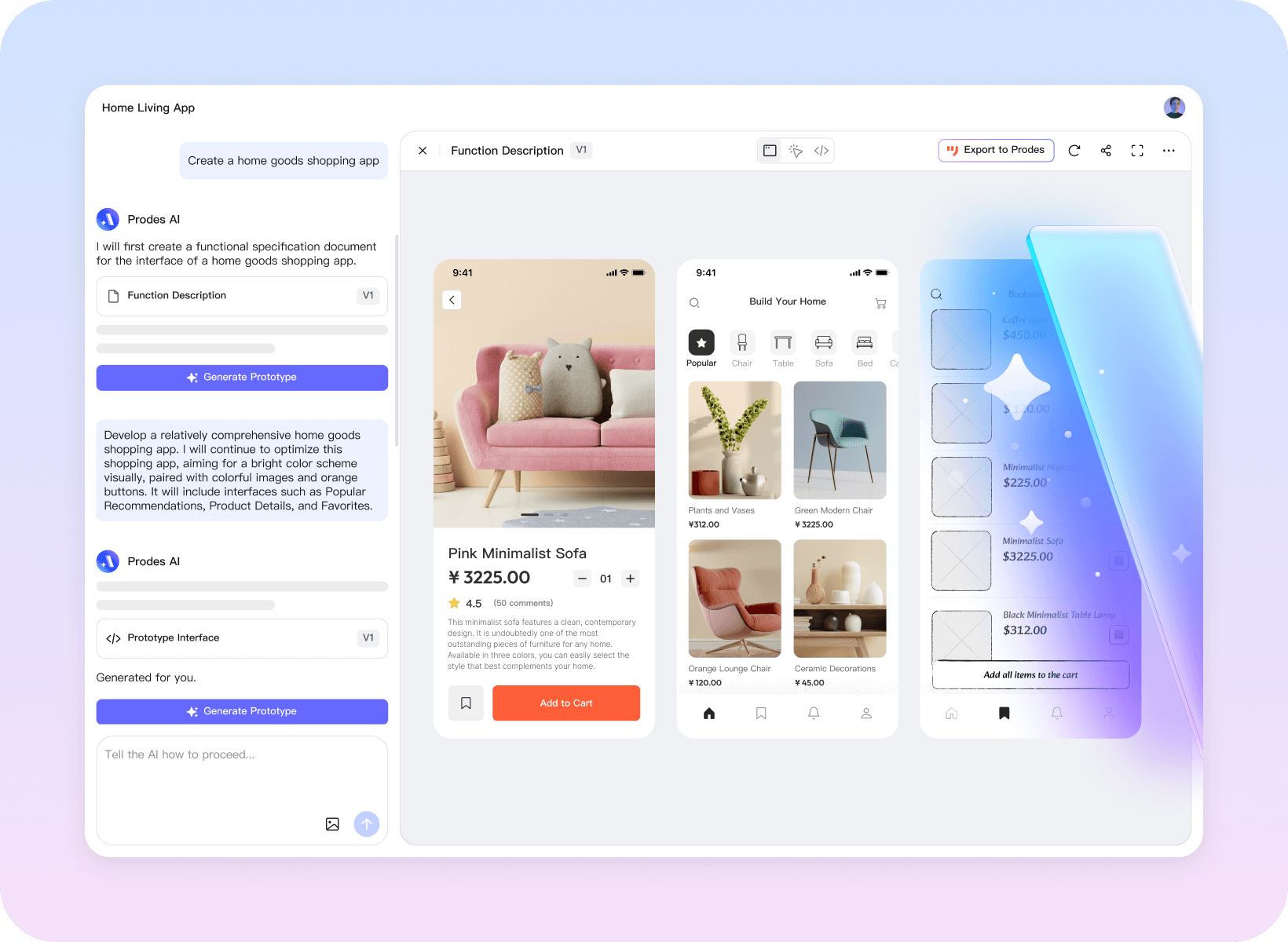
Mockitt Prototype
Build high-fidelity prototypes with simple drag-and-drop
Rapidly validate your product
- ·30+ interactive animations, 40+ live device demos
- · 10,000+ component templates covering scenarios across all industries
- · Supports complex interactions such as variables and logical jumps, delivering a realistic product experience.


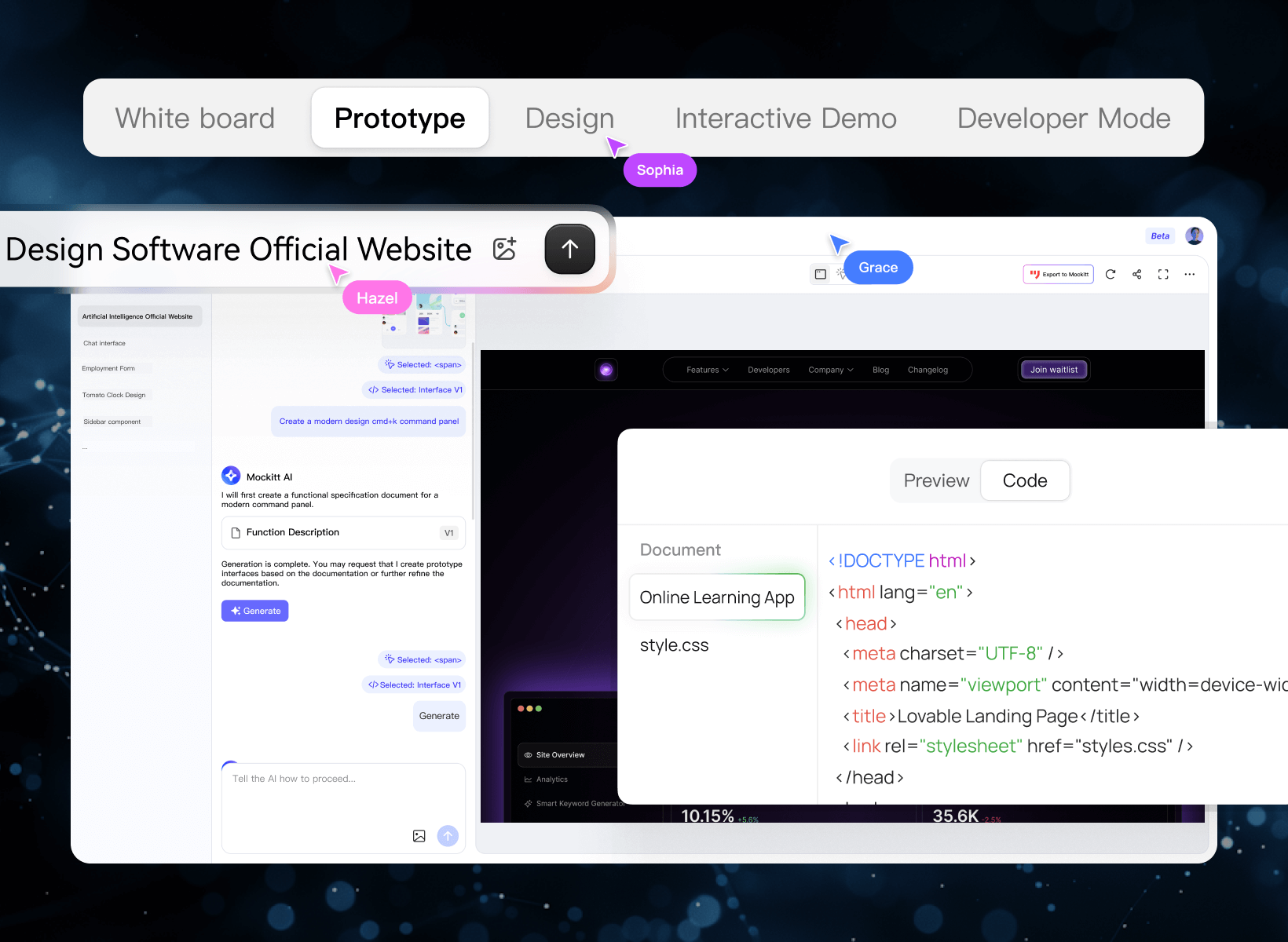
Mockitt Design
Professional-grade UI design tools Bridge the final gap between design and development
- · Complete vector toolchain for flexible manipulation of interface elements, adapting to multiple screen sizes
- · Compatible with Figma and Sketch files for migration
- · One-click generation of development code to help address design fidelity challenges


Mockitt AI
Input your ideas
Generate high-fidelity prototypes and product solution drafts
- ·AI-powered one-click prototyping with full editing and iteration capabilities
- ·Intelligent generation of product feature roadmaps to refine logic and polish details
- ·Simultaneous HTML code output for integration with development teams and support delivery workflows


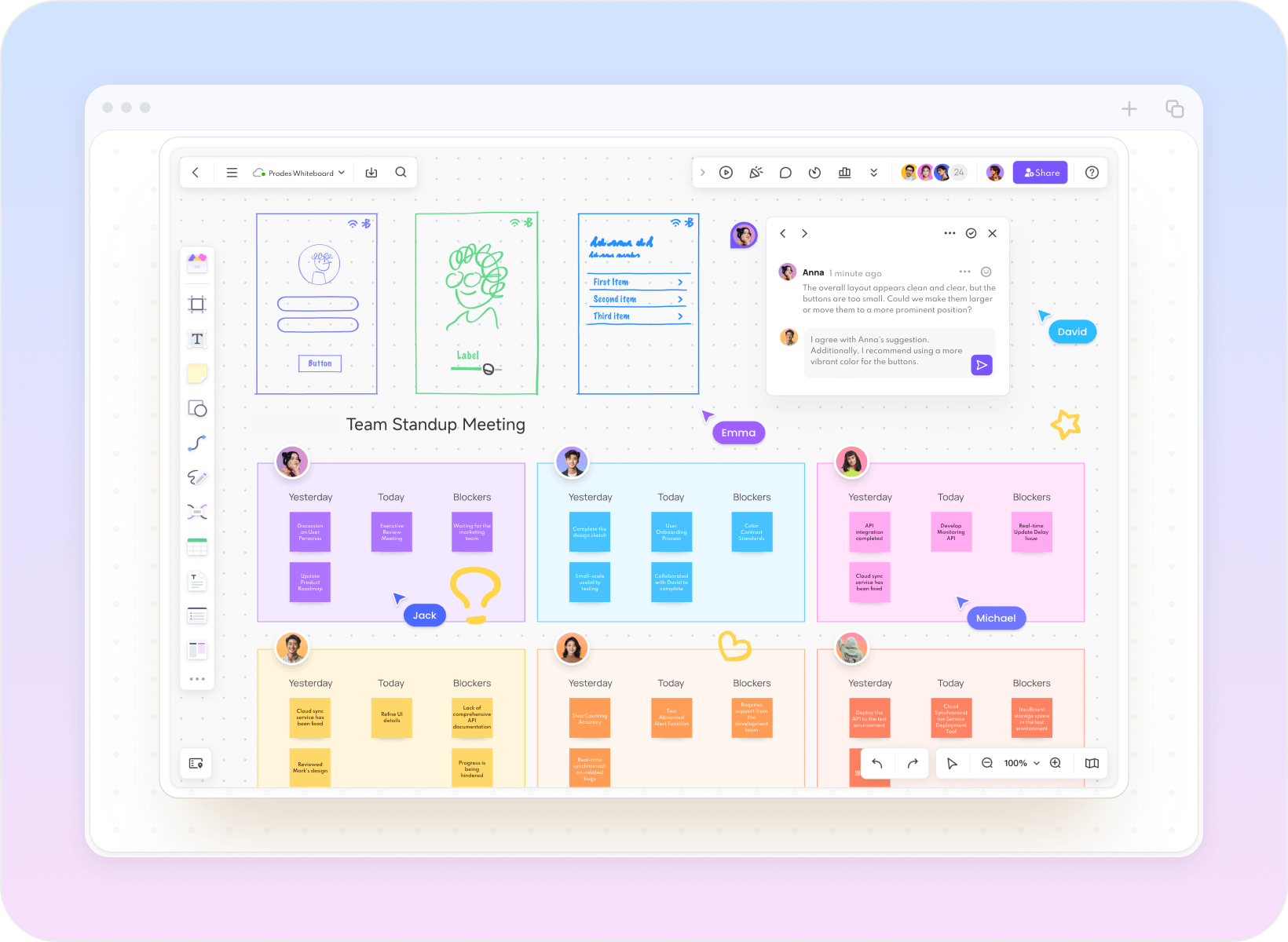
Mockitt Whiteboard
Market analysis, product planning, requirement mapping, task tracking
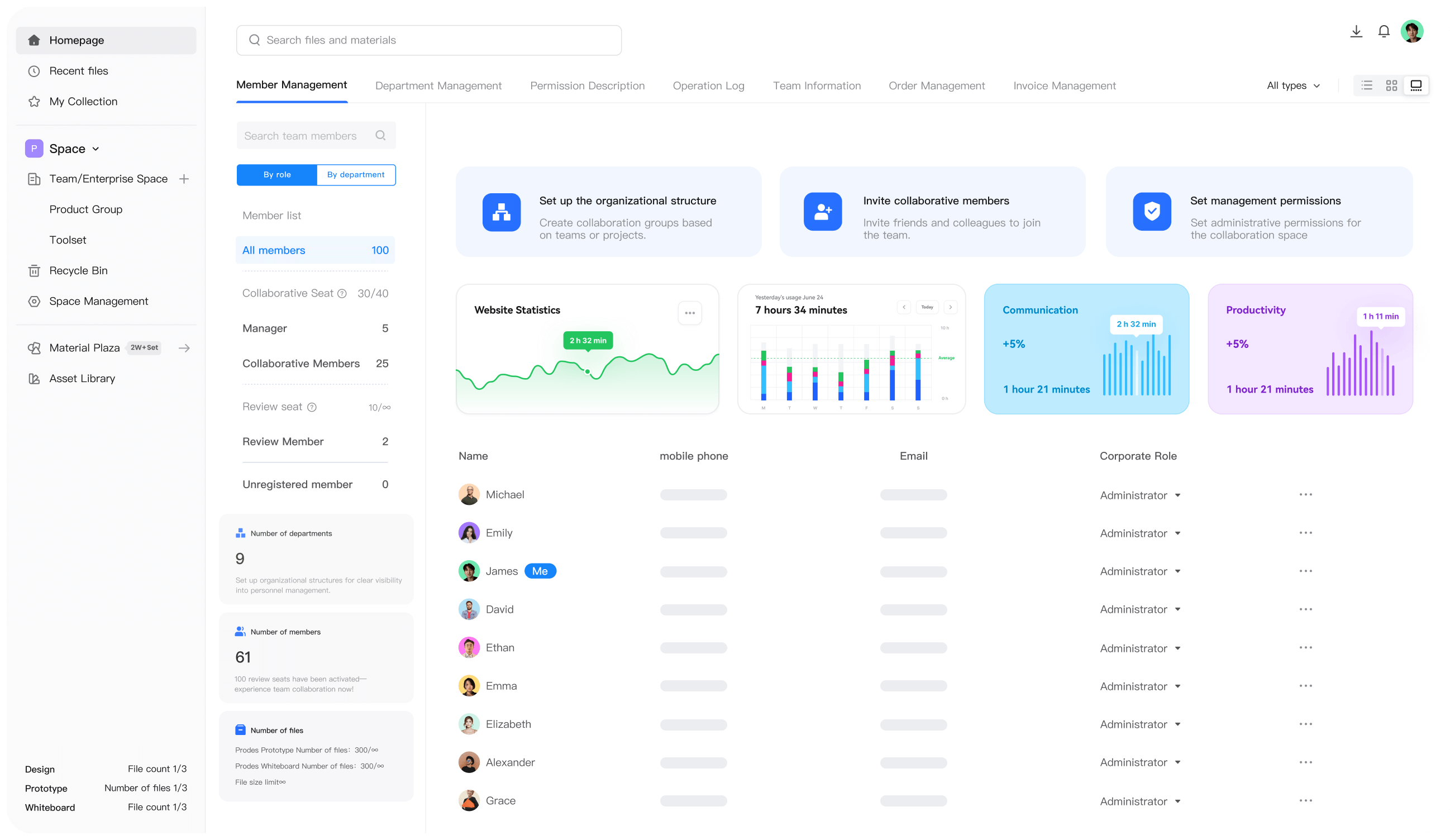
Effortless and intuitive team collaboration
- ·Infinite canvas supporting flowcharts, mind maps, and user journey maps
- ·Real-time multi-user collaboration with integrated commenting, annotation, and task assignment
- ·Data consolidation to unify team understanding and reduce communication overhead


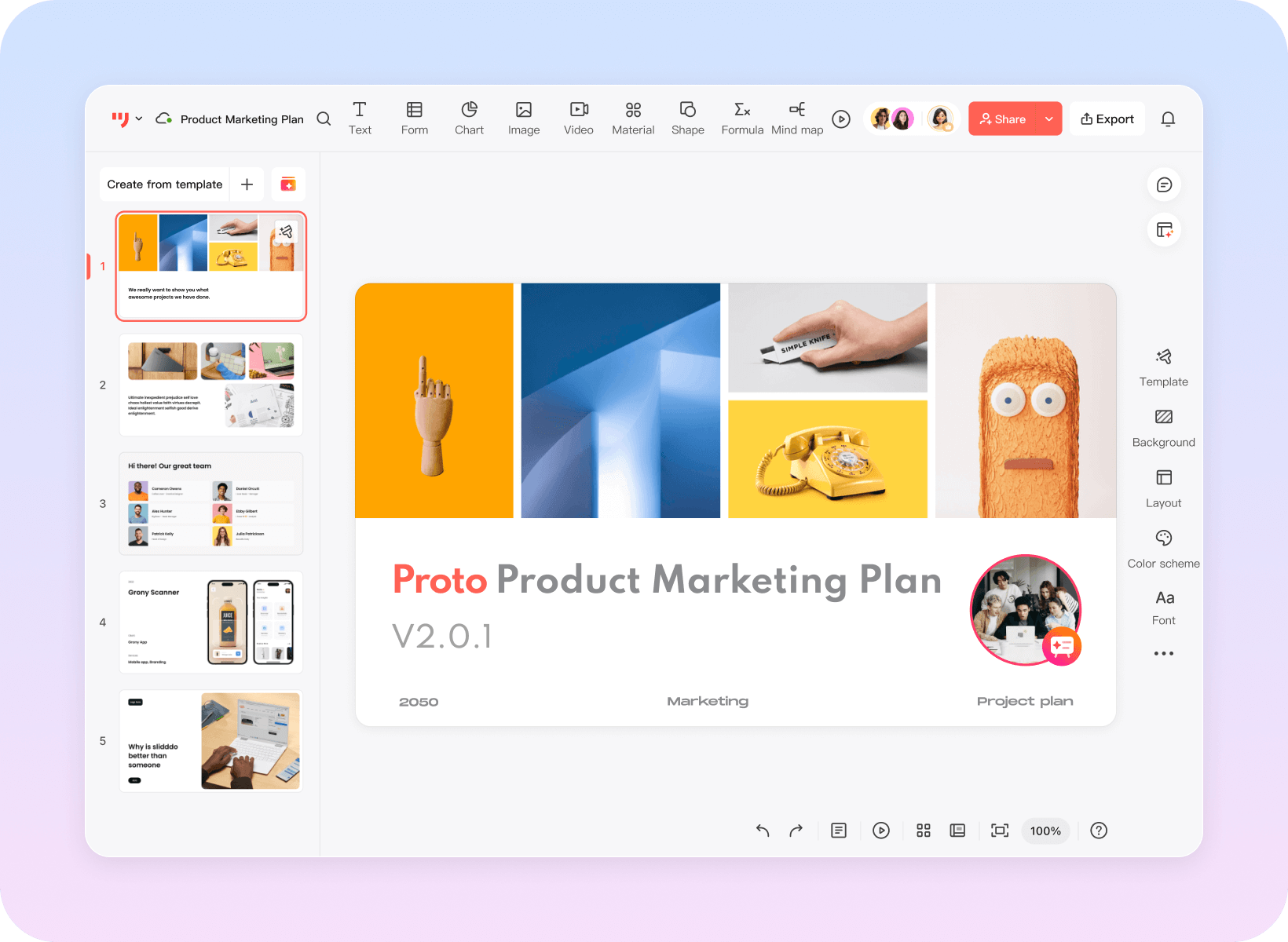
Mockitt AI slides
Say goodbye to all-nighters spent editing PowerPoints
AI generates professional presentations with a single click
- ·Enter your topic to generate a fully structured PowerPoint presentation
- ·Featuring 2000+ templates with automatic layout optimization, image pairing, and color schemes
- ·One-click export to PPTX format, supporting online collaboration and commenting
One platform covering the entire product design process
Five Core Tools for One-Stop Intelligent Collaboration
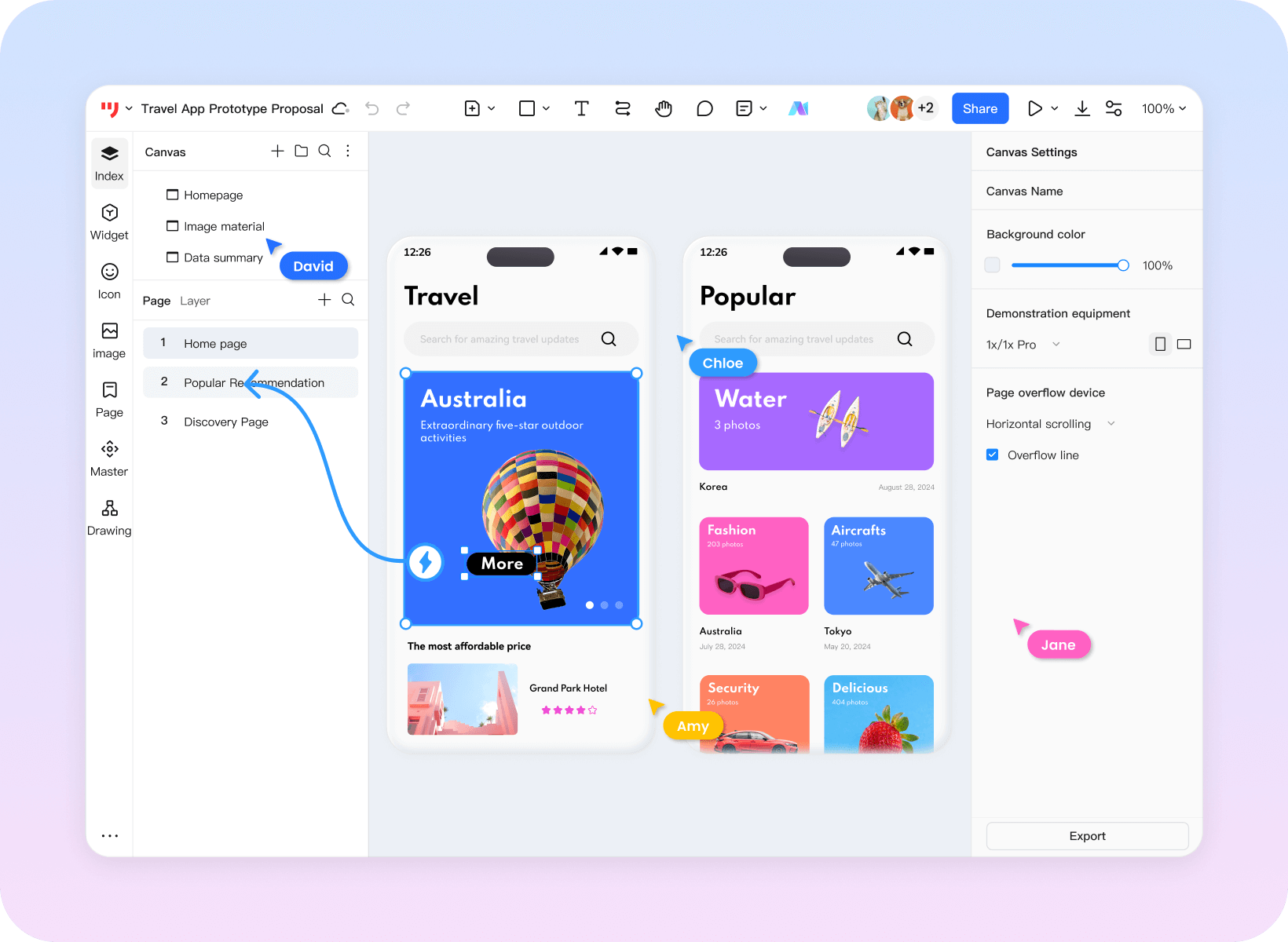
Mockitt Prototype
Build high-fidelity prototypes with simple drag-and-drop
Rapidly validate your product
- · 30+ interactive animations, 40+ live device demos
- · 10,000+ component templates covering scenarios across all industries
- · Supports complex interactions such as variables and logical jumps, delivering a realistic product experience.
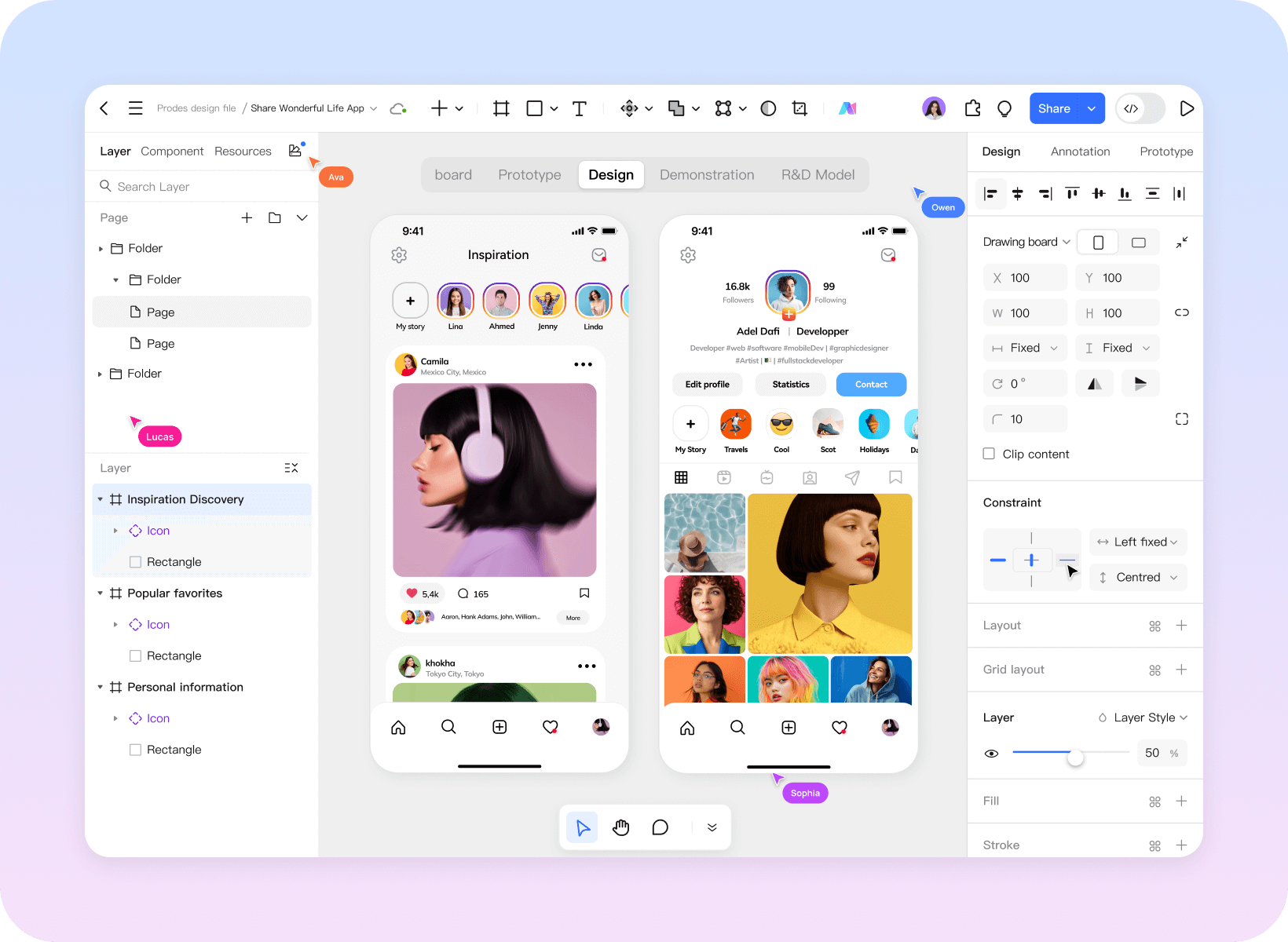
Mockitt Design
Professional-grade UI design tools
Bridge the final gap between design and development
- · Complete vector toolchain for flexible manipulation of interface elements, adapting to multiple screen sizes
- · Compatible with Figma and Sketch files for migration
- · One-click generation of development code to help address design fidelity challenges
Mockitt AI
Input your ideas
Generate high-fidelity prototypes and product solution drafts
- · AI-powered one-click prototyping with full editing and iteration capabilities
- · Intelligent generation of product feature roadmaps to refine logic and polish details
- · Simultaneous HTML code output for integration with development teams and support delivery workflows
Mockitt Whiteboard
Market analysis, product planning, requirement mapping, task tracking
Effortless and intuitive team collaboration
- · Infinite canvas supporting flowcharts, mind maps, and user journey maps
- · Real-time multi-user collaboration with integrated commenting, annotation, and task assignment
- · Data consolidation to unify team understanding and reduce communication overhead
Mockitt AI slides
Say goodbye to all-nighters spent editing PowerPoints
AI generates professional presentations with a single click
- · Enter your topic to generate a fully structured PowerPoint presentation
- · Featuring 2000+ templates with automatic layout optimization, image pairing, and color schemes
- · One-click export to PPTX format, supporting online collaboration and commenting
An AI assistant
Built for product teams
Mockitt AI: Empowering Production, Research, and Design
Designed specifically
to meet your business needs
Mockitt collaborates with industry leaders to drive innovation,
pushing design efficiency to new heights.

Mockitt' “Visual Requirements Management” enables cross-departmental communication of requirements,
eliminating cumbersome documentation formats to present needs clearly and intuitively.
Through Mockitt' version history management, enterprises can systematically manage all historical
versions of projects, thoroughly resolving the financial industry's challenges of weak requirements
governance and difficulty in accumulating design assets.
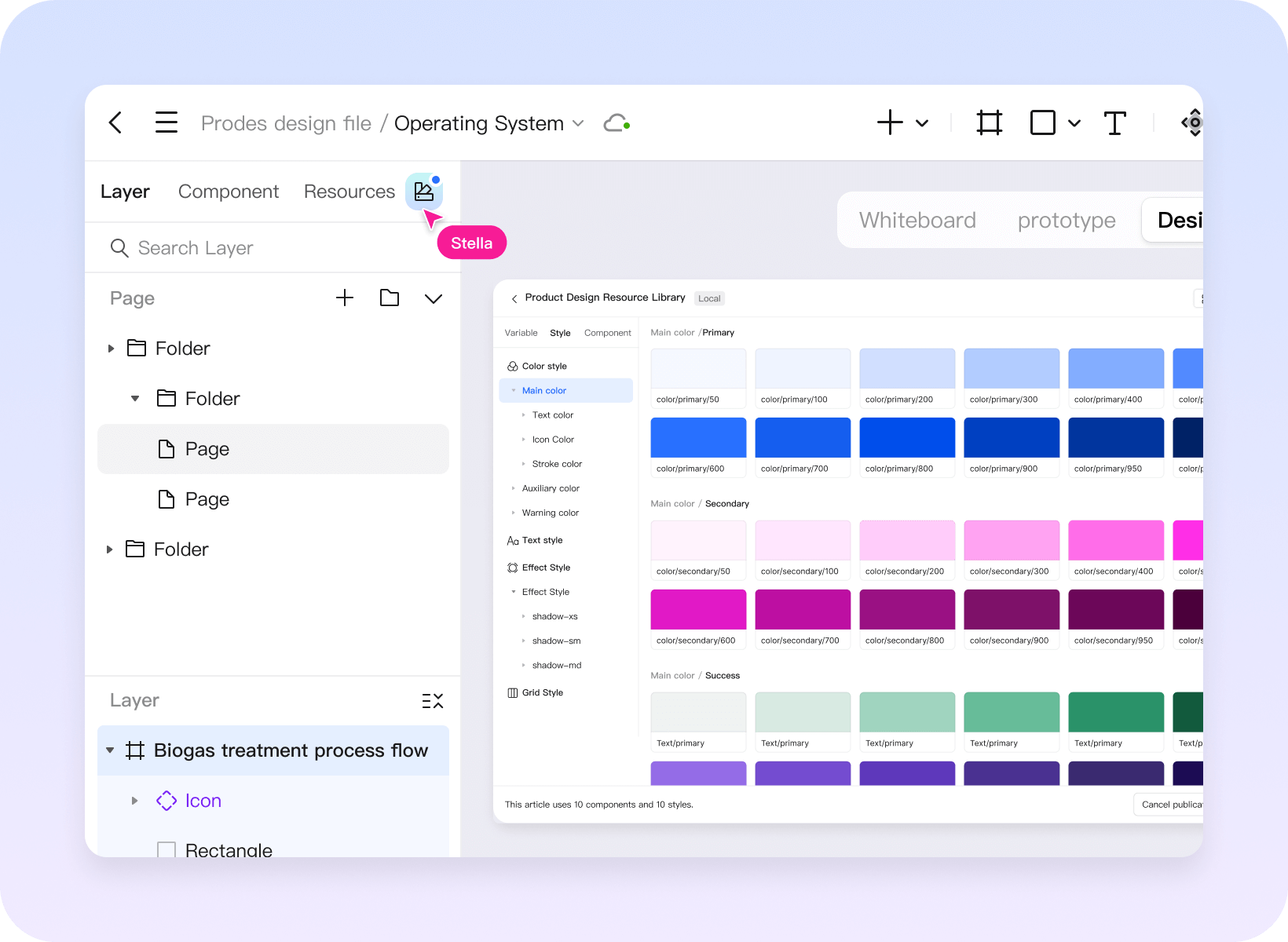
Leverage Mockitt' vast library of assets to quickly find templates that meet user needs. Utilize the
product's pre-built integrated components—simply drag and drop to rapidly build high-fidelity
prototypes.
Project managers or pre-sales engineers can use Mockitt' immersive presentation mode to conduct
requirement reviews or POC demonstrations with clients. Experience stunning dynamic effects and page
interactions in a visually appealing and highly intuitive manner.
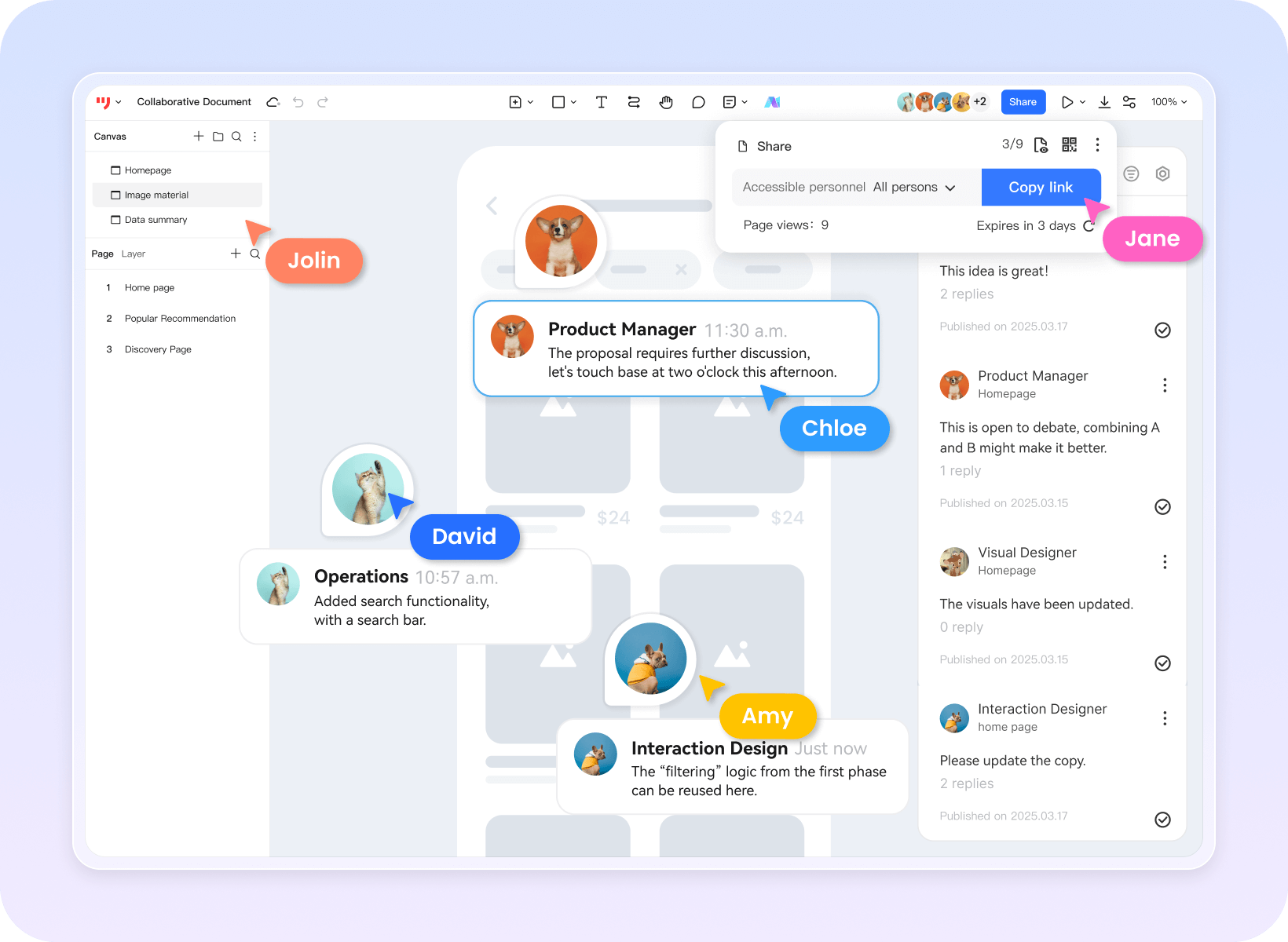
Client feedback and suggestions can be directly annotated with comments for precise tracking.

Powered by MockittAI capabilities, prototypes achieve more realistic visual effects, enhancing new
energy mobile prototypes with richer interactive elements. This enables implementation of
gesture controls, animated transitions, and other scenarios.
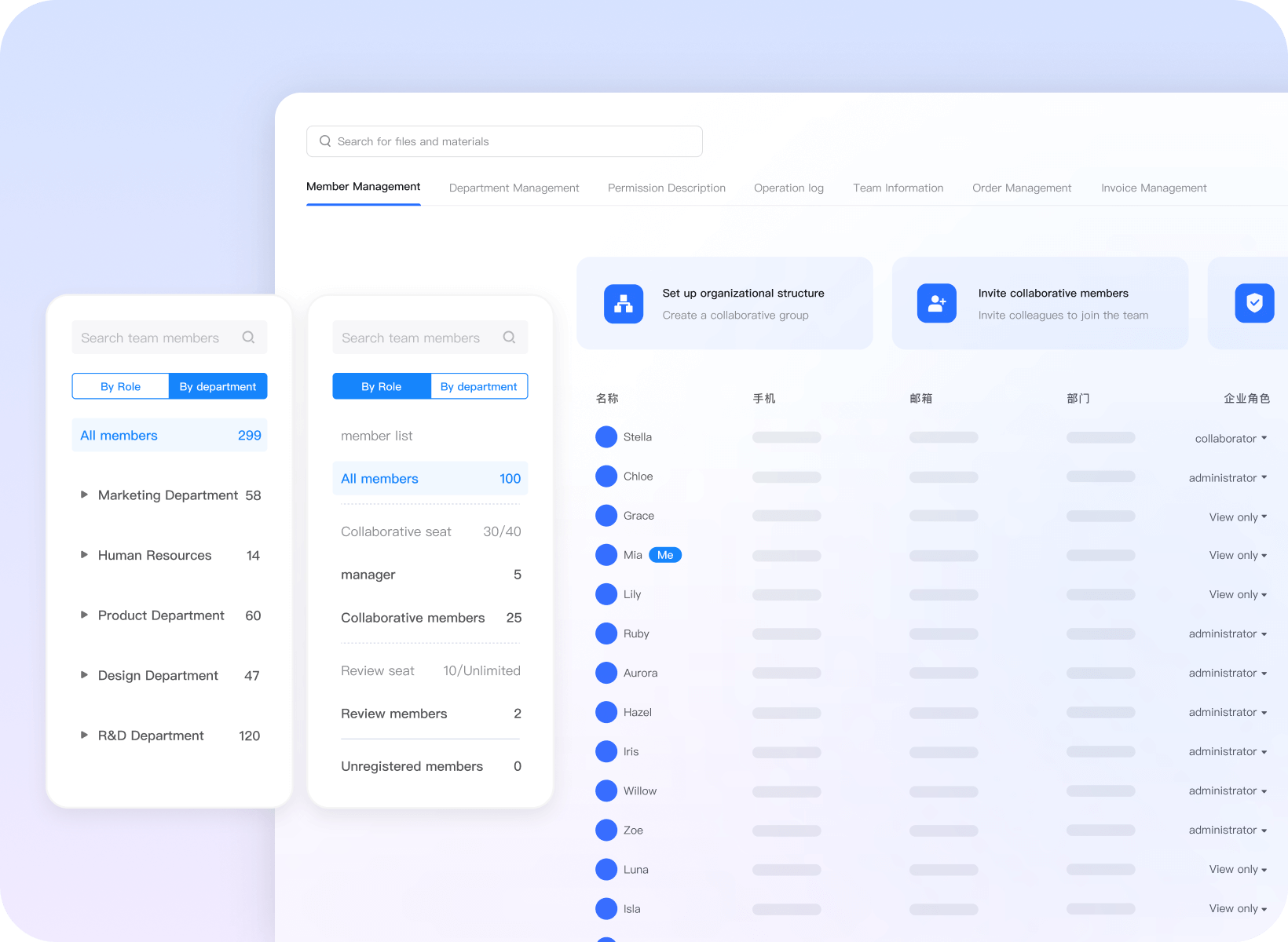
Data security is a top priority in the new energy sector. Mockitt offers customized private deployment
solutions tailored to enterprise needs, with dedicated R&D teams providing end-to-end tracking
services and professional technical consultation. Through dual safeguards of algorithms and encryption
keys, disaster recovery backup mechanisms, and exclusive cloud resources, it eliminates concerns about
data privacy and security.
Comprehensive Services Empowering
Business Transformation
Enterprise Needs Assessment

Based on actual needs Professional consultation Custom product design Collaborative optimal solutions
Product Usage Training

Provide complimentary usage training sessions
Lower the barrier to entry for businesses
Professional consulting support

Technical Consultants Promptly Resolve Issues Reduce Business Operating Costs
Full-Cycle Service Guidance

24/7 ticket and phone support services Dedicated community services Real-time online response