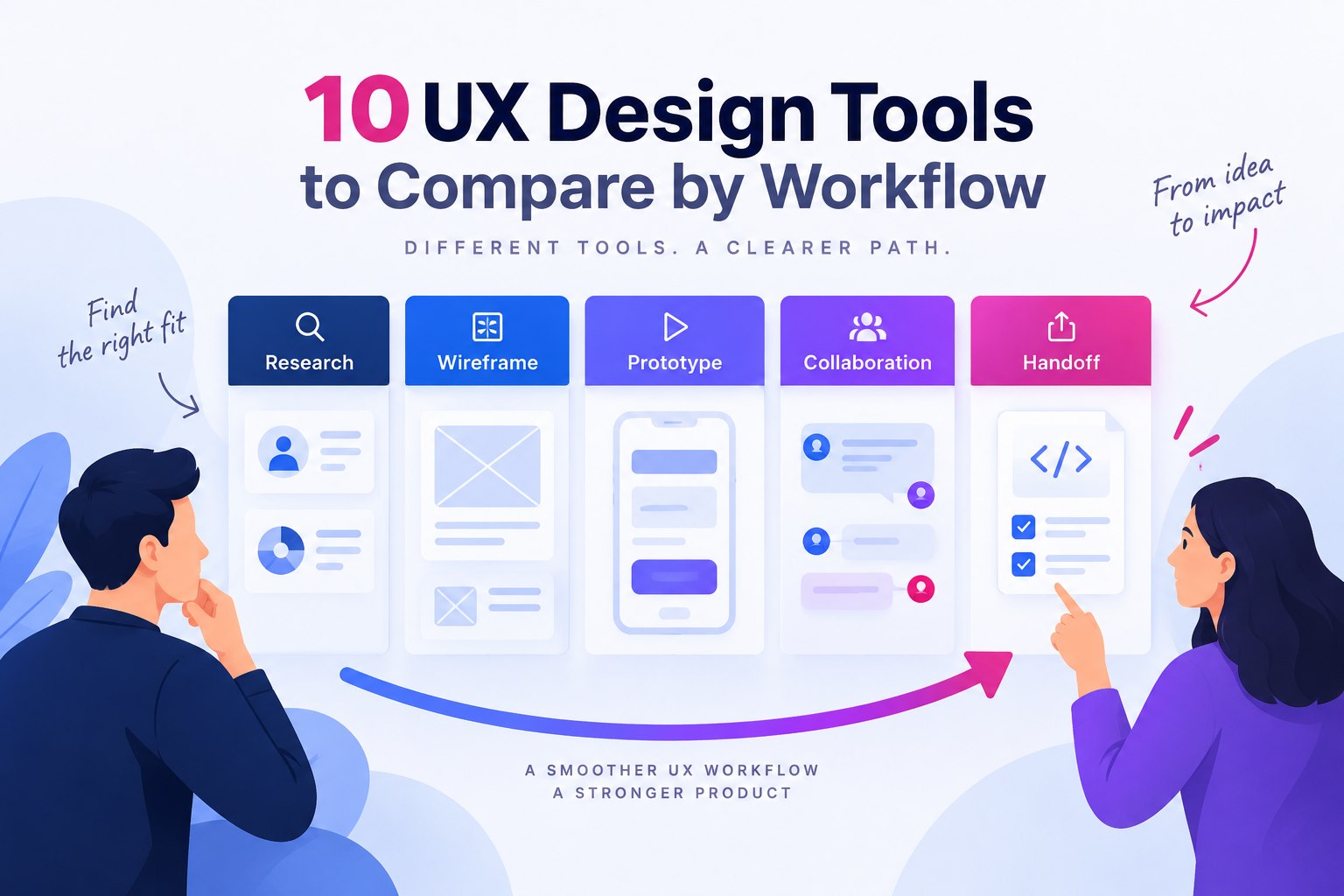
UX design tools support different parts of a product workflow: understanding users, structuring screens, testing interactions, and handing designs to development. This comparison keeps those jobs separate so beginners and experienced designers can choose the tools their next project actually needs.
10 UX design tools and the workflows they support
1) Mockitt -
It is a collaborative prototyping tool. It is the go-to tool for many UI/UX designers and product managers. It has multi-platform prototyping with multiple widgets and drags drop features. Many people can work on the same project and edit it.
It has a handoff feature and multi-resolution image export.
2) Sketch-
Sketch supports interface design with reusable styles, layouts, symbols, and prototypes. Its editor runs on macOS, with browser tools for sharing and handoff. A trial is not the same as permanent free access; check the current license or subscription before choosing it for a team.
3) Invision studio-
InVision Studio is retained here as a legacy reference for teams reviewing older design files. Its original product site now redirects to Miro, so it should not be treated as an available current choice without confirming access. If you are starting a new project, compare the actively supported options in this list.
4) Axure-
It keeps track of workflow in the wireframe. It has a user-friendly interface. It has great communication, and it provides everyone to keep their work up to date. It is a great option for designing.
5) Craft-
Craft was associated with InVision workflows and plugins. Treat it as a legacy dependency when auditing an existing team setup, rather than assuming its old integrations and content services are still available. Confirm compatibility and access before relying on an inherited workflow.
6) Proto.io-
Proto.io supports a prototype-focused workflow. Test the interactions and review process you need, and verify any required integration against its current documentation rather than relying on an old partner list.
7) Adobe XD-
Adobe XD supports interface design and prototypes for existing users, but Adobe states that it is in maintenance mode and is not receiving new features. Review that support status before adopting it for a new long-term workflow.
8) Marvel-
Marvel was included in the original article for prototype and handoff workflows. Confirm its current availability and required export options before adopting it. Design specifications and exported assets are not evidence of a complete working application.
9) Figma-
Figma supports interface design, components, prototypes, and shared review. Different roles and plans have different access limits, so compare the editing, history, and collaboration features your team needs instead of assuming all individual or team work is free.
10) Origami studio-
This was built by Facebook designers. It is for those people who are professionals and more advanced in the designing world. It integrates well with a sketch and lets you copy-paste them directly.
To choose a UX design tool, test the same small task in each candidate: create a screen, connect a flow, collect feedback, and prepare a handoff. Mockitt is relevant when that task centers on editable prototypes and shared review; specialist research or image-editing work may need another tool.
How to Choose the Best UX Design Tool?
When you want to choose the best UX design tools for yourselves or your company, you will have to be vigilant. As the designers' job is quite complex, you need to give them the right tools to produce the best outcome.
Mockitt is relevant when the next task is to arrange interface screens, connect a prototype, and share it for review. Compare those needs with specialist research, image-editing, or implementation tools instead of treating one platform as the best choice for every stage.
Here are certain features that you must know of this tool:
Asset library: Reusable widgets and templates can provide a starting point. Check which resources are included in the current workspace and plan.
Design: You can quickly design prototypes of your app and websites quite easily without having any coding knowledge.
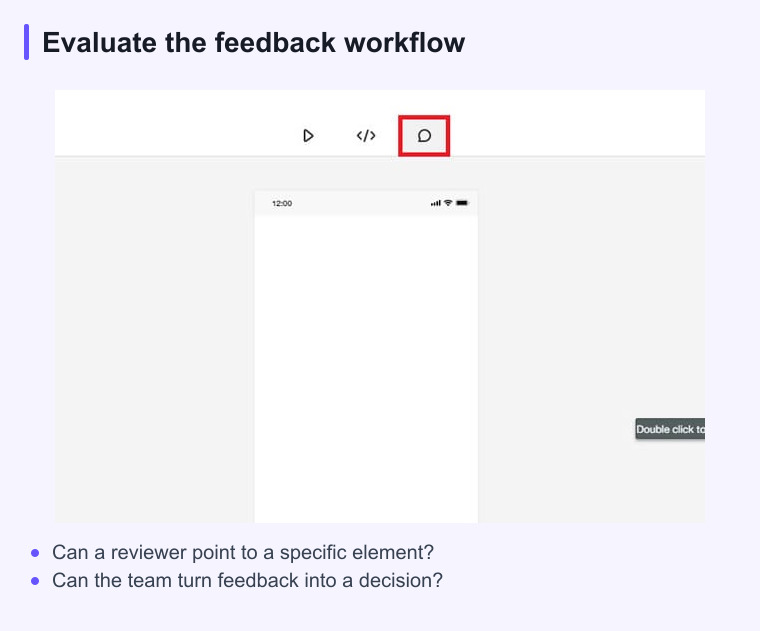
Presentation and review: Share the prototype with the appropriate permissions so reviewers can inspect the intended screens and provide feedback.
Other features also include handoff, cloud editing, and multi-member collaboration. These are some reasons why the tool stands out of the crowd.
How to compare UX design tools
A tool list is more useful when each option is judged against the same task. Check whether the tool supports the fidelity you need, how reviewers leave feedback, how versions are kept, and what can be handed to development.
For a fair comparison, run one small workflow in each candidate instead of relying on feature counts. The best fit is the tool that keeps the team’s next decision visible and easy to share.