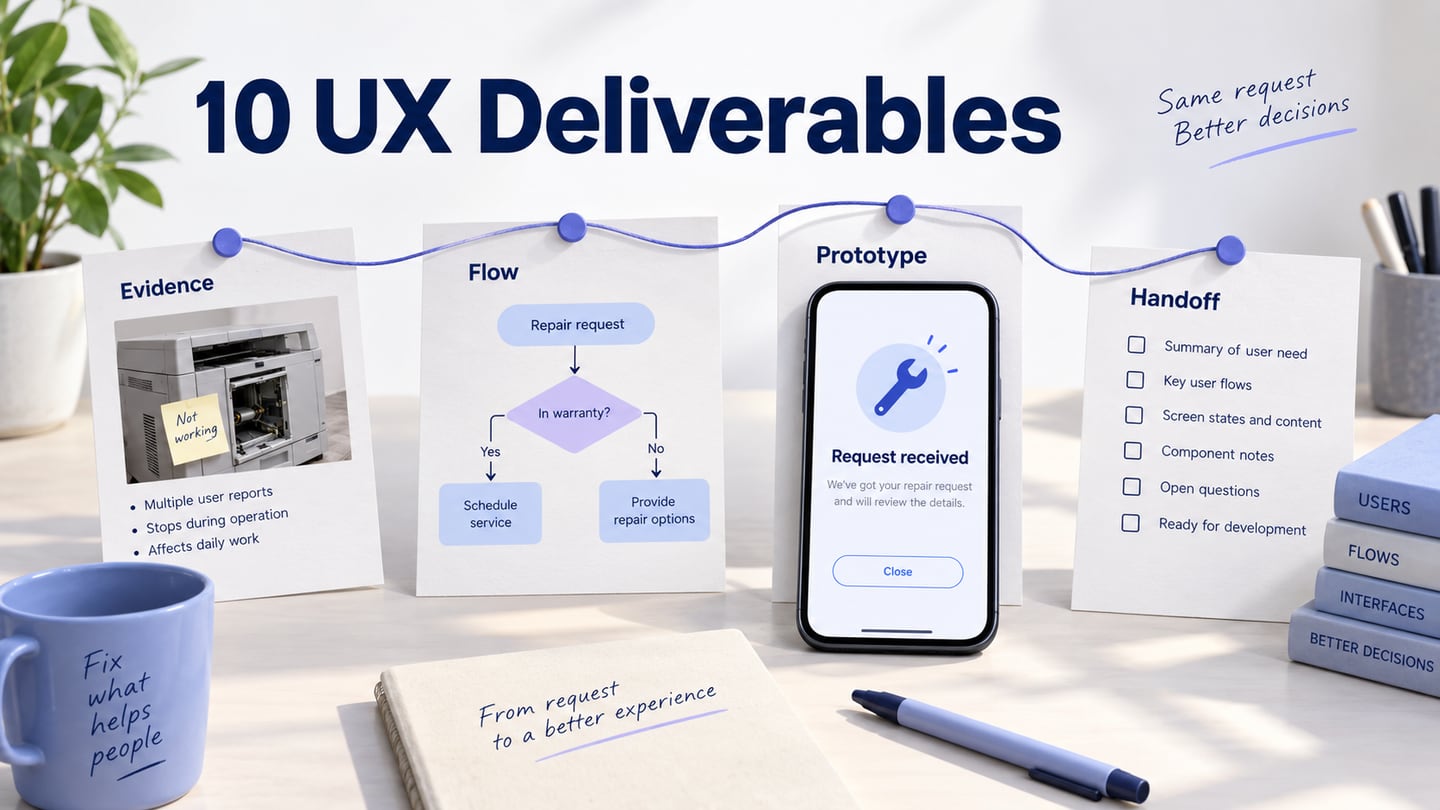

A UX deliverable is a work product that communicates research, a design decision or the behavior a team intends to build. Examples include research reports, wireframes, prototypes and specifications. A deliverable is useful when its reader can make the next decision or take the next action from it.
You do not need every deliverable for every project. Choose the smallest useful set for the uncertainty, audience and stage of work. This guide explains ten common types and connects them through a fictional equipment repair-request example.
10 Common UX Deliverables and Their Purpose
Business Goals and Technical Specifications
Summarize the user problem, intended outcome, audience and relevant constraints. Separate business goals from technical assumptions. The repair-request example needs people to identify an item, describe a problem and understand what will happen after submission.
A concise brief is often useful, but there is no universal one-page limit. Link to the detail the team needs, such as eligibility rules or integration dependencies, without burying the central decision in a large document.
Competitive Analysis Report
A competitive analysis records how selected alternatives address a comparable task. Include the question, criteria, dated evidence and implications for your design.
Investigate what people currently use to meet the need, including indirect alternatives. Do not choose competitors merely to make your own product look better.
Choose a scope you can inspect meaningfully rather than a fixed number of competitors. For the repair request, compare when eligibility and next steps become visible. Treat the resulting design idea as a hypothesis until it is evaluated.
Personas and UX Research Reports
A research report connects the study question and method to findings, limitations and possible actions. Personas, when useful, should synthesize relevant evidence about goals and behavior; invented demographic profiles do not become research because they look polished.
Start with a research plan that explains what the team needs to learn, from whom and how. It helps collaborators understand the scope and the decisions the study can support.
Make findings traceable to evidence while protecting participants. Distinguish an observation, an interpretation and a recommendation, and retain contradictory evidence where it affects the decision.
Sitemap and Information Architecture
A site map shows pages or destinations and their relationships. Information architecture also includes labels, categories and ways to find content; it is broader than a diagram of pages.
For the repair service, distinguish Start a request, Check eligibility and Track a request. Keep the structure current as the service changes, with ownership for the information behind each destination.
Experience Maps, User Journeys, and User Flows
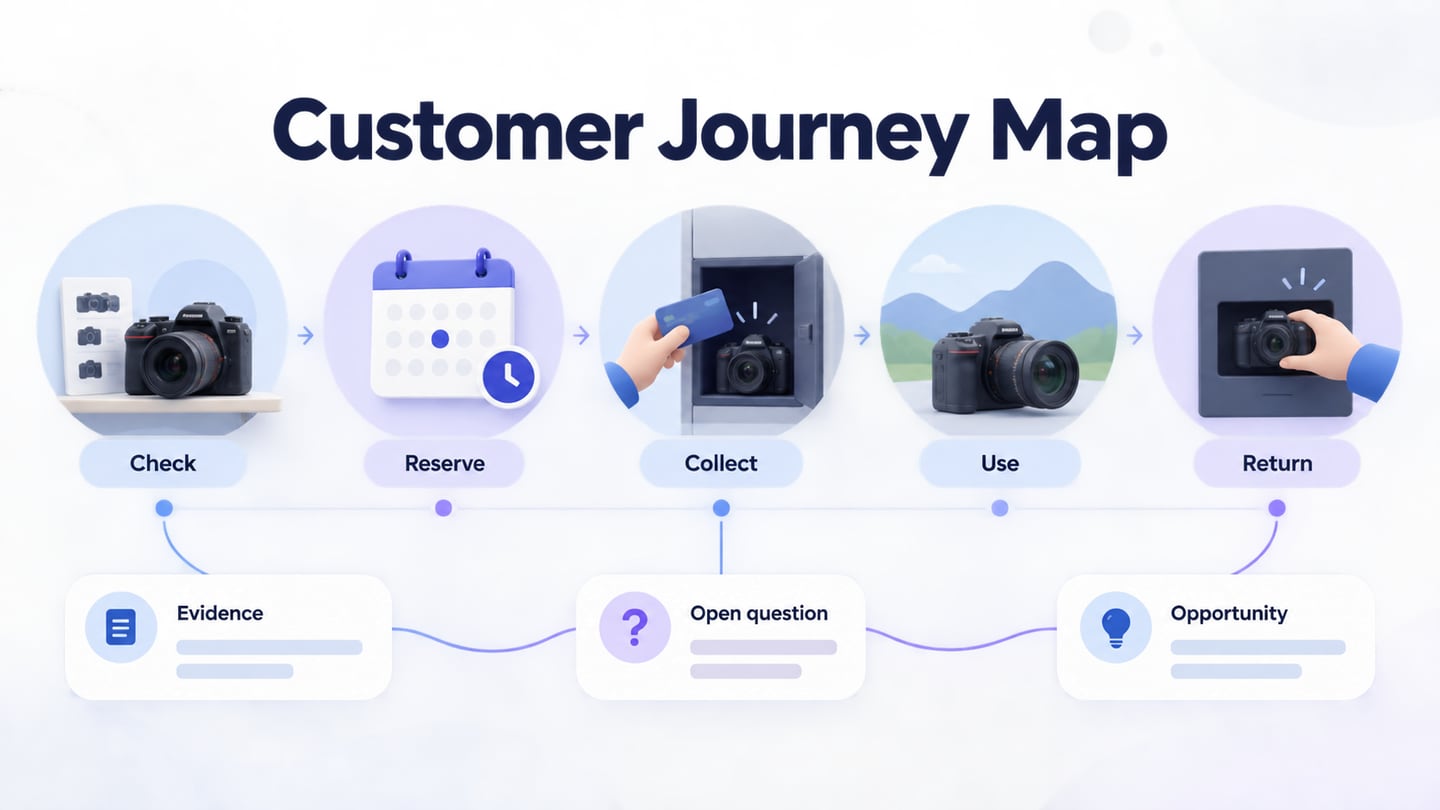
An experience map describes a broader activity, while a journey map focuses on a particular person or group pursuing a goal with a service. NN/g’s mapping comparison explains why different maps answer different questions.
A user flow focuses on the actions and branches through a task. It should not be treated as interchangeable with a journey map that includes context and touchpoints beyond the interface.
In the repair example, a journey may include discovering the fault and receiving the repaired item. The request flow is narrower: identify the item, check eligibility, describe the problem and review the request.
Label whether the map records the current experience or proposes a future one, and whether it is based on research or assumptions. Do not invent emotions or pain points to fill empty boxes.
UX Wireframes
A wireframe describes the arrangement and priority of interface information. In the repair form, it can show the item identifier, problem description, supporting information and next action before visual detail is finalized.
Use wireframes to discuss what belongs on a screen and what a person needs to understand. Include realistic sample content and relevant errors so a clean layout does not conceal missing requirements.
Interactive Prototypes
An interactive prototype connects screens or states to demonstrate proposed behavior. It can support task-based review and help the team discuss transitions, feedback and recovery.
Choose the fidelity needed for the question. Paper may be sufficient for a navigation idea; a connected screen model may be more useful for reviewing a form error and its recovery.
A prototype is not a production service, and a static sketch is not inferior simply because it is not clickable. Use the appropriate artifact to examine the uncertainty rather than adding interaction for presentation alone.
Visual Design
Visual design defines the appearance and hierarchy of the interface, including typography, spacing, color, imagery and states. It is not merely a final decorative layer. Review it alongside content, behavior and accessibility as the design develops.
Style guide and Specifications for Developers
A style guide records reusable visual rules; implementation specifications explain behavior, states and constraints. Both need enough context for developers to understand what is intended and where decisions remain open.
Automated inspection or export can help communicate some design properties, but it does not replace explanations of business rules, keyboard behavior, error states or data dependencies.
Zeplin is one option for design handoff. Select tools according to the team’s workflow, and check current integration support. Whatever the tool, keep the agreed design version and unresolved questions visible to implementers.
Usability Testing and Usage Analytics Reports
UX work continues after a design is handed off or released. Testing and analytics answer different questions and should be interpreted with their methods and limitations in mind.
A usability-test report records the tasks, relevant study conditions, observed problems and implications. It should separate what participants did from what the team thinks caused the behavior.
Testing can examine a prototype or an existing service. For the repair request, review whether people recognize an ineligible item and understand what happens after a request is received.
Prioritize findings by their consequence for the task and the quality of the evidence, not merely the number of comments. Record what the team will change and what needs further investigation.
Usage analytics can describe instrumented behavior at scale, subject to data quality and coverage. It does not automatically explain motivation or establish why a person abandoned a form.
Connect the Deliverables: An Equipment Repair Request
In Mockitt, create Item details, Eligibility result, Problem description and Review request screens for a fictional repair service. Include an ineligible-item route and a Request received state that does not imply the repair has been approved. The prototype demonstrates the proposed interface, not a live repair-management system.
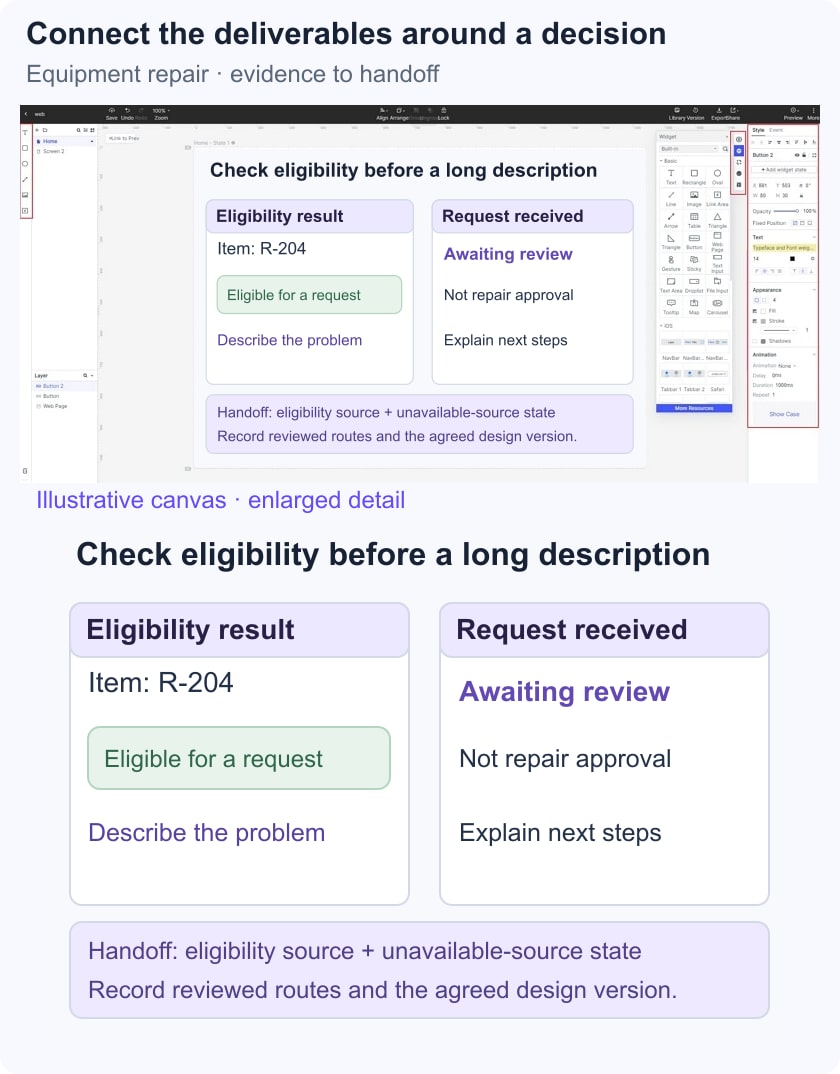
Keep a compact handoff record beside the prototype:
- Input: a fictional item identifier, a problem description and a stated eligibility rule for the example.
- Design decision: show eligibility before asking someone to write a long description.
- Review task: submit an eligible request, then explain the next step; repeat with an ineligible item.
- Implementation question: identify the authoritative eligibility source and the behavior if it cannot be reached.
- Acceptance evidence: record which states and routes were reviewed, the issues found and the version approved for implementation discussion.
This connects the brief, flow, wireframe, prototype and specification around one decision. Add a research report or visual guide when it provides information the next collaborator actually needs.
Benefits of creating UX design deliverables
Clearer collaboration: a deliverable gives collaborators a shared object to inspect. Name its intended audience and decision so a research summary, flow and visual specification do not become competing sources of truth.
For the repair service, the flow explains the eligibility branch, the prototype shows its feedback and the specification defines the rule implementation must enforce.
Traceable decisions: connect findings to changes and review criteria. A reader should be able to see why the design changed and what remains unresolved.
Use an explicit version and owner for deliverables that continue to evolve. Archive superseded decisions rather than leaving several apparently current versions in circulation.
Conclusion
Choose deliverables for the work they enable. A small, coherent set that explains the evidence, behavior and implementation questions is more useful than ten polished artifacts with no clear decision attached.