UX design changes with technology, user expectations and the context in which a product is used. This article revisits nine interface patterns discussed in its earlier edition, from visual styles to input and authentication methods. Treat them as options to evaluate against user needs, not as predictions for a particular year or a checklist every product must adopt.

Nine UX Patterns and Their Practical Trade-offs
A pattern is useful when it helps people complete a task. For each option below, consider the problem it solves, the people who may struggle with it, and the fallback you will provide. The original illustrations remain as examples of the ideas, not evidence that a style is new or universally effective.
Neumorphism
Neumorphism uses highlights and shadows to make controls appear raised from or inset into a similarly colored surface. It is a visual style, not an automatic animation or a proven successor to glassmorphism. Soft boundaries can make controls difficult to distinguish, so check text and control contrast, focus states and whether a button looks actionable. WCAG’s text-contrast guidance gives a measurable starting point: generally 4.5:1 for normal text and 3:1 for large text, subject to its defined exceptions.

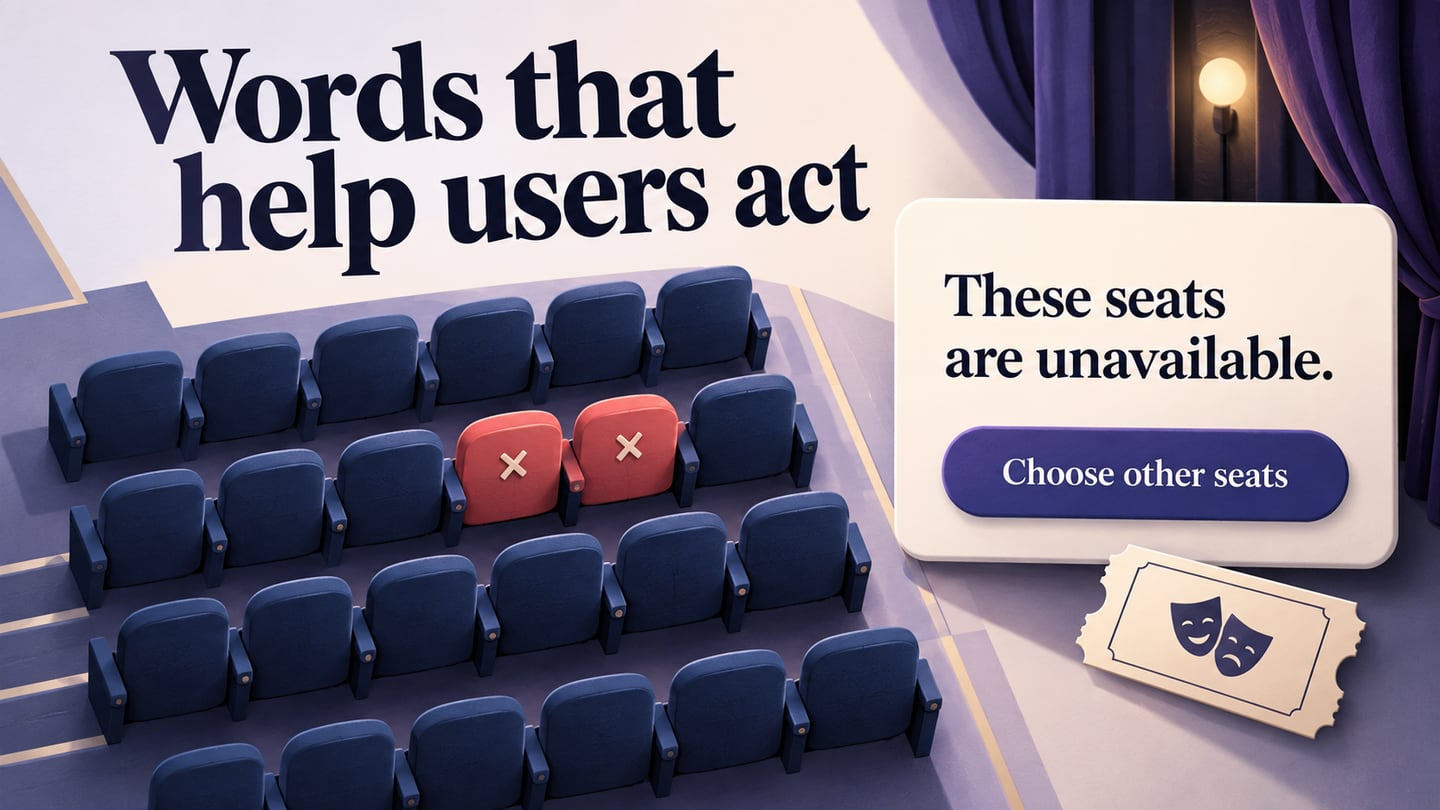
'Microcopy' UX writing
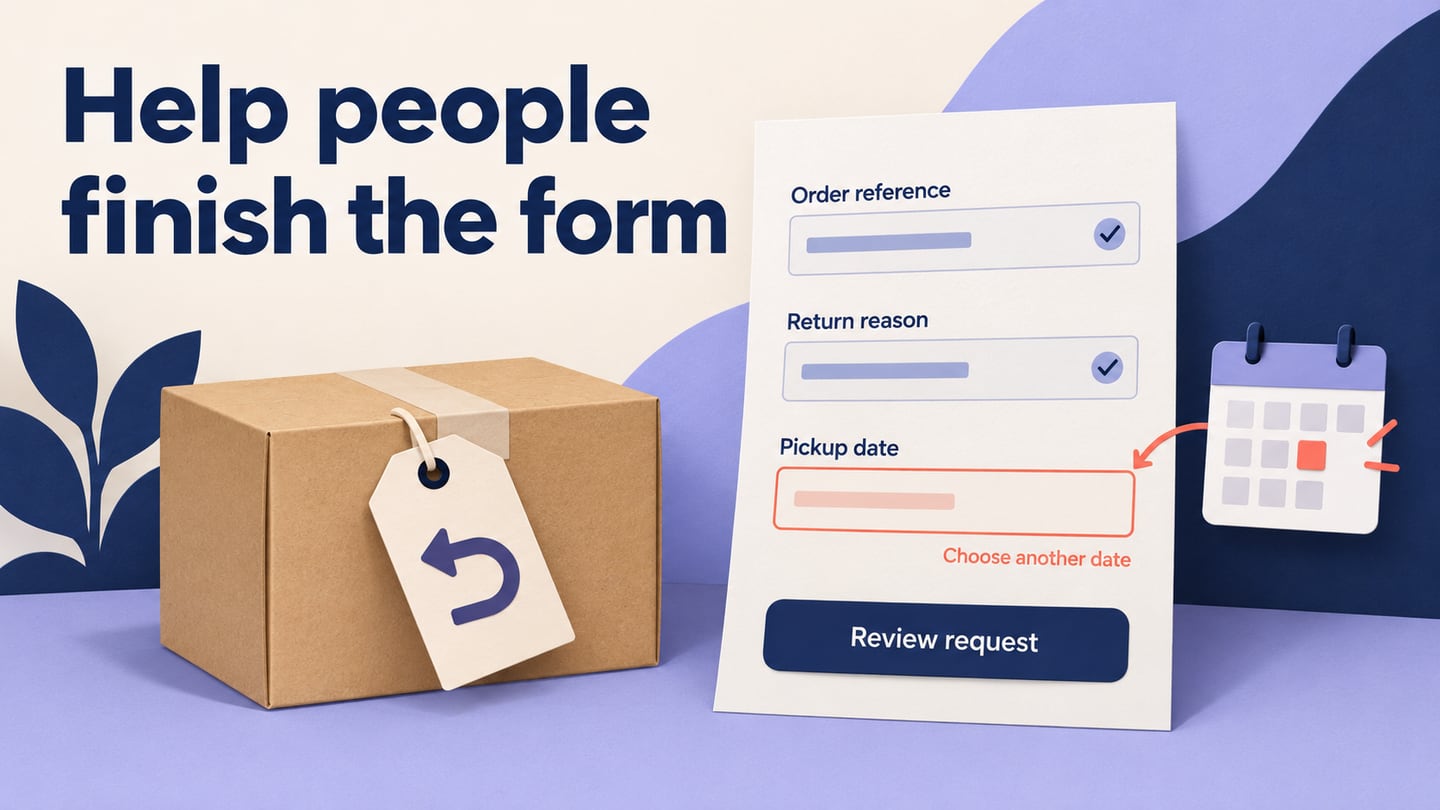
Microcopy is the short text that helps people act: button labels, field instructions, validation messages and confirmations. Make it specific to the next step and explain what will happen. For example, “Check availability” and “Book now” describe different commitments; choose the label that matches the action. A useful error message explains both the problem and the next step. Test wording with your users instead of assuming short copy always converts better.

Innovation in Dark Theme
A dark theme changes an interface’s color scheme; automatic brightness changes the display’s light output. They are different controls. On the web, prefers-color-scheme lets a site respond to a person’s light- or dark-theme preference. Check readability, focus, disabled controls, charts and images in both themes instead of assuming that a darker background alone improves usability.

Gesture Control
Gesture control can include touch gestures or, on supported hardware, movement detected without touching a screen. The available actions depend on the device and implementation; they should not be presented as a universal iOS or Android capability. Make gestures discoverable, provide feedback, and keep an alternative visible control for actions that users may be unable to perform by gesture.

Micro Interactions
Microinteractions are small responses around an action, such as a button changing state, a saved confirmation or feedback when an item is added. They can clarify what happened and what the user can do next. Keep them connected to the task and avoid relying on movement alone to convey information. WCAG guidance on interaction animation describes allowing nonessential motion to be disabled at Level AAA.

Voice-activated interfaces
Voice interfaces let people issue spoken requests and can be useful when their hands are occupied. Recognition depends on language, speech, background noise and the particular system, so a year-based claim of improved accuracy needs evidence. Show what was understood, let people correct it, and offer a touch or text route when speaking is inconvenient or inaccessible.

Insertion of Videos
Video can show a movement or process that is difficult to explain in a still image. It is not automatically more useful than text, and its effect on conversion depends on the audience and task. Let users control playback, provide captions where speech or other audio matters, and include a readable alternative for people who need to scan instructions or cannot play the video.

Implementation of Augmented Reality
Augmented reality adds digital content to a view of the physical environment. It may help a person judge scale, placement or spatial instructions, but it is only useful when the task benefits from that context. Consider device support, permissions, tracking limitations and a non-AR alternative. A visual concept such as the illustration below is not proof that an implementation works.

Authentication using Biometrics
Biometrics can be one part of an authentication flow, such as unlocking a device-held credential with a fingerprint or face check. They do not guarantee that a service is secure or prevent unauthorized registration on their own. Provide an appropriate recovery or alternative route and consider people who cannot use a given biometric method. WCAG’s accessible-authentication guidance addresses avoiding unsupported cognitive tests during sign-in; security and accessibility both depend on the full implementation.

Conclusion
These nine patterns are useful starting points for design evaluation, not guarantees of novelty, conversion or security. Choose one that addresses a real task, prototype the relevant state, and check that people can complete the task with its alternatives. Keep a pattern when it improves that experience; revise it when the evidence shows confusion or an access barrier.