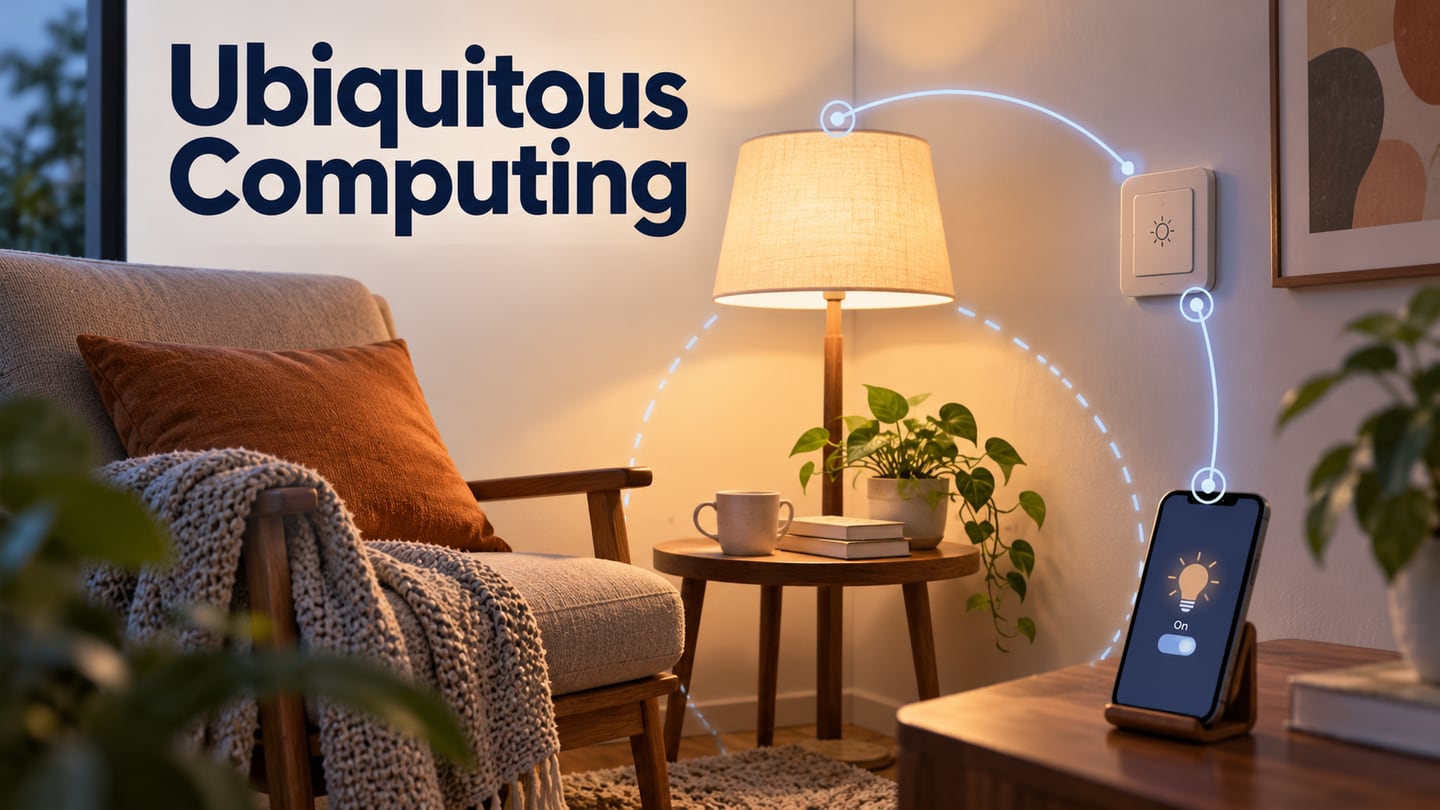
From a smartwatch to a room’s lighting controls, computing can become part of everyday activities rather than the object of attention. Ubiquitous computing describes that broader integration of computation into the physical world. For designers, it raises questions about context, control and feedback across more than one screen.
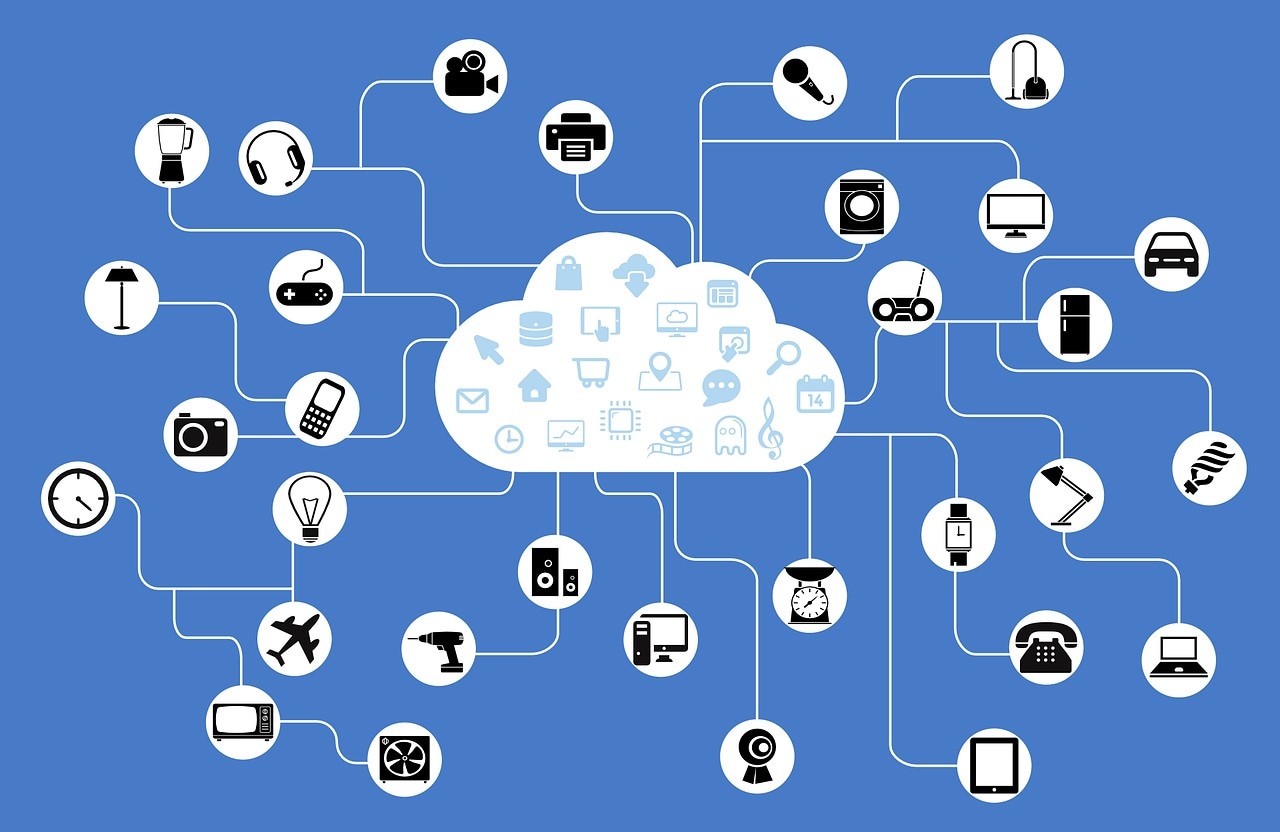
Often called pervasive computing, the idea concerns how technology fits into ordinary life. Ambient intelligence, the Internet of Things and cloud computing overlap with parts of that vision, but they are not interchangeable names for it. Human–computer interaction provides a wider framework for studying people, tasks and the systems around them.
Connected devices can make information or controls available in different places. Their usefulness still depends on whether someone can understand the current state and act when the connection, device or context changes. Start with those everyday questions before choosing a particular technology.
Source
What Is Ubiquitous Computing?
In his research on ubiquitous computing, Mark Weiser described computers becoming integrated into the context of everyday activity. The idea is broader than small devices being connected to the internet. A refrigerator, watch or speaker may participate in such an environment, but connectivity alone does not make the experience useful or unobtrusive.
Mobile devices, RFID tags, location sensing and interactive displays illustrate some of the technologies that can contribute. Consider the relationships between them rather than treating the following developments as one inevitable chain:
- The Internet of Things connects physical devices and services; it can support ubiquitous computing, but does not encompass the whole user experience.
- A smart home combines devices such as lights, sensors and controls. Designers must consider who can operate them and what happens when automation is inappropriate.
- Small wearable and wireless devices bring computation into new settings, with constraints such as limited display space, battery life and interruptions.
- Data from devices may inform a decision. Its freshness, accuracy and relevance matter more than simply collecting a large quantity.
- Cloud services can connect devices and information, while some operations remain local. A design should make its actual connection dependencies understandable.
- Machine learning and natural-language processing may support particular features. Neither is required for every useful embedded or connected-device interaction.
- The value depends on the task: making a needed control available or reducing repeated entry can help, while unnecessary automation can add confusion.
Potential benefits depend on the implementation and setting. Use the following possibilities as questions to evaluate:
- Make relevant information available at the point of use.
- Coordinate devices to support an activity within a room or workplace.
- Reduce unnecessary interaction without hiding important controls.
- Provide appropriate access when the person needs it, including when a preferred device is unavailable.
- Connect related information and controls across devices.
- Reduce opportunities for mistakes through understandable feedback; verify this with the intended users.
- Support decisions with clearly identified current or last-known information.
- Make a task available on a suitable portable device.
- Help people coordinate while respecting their attention and preferences.
- Automate a useful routine while providing an appropriate way to intervene.
Everyday Examples of Ubiquitous Computing
Wearables, speakers, sensors and mobile devices show how computation can accompany daily activities. A laptop alone is not necessarily an example of the whole vision; the relationship between the technology and the activity is what matters.
Consider how an ordinary task moves between physical objects and digital feedback. These familiar device classes illustrate different possibilities, rather than a ranking of products:
- Wearables such as a watch can present a brief notification or activity record when taking out a phone would interrupt the task.
- Smart speakers can offer a spoken way to operate a supported feature, alongside other controls for situations where speech is unsuitable.
- Connected transport systems can use sensors, location information and displays to support travel. Voice commands do not by themselves make a vehicle autonomous or establish safe operation.
- Connected locks can combine physical access with status information. The interface needs to distinguish a requested action from confirmation of the actual lock state.
- Connected clocks and lights may support schedules or remote controls. Explain which setting is active and how someone can override it when needed.
These devices may collect information about activities, locations or preferences. Decide what information is necessary, who can see it and how a person can change relevant settings. Useful functionality does not remove the need to consider privacy, access and unexpected disconnection.
Common Uses for Ubiquitous Computing
Applications span several fields. In each, identify the specific activity and the people affected before deciding which devices or interfaces belong in the system:
- Communication: make an appropriate message available across devices without unnecessarily repeating every alert.
- Logistics: connect item identifiers and status records to the movement of materials or goods, while making missing or delayed records visible.
- Transport: combine location and service information to support a journey. Avoid hiding uncertainty behind an apparently precise arrival or location display.
- Manufacturing: expose machine or process status where workers need it, including an understandable response when a sensor is unavailable.
- Homes: coordinate lighting, heating and other supported devices around daily activities, with controls that household members can find and understand.
- Wearables: offer compact information suited to the activity and device, rather than compressing a full desktop interface onto a tiny display.
- Education: connect physical learning activities with relevant digital information or feedback. Adding devices alone does not demonstrate better learning.
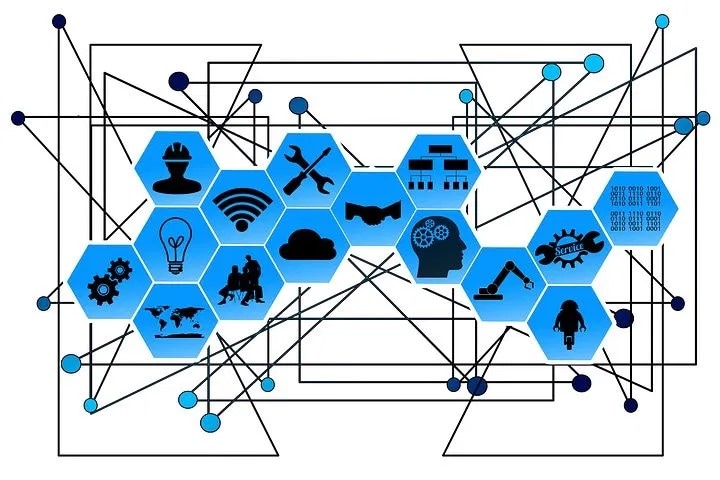
Other applications include energy, entertainment, healthcare, security and commerce. Their requirements differ substantially. The W3C Web of Things architecture describes one approach to interoperable interfaces for physical or virtual entities, including accessibility and security considerations. It is a technical architecture, not a guarantee that a particular experience is usable.
Source
How Ubiquitous Computing Relates to UX
UX work asks how people understand and use the surrounding system. A phone screen may be only one part of the experience: the physical control, device response, notification and other household members can all affect what happens.
Computing that recedes into the background still needs to become understandable when something changes. If a light fails to respond, the person needs to know whether the action is pending, the connection is unavailable or the device has confirmed a state.
Google Home’s Report State documentation gives a concrete example of why device state needs explicit handling: reporting state, querying it and executing an action are different operations. The exact mechanism varies between systems, but the interface should not present an unconfirmed command as an observed result.
The relationship between ubiquitous computing and UX includes these practical concerns:
- Availability: establish what remains possible when a device, account or network is unavailable.
- Visibility: bring important status into view at the right time, even when the technology normally stays in the background.
- Control: make consequential automation understandable and give people an appropriate way to intervene.
- Freshness: distinguish current confirmation from a stored or last-known value.
- Continuity: keep the meaning of actions and states consistent across the physical and digital parts of the task.
Conclusion
For an illustrative reading-lamp interface, compare a confirmed “On” state with “Device offline.” In the offline view, show “Last known: On” and “Last seen 18:40,” followed by “Check connection.” The stored value provides context without pretending that the lamp is currently on.
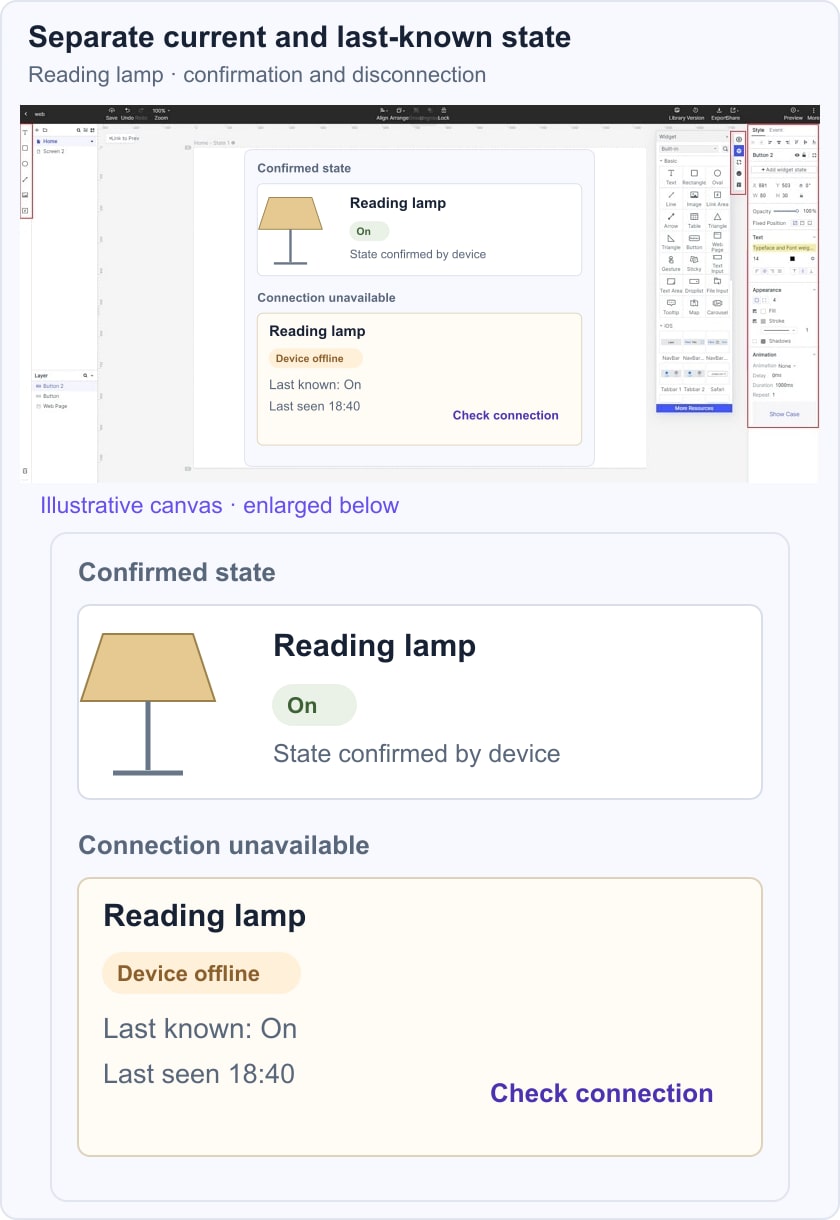
Represent those states in a Mockitt prototype and ask whether a reviewer can distinguish the lamp’s last report from its current availability. The canvas demonstrates the proposed interface; it does not connect to a real lamp. Define the actions and feedback that implementation must support before choosing the final wording.
Ubiquitous computing is useful when it fits an activity rather than demanding attention for its own sake. Keep the ordinary examples in view: a watch notification, a room control or a status record. Review the complete context, including interruptions and uncertainty, instead of assuming that more connected devices automatically create a better experience.