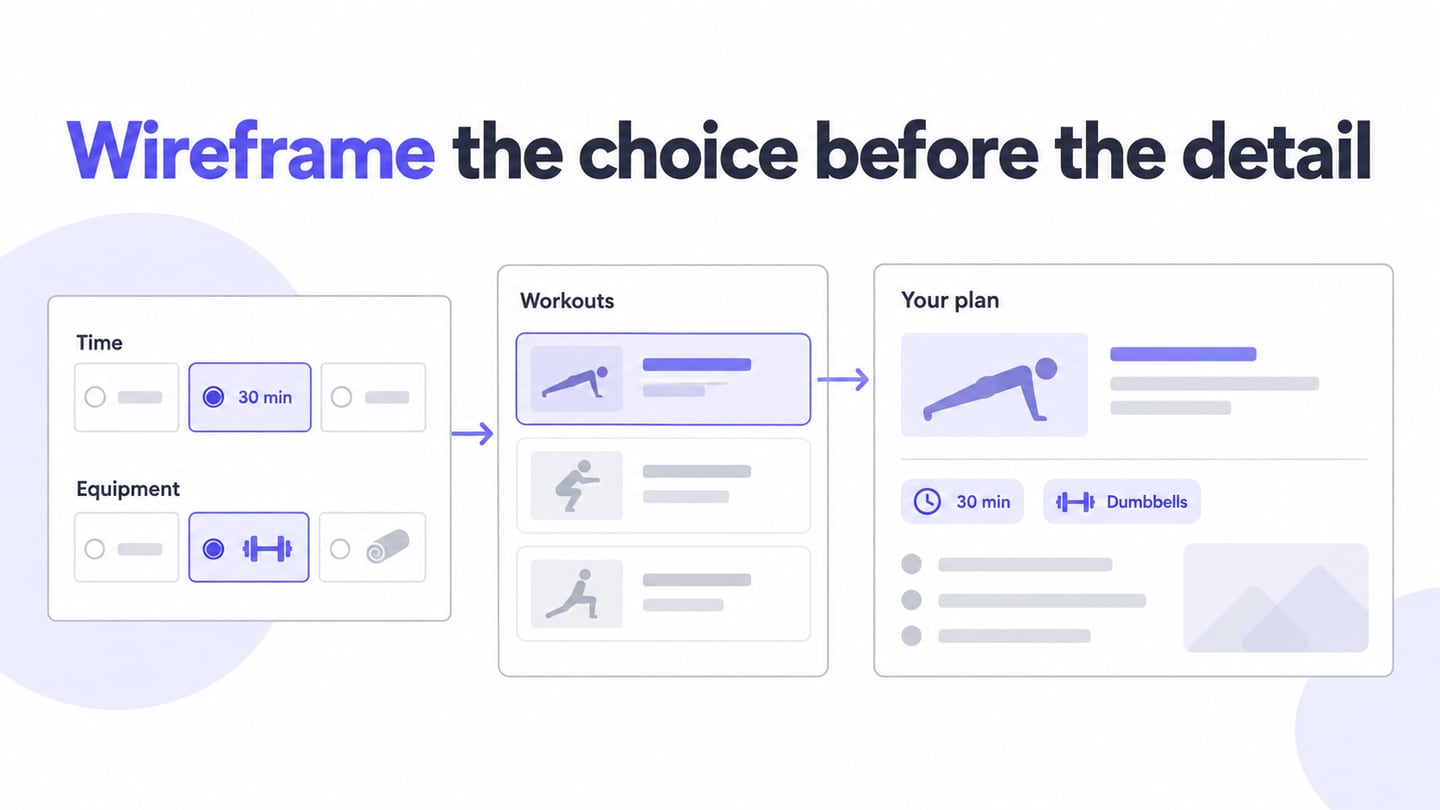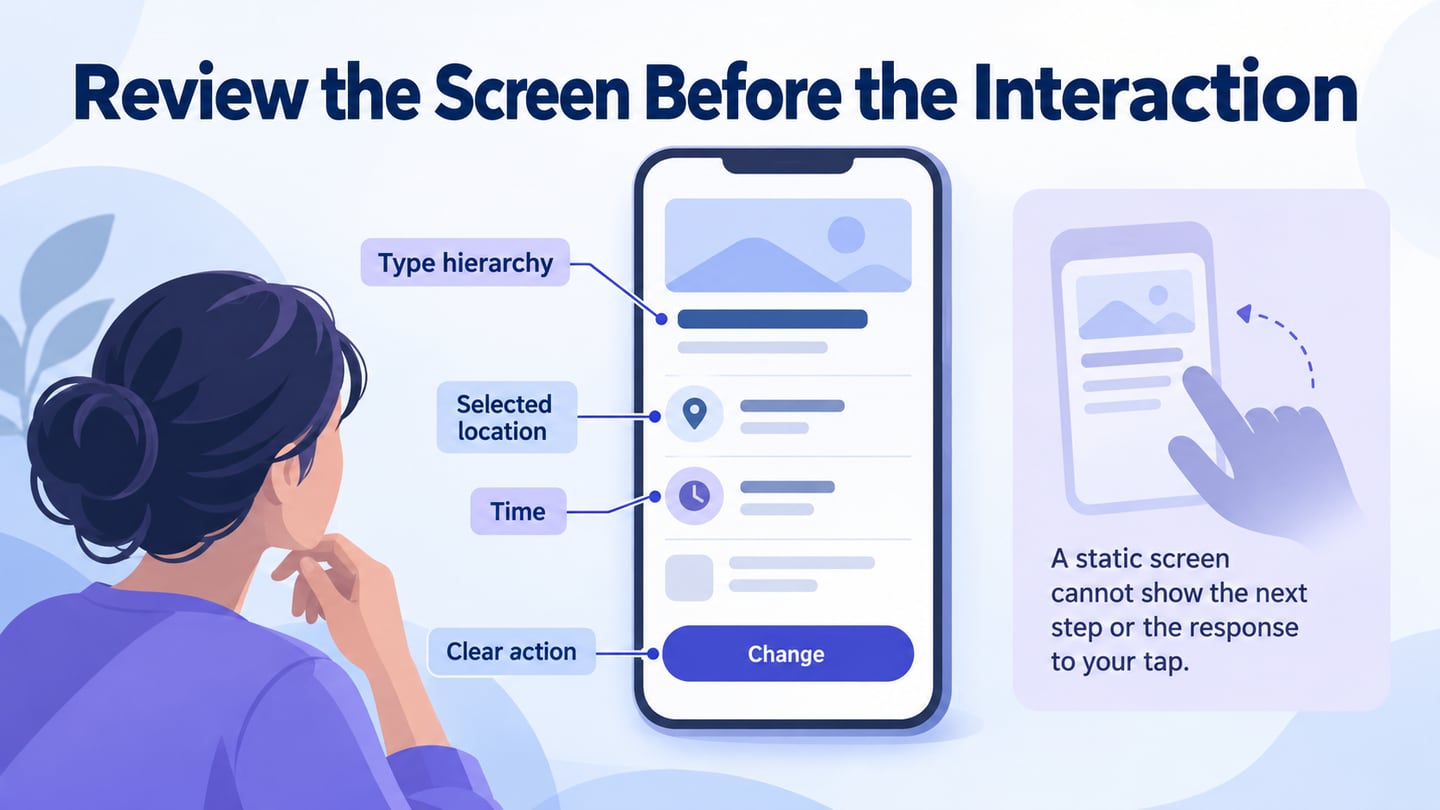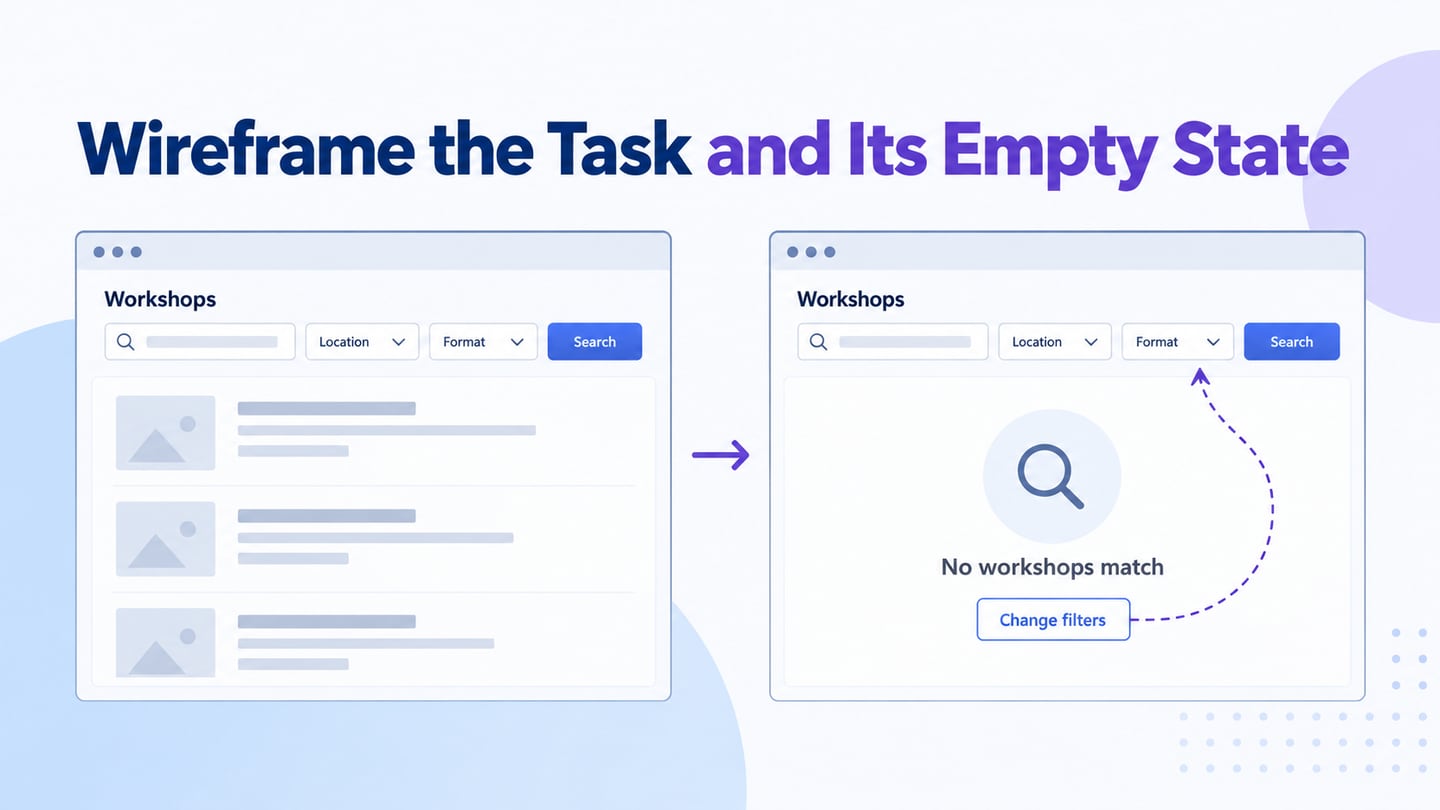
A UI wireframe describes the structure and key actions of an interface before detailed visual styling. Start with a task, identify the information needed to complete it, and arrange the screens that support the sequence. A wireframe design tool can make that structure easier to edit and share, but the task still drives the design.
Choose a Tool for the Wireframe
Mockitt can help you arrange interface elements and connect screens for review. Use it when a shared visual flow is useful for the task. A rough paper sketch may be enough for the first structural discussion; a detailed prototype is not automatically a better wireframe.
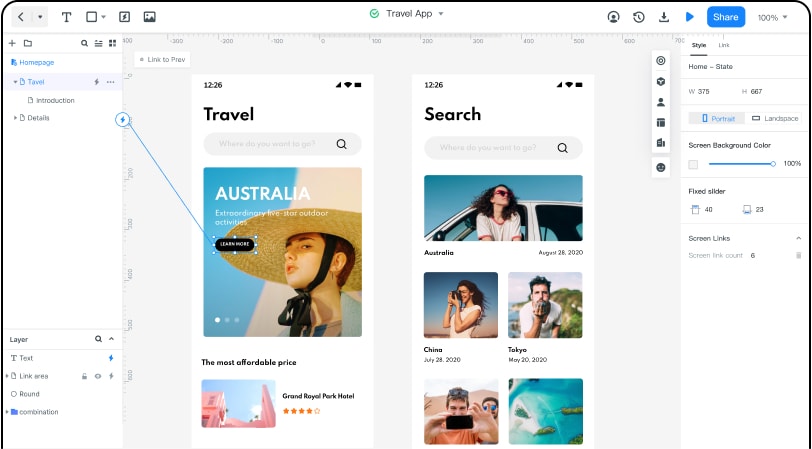
Set up the project in a supported browser or workspace and choose the initial viewport. Earlier guide screenshots illustrate the editing approach; exact panel positions may differ. A mobile preview is not the same as verifying the final mobile implementation.
Consider these capabilities in relation to your workflow:
- Reusable widgets and templates can help you sketch consistent structures. Remove template elements that do not serve the task.
- Shared project access helps the team work from an agreed design. Check permissions and connectivity rather than assuming access is available from every device in every situation.
- Use collaboration and feedback around specific questions: what information is missing, where the next action belongs, or how recovery works.
- Confirm that changes are saved and that collaborators are reviewing the intended version. A save indicator does not replace a sensible version and review process.
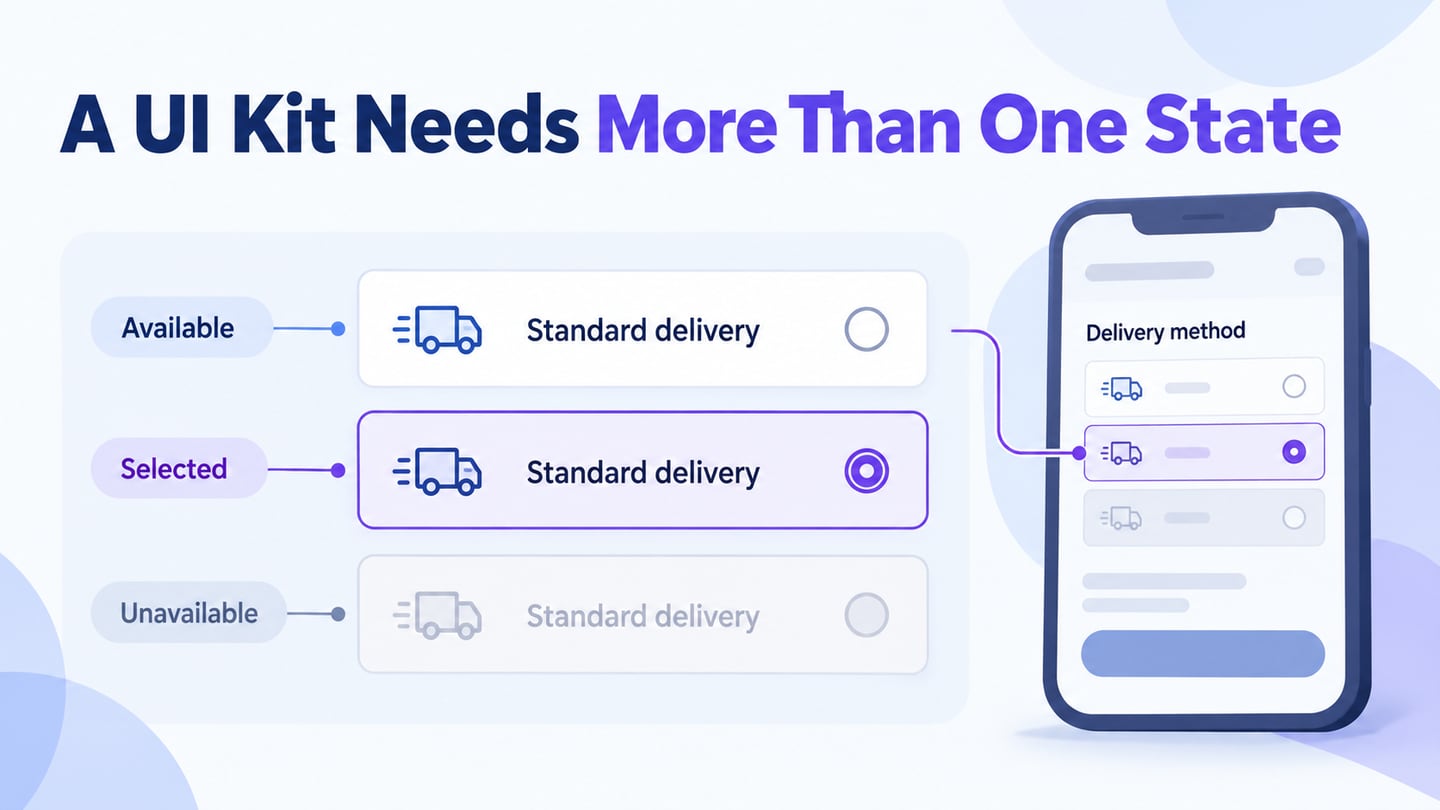
- Reuse customized elements when their meaning is consistent. Do not use the same control for different actions merely because it is already available.
Six Steps to Design a UI Wireframe
The following workflow turns a defined task into a reviewable sequence. Keep decorative detail out until the structure and content make sense.
Step 1: Account Login
Open your Mockitt workspace and confirm where the project belongs. Use a suitable access level when inviting reviewers; they may need to comment without changing the design.
Step 2: Creating a new Project
Create a blank project or adapt a relevant template. Name the task the wireframe supports, such as Find a weekend workshop, rather than starting with a list of unrelated screens.
Step 3: Project Title and Size
Choose a meaningful project title and initial viewport. Sketch a narrow layout early if mobile access matters, and note what should change when more width becomes available.
Step 4: Designing your Wireframe
Place the information and actions needed by the task. Use headings, text, fields and simple containers to establish hierarchy. Keep realistic labels in the important decisions so reviewers are not guessing what a placeholder represents.
Add notes for requirements that are not visible in the wireframe: filter rules, permissions, loading behaviour, or what happens after a failed request. Keep those notes distinct from interface copy.
Step 5: Adding Links between Screens
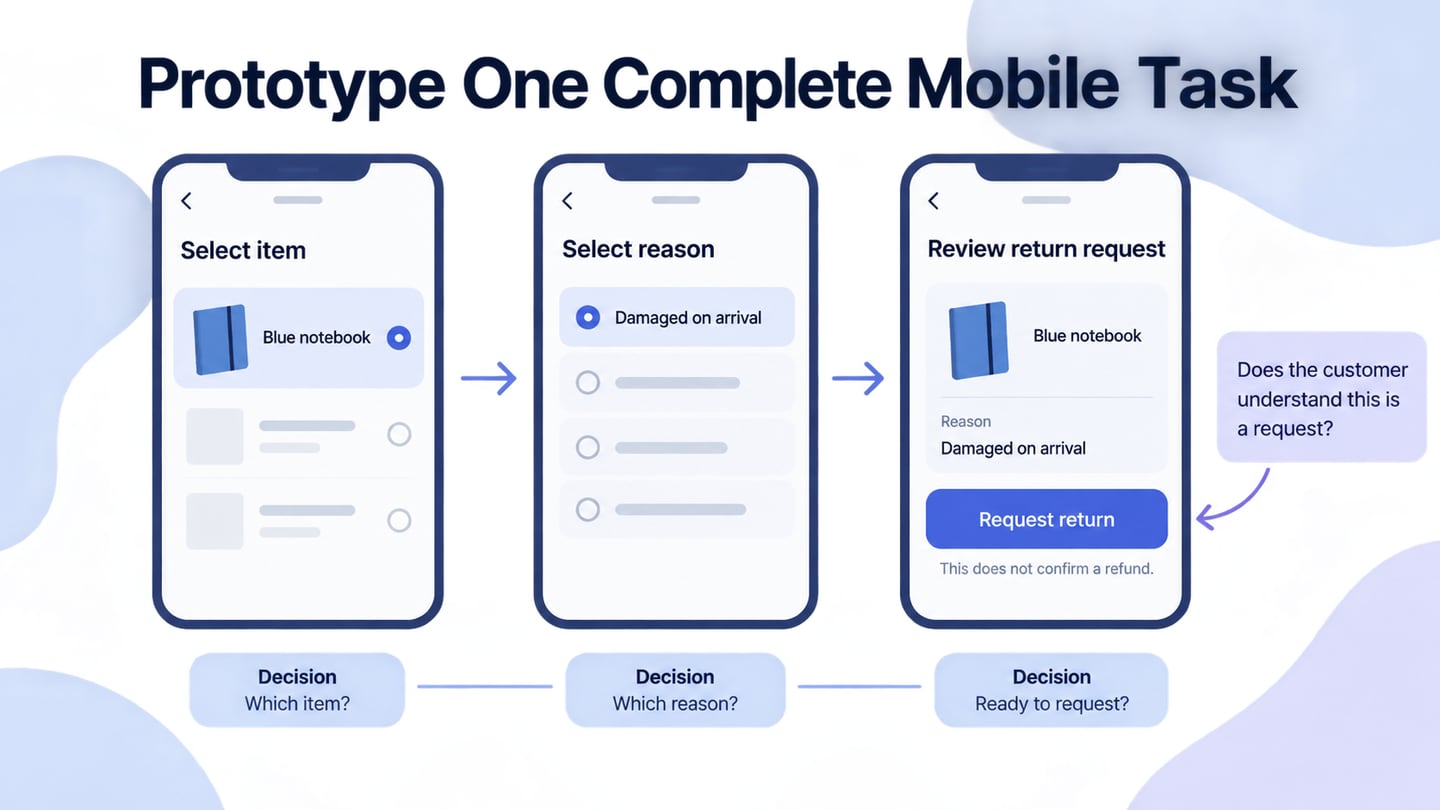
Connect the controls to the intended screen or state and choose only the interaction needed for review. Check that the person can go back, revise a choice, and recover from an empty or unsuccessful result.
Step 6: Sharing the Wireframe Design
Share the relevant flow and ask reviewers to attempt a task without explaining each control. Record observed confusion separately from preferences. A wireframe review addresses the proposed structure, not the correctness of a production system.
Include a useful empty state
For a fictional workshop directory, sketch a search for Photography on Sunday. Show the selected filters above the results region. If nothing matches, use No workshops match these filters and a Change filters action. Keep the context visible so the reader understands what to revise.
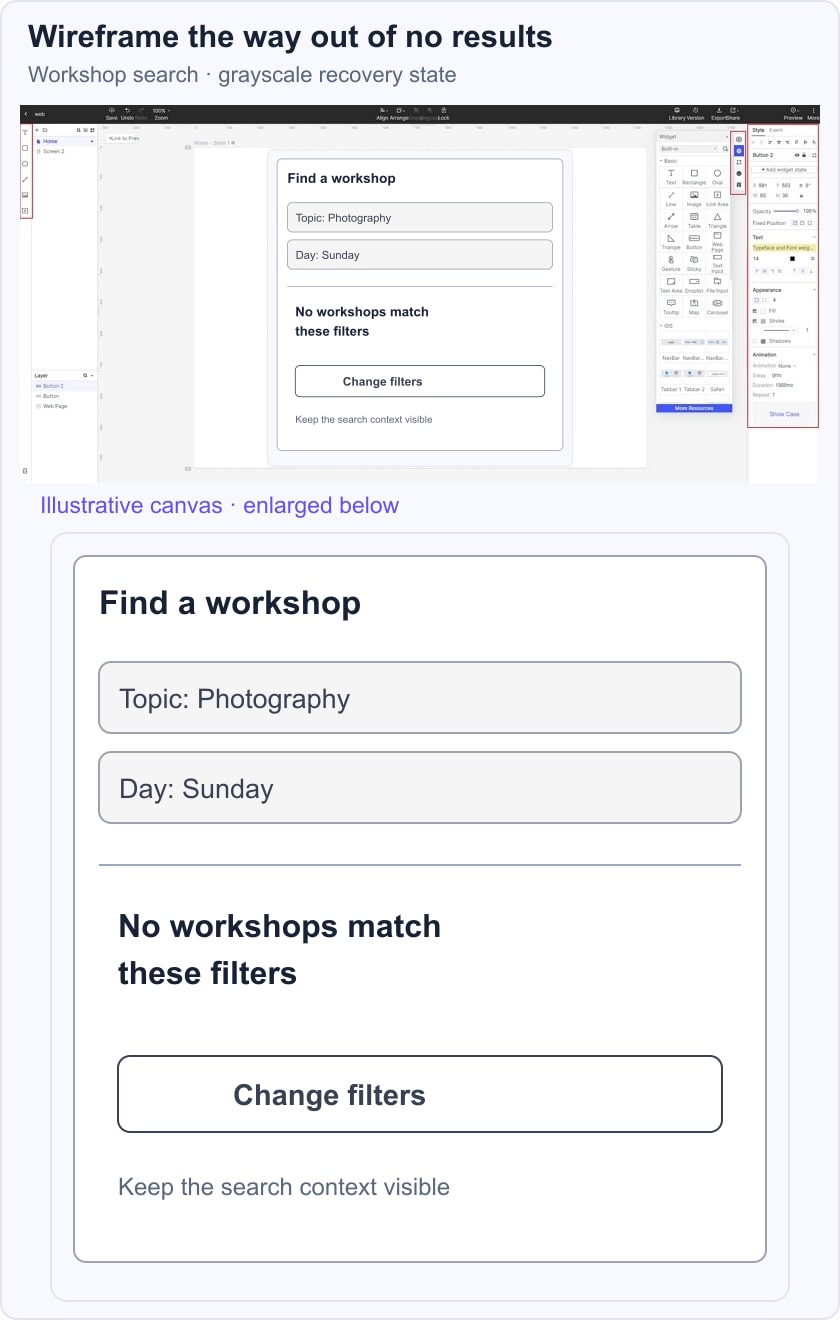
Connect that action back to the editable filters and review whether the previous choices remain understandable. Also sketch a loading state and a network failure separately: no matches and a failed search require different explanations. The example is a design exercise, not evidence from a live directory.
Ask a reviewer to find a suitable workshop and adjust the search when none is available. Observe whether they understand the result and can recover without restarting. This gives the next iteration a concrete question.
Review Checklist for UI Wireframes
Use these checks before investing in visual polish:
- Agree on the task and scope with stakeholders. Record unresolved assumptions instead of treating initial agreement as a guarantee that requirements will never change.
- Sketch the structure before refining the controls. Compare alternatives when they differ in how the task works, not merely in decoration.
- Use relevant research to understand who needs the task and where difficulties occur. If evidence is missing, label the design assumption and plan how to investigate it.
- Use restrained visual styling so the discussion stays on structure. Color can still communicate a necessary state, but the meaning should not depend on color alone.
- Share at decision points and ask focused questions. Collecting more opinions is not necessarily the same as learning what should change.
- Keep repeated controls and labels consistent. Use heading hierarchy and spacing to show relationships rather than making every element look equally important.
- Use realistic content for decisions and long-text tests. Temporary placeholders may help sketch a region, but they cannot reveal whether the actual message is understandable.
- Review the successful path, at least one meaningful exception, and the way back. Document what the wireframe cannot test, then carry those requirements into development and later validation.