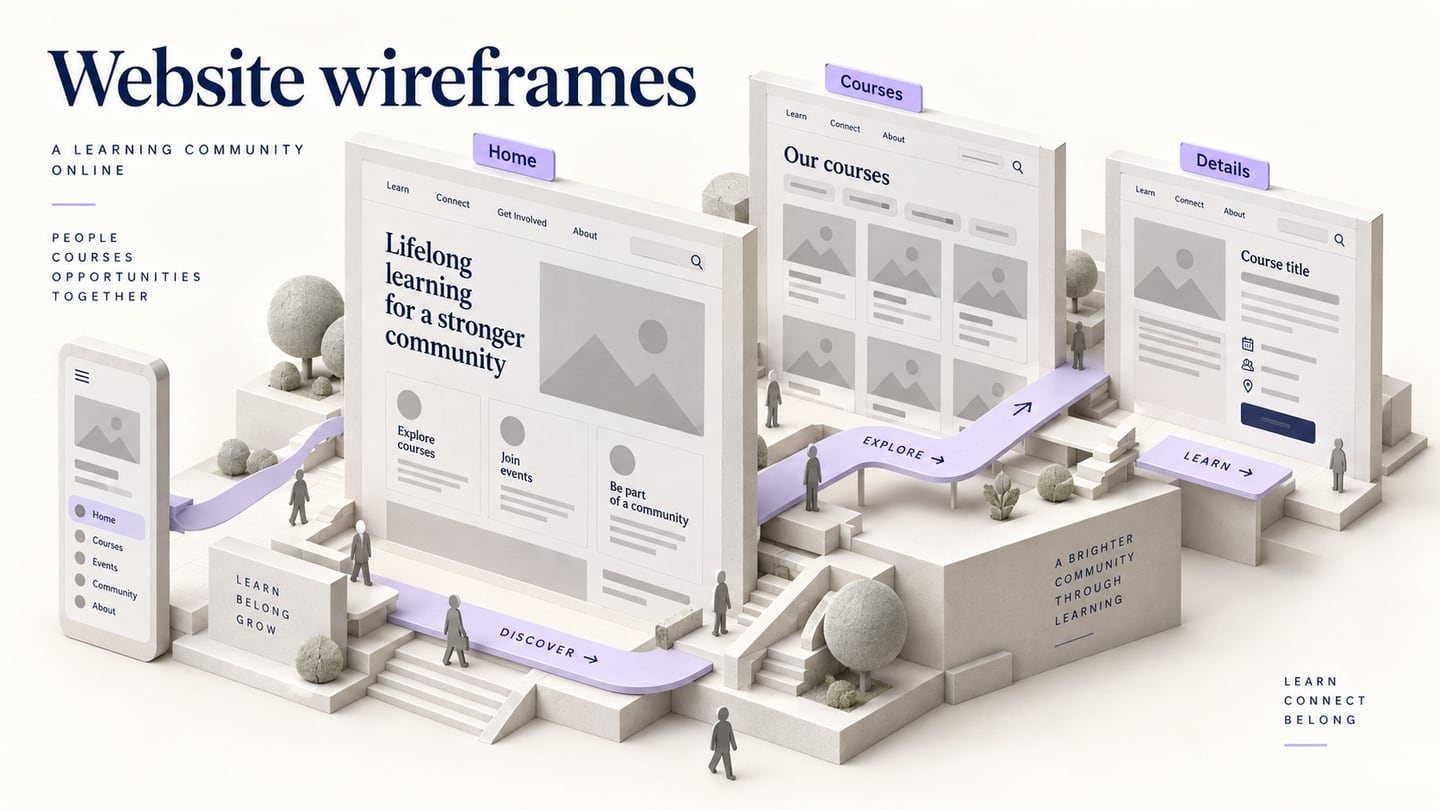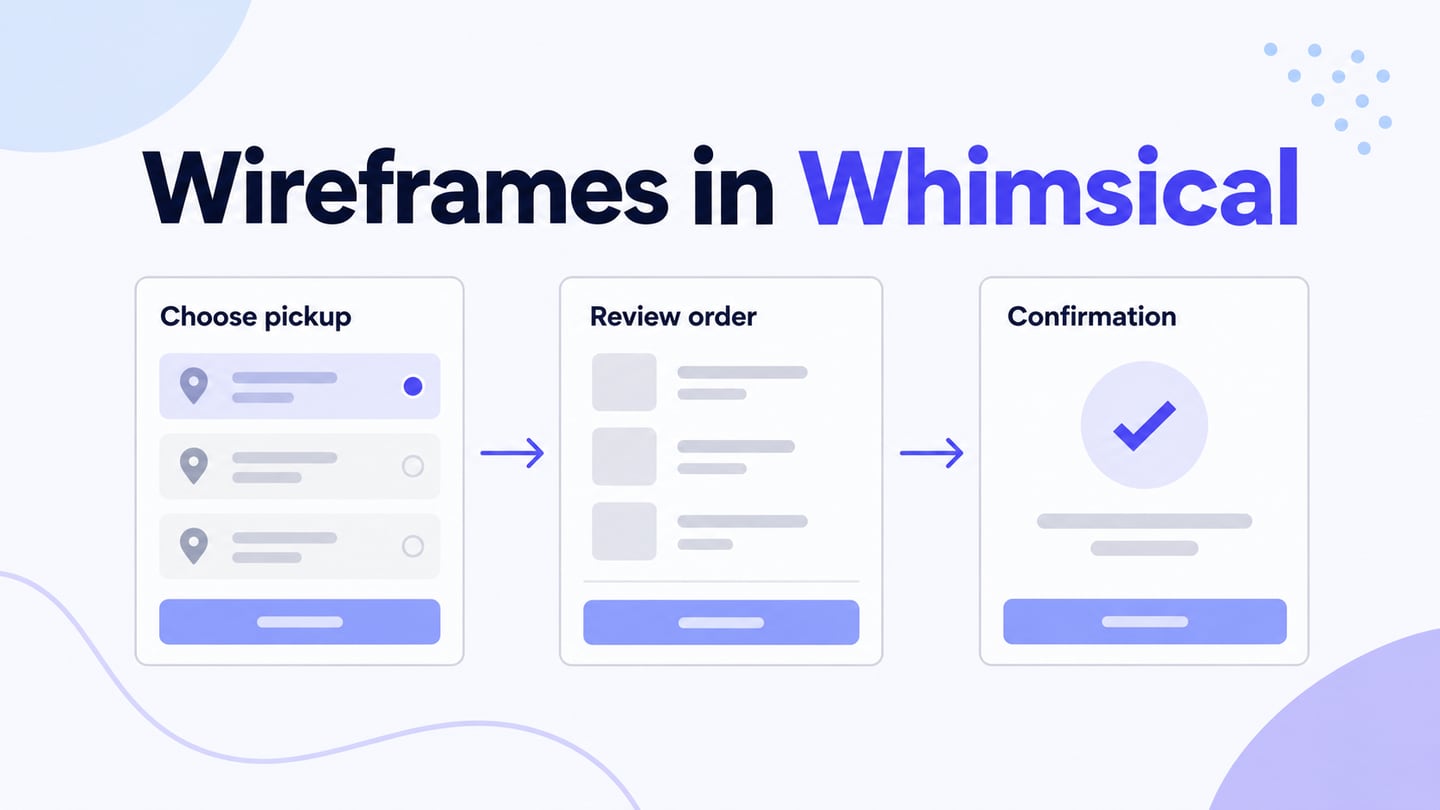
A website wireframe template provides a starting arrangement for a page or a related set of pages. A wireframing tool is the editor used to adapt that arrangement. Choosing a tool does not automatically provide the right template, and a screenshot is not necessarily an editable download.
Start with the job the page must support. A service page needs a clear offer and next action; a listing page needs comparable items and filtering; a content page needs readable structure; a dashboard needs meaningful status and actions. Choose a starting pattern that fits the job before comparing decorative details.
We will adapt a starting layout for a fictional language school after reviewing the sources below. Availability, licensing and account requirements can vary by resource; check the selected file or library before committing to it.
Sources for Website Wireframe Templates and Components
1. Mockitt: Adapt a Starting Layout in a Prototype Project
Use Mockitt to arrange website content and connect related screens. Inspect the templates and assets available in your current workspace, or start with a blank canvas when a stock layout adds more irrelevant modules than useful structure.
The important output is your adapted page hierarchy and review route. Reuse headings, cards and controls where their roles match; keep comments and the reviewed version together. Confirm sharing and export options for the current account instead of assuming every template or format is available without limits.
For the language-school example below, a simple course list and detail layout is more relevant than a visually elaborate dashboard. The prototype demonstrates a proposed browsing route, not a functioning enrollment system.
2. Lucidchart: Diagram-Oriented Wireframe Templates
Lucid provides a wireframe template and related diagram examples. These are useful when the discussion centers on page regions and how screens connect. Check that the selected resource contains the controls and states you need; a diagram template is not automatically an interactive website prototype.
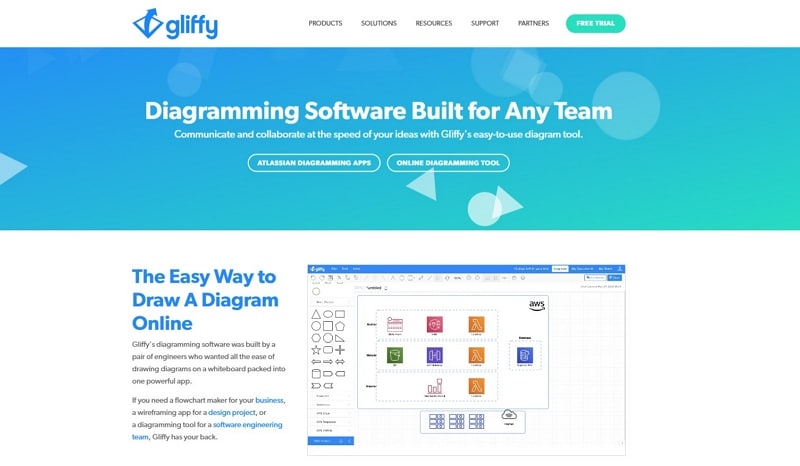
3. Gliffy: Website Structure and UI Shapes
Gliffy’s wireframing guide explains using wireframe shapes to outline a website. Consider it for a shared structural discussion alongside diagrams. Look for an appropriate starting page or assemble the available UI shapes rather than treating the tool’s home page as a downloadable website template.
4. Moqups: Page Patterns and Mockup Templates
Moqups provides a wireframe and mockup template gallery. Compare the page purpose, included components and editing requirements of a specific template. A landing page, contact form and help-center page answer different tasks even when they share a common visual style.
5. Balsamiq: Low-Fidelity UI Elements
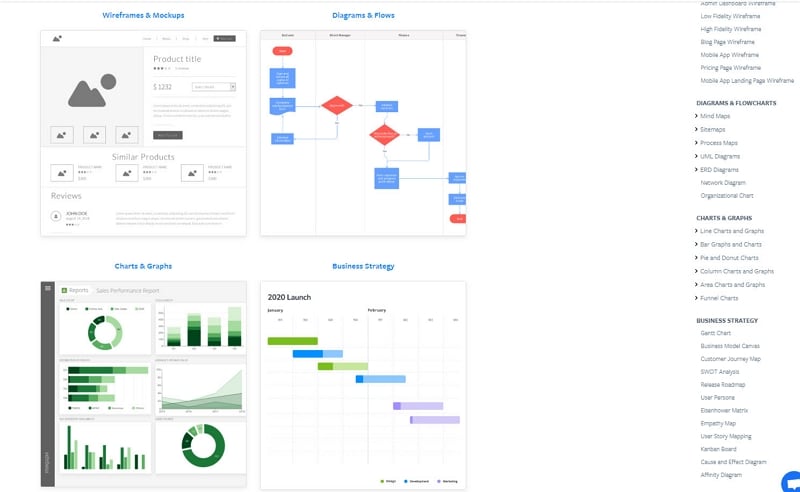
Balsamiq’s sketch-like UI elements can help keep the discussion on structure. Its current UI-elements documentation is a better starting point than relying on an old integration or a relocated template-gallery address. Check the reusable elements available in the current editor and adapt their labels to the actual task.
6. MockFlow: Website Wireframe Starting Layouts
MockFlow offers website wireframe templates and UI resources. Inspect the chosen example’s regions and components, then replace placeholder content.
Check how the layout handles a long title, missing image, repeated items and a narrower viewport. Review the current sharing or export options separately; neither a template screenshot nor an old feature description establishes what a particular plan includes.
7. Justinmind: Web Wireframing Components
Justinmind’s web wireframing library provides components for composing website screens. This is a component source, which is different from a finished page template. It can be useful when your site needs a combination of navigation, forms and content regions that a single stock page does not cover.
8. Pidoco: A Legacy Reference to Check Before Reuse
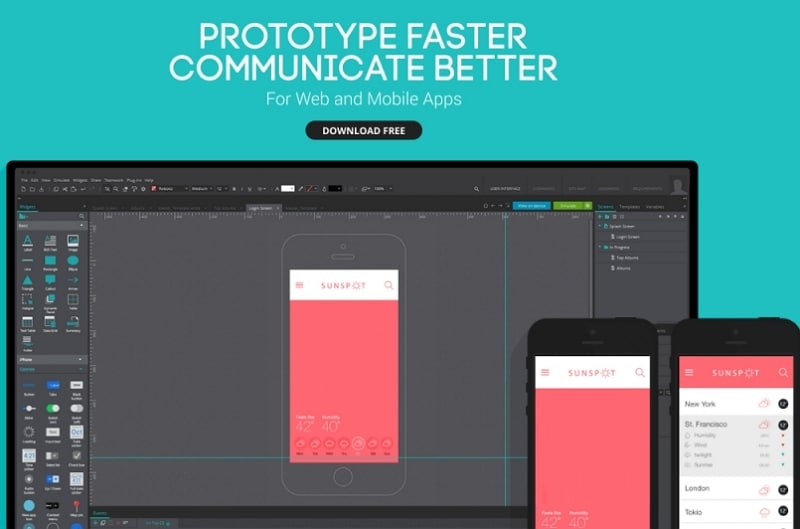
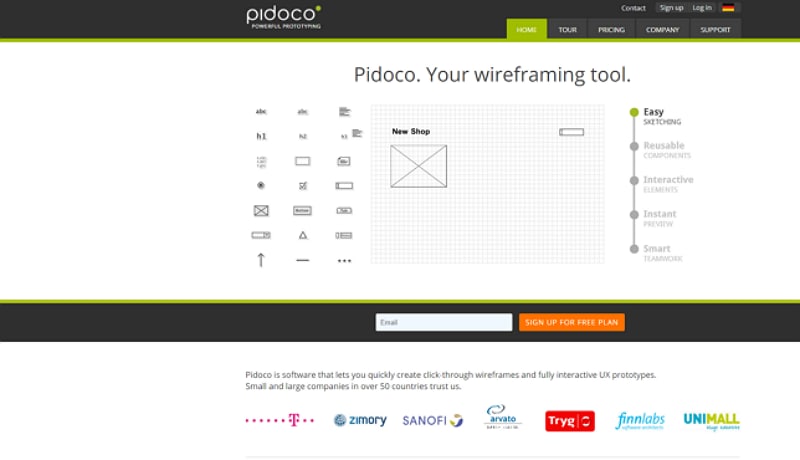
Pidoco is a historical option for clickable wireframes and specification-oriented work. Its current public site emphasizes a company update and existing access rather than a clearly verified new-template catalogue. Treat the retained image as historical context and confirm access to an existing project before choosing it as a source for new work.
9. WireframeSketcher: Reusable Mockups and Stencils
WireframeSketcher provides a gallery of mockups, stencils and templates. It is a desktop-oriented option for assembling low-fidelity screens. Check the format and reuse terms of the particular resource, and confirm that it contains the page structure you need rather than assuming every gallery item is a complete website.
Adapt a Website Template: A Language-School Example
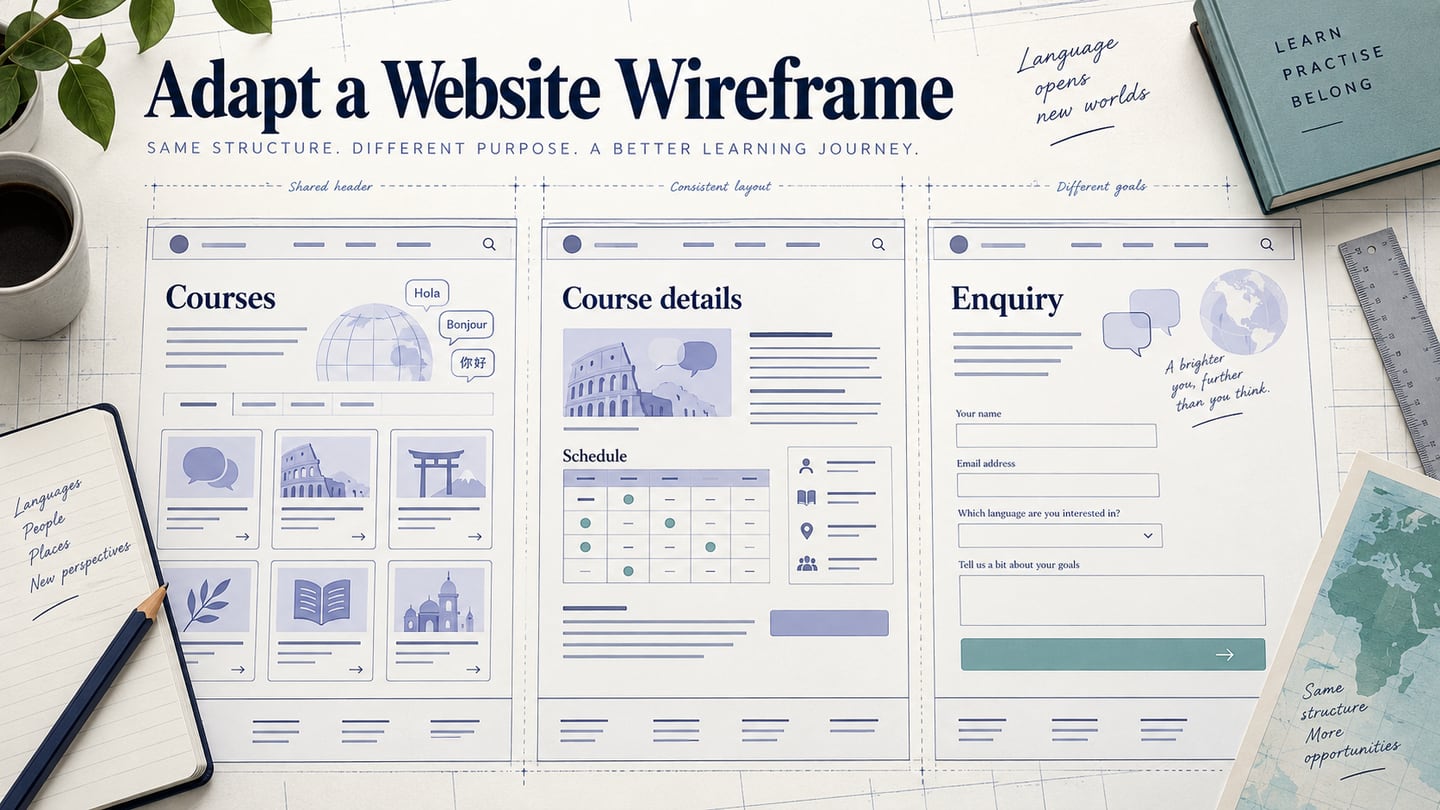
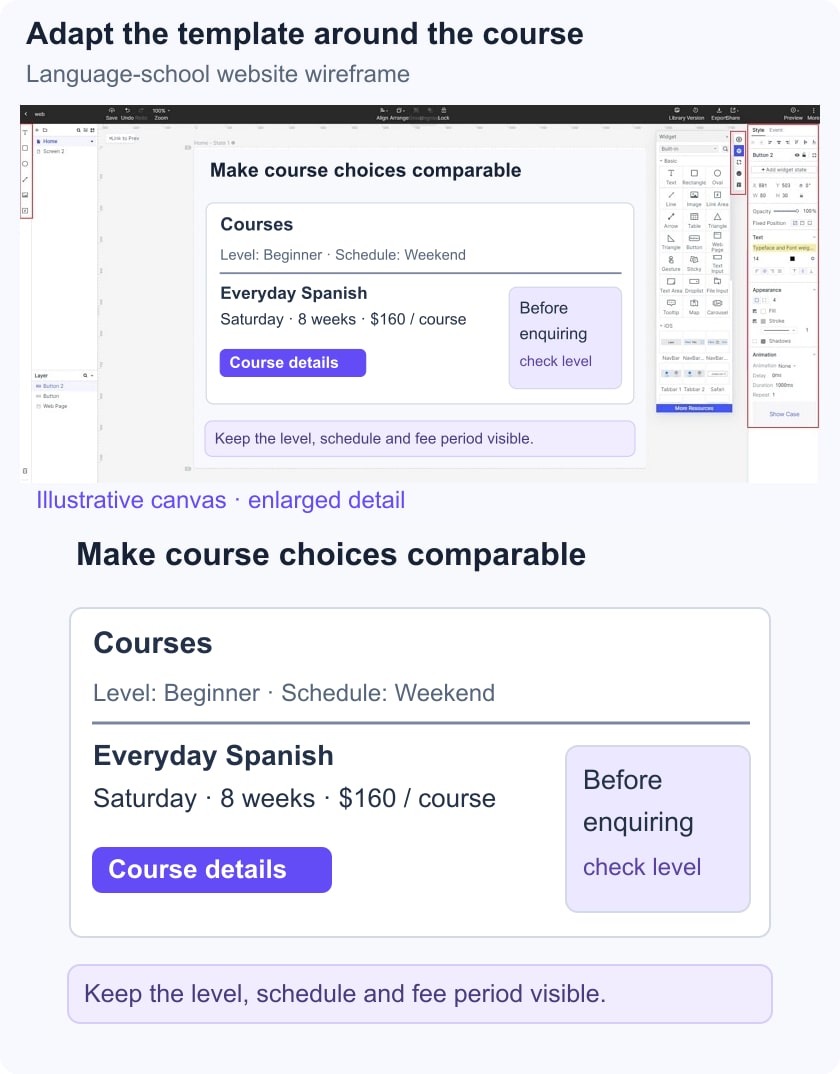
Suppose a fictional school needs to help visitors find a weekend language course and understand its schedule and fee period before making an enquiry. Create Course list, Course details and Enquiry information screens. Use invented course names and illustrative details; do not copy reviews, accreditation badges or enrollment statistics from a template.
Replace Content Before Styling
In the list, show level, weekday or weekend schedule, location and the fee period consistently. On the detail page, repeat the selected course name and explain the next step. A price without a period is ambiguous, while a generic “Get started” button may conceal whether the visitor is enquiring or enrolling.
Remove Modules That Do Not Support the Task
Delete decorative counters, unsupported testimonials and duplicate signup sections. Keep a short explanation of the course, the practical information and a clear enquiry route. Reuse one course card across the list so the comparison remains consistent.
Review a Complete Route and an Exception
Ask a reviewer to find a weekend beginner course, state when it meets and explain what the displayed fee covers. Add a no-matching-course state with a visible way to clear filters. Record misunderstandings about schedule or fee period before refining colors and imagery.
The deliverable is an adapted set of website screens with specific unresolved questions. A template can save setup work, but the accuracy of course information, real enquiry delivery and production accessibility still need their own implementation checks.