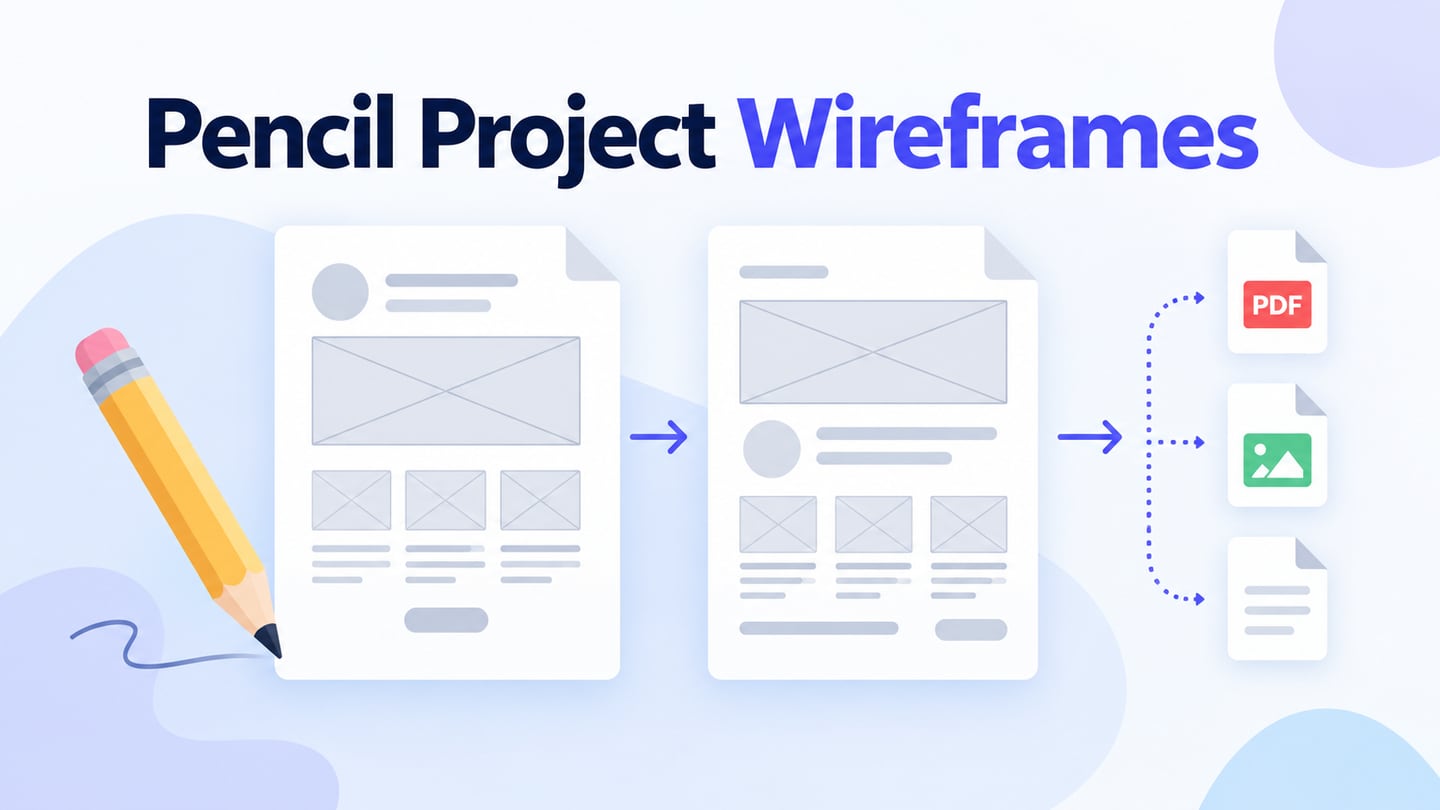
A Pencil Project wireframe is a page-based layout made in the open-source Pencil application. It can help you discuss screen structure and simple navigation before implementation. This guide explains what Pencil offers, then compares other tools for the same kind of work; it does not imply that those tools open or edit native Pencil documents.
Start by choosing the review deliverable: a static layout, a set of linked pages or a shared interactive draft. If you need to arrange screens and collect feedback in a browser, an online prototype in Mockitt is another route. Choose by the task and sharing requirements rather than assuming that every tool uses the same file format.
What Is a Pencil Project Wireframe?
A wireframe describes the arrangement of content and controls without requiring finished visual design. You can sketch it on paper or use a drawing application. Pencil Project is free, open-source software for GUI mockups and diagrams. Its official repository provides the project and release information; inspect the available package and its compatibility before installing it on your current operating system.
The official Pencil feature guide describes collections of shapes, export options and links between pages. These features support a drawing and review workflow:
- Choose shapes from collections and arrange them on a page to communicate the intended layout.
- Export the drawing in an available format suited to the review, such as an image or a web-page export. Check the output rather than assuming that every format preserves interaction.
- Link elements to other pages; those page links become hyperlinks in the web export. This communicates a path through the design, not production application logic.
Pencil Project and Other Wireframing Tools
1. Balsamiq
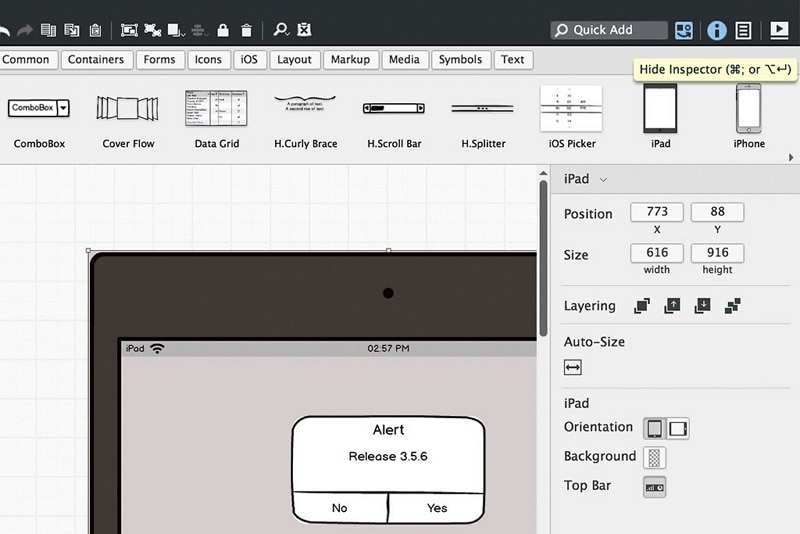
Balsamiq focuses on low-fidelity wireframes built from reusable controls and sketch-like elements. It is useful when a review should concentrate on structure and flow rather than polished visual design. The current Balsamiq pricing page offers a 14-day trial; do not treat a trial as permanent free access. The retained screenshot is a historical interface example, not a current Flash-based installation guide. Test a small linked flow and the sharing options before moving a project.
2. Pencil Project
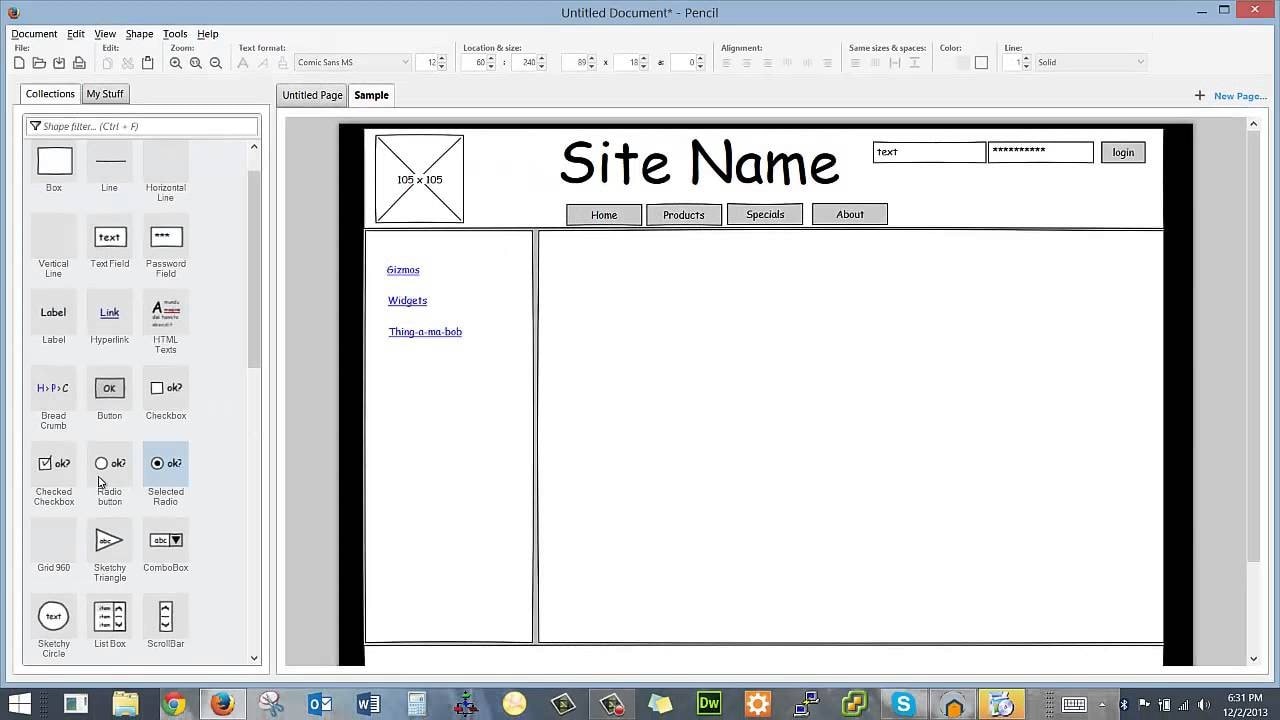
Pencil keeps the work close to a document of drawings and linked pages. That can suit a small, self-contained wireframe when you want an open-source tool and can manage the document and exported review files yourself. The historical screenshot illustrates the collections panel and a website layout. Check current releases and test your required exports before relying on it for a shared team workflow. For an operating-system-specific comparison, see wireframing options for Linux.
3. Wireframe.cc
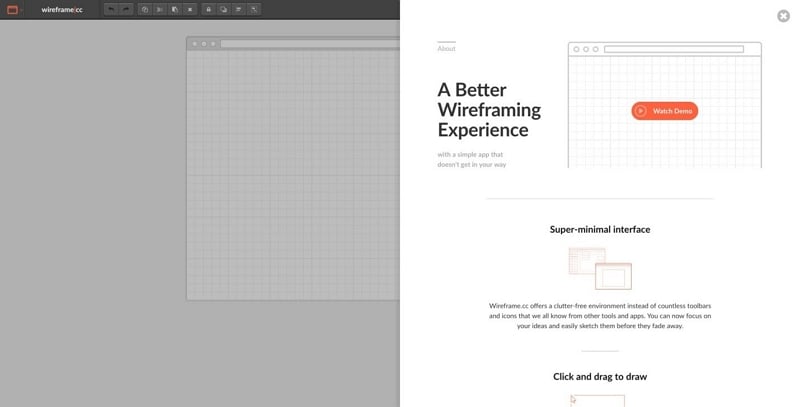
Wireframe.cc uses a restrained drawing interface: draw an area, choose an element type and add the content needed for a wireframe. Its free version uses public, single-page wireframes. The Premium offering adds private projects, multiple pages and clickable flows, among other capabilities. Check that distinction before using it for confidential work or a multi-screen review. The older screenshot remains an illustration of the tool’s minimal approach, not a statement of current prices.
4. Figma
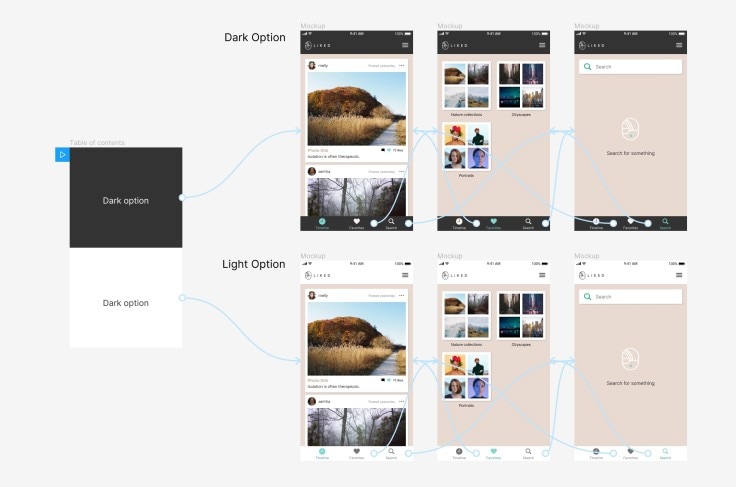
Figma supports interface design and prototyping, so a team can develop a low-fidelity layout and continue into more detailed screens in the same environment. Its current plan comparison separates Starter access from paid team and advanced features. Review editing seats, sharing permissions and the features your project needs. The retained linked-screen example illustrates a design flow; it does not demonstrate importing a Pencil file or guarantee access from every device.
Explore a Linked Wireframe in Mockitt
Mockitt lets you arrange interface elements and connect screens for a review. Dragging an element onto a canvas is only the beginning: name the task, decide the next screen and include a way to return. Reuse components where appropriate, but check that their labels and states fit the scenario.
For an illustrative equipment-loan flow, create a list with “Projector” and “Camera,” open a Projector detail screen and provide a “Request dates” action. Add “Back to equipment” so a reviewer can recover from choosing the wrong item. This models the interaction; it does not reserve inventory or check real availability.
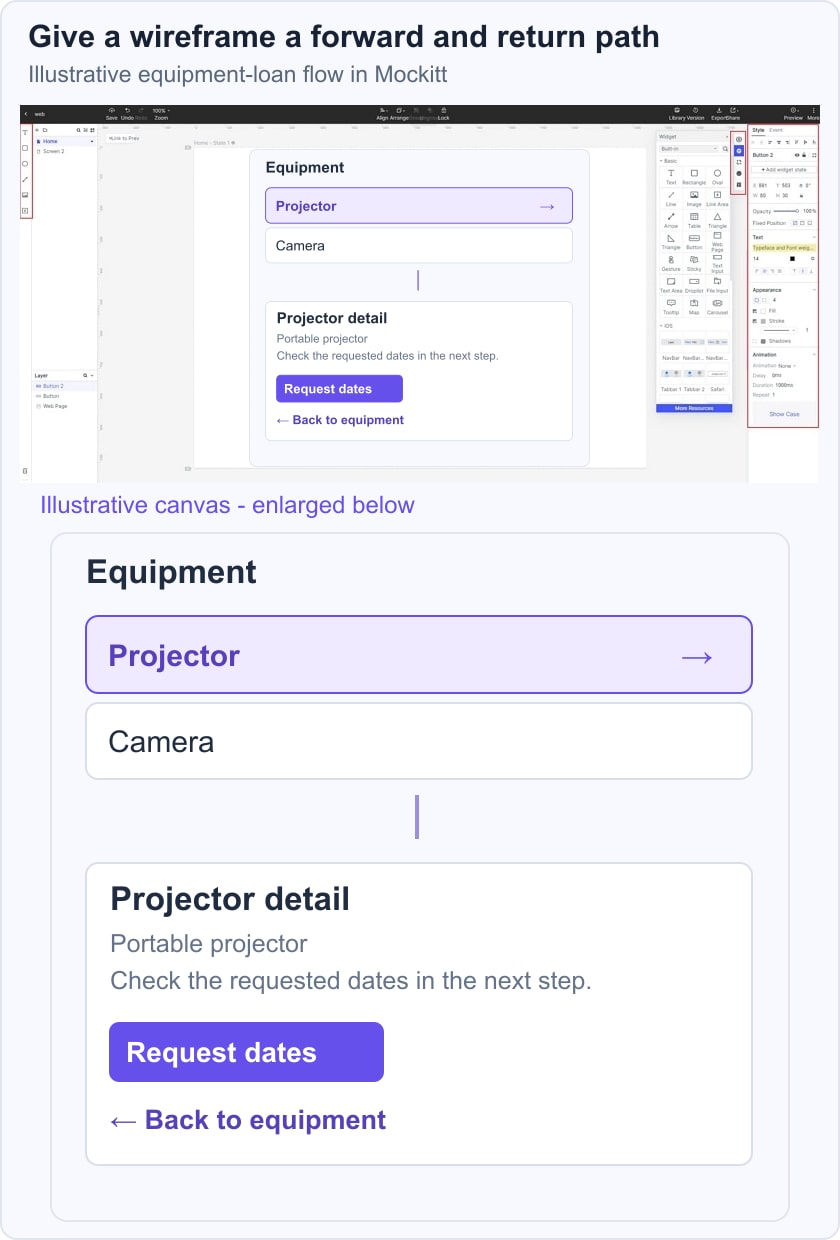
Ask the reviewer to find the projector, explain what Request dates will do and return to the list. Note unclear labels or missing states before adding visual detail. If software licensing is the main constraint, compare open-source wireframing tools separately from tools that simply offer a free plan or trial.
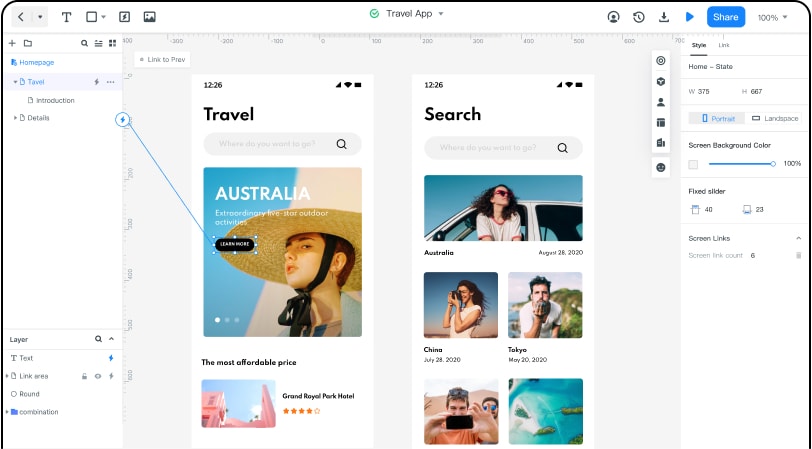
- Share the draft with collaborators using the permissions available to your account and collect feedback on the flow.
- Use reusable interface elements to keep the list and detail screens consistent.
- Work in a supported browser on your computer and check the preview on the devices relevant to your audience.
- Keep review access and editing access appropriate to each participant; an online project is not automatically public.
- Choose an available sharing or export option that preserves what the reviewer needs to inspect.