
Books can help you understand why an interface works, not just copy how it looks. Reading becomes more useful when you connect a concept to a specific design decision and try it in a small UI design exercise. The ten books below approach communication, interaction, perception and documentation from different directions.
Choose by the problem you need to solve. For unclear labels and messages, start with UI is Communication; for navigation, consider Don’t Make Me Think; for visual relationships, try The Non-Designer’s Design Book. More experienced designers may turn to About Face or Designing Interfaces for deeper interaction questions. These are reading suggestions, not a measured ranking.
Check the edition, author list and table of contents before buying or borrowing. Some covers below show earlier editions; a familiar cover is not evidence that it is the latest edition. Read one relevant chapter, apply it to a small interface and record what you changed and what still needs testing.
Ten UI Design Books to Choose by Your Learning Goal
1. The Design of Everyday Things — Don Norman
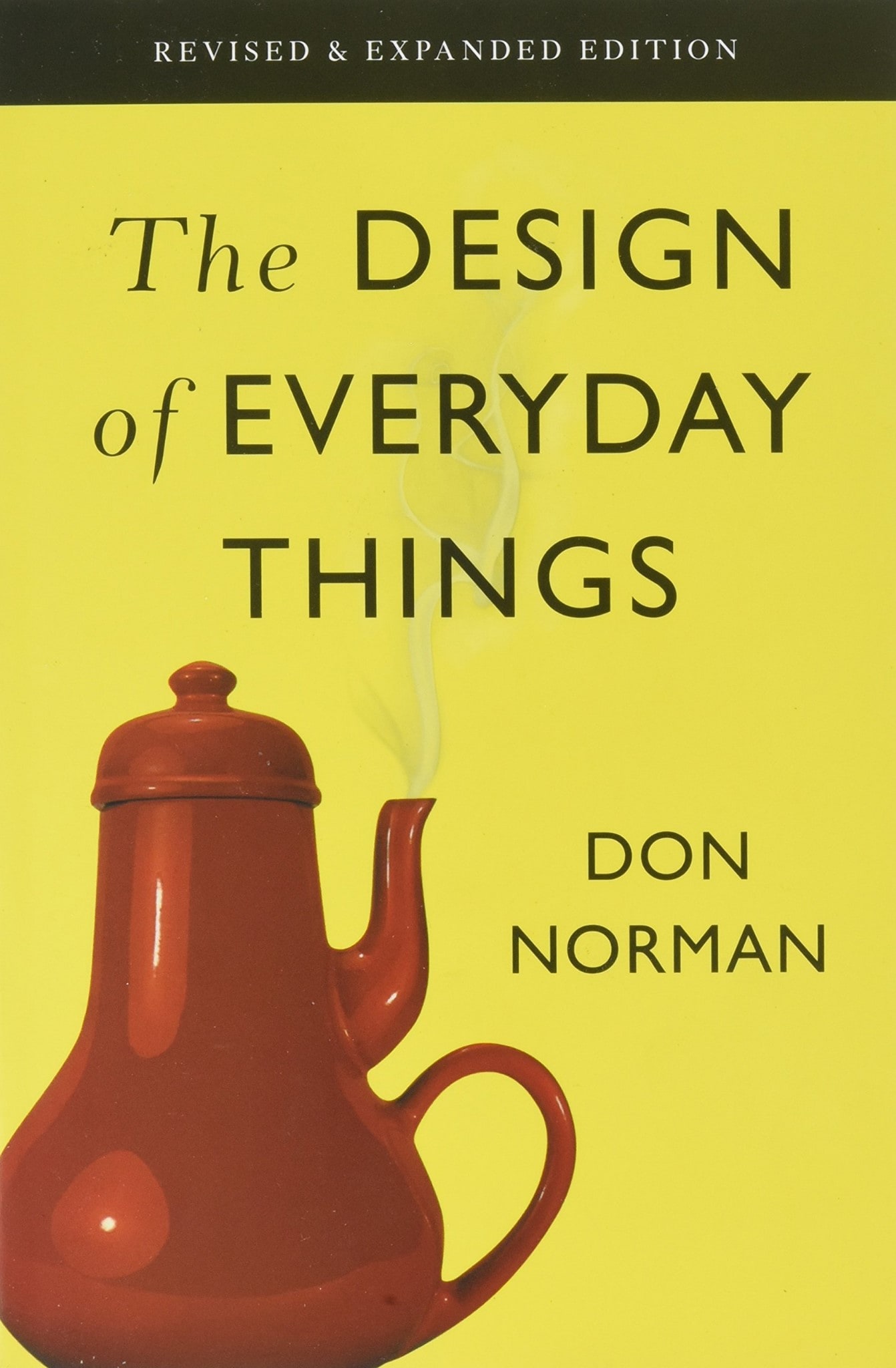
This book examines how everyday objects communicate their use and how design can make actions easier to understand. The cover’s teapot, with its handle and spout on the same side, is a memorable example of a design that conflicts with the way someone would use it.
Good design involves how something works as well as how it looks. Don Norman’s book descriptions provide context for the revised edition. For interface practice, look at a control and ask what action it suggests, what feedback follows and whether a mistake can be recovered from. This connects the book to everyday UI design principles.
2. UI is Communication — Everett N. McKay
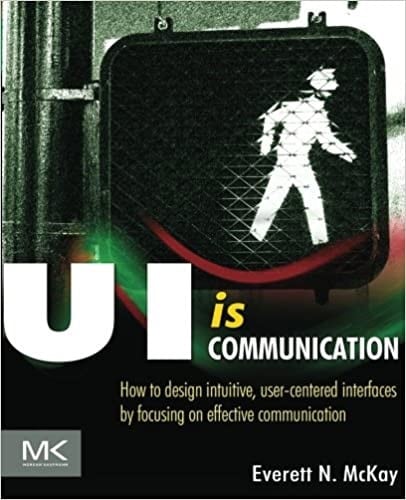
Everett N. McKay presents interface design as communication with a person trying to complete a task. The focus is not simply attractive pixels: labels, controls, layout and feedback all help explain what a user can do and what has happened.
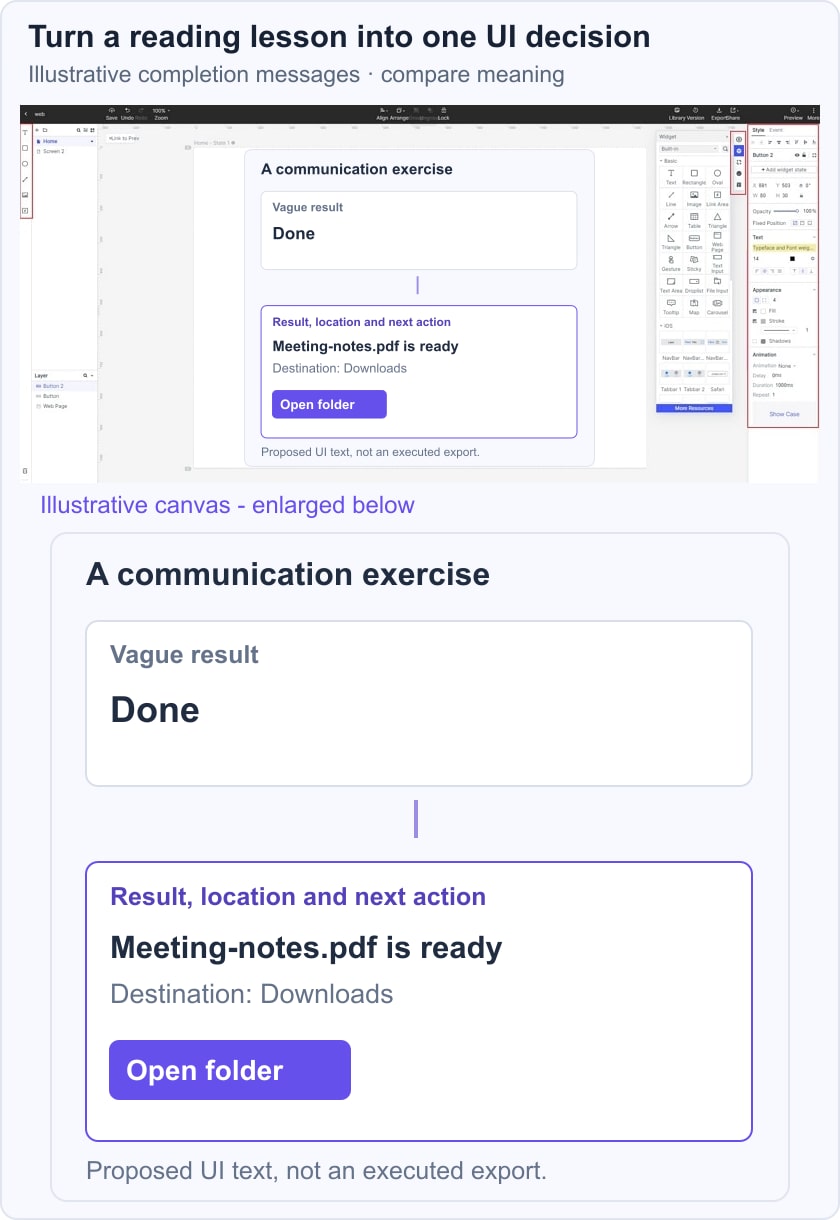
The publisher’s description identifies a communication-based approach to interaction and visual design. A useful practice task is to rewrite a vague status message so that it explains the result and the next action. Check whether the revised message answers a real user question rather than adding decorative words.
3. Don’t Make Me Think — Steve Krug
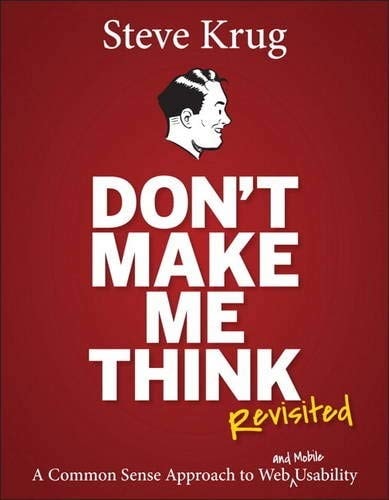
Don’t Make Me Think examines web usability through navigation, page scanning and clear choices. It is useful when people cannot tell where they are, where to go next or which control matters. It does not mean that every meaningful task can be made effortless.
Steve Krug’s author page identifies Don’t Make Me Think, Revisited as the third edition and includes mobile usability. Use the edition information when selecting a copy; the original book and Revisited are not identical editions.
For practice, review a page without explaining it aloud. Write down what appears clickable, the apparent purpose of the page and the likely next step. Then compare those assumptions with what a reader actually understands.
4. Designing with the Mind in Mind — Jeff Johnson
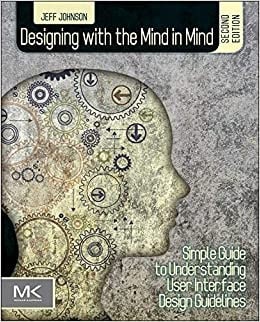
Jeff Johnson connects interface guidelines with how people perceive, attend to and remember information. This is useful when you want to understand the reason behind a guideline instead of applying it mechanically. The retained cover shows the second edition.
Perceptual and cognitive concepts can help you examine competing emphasis, hard-to-find controls and unnecessary memory demands. Choose one screen and identify what a user must notice, remember and decide. Treat that review as a design hypothesis; psychology concepts alone do not prove that a particular layout works for your audience.
5. The Non-Designer’s Design Book — Robin Williams
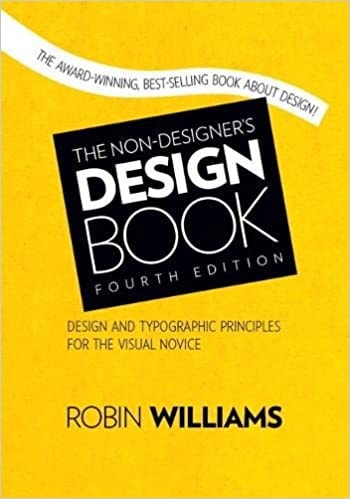
This book is a useful entry point for people who need clearer visual communication, including designers and colleagues who prepare interface content. Its graphic-design focus is broader than software UI; apply the principles to a screen while also considering interaction and accessibility.
Contrast, repetition, alignment and proximity provide a practical vocabulary for reviewing a layout. Peachpit’s fourth-edition page also describes typography guidance and exercises. Try grouping a label, its field and its explanation, then check whether the grouping still makes sense at a narrow viewport.
6. Evil by Design — Chris Nodder
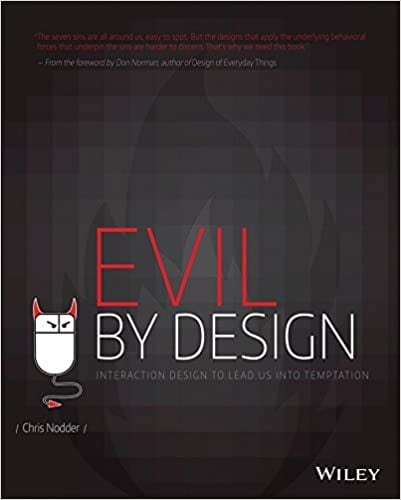
Chris Nodder explores persuasive design through psychology, marketing and the framing of the seven deadly sins. Read it critically to recognize how interfaces can influence choices, including choices that may not serve the person using the product.
Social proof, commitment and the way options are presented deserve scrutiny. Use this knowledge to identify pressure, hidden consequences or misleading defaults. A responsible practice exercise is to make a choice and its consequences clearer, not to exploit a user’s mistakes or make an unwanted action difficult to reverse.
7. About Face: The Essentials of Interaction Design - Alan Cooper, et al.
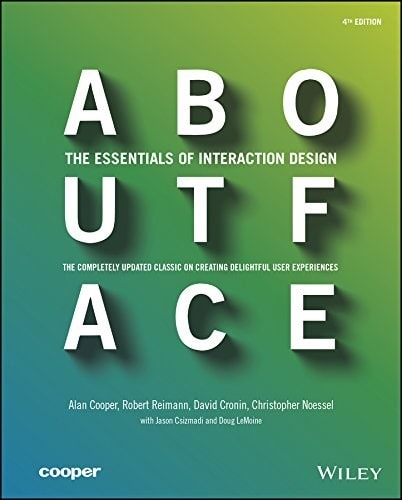
About Face explores interaction design in depth and is useful when you need to connect product behavior to people’s goals. It is a longer study than a quick visual-inspiration guide; select a relevant topic and work through it alongside a concrete product problem.
Its goal-oriented approach includes personas, scenarios and product behavior. When applying it, distinguish evidence about real users from assumptions in a draft persona. Use a scenario to explain the intended task, then examine whether the interface supports the steps and recovery paths that task needs.
8. Designing Interfaces — Jenifer Tidwell
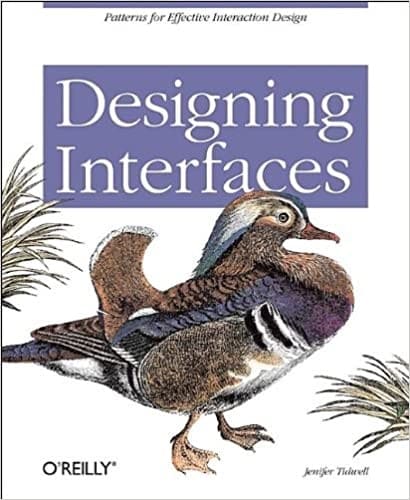
Designing Interfaces provides patterns for organizing interface behavior and information, with examples and use contexts. It is useful when you can describe the problem but need alternatives to evaluate. A pattern is a starting point for a decision, not a guarantee that the same solution fits every product.
The original cover here is an earlier edition by Jenifer Tidwell. The third edition credits Jenifer Tidwell, Charles Brewer and Aynne Valencia. Compare possible UI design patterns by the task, content and constraints they address before adopting one.
9. The Best Interface Is No Interface — Golden Krishna
Golden Krishna challenges the assumption that solving a problem always requires adding another screen. This is useful when a product asks people to manage interface steps that do not meaningfully help them reach their goal.
Before designing another dashboard or notification, ask what work can be removed and what control the person still needs. Reducing screen interaction should not hide important decisions, consent or recovery options. Use the book as a prompt to reconsider the task, rather than as a rule that visible interfaces are always undesirable.
10. Communicating Design - Dan M. Brown
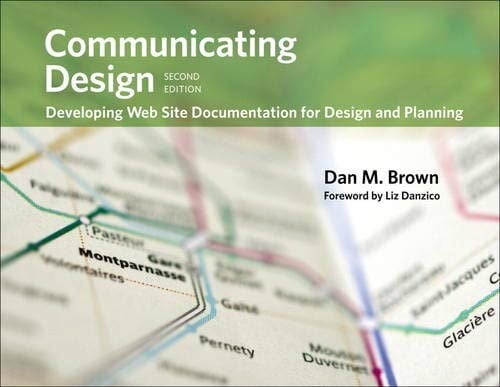
A UI/UX designer also needs to communicate decisions to colleagues and clients. Diagrams, flows, wireframes and research reports should make the relevant question and evidence understandable, not simply satisfy a documentation checklist.
Dan M. Brown’s Communicating Design covers design diagrams and deliverables, including site maps, flowcharts, wireframes and usability reports. For practice, take one deliverable and state its audience, the decision it supports and what needs to be updated when the design changes.
Apply a Reading Lesson in Mockitt
Reading becomes actionable when you try a bounded exercise. Pick one concept and one interface problem, create a draft and compare it with the original. Keep the question small enough that you can explain what changed and why.
In Mockitt, arrange text, shapes and interface elements to explore the alternative. For a communication exercise, use an illustrative notes-export message: replace “Done” with “Meeting-notes.pdf is ready,” show the destination “Downloads,” and provide an “Open folder” action. This is a proposed interface state, not a demonstration of a working file export.
Choose a screen size appropriate to the task and check the layout at narrower widths. Device presets can provide a starting frame, but they do not automatically make content responsive or accessible.
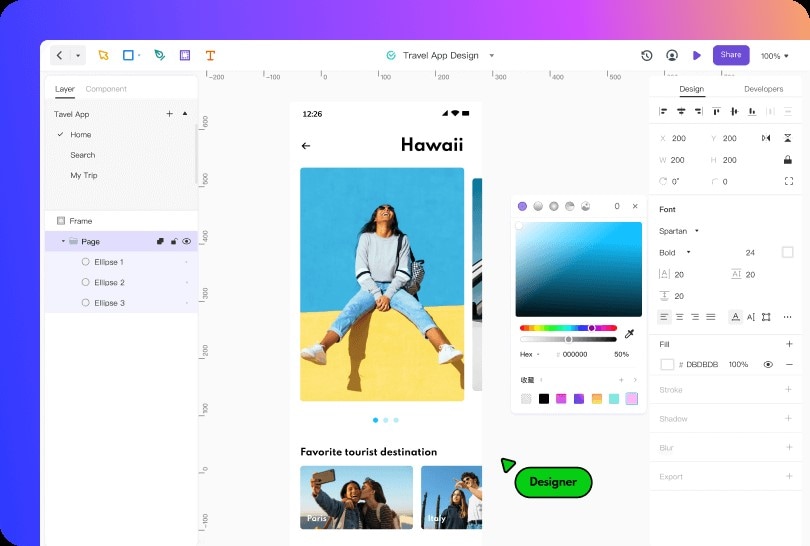
Use text hierarchy, spacing, shapes and color to make the result and next action distinguishable. In the export example, keep the file name and destination readable rather than relying on a success icon alone. The retained travel-app screenshot shows a historical editor example, separate from this message exercise.
Share the draft for feedback using the permissions available to your account. Ask a reader which file is ready, where it is and what the button will do. Record their interpretation; do not treat agreement in a design review as evidence from a usability study.
Where design specifications are available, use them to explain the intended layout to the development team. Developers still need to implement and test real file behavior, accessibility, permission handling and errors. A design prototype does not establish those production behaviors.
Conclusion
Use the ten books as different lenses on a design problem. Communication, perception, interaction patterns and documentation overlap, but each helps you ask a different question about an interface.
Before choosing a book, inspect its contents and edition, then select one chapter that addresses a current difficulty. Preserve your first draft so that you can explain the reasoning behind the revised design.
A small practice exercise is more informative than reading a list without applying it. Build the alternative, ask someone to interpret it, and identify what would need a more formal test. The result is a reasoned design decision, not a claim that one book or tool guarantees expertise.