Autosave UX: Saving States, Failed Saves, and Recovery
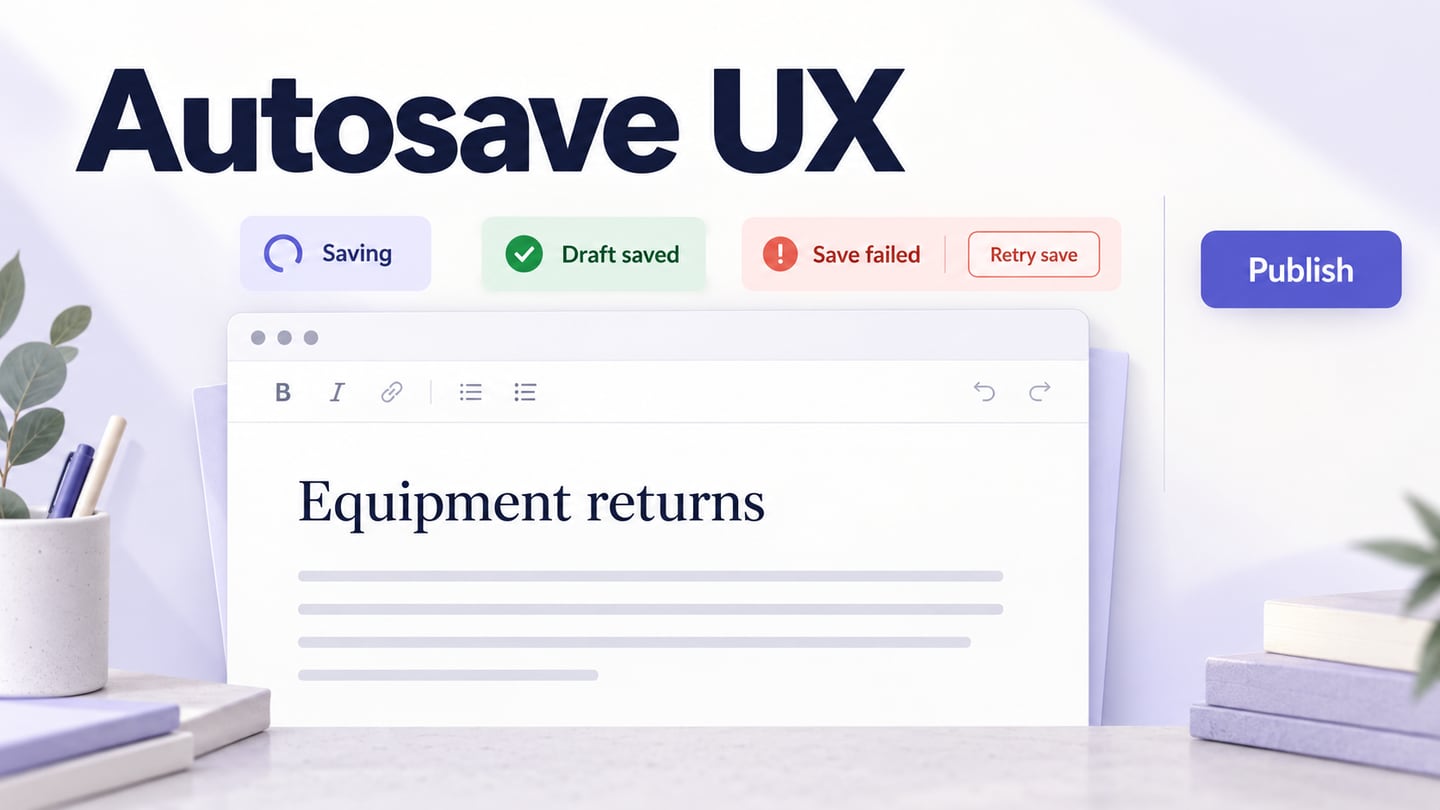
Specify autosave feedback that separates local edits from confirmed saves, handles failed requests, and keeps saving a draft distinct from publishing.
Autosave removes a repeated action, but it also removes the moment when a person deliberately decides that their work is safe. The interface has to replace that certainty with accurate feedback. “Saved” should mean something stronger than “a request was sent,” and a failed save should leave a clear path to protect the work.
Consider an illustrative knowledge-base article called Equipment returns. A support editor changes a return instruction while another colleague has the same draft open. The design needs to explain pending edits, confirmed saves, connection failures, conflicting versions, and publication. This guide turns those situations into a save-state contract for a product team to review in an interactive prototype.
Decide what should happen automatically
Autosave suits work that benefits from continuous preservation, such as drafting a document. It is a different decision from automatically publishing that document or applying a change to everyone in an organization. Keep the scope of the automatic action visible.
In our example, editing updates a private working draft. Publish is a separate deliberate action with its own consequence. A “Draft saved” message must not imply that customers can already see the new return instruction.
The Grafana design system's save patterns distinguish automatic, inline, page, and dialog-based saving according to context and consequence. Its specific restrictions belong to Grafana, but the underlying design question is useful: how much deliberate confirmation does this change need?
Before placing controls, agree on the saved object's scope. Does the status apply to the whole article, a single field, or an attachment? If the text is saved while a file is still uploading, one unqualified “All saved” message is inaccurate. Give the pending item a separate status or qualify the overall message.
Define what each saving state means
Write the technical condition and the user-facing message together. This prevents a visually polished success state from being triggered too early.
| State | What it means | Example message or action |
|---|---|---|
| Changed locally | The editor contains changes not yet confirmed by the save service | “Changes not yet saved” when a persistent status is needed |
| Saving | A request for a particular revision is pending | “Saving draft…” |
| Saved | The latest relevant revision has a successful acknowledgment | “Draft saved” |
| Failed | The service has not confirmed the pending change | “Could not save the latest changes” and Retry save |
| Conflict | The local draft and a newer remote version require reconciliation | “A newer version is available” and Review versions |
Suppose revision A is sent, the editor then types revision B, and A's acknowledgment arrives. The interface must not declare the current text fully saved just because A succeeded. B still needs a confirmed result. The engineering specification should define how revisions and out-of-order responses are identified; the UI wording should reflect that distinction.
Do not choose a universal delay between typing and saving from a design example. Timing depends on the interaction, request cost, editing model, and actual application behavior. What matters to the reader is that feedback stays truthful while changes are pending and does not imply completion because a timer expired.
Keep routine feedback quiet and failures visible
Put a compact save status near the document title or editing controls and reserve enough space for its longest normal label. A label that repeatedly expands and shrinks can move adjacent controls and interrupt typing. The status should be readable without becoming the dominant element on the page.
Successful routine saves usually do not need an interrupting dialog. A persistent failure, however, should not disappear in a brief toast while the person continues writing. Keep the warning available, preserve access to the content, and explain the next useful action.
The W3C guidance on status messages explains why relevant updates must be available to assistive technology without requiring a focus change. Specify that requirement alongside the visible label. A static mockup cannot prove announcements work, and announcing every keystroke would not be a useful substitute.
Separate a known offline state from a request that merely failed. “You are offline” is a diagnosis; use it only when the application has adequate evidence. Otherwise, a message such as “Could not confirm the save. Check your connection and try again” leaves room for other causes.
Design recovery before showing a success badge
In the Equipment returns example, the editor has just added “Return the charger with the device.” A failed-save state should retain that sentence on screen. The user should be able to understand that the latest wording may not be available elsewhere yet and choose a recovery action.
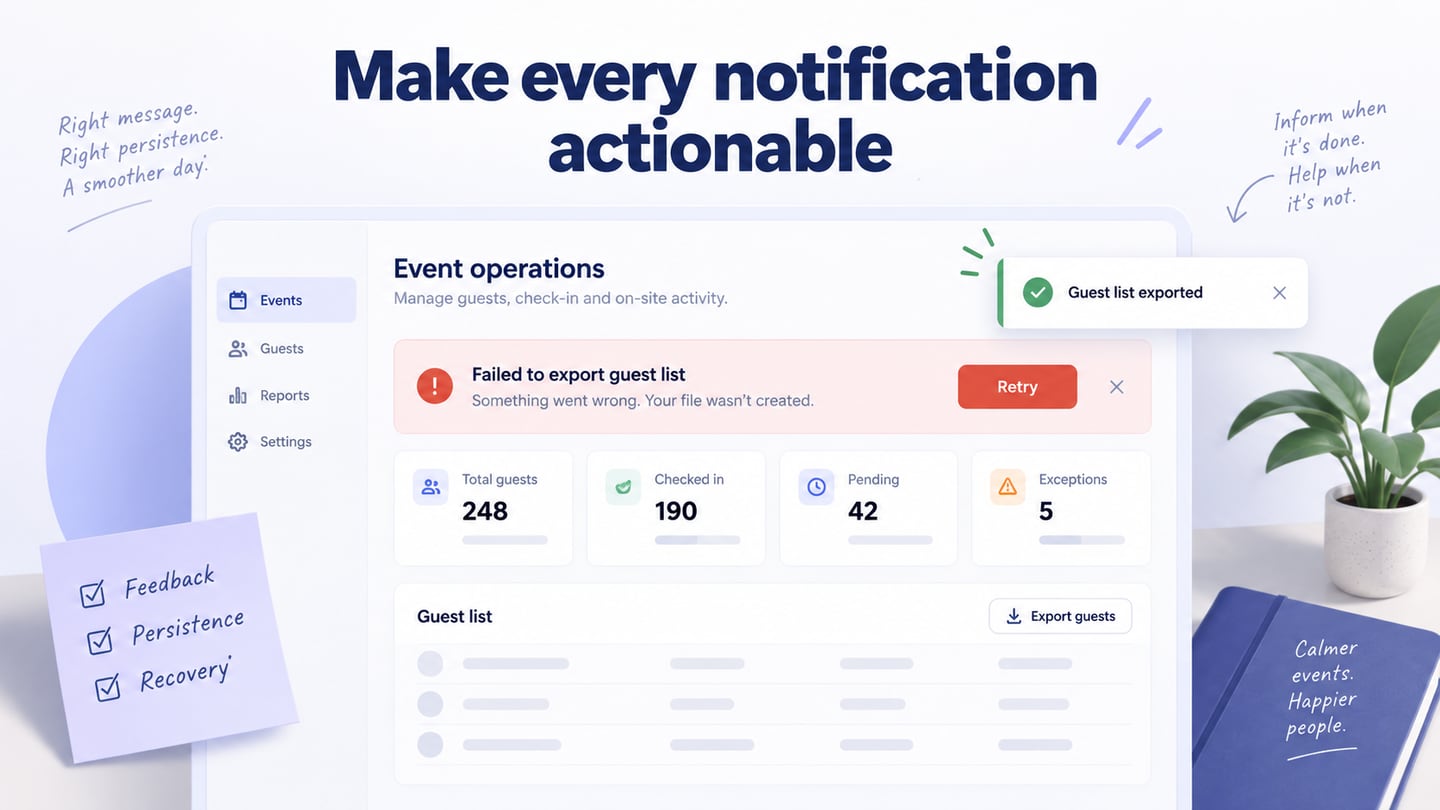
The failure state retains the draft text and offers a retry without claiming that the latest change has been saved.
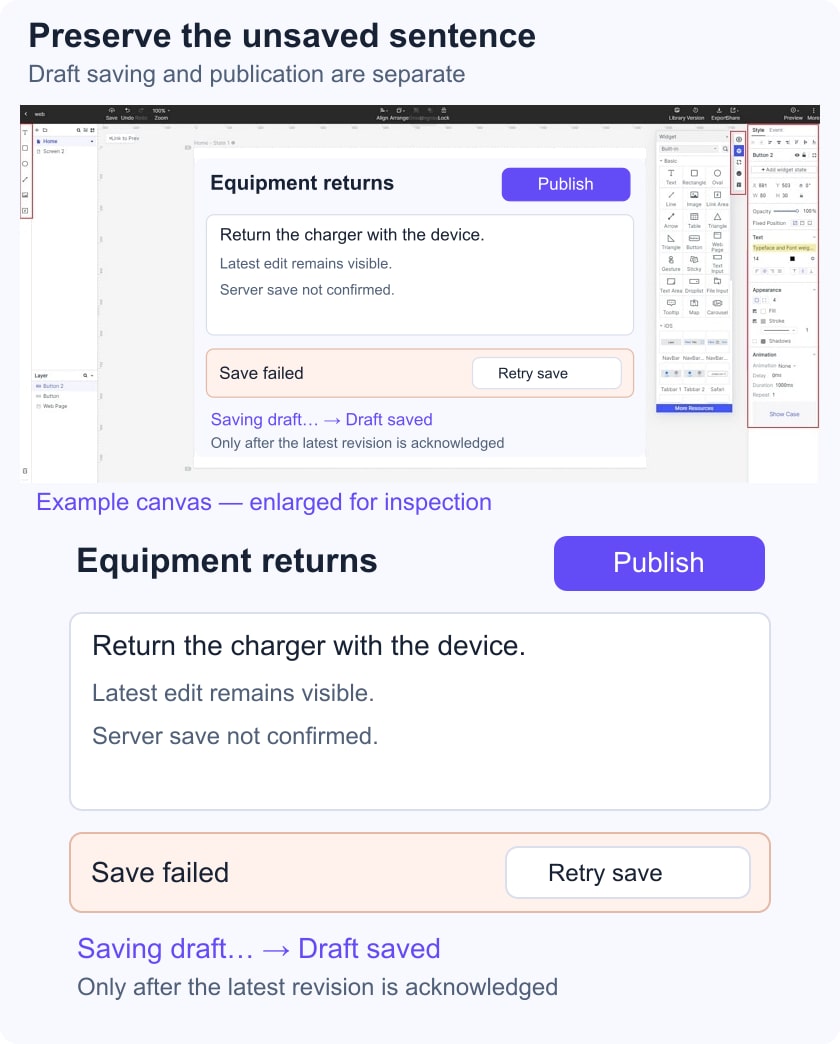
Visible text is not evidence of durable local storage. Decide with engineering whether the application can preserve a recoverable local draft, for how long, and under which conditions. If that capability does not exist, do not promise that it is safe to close the tab. A copy-text or supported export action may provide an additional recovery route, but it also needs to be designed and implemented.
A retry should not discard the unsaved revision. If the server's result is uncertain, the application may need to check the revision before resubmitting. Document how a repeated request is handled rather than relying on the user to guess whether the first request succeeded.
When the person navigates away, match the warning to what remains unconfirmed. Avoid both extremes: a warning after every successfully saved edit, and silent departure when a failed request leaves recent work at risk. Browser-close behavior and mobile interruptions need implementation testing; a dialog in a prototype is only the intended design.
Make conflicts and publication separate decisions
A newer remote version introduces a different problem from a lost connection. Retrying unchanged may overwrite someone else's work. Give the person enough context to compare versions, including the changed content and available choices. Only show author names or timestamps when the system has reliable values and permission to expose them.
For this draft, prepare two alternatives: keep the local return instruction for review, or inspect the newer remote wording before deciding. Do not make “Reload” a harmless-looking button if it discards unsaved text. If merging is unsupported, say what the available choice will replace and offer a way to preserve the other version.
Publication should refer to a specific saved revision. If the editor clicks Publish while a save is pending, define whether publishing waits for that revision, asks for a retry, or is temporarily unavailable. It must not silently publish an older revision while presenting the latest text as the result.
Walk through the contract in a prototype
Create an interactive Mockitt prototype with prepared draft, saving, failed, recovered, and conflicting-version screens. Keep the return instruction identical between the edited and failed states so reviewers can see what is supposed to remain available. This is a design sequence, not a demonstration of real offline storage or server persistence.
- Ask the reviewer to change the return instruction and explain whether it is safe to leave.
- Show a pending acknowledgment, then an additional local edit. Ask which version the status refers to.
- Move to the failed-save state. Ask how they would preserve the latest wording and continue.
- Introduce a newer remote version and inspect whether the consequences of each recovery choice are clear.
- Attempt to publish with a pending save and inspect the proposed outcome.
Use the broader UI prototype workflow for connecting states, but keep this review focused on persistence and recovery. A participant finding the Retry button does not prove that the eventual retry is safe; it proves only that the recovery control can be understood.
Give engineering a state contract, not just labels
Handoff should include the object being saved, revision identity, pending and failed conditions, local recovery guarantees, conflict rules, publication dependency, and navigation behavior. Mark decisions that still require engineering confirmation.
Then test the implementation with delayed responses, failed requests, continued typing, concurrent edits, refreshes, and mobile interruptions. Compare the actual result with the reviewed prototype criteria. The goal is not a permanently green badge; it is a status the person can rely on when deciding what to do next.