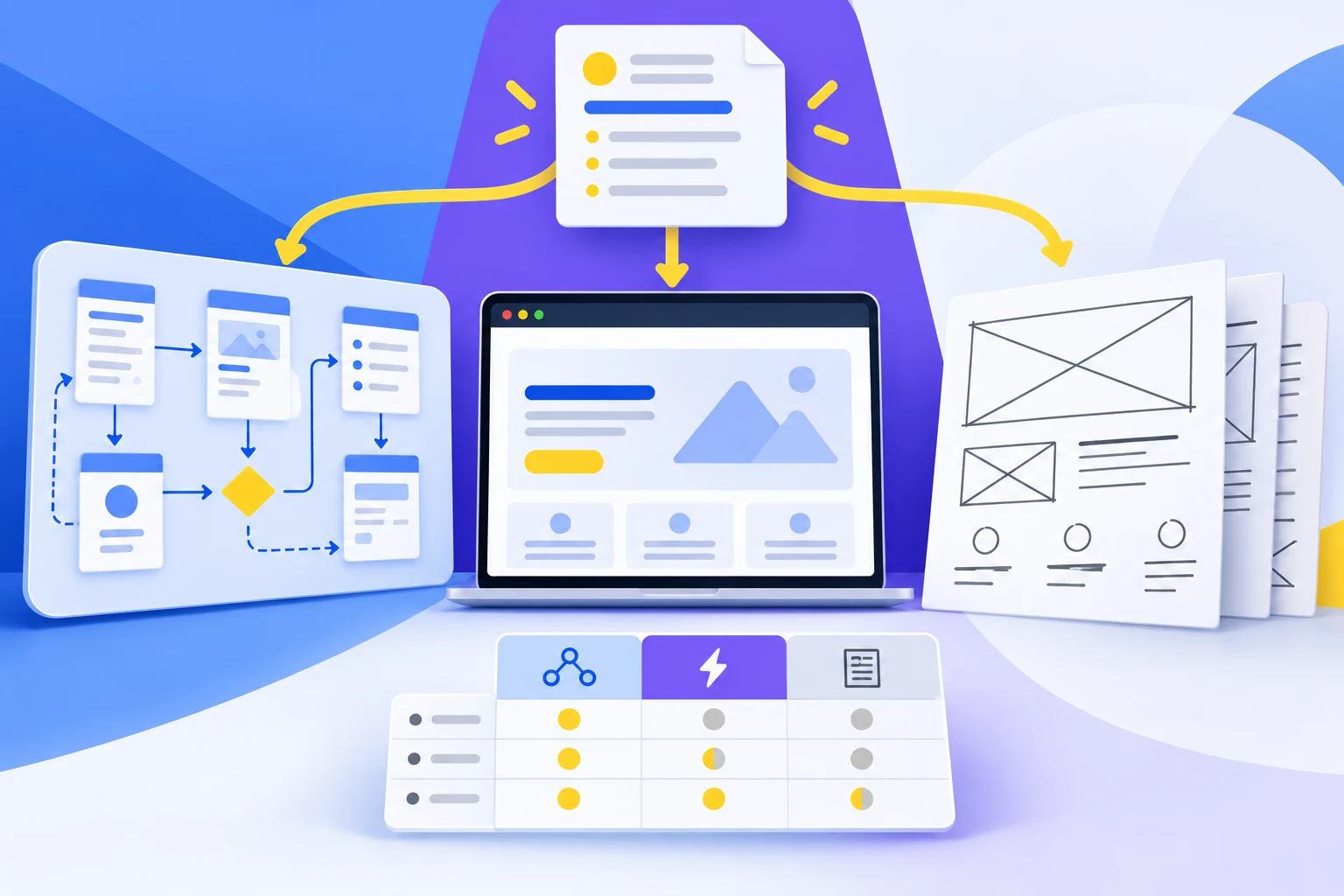
The right Axure alternative depends on what you need to prototype. Shortlist Mockitt for shared screen-and-interaction work, Marvel for connecting existing mockups, Figma for a design-to-prototype workflow, Justinmind for forms and data behavior, and Balsamiq for early wireframes. Compare the behavior your team needs to review before comparing the length of each feature list.
If your main task is to design screens, connect a user journey, and collect feedback, Mockitt's online prototype editor is a relevant starting point. If your Axure project relies on complex rules, make those rules part of the evaluation; an attractive click-through demo is not automatically an equivalent replacement.
The five options below serve different needs. They are not all free or open source, and their strengths do not make Axure a poor choice for every project. A useful decision weighs interaction depth, collaboration, migration effort, and the way developers will use the result.
Top 5 Axure Alternatives
| Tool | Best starting task | What to check before switching |
|---|---|---|
| Mockitt | Build and share editable app or website flows | Recreate the important interactions and inspect any imported Axure work |
| Marvel | Turn existing screen designs into a clickable demonstration | Whether hotspots and screen transitions cover the behavior you need |
| Figma | Keep visual design, components, and prototype flows together | How variables, conditions, and component states map to your existing prototype |
| Justinmind | Simulate forms, validation, and data-driven screens | Editor setup, rule complexity, and reviewer access |
| Balsamiq | Discuss structure and content before detailed visual design | Whether wireframes or its interactive prototype workflow answer the research question |
1. Mockitt
Mockitt brings design, prototyping, and shared review into an online workflow. Its reusable components help you assemble app screens, website pages, and dashboards; interaction connections turn those screens into something a reviewer can explore. Cloud editing is useful when product managers, designers, and other team members need to discuss the same version.
For example, an equipment-loan prototype can include a catalog, item details, a request form, and a confirmation. Add an unavailable-item state and a route back to the catalog. This creates a meaningful trial: can the team communicate both a successful request and a recovery path without rebuilding the entire prototype?
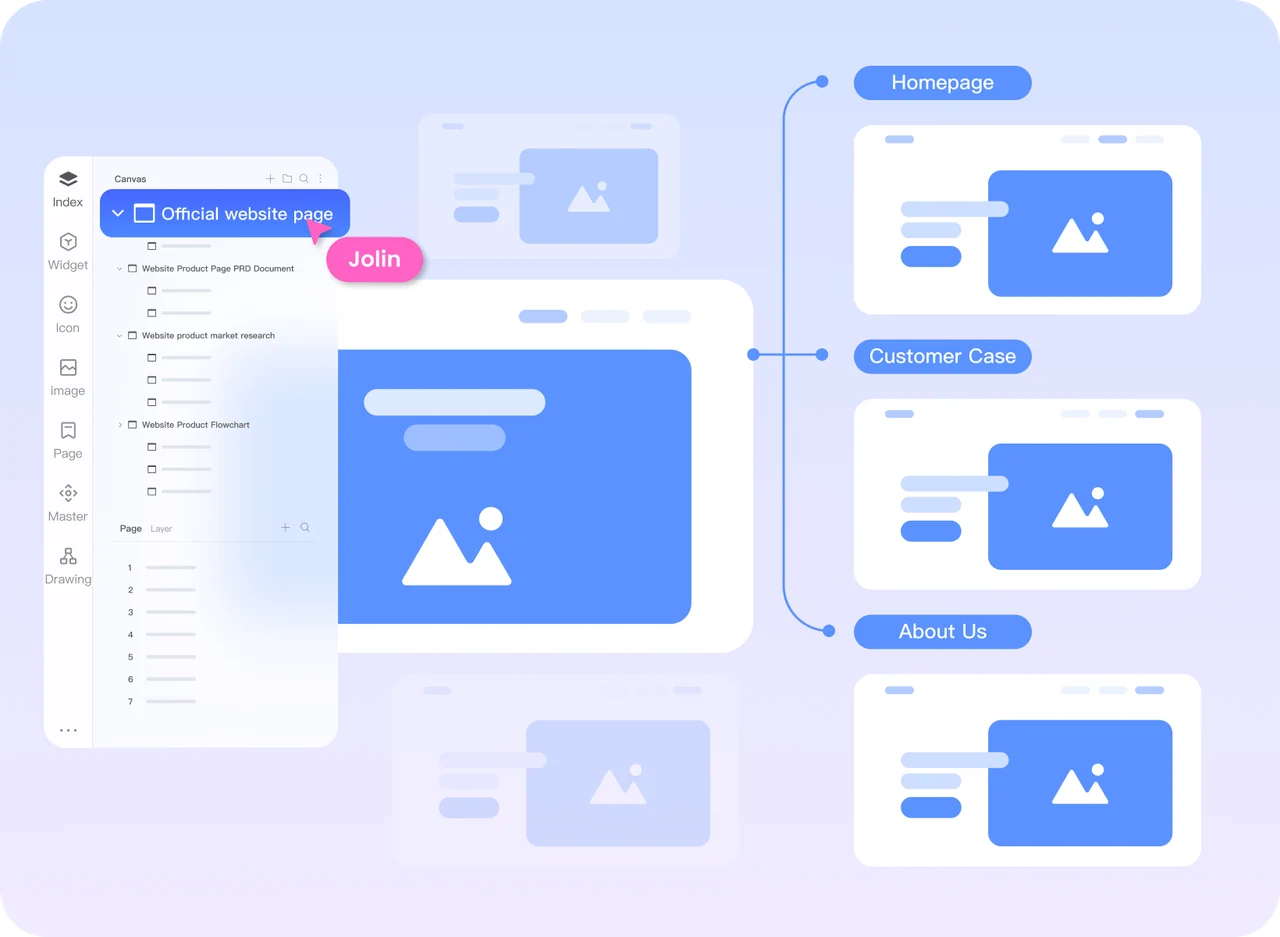
Strengths: reusable UI components, screen connections, dynamic states, shared prototype links, comments, and collaborative editing support the move from a rough layout to a team review. The page hierarchy shown above illustrates how a website prototype can keep related screens organized.
Trade-off: supported Axure files can be imported or hosted, but that does not establish that every interaction, library, or annotation will behave identically. Use a representative file and inspect its important states before moving an entire project. Reviewers also need the appropriate sharing permissions.
Best fit: teams that want editable prototypes and discussion in one shared workflow. If you are starting from scratch, the guide to making a prototype explains how to scope a task before connecting screens.
2. Marvel
Marvel remains a useful option to investigate when the screen designs already exist and the next task is to demonstrate navigation. Its prototyping workflow accepts screen images and lets you add hotspots, interactions, and transitions, then share the result with other people.
Strengths: the screen-based approach suits a focused walkthrough, such as showing how a visitor moves from a product page to a confirmation. It can keep the discussion on navigation and sequence instead of requiring every visual element to be rebuilt in another editor.
Trade-off: a linked image does not provide the same evidence as a working input or a state controlled by data. For the loan example, distinguish a prepared screenshot of an error from an error that appears in response to the participant's entry. Also check reviewer permissions and testing features separately; a prototype-sharing feature is not the same as a research-recording service.
Best fit: designers who need to share a limited screen flow from existing mockups. Teams comparing complex rules should test those rules explicitly before choosing it as an Axure replacement.
3. Figma
Figma is worth considering when visual design and component work already happen in Figma Design. Its prototype features connect frames into flows and support transitions and interactive behavior. Keeping the screens and prototype in the same file can reduce the need to transfer visual revisions between tools.
Strengths: a team can review layout, reusable components, and a clickable journey together. For an equipment-loan flow, compare the selected-item state, the transition to the request form, and the confirmation screen. Check which values need to remain available when the reviewer goes back.
Trade-off: existing Axure logic is not a checklist that can simply be copied into a different editor. Map each important variable, condition, and interaction to the new prototype, and distinguish a simulated state from behavior that actually responds to user input.
Best fit: teams whose evaluation includes visual consistency and a shared component workflow as well as prototyping. A dedicated Axure and Figma comparison explores the two approaches in more detail.
4. Justinmind
Justinmind is a relevant alternative for prototypes in which forms and data behavior matter. Its forms and data features include input controls, validation, lists, grids, and simulated data operations. Those capabilities make it a useful candidate for an internal application, a booking flow, or another interface with more than simple page navigation.
Strengths: you can evaluate whether a form explains an error, whether a filter changes the list, and whether a user understands the result of an action. In the loan example, missing dates and unavailable inventory are more informative trial cases than another transition animation.
Trade-off: richer simulations require time to configure and maintain. Decide which rules the test actually needs, then evaluate the desktop authoring workflow and shared review experience with the people who will use them.
Best fit: product teams that need to communicate form behavior or data-dependent decisions before implementation. It is less necessary when a paper sketch or a small linked-screen prototype already answers the question.
5. Balsamiq
Balsamiq's wireframing approach remains useful for product managers, developers, analysts, and designers who need to discuss structure before detailed styling. Its component library helps turn an idea into editable screens, and shared comments keep feedback close to the wireframe.
Strengths: rough layouts help a team concentrate on labels, hierarchy, and missing content. For the loan example, start by deciding whether availability belongs in the catalog, on the detail screen, or in both places. That is a useful design question even before a realistic interaction is built.
Trade-off: do not assume the product is limited to static wireframes. Balsamiq now also describes an interactive prototype workflow. Evaluate the mode you would actually use, including how a change to the wireframe affects the prototype. Neither the word “prototype” nor a free trial establishes that it matches your Axure project's behavior.
Best fit: teams that want to make early structure and flow decisions approachable. Use the trial to test the required output rather than treating Balsamiq as a permanently free Axure equivalent.
Compare the Same Task Before You Migrate
Give each shortlisted tool the same brief: a colleague needs to borrow a camera for two dates, check availability, submit a request, and understand what happens next. Use identical labels and sample data so that a better-written screen is not mistaken for a better prototyping tool.
- Build the minimum journey. Include catalog, details, request, and confirmation. Keep visual polish consistent across candidates.
- Add the difficult case. Try an unavailable item, a missing required value, or a return to the previous step. Record whether the behavior is simulated with a separate screen or responds to the input.
- Ask a teammate to review it. Check the shared link, permissions, comments, and ability to identify the screen under discussion.
- Change one requirement. For example, add a pickup location. Note which screens, components, and rules need updating.
- Inspect the handoff. Confirm that a developer can identify the intended behavior, assets, and unresolved questions. A prototype does not prove the production implementation will behave the same way.
Record observations against your requirements rather than inventing a universal score. Separate learning time from build time, and do not compare an expert's familiar tool with a beginner's first attempt. Then check plan limits and the number of paid authors or reviewers your team needs.
What About Older Axure Alternative Lists?
InVision Prototype and DSM are not current options: their design services were discontinued at the end of 2024, as described in Miro's transition announcement. A historical feature comparison should not be used as a recommendation to start a new project there.
Keep a backup of your original Axure file, libraries, screenshots, and interaction notes when trialing a replacement. Move one representative flow first. The best alternative is the one that lets your team explain, review, and revise the behavior it needs without losing essential information in the move.