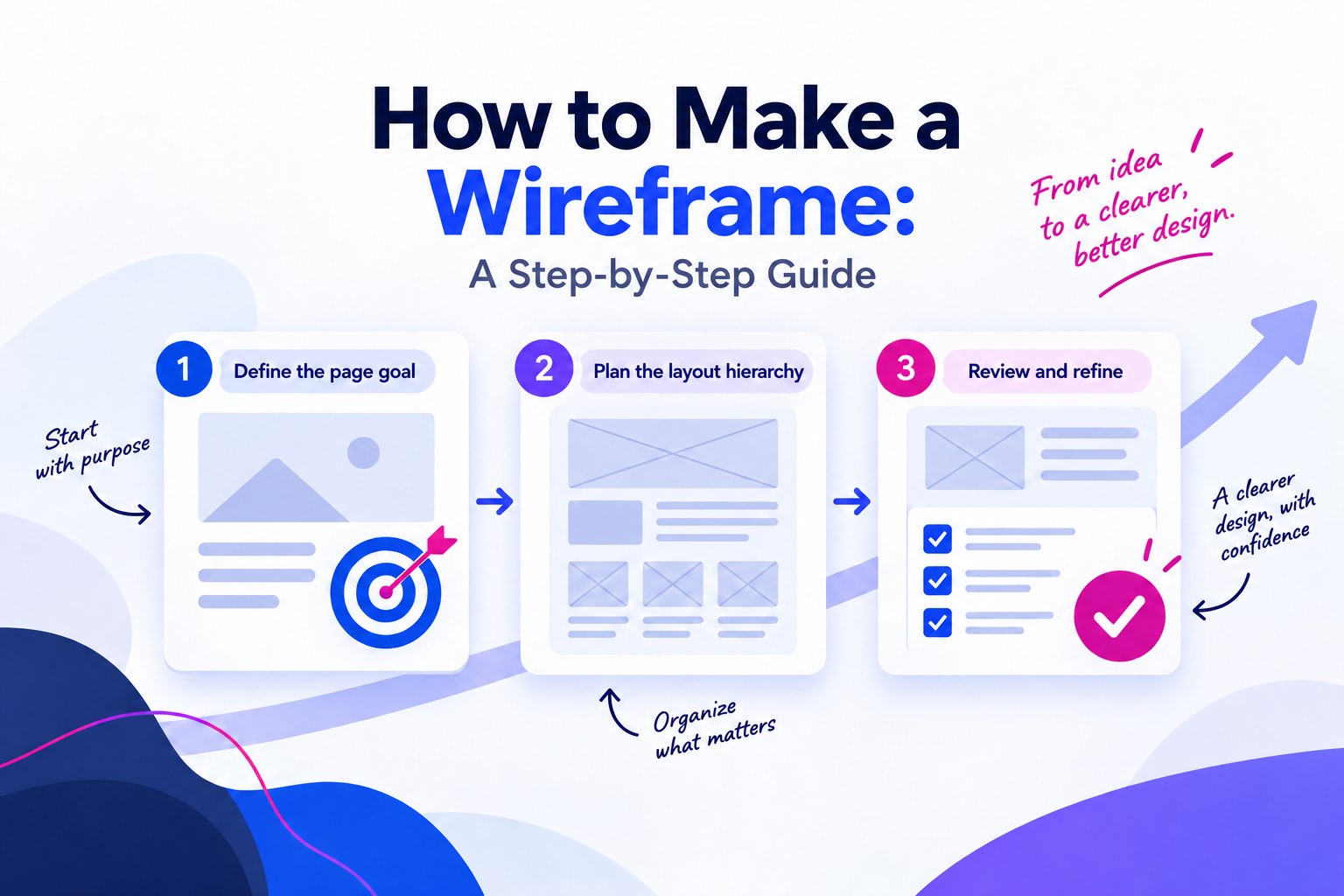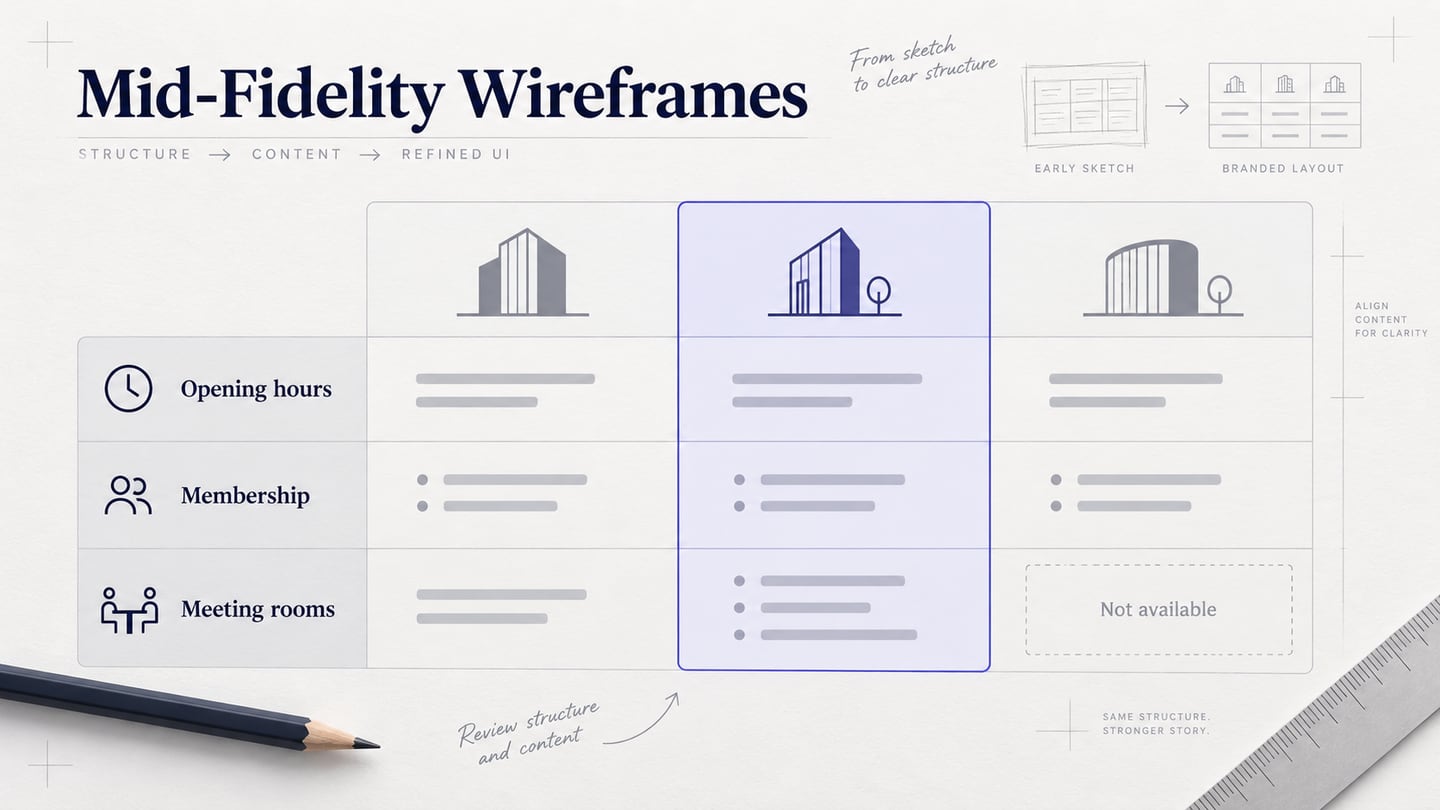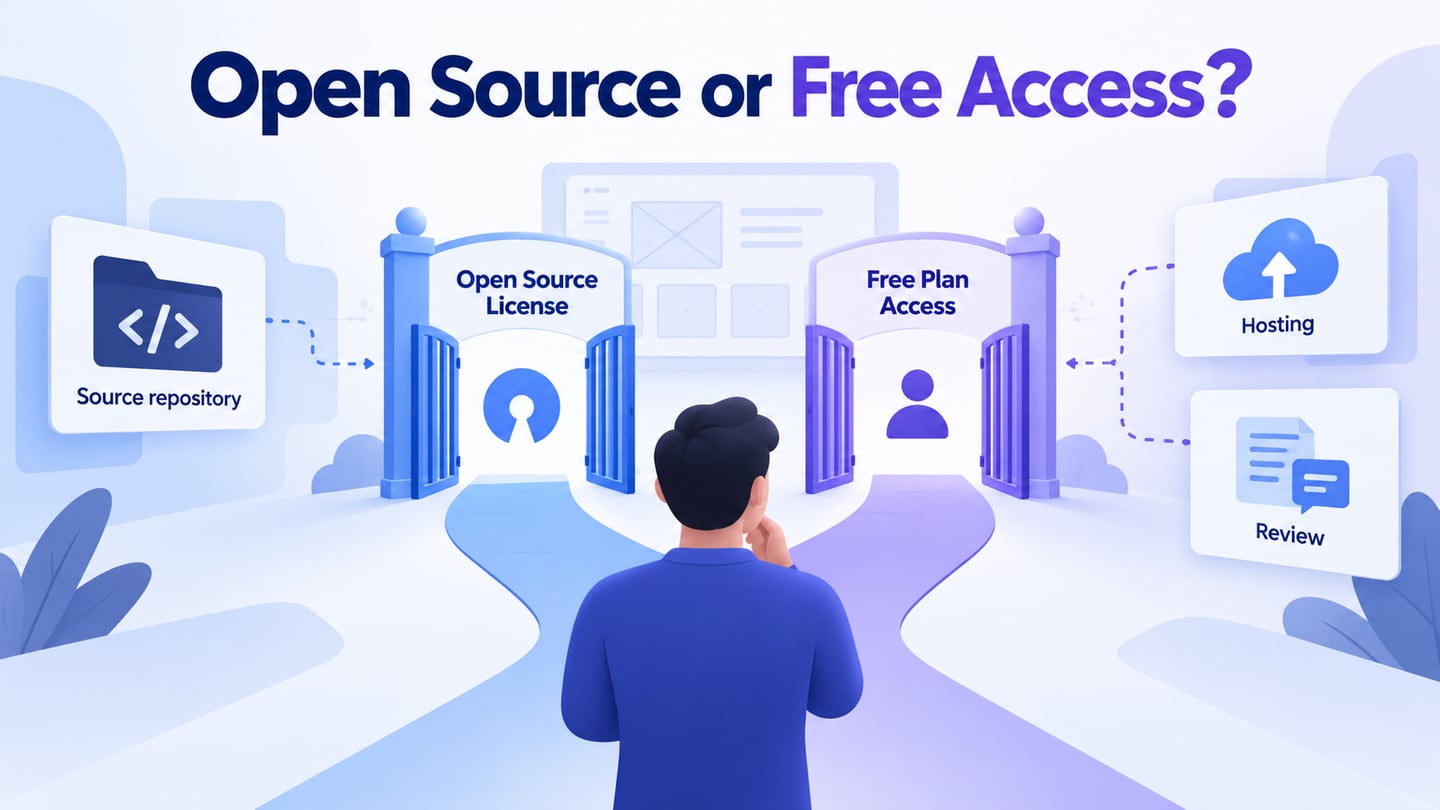
Which wireframe tools are genuinely open source, and which simply offer free access?
Open source and free access answer different questions. The Open Source Definition concerns licensing rights, including source access, redistribution and modifications. A free plan does not establish those rights. If your immediate task is to build a wireframe for review, first decide whether you need source-code control, a local installation, browser collaboration or a shareable draft.
The five tools below remain useful comparison points, but they do not all belong in an open-source shortlist. Pencil is an open-source desktop option. Mockitt, Wireframe.cc, FluidUI and Cacoo are proprietary services or applications, regardless of free access. Compare the license separately from account limits, export options and the way reviewers will open your work.
Need a source-available starting point? The Pencil repository identifies its GPL-2.0 license. Penpot’s repository identifies MPL-2.0 and documents a browser-based design platform with a self-hosting option. These are two distinct open-source candidates; check their licenses, releases and deployment needs. Running a server still entails maintenance, backups and access management, and source access does not make every hosted feature free.
1. Mockitt
Mockitt is a proprietary tool for creating wireframes and interactive prototypes. It is an alternative when the deliverable is a design to review, rather than a copy of the design tool’s source code. Do not describe its free access or exported design files as an open-source license.
Its editor provides widgets and design resources that can help you arrange a draft and connect screens. The images in this section show historical controls; current labels, device presets and account options may differ. They illustrate the workflow, not current prices or quotas.
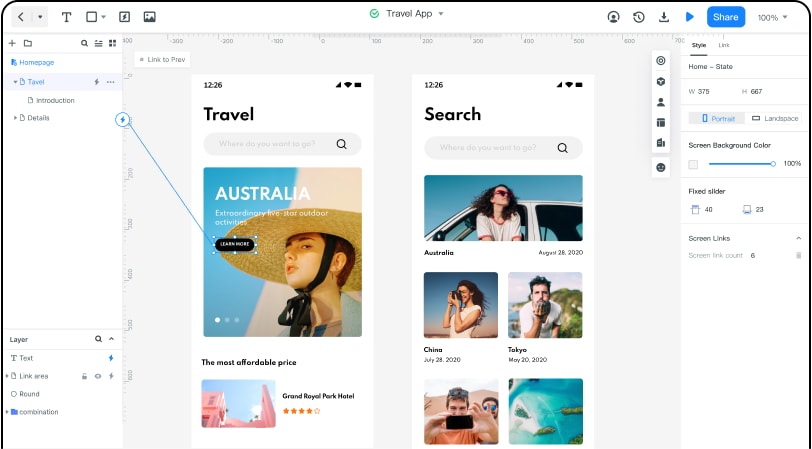
Features:
- You can work on a wireframe of your website or app in low, medium, or high fidelity, as per your requirements.
- Templates and reusable elements can provide a starting point; check that the content and interaction fit your task.
- Use the available elements, icons and widgets to represent the controls your wireframe needs.
- Before choosing a deliverable, check the export and sharing options in your account. An image export and an interactive review link serve different purposes.
Access: Browser-based workspace; check current browser and account requirements.
Pros
Collaborate with your team or share your projects with others.
Browser access avoids requiring every reviewer to install a desktop editor.
Supports online wireframe design.
Cons
Account limits and advanced features depend on the current plan.
Step-by-Step: Create a Wireframe with Mockitt
Step 1: Select the project type
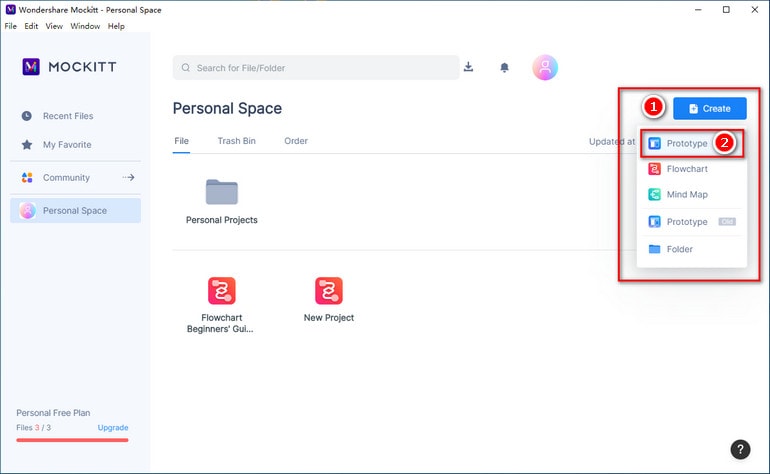
Sign in to Mockitt and create a prototype project. The historical menu below labels this Create > Prototype. Give the project a recognizable name and start with the screen size needed for your task.
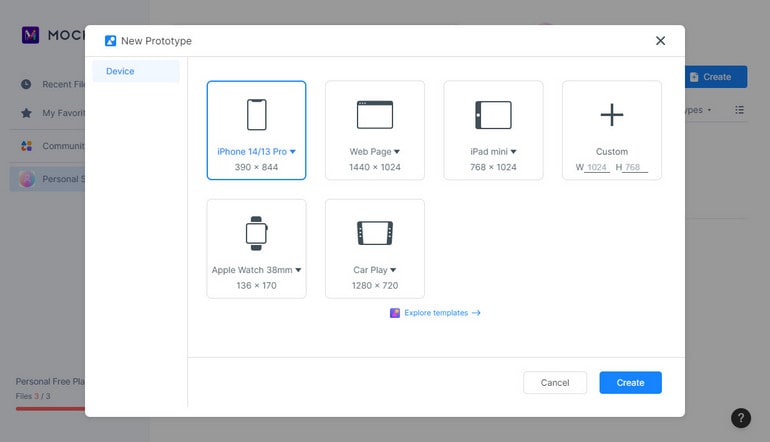
Choose an appropriate device preset or canvas size, then check the layout at the size your reviewers will use. A preset alone does not ensure a usable layout.
Step 2: Design your Wireframe
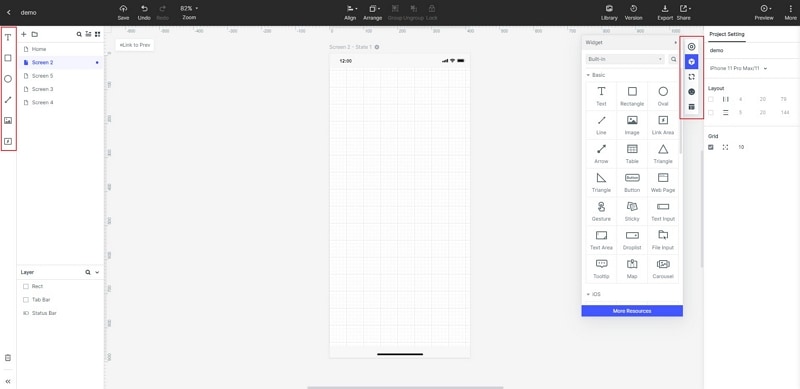
Once your canvas is loaded, use the available controls to work on the design. For a low-fidelity wireframe, focus on content order and the actions a reader needs before adding visual detail.
Add and edit widgets: On the sidebar of the interface, you can view all styles of widgets and vectors that you can drag and drop to your canvas.
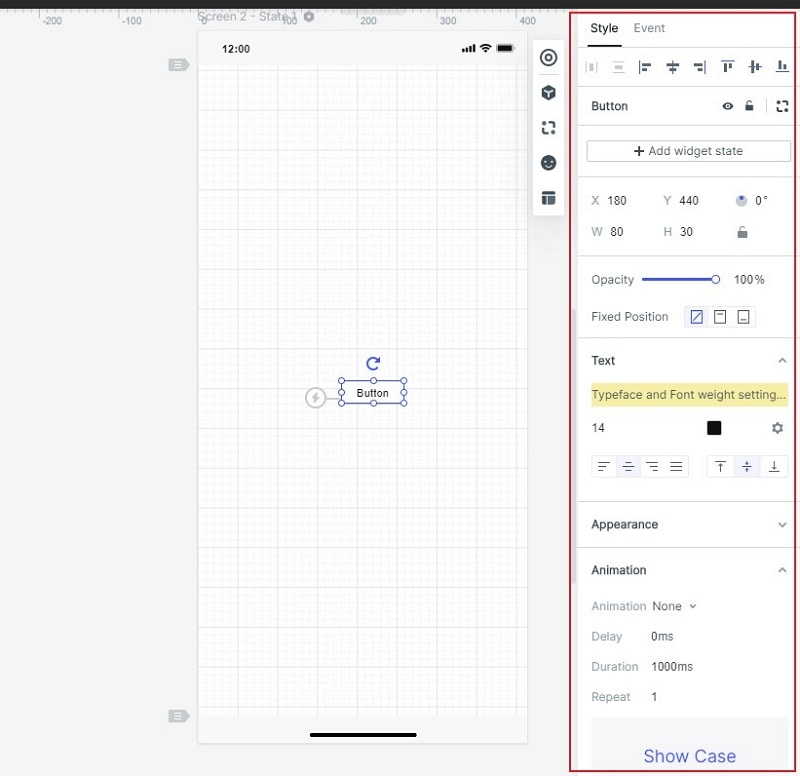
Select a widget to adjust its appearance and properties. Reuse recurring controls when that helps keep the draft consistent. The historical image below shows a button’s text and appearance settings.
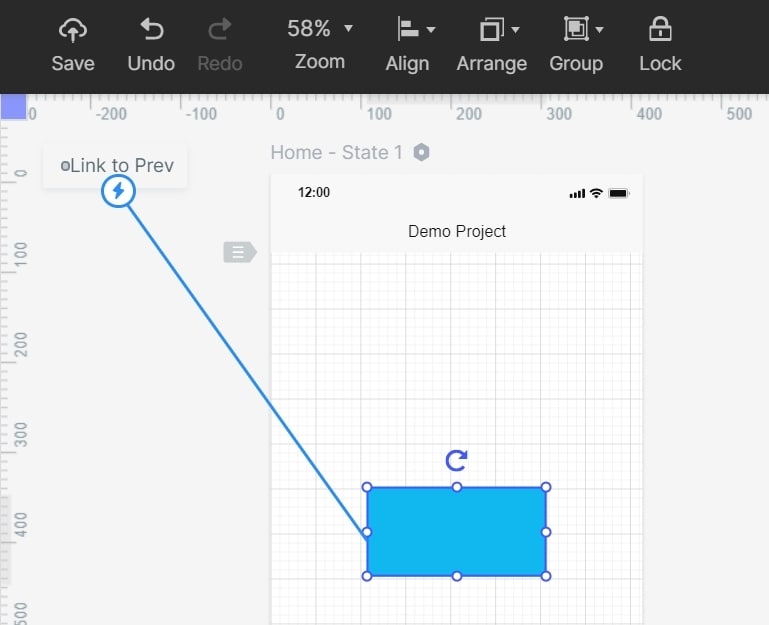
Link screens and elements: Connect a relevant control to its destination and check the return path. The retained image shows a historical link being drawn from a button. Use the interaction controls available in your current editor.
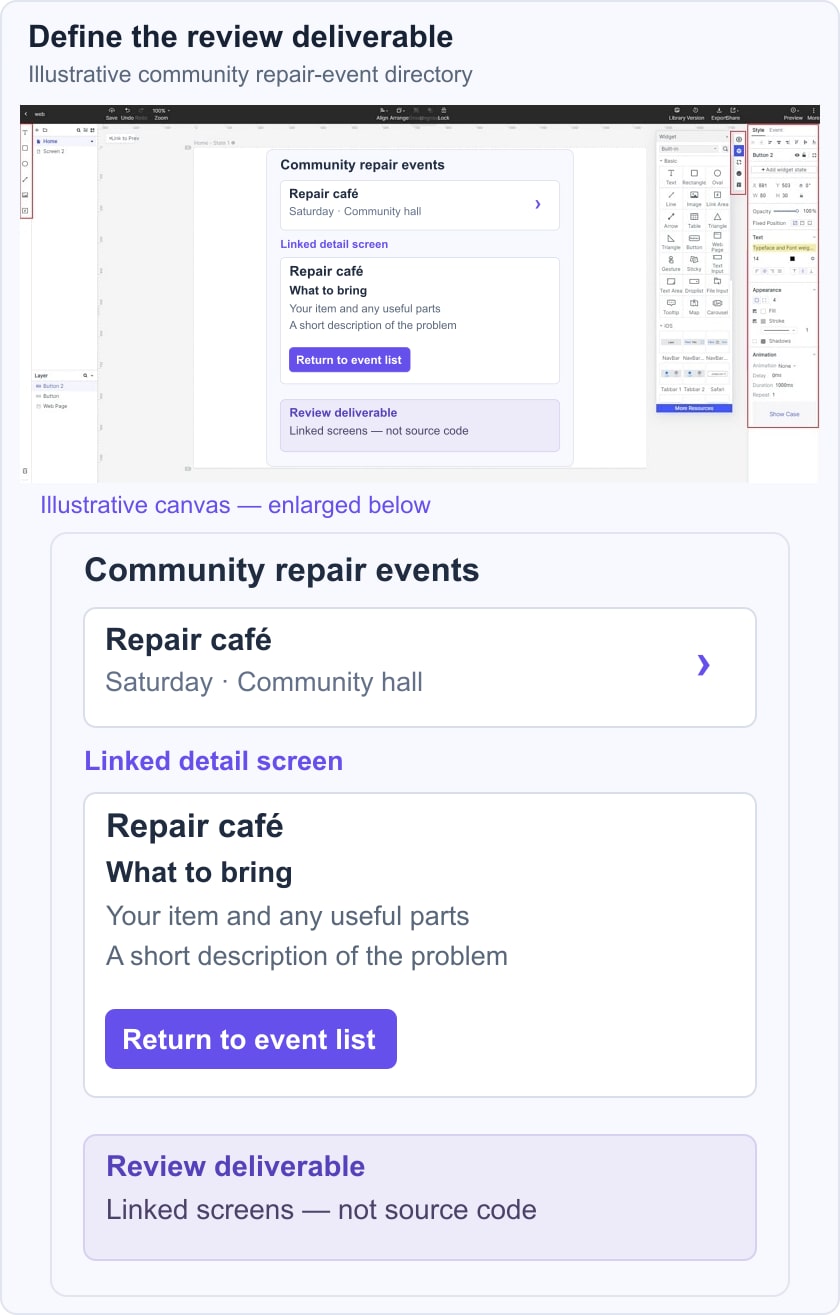
For an illustrative community repair-event directory, connect the event list to a “Repair café” detail screen and a “What to bring” panel. Include a return to the event list. The review deliverable is a set of linked screens: it does not provide the editor’s source code or implement an event-booking service.
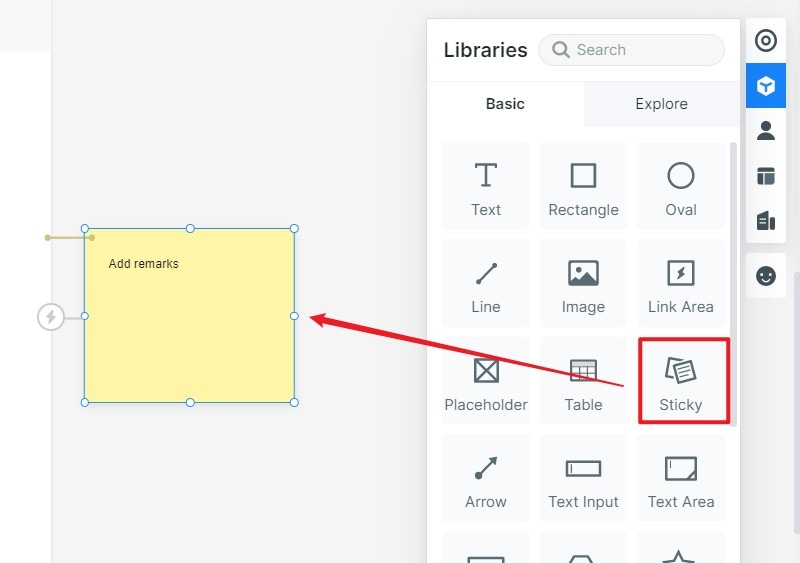
Add notes and other elements: There are provisions to add numerous other elements to your wireframe design as well. For instance, you can just go to its "Widgets > Sticky" to add notes to your project.
Add detail only when needed: Media and interaction can clarify a task, but keep decoration separate from the question under review. A simple event directory may need only readable information and working navigation.
Step 3: Preview your Wireframe Design
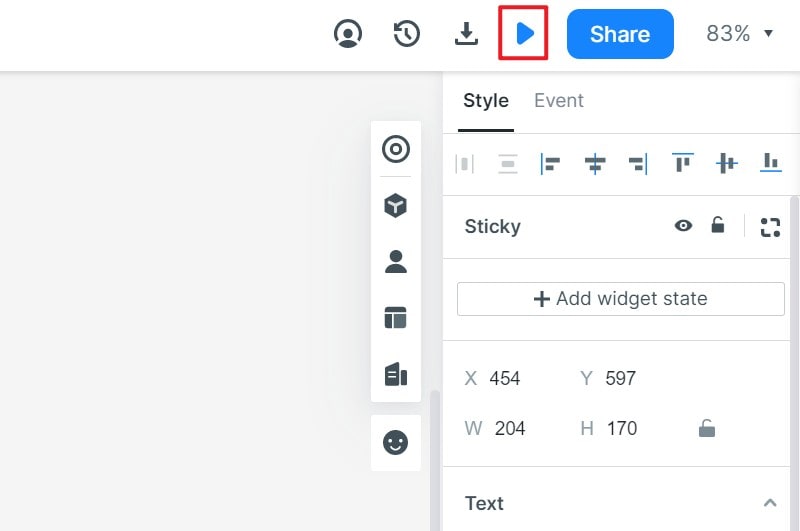
After making all the edits, you can just go to the "Preview" option from the top to see how the design would look like to the end-user. In this way, you can make adjustments to your wireframe immediately.
Step 4: Share and Export your Project
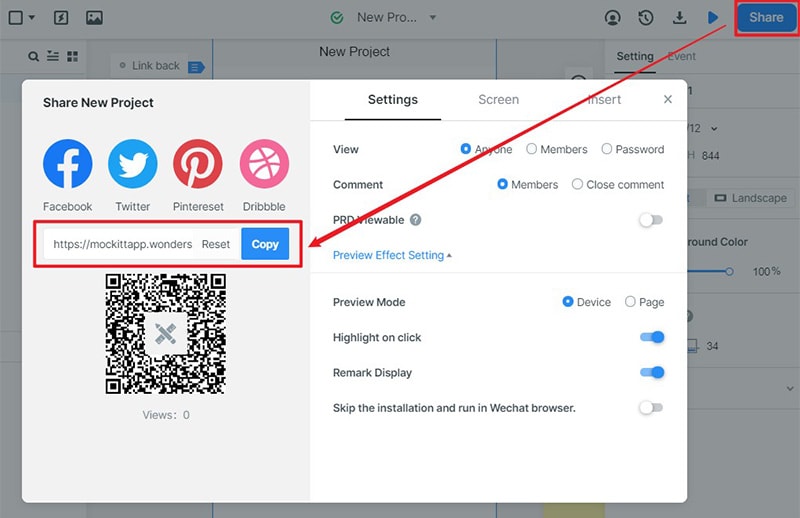
Share the draft with the access settings available to your account, or choose an appropriate export. Check the recipient’s route before requesting feedback. The retained share-dialog image is historical: its old URL and QR code are not current access instructions.
App Wireframe Library in Mockitt
Review the templates and resources available in your workspace and choose them for the task rather than their visual polish alone. Replace sample content, remove irrelevant screens and verify each connection before sharing.
A team can review a shared draft and discuss changes. Inspection and export can communicate design decisions, but developers still need to implement and test the product. Document unanswered questions alongside the wireframe rather than presenting a visual draft as finished application code.
2. Wireframe.cc
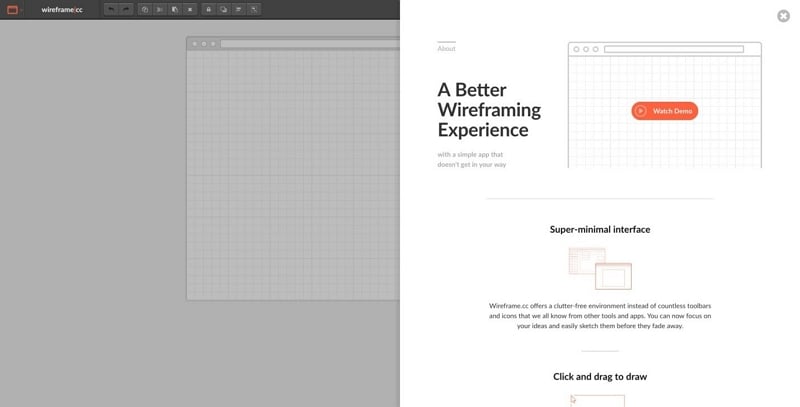
The Wireframe.cc website distinguishes its free public single-page wireframes from Premium private and multi-page projects. It is a proprietary browser tool, not an open-source project established by its free tier. It suits a focused layout sketch when the sharing model fits your content.
Features:
- It provides a blank canvas, letting you drag and drop different design elements from its sidebar.
- You can select the environment of your app and further edit the elements with its formatting options.
- PDF and PNG exports are listed among Premium features. Check the required plan before promising those files to a reviewer.
- The free version saves public single-page wireframes; Premium adds multi-page clickable work. Avoid putting confidential information into a public draft.
Runs on: Web
Pros
A free option supports a simple single-page sketch.
Browser-based editing, subject to supported browsers.
Cons
Fewer features for animations and transitions.
Intentionally emphasizes wireframe structure over detailed visual styling.
3. Pencil Project
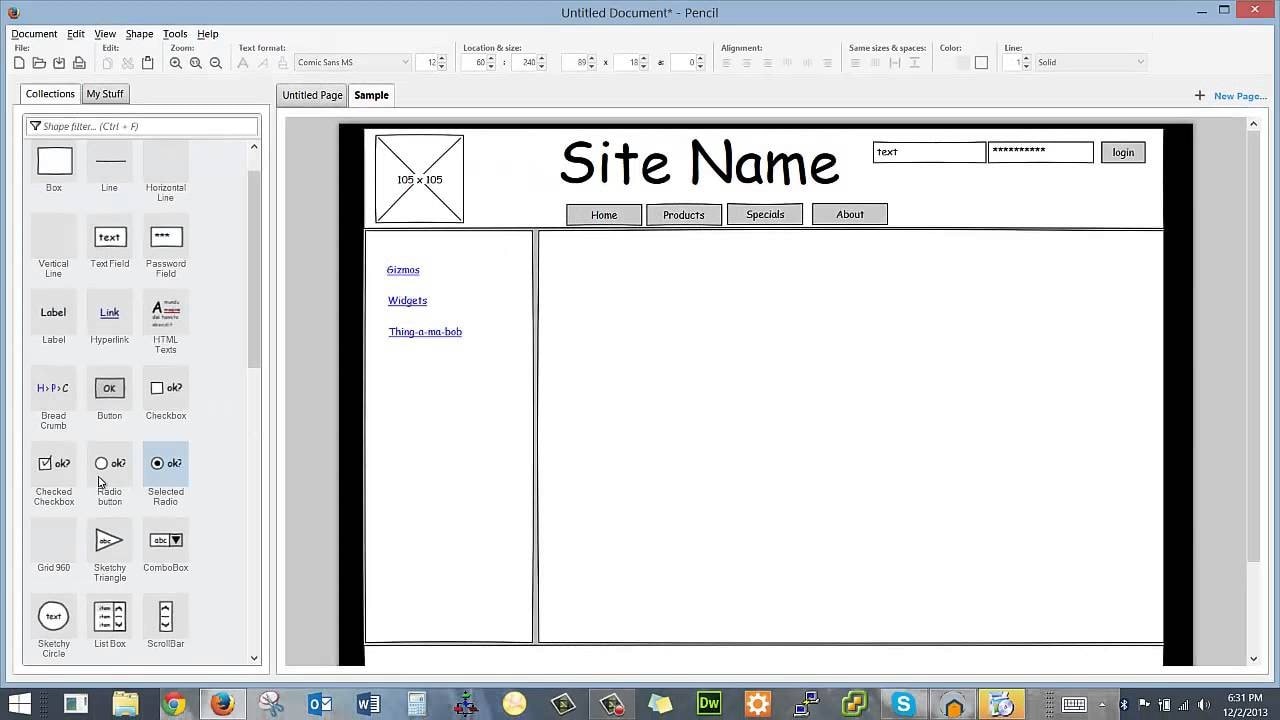
Pencil Project is maintained under the Evolus project, rather than being a Mozilla-developed product. Its published source and license make it an open-source candidate. Evaluate the available download for your operating system and verify that it opens, saves and exports a small test document before committing to a larger project.
Features:
- The documented shape collections cover desktop, web and mobile interfaces, including Android and iOS stencils. Historical stencils may not match current platform conventions.
- Built-in and community collections extend the set of shapes available for a wireframe.
- The Pencil feature documentation describes PNG, web-page and document exports, including PDF and SVG. Test the format you need in your installed version.
- Elements can link to other pages in the same document; the documented web export converts those connections to hyperlinks. A Pencil wireframe workflow can help you check a linked-page task.
Access: Desktop packages for Windows, macOS and Linux; verify current package compatibility.
Pros
Published source and a GPL-2.0 license.
Installable shape collections.
Cons
A desktop workflow rather than a hosted browser collaboration service.
4. FluidUI
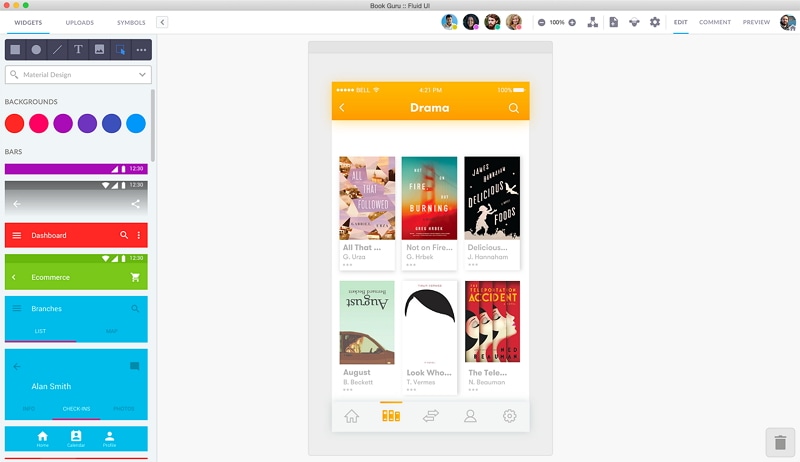
The FluidUI website describes a proprietary prototyping service with prebuilt UI kits, shared editing and interactive previews. Free account access does not make its source code open. Consider it when a team needs to review linked screens through a hosted service.
Features:
- Prebuilt UI kits include wireframing, Material Design and iOS resources.
- Linking screens provides an interactive preview of a proposed flow.
- Using its web-based dashboard, you can collaborate with your team on a real-time basis.
- Review the available templates and export options against the deliverable your team requires.
Runs on: Windows, Mac, and Web
Pros
Live preview of your prototypes and wireframes.
Mobile preview apps support reviewing a prototype; check compatibility with the intended device.
Cons
Verify current plan limits before choosing it for a multi-page or collaborative project.
5. Cacoo
The Cacoo website presents a proprietary collaborative diagramming tool covering wireframes and workflows. It is an option for discussing structure with a team, not an open-source editor established by a trial or free plan.
Features:
- Create wireframes and diagrams to communicate a layout or process.
- Its published integrations include services such as Google Drive, Slack and Microsoft Teams; confirm what your workspace needs.
- Check current collaborators, document limits and access controls before inviting a team.
- Templates can provide a starting point. Test any required import or export on a sample document rather than assuming complete fidelity.
Runs on: Web
Pros
Integrations for a collaborative diagram workflow.
Shared visual discussion of a diagram or wireframe.
Cons
No desktop application available.
Plan and trial conditions need checking; neither establishes source-code rights.
Conclusion
Choose Pencil or evaluate Penpot when open-source licensing is a requirement. Choose among proprietary alternatives only when that requirement is not essential and their access, collaboration and export options fit. Before adopting any tool, make one small wireframe, save and reopen it, share or export it as needed, and check the result with a reviewer. A useful comparison separates software rights from the quality of the design you can produce.