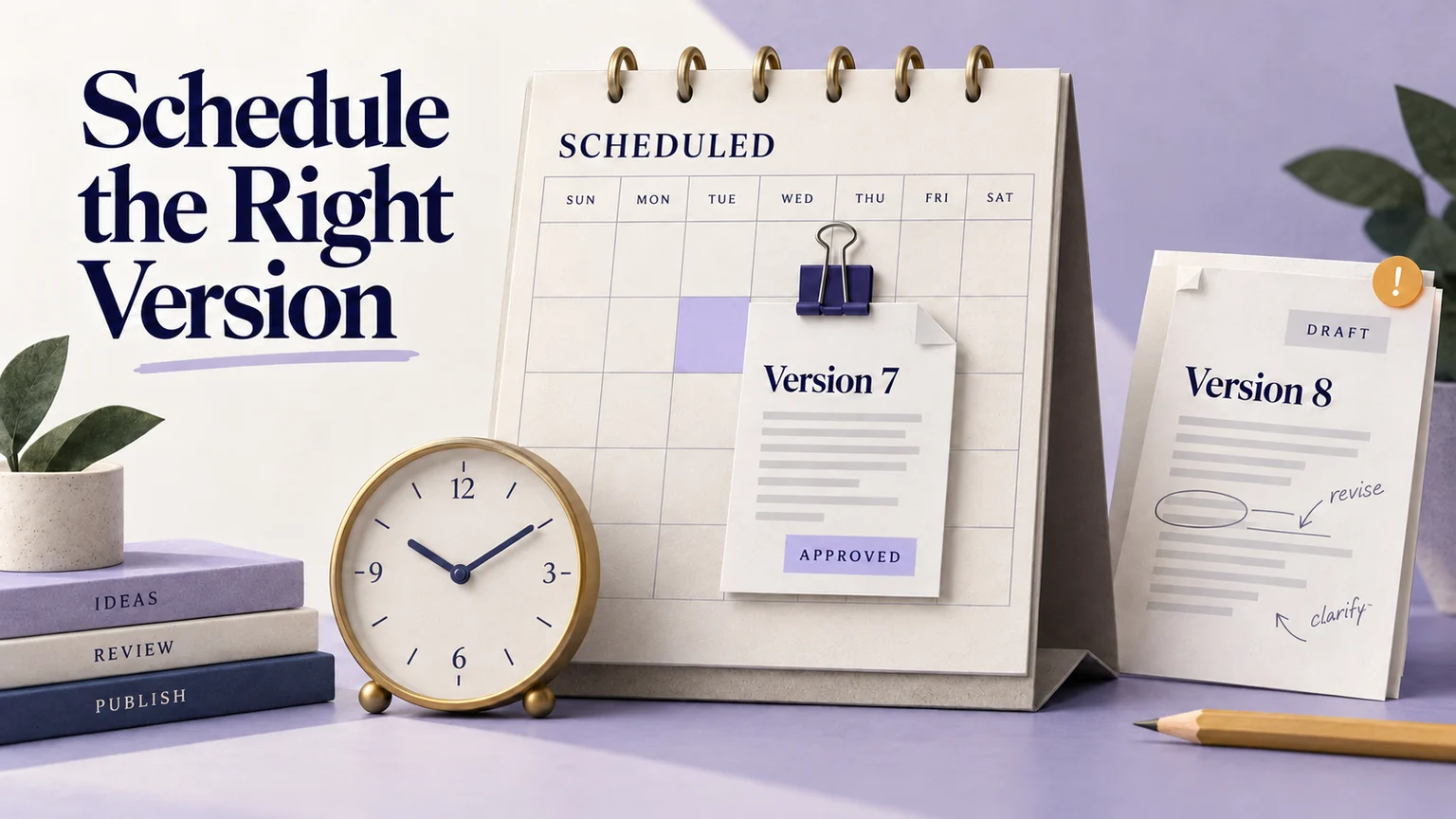
Scheduled publishing UX should make three things visible: what will be published, when the action is due, and whether the service has actually completed it. A date picker answers only the second question. Editors also need to understand what happens when they change the draft, lose approval, cancel a schedule, or discover a failed attempt.
Consider Pinehouse, a fictional repair-booking service. Its editor has approval for version 7 of a launch announcement and wants it published on 5 November 2026 at 09:00 UTC. Before building the scheduler, use an interactive prototype in Mockitt to review the scheduled announcement, a later revision and the possible publication outcomes as one connected task.
Decide which version the schedule promises to publish
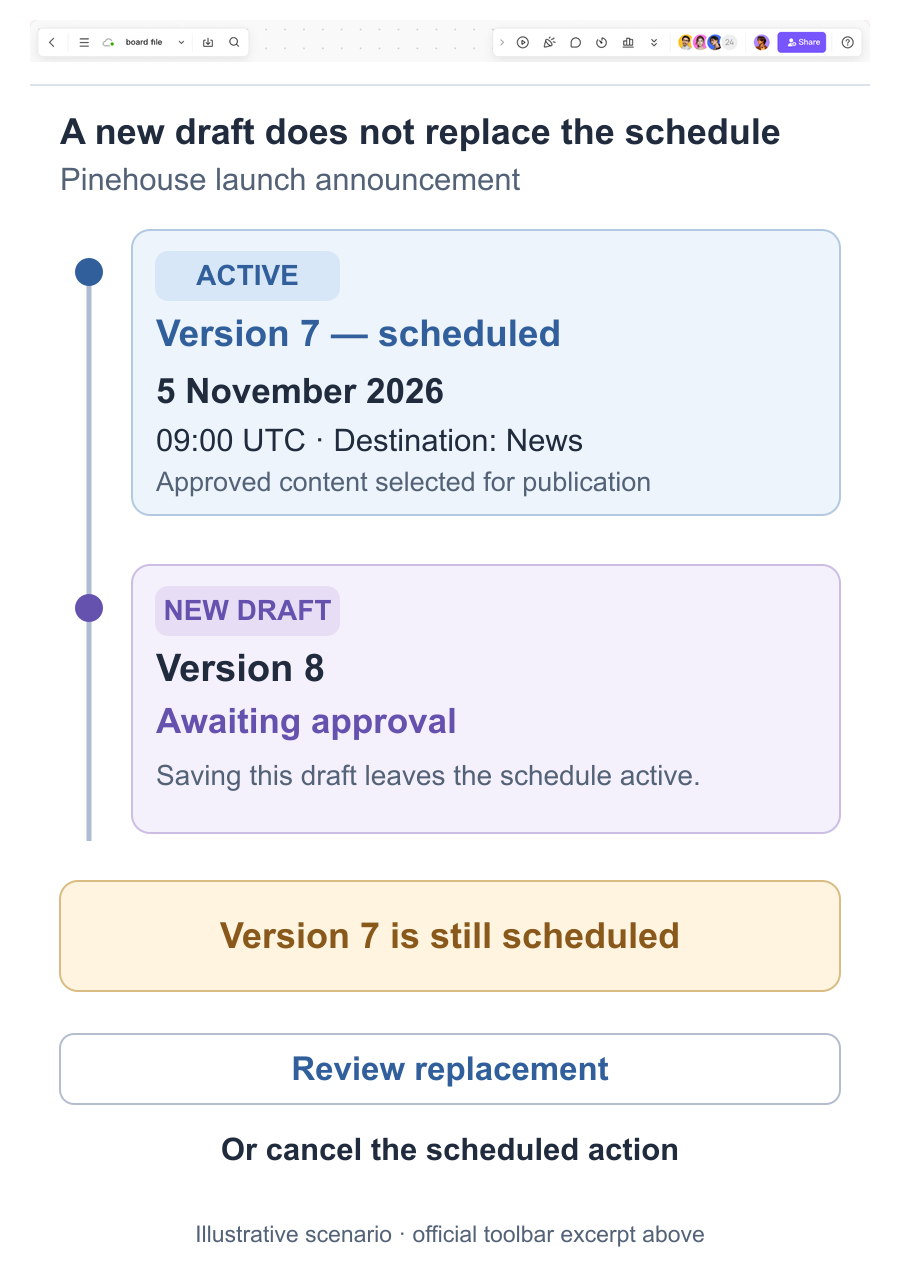
Pinehouse uses a frozen-version policy: scheduling selects an approved version, and later draft edits do not silently replace it. The confirmation therefore says “Schedule version 7,” and the schedule card continues to identify version 7 after someone starts version 8.
This is a proposed product rule, not a universal CMS behavior. Another service might publish the latest valid content at execution time. That model needs different wording and a clear rule for approval after edits. Choose the policy with the people responsible for publishing; do not leave readers to infer it from the word “Scheduled.”
Define the boundary of the frozen version. If the announcement references an image, link destination or reusable content block, decide whether the scheduled package fixes that reference or can pick up subsequent changes. An immutable paragraph beside an independently changing price card is not a fully frozen announcement. Show the relevant dependencies in the review.
The approval workflow should identify the same version as the schedule. “Approved” without an object or revision can make an old decision appear to cover new wording.
Give the editor a confirmation they can inspect later
Place the announcement title, version, publication destination and date together before the final action. For Pinehouse, the destination is the public News page. A nearby preview opens the selected version, rather than whichever draft happens to be newest.
Use the full date and a named time zone. If the interface also shows the editor's local time, label both values and keep them tied to the same instant. The separate time-zone scheduling guide covers local-time and daylight-saving decisions; the publication screen still needs to make its own deadline unambiguous.
After the service accepts the schedule, show a persistent card: “Version 7 scheduled for 5 November 2026, 09:00 UTC.” Include the person responsible and a route to view or change the schedule. A disappearing toast alone is a poor record of an action that may happen days later.
Keep the action state separate from the content state. The announcement may be approved and scheduled while remaining unavailable to readers. If the service has not confirmed that the schedule was saved, retain the form and explain that uncertainty instead of displaying the scheduled card.
Follow one revision change through the interface
The editor now corrects the announcement's opening date, creating version 8. Pinehouse keeps version 7 scheduled until an authorized editor explicitly replaces or cancels it. The draft editor should therefore show “Version 8 has unscheduled changes. Version 7 is still scheduled.” This message explains the consequence of doing nothing.
Offer “Review replacement” beside that message. It opens a comparison of versions 7 and 8, the existing deadline, and the approval required for the replacement. The general distinction between saving and publishing matters here: saving version 8 does not change the scheduled package.
If version 8 is awaiting approval, do not offer a misleading enabled “Replace scheduled version” action. Explain the missing approval and retain an explicit option to cancel version 7's schedule when the editor has authority. Pending replacement must not look like a pause on the original announcement.
| Editor action | Scheduled content | Visible result |
|---|---|---|
| Save draft version 8 | Version 7 remains scheduled | Unscheduled changes; original schedule still active |
| Request approval for version 8 | Version 7 remains scheduled | Replacement awaiting approval |
| Replace with approved version 8 | Version 8, after confirmation | Updated version and unchanged deadline shown together |
| Cancel the scheduled action | None, after cancellation succeeds | Schedule canceled; both versions retained |
Make replacement one controlled operation in the service specification. The interface must not briefly imply that version 8 is scheduled while version 7 remains the active job. If replacement fails, report the schedule that is actually still active.
At the deadline, distinguish completion from a failed attempt
Passing 09:00 does not establish that publication happened. A useful status sequence is Scheduled, Publishing, Published, or Failed, with an additional “Checking result” state when the outcome is unknown. Show the last confirmed result rather than deriving success from the clock.
Pinehouse rechecks approval, publication authority and required dependencies when the action runs. If approval for the selected version has been withdrawn, the action fails with that explanation. It does not substitute another approved version or assume that the earlier scheduling permission still applies.
Contentful's scheduled-content documentation provides a concrete example: it separates scheduled, completed and failed actions, and describes validation failures when scheduled content has been edited. That behavior illustrates why the design needs a failure destination, even when scheduling itself succeeded.
In Pinehouse's example, the selected announcement cannot publish because a required image is unavailable. Keep version 8 and the intended deadline visible, identify the affected image when that cause is confirmed, and offer “Review publication issue.” Avoid “Try again” as the only explanation.
Once the editor fixes the issue, provide deliberate choices: publish the approved package now or schedule a new time. Preserve the missed attempt in the history. Do not silently move it to the next day or make a manual retry look like an on-time release.
If a request times out, the result may be uncertain. Check the existing action before offering another publication attempt where the service supports that check. A missing acknowledgment is not enough to label the announcement unpublished.
Make canceling and rescheduling precise
Canceling a future action does not delete the announcement or unpublish content already live. Name the action in the confirmation: “Cancel publication of version 8 on 5 November?” Retain the draft and the cancellation result after success.
Near the deadline, the job may already be running. Design that response explicitly. If cancellation is no longer possible, show the current result and the next permitted action; do not acknowledge a cancellation that the service could not enforce.
Rescheduling should change the deadline while retaining the identified version. If the editor wants to change both, review both changes together. Keep previous and proposed times visible until the update is confirmed.
Review the decisions with a short editorial scenario
Build the Pinehouse schedule card, version comparison, approval-pending state and failed-publication detail as linked screens in Mockitt. Keep the announcement title and version numbers consistent. In the comparison, show the original deadline beside both versions so the reviewer can understand the replacement without opening a separate calendar.
Ask a reviewer to schedule version 7, correct the opening date, and prevent the old wording from going live. Observe whether they realize that saving version 8 leaves the original schedule active. Then introduce the failed attempt and ask them to publish the corrected announcement at a new time.
Hand the implementation team the version policy, dependency rules, permitted roles and expected result for each action alongside those screens. The review should establish whether editors understand the commitment; service tests must verify execution, replacement and cancellation. The finished interface lets an editor point to the exact content and deadline that are currently committed.