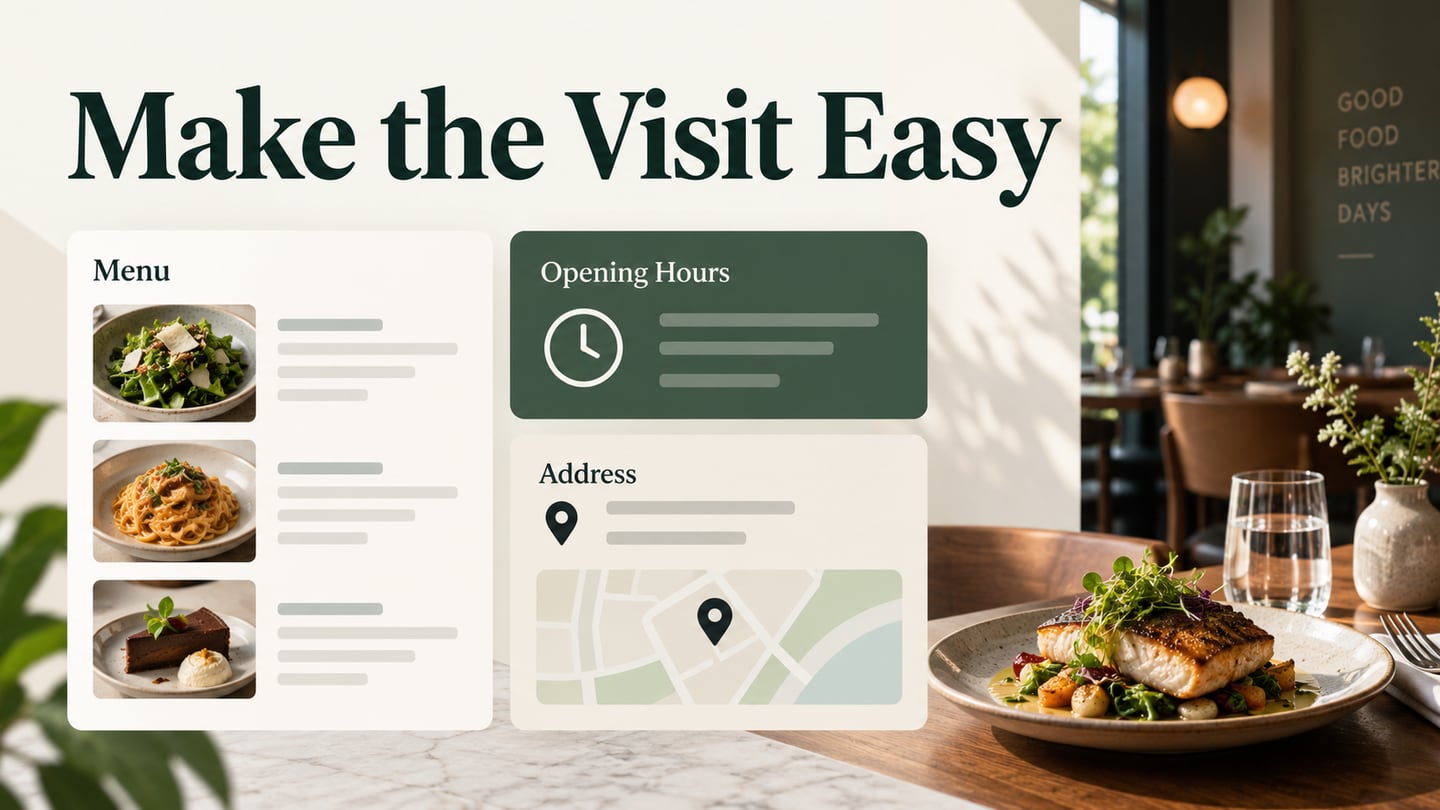
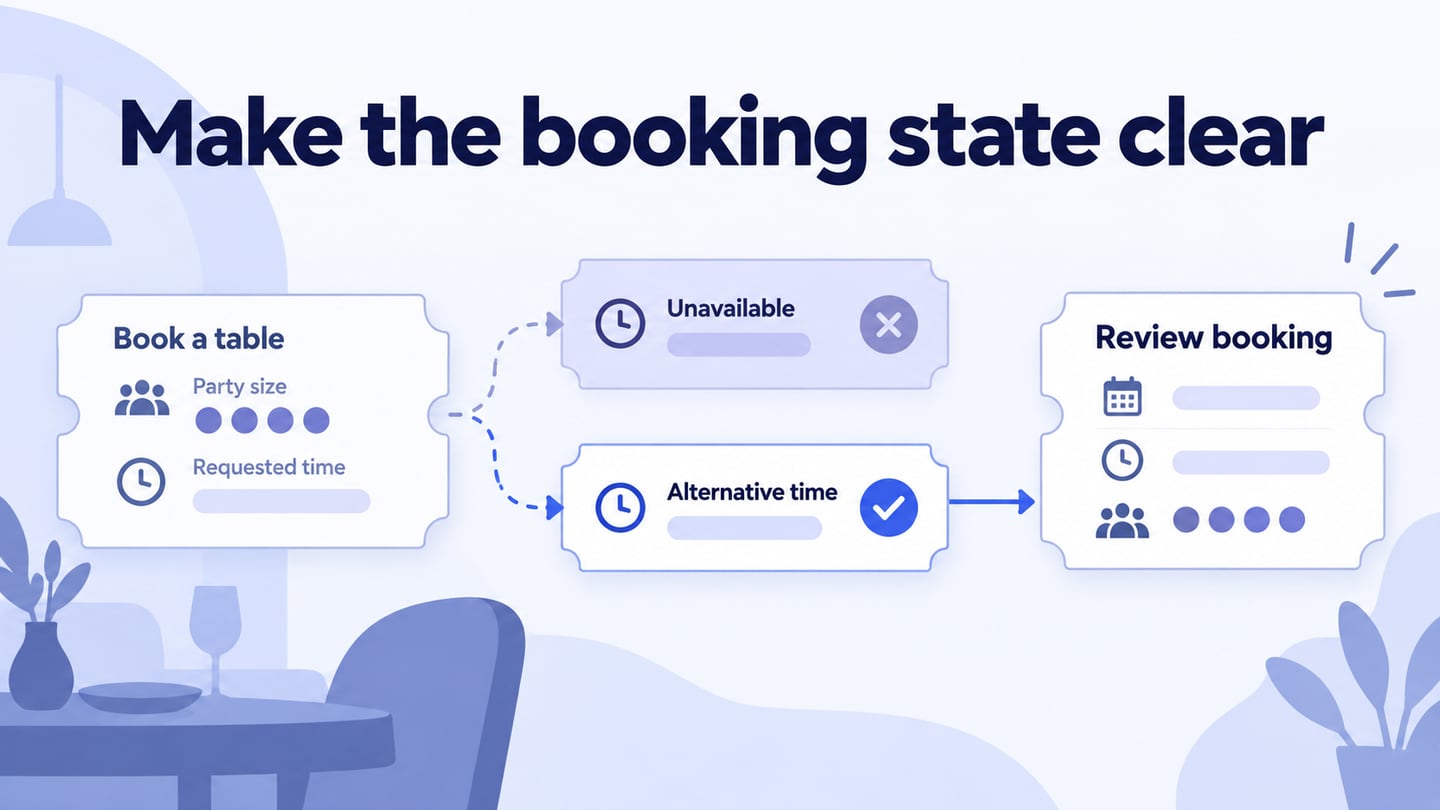
A restaurant app design should make a specific service easy to understand. This guide focuses on table booking: choosing a date and party size, finding a time, and understanding the booking status. Build a restaurant app prototype to review those decisions before connecting the interface to a live reservation system.
A Tool for Prototyping a Restaurant App
Mockitt supports editable screens, reusable components, interaction links, and shared review. It can help a team demonstrate a restaurant booking or menu flow; designing a prototype does not create a live booking, payment, or ordering service.
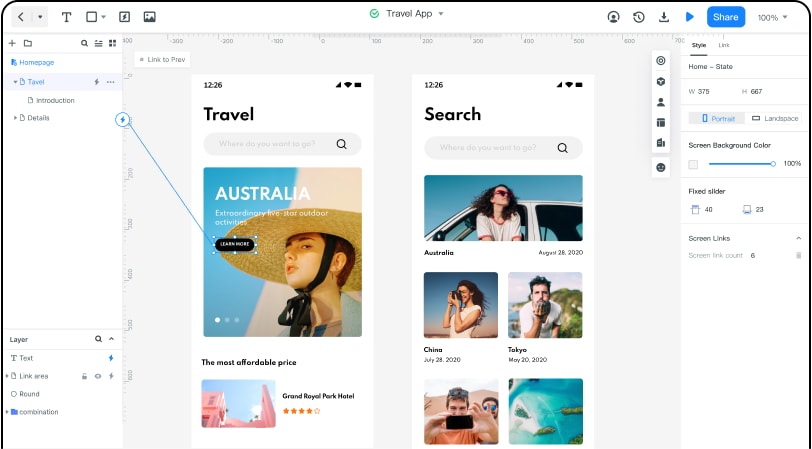
Start from a blank screen or a suitable template and adapt it to the restaurant’s actual service. The screenshots show an earlier interface; current controls may differ. The key capabilities for this task are:
- Collaboration: Share the project with appropriate permissions and gather specific feedback from the restaurant and implementation team.
- Components: Reuse date controls, party-size selectors, time-slot buttons, and status messages.
- Interactions: Connect a guest’s choice to the next screen or state, including the path when a requested time is unavailable.
Steps to Design a Restaurant App
1- Create a New Project
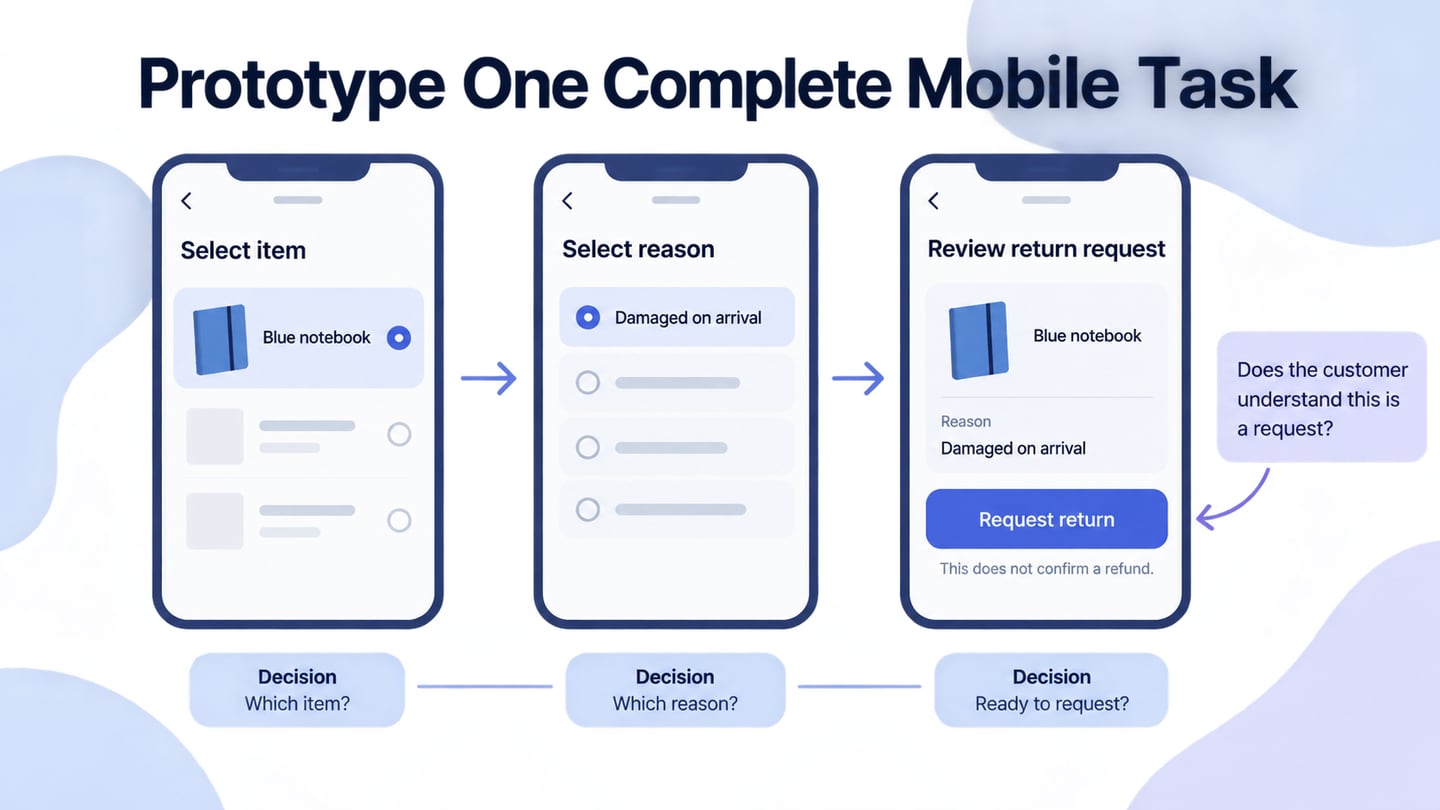
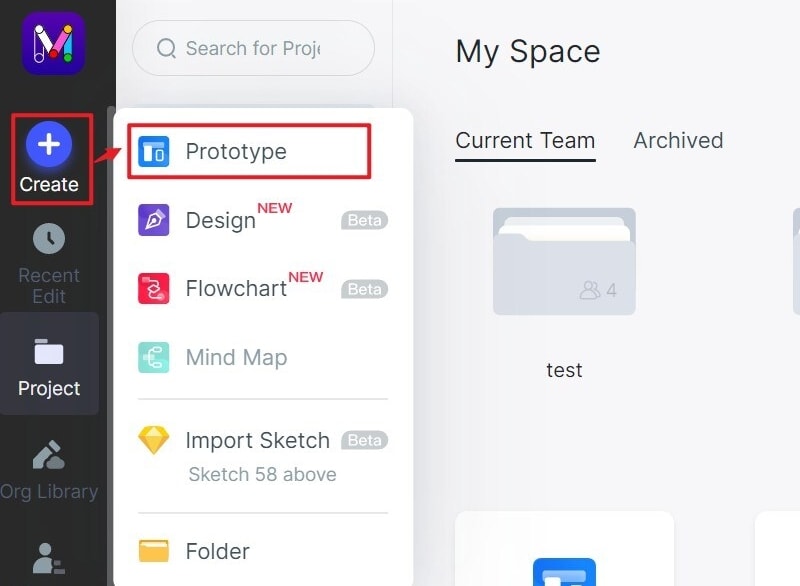
Create a prototype project, select a representative mobile screen size, and name it for the booking flow. Prepare screens for booking details, available times, review, and confirmation. Keep menu browsing or delivery features outside this first flow unless they are required by the service.
2- Design the Restaurant App
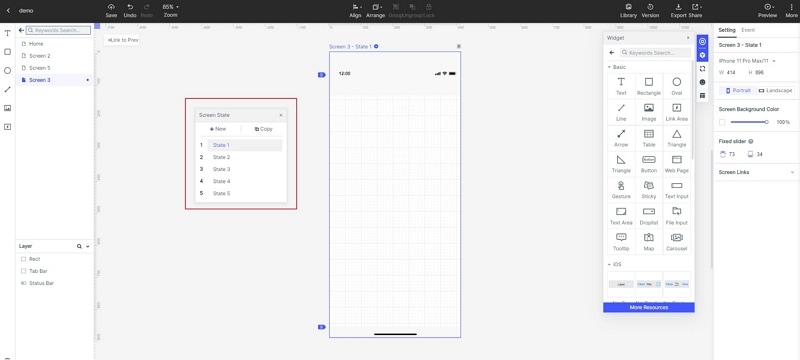
- Add the relevant widgets and edit their labels, dimensions, and appearance. Put the chosen date and party size where the guest can still see them while comparing times.
Consider a party of four requesting a table at 19:00. That time is unavailable, but 19:30 is offered. The guest should make the alternative choice explicitly, then see the date, time, and party size repeated before confirming. Do not silently move the reservation to another time.
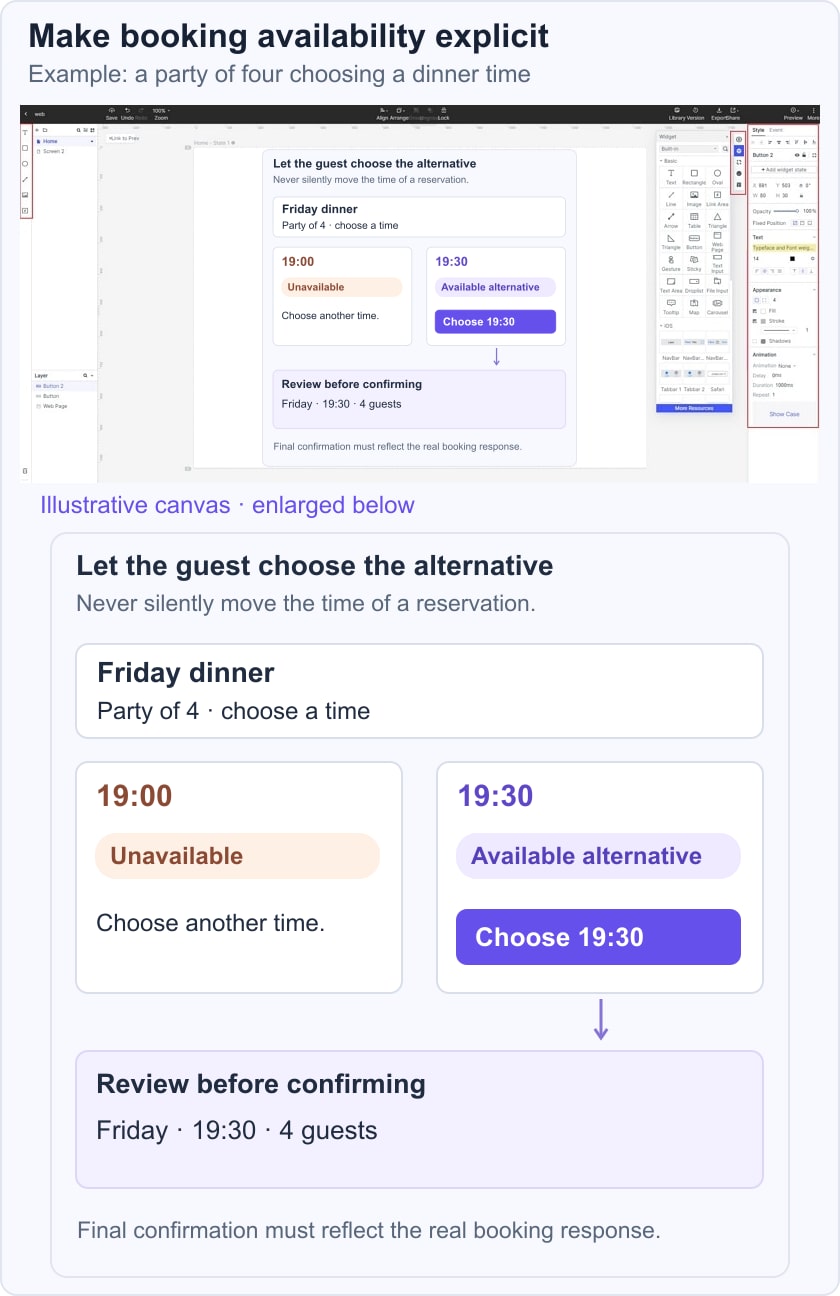
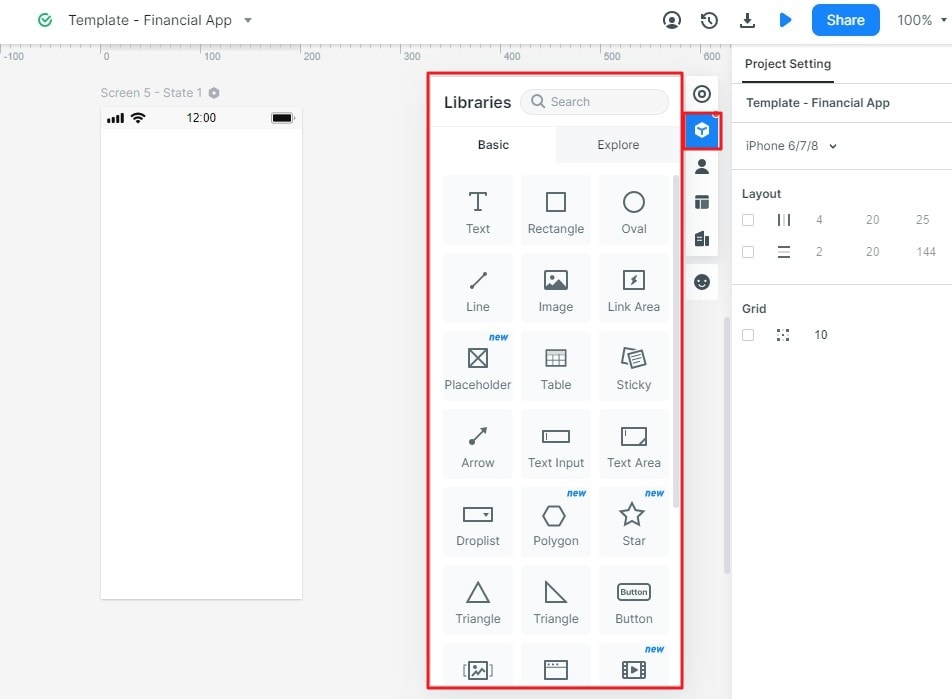
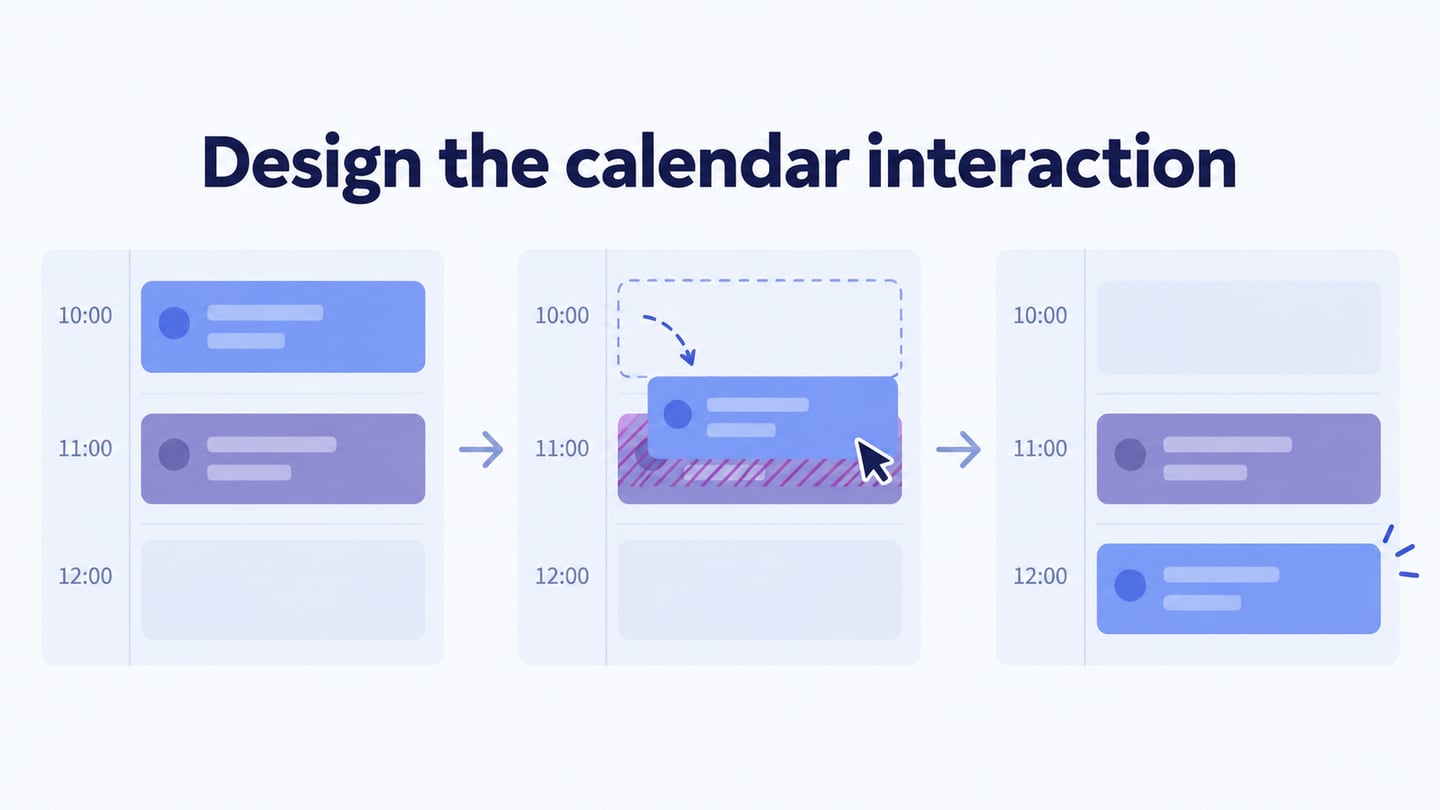
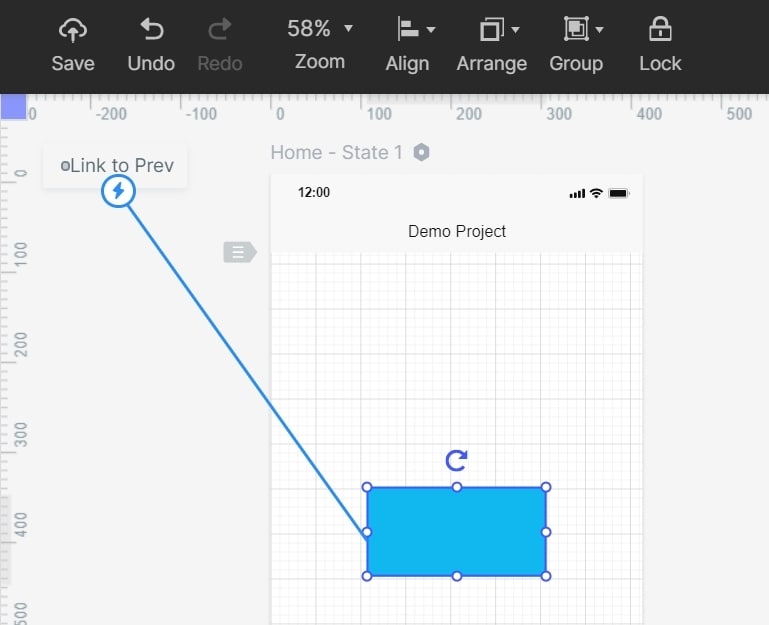
- Add links from booking details to the time selection and review screens. Connect the unavailable state to alternatives or a date change, and preserve the guest’s other choices when they go back.
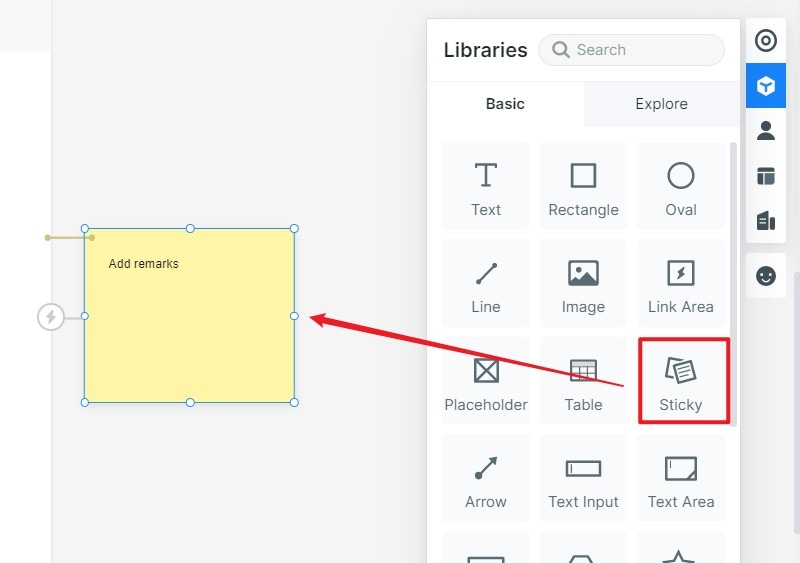
- Add internal notes about the real booking rules: when availability is checked, whether a request is confirmed immediately, and what happens if the last table becomes unavailable before submission. These notes are for implementation, not guest-facing copy.
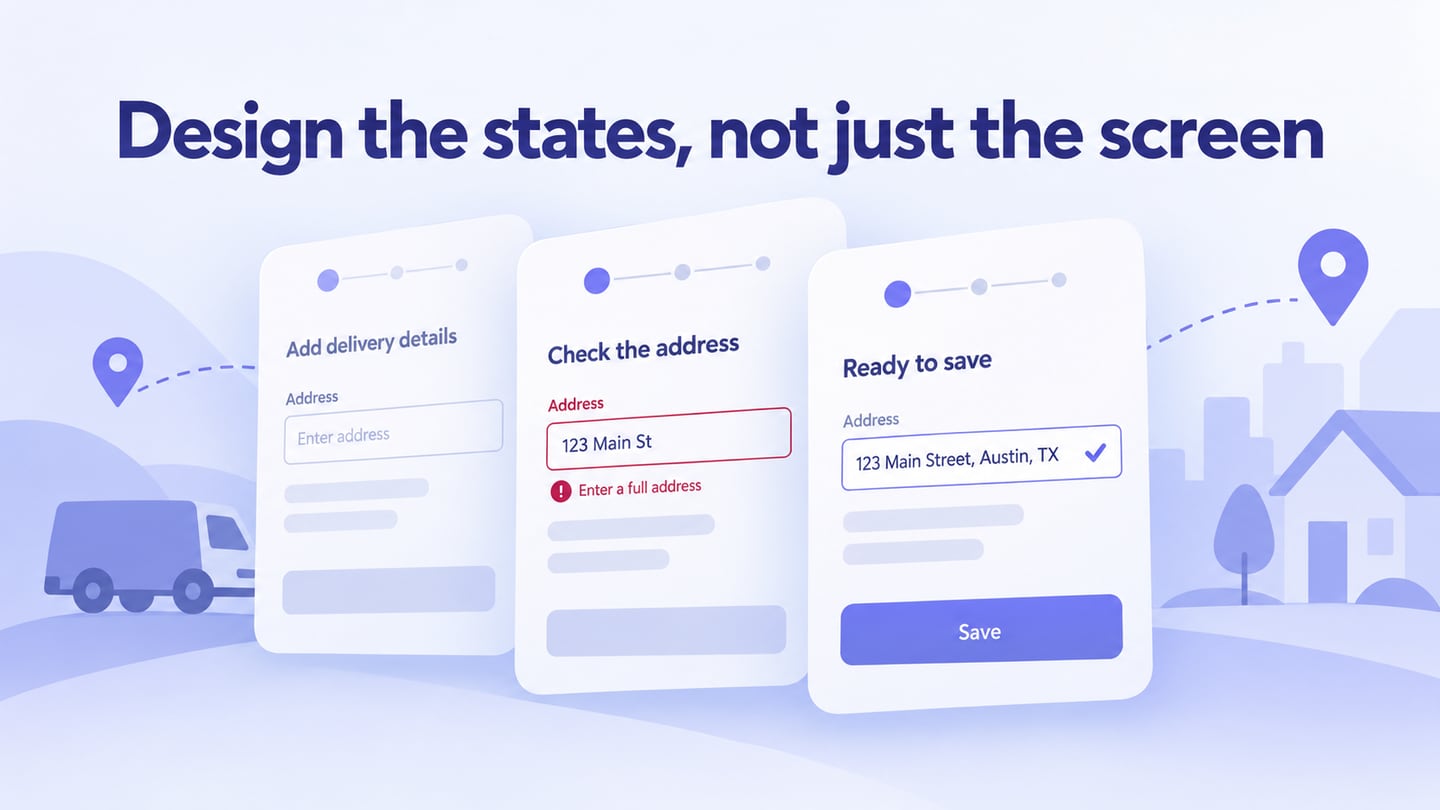
- Use states to distinguish selected, unavailable, and loading time slots. A subtle state change is usually more informative here than an elaborate transition. Make sure the label still communicates availability without depending only on color.
3- Preview and Share Your Restaurant App Design
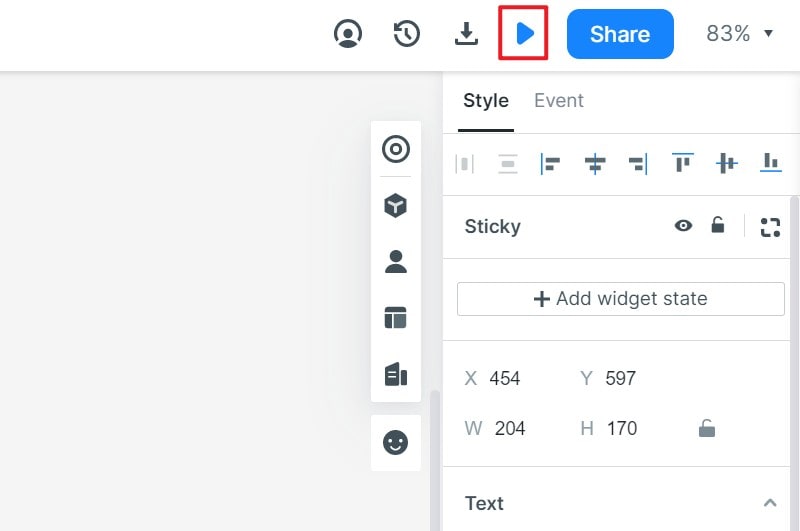
Open Preview and attempt the requested booking and the alternative-time path. Ask a reviewer to tell you the chosen date, party size, and booking status. Check the flow on a representative mobile screen.
Share the current preview link with the team and confirm access. Use feedback to resolve unclear choices before implementation. The working application will still need server-side availability checks, reservation records, and tested failure handling.
Useful Tips to Do Restaurant App Design
Apply these design tips to the booking task:
1- Keep the Application Simple to Use
Keep the next action clear and preserve the details already entered. Design for the audience you actually serve rather than assuming all customers are a particular age. Readable text, clear labels, and forgiving correction paths help a broad range of guests.
2- Work on the Application Speed
Design loading and retry states for availability checks. Avoid making the screen look frozen or showing a confirmation before the service responds. A prototype can demonstrate the intended feedback; measure actual speed in the implemented application.
3- Explain Any Payment or Deposit Requirement
If booking requires a deposit or card details, disclose that requirement and relevant cancellation information before the final action. Do not add a payment step merely because a technology is new. Payment processing and its security requirements belong to implementation and verification.
4- Include a Review and Rating Section
Gather feedback on the booking experience, but consider whether a public review section belongs in the booking task itself. An internal review can ask where people hesitated and which information was missing; an in-app rating prompt should not interrupt a reservation.
5- Appearance
Use accurate menu or venue photographs where they help someone choose, and preserve their proportions. Decorative imagery should not displace booking details or reduce the legibility of controls.
For the input and recovery states, consult the form design guide. Review the finished flow against the restaurant’s real booking policy so the interface and service make the same promise.