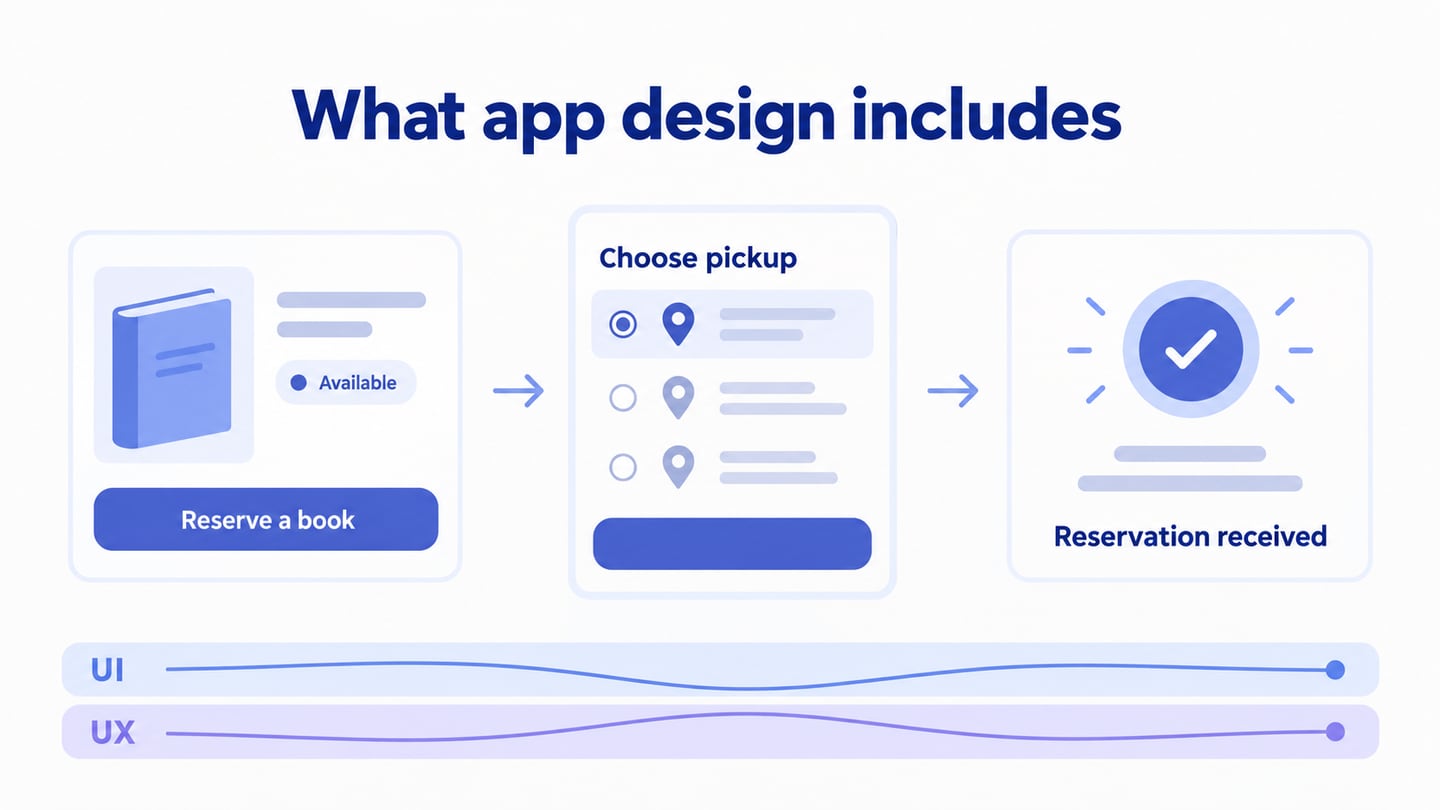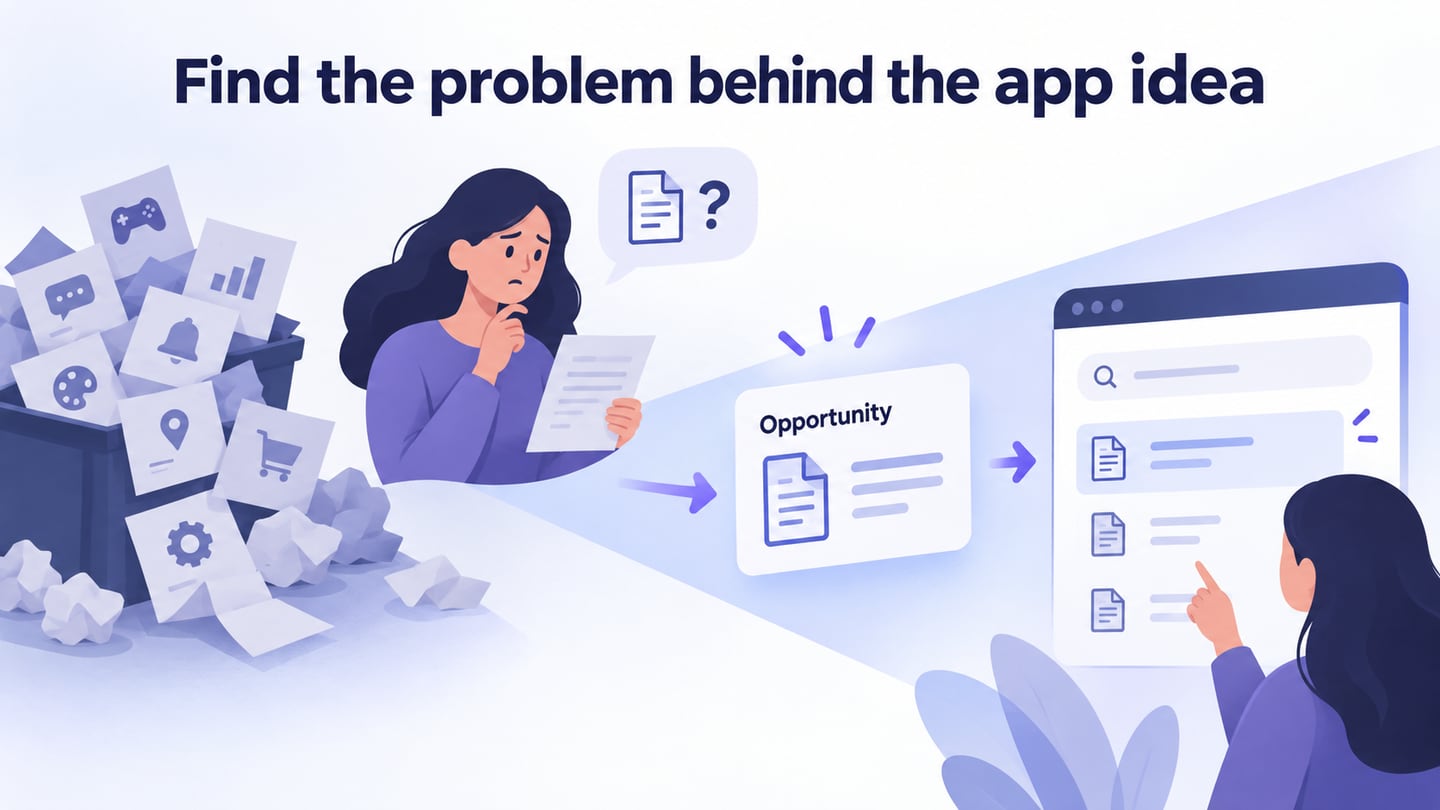
Generating app ideas can feel intimidating when the possibilities seem endless. A more useful starting point is a problem that a specific group of people already experiences. Researching users and their tasks helps separate an observed need from an idea that merely sounds appealing.
The process below moves from resources and customers to business goals, competitors, and adjacent industries.
Uncertainty remains: an app may fail to solve the problem, cost more than expected, or not attract sustained use. Generating ideas should expose those questions early, not hide them behind a long feature list.
App idea generation is a process you can practice. Whether you are planning your first application or another product in an established business, a structured approach can help you identify opportunities and explain why they deserve attention.
Start with what your organization can realistically support, then examine the customer’s work and the surrounding industry. Look at unrelated sectors for transferable patterns, while keeping a record of the evidence and assumptions behind each idea.
Source: Pixabay
App Ideas Generation Process
By the end of this process, aim to have a short list of specific problems and possible responses. An idea is not proof of demand or a guarantee of profit; the next step is to test its assumptions.
Get to know your organization and its structure
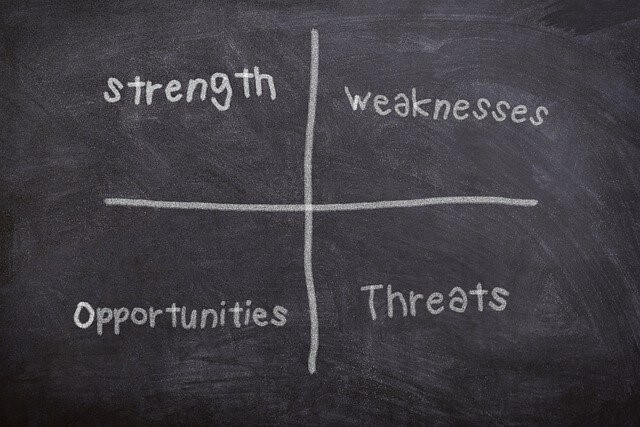
Start by understanding the organization’s strengths, weaknesses, opportunities, and constraints. A SWOT discussion can help, but it should use concrete evidence about people, data, budget, and delivery capacity. Ask the following questions before assuming a new app is the right solution.
Source: Pixabay
- Which customers or organizations can we realistically serve?
- Which parts of our current process create the most customer contact?
- What can the in-house team support, and where would we need help?
- How would the app support the organization’s purpose and commitments?
- Which operational problems could an interface address, and which require a process change?
Get to know your customers
Talk with customers about recent examples of the problem, not only whether they like your proposed app. Observe the steps they take, the information they need, and the workaround they use today. Useful questions include:
- How can we reach customers to understand the task: interviews, support conversations, observation, or a survey?
- At which step do customers encounter the product or service most often?
- What works well today, and where do they struggle?
- How do customers currently obtain the information they need?
- Why and how often do customers contact the team?
- What customer information is necessary, and who should be allowed to access it?
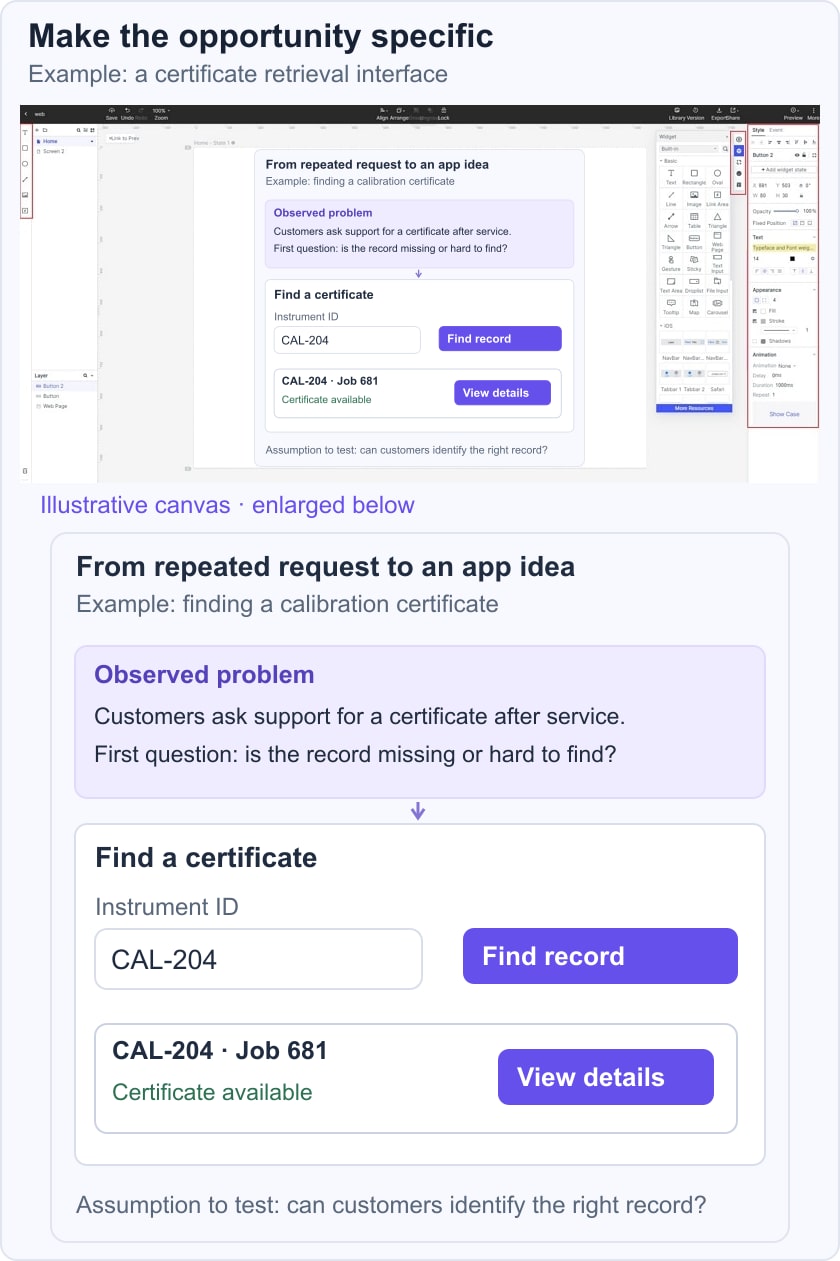
For instance, customers of an instrument calibration company may repeatedly ask for missing certificates. A focused interface could let an authorized customer find a certificate by instrument and job number. First establish why the certificate is difficult to retrieve; an app will not solve a missing or inaccurate underlying record.
In the calibration example, compare three possible ideas: certificate retrieval, appointment booking, and a general customer chat. If support records show repeated retrieval requests, investigate that task first. Write an opportunity statement: “After calibration, a customer needs the correct certificate for a specific instrument without contacting support.” Keep the frequency, evidence source, and unresolved access rules beside the statement.
Get to know your business plan
Your business plan provides you with the road map you use to set your short and long-term organizational goals. At this stage, you should consider the following.

Source: Pixabay
- Short- and Long-term goals
- What were the accomplished goals? How did you achieve them?
- How, with the use of modern technology, you can achieve new goals?
- Which business area has a specific problem that an app could help address?
- What happened to previous ideas, and which assumptions changed after they were tried?
Get to know your marketing
Marketing can reveal problems such as confusing onboarding or repeated requests for product information. Consider whether an app would solve those problems better than a clearer website, email, or service process. Ask:
- Which marketing-related task genuinely needs an application interface?
- What useful action would the customer complete, and how would the team know it helped?
Get to know your industry and competitors
Industries change, so study how customers currently solve the task and how competing products present their approach. Public websites and demonstrations show what a competitor offers; they do not prove adoption, satisfaction, or profitability.
Look for a pattern you can learn from rather than a feature list to copy. Record what you can observe and label interpretations as assumptions.
- Which tasks do competitors emphasize?
- Where do customers describe difficulties, and how reliable is that evidence?
- What resources would a similar approach require?
- Which needs appear poorly served and need further investigation?
- Which apparent trends are relevant to the people we intend to serve?
Learn from Unrelated Industries
Patterns can transfer across industries. Parcel tracking, for example, may inspire clearer status information in a service workflow. Examine the underlying task and constraints before borrowing the interface. A pattern that works in shopping may not suit a regulated document or a shared workplace.
Discussion communities can suggest problems to investigate, but a popular thread is not a representative demand study. Avoid copying personal details into a prototype or treating votes as a market-size estimate.
How to Design an App Prototype
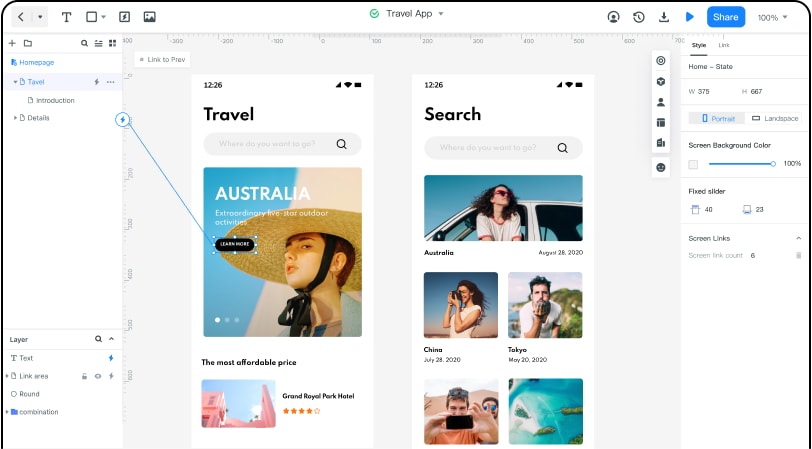
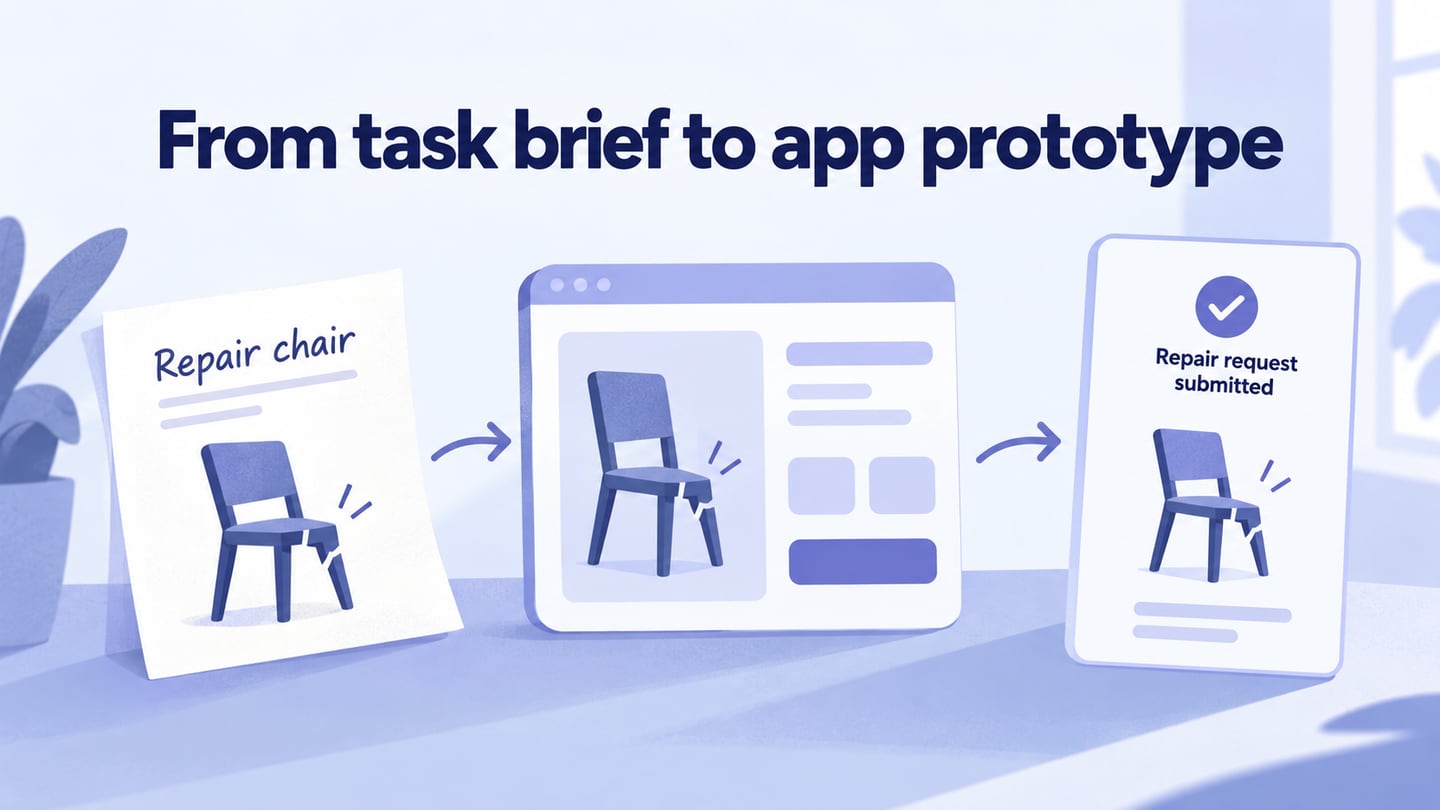
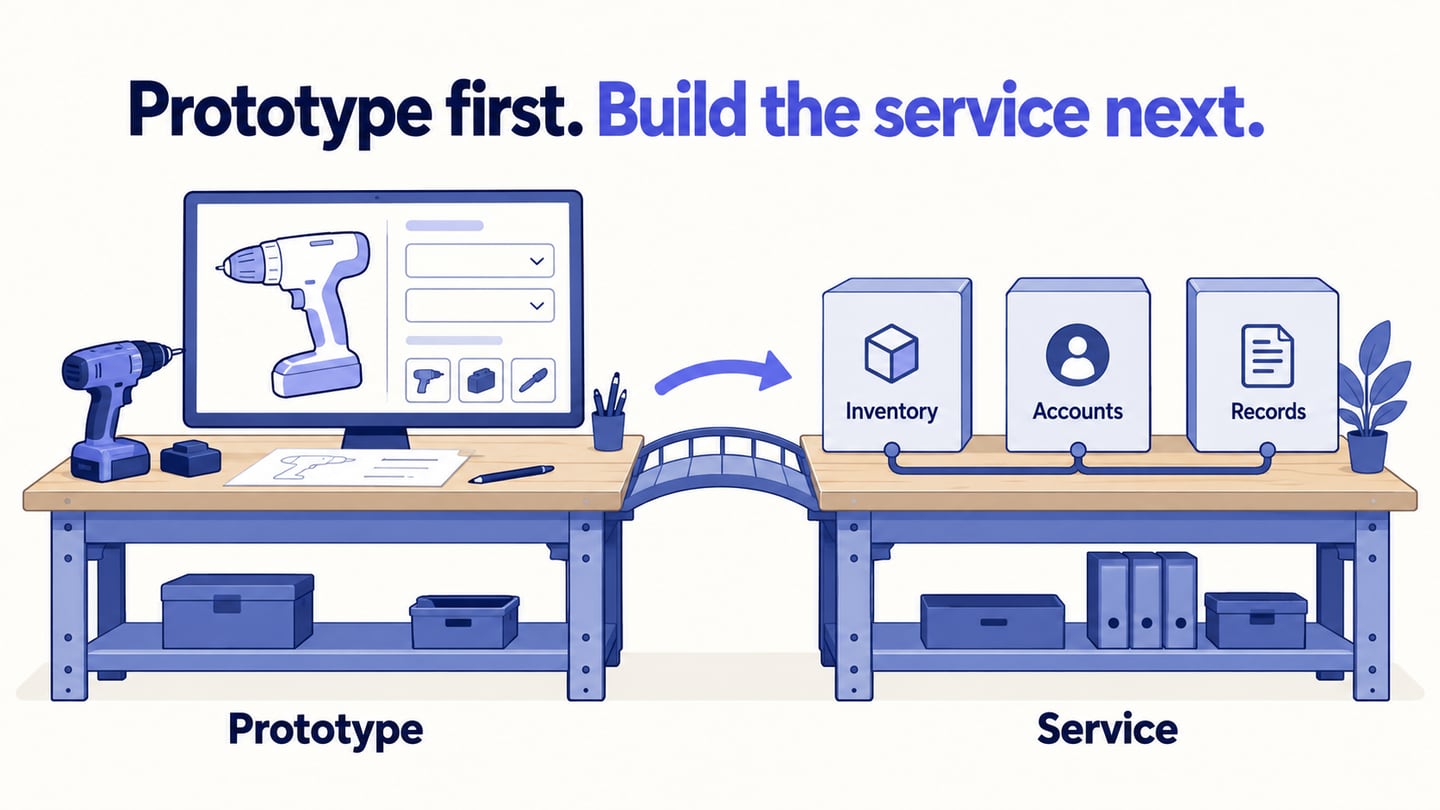
After brainstorming, shortlist ideas by problem evidence, user value, feasibility, and the main unresolved assumption. Then use Mockitt to prototype the selected task. Keep the first prototype small enough to revise when the idea changes.

Source: Pixabay
For certificate retrieval, create a search or instrument list, a job record, and a certificate details screen. Include a missing-certificate state and an access-denied state so reviewers can discuss what information should be shown.
Mockitt provides browser-based editing and shared previews. Set up the project at a representative screen size and use fictional records for review rather than real customer documents.
Ask a participant to find the certificate for a named instrument and explain how they know it is the correct one. Watch for confusion about dates, identifiers, or document status; do not lead them through the controls.
Use the screen size needed for the task. A desktop customer portal may be more appropriate than a mobile app if certificates are mainly retrieved at a workstation.
Use components for the record list and document details, keeping the instrument identifier consistent across screens.
Connect the screens so reviewers can follow the retrieval path and return when they select the wrong record.
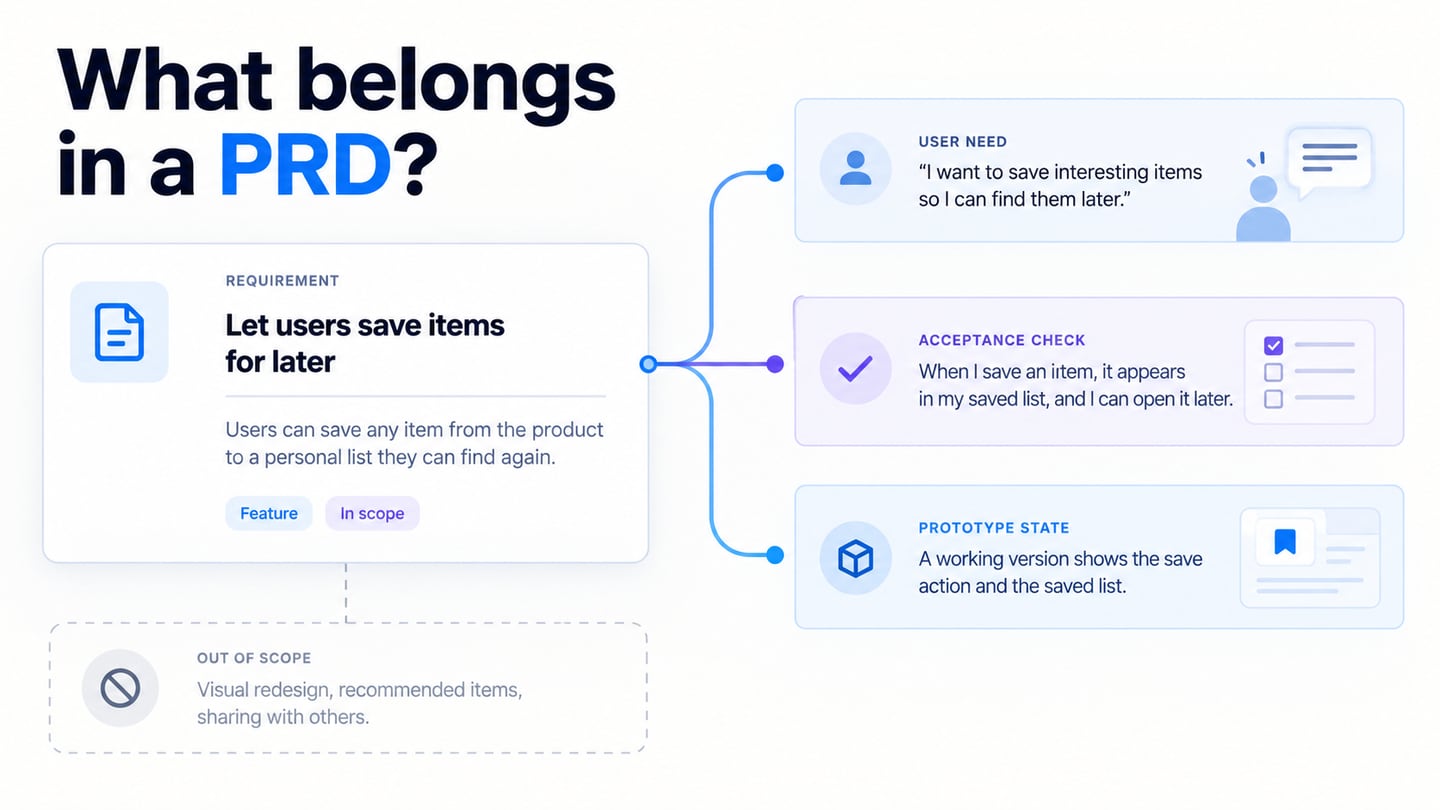
Record what the prototype clarified and what remains untested, such as willingness to use it, document permissions, or the availability of accurate records. Continue with evaluating a new app idea when you are ready to turn the shortlist into a focused validation plan.