A website redesign should address an observed problem rather than change the appearance simply because the site is old. Define the task, preserve what already works, and use a website redesign prototype to review the proposed changes. The eight checks below connect performance, mobile usability, search continuity, and visual decisions to a verifiable release.
Eight Checks for a Website Redesign
1. Measure and Improve Loading Performance
Measure representative pages and tasks on mobile and desktop. Identify which resources delay useful content or interaction before deciding what to remove, defer, or optimize.
Use your own baseline and compare the same page and conditions after the change. In Google’s Core Web Vitals guidance, LCP describes loading, INP describes responsiveness, and CLS describes visual stability. Record which part of the experience is failing. A slow main image calls for a different investigation from a form that freezes after a click or a title that moves when its font arrives.
Save the tested URL, device conditions, report date, and the resource or interaction being changed. Use a repeatable lab check during development and real-user measurements after release when available; a single simulated run cannot establish the experience of every visitor.
2. Use Motion Only Where It Helps
Animation can explain a state change, but it does not compensate for slow loading or unclear content. Add it only when it supports the task.
Review whether the same information remains available without the effect. Keep motion from obscuring controls or delaying the next action.
Prefer purposeful feedback over automatic background video or constant decorative movement. Test reduced-motion behavior and give users control over media.
3. Design a Website Prototype
Prototype the proposed change in Mockitt so the team can inspect the task before development. Keep the review focused on the problem identified in the current site.
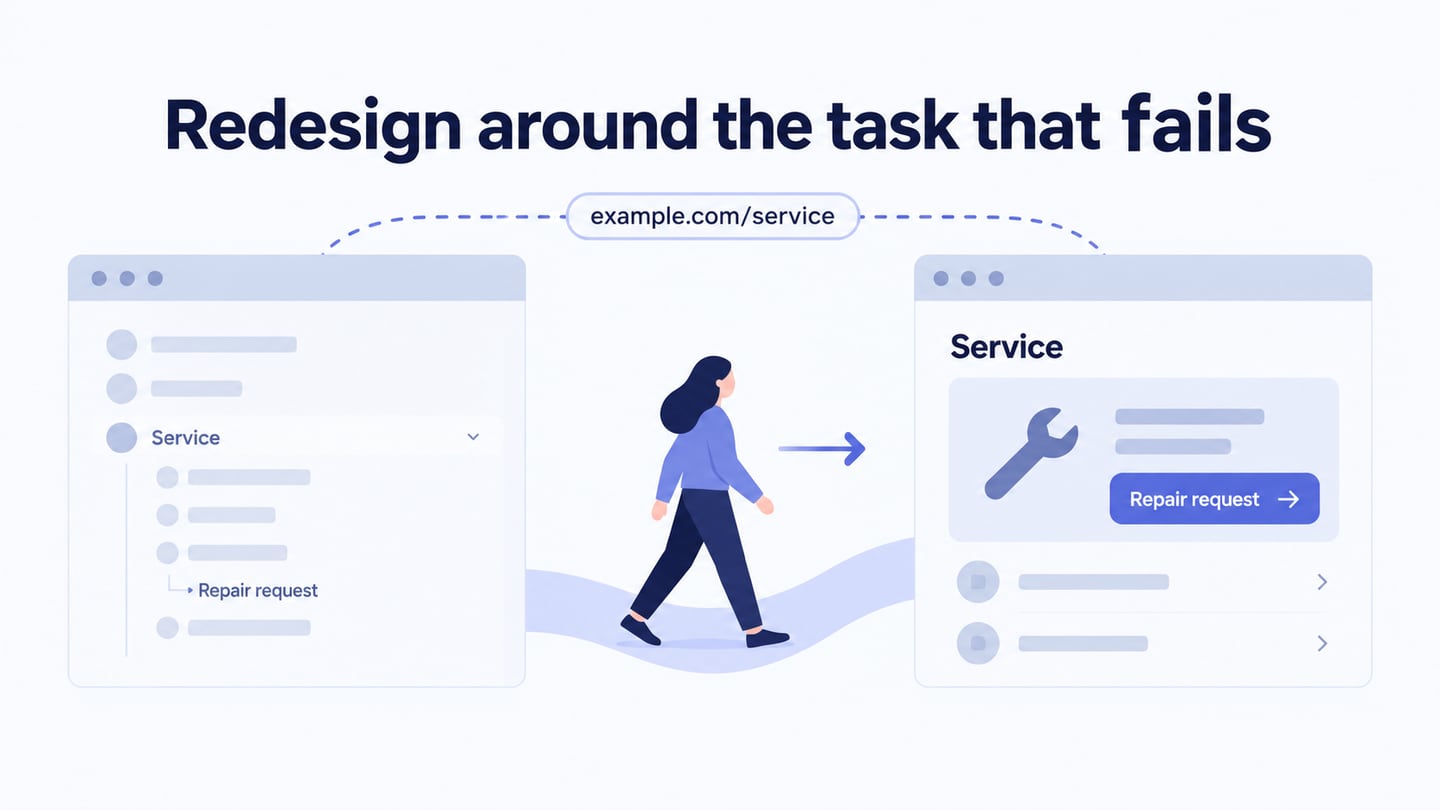
For example, review a repair-service website where visitors can find a service but cannot identify how to request it. Preserve the useful service explanation and existing URL. Add a clear Request a repair action, connect it to the appropriate form, and make the confirmation explain the next step. Ask a reviewer to complete that same task on both versions and record the observed obstacles, without claiming a conversion lift from the mockup alone.
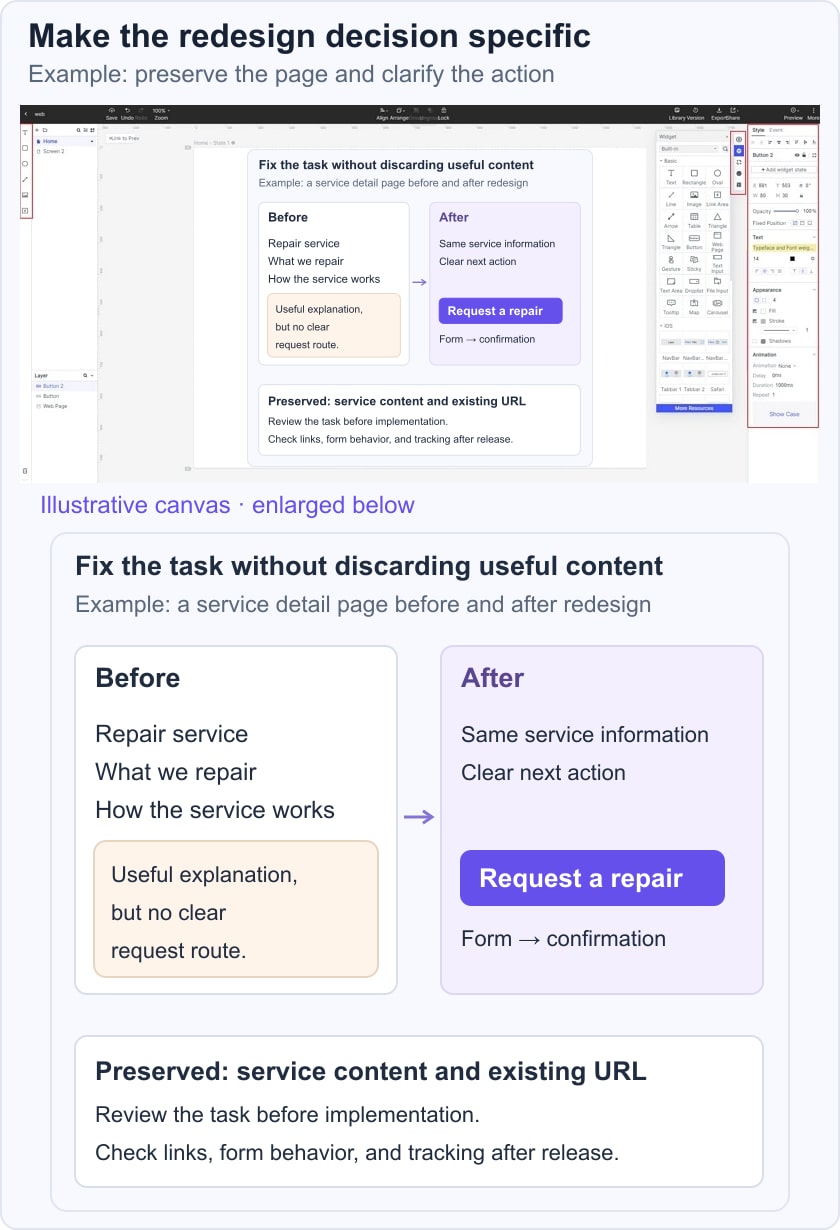
Arrange the revised screens, connect the intended actions, and annotate unresolved content or implementation questions.
Reuse appropriate elements and assets so the redesign does not introduce a second inconsistent interface system. The retained image shows an earlier editor; use the equivalent current controls.
Record the revision decision and the evidence behind it so later changes do not undo the improvement.
4. Review the Mobile Task
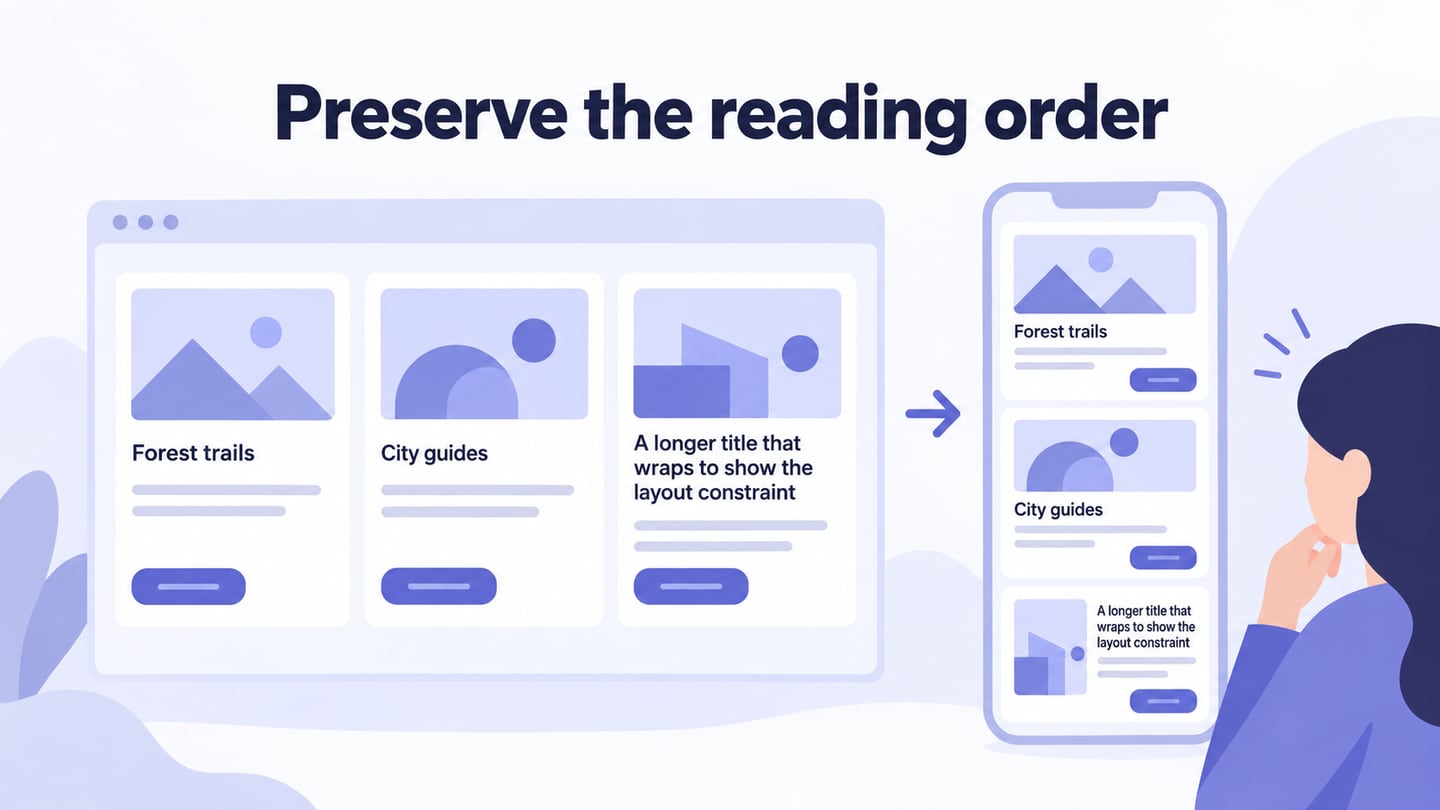
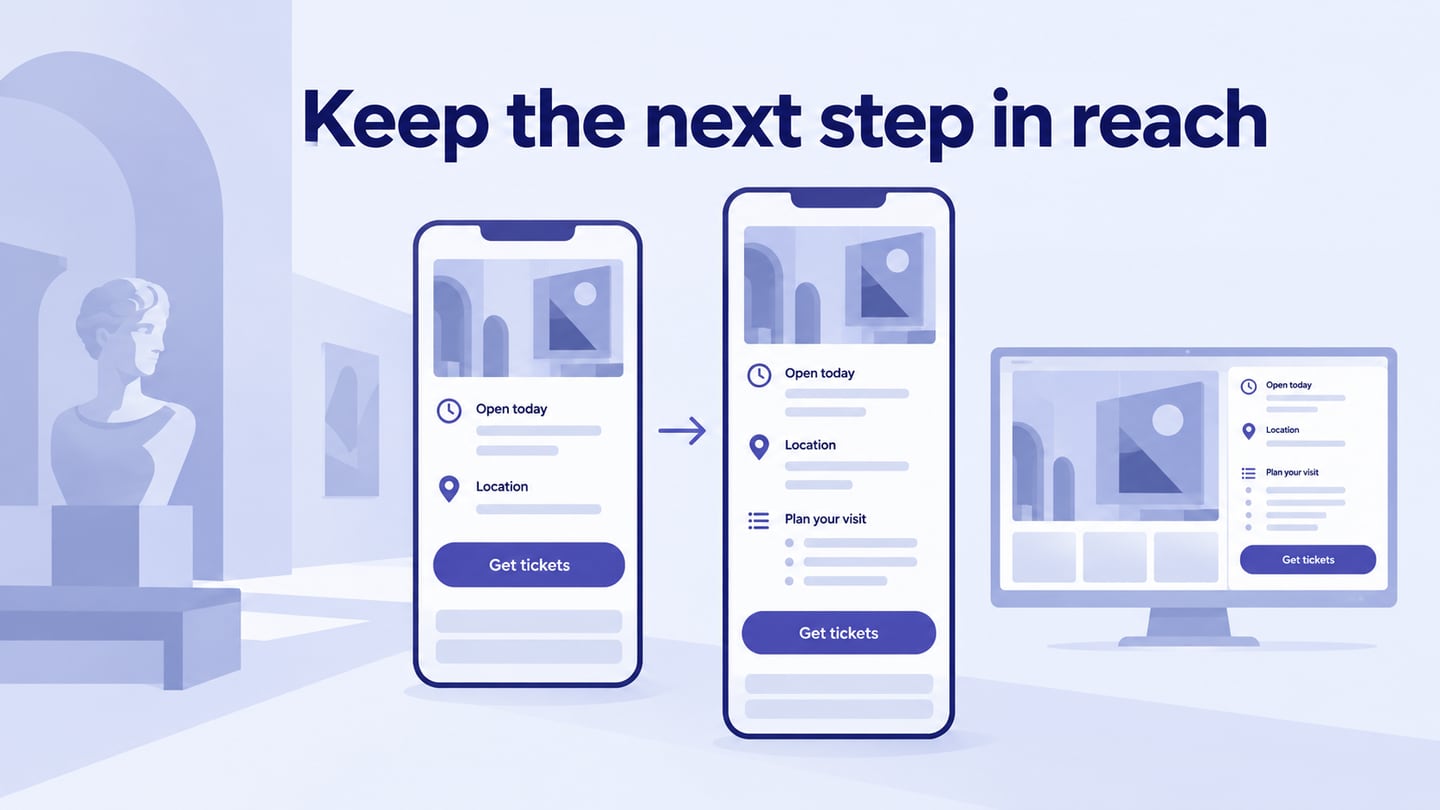
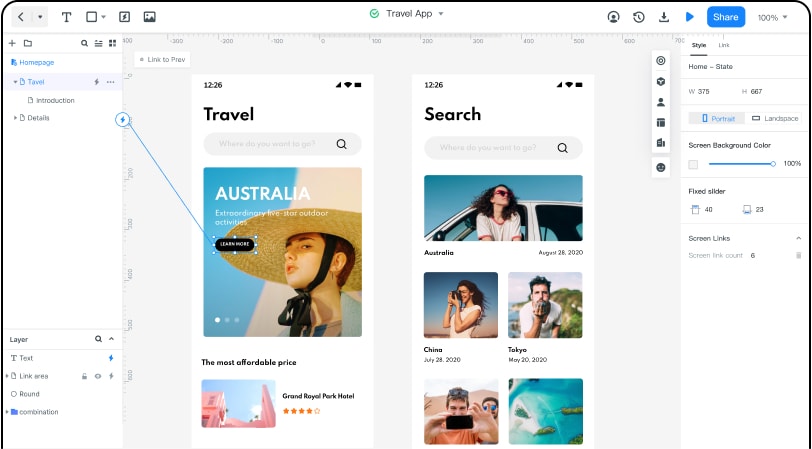
Check the actual narrow-screen task, including navigation, content order, form entry, and confirmation. A desktop screenshot scaled down to fit a phone is not a complete mobile design.
Google’s mobile-first indexing guidance describes the use of mobile content for indexing. Keep important content, metadata, and structured data available and consistent. Mobile friendliness alone does not guarantee a higher ranking.
Review long labels, enlarged text, and relevant device widths. Preserve useful information rather than hiding it solely to make the first screen look tidy.
5. Preserve Search and Content Continuity
Inventory the pages and their role before changing URLs or removing content. Keep useful titles, headings, canonical signals, and contextual links accurate through the redesign.
If a URL genuinely changes, follow Google’s site-move guidance and map it to an appropriate replacement. Do not redirect unrelated pages to the homepage or assume a new visual design will resolve a content problem.
6. Clarify the Conversion Task
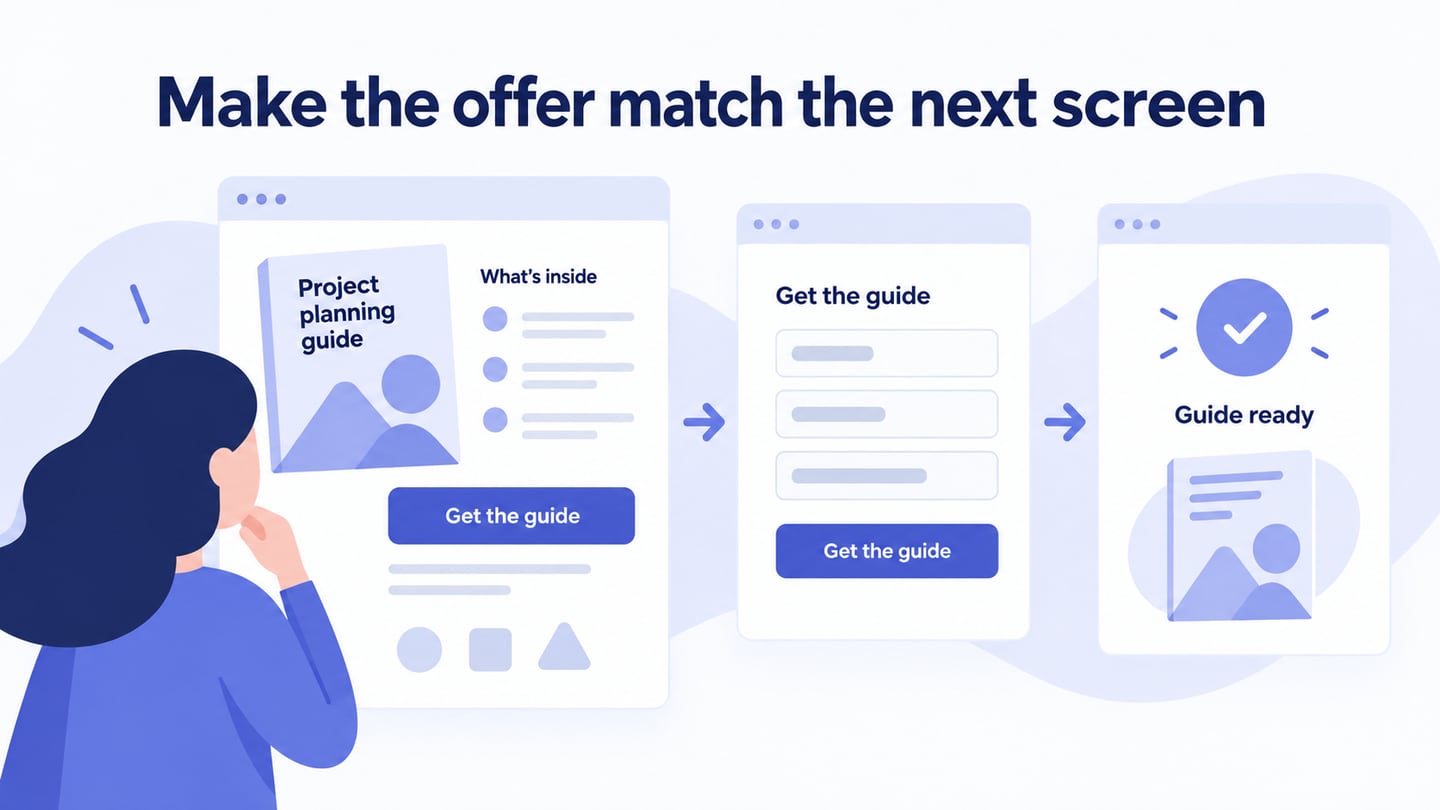
Define the action that matters on each page, such as requesting a repair or downloading a guide. Make the promise, required information, and resulting state clear.
Use a defined event and suitable observation period to assess the implemented change. A prototype review can reveal confusion, but it does not establish how the live site’s conversion rate will change.
7. Refine Color and Typography
Choose type and color for readability, hierarchy, and consistency with the brand. A current visual trend is optional; it should not make headings, body text, or controls harder to distinguish.
Inspect real combinations, including links, focus states, errors, and muted text. Check the result with actual content at desktop and mobile sizes. A service title that wraps onto another line should not overlap its action, and an error message should remain understandable without relying on red text alone.
8. Verify the Release and Keep a Recovery Path
Before publishing, check important URLs, redirects, forms, analytics events, image dimensions, and navigation on the release version. Keep a backup and a clear way to restore the previous version if a critical task breaks. After release, inspect actual pages and monitor reported errors and task completion; do not rely only on the design preview.
For the repair-service example, use this handoff record: the problem is an unclear request route; the proposed change is a named action beside the service explanation; the prototype check is whether a reviewer reaches the correct form; the live check is whether a valid request produces a confirmation and reaches the intended destination. Also test an incomplete form and an interrupted submission. Keep content preservation, interface clarity, and working delivery as separate checks so a polished page does not conceal a broken request.
Assign an owner to each unresolved issue before release. Afterward, compare the same task and page set with the baseline, noting other changes that could affect the result. If requests stop arriving, restore the working route first and investigate the redesign without leaving visitors at a dead end.