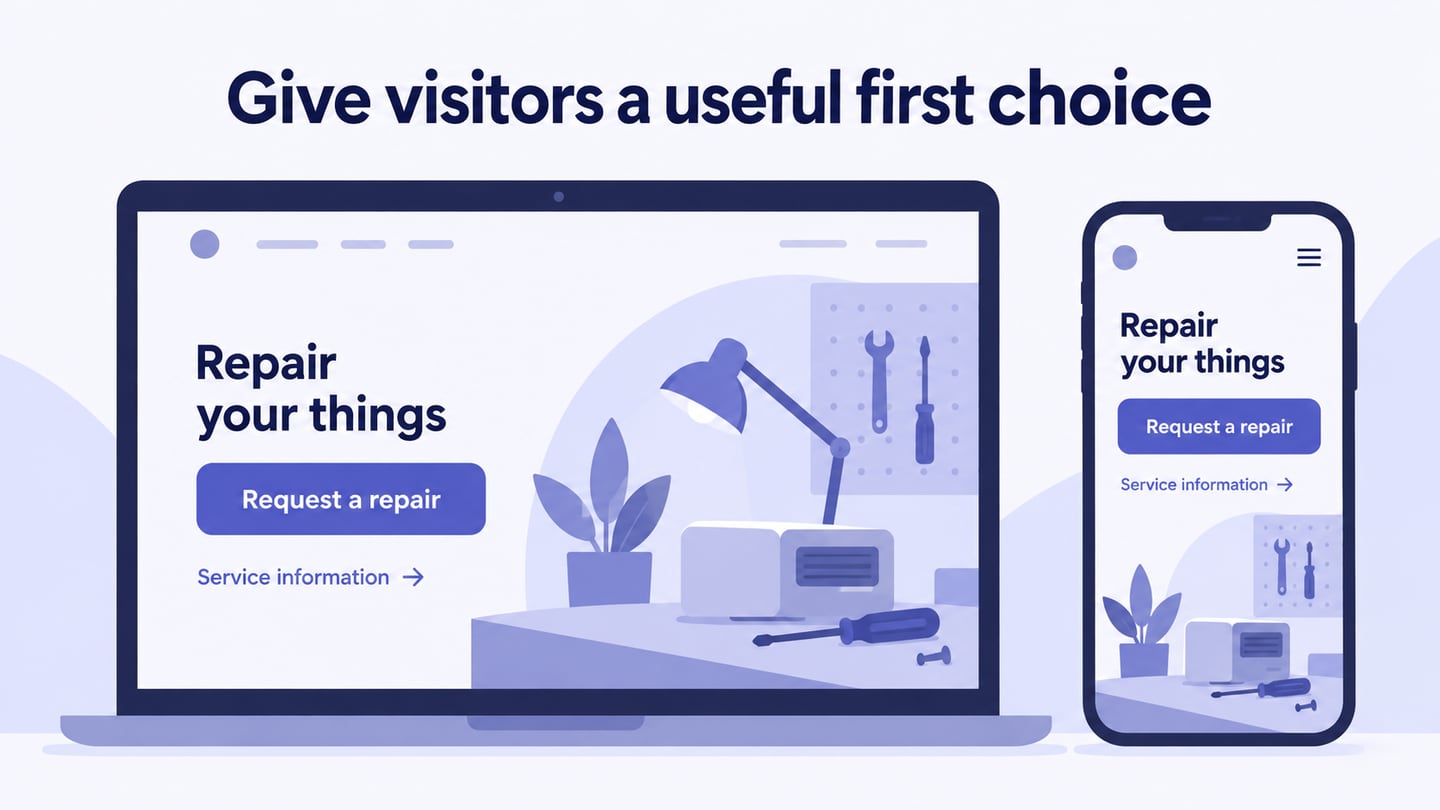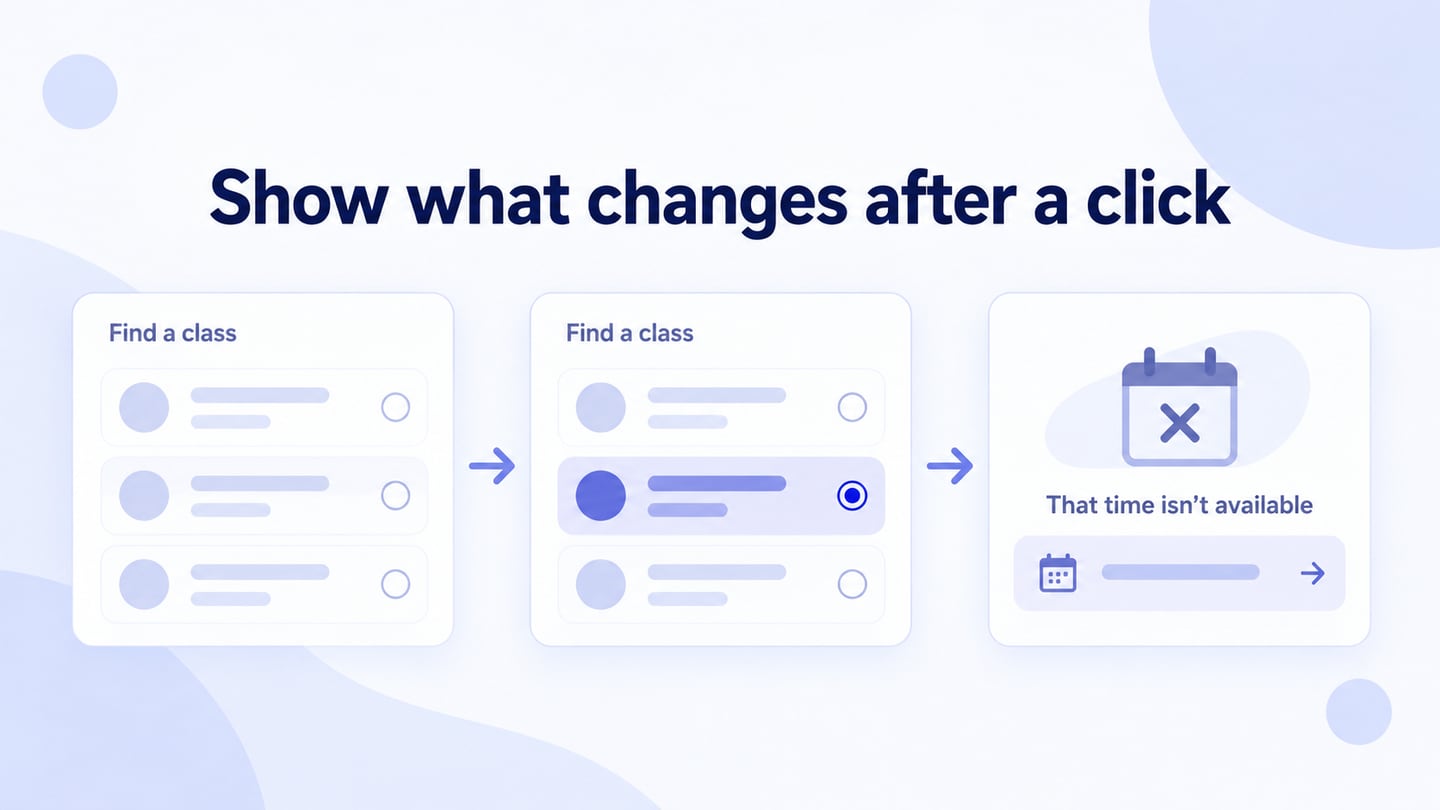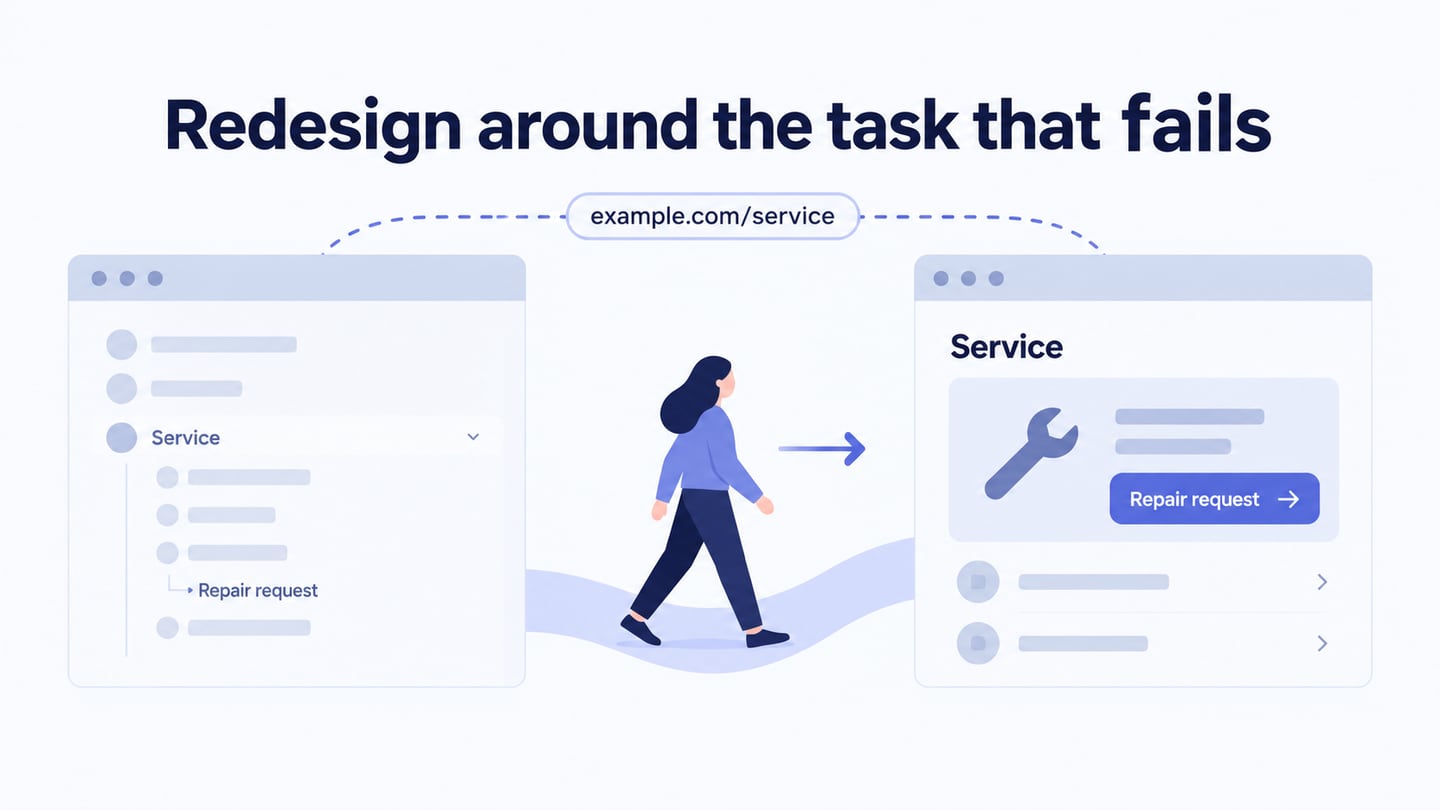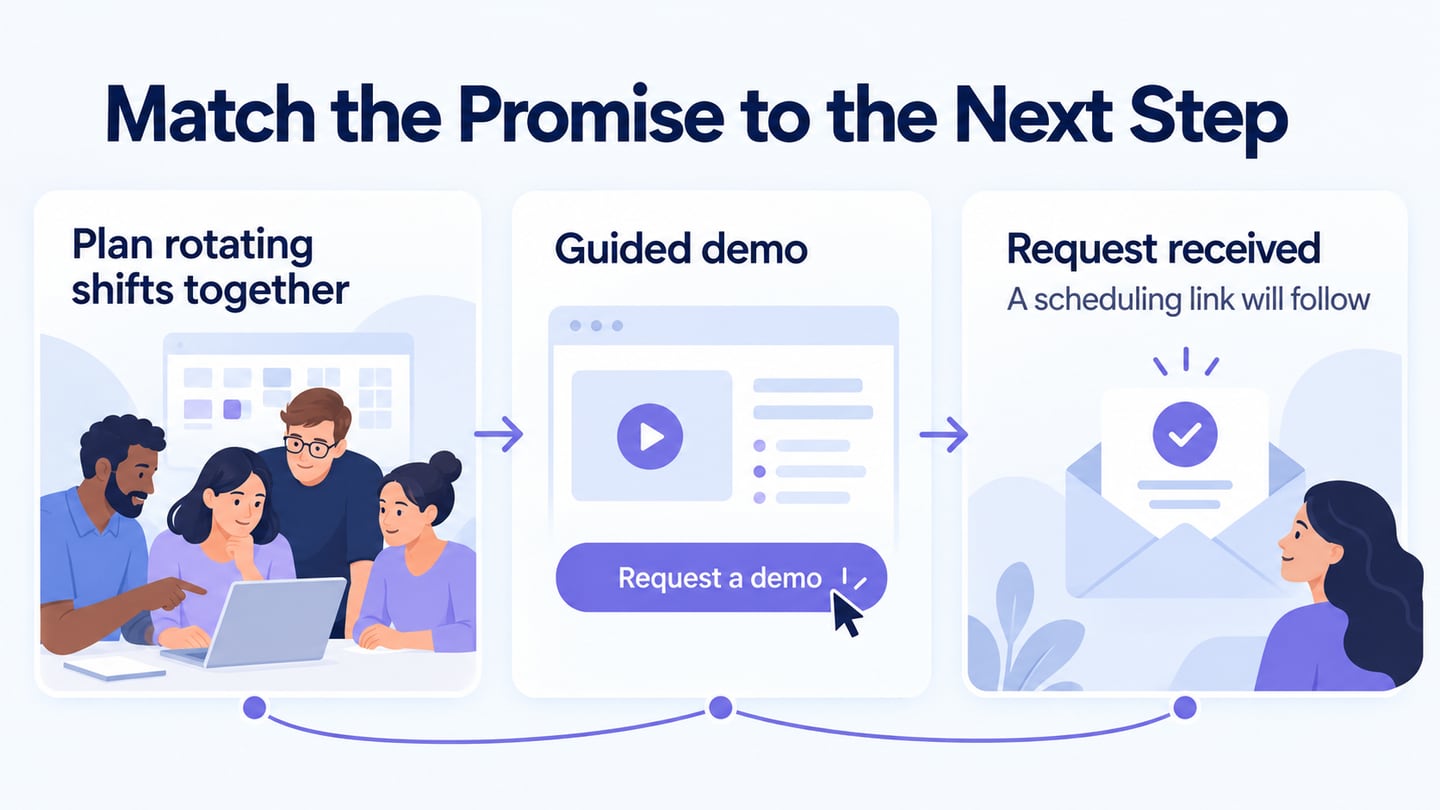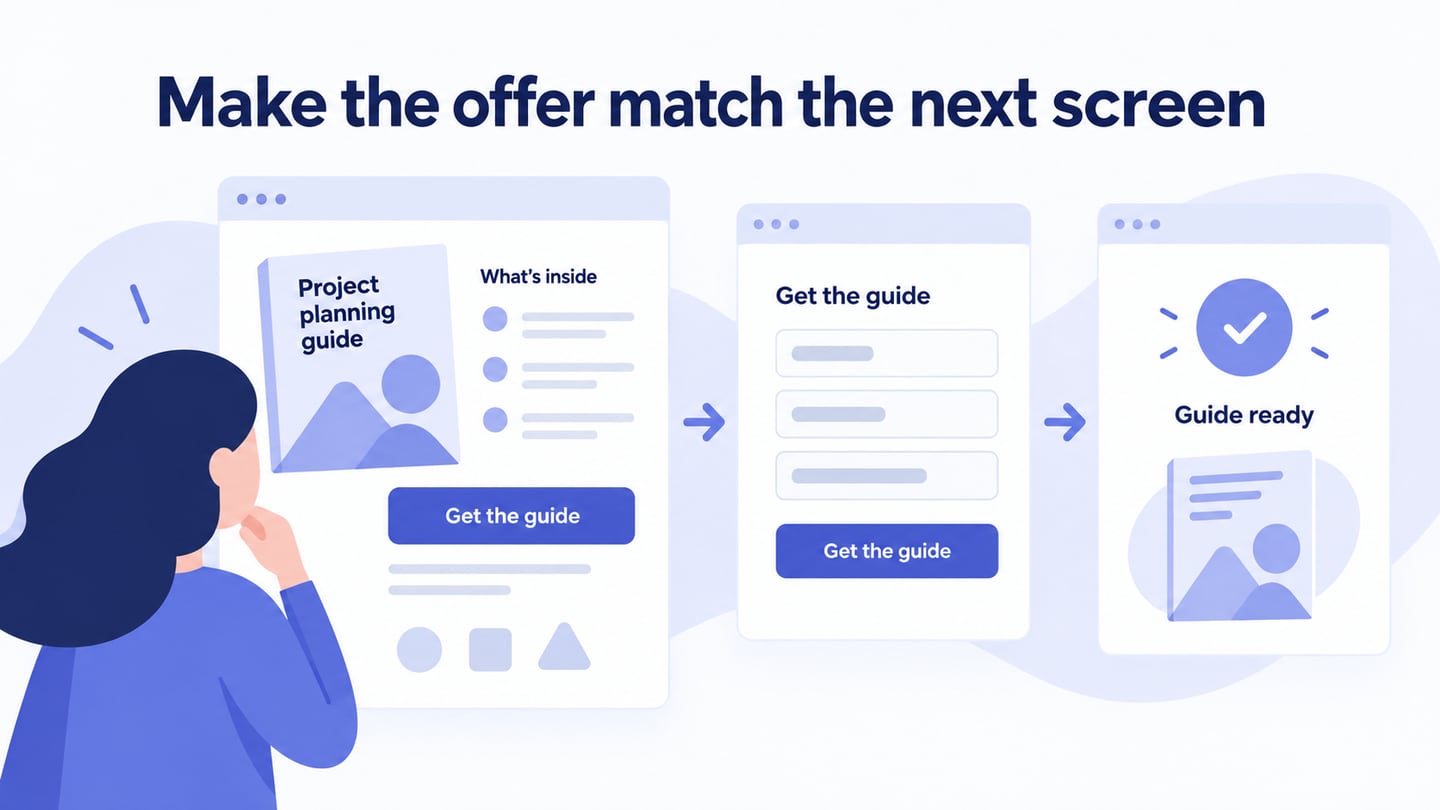
A landing page focuses on a particular offer and the action a visitor is ready to take. Use a landing page design workspace to align the headline, supporting evidence, and next step. Its quality depends on that fit, not on a promise that any design will increase sales.
Use the Mockitt workflow and five examples to evaluate the offer, evidence, and next action. Archived page details illustrate design patterns; they do not establish current earnings or conversion results.
How to create a landing page design with Mockitt?
Mockitt can help arrange the landing page and connect its action to a form or confirmation state for review. The prototype explains the planned experience; publishing, data processing, and measurement require implementation.
For example, create a landing page for a project-planning guide. Explain who it is for, show its main contents, and use a Get the guide action. If a form is required, explain the information requested and show how access is provided after submission. The button should not unexpectedly lead to an unrelated product trial or a request to book a sales call.
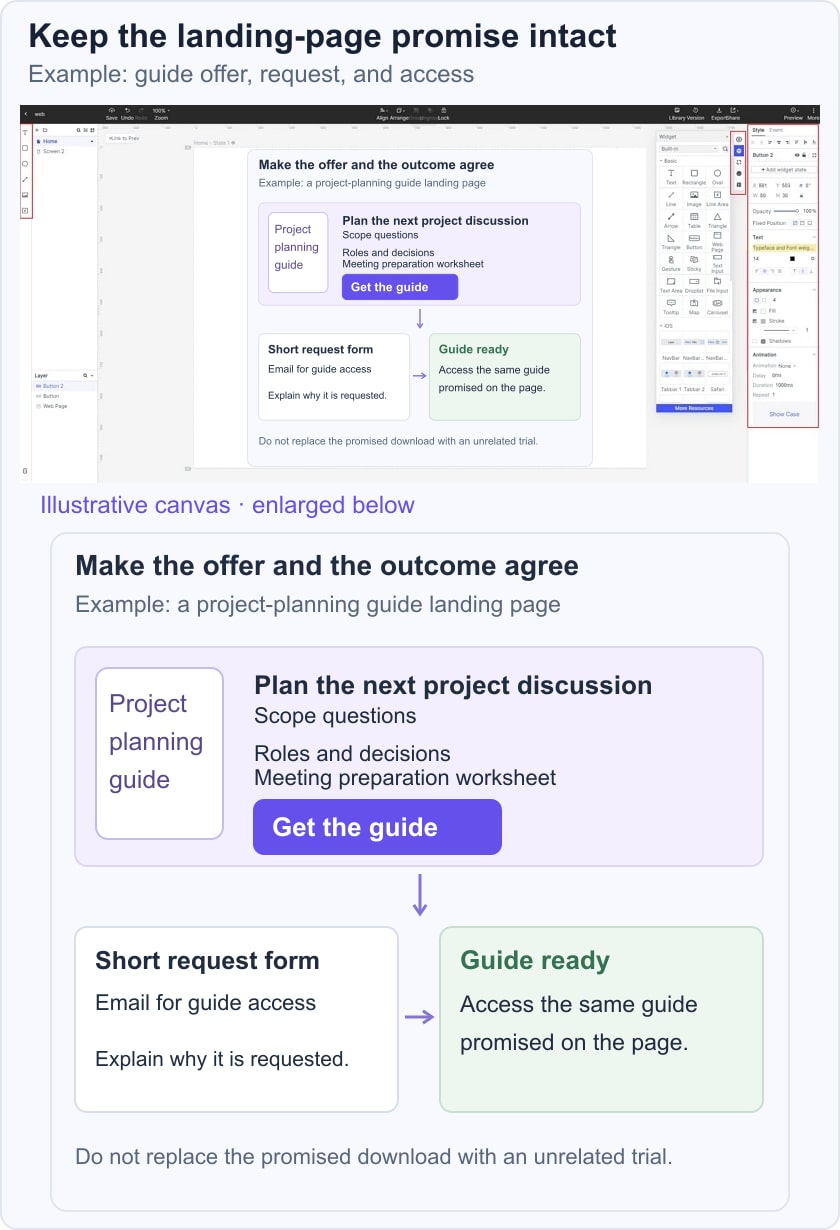
Use these features for the specific design task rather than treating a tool as a guarantee of campaign performance:
1. Arrange the Offer and Action
Create a clear hierarchy between the offer, evidence, conditions, and primary action. Remove demo content that does not support the visitor’s decision.
2. Represent Useful Interaction
Connect the action, validation, and confirmation states. Motion should explain a change, and its effect on the implemented page’s performance must be measured rather than assumed.
3. Collect Relevant Feedback
Share the prototype with people who understand the offer and audience. Ask them to describe what they expect after selecting the primary action.
4. Adapt a Suitable Template
A template can provide a starting arrangement. Check that its sections and content lengths match the offer rather than retaining unrelated promotional blocks.
5. Keep the Review Version Clear
Name and organize the project so the team knows which version is under review. Cloud storage is not a guarantee against every deletion or access problem.
6. Review Access and Collaboration Needs
Use current account permissions and collaboration options for the project. Enterprise features do not themselves distribute a campaign or guarantee more leads.
Follow the original setup sequence in the current workspace:
- Open Mockitt and sign in or create an account if needed.
- Create a prototype project and choose a web viewport.
- Name the campaign and the visitor action being reviewed.
- Arrange the page elements, replace placeholders with accurate content, and connect the action to its expected result. Review a narrow version as well as the desktop layout.
Five Original Landing Page Examples to Study
These examples illustrate different offer and action patterns. They are not conversion-rate benchmarks; archived descriptions should not be treated as a current screenshot audit.
#1: Lyft
Lyft’s driver-recruitment route illustrates a page organized around a specific audience and application action. Study how the intended visitor is distinguished from someone seeking a ride.
A financial figure or benefit needs current supporting terms and cannot be attributed as the cause of a high conversion rate without evidence.
If your offer includes an estimate, explain its assumptions and limits near the estimate. Do not use an interactive calculator merely as decoration.
#2: The Professional Wingman
The Professional Wingman reference illustrates a service inquiry. Treat its described image and form arrangement as historical, not a claim about current service availability or effectiveness.
The transferable question is whether visitors understand the service before being asked for contact details. A timed popup is not inherently better than a well-placed, clearly explained form.
#3: Muck Rack
Muck Rack offers an example of explaining a professional product before a next-step request. Study how supporting information relates to the audience’s task.
More copy is not automatically better. Include the information needed to evaluate the offer, and make the primary action clear without hiding important conditions.
4. Cigital: an Archived Download Example
The original Cigital example described a focused e-book download page. It is retained as an archived pattern, not a recommendation to use an old company page or a claim about current availability.
For a similar download offer, explain what the resource contains and place the action after enough context. Test whether visitors can understand the resource and any form requirement before proceeding.
#5: Khan Academy
Khan Academy serves different learning audiences. Its useful lesson here is to make the next step appropriate to the visitor rather than assuming one action fits everyone.
Where a page serves learners, teachers, or families, explain the relevant route. Do not treat an organization’s reputation as evidence of a particular landing page’s conversion performance.
Review your final prototype from arrival through completion: does the headline match the incoming promise, does the action deliver the stated result, and does the confirmation explain what happens next? Measure the implemented page with a defined conversion event before claiming improvement.