Choose Reading Resources With a Purpose
A useful UI design blog helps you understand a decision, not merely collect attractive screenshots. Look for the problem, the reasoning, the evidence, and the limits of each example. If you are building a blog yourself, use a UI design workspace to turn one relevant lesson into a layout you can review.
Use Mockitt to Explore a Blog Layout
Mockitt can help you arrange article cards, reading pages, and navigation before implementation. Start with the reader’s task: finding a relevant article, understanding what it covers, or returning to a section. Designing a prototype does not publish a working content-management system.
Create layouts for the viewports your readers use and share the relevant screens with collaborators. Keep the title, summary, category, author information, and article content distinct. A reusable layout helps consistency, but each field still needs realistic short and long content to reveal problems.
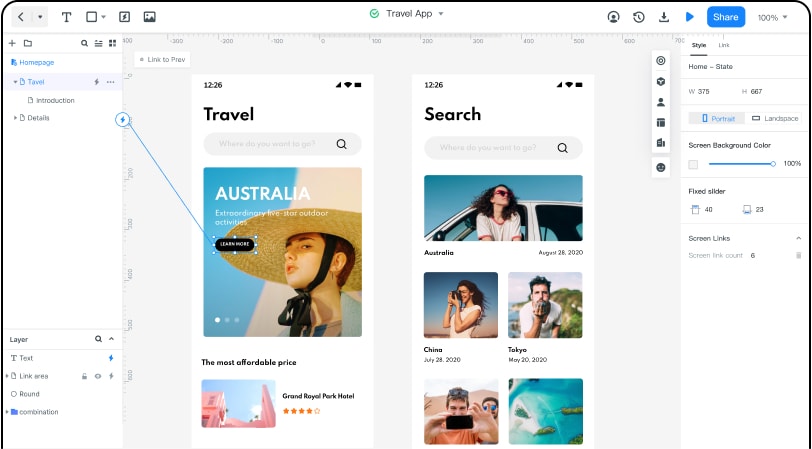
How to Prototype Blog UI and UX
Use the following workflow to create a reviewable blog interface. Earlier guide screenshots illustrate the underlying editing operations; panel names and positions may differ in the current workspace.
Step 1: Create a new project
- Open your Mockitt workspace and choose the project where the blog design belongs.
- Create a blank design or choose a relevant starting template. Name the project and select an initial viewport. Establish a reading task before adding decorative elements.
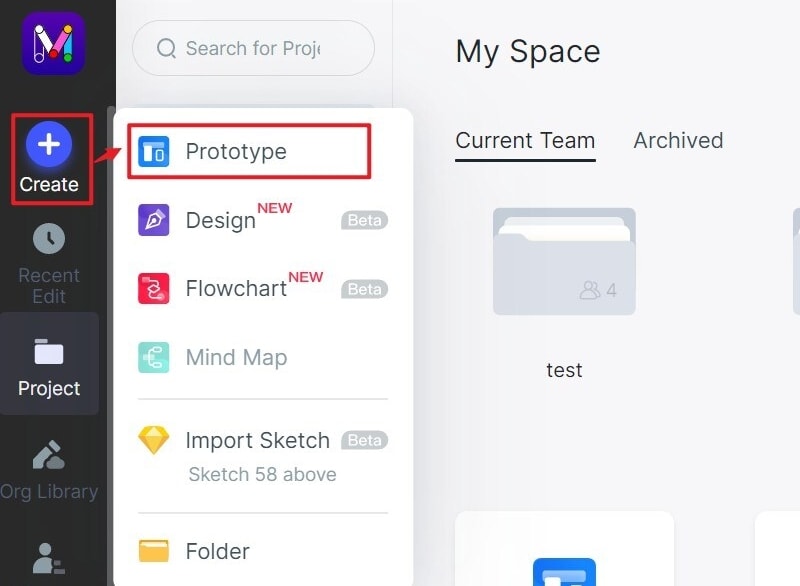
Step 2: Design the Blog Screens
- Add text, images, navigation and article-card elements. Use realistic titles and summaries rather than repeated short placeholders. Adjust spacing and type hierarchy so a reader can distinguish the title from the category and supporting information.
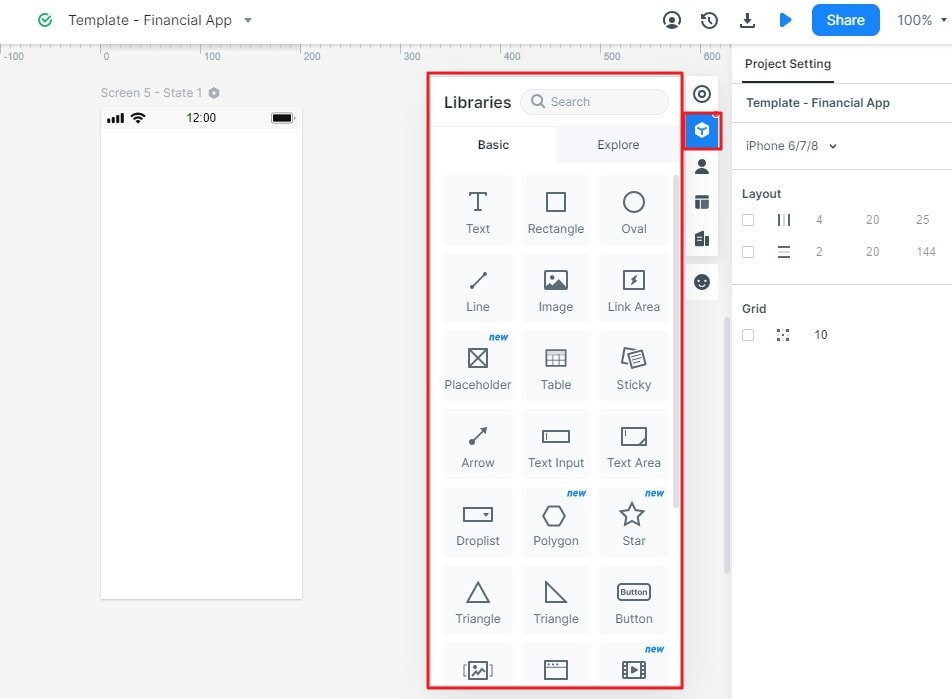
- Connect an article card to its reading page and connect the page navigation to the intended section or screen. Give links descriptive labels; several identical Read more actions can become difficult to distinguish outside their visual context.
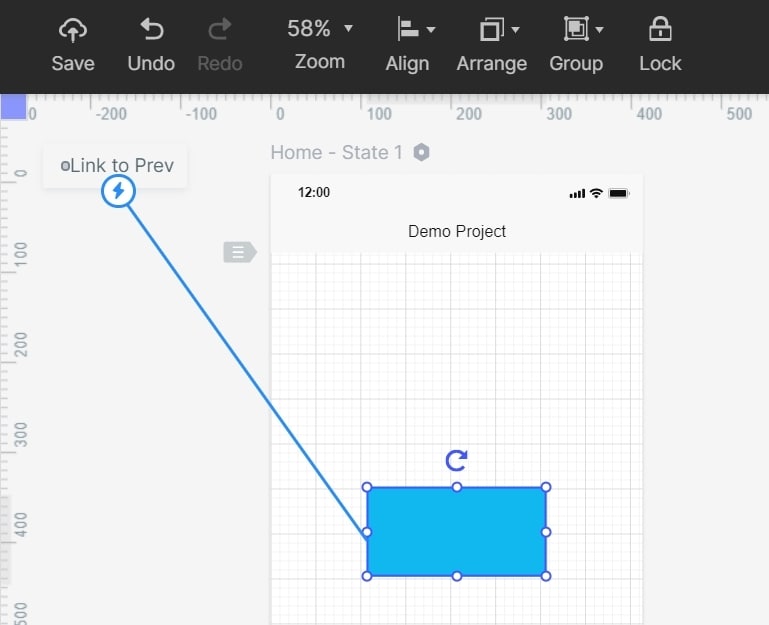
- Add design notes for behaviour the prototype does not implement, such as pagination, search results, or when an article’s updated date should change. Keep notes separate from the public-facing copy.
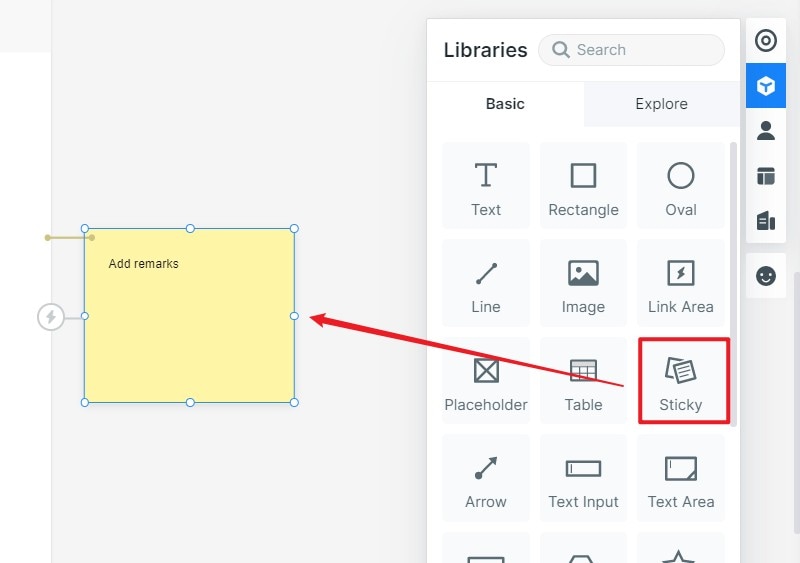
- Add interaction only when it answers a question. A menu opening or category selection may matter; decorative animation is not necessary to evaluate an article’s reading hierarchy.
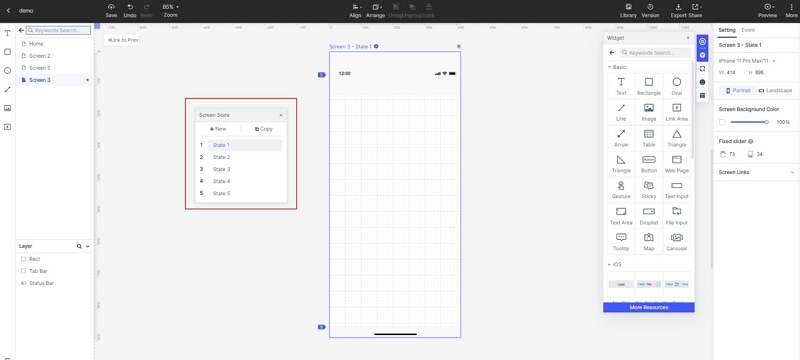
Step 3: Preview the Reading Task
Preview the intended flow on desktop and a narrow viewport. Check long titles, meaningful heading order, images that retain their proportions, and navigation that does not cover the destination heading. A visual preview does not replace accessibility or performance testing of the implemented website.
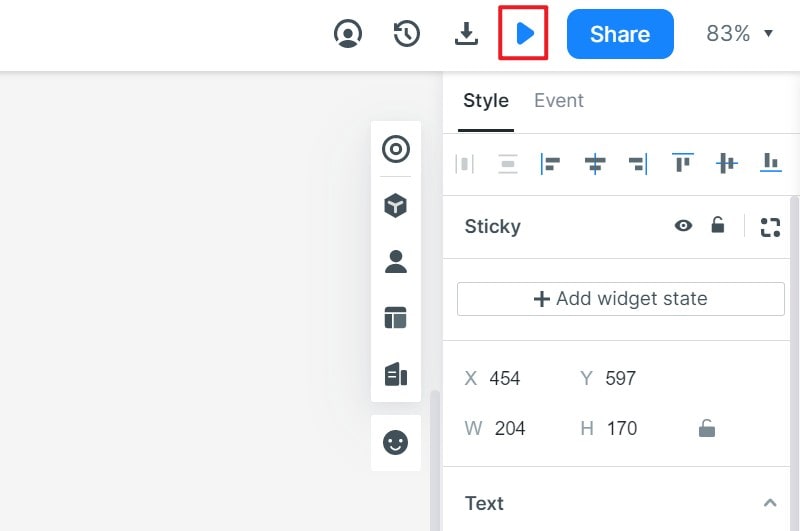
Step 4: Share for Focused Review
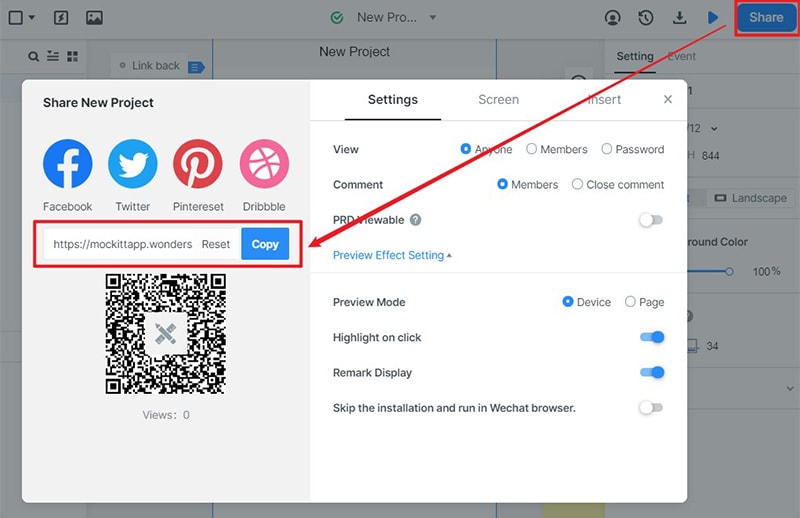
- Share the relevant prototype with reviewers and ask them to find a specific topic or section. Record where the labels or hierarchy cause confusion. Give editors and developers the expected behaviour as well as the image of the page.
Apply one lesson to a reading task
For a fictional research blog, design a page titled Plan a Clear User Interview. The summary explains that it covers questions and session structure. Its contents list names Set the research question, Write neutral prompts, and Review the evidence. These labels let a reader choose a section before reading the whole page.
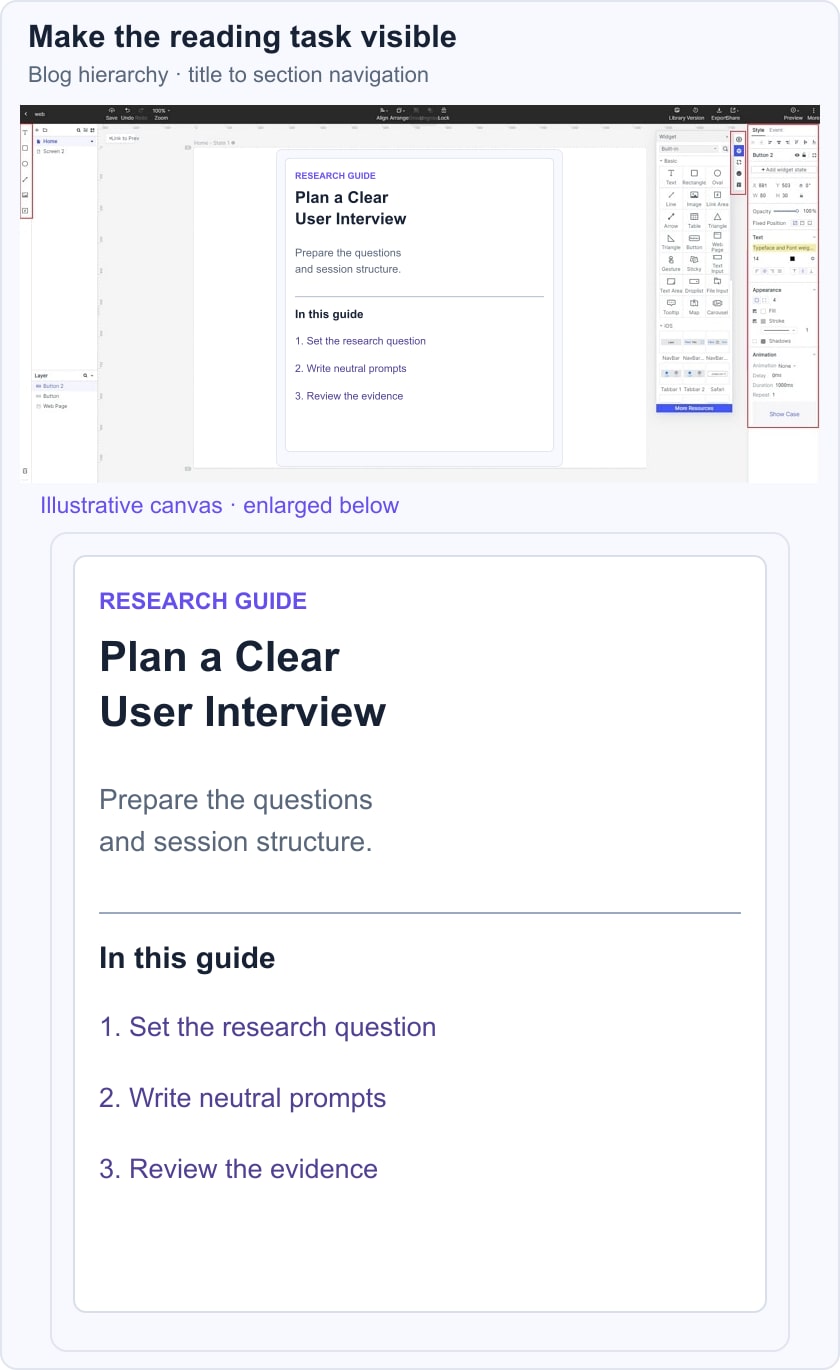
Try a long title in the same layout and review the narrow screen. The title must wrap without overlapping the summary; each contents link must have a distinct destination. Ask a reviewer where they would go to improve a leading question. Their route shows whether the page organization supports the task; it does not measure the quality of the research advice.
Five UI and UX Reading Resources
1. Justinmind
The Justinmind blog covers UI, UX, wireframes, and interaction design alongside product-oriented tutorials. It can be useful when you want examples connected to prototyping work. Distinguish a general design principle from instructions that depend on the publisher’s own software, and check the article date before following a tool workflow.
2. Smashing Magazine
Smashing Magazine connects interface design with front-end implementation, accessibility, and UX. Use it when a design question also depends on how browsers and components behave. Read the stated context of an example rather than assuming one pattern fits every website. A technique article and an opinion essay call for different kinds of evaluation.
3. Nielsen Norman Group
Nielsen Norman Group’s articles are useful for studying research methods, usability, navigation and related UX decisions. Look at how an article supports its recommendation: a study, a framework, or practitioner guidance. Apply the finding with attention to the audience and task instead of treating every recommendation as a universal rule.
4. UXmatters
UXmatters offers practitioner perspectives on research, design and the work of delivering UX. It can help when the question extends beyond a screen into communication or decision-making. Identify the author’s context, separate experience from general evidence, and choose a concrete practice to examine with your own team.
5. UX Booth
UX Booth is a useful historical reading reference for interaction design, research and accessibility. Its accessible article archive includes older material, so do not assume a tutorial or tool recommendation is current merely because it is still indexed. Check the original date and supporting sources before applying implementation-specific advice.
Turn a Reading List Into a Design Decision
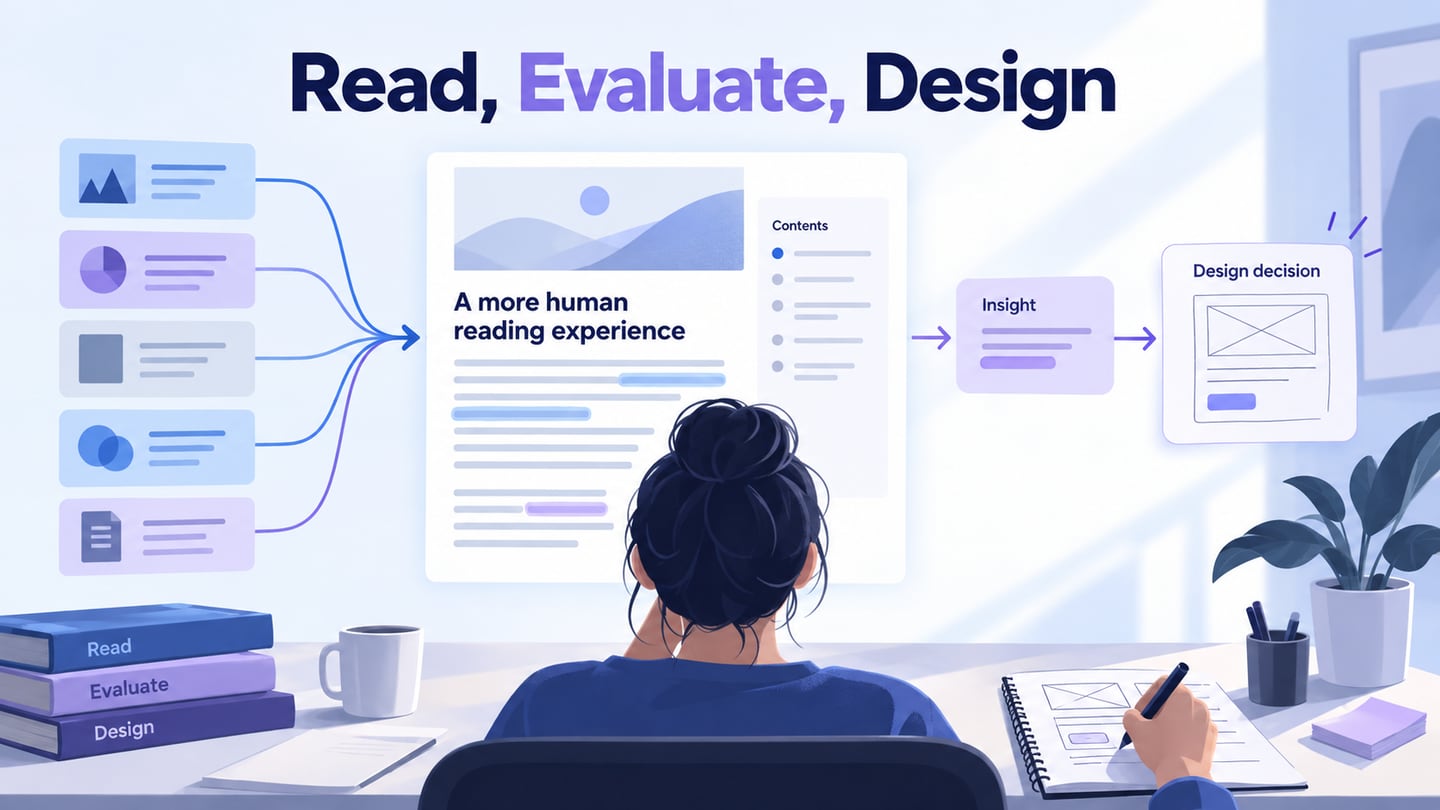
Keep a small record with four fields: the question you were investigating, the source, the applicable lesson, and the part that needs verification. Then prototype one change and review the relevant task. The purpose of a reading list is to improve judgment, not to justify a layout by the number of articles cited.
For a blog redesign, examine whether the reader can identify the subject, assess relevance, and move through the article without losing their place. These are more useful review questions than asking whether the page looks like a popular design blog.