Believe it or not, people are very much enthusiastic to pay for a good design. Because in all the spheres, the impact of an excellent design and interactive interface is way more than what a person can imagine.
As a designer, you need to connect with people looking for the kind of work you do. The Dribbble job board lists design opportunities and provides specialty, location, remote-work and full-time or freelance/contract filters. Use the requirements in each listing to decide whether to apply.
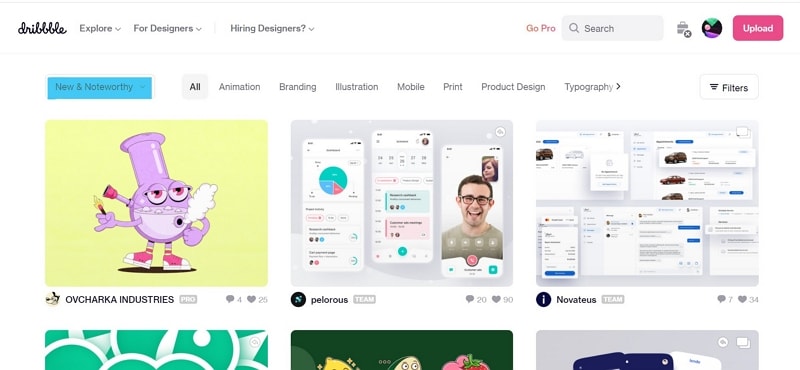
Create an account, prepare relevant samples and apply through the route specified in each listing. A profile can help clients understand your work, but posting designs does not guarantee a job. The screenshots below show earlier Dribbble and Mockitt interfaces; use them as examples of profile and portfolio presentation.
6 Tips For Getting Hired On Dribbble
1. A Rad Bio Which Impresses
Your profile bio is the first thing any recruiter will come across, and first impressions last longer than you think. So, take this as an opportunity to share your work expertise, experience, and approach without any hesitation.
Do not wait for the recruiter to move on to your samples and think that, "My work will talk for me." No, it won't go that far, if you have an ordinary bio.
Clearly state why you are here and what you want to pursue with the clients. It will save you and the recruiter a lot of time if your profile is clean, straight, creative, and specific.
Use accurate skills and tags so that the work on your profile is easy to understand. Do not add unrelated keywords to imply experience you do not have.
2. Be Social, Show Social
Your professional social profiles can provide context beyond a single portfolio shot, such as a complete case study or a discussion of your design process.
Today we are running marketplaces and businesses on social media channels. Similarly, you need to, if you have not already, tune-up your social media profiles and share all your work on those profiles.
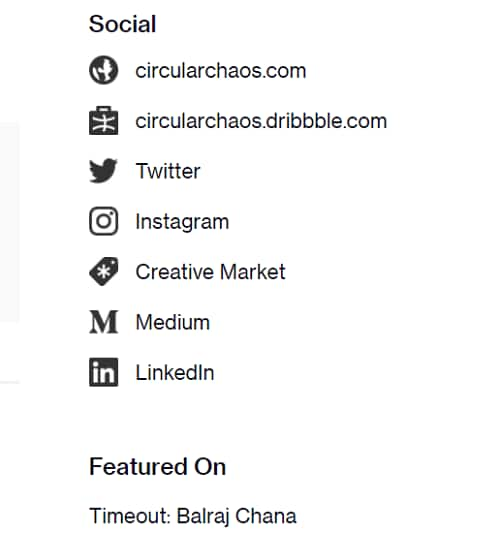
Plus, don't forget to insert them on your profile page to increase your chances of getting dribbble jobs.
By adding these profiles, you are directing the recruiters towards the direction you want them to go. Plus, you have got to make it easy for them to check everything about you.
3. Portfolio! Sort it Strategically
Everyone has the experience and something to show for it, a portfolio is one of those things. It is not about showcasing your work, but the kind of work you show also matters.
Successfully finding Dribbble jobs that interest you depends on the recruiter's requirements and your ability to deliver that sort of work.
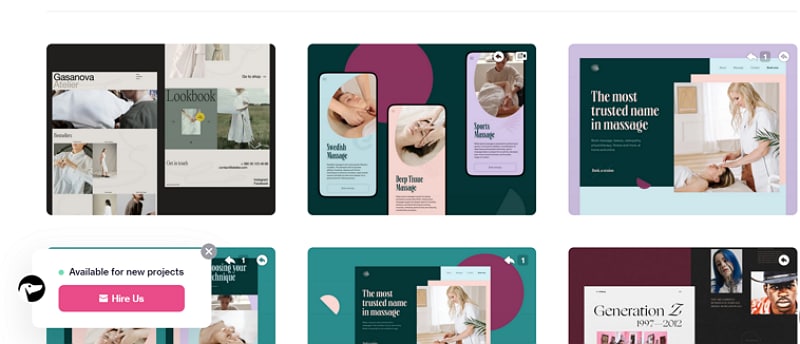
For instance, if you want to get jobs on dribbble as an illustrator, your portfolio shows samples of the illustrations you have made in the past in the starting slots.
Further, as you move down, you can add more work to show your diversity, but always start with projects you want to work on.
4. Don't leave the Recruiters Guessing
Here, take care of a couple of things. First, write your full name in the bio section. If the manager responsible for dribbble hiring wants to look at your other profiles, they should be able to find you easily on the web.
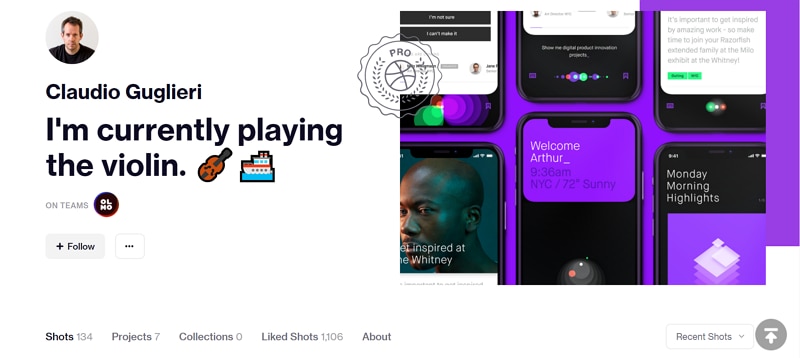
Second, keep your work preferences, contact details and availability current. State whether you want full-time employment, contract work or freelance projects. Update the relevant settings in your account rather than relying on the location of a control in an older screenshot.
5. Keep on Networking and Adding more Followers
Networking can help designers exchange feedback and discover relevant work, but an invitation is not required to create a Dribbble account. Dribbble has a public sign-up page. Its paid Pro offers include additional discovery and lead features; distinguish those benefits from ordinary account access.
When you talk to people, get to know them, keep in touch, new doors present themselves and you may get a chance to knock on them first. Familiarize yourself with dribbble meetups and be a part of it to grow.
6. Apply for Jobs Regularly
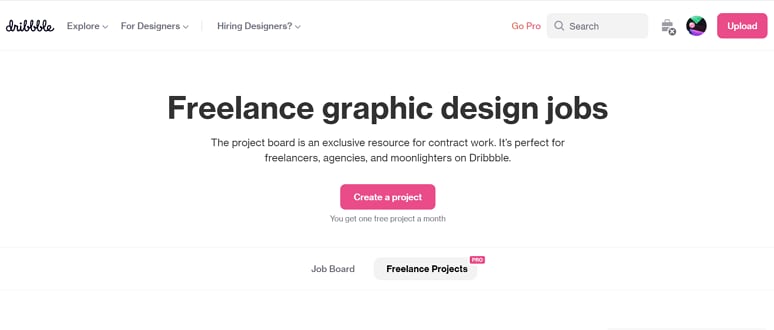
Use the current job board to find roles that match your specialization and availability. Read the job description, location restrictions and application instructions, then submit a small set of relevant samples. Paid lead features and client inquiries are separate from applying to an employer’s listing.
Create portfolio work with a prototyping tool
Dribbble hiring is easier said than done. Remember, patience is a virtue and you need to stay motivated.
Scoring dribbble jobs based on your portfolio and expertise is thrilling, but there is one more aspect that you need to cover and that is the software you use to build designs.
Sometimes, your clients may have preferences which tool they want you to use to create their designs. While others will only get the desired design, irrespective of how you build.
For interface-design applications, Mockitt’s prototyping workspace can help you present a connected app or website flow. Explain the design problem, your contribution and the decisions behind the screens; a tool screenshot alone does not demonstrate your whole design process.
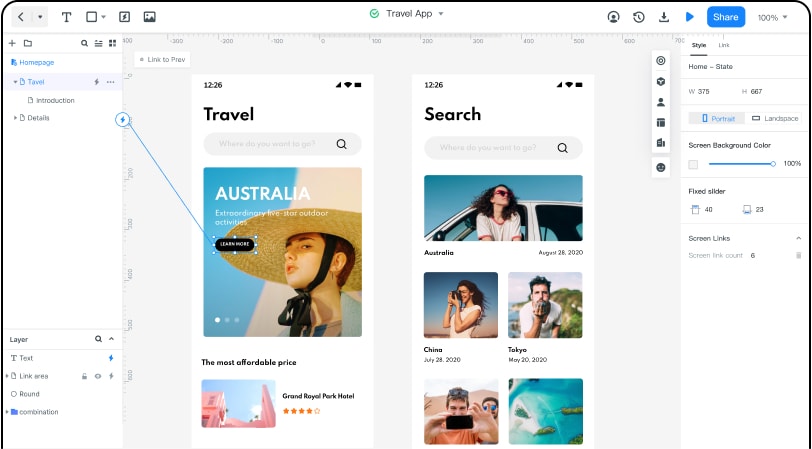
Mockitt’s reusable components and libraries can help you build a consistent screen flow. The retained travel-app example shows how a portfolio can present the relationship between screens as well as their visual design.
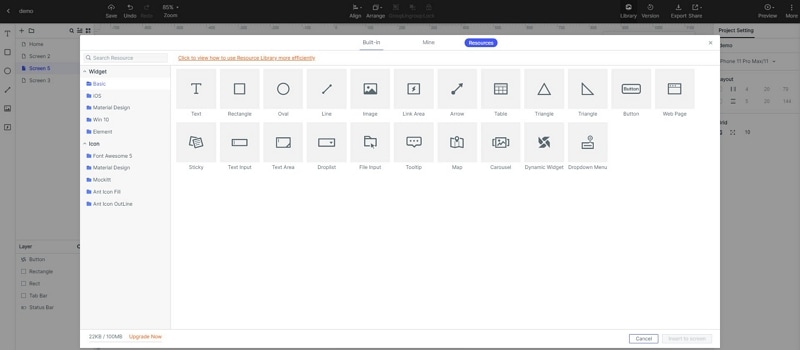
Mockitt provides a visual workflow for arranging screens and connecting interactions without building the production application. Use a working preview to demonstrate the part of the user journey you designed.
Use review and collaboration features to collect feedback on the prototype. In the portfolio, explain which observations led to a design change, and distinguish a design exercise from work commissioned by a real client.
Before using a prototype in a job application, check the current Mockitt plan limits and test that the reviewer can open the shared view. Present only work you are allowed to share, and describe your own contribution accurately.