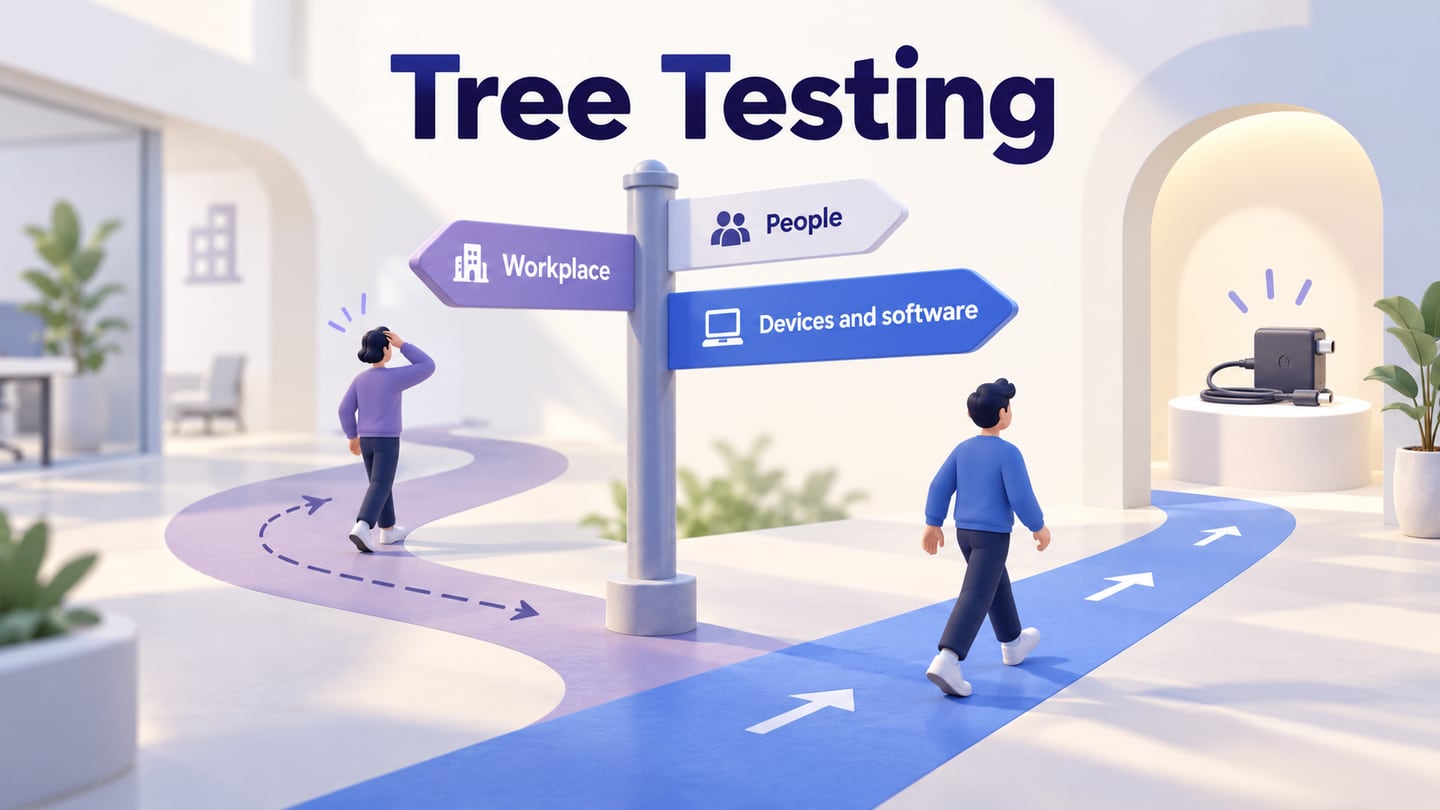

Information architecture gives the navigation hierarchy a clear purpose.
Information architecture organizes content and relationships so people can understand where they are and find what they need. It includes categories, labels, hierarchy and ways to locate information. Navigation expresses parts of that structure through an interface, but the two are not identical.
A useful architecture begins with actual content and audience tasks. A tidy site map can still fail if its labels reflect internal departments rather than the language people use to find information.
What Is Information Architecture?
Information architecture, or IA, defines how information is organized, described and connected. It helps a team decide which content belongs together, how it can be found and how the structure can grow.
Its outputs may include a content inventory, taxonomy, site map and labeling decisions. Wireframes can show how the structure is presented, but IA is not merely the production of wireframes or a list of content formats.
Dan Brown’s eight principles of information architecture offer a useful starting framework:
- Principle of objects
Give content meaningful attributes and a lifecycle, rather than treating each page as an isolated block.
- Principle of choices
Offer choices that serve the current task instead of simply minimizing their number.
- Principle of disclosure
Reveal enough information to help people decide where to go next.
- Principle of exemplars
Use representative examples to make a category’s meaning clearer.
- Principle of front doors
Support people who arrive on an inner page, not only through the home page.
- Principle of multiple classifications
Provide appropriate alternative ways to browse when people approach content differently.
- Principle of focused navigation
Keep the purpose of each navigation scheme clear.
- Principle of growth
Allow for future content and maintain the structure as it changes.
These principles support concrete content decisions; they do not guarantee rankings, lower costs or customer satisfaction.
- Make missing, duplicated and outdated content easier to identify.
- Clarify the relationships between a topic, its supporting pages and relevant actions.
- Help people understand categories and labels before visual detail is added.
- Connect content work to defined audience and service goals.
- Provide a structure that navigation and page layouts can express consistently.
Example: A Volunteer Knowledge Center
Imagine a fictional organization with onboarding guidance, shift information and incident-reporting instructions spread across several folders. Volunteers need to find what to do before their first shift and how to report an issue afterward. Start with the content and those tasks, not a preferred menu layout.
- Inventory each item with its title, purpose, owner, audience and review status.
- Identify duplicate onboarding checklists and choose the maintained version before linking to it.
- Separate a task such as “Report an incident” from a general category such as “Policies.”
- Sketch candidate groups such as Getting started, During your shift and Help and reporting, then investigate whether those labels make sense to the audience.
- Include people who enter directly through a search result or a shared policy link; they still need context and relevant next steps.
Context, content and users all influence the structure. The example groups are hypotheses to review, not a tested universal taxonomy.

Common Uses for Information Architecture.
Use IA work when a content collection is hard to navigate, inconsistent or growing beyond its current structure. A website, app or knowledge base may need different navigation patterns while sharing the same underlying organizational questions.
The following process keeps the decisions connected to evidence and maintainable content.
- Define the complete goals
Define what the service needs the content to accomplish. In the volunteer example, distinguish required preparation from optional background reading and identify who maintains each item.
- Understand the user goals
Identify what people need to find and the wording they use. A new volunteer may look for “first shift” while an internal team calls the same material “operational induction.” Investigate the label rather than assuming the internal term is clear.
- Analyze the competition prevailing
Inspect comparable content structures for possible approaches, while recognizing that another organization may have a different audience and content set. Do not copy its menu as proof of suitability.
- Define and create the content
Create the inventory, resolve duplication and propose categories and labels. Card sorting can help investigate grouping, while task-based structure checks address whether people can find the intended item.
- Implement, analyze, and adapt
Review the proposed structure with relevant tasks, then revise it. Assign content owners and review rules so the architecture does not deteriorate as new pages are added.
Keep the resulting deliverables practical:
- An inventory that distinguishes maintained content from duplicates or retired items.
- A set of audience tasks the structure must support.
- Labels and categories with a stated rationale.
- Relationships between overview pages, detailed guidance and actions.
- A site map or taxonomy suitable for implementation.
- A plan for testing findability and maintaining the content.
How Information Architecture Relates to UX
IA is one part of the experience. A clear hierarchy can still be undermined by poor labeling, inaccessible controls or inaccurate content. NN/g’s distinction between IA and navigation helps keep the underlying structure separate from its interface presentation.
- Organization defines how content relates.
- Navigation provides routes through that organization.
- Page content and layout help people recognize that they reached the right place.
- Research and ongoing maintenance reveal where those parts fail to support real tasks.
Review the Proposed Knowledge Center
In Mockitt, prepare Knowledge center, Getting started and First-shift checklist screens, plus a direct-entry view of Incident reporting. Use the same labels in navigation, headings and breadcrumbs. The prototype demonstrates the proposed structure, not a live content-management system.
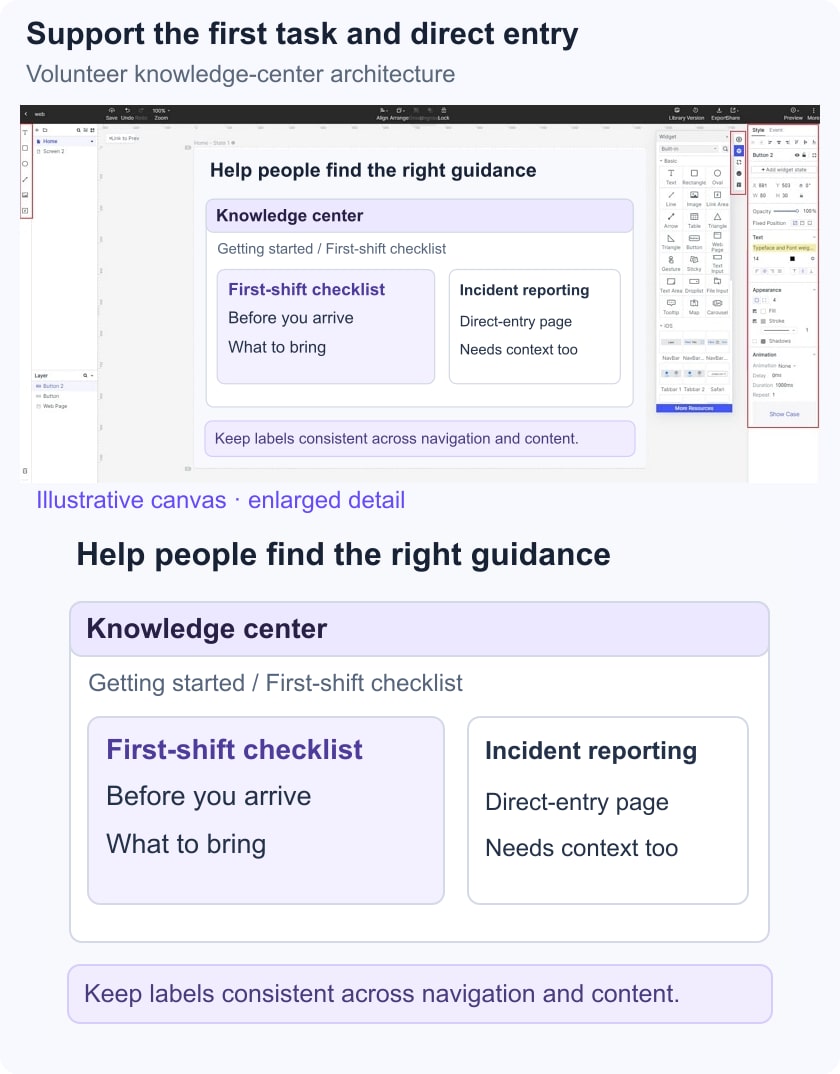
Ask a new volunteer to find what to prepare before a first shift, then ask where they would report an incident. Record the chosen categories, wrong turns and labels they expected. Keep the findings distinct from preferences about color or card style.
Before handoff, confirm that each maintained content item has a home, a clear owner and an appropriate route from relevant pages. Give a directly accessed detail page enough context to orient the reader without forcing everyone back to the home page.