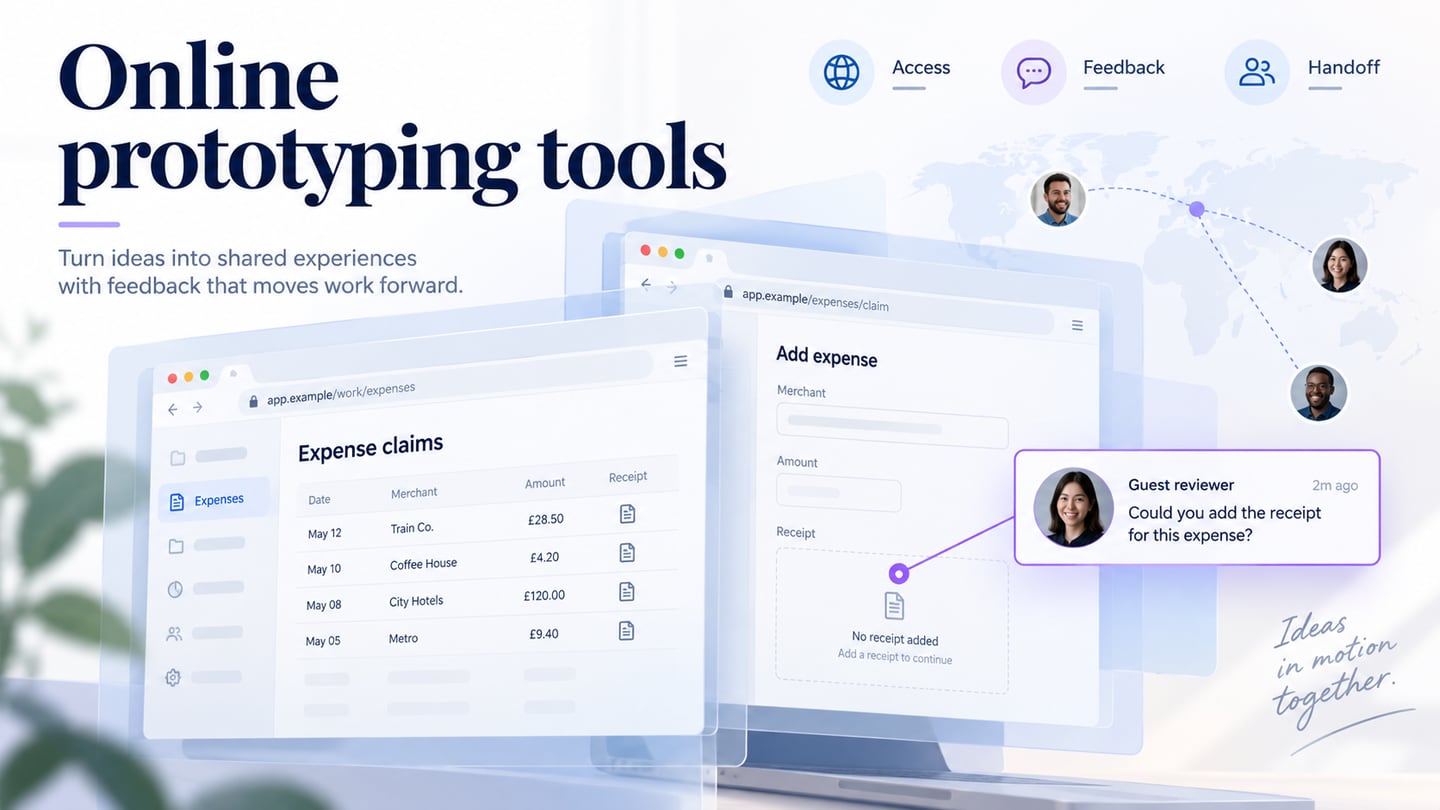
Online prototyping tools let a team create or review a proposed interface through a browser. The important differences are what stays editable, how much behavior you can model, and how a recipient opens the right version. Browser access does not guarantee offline work, successful synchronization, or unrestricted guest access. This guide compares seven creation tools using the same small team-review task.
Seven online tools to compare
1. Mockitt
Mockitt combines visual screen editing, connections between states, and link-based review. Consider it when the team needs an editable interface and a shared click-through for a product discussion. For this comparison, create a travel-expense claim list, a claim missing its receipt, and a resubmission confirmation.
Output
Editable screens and a shared prototype; check the current workspace and plan for your required exports.
Useful review checks
- Change the missing-receipt message without rebuilding the screen and reuse the same claim-card layout.
- Open the share link as a recipient and check which feedback and editing actions are available.
Decision boundary
- A simulated receipt upload demonstrates the proposed interface, not a working upload service or an approved expense.
- If offline review or a specific export is essential, verify the exact deliverable before selecting a plan.
2. UXPin
UXPin is relevant when a review needs more detailed state, variable or conditional behavior. Its code-backed component workflows are a different approach from simply linking static screens. Evaluate the features available in the intended editor and plan.
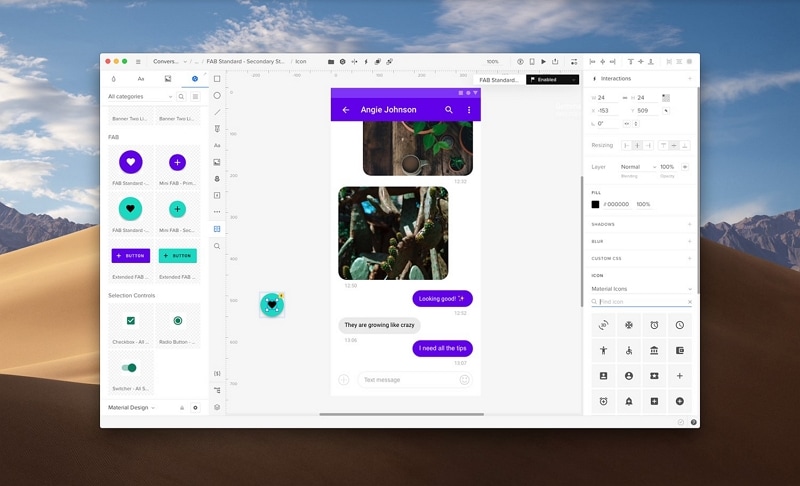
Output
Interactive interface designs; inspect the component and sharing workflow your team would use.
Useful review checks
- Model a missing-receipt condition and show the corrected state without making the reviewer choose from unexplained duplicate screens.
- Check whether your existing component source can be used in the intended workflow rather than assuming every imported design is fully preserved.
Decision boundary
- More detailed behavior requires more setup and maintenance. Build only what is needed to answer the review question.
- A realistic prototype does not validate backend rules, file storage or production accessibility.
A legacy entry: InVision
The original version of this article recommended InVision as an active choice. Its public site now directs visitors to Miro, so that old recommendation and screenshot are no longer a sound starting point for selecting a new prototyping workflow. If you have archived InVision work, inventory the files and available exports before choosing a replacement.
3. Figma
Figma supports collaborative interface design and prototyping. It is a candidate when the team already maintains components and screen designs in Figma Design. Keep a design-file prototype distinct from the functional experiences produced by Figma Make.
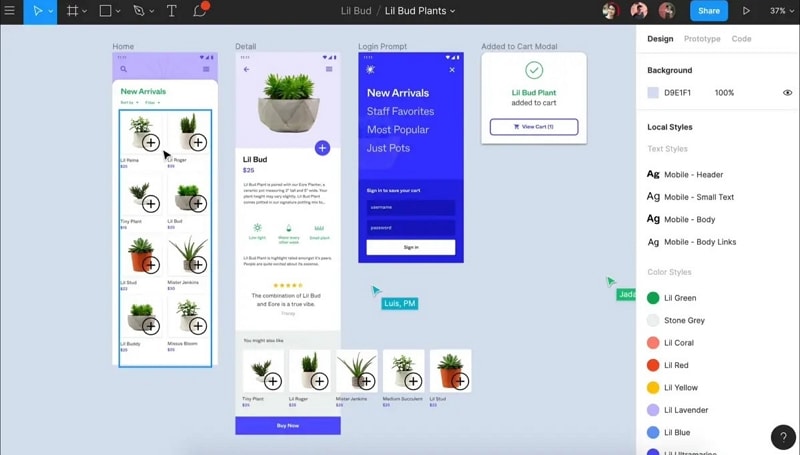
Output
Editable design files and prototypes; confirm which workspace and product the team will review.
Useful review checks
- Connect the claim list to its detail screen and make the missing-receipt state visible at the correct point.
- Ask a recipient to open the intended version, inspect the screen, and attach feedback to the relevant design.
Decision boundary
- Check prototype behavior in the browser and viewport sizes used by reviewers.
- Inspect plan-specific collaboration and sharing limits instead of relying on outdated free-project counts.
4. Marvel
Marvel documents design, prototyping and handoff workflows. It can be considered for a screen-based review where the team needs to connect a short sequence and share the result. The original article listed Marvel twice; this section covers it once.
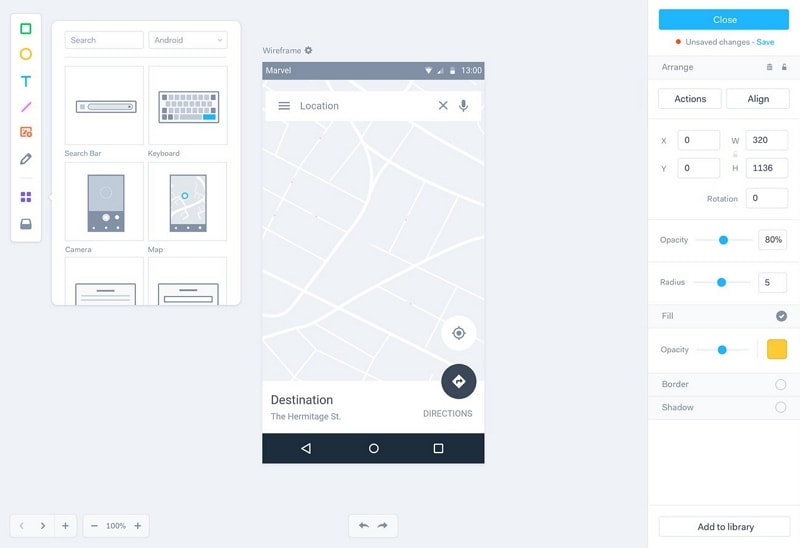
Output
A shared prototype with the design and handoff features available in the selected plan.
Useful review checks
- Check whether the expense screens and their supporting assets remain editable in the intended workflow.
- Follow the claim, correction and confirmation sequence as a reviewer rather than only viewing the author’s canvas.
Decision boundary
- Verify guest access, commenting and version expectations with an actual recipient.
- Any generated style or handoff information still needs implementation review; it is not a working expense system.
A related handoff tool: Zeplin
Zeplin focuses on design delivery and collaboration around implementation. It belongs after the screen-design decision in this comparison, rather than being counted as another online prototype editor.
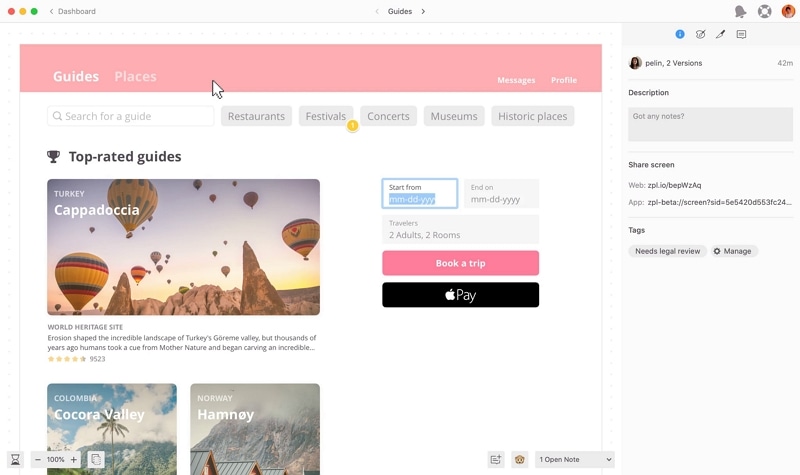
Use it for
Communicating approved designs and their implementation context.
Review checks
- Identify which expense screen and state the developer should implement.
- Keep design specifications and assets tied to the approved version.
Boundary
- A delivery workspace does not replace the creation or usability review of the prototype.
- Check the actual connection to your design tool before relying on an integration.
5. Proto.io
Proto.io provides browser-based prototyping with interface components and interaction controls. Evaluate it when the review depends on more than a sequence of linked screenshots.
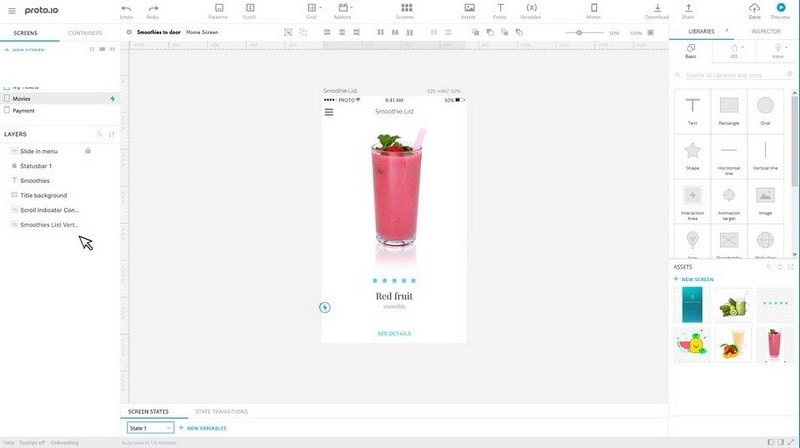
Output
Interactive prototypes assembled in a web editor.
Useful review checks
- Model the claim detail, receipt correction and success state with consistent components.
- Share the intended task and check how reviewers experience the transition and return path.
Decision boundary
- Confirm required export and review capabilities in the current plan.
- Separate simulated interactions from live integrations and data processing.
6. Moqups
Moqups combines wireframes, diagrams and prototypes on an online canvas. It is relevant when the team wants to discuss the expense flow and its screen structure together.
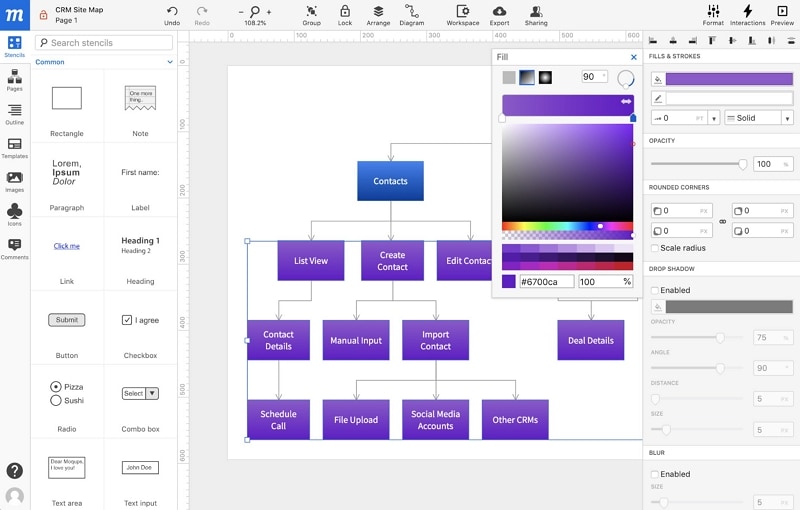
Output
Wireframes, diagrams and linked screen concepts.
Useful review checks
- Show the claim’s path from draft to missing receipt to resubmitted, then connect that flow to the screen layouts.
- Check whether a reviewer can distinguish a process annotation from an action they should click.
Decision boundary
- Detailed animation or application logic may require a different level of prototyping.
- Test the intended sharing and export path with the team’s actual workflow.
7. MockFlow
MockFlow provides wireframing and visual planning tools. Consider it when the key discussion is how the claim list, status and required correction are arranged before visual design is finalized.
Output
Wireframes and supporting visual documentation; confirm the prototype behavior needed for your review.
Useful review checks
- Create a claim card with an amount, status and missing-receipt message using the same content as the other candidates.
- Share the layout with a colleague and collect feedback on whether the next action is discoverable.
Decision boundary
- A wireframe review answers structural questions; it does not demonstrate a completed business workflow.
- Verify current plans, exports and collaboration features rather than assuming every feature is included.
Run one browser-based review before choosing
Use fictional expenses and the same task in each candidate: “Your train claim needs a receipt. Find the claim, identify the missing item, and resubmit it.” Prepare a list state, a detail state with the missing-receipt explanation, and an example confirmation. Keep amounts and labels constant so the comparison concerns the tool rather than different content.
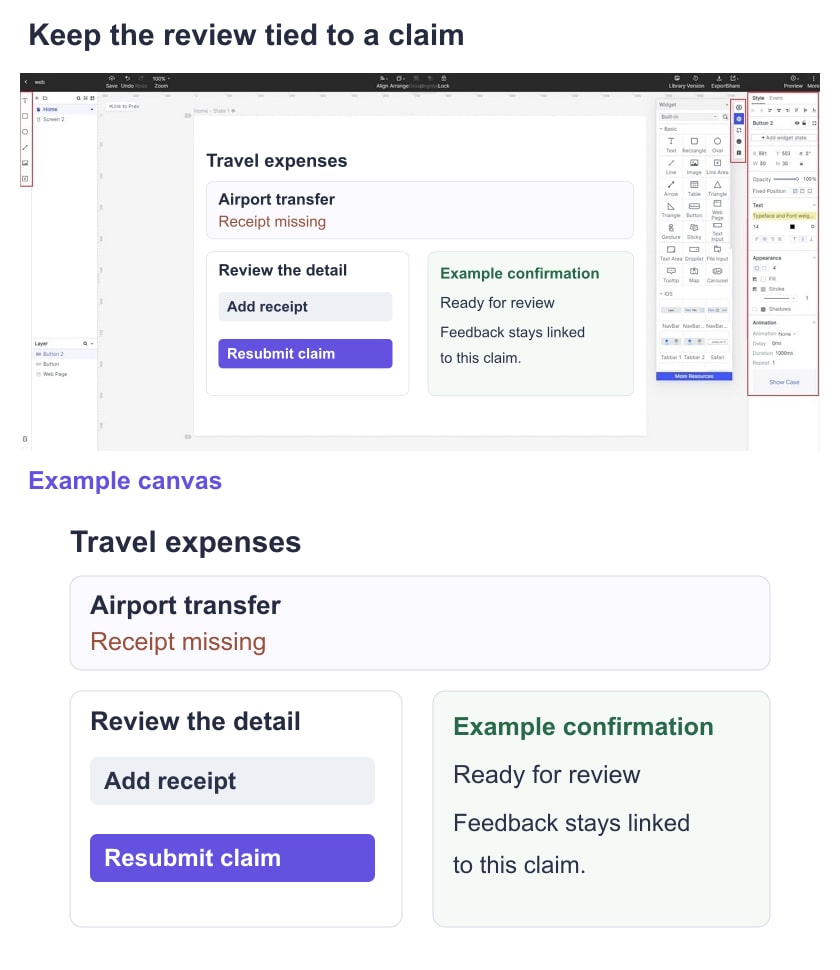
Record whether you could edit the message, connect the intended states, open the correct version from a recipient account, and attach feedback to the relevant screen. Note unsupported behavior instead of quietly substituting a live service. A usable prototype should show what was resubmitted and how to return to the claim list; it cannot establish reimbursement approval.
Keep the review record alongside a link or screenshot of each state. Choose based on the interaction depth and collaboration your team actually needs. Broad rankings and an old free-plan limit are less useful than a complete task that your reviewers can open and discuss.