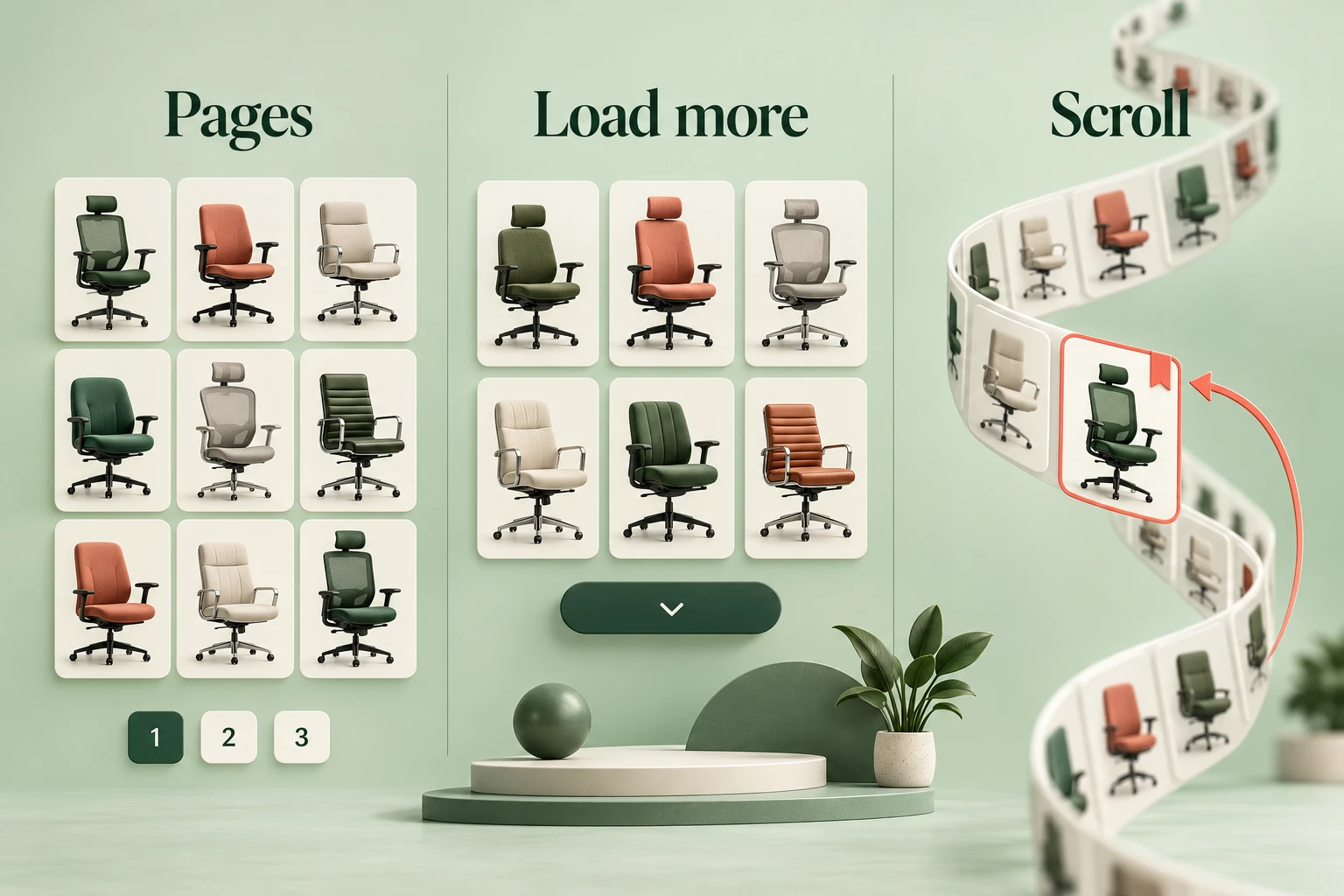
Choose pagination when people need clear locations and repeatable navigation, Load more when they want controlled continuation, and infinite scroll for open-ended browsing only when return, focus, and loading behavior are handled deliberately. Compare the options around a real task in Mockitt's UI design workspace; a polished grid alone cannot tell you how well someone will find, compare, and revisit an item.
This guide follows Workroom, a fictional office-chair catalog. A shopper filters for adjustable arms, opens Alto Chair from a later group of results, and returns to compare another chair. The important question is whether the interface preserves that work.
Compare the three continuation patterns
| Pattern | What the person controls | Useful when | Main design risk |
|---|---|---|---|
| Pagination | Move between bounded result pages. | People find specific records, revisit a location, or compare manageable groups. | Filters, sort, or Back navigation lose the current page and position. |
| Load more | Choose when another group is appended. | Browsing benefits from continuity but the person should control further loading. | New content is hard to locate or the expanded list is lost on return. |
| Infinite scroll | Continue browsing while more items load automatically. | The main task is exploratory and an exact page location is less important. | Position, focus, footer access, or an ending becomes difficult to understand. |
None of these patterns guarantees higher conversion, better accessibility, or faster loading. The outcome depends on the content, controls, requests, and return behavior. A slow paginated page can still be slow, and a long scrolling list can still need a way to resume a specific item.
Also distinguish product browsing from completing a sequence. A numbered form stepper represents progress through a task; pagination represents navigation through a result set. They should not share labels merely because both display numbers.
Start with retrieval or exploration
Ask what brings the person to the list. Someone finding a known chair model needs identifiable results and dependable return navigation. Someone browsing colors for inspiration may prefer continuous visual comparison. The same catalog can serve both, so examine the primary task and how people refine it.
For Workroom, the shopper has constraints: adjustable arms, a price range, and a delivery requirement. They will inspect specifications on several product pages. A controlled list is a sensible starting hypothesis because revisiting matters more than consuming an endless stream of chair images.
Pagination offers recognizable boundaries. Load more can retain visual continuity between groups. Test those two against the same task before assuming the choice must be pagination versus automatic loading. Keep filters, item content, and ordering the same during a comparison so the navigation pattern is not confused with a different product assortment.
Make pagination understandable
Show the current page and useful ways to move forward or backward. A compact set of nearby page links can be easier to use than dozens of tiny numbers. Do not show Previous on the first page as if it leads somewhere meaningful.
The GOV.UK pagination component demonstrates labeled page navigation and a current-page state. Its guidance also warns about keyboard problems with infinite scrolling. Use that as concrete implementation guidance, while checking whether your listing task warrants separate pages.
A page number is not a permanent identity for its items. When products are added or ordering changes, Alto Chair may move. Preserve a stable item identifier as well as navigation state when return behavior depends on finding the same item again.
Changing filters can invalidate the current page. If the shopper is on page four and a filter leaves two pages, move to a valid result location and explain the new scope. Do not leave an empty page that falsely suggests there are no matching chairs.
Make Load more a deliberate continuation
A Load more control appends another group while keeping earlier items present. Explain what it will do: “Load more chairs” is clearer than a detached plus icon. If a total count is accurate and useful, show progress through the set; do not invent a precise total for a changing feed.
After loading, make the start of the new group discoverable. Define focus and status behavior with engineering, then test it with a keyboard and assistive technology. Replacing the button with cards without any understandable transition can leave someone unsure whether anything happened.
On failure, keep the already loaded chairs and offer a retry at the continuation point. Do not clear the grid or return the shopper to the top. The loading UX guide explains why pending, failed, and completed work need different feedback.
Account for the costs of automatic loading
Infinite scroll removes a repeated continuation action, but it also removes an obvious boundary. A person may have difficulty reaching information below the list when every approach to the bottom adds more content. Provide another dependable route to essential help or footer links.
Consider what happens when an item receives keyboard focus, when earlier content is removed to save memory, and when a person returns from a detail page. Visual scrolling alone is not an accessibility strategy. The W3C feed pattern describes a specific contract for dynamically loaded articles and assistive technologies; it is not a role to add indiscriminately to every product grid.
If the catalog has an end, show that the current results are complete. If loading fails, distinguish that interruption from the end. The person should not have to infer the difference from a spinner that stopped moving.
Preserve the office-chair return state
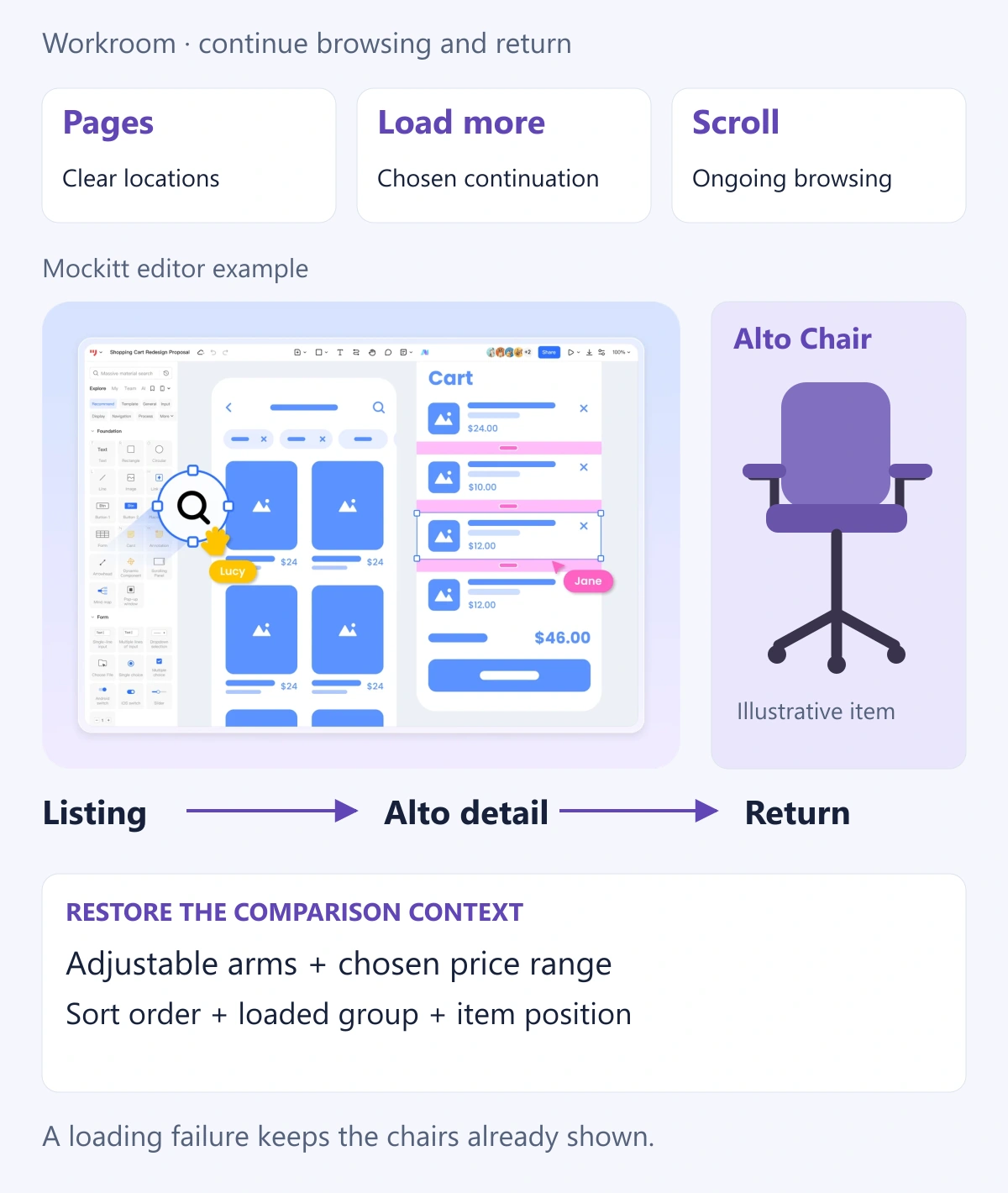
Build the example around four pieces of context: active filters, sort order, loaded location, and the item being inspected. The shopper selects Adjustable arms, keeps the agreed price range, opens Alto Chair, and returns. A useful return restores enough context to continue comparing rather than starting again.
| Action | Expected visible result |
|---|---|
| Open Alto Chair from a later result group | The detail page identifies the same chair; the list context is retained. |
| Return to results | Filters and sort remain, with Alto Chair or its nearest valid position visible. |
| Alto is no longer available | Explain the change and retain the remaining comparison context. |
| Change sort order | Reorder the relevant result set deliberately; do not imply that the previous position still has the same meaning. |
| Further loading fails | Keep the existing items and provide a retry that does not duplicate them. |
For a side-by-side comparison table, the table UI design guide covers the attributes and controls people need. The dashboard prototype walkthrough goes deeper into consistent filter fixtures. This choice concerns how the list continues and how people return to it.
Review the same task before choosing
Prepare paginated and Load more versions of the Workroom list, a later group containing Alto, the detail page, and the restored list. Use identical chair names and attributes. Add a failure state and a changed-filter state so the review covers more than forward browsing.
Ask someone to find two suitable chairs, inspect each, and return to the one they prefer. Observe lost position, repeated searching, unexpected resets, and uncertainty about whether more results remain. Use those breakdowns to decide which continuation pattern best supports comparison and return.
Record the chosen continuation pattern with its URL, focus, return, and loading rules. Implementation still needs to verify actual performance and accessible behavior. The strongest choice is the one that lets people continue their task and recover their place with the least unnecessary work.