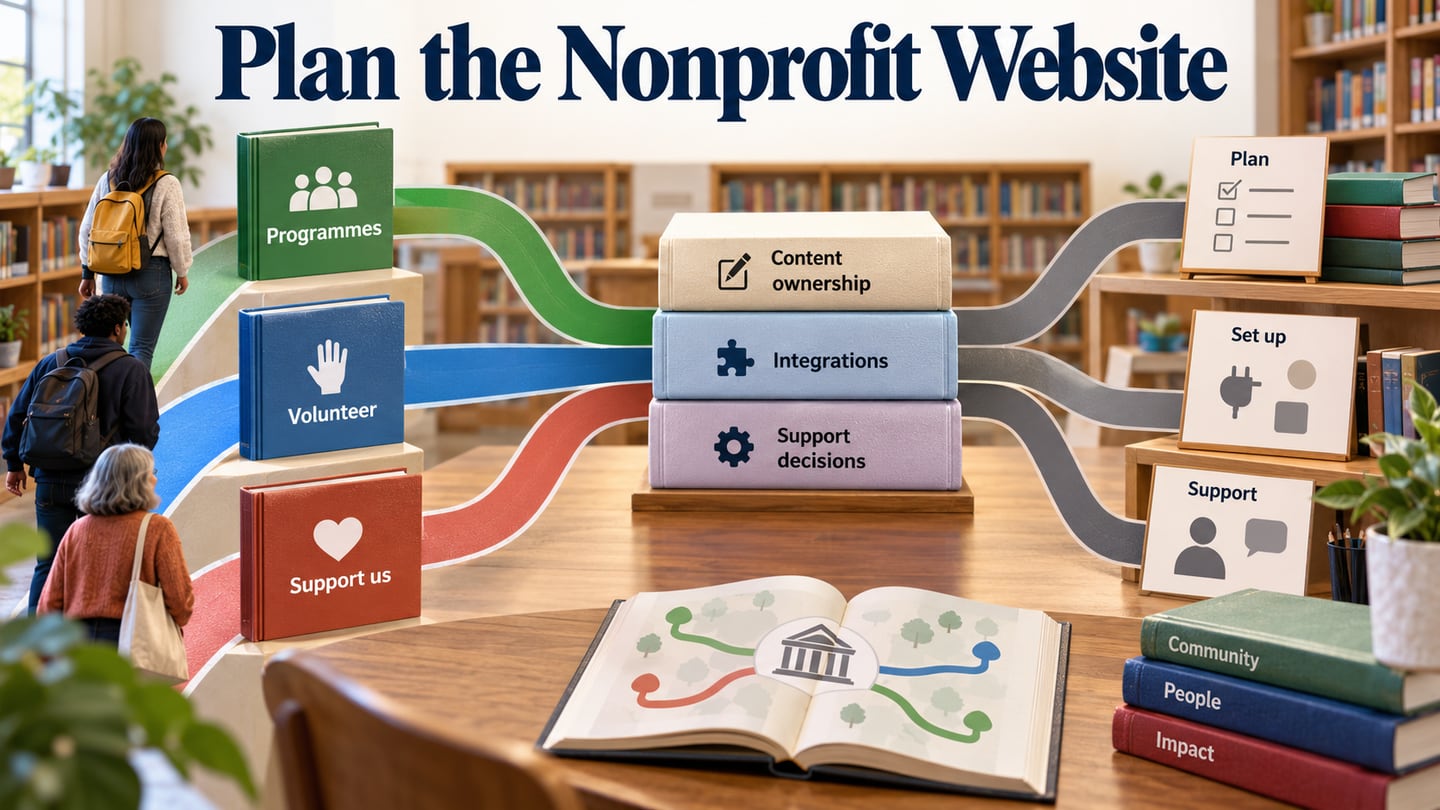
Nonprofit website design begins with the people the organization serves and the actions supporters need to take. Before selecting a provider, agree the routes for programmes, volunteering, donations or contact. A shared layout in Mockitt’s design workspace can turn those requirements into something staff and stakeholders can review together.
The five entries here are services and resources for organizations planning a website. They are not five charity websites or a list of universally free builders. Their service models differ, so compare the work, ongoing support and responsibilities included in an offer before judging it by the visual examples alone.
The preserved screenshots show earlier provider sites. Current official pages are used below to clarify service scope, while the images remain useful context for how each provider presented its offering.
Five Nonprofit Website Services and Resources
A nonprofit’s needs can differ from the questions in a general web design software comparison. Find out who will write content, maintain pages, manage integrations and approve changes. Use those responsibilities to compare the following options.
#1: Morweb
Morweb’s pricing page describes paid plans. Its role is closer to a website platform and associated services than a promise of free design for anyone. The captured homepage presents features, themes, examples and pricing as separate navigation choices, which gives an organization several ways to examine fit.
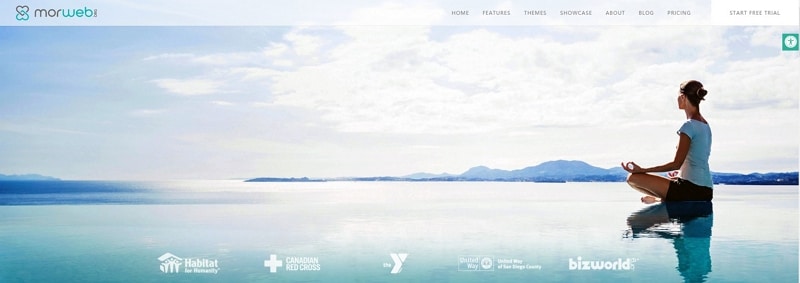
Begin with the content your team must manage: programme pages, events, news, forms and the organization’s main calls to action. A template is useful only if staff can maintain those types of content without making the navigation inconsistent.
Ask how images and documents are uploaded, who can publish changes and what assistance is included. Check the specific plan for any required feature instead of assuming that every demonstration or add-on is included in the entry-level offer.
If the site needs several languages or integrations, bring those requirements to the discussion early. Identify who owns the translations and third-party accounts. Growth is easier to plan when the team understands what it can change itself and when it needs provider support.
#2: Wired Impact
Wired Impact presents a done-for-you nonprofit website service with a one-time build fee and a recurring plan. Its published features include an editing environment and nonprofit tasks, with additional capabilities depending on the tier. That makes it important to compare the full scope rather than treating it as a zero-budget WordPress installation.
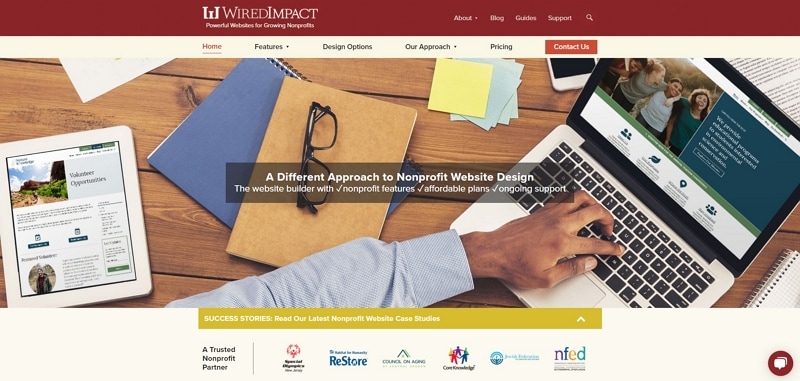
Review the proposed content structure as carefully as the theme. If a volunteer needs to find an opportunity or a supporter wants programme information, the labels and page relationships should make that route clear. A large font or color selection is secondary to the content being understandable.
List the third-party tools the organization already uses and ask which connections are included. A website subscription and a payment processor or email service may have separate costs and responsibilities. Confirm those boundaries before approving the build.
Request examples of how your staff would edit a page and ask what happens when a new requirement appears. This helps compare the convenience of ongoing support with the organization’s preferred level of control.
#3: Elevation
Elevation describes itself as a nonprofit web design and growth agency. Its official services span strategy, identity, website design/development and ongoing support. An agency engagement should be evaluated against a defined scope and proposal, rather than an assumption that the site is built without payment.
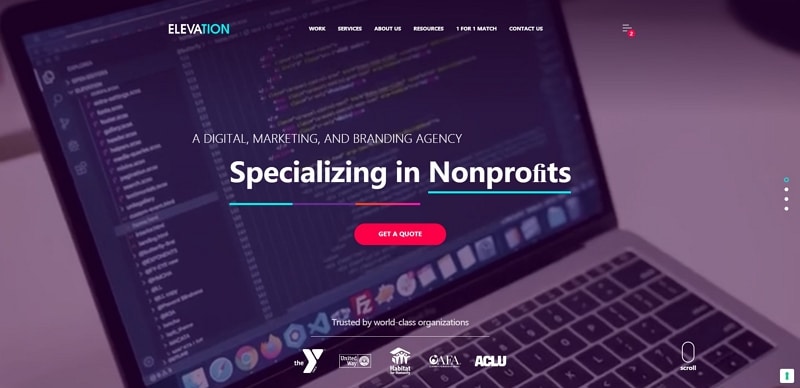
Bring an outline of the audiences, content and tasks to the first discussion. Agree which existing pages need to migrate, what new writing or photography is required and which decisions the organization must supply.
Ask about the chosen content-management system, editing roles and maintenance plan. Accessibility, performance and discoverability involve implementation and ongoing work; they should have defined checks and owners rather than being treated as automatic consequences of a hosting choice.
A useful proposal explains deliverables, approvals and support after launch. Compare those details with other offers before comparing only their visual style or headline price.
#4: Firespring
Firespring’s nonprofit services include website development alongside fundraising, event and communication work. That breadth may be relevant when an organization needs its website and other campaign materials to work together.
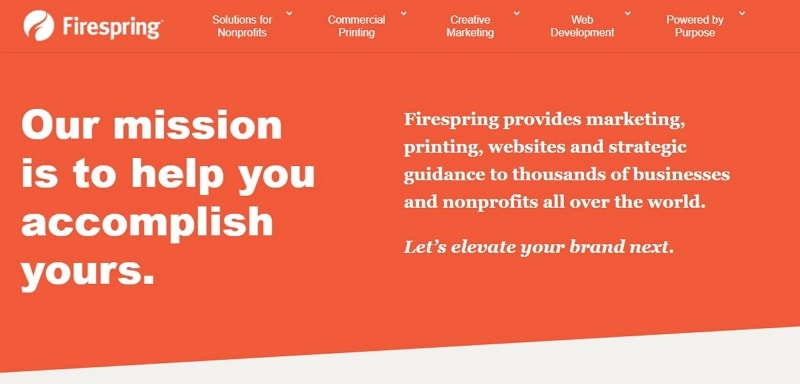
Start with the relationship between those materials. If a printed appeal sends someone to a campaign page, use consistent names and explain the next step on that page. The website brief should identify which programme or campaign content will be shared.
Clarify account ownership and access. Staff need to know who can edit content, manage a third-party integration and recover an account when a role changes. Those are operational requirements to agree, not reasons to bypass authentication.
Ask what support is available during and after the build, including training and handling urgent content changes. For security and maintenance, identify who performs updates and how issues are reported; broad marketing claims are not a substitute for an agreed process.
Check whether requested forms, scripts or integrations are supported and how they are priced. Review the actual mobile layouts rather than assuming that a template or drag-and-drop editor makes every long heading, form and navigation menu work automatically.
#5: Upleaf
Upleaf’s current public homepage presents nonprofit resources covering areas such as strategy, design, fundraising and technology. The historical capture shows a broader digital-solutions presentation. Treat the resource material as the verified current offering unless a direct discussion establishes an active design-service scope.
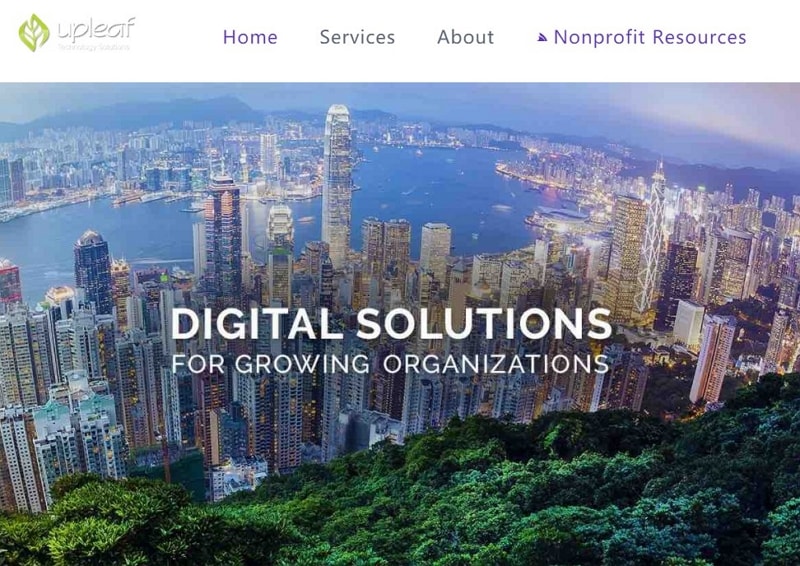
Its resource categories are useful prompts for a brief: identify the target audience, the message, the fundraising or programme task and the technology supporting it. Keep those decisions explicit when comparing a potential provider.
If seeking implementation help, confirm current availability, platform, deliverables and support directly. Do not assume a resource site offers free custom development or that an earlier screenshot establishes present-day service terms.
For multilingual or distributed organizations, ask who will maintain each language, approve content and manage access. These requirements should be described in the project brief so they can be evaluated consistently across providers.
Prepare a Website Brief in Mockitt
Build the brief around the organization’s real audiences. A community or church website may have service information and event routes; a library may need programmes, volunteering and support information. The prototype should make those differences visible before the provider estimates the implementation.
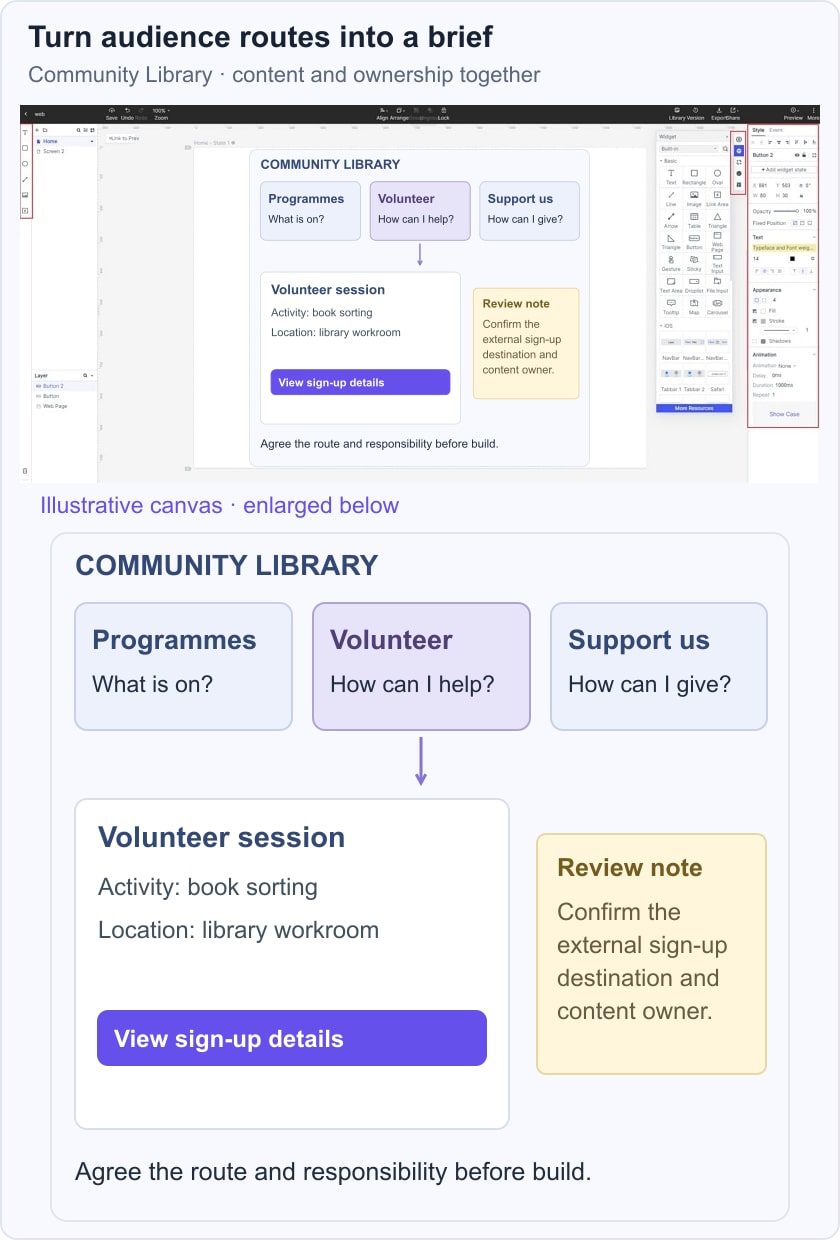
For the fictional Community Library example, arrange three routes: Programmes, Volunteer and Support us. Give each route a clear destination and list the content owner. This shows the team what information it needs, rather than presenting three equally prominent buttons without a purpose.
Open a volunteer-session detail with its activity, location and next step. Place a review note beside the external sign-up destination so staff can confirm who maintains it. The diagram connects each audience route to the information needed to complete its task.
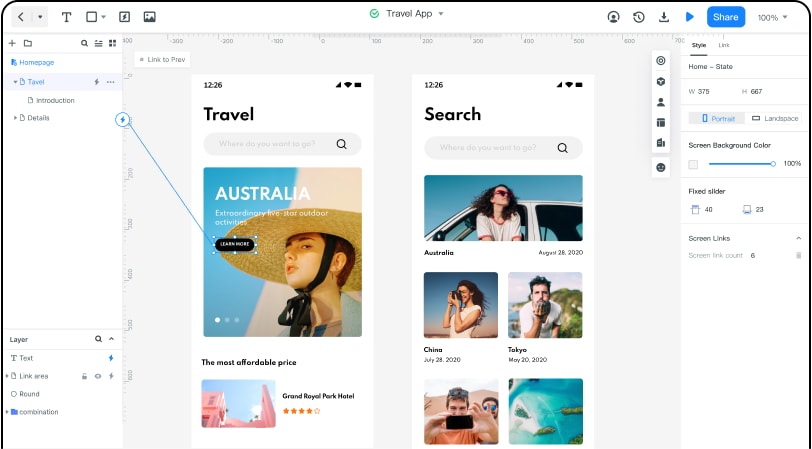
Invite the staff who answer visitor questions to review the prototype. Ask them to find a programme, explain how someone volunteers and locate the support route. Keep feedback attached to the relevant screen so the team can resolve wording or missing information before development.
Review narrow layouts and realistic content, including a long programme name or a changed event notice. Record the expected behavior for the implementation team. A visual layout does not itself connect donation processing, a CRM or live registration data.
Carry the agreed structure, content responsibilities and open integration questions into the provider discussion. That makes proposals easier to compare because each service is responding to the same concrete requirements.
Choose a service model the organization can maintain after launch. A clear brief and a practical review process help the website continue serving its audiences as programmes, staff and content change.