
A triadic color scheme uses three hues spaced evenly around a color wheel. The relationship gives you three distinct hue families, but a usable interface still needs a dominant role, readable contrast and clear state labels. Explore those roles in Mockitt’s design workspace before extending the colors across a product.
Start by choosing the color wheel or model you are using. A familiar red–yellow–blue triad comes from a traditional artists’ wheel; a digital wheel can use different primary relationships. Do not mix definitions from different models while claiming an exact hue relationship.
The three hue positions are about 120 degrees apart on the selected wheel. Equal spacing does not mean equal visual dominance. You can use one color across the main structure, a second in supporting content and a third sparingly.
The examples below show ways to identify a triad and cases that should not be labeled triadic automatically. The practical goal is to choose useful roles, not to force three bright colors into every interface.
How to Find a Triadic Color Scheme
Use a wheel to check the hue relationship, then test the palette in the composition where it will appear. Adobe’s color wheel can provide a starting triad; saturation and lightness still need adjustment for the screen.
1. Triadic Colors from Nature
Nature can provide a starting palette, but a photograph is not proof of an exact triad. Sample the three hues you intend to use, compare their positions on the same wheel and adjust them if a triadic relationship is the actual design goal.
2. Superman Costume
A familiar costume can make the idea memorable. The conventional red, blue and yellow associated with Superman are a recognizable example of a traditional primary-color triad.
The example teaches hue selection, not interface proportions. Blue may occupy most of the costume while red and yellow take smaller areas; that unequal weighting is compatible with a triadic relationship.
For a UI, make the same distinction between which hues are present and how much attention each receives. A small bright accent can outweigh a larger muted surface.
3. Tulip Flowers
A composition of red and yellow tulips against blue can also suggest a traditional triad. Real photographs contain many intermediate colors and neutrals, so treat the example as inspiration rather than a measured palette. Extract a few intentional values before applying them to text or controls.
The Best Triadic Color Scheme Examples
Website examples are useful when you separate the dominant interface colors from images and neutral surfaces. The following names came from the earlier article; their current websites may differ. They are comparisons to inspect, not a ranked list or proof of exact hue spacing.
Do not classify a website by counting three visible colors. Ask which color wheel is being used, whether the selected hues are evenly spaced, and whether the page is actually built around those hues.
The Perfect Storm example describes a dark, high-contrast composition. Dark colors plus white do not establish a triadic scheme. Without documented hue values, the useful lesson is the separation of foreground and background, rather than an exact harmony label.
1. Strategic Materials
The Strategic Materials example raises a useful question: does the design use three separate hue families, or variations of fewer colors? Check the actual palette before calling it triadic. Then inspect how the strongest color directs attention instead of assuming all three should dominate.
2. Imaging Office
Imaging Office was described with red, green, blue and orange. That description does not support calling it an exact three-hue triad. It is better treated as a counterexample: multiple contrasting colors may form another relationship entirely.
3. Nature & Milieu
The Nature & Milieu example is better discussed as neighboring blue-green hues with other colors in its imagery. The analogous-color guide examines that archived capture more closely. A visually appealing page does not need to fit the triadic label.
Tool Recommendation: Useful tool for your design
Use a concrete screen to decide whether three hue families help your reader. In Mockitt, arrange the content and controls first, then apply the colors to specific roles. A decorative third hue is optional; it should not make the primary action harder to find.
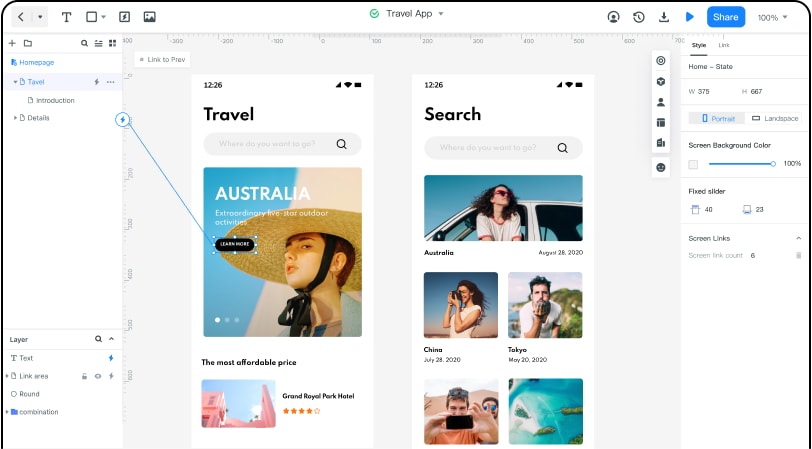
For a project-review board, use blue for the main navigation and action, with restrained warm red and gold accents for two additional work categories. Give each category a written name and use neutral cards for the tasks. The palette differentiates groups while the labels explain them.
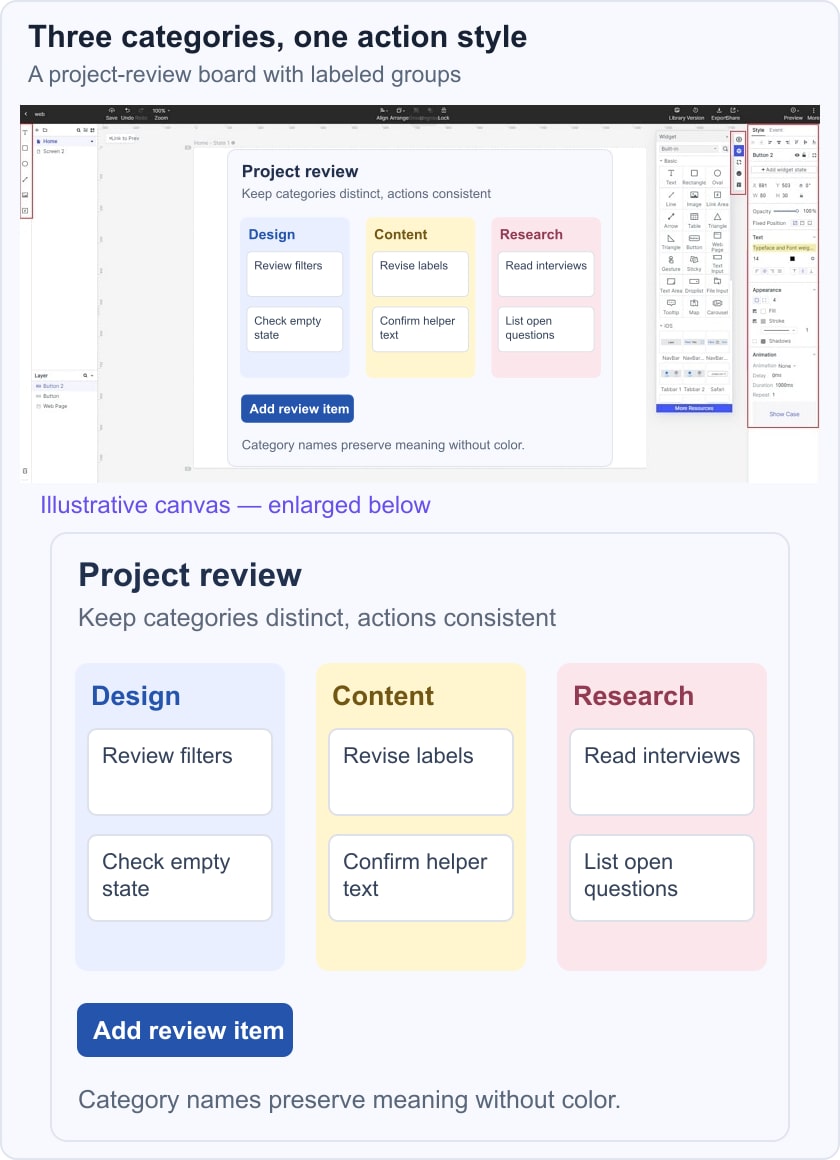
Temporarily imagine the board without color. The category names should still identify the groups, and the primary action should retain a distinct position and label. WCAG’s use-of-color guidance supports providing an additional visible signal where color conveys information. Three equally bright columns with no labels would make the palette carry too much meaning.
If the task needs one strong action rather than three categories, try a complementary accent. If it needs a quieter hierarchy, a monochromatic palette may be easier to maintain. Choose the relationship for the task, not for the number of colors promised by a rule.
Features and Advantages of Mockitt
Review three aspects of the design while the example is still easy to change:
- Design: decide which hue leads the layout. Keep the most saturated accents away from dense reading areas unless the foreground remains clear.
- Reusable elements: keep card, label and action roles consistent when copying components. Three arbitrary color variations are not a substitute for a clear component state model.
- Review: share the prototype with a teammate and ask them to identify the primary action and the category of each task without a verbal explanation.