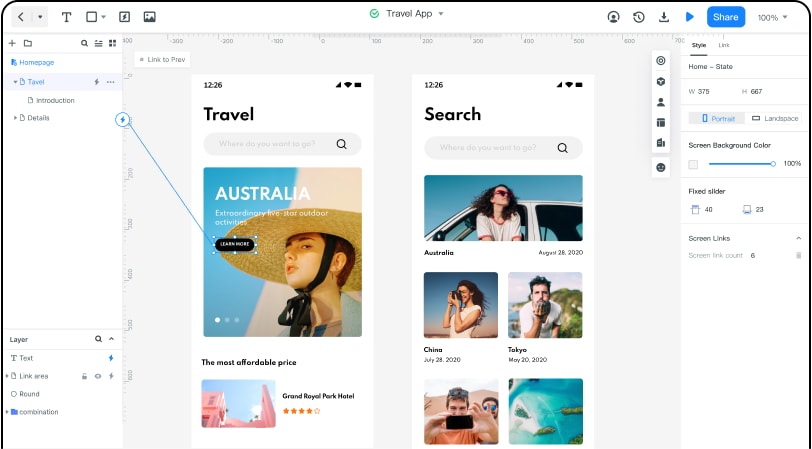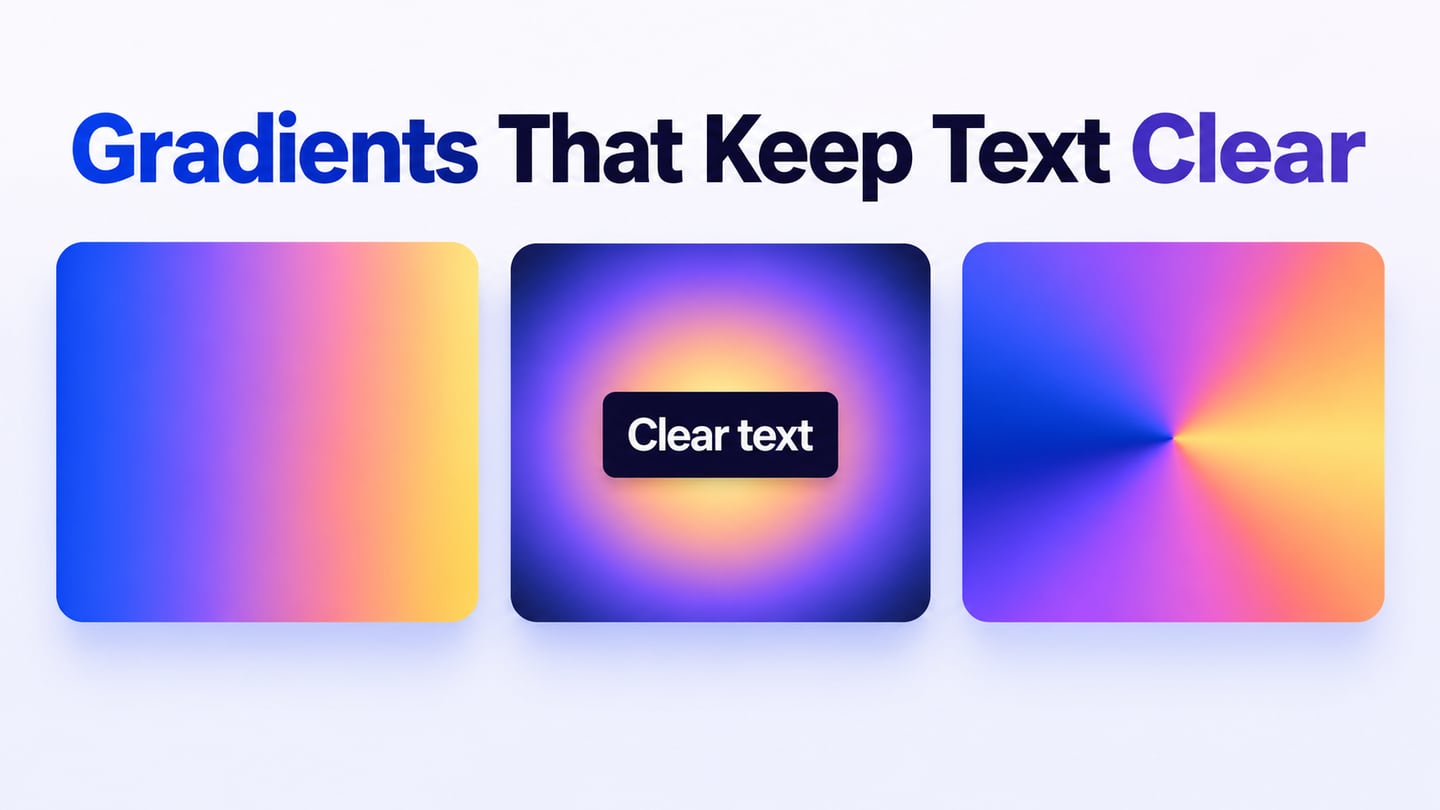

A monochromatic color scheme uses variations of one hue, changing its lightness or saturation to create different roles. It can make a website feel coherent, but using one hue does not automatically make a screen readable. In Mockitt’s UI design editor, compare the palette on real text, surfaces and controls rather than judging isolated swatches.
Monochromatic color scheme
A monochromatic combination stays within one hue family. In traditional color terminology, a tint adds white, a shade adds black and a tone adds gray. Digital tools can adjust lightness and saturation directly. An entirely black, white and gray palette is usually called achromatic.
Using one hue reduces the number of color relationships to manage. It does not guarantee harmony or usable contrast: two blue values can still be too close for a label to stand out from its background. Give the palette a useful spread from pale surfaces to dark text.
Treat each value as a role. A pale blue may be a panel background, a darker blue an action and a near-black blue the reading color. Reusing those roles consistently is more useful than trying to make every visible pixel equally colorful.
Website examples that use a monochromatic color scheme
The following examples were discussed in the original article. They are historical palette references, not a current-site ranking. Focus on the described color roles and verify today’s live design before reusing it as a contemporary case study.
Facebook Messenger
Earlier Messenger interfaces provide an example of blue actions and links against white or light-gray surfaces. That is a blue-led interface palette rather than proof that every product version is strictly monochromatic. Neutrals can support a single hue family; a separate pink or purple brand gradient would introduce other hues.
DigitalOcean
The DigitalOcean example centers blue in links, buttons and supporting illustration. The useful lesson is the difference between a colored action and a light reading surface. A blue-led brand can use several tints without giving every panel the same emphasis; current pages may introduce additional colors.
Lookback
The earlier Lookback example describes pale blue backgrounds, darker blue text and a blue action. Those roles demonstrate how lightness can separate content within one hue family. A single header may be monochromatic even if other pages or sections use a broader palette.
Why Do Web Designers Use a Monochromatic Color Scheme?
Designers may choose one hue to keep a dense interface restrained or connect a set of pages. That choice is useful only if readers can still distinguish the content hierarchy. The brand hue should not force a pale label onto a pale background or hide an important state.
A single hue can simplify palette maintenance: instead of selecting several unrelated colors, define a small range of values and give each a purpose. Simplicity is not a guarantee of usability, and tinting everything does not remove the need to test contrast.
A dark value against a pale value can create emphasis without a new hue. If an additional error or warning color is needed, use it deliberately and label the state; the result may be a mostly monochromatic interface rather than a strict monochromatic composition. Color must not be the only visual signal for an important distinction.
Useful prototyping tools for your design
Mockitt supports arranging interface elements and reviewing a clickable prototype without writing the prototype interaction code by hand. Use a small screen first, so the palette can be assessed against a specific reading and action task.
For an indigo membership dashboard, assign a pale tint to the page, white to the account card, deep indigo to labels and a stronger midtone to the main action. Show a paused membership with the word “Paused” and an icon, rather than merely changing its shade. Duplicate the view at a narrow width to check the same relationships.
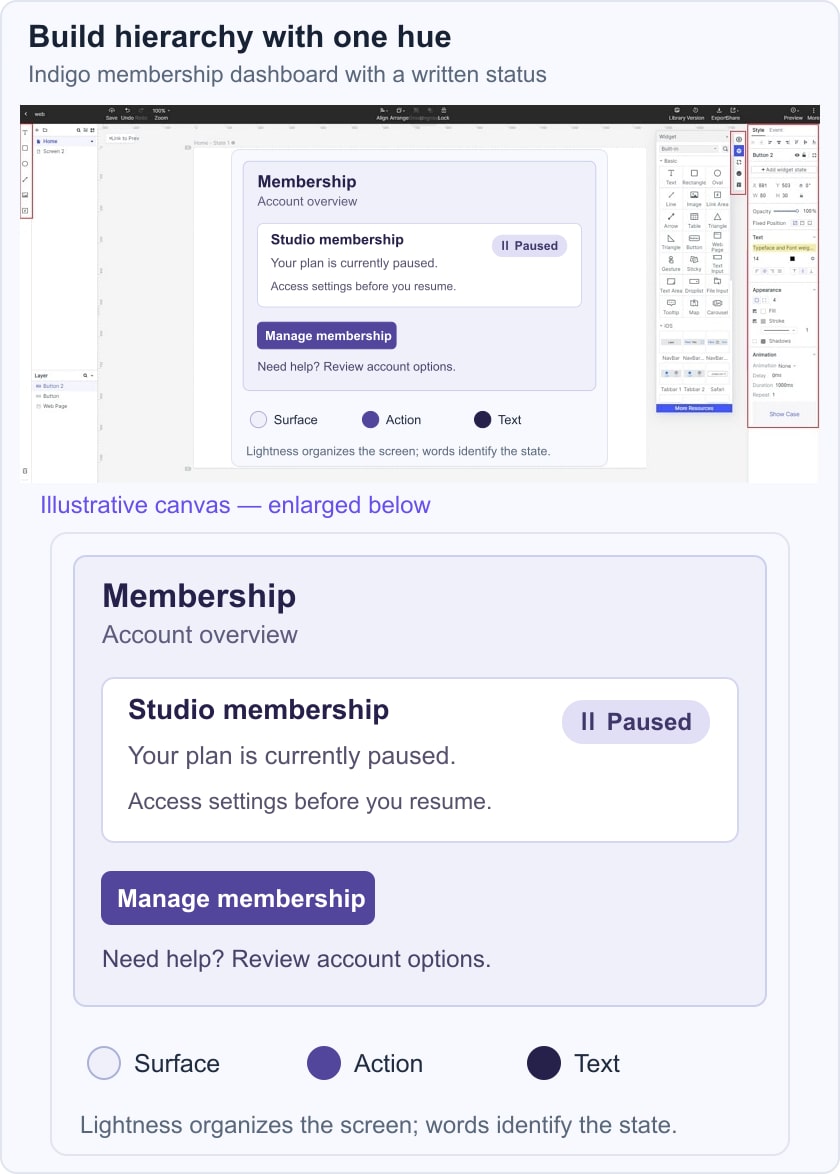
Write down the palette as roles rather than a row of unnamed swatches: page surface, card surface, primary text, secondary text, action and focus indicator. Change one role at a time and inspect every place it appears. A darker action may improve its white label while a darkened surface could make nearby dark text harder to read.
Check the action in its default and focused states, and inspect links within body copy. A single-hue system still needs underlines, outlines or other visible distinctions where color alone leaves the purpose unclear. The prototype is the place to compare those choices; the final browser implementation still needs its own accessibility check.
- Consistent roles: the same surface or action has the same palette meaning across related screens.
- Focused feedback: reviewers can identify the action, status and reading order without being told what each shade means.
- Revisions: record why a value changed, such as improving a specific label/background pair.
- Handoff: share role names and the actual color values so the implementation can be checked against the design.
Before applying the scheme everywhere, review empty, loaded and unavailable states. Check the darkest and lightest combinations at the text sizes actually used. If similar hues are useful but one hue is too restrictive, an analogous palette is a different option; a complementary accent provides stronger hue separation.