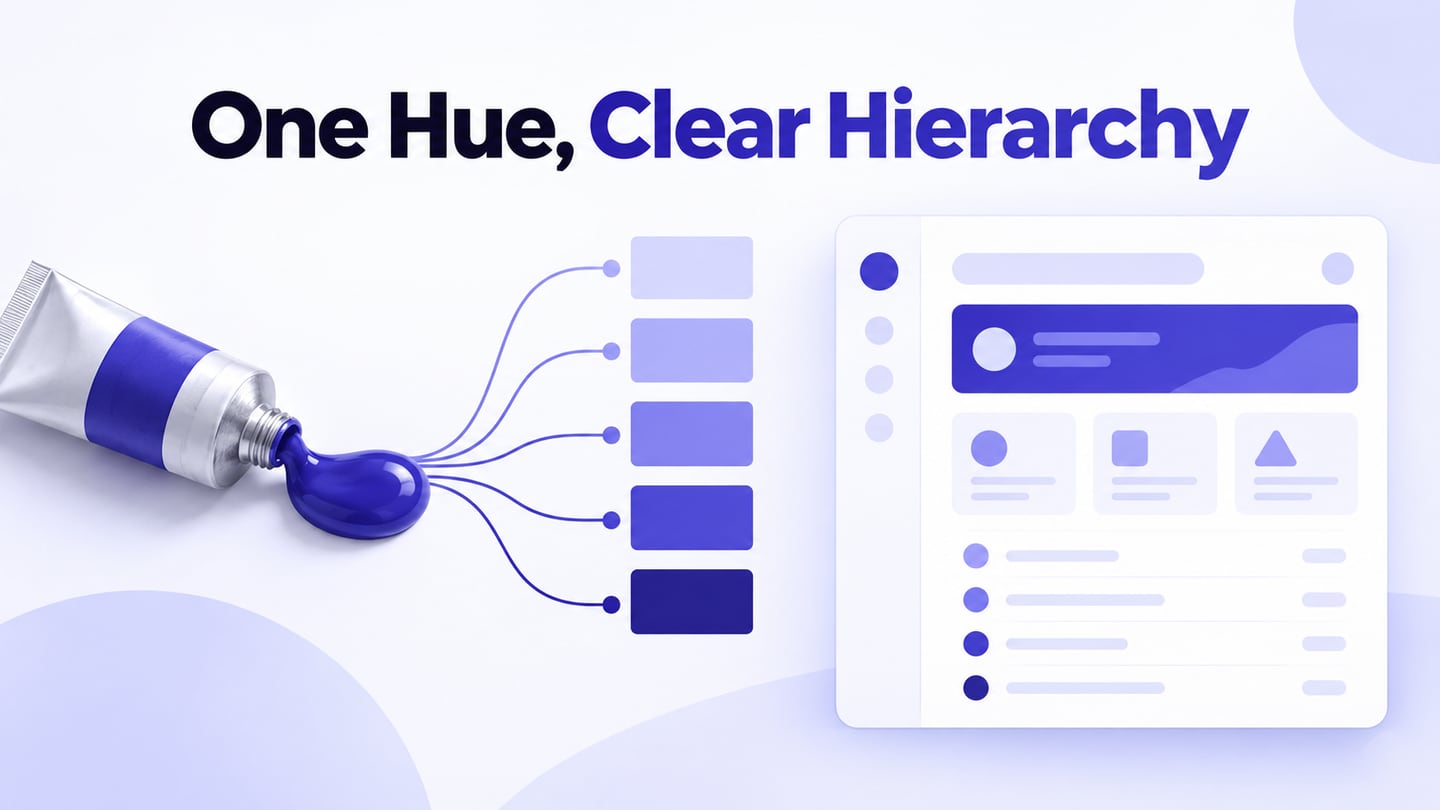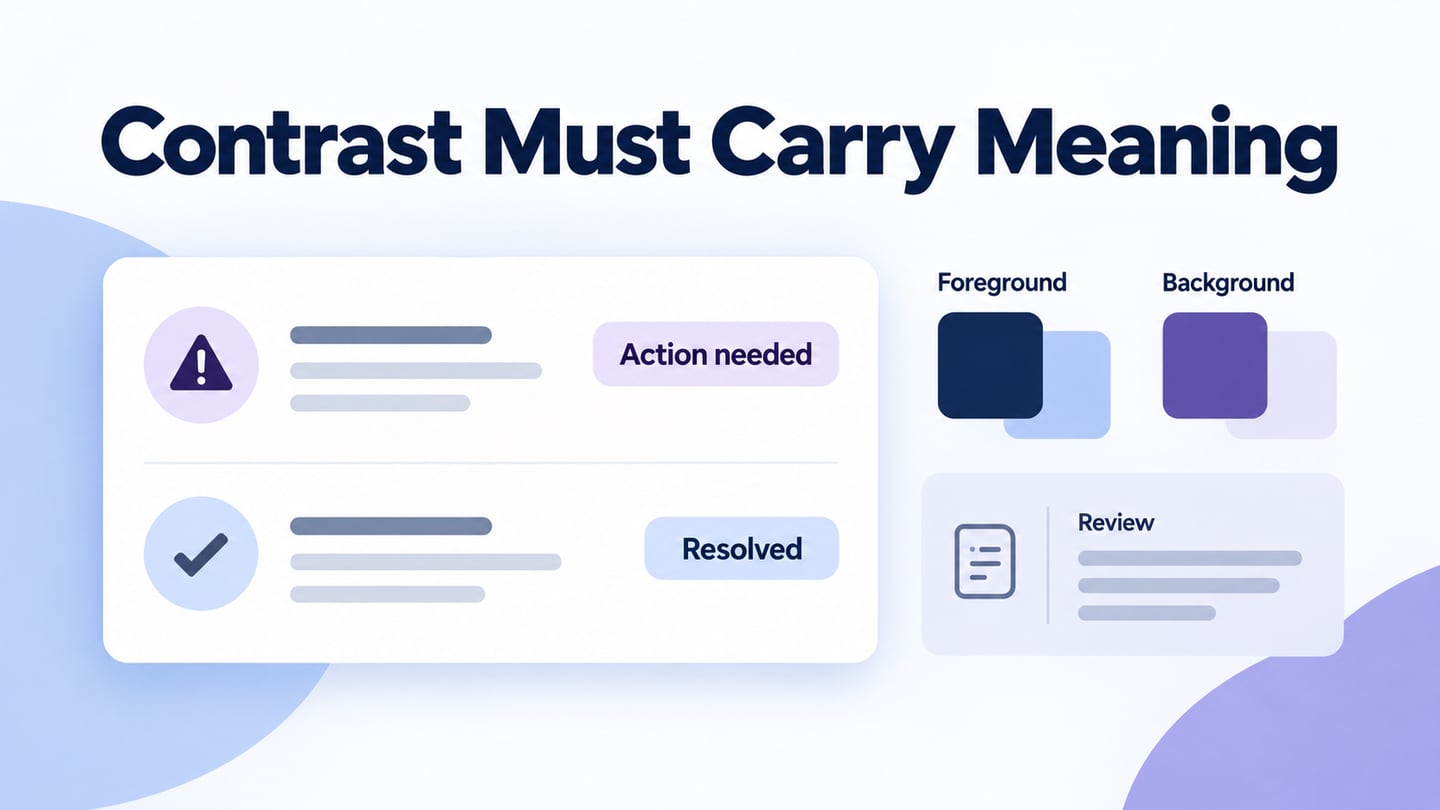
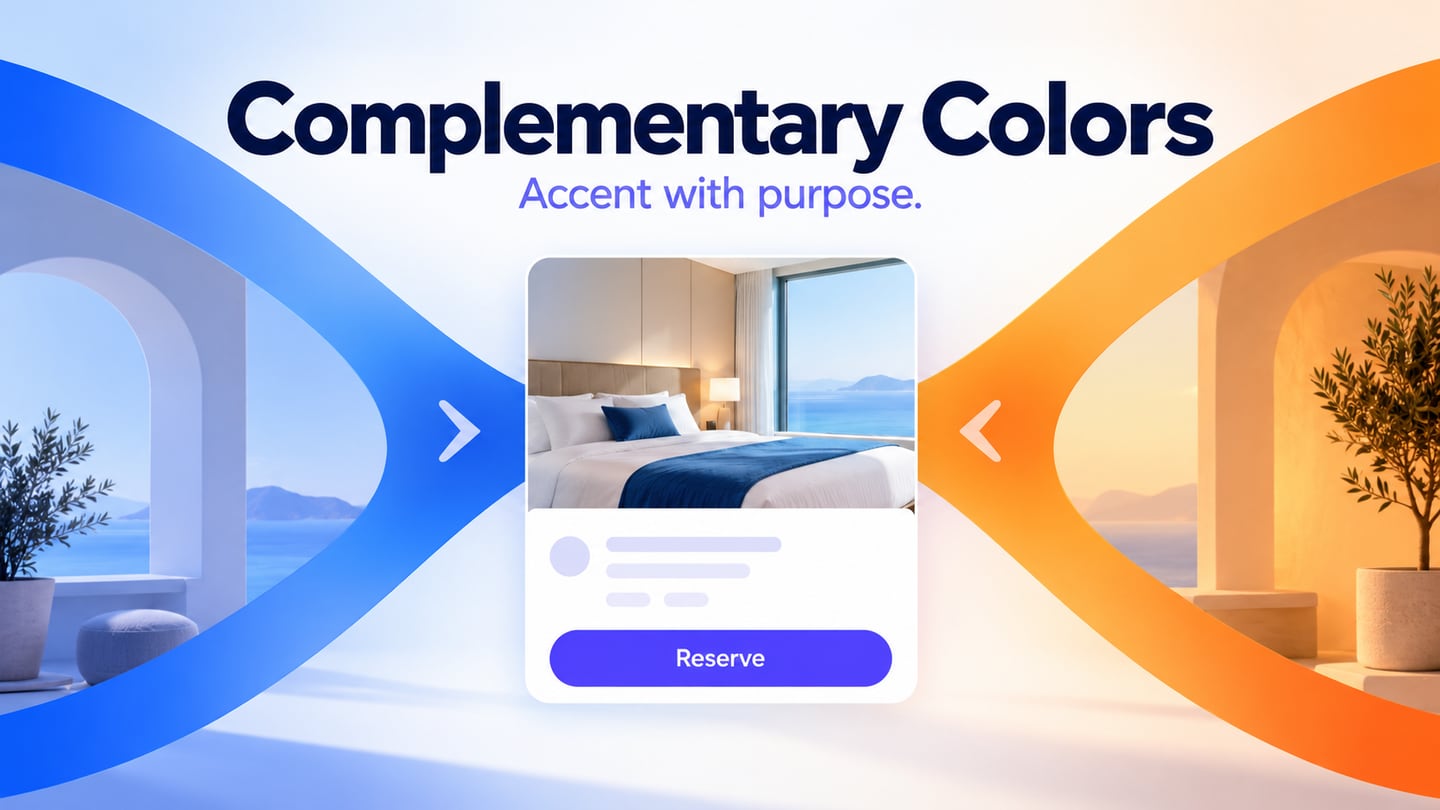
Complementary colors sit opposite one another on a color wheel. In UI design, the relationship can separate a primary accent from its surrounding palette, but it does not guarantee readable text. Use Mockitt’s visual design tools to compare the colors on an actual screen, then check foreground/background contrast separately.
A split-complementary scheme uses a base hue and the two hues on either side of its complement. One hue can lead while the others support it. Equal distance on a wheel is not a requirement to give colors equal area or emphasis in a layout.
Usually, one color is chosen as the main color, the other two as secondary and accent colors.
How to choose the right color scheme for your website design
Choose a website palette around the content and action you need to communicate. Color can help distinguish regions, controls and states, but it is not a shortcut to higher conversion. Start with a neutral reading surface and decide where an accent is needed.
Stylish and Sophisticated
Blue and green can provide a useful starting point for a cool palette, but their popularity does not establish that they are right for your audience. Use observed reader needs and screen-level checks instead of a universal preference rule. A palette for a dense account dashboard may need different emphasis from a promotional landing page.
For a complementary arrangement, inspect the hue relationship directly. Blue and green are usually neighboring rather than opposite hues. A blue structure with an orange accent is a more useful starting example, subject to the particular shades and color model chosen.
Warm Colors
Warm hues can draw attention in some compositions. Their effect depends on saturation, area and context. The following associations are possible creative directions, not fixed psychological responses:
- Red - active, emotional, passionate, strength, love, intensity
- Pink - sweet, romantic, playful, warm, compassionate, soft
- Orange - warm, enthusiastic, success, devotion, kind
- Yellow - youthful, lively, energetic, fresh, optimistic
Cold Colors
Cool hues can support a restrained composition, but they do not guarantee calm or trust. Treat the associations below as prompts to evaluate against the brand and audience:
- Green - fresh, calm, relaxed, trust, peaceful, hopeful, healing
- Blue - loyalty, trust, comfort, clarity, reliability
- Violet - glamor, power, nostalgia, luxury, ambition, spiritual
Neutral Colors
Neutrals can provide reading surfaces and separation around stronger hues. Use them to make the hierarchy clear; they are not merely a way to weaken a primary color.
- Gray - respect, wisdom, patience, modern, longevity, intelligent
- Black - powerful, courageous, serious, elegant, luxurious, dramatic, formal
- Brown - friendships, earth, home, nature, credibility, seriousness, tradition
Some complementary color scheme examples
Panic
The original Panic example describes pink and green used across an animation-studio website. Opposing hues can create a noticeable relationship, but pastel versions may have similar luminance. Check the actual text/background pair rather than assuming the hue contrast makes it readable.
The Purple & Gold Sports Shop
The Purple & Gold Sports Shop example places gold details around a purple structure. The useful observation is hierarchy: a thin accent bar can separate navigation from a larger region without making every element equally prominent. Treat this as a historical design reference, not a description of the site’s current appearance.
Haynes Plumbing
The Haynes Plumbing example uses blue and orange to separate page regions and actions. A restrained accent can make a control easier to locate, but its label still needs adequate contrast against the button fill. The hue relationship alone does not establish readability.
For a service website, check the practical tasks: finding the phone number, requesting an estimate and reading service details. Test small labels as carefully as the headline; a large white heading does not prove that every white label on the same orange passes.
Design a Prototype with Mockitt
Build one small prototype to test the palette where it matters. In Mockitt, arrange the content, controls and supporting surfaces before choosing the accent. This makes it easier to tell whether color is clarifying the task or merely decorating it.
For a rail-ticket reservation summary, use a dark blue heading, a white information card and one orange “Reserve seat” button. Keep the journey, passenger and fare details in dark text. The accent identifies the next action; it does not need to appear behind every piece of information.
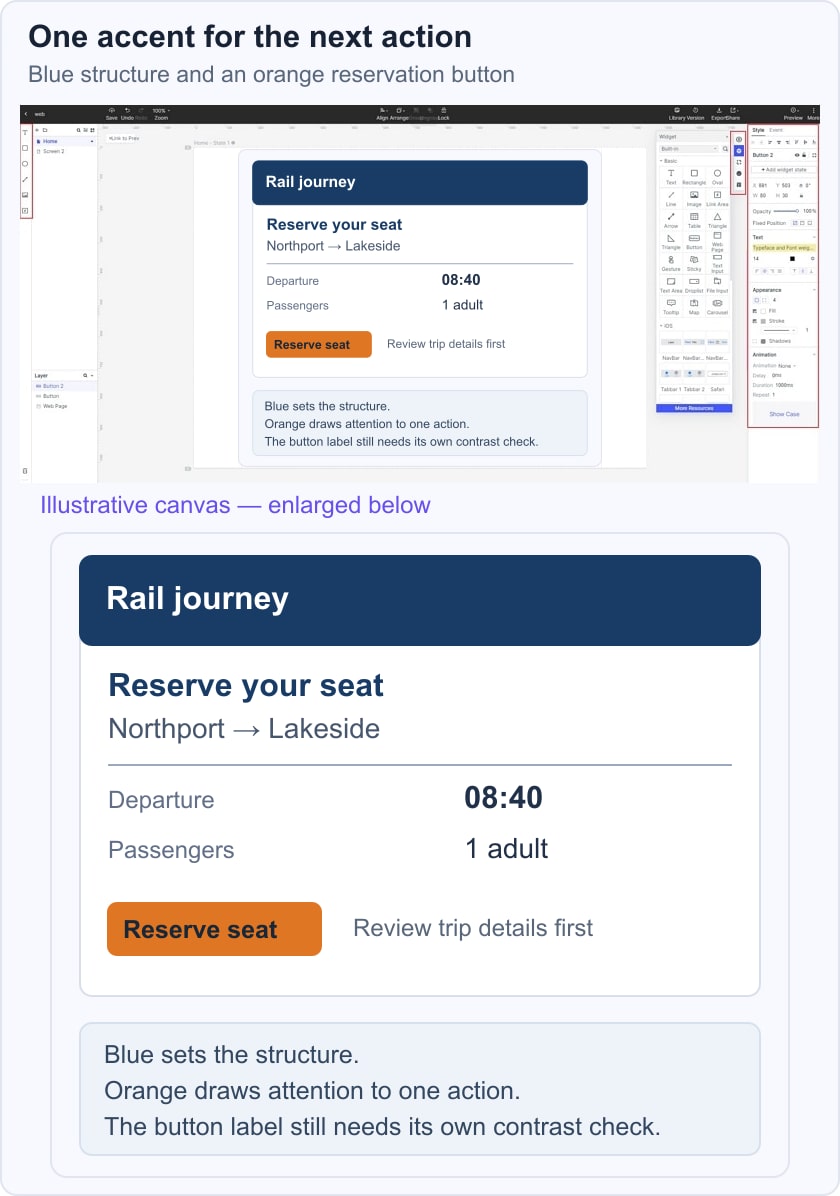
WCAG’s contrast criterion generally requires 4.5:1 for normal text and 3:1 for large text, with stated exceptions. Measure the actual label/fill pair. For less hue separation, study neighboring color families; for a third distinct hue, compare a triadic scheme.
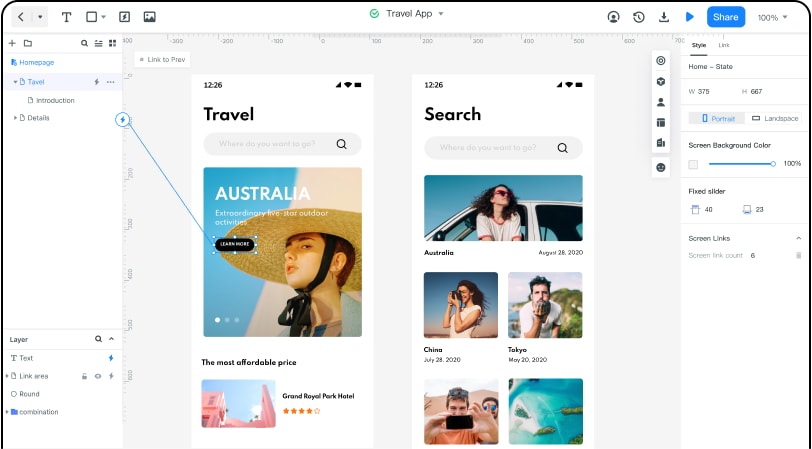
Review the same reservation card with a teammate and ask what they would select next. The earlier Mockitt capture below illustrates a design workspace; it is not a live test of this rail-booking example. Use these checks while refining your own prototype:
1. Keep the primary action recognizable when the layout narrows. Move or stack the fare summary if necessary instead of shrinking all text.
2. Design the default, focused and unavailable states. A focus outline and a text label should distinguish a state without relying only on an orange-to-blue change.
3. Reuse the same action and surface roles across the screen. Components can help keep repeated controls consistent, but a palette still needs deliberate choices.
4. Ask reviewers to comment on the actual decision: whether the reservation details and next action are clear, rather than whether they simply like orange.
5. Check the implemented interface after handoff. A prototype preview does not prove keyboard behavior, contrast in every browser state or production accessibility.