How to Preview Your Project
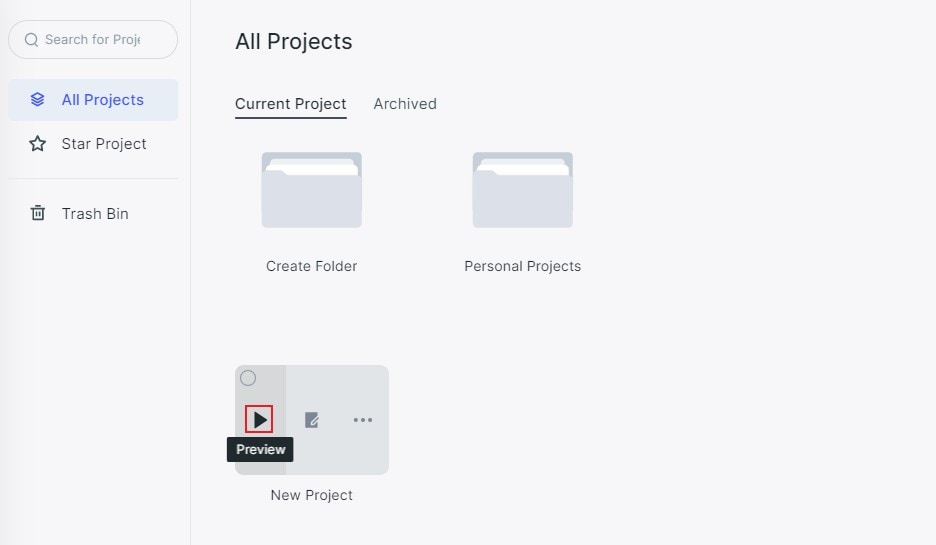
Users can preview their projects in two ways. The first one is inside the working area. Move the mouse to the project folder and click “Preview”.
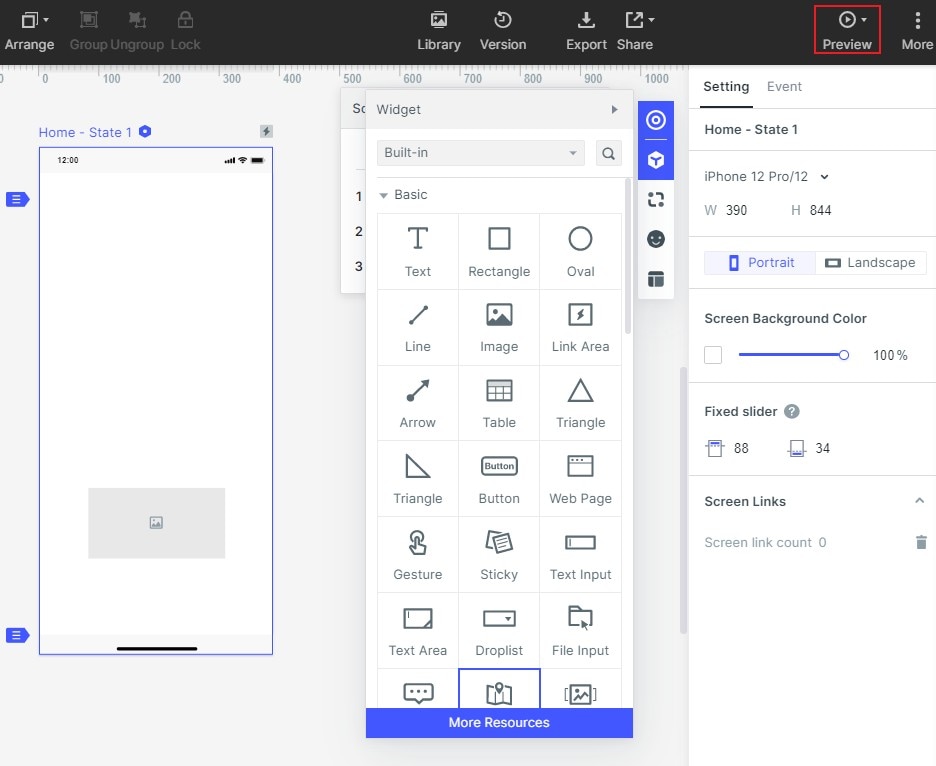
Or, users can preview in the upper right corner of the main menu in the editing area.
1. If you have a Windows computer, the color picker will display black.
Learn how to project is missing.
Learn how to project stuck in copying.
Learn how to prompt: number of components exceed 50 thousand.