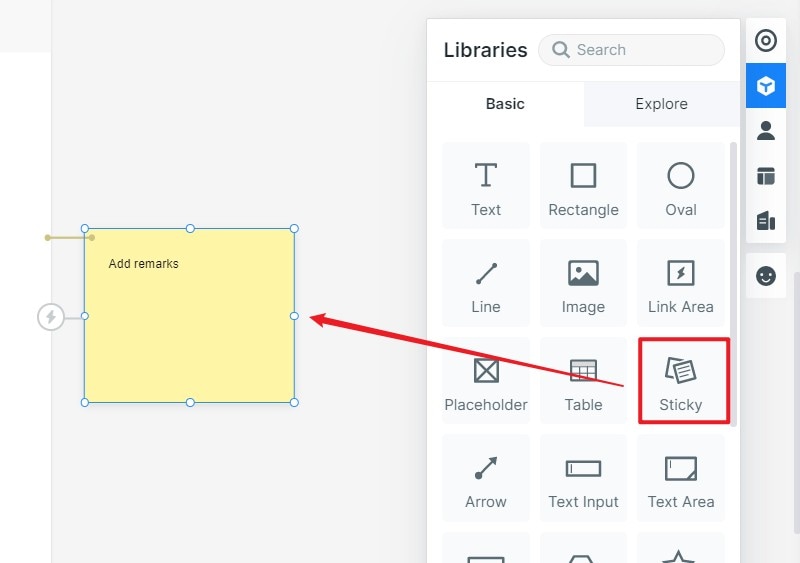
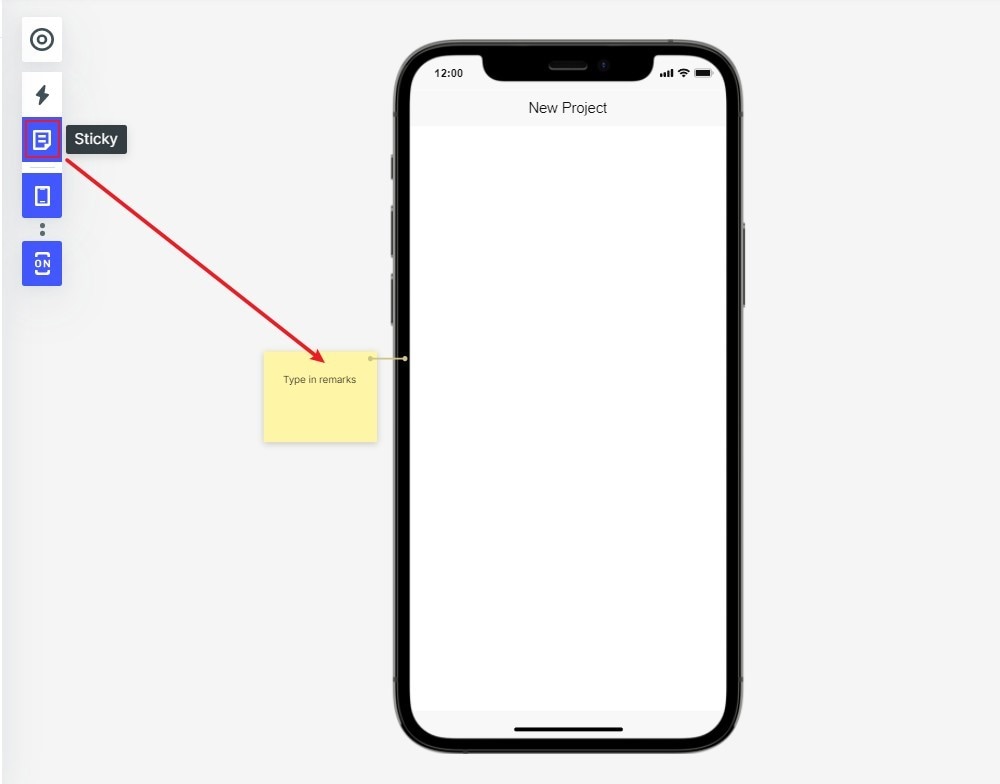
The article introduces the way to add note and remark.
Drag the "Sticky" widget to the project in the Build-in toolbar. You are able to add note and remark for your design.
In the Preview mode, you can choose to show or hide Sticky to your project.
The article introduces the function of left quick toolbar, right build-in Widgets, icons and more resources.
Learn how to adjust layer order in prototypes.
Ready to up your design game? This guide to Mockitt AI
Guide of using AI prototype generator of Mockitt.