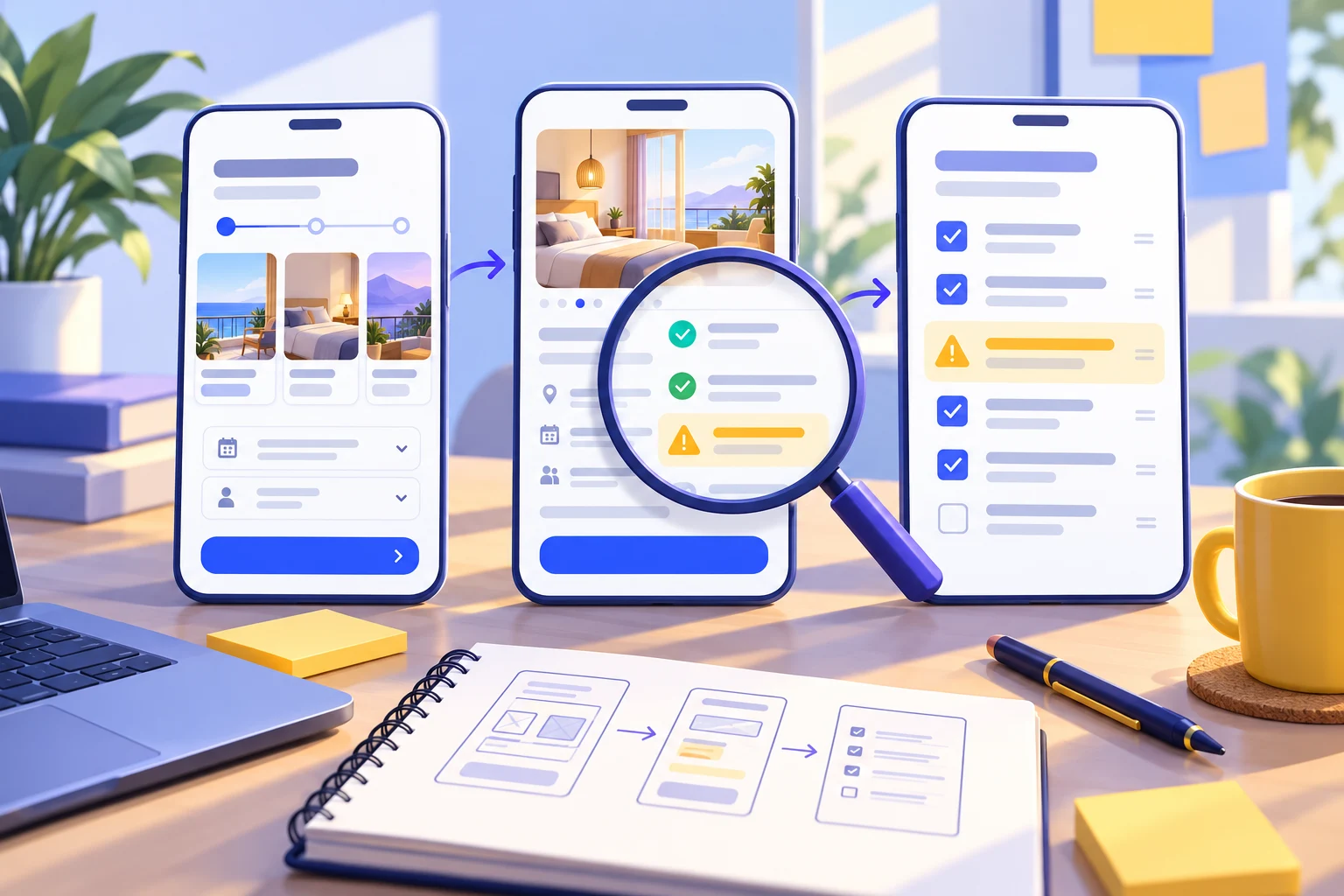
To evaluate an AI-generated prototype, run one complete user task, check the missing and failure states, and record what each interaction actually demonstrates. A polished screen is not enough: the draft should let a reviewer reach the intended outcome and recover when something goes wrong. Use the checklist below to decide whether the next step is another design edit, a usability session, or implementation.
If you have a draft from the Mockitt AI prototype generator, start with the user task in your brief and compare it with the generated screens. This guide uses an illustrative hotel booking task; the sample findings are examples of what to record, not results from a live customer test.
What should pass before you share the prototype?
- The intended user can follow a complete route from the starting screen to a clear outcome.
- Prices, dates, labels and selected values remain consistent between screens.
- At least the important empty, invalid and unavailable states have a designed response.
- Every interactive control in the test route either works or has an explicitly described simulation.
- Accessibility behavior that the prototype cannot implement is annotated for development.
- Each unresolved issue has a screen, an owner and a next action.
Do not average these into a score that hides a broken core task. A missing payment recovery state can block the next session even when the spacing, colors and icons look finished.
1. Lock the task and the review boundary
Write the actor, trigger, desired outcome and constraint in one sentence: “A guest on a phone selects a room for two people, checks the total stay price, and changes the dates if that room becomes unavailable.” This is narrower than “review the hotel app,” so the team can tell which generated screens are necessary.
List the screens required for that task: search, results, room details, booking summary and confirmation. Add the branch that matters most, such as an unavailable room. A loyalty program or destination guide may be attractive output, but neither should displace the booking route.
Record the prototype version, starting screen and test data. In this example, use two guests and a two-night stay. Keep the same values when rechecking the draft so a change in the data does not obscure a change in the design.
2. Map the brief to visible evidence
Generated screens need a requirement-by-requirement review. Make a small table that connects each promise in the brief to a screen and a state. If a requirement has no visible evidence, mark it missing rather than assuming that an unlabeled button covers it.
| Requirement | Evidence to inspect | Example finding and next action |
|---|---|---|
| Compare the full stay price | Results and booking summary show the same nights, fees and total. | Only a nightly price is visible. Add a total before confirmation. |
| Change dates after an availability failure | The unavailable state includes a route back to editable dates. | The error dismisses without a next action. Add “Change dates.” |
| Preserve the guest count | Two guests remain selected on the details and summary screens. | The summary resets to one guest. Correct the state and recheck. |
| Confirm what was booked | Confirmation shows the property, dates, guests and a reference placeholder. | The draft only says “Success.” Add the information needed to recognize the booking. |
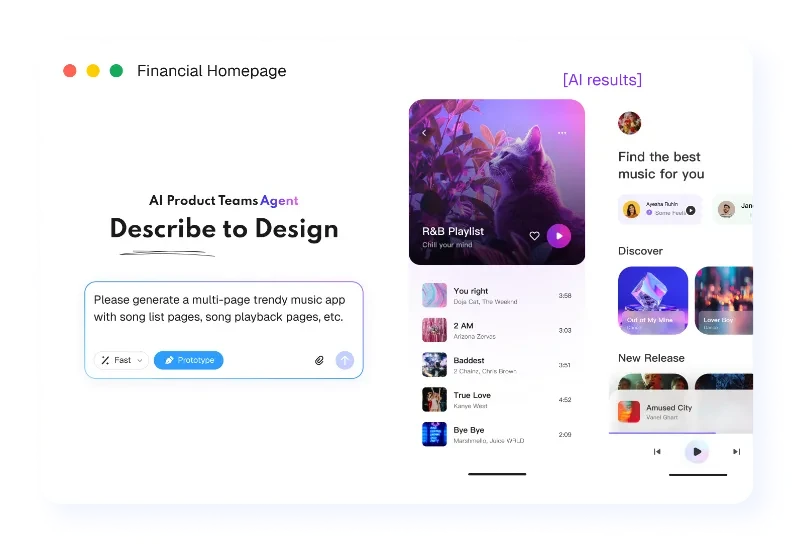
The public Mockitt AI example below shows a prompt beside generated app screens. Those screens provide material for review; their presence alone does not establish that navigation, prices or recovery rules are correct.
3. Follow the route, then deliberately break it
Open the preview from the agreed starting screen. Select the room, inspect the price, continue to the summary, and return to edit the dates. Check whether the prototype preserves the choices that should survive a back action. Then repeat the route with the room unavailable.
Look beyond whether a click reaches another screen. Ask whether the destination reflects the action, whether the user can tell what changed, and whether a return path exists. A button wired to a generic success screen can disguise missing work just as easily as an unconnected button.
- Empty: no room matches the search. Offer a useful adjustment instead of a dead end.
- Invalid: the departure date precedes arrival. Explain which value needs correction.
- Unavailable: the room can no longer be booked. Preserve useful choices while offering another room or date.
- Failure: the payment attempt fails. Show what can be retried and what information remains.
For a screen-based simulation, these are designed states connected for review. Record real inventory checks, payment processing and persistence as implementation work; a simulated response is not evidence that those services operate.
4. Check content and accessibility intent
Read the draft as a guest would. Replace invented hotel claims and unexplained fees, verify currency and date formatting, and use meaningful error text. Generated filler can make a layout look complete while leaving the most important decision unclear.
Inspect contrast, persistent field labels, long text and visible focus designs. If the preview exposes usable keyboard controls, try them. If it is an image or hotspot simulation, annotate the intended keyboard order and error announcements instead of recording them as passed. Screen-reader semantics and responsive behavior need checks in an implementation that actually supports them.
5. Write findings that another person can reproduce
A useful finding contains the starting state, action, observed result, expected result and next owner. For example: “From Room unavailable, activate Change dates. The guest count resets to one; it should remain two. Update the destination state, then repeat the route.” This is more actionable than “the flow feels confusing.”
Separate blockers from improvements. A route that cannot reach confirmation blocks a booking-task session. A slightly inconsistent corner radius usually does not. Keep unanswered business rules in a third list, because another screen edit cannot resolve a question about refund policy or availability.
Choose the next step from the evidence
Revise the prototype when the core route is incomplete, content contradicts itself, or a required recovery state is missing. Run a focused usability session when the intended route works and the question is whether people understand it. Prepare implementation handoff when the team has resolved the tested interaction decisions and documented the behavior that still requires code.
Keep the issue table beside the editable source and retest the affected route after changes. The useful output of this review is a defensible next decision, with the remaining work visible to the team.