Crazy 8s is an eight-minute divergence exercise: fold or divide a sheet into eight areas, set a timer for one minute per area, and sketch a different solution in every area. design thinking guide helps teams keep the decision and the prototype evidence together.
What you need before the timer starts
Bring one decision-sized prompt, a visible timer, eight sketch spaces per person, and a rule that sketches are ideas rather than polished screens; frame the prompt as a How Might We question. A useful prompt names the user, moment, and constraint: “How might a first-time borrower return a device when the store is closed?” Avoid a broad prompt such as “design the whole app”; it makes the eight outputs impossible to compare.
The eight-minute method
- Frame the outcome: read the prompt, success condition, and non-negotiable constraint.
- Draw one idea per minute: use boxes, arrows, labels, and one interaction detail. Do not spend the minute decorating.
- Vary the approach: change the entry point, sequence, device, or support model instead of redrawing the same screen.
- Capture the edge case: reserve one sketch for an error, empty state, or recovery path.
- Number and label: add a short name so the team can refer to ideas without guessing.
Review without turning it into a popularity contest
Give each person a quiet minute to mark the sketches they want to understand, then discuss the strongest differences. Select a direction with explicit criteria such as user value, feasibility, and learning potential. A vote can focus the conversation; it does not replace evidence from users or engineering.
Turn one sketch into a testable prototype
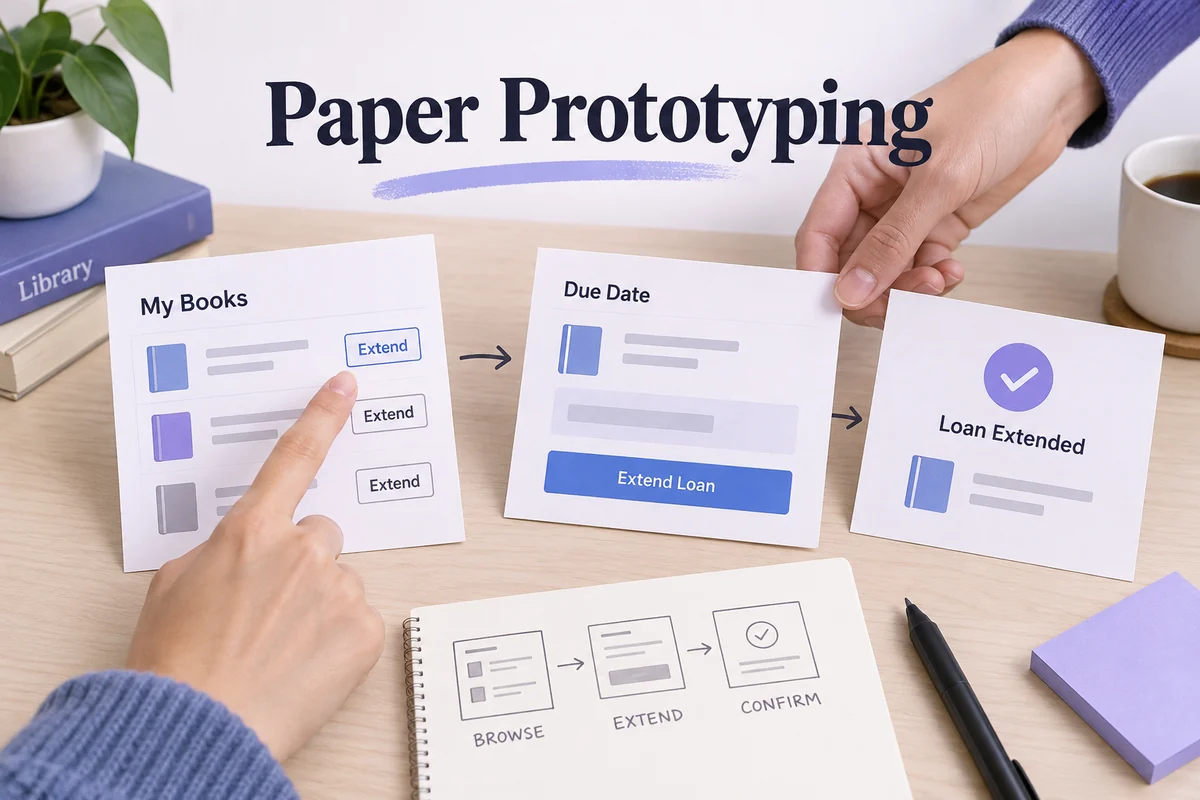
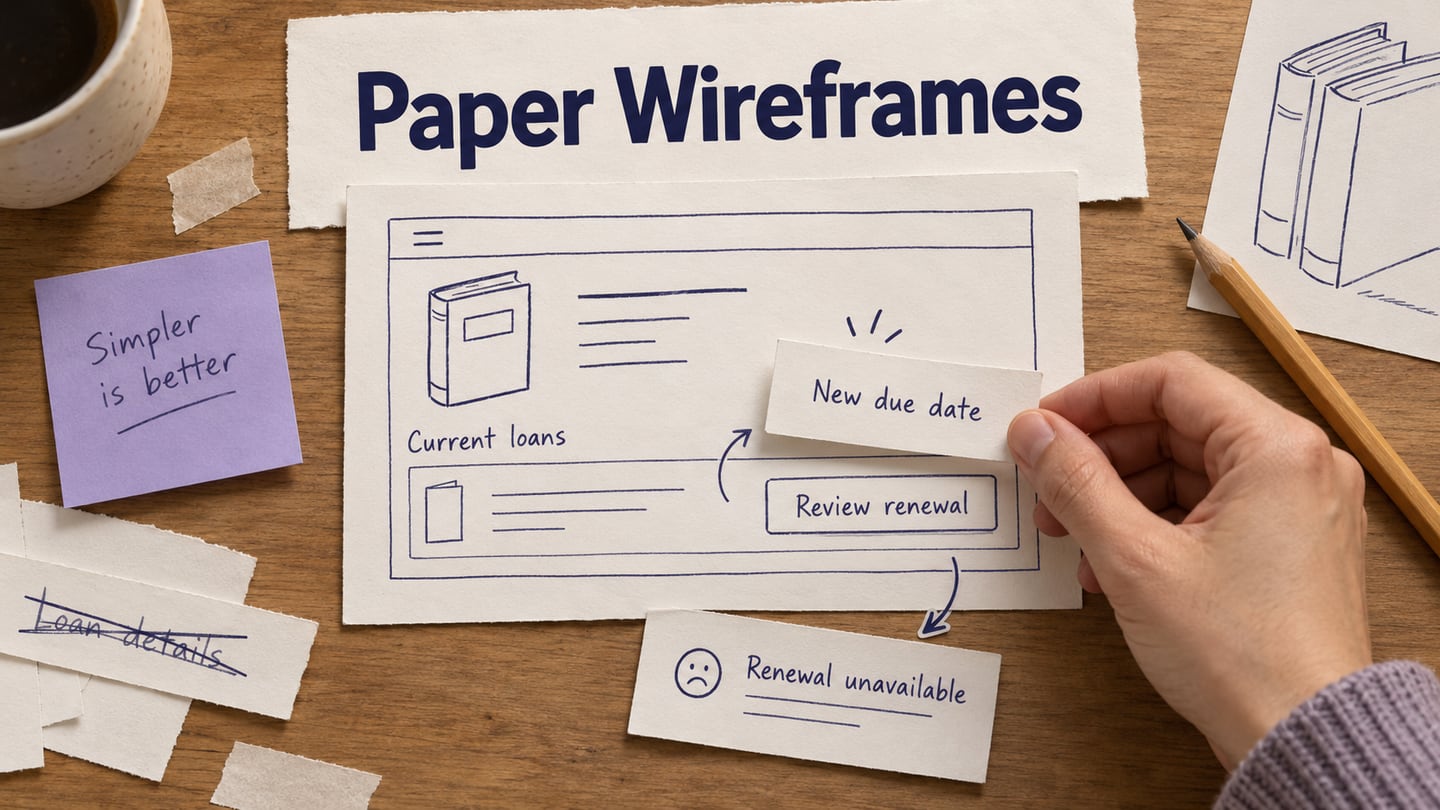
Choose the smallest path that can answer the next question. Link the entry, primary action, confirmation, and one recovery state. Keep the remaining seven sketches visible as alternatives so the team can explain what it rejected and why. In Mockitt, the selected path can become a shareable interactive prototype while the rough sketches remain the decision record.
Common mistakes
- Using eight minutes to make one polished screen.
- Changing the prompt halfway through.
- Choosing the prettiest sketch without naming the decision.
- Skipping error and recovery states.
End the exercise with one owner, one next experiment, and one sentence describing what would falsify the chosen direction.