A prototype is an early model of a product or service used to explore an idea, communicate how it works, or test a specific assumption before committing to implementation. It can be a paper sketch, a clickable app flow, a physical model, or working code. It does not have to look finished or contain every planned feature.
If you are new to design or product development, start with the question you need the model to answer. A prototype that helps someone choose a collection time needs different detail from a model used to test a mechanical part. For an app or website, Mockitt’s online prototype editor lets you arrange screens, connect actions, and preview a proposed journey.
The Definition of Prototype
In a nutshell, a prototype represents selected aspects of a product rather than proving that the complete product works. For an app or website, it often shows the experience from the user’s perspective. Depending on the question, it can use low, medium, or high fidelity in its visual design, content, and behavior.
Prototypes can be useful early in product design and when improving an existing product. Their benefits include:
- It helps us convert our ideas into a tangible product design.
- It makes an idea concrete enough to review and revise before committing to implementation.
- If you are stuck on a problem, then the prototype process can help you solve it.
- A prototype can be used to communicate with your team and help in brainstorming.
- You can test different possibilities and trace the user’s journey through an interface.
- It helps you break a product into parts that are easier to discuss and design.
- A small prototype can communicate the basic structure without building the full product; effort depends on the fidelity and behavior required.
For example, a medium-fidelity chat prototype might show a conversation list, a thread, and the result of sending a message. A reviewer can follow the route and discuss the labels without assuming that messages are delivered through a working backend. The model answers a design question; engineering still has to establish reliable delivery.
Using Mockitt for a Digital Prototype
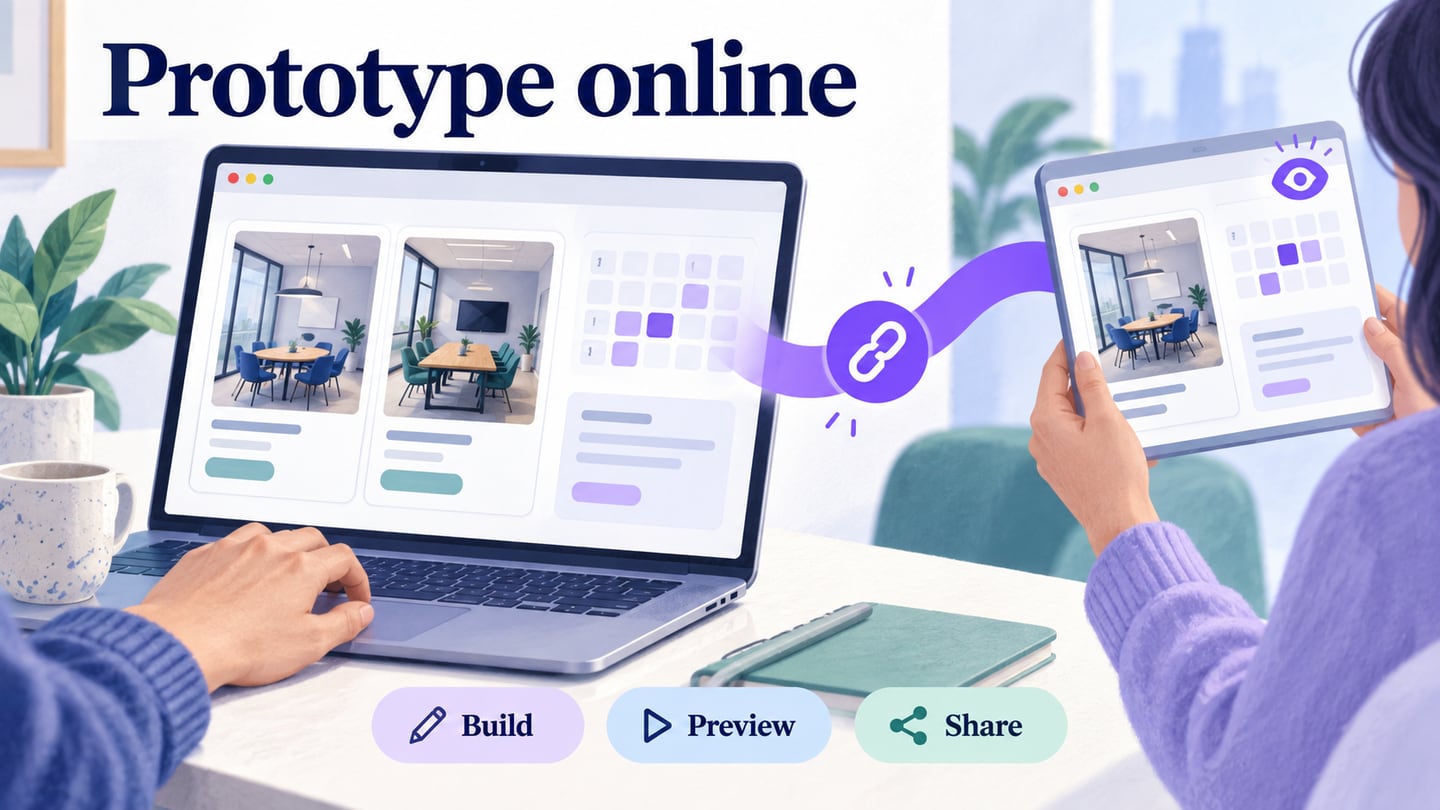
Once you know what you need to learn, use a tool that supports that part of the experience. Mockitt can help you create mobile or web screens, connect interactions, preview the flow, and share a prototype link for review. Start with a small route instead of drawing every screen in the product.
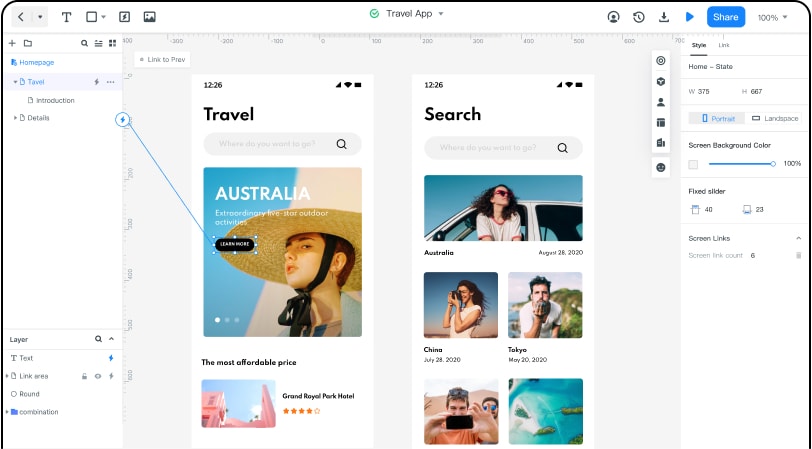
- On Mockitt, you can find several readily available templates that you can choose and customize to save your time in editing.
- Use components to create screens, then choose how much visual detail the question needs.
- Arrange elements on the canvas and connect screens with actions that a reviewer can follow.
- Add the relevant transitions and component states, then check the forward and return routes in preview.
- Users can select the perspective they wish to work on (like mobile or web) and get a live preview of their designs.
Pros
- Browser-based editing and a shared review link
- Templates and reusable components for a starting structure
- Team review and shared prototypes
Different Types of Prototyping Options
Prototypes differ in what they represent and how much detail they contain. Fidelity and purpose are separate choices: a visually simple model may contain realistic behavior, while a polished screen may have no working interaction.
On the Basis of Fidelity
Fidelity describes how closely selected parts of the prototype resemble the intended experience. The following three levels are useful shorthand, rather than required stages that every project must pass through.
- Low fidelity. Sketches or simple digital blocks show the basic idea and structure. They are useful for exploring alternatives before visual polish. Low fidelity does not automatically mean “throwaway”: whether to discard a model is a separate decision about how it will be used.
- Medium fidelity. More deliberate labels, layout, and screen connections make the user journey easier to follow while leaving visual styling flexible.
- High fidelity. Realistic content, layout, components, and interactions can support detailed review. A high-fidelity appearance does not by itself prove backend functionality, accessibility, or production readiness.
On the Basis of Representation
Apart from the fidelity of the design, there can also be different types of prototyping techniques based on what we need to represent.
- Functional prototypes. These explore how a selected part works. They may test an interaction, a technical mechanism, or a calculation; they are not restricted to backend behavior.
- Display prototypes. These emphasize appearance or presentation. A static screen or physical appearance model can communicate shape and layout without demonstrating all behavior.
- Miniatures and scale models. These represent a physical product or space at a different size. They can help assess form or arrangement, but do not necessarily combine working front-end and backend systems.
What is the Overall Prototype Process?
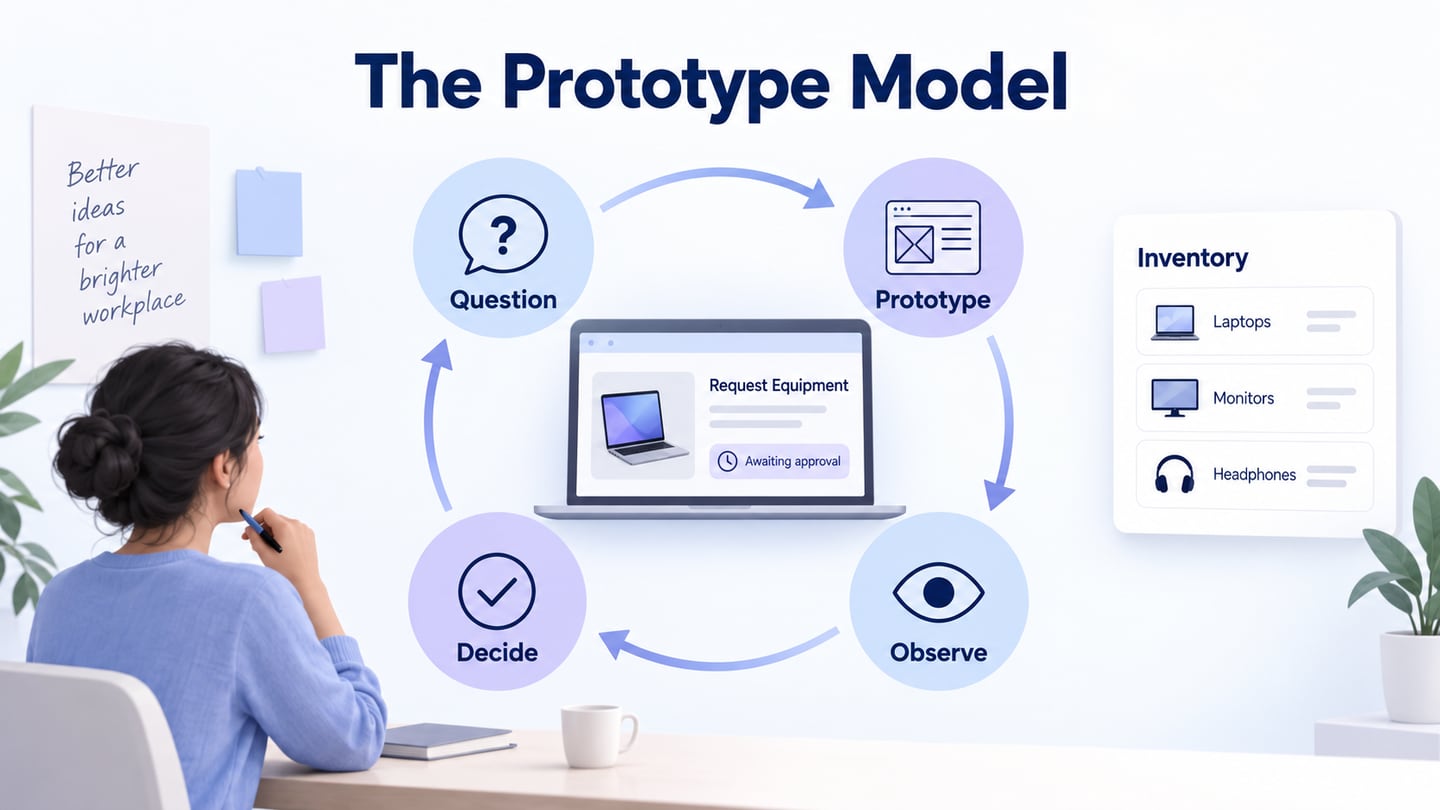
Different prototyping methods use different materials and tools, but the process usually includes defining a question, building an appropriate model, observing what happens, and iterating. The GOV.UK guidance on making prototypes describes using different forms of prototype and continuing to prototype improvements after a service launches.
- Define the product question. Identify the intended user, the task, the platform, and the uncertainty to resolve. “Can a shopper change the pickup time without losing the order?” gives the prototype a more useful boundary than “make a shopping app.”
- Build the necessary model. Use paper, Mockitt, or a coded prototype according to the question. Include the starting point, the action under review, the visible outcome, and a way to go back. Share the model so another person can try the task rather than only watch its creator demonstrate it.
- Observe and iterate. Record where someone hesitates, what they expect, and whether the outcome answers the question. Revise the relevant labels, sequence, or behavior and try again. Iteration does not automatically move a design into an alpha or beta release.
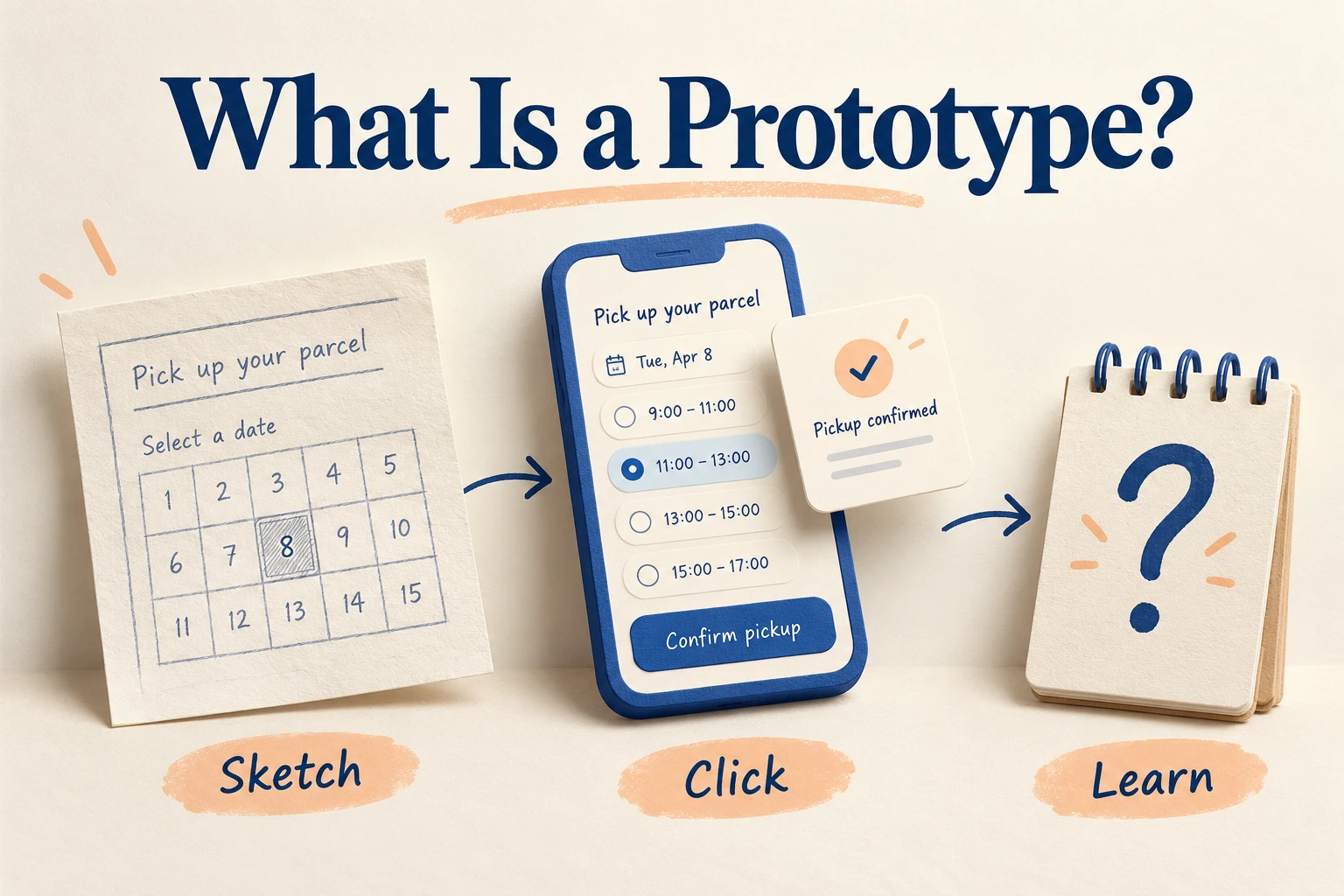
Example: a Pickup-Time Prototype
Suppose a bakery wants customers to choose a collection time for a preordered loaf. The team’s question is whether people can distinguish the pickup date from the pickup time and correct a mistaken choice before submitting.
- Sketch the choices. Draw a date, three available time slots, and a review screen. Use short labels such as “Friday, 4 pm” rather than separate numbers that require interpretation.
- Make the route clickable. Create the selection, review, and confirmation screens. Connect Continue to the review and Change time back to the selection. Returning should keep the chosen date and loaf.
- Add one difficult state. Show what happens when the selected slot is no longer available. Keep the valid order details and ask the person to choose another time.
- Try a realistic task. Ask someone to arrange collection after work and then move it to a later slot. Observe whether they understand what is selected and whether the change is reflected in the review.
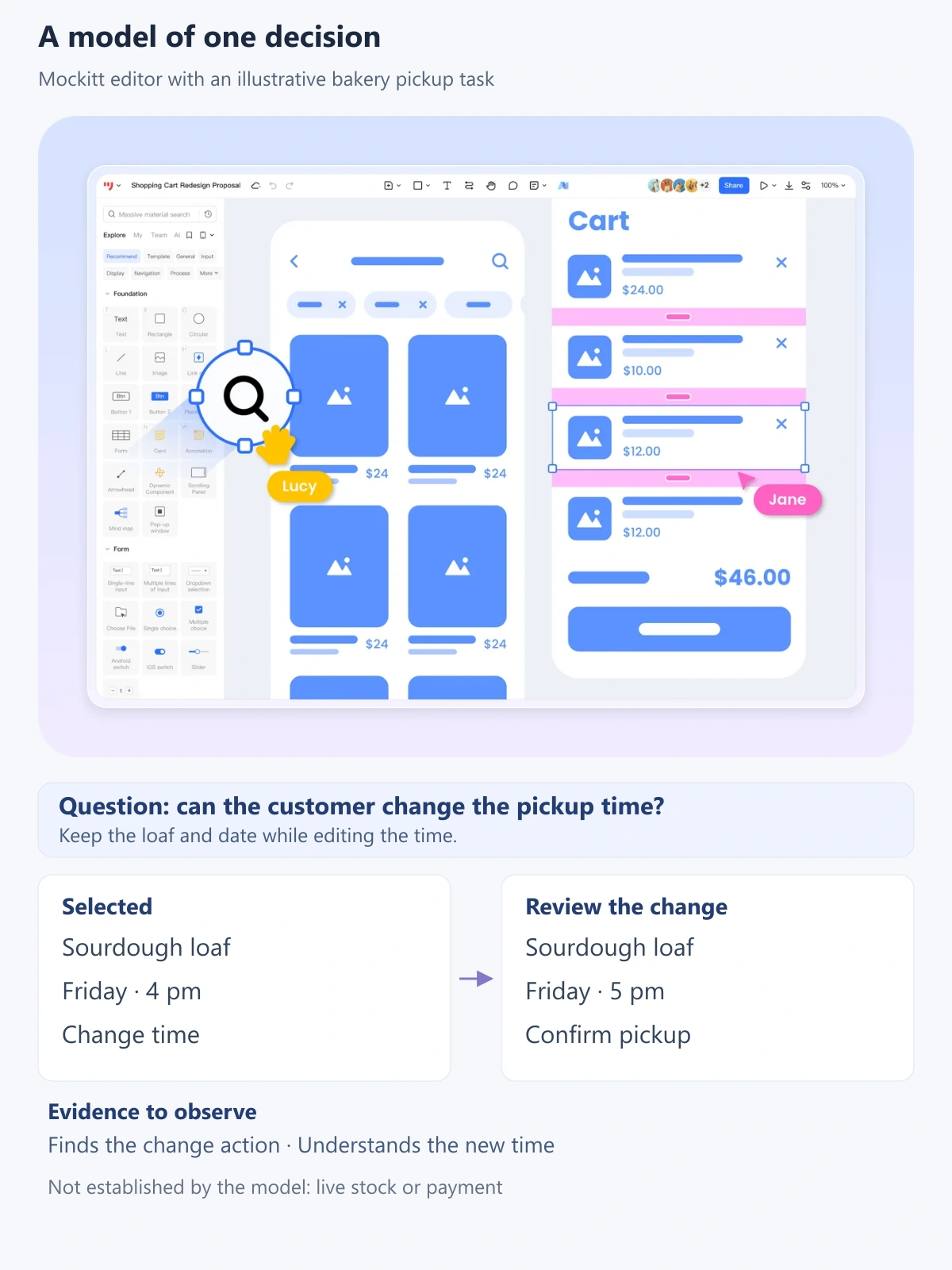
The result is a model of a decision, not a working ordering service. It can reveal unclear labels or a lost selection. It cannot establish that live stock is reserved, a payment succeeds, or a bakery receives the order. Those require implementation and separate checks.
A wireframe mainly describes structure, while a prototype demonstrates or explores some aspect of an idea. A minimum viable product is a usable product offered to learn from real use. Choosing a prototype’s fidelity is therefore a question of what you need to learn, not how close its screenshots look to a finished launch.
Begin with one uncertainty, choose enough detail to investigate it, and use what you observe to decide the next change. For a longer screen-building walkthrough, follow how to make a prototype.