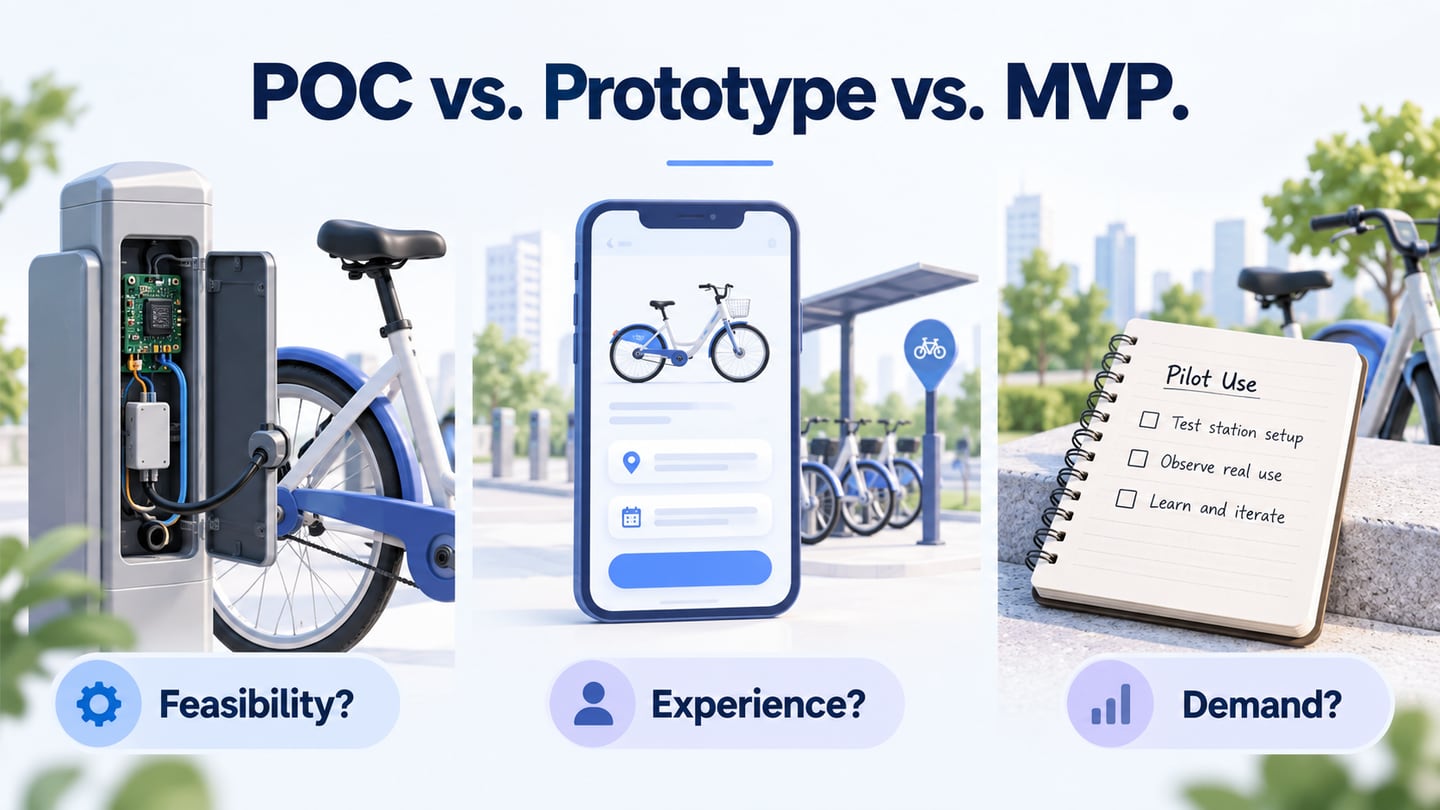
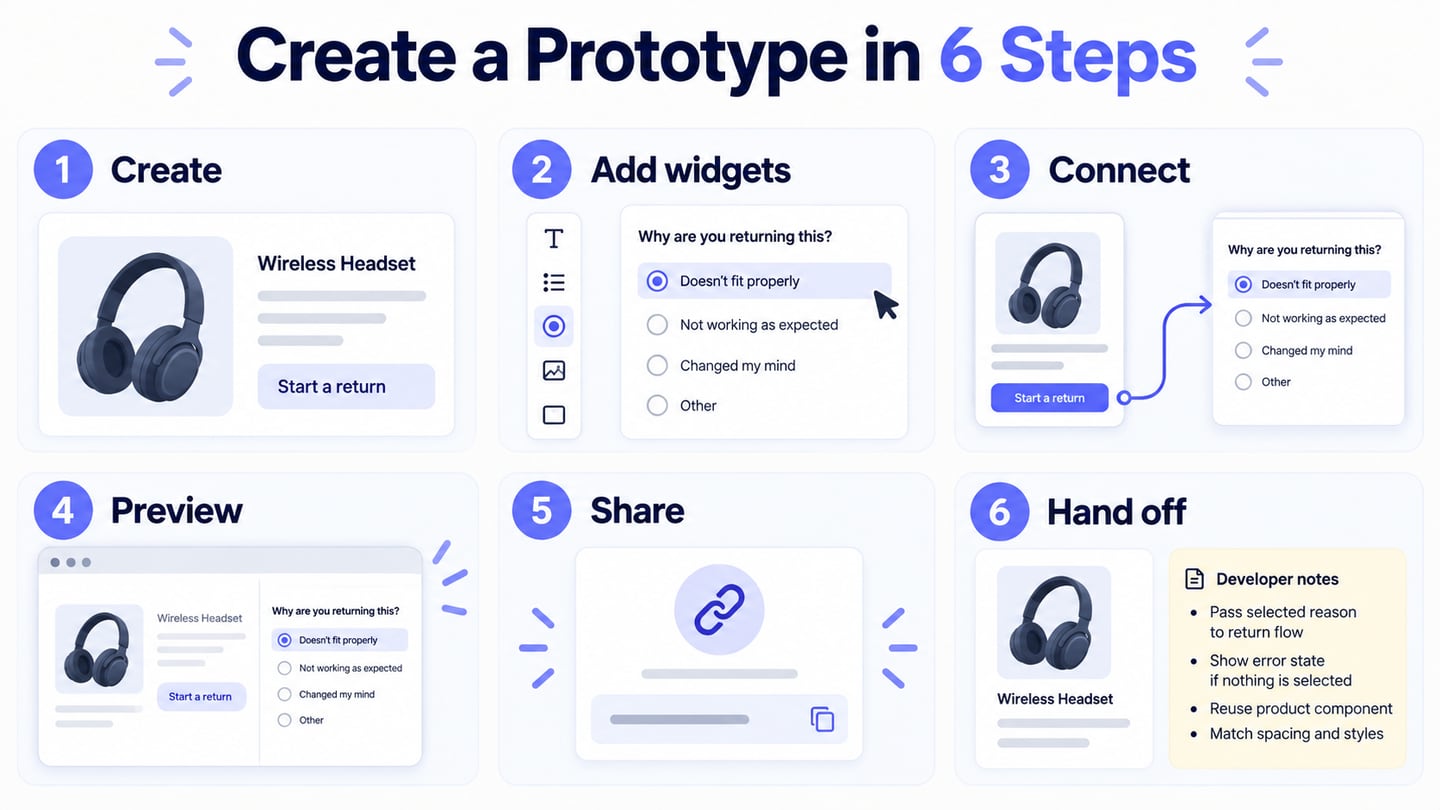
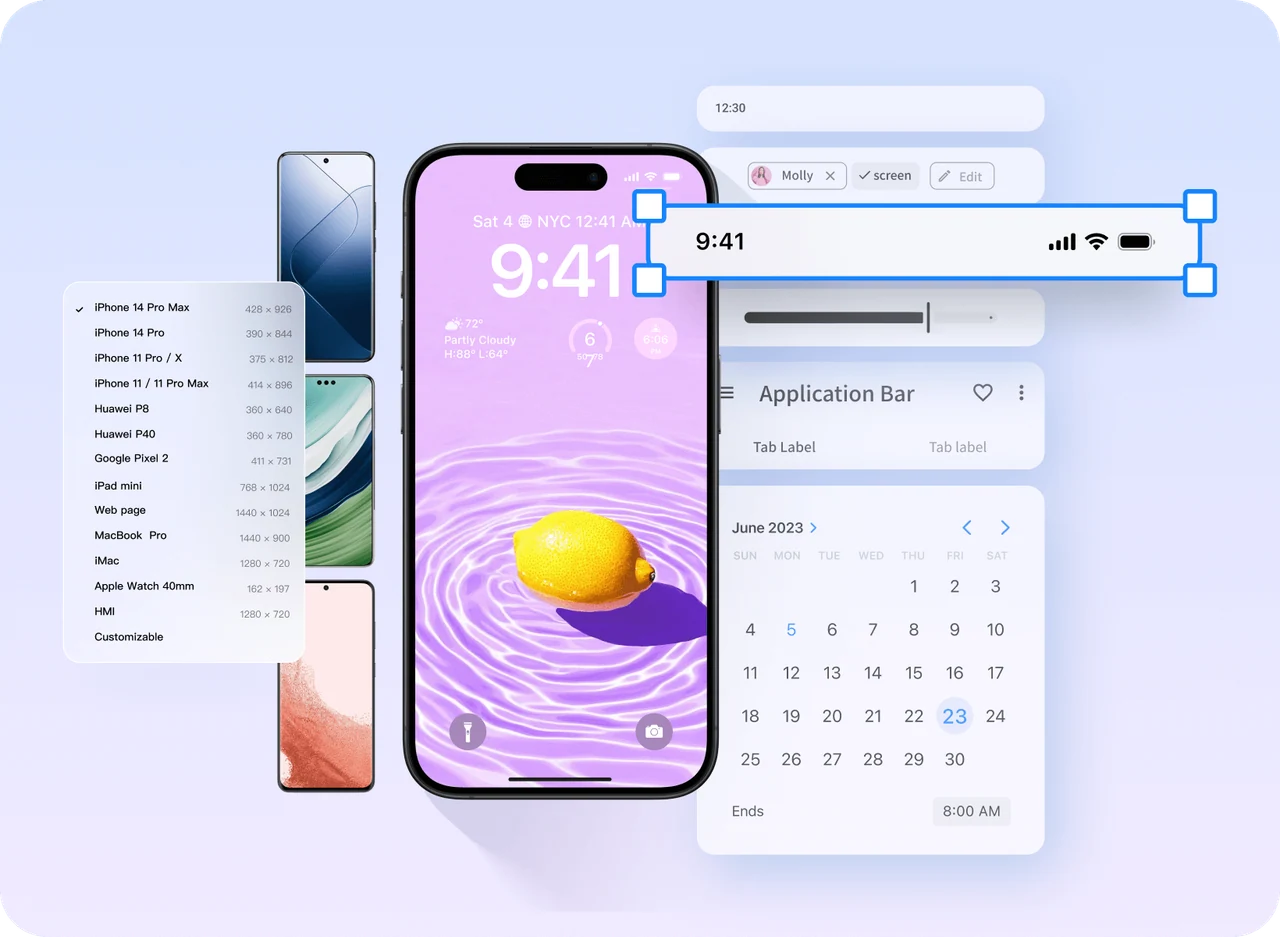
Build a prototype to answer one product question, not to reproduce the entire product. Start with the user task, define the smallest path that can reveal risk, choose fidelity by the decision you need to make, and include one meaningful recovery state. You can use Mockitt to assemble screens, connect the path, and share a reviewable version before implementation.
1. Define the question and the user task
Write the question before drawing a screen. “Can a new customer change a pickup location without losing the selected item?” leads to a useful path. “Design the whole booking app” does not tell you what to include or how to judge the result.
Describe the user, starting condition, action, and evidence. Note the constraint that could change the decision: a long location name, an unavailable item, a permission boundary, or a return from confirmation. This turns a broad idea into a testable prototype brief.
2. Set the prototype boundary
List the entry screen, the success state, and one recovery state. Mark what is intentionally outside the prototype, such as real payments, production data, API latency, or accessibility semantics. A boundary prevents reviewers from treating a simulated transition as proof that the underlying system is already implemented.
| Decision | Include | Leave for implementation |
|---|---|---|
| Information architecture | Real labels, hierarchy, and the complete route. | Final copy approval and analytics instrumentation. |
| Interaction risk | Clickable controls, selected states, confirmation, and recovery. | Server validation, latency, and permissions. |
| Visual direction | Representative type, spacing, color, and components. | Production CSS, device performance, and assistive technology behavior. |
3. Choose fidelity for the next decision
Use low fidelity when the team is testing structure, content grouping, or a route. Add visual detail when the question depends on hierarchy, branding, content density, or interaction feedback. A high-fidelity happy path can still be a weak prototype if it omits empty, loading, error, or permission states that affect the decision.
Choose the smallest level that makes the evidence visible. If a reviewer must compare two navigation patterns, clear labels and connected screens matter more than polished imagery. If the question is whether a dense dashboard communicates an urgent exception, use realistic values, long labels, and the relevant visual hierarchy.
4. Build the main path and a recovery path
Connect the entry screen to the expected outcome with only the steps needed to test the task. Then add one recovery path. In the pickup example, selecting an unavailable item should return to a useful list with the date and location preserved. Make back, cancel, edit, and retry behavior visible where it changes the task.
Use consistent sample content across screens so reviewers can tell what changed. Name transitions when the behavior is simulated or still unresolved. Test from a fresh start and after returning from the recovery state; a route that works only when the presenter explains it is not ready for review.
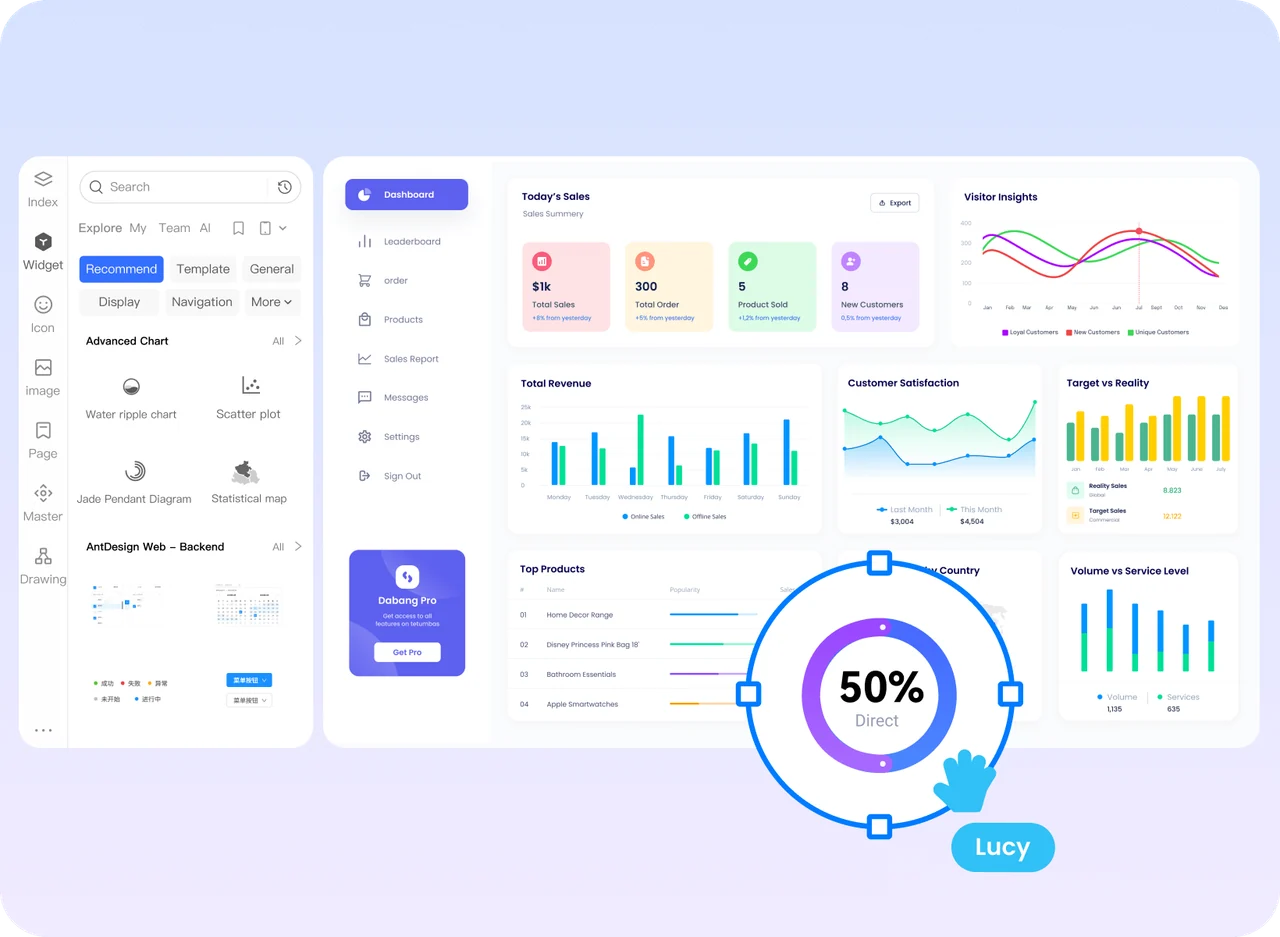
5. Test with tasks and realistic constraints
- Give the reviewer the task without naming the control to press.
- Watch where they pause, backtrack, or ask what a message means.
- Repeat with one long label, an empty result, and a failed action.
- Record the screen, observation, consequence, and open question.
- Separate a task failure from a visual preference.
Do not use a prototype to claim production performance, browser reflow, data accuracy, or accessibility compliance unless those behaviors are actually represented and tested. Record these as implementation checks instead. The prototype’s value is to make the proposed interaction concrete enough to expose the next risk.
6. Hand off what the prototype proves
Share the starting screen, scope boundary, state list, content rules, and known limitations. Link each important finding to the screen or annotation where it was observed. Include the decision the team made and the question that remains open. A developer should be able to tell which transitions are required behavior, which values are sample data, and which details still need engineering validation.
Finish when another person can open the link, complete the task, find the recovery route, and explain what remains untested. A focused prototype reduces risk because the team can change the structure while it is still inexpensive to change.
Worked example: equipment pickup
Imagine a product team deciding whether an equipment-request flow makes pickup details understandable. The smallest useful prototype starts with a search result, lets a requester select a camera and date, shows a confirmation summary, and includes an unavailable-item recovery state. It does not need real inventory or payment screens because those are outside the question.
The review script asks the participant to find a camera, choose Tuesday pickup, change the location, and recover when the camera becomes unavailable. The team records whether the selected date and location remain visible, whether the message explains the problem, and whether the participant knows what to do next. These observations tell the team whether to change the layout or investigate a service rule.
This boundary prevents two common mistakes: building a miniature version of the entire product and presenting a polished happy path that hides the risk. If the question changes to “Can the service reserve inventory reliably?” the prototype is no longer sufficient; that question requires an implementation or service test.
A pre-share readiness check
| Check | Pass condition | If it fails |
|---|---|---|
| Task boundary | The user, starting state, outcome, and exclusion are written. | Reduce the path or split the question. |
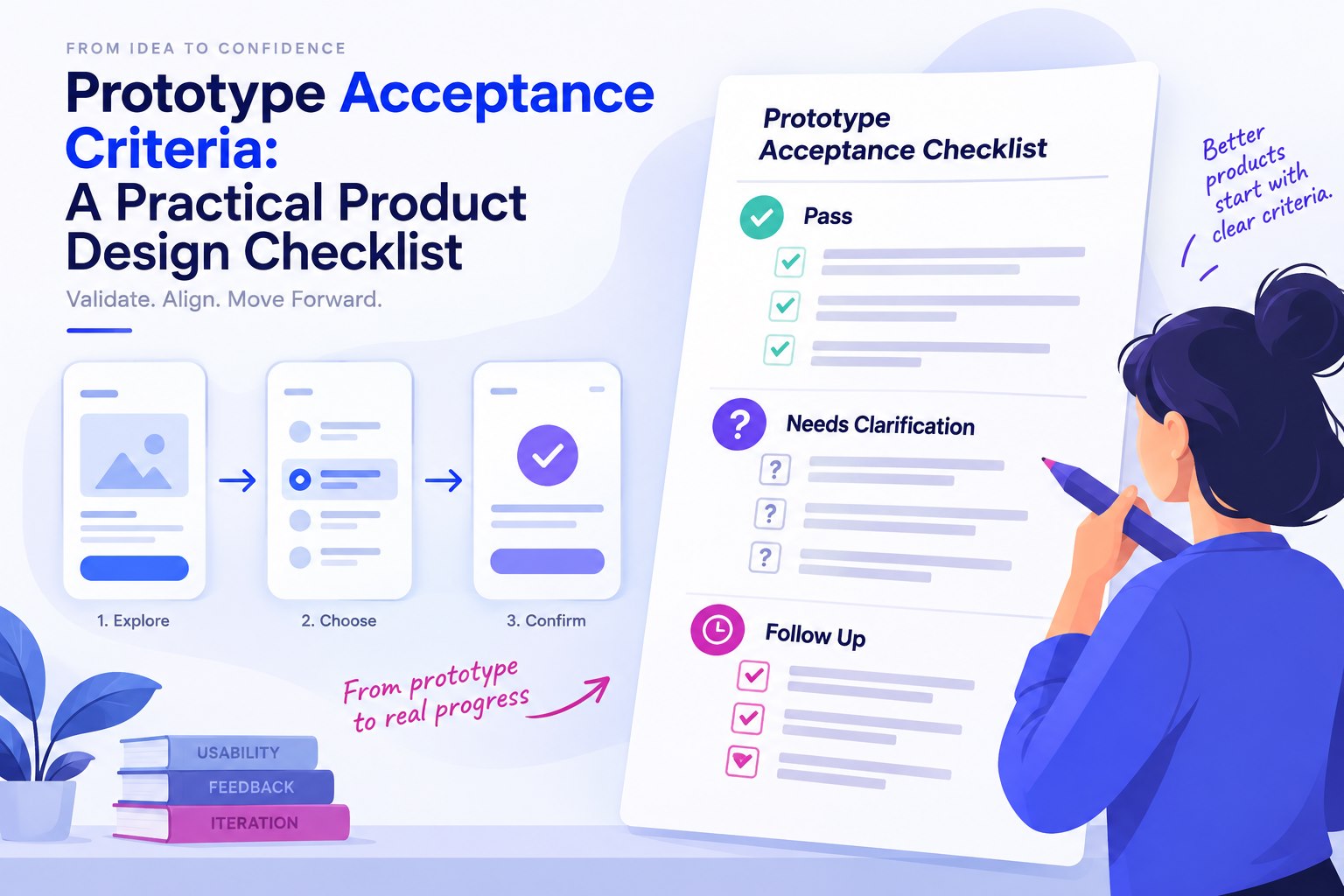
| Route coverage | The main path and one meaningful recovery path are connected. | Add the missing state before polishing. |
| Content stress | Long labels, empty data, and a useful error message fit. | Replace placeholders and test the layout again. |
| Review evidence | Each finding points to a screen and an observed action. | Rewrite opinions as observations or open questions. |
Keep a short list of unresolved implementation questions beside the link. Mark simulated behavior clearly, especially when a transition looks like a saved result. This makes the handoff more honest and gives engineering a smaller, more actionable set of checks.